
 14
14presentation
2036 Dragon Year Celebration Theme
Plan a memorable Lunar New Year campaign with the 2036 Dragon Year Celebration Theme, featuring bold red-and-yellow slides for lessons and events.
Google SlidesPowerPoint
presentation · English
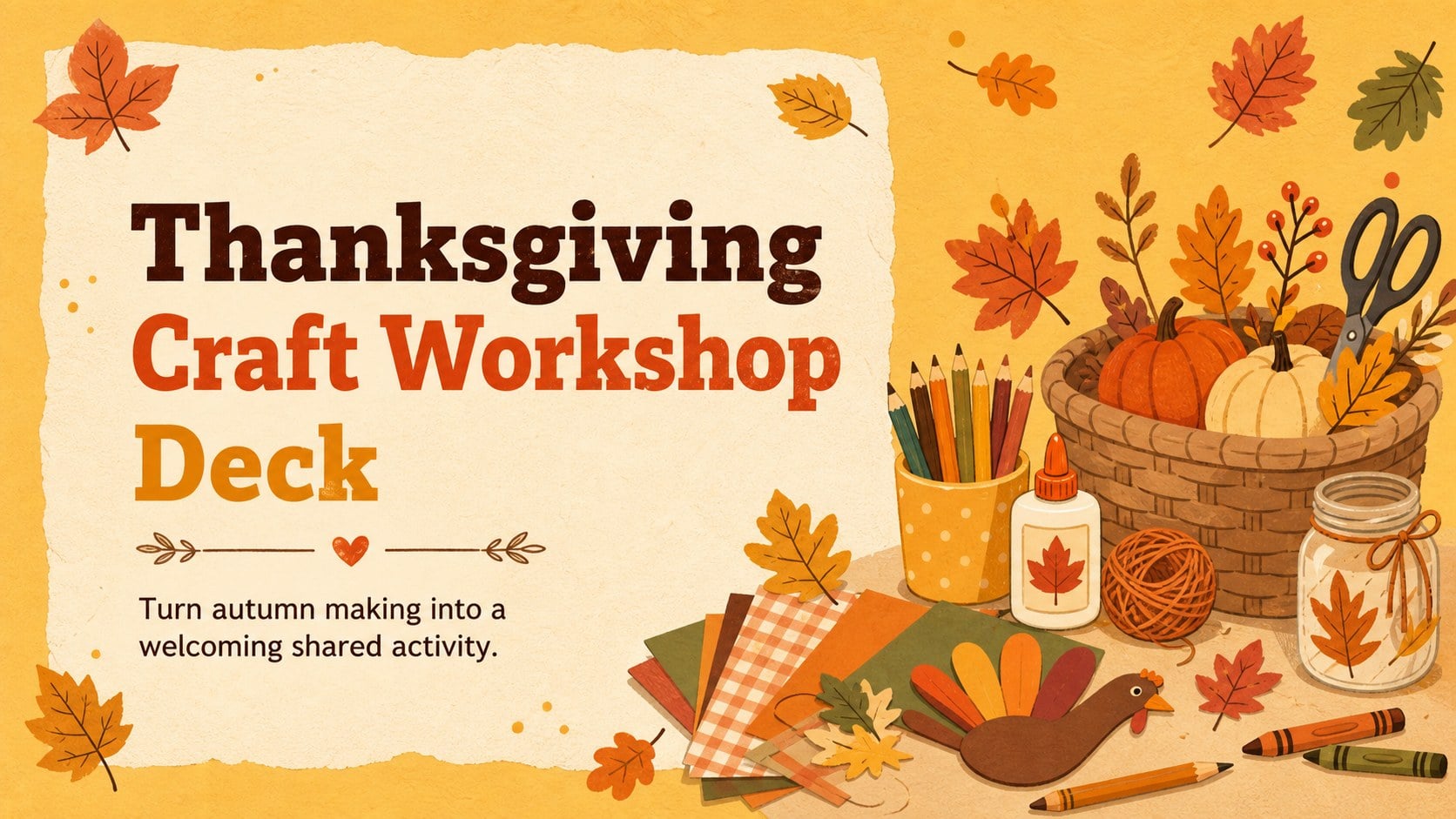
Run a joyful holiday activity with this Thanksgiving craft workshop deck, featuring warm yellow illustrated layouts for PowerPoint and Google Slides.
Design notes
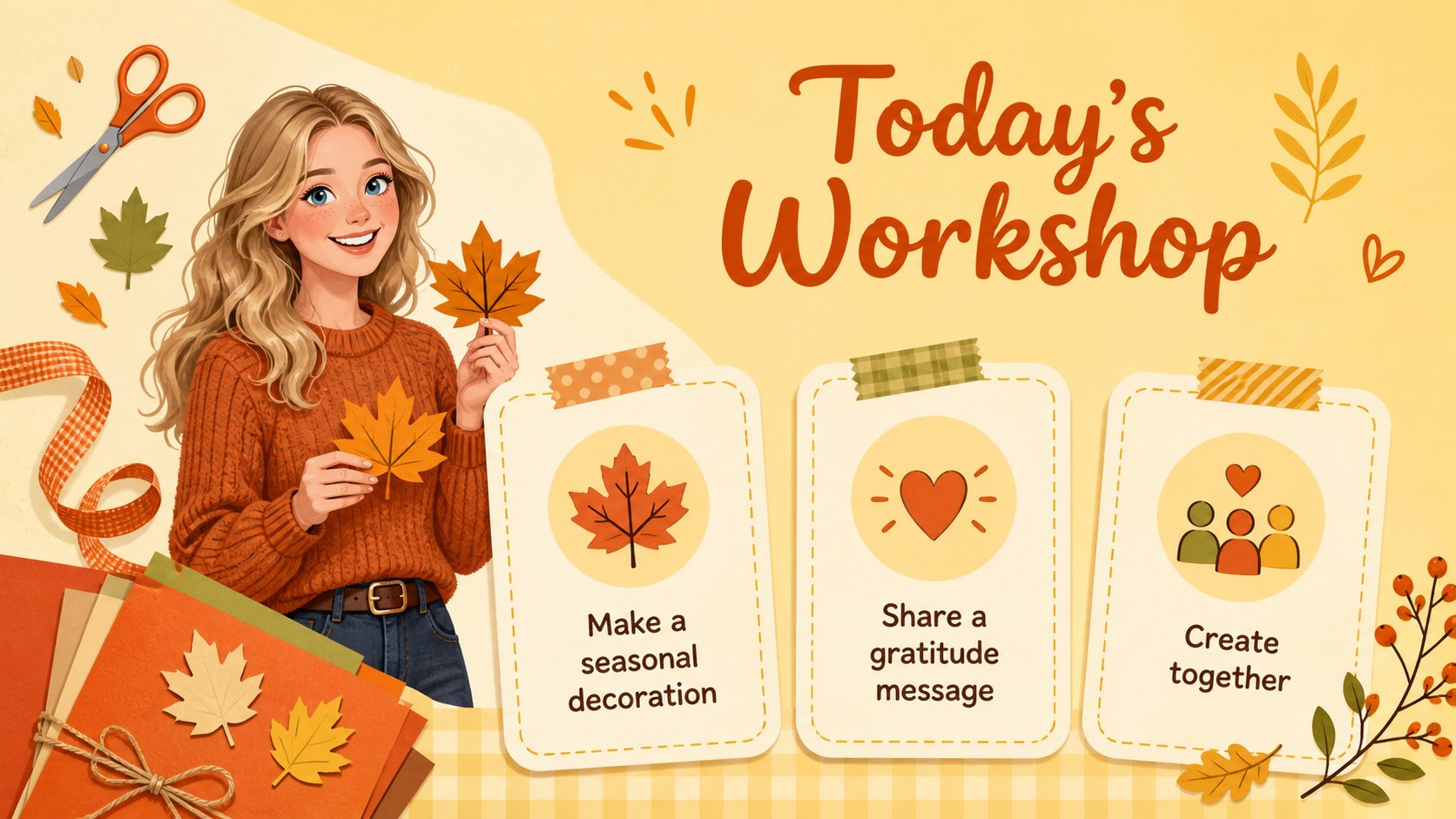
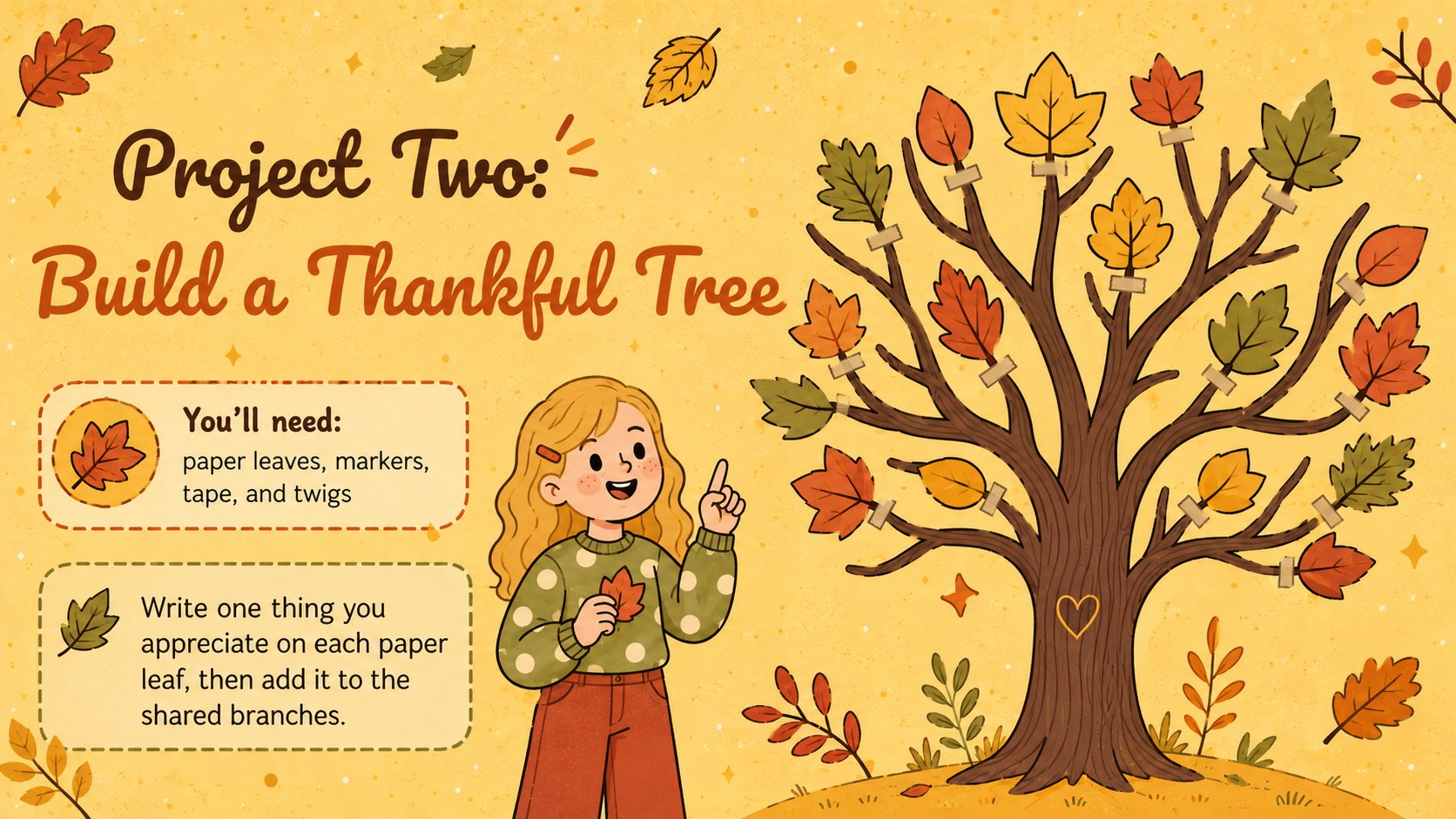
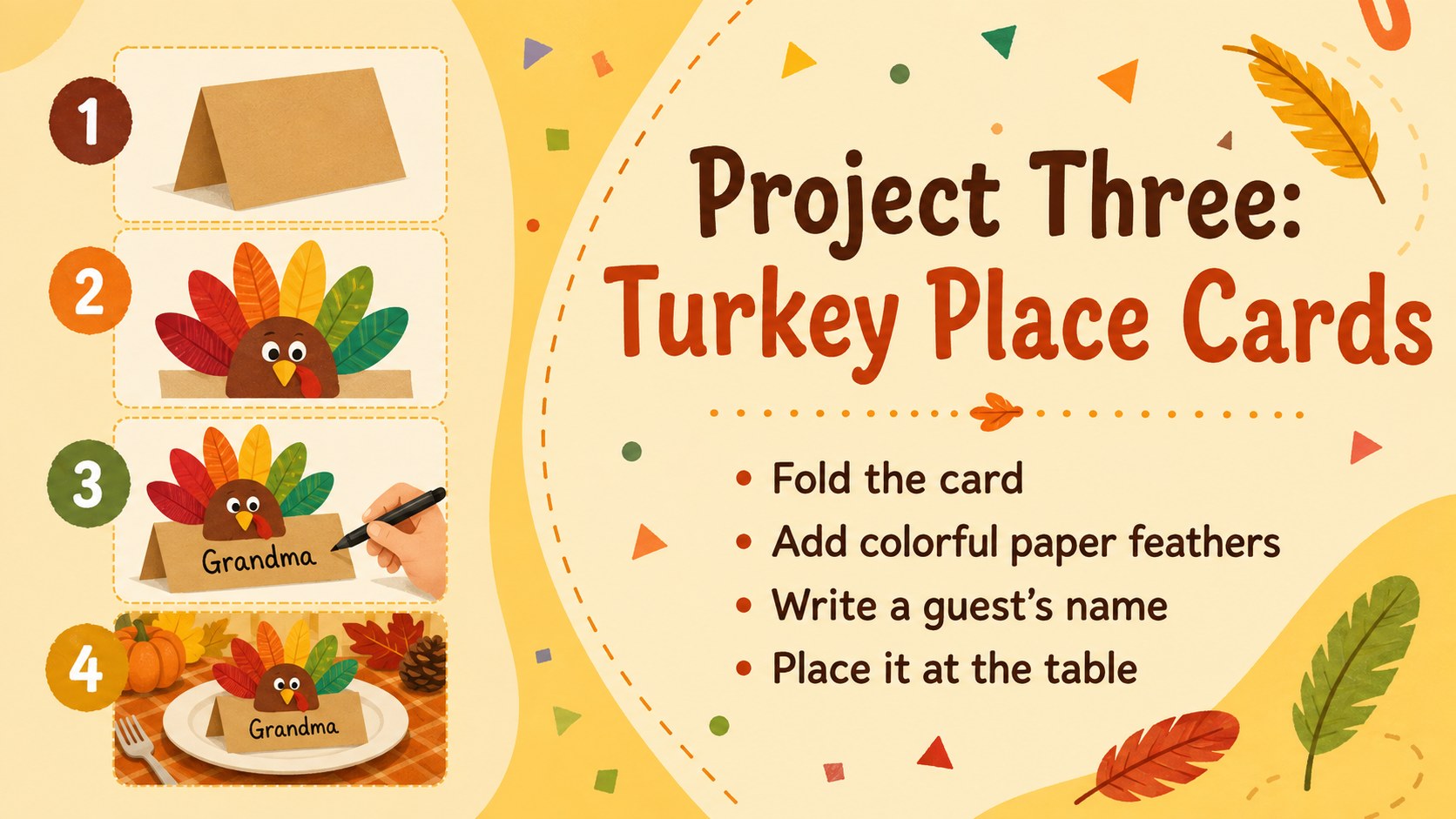
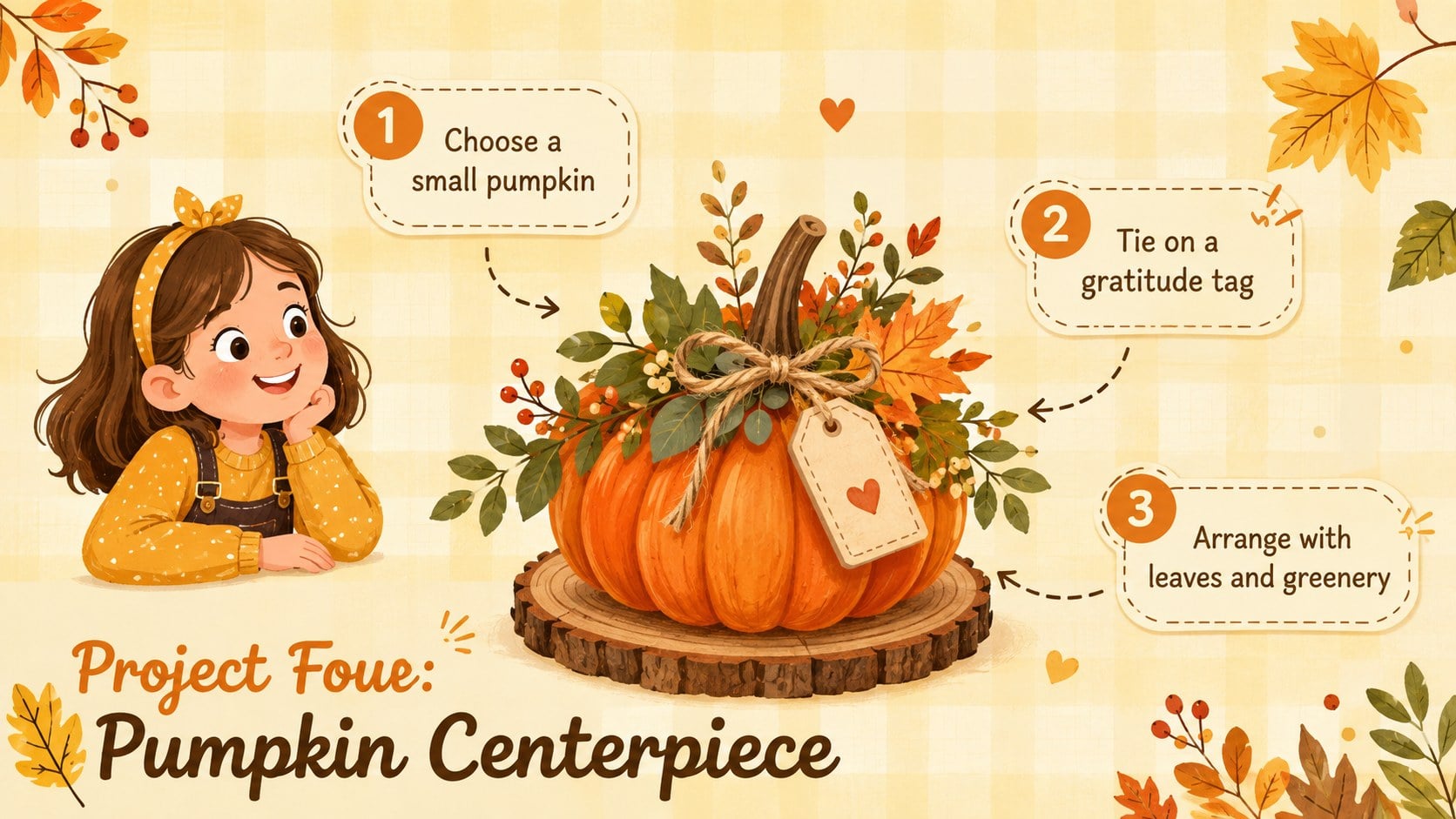
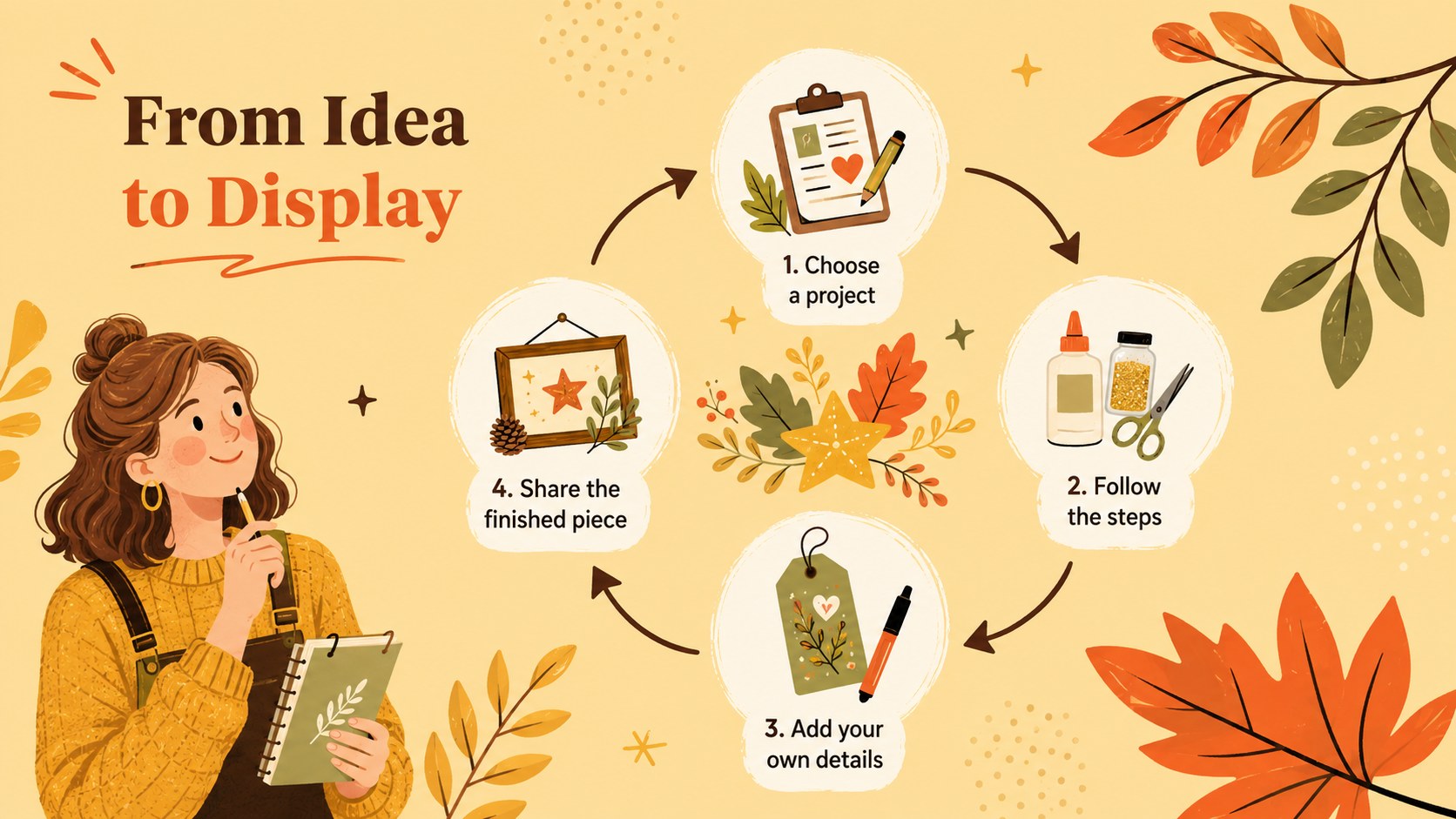
Bring structure and seasonal warmth to your next creative gathering with this Thanksgiving craft workshop deck. Its sunny yellow palette, playful autumn illustrations, and friendly hand-drawn accents create an inviting setting for presenting hands-on projects. Every layout can be adapted in PowerPoint or Google Slides for children, families, students, or community groups.
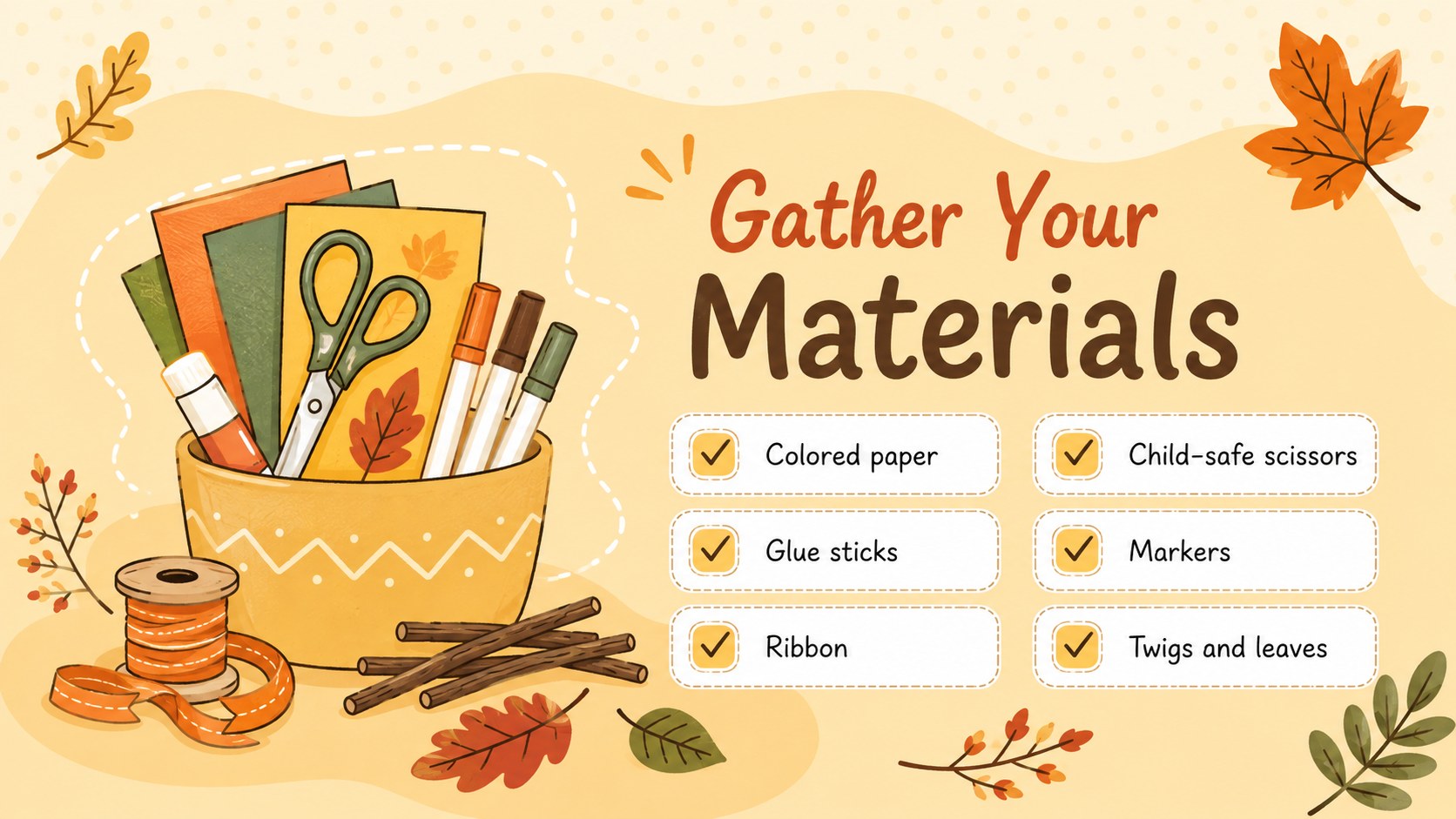
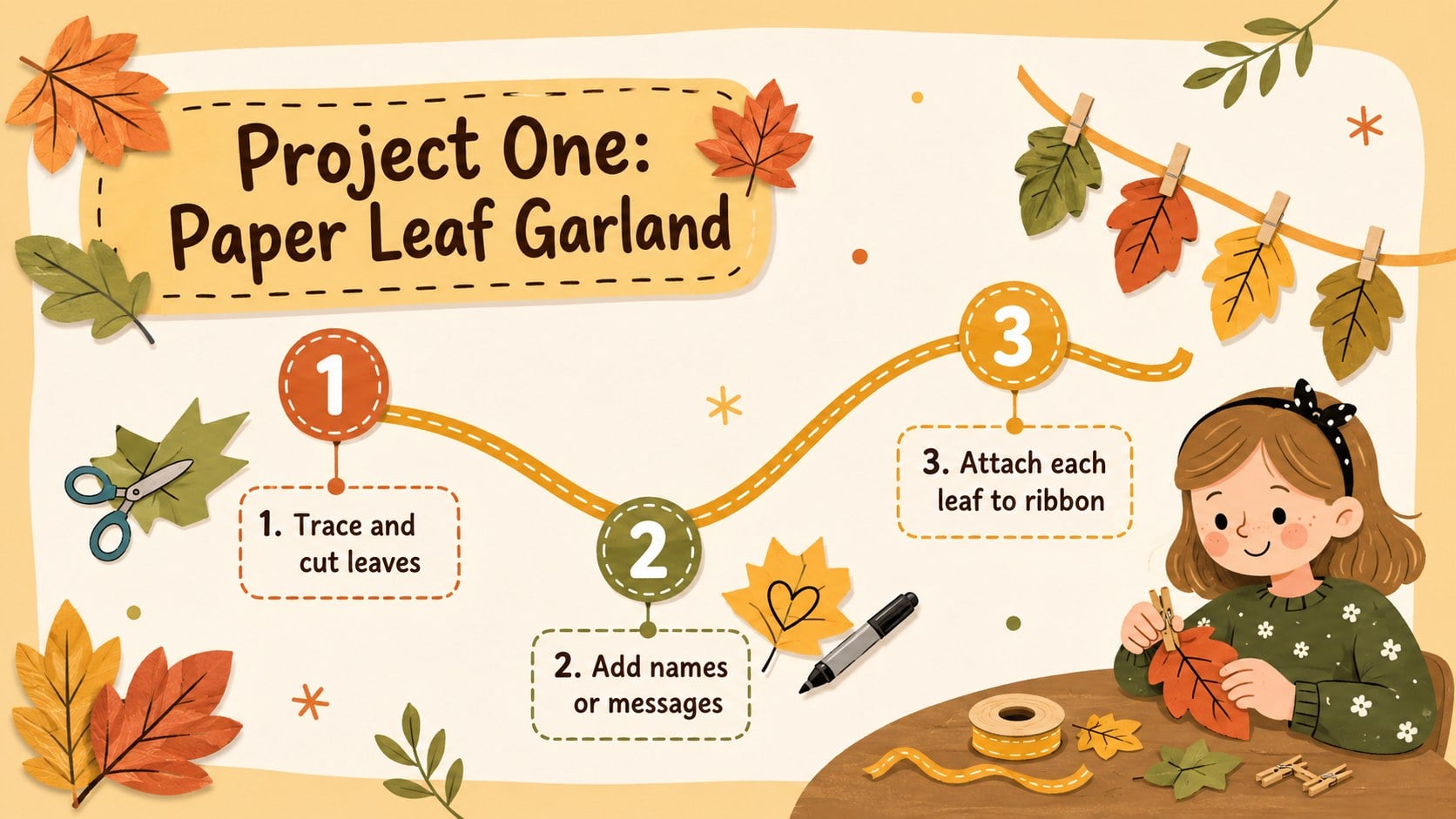
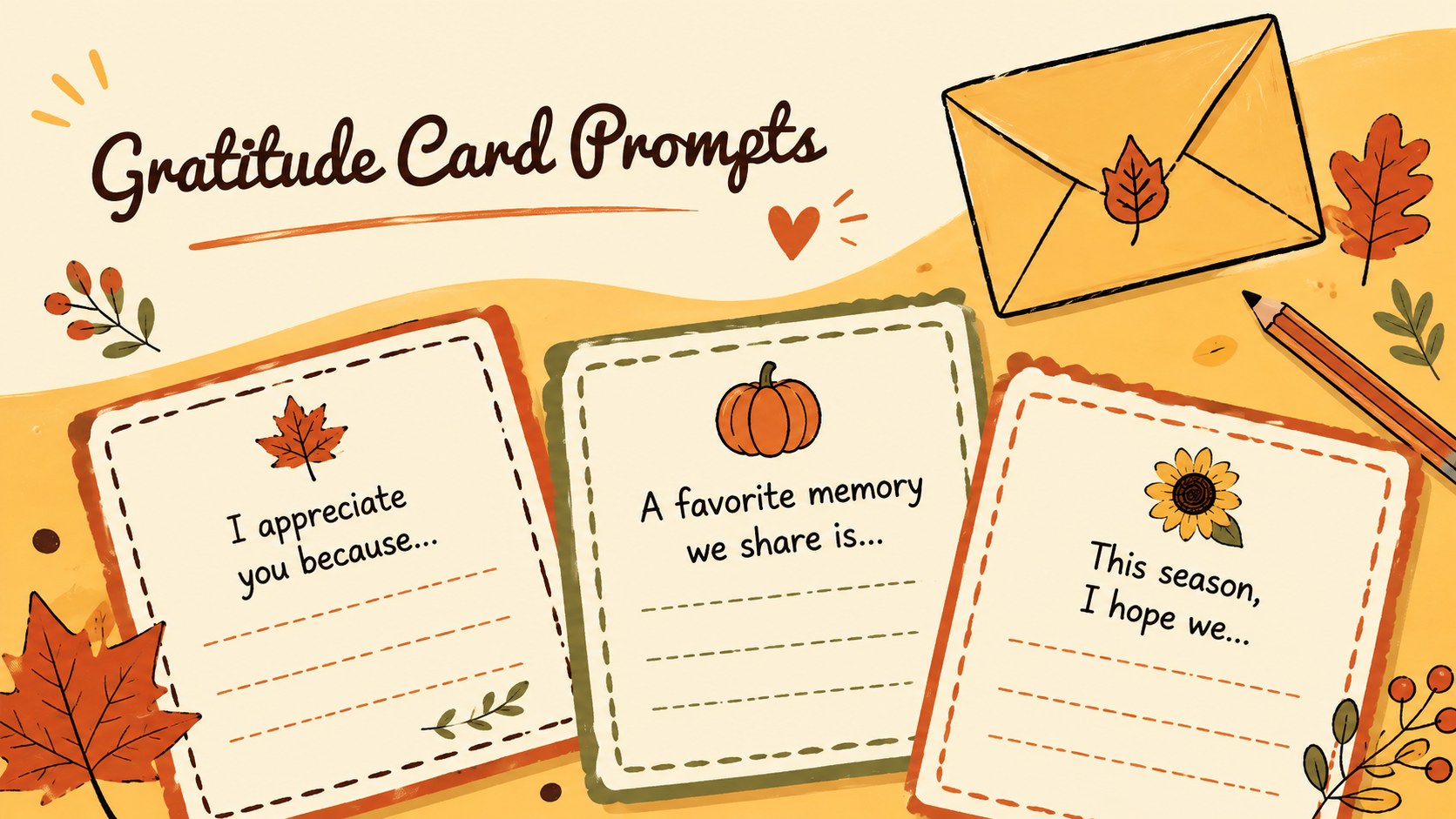
The deck includes space for a workshop overview, materials checklist, project choices, step-by-step instructions, safety reminders, activity timing, supply costs, and a closing message. Use it as a Thanksgiving craft workshop presentation for demonstrating paper garlands, gratitude cards, table decorations, and other approachable seasonal projects. The layouts balance concise instructions with generous areas for photos, diagrams, and presenter notes.
Teachers can turn the slides into an autumn DIY class slide template, while librarians, activity coordinators, and family hosts can use them as a family holiday craft activity deck. Customize the wording, colors, images, and activity order to match available supplies and participant ages. The 16:9 format works well for classroom displays, workshop projectors, virtual sessions, and shared planning files, helping every participant follow the creative process from setup through the finished celebration.
Perfect for: classroom Thanksgiving craft lesson; family holiday activity session; library autumn workshop; community center craft event; gratitude-themed youth program.
Frequently asked questions
Can I edit the craft instructions and materials lists? Yes. All headings, instructions, supply lists, colors, and image areas can be customized to match your chosen projects and available materials.
Practical details
Yes. All headings, instructions, supply lists, colors, and image areas can be customized to match your chosen projects and available materials.
The deck is designed for PowerPoint and Google Slides. Both platforms support editing, presenting, duplicating layouts, and replacing the sample visuals.
Yes. Simplify the steps and use larger visuals for younger participants, or add detailed techniques, budgets, and timing notes for older students and adults.
Replace the sample image areas with clear, well-lit photos of each project. Keep instruction text concise so participants can view the example and steps together.
Keep exploring
14Plan a memorable Lunar New Year campaign with the 2036 Dragon Year Celebration Theme, featuring bold red-and-yellow slides for lessons and events.
 15
15Build playful lessons and party stories with a kid-friendly zombie celebration theme in purple, green and pastel blue for PowerPoint and Google Slides.
 15
15Build eerie lessons, campaigns, and story pitches with an undead survival scenario theme featuring editable slides for PowerPoint and Google Slides.
 3
3Share festive messages with a Lunar Horse New Year Wishes Theme, featuring bold red-and-yellow layouts for PowerPoint and Google Slides celebrations.
 15
15Bring zodiac traditions to life with a Lunar Snake Festival Presentation featuring 15 cheerful red illustrated slides for PowerPoint and Google Slides.
 6
6Honor teams and individuals with an Orange Year-End Recognition Certificate Set featuring six editable designs for PowerPoint and Google Slides.
 14
14Honor the people behind the headlines with a World Sports Press Appreciation Deck for PowerPoint and Google Slides, styled in crisp, modern green.
 15
15Teach, inspire, and celebrate with our Plant-Powered Vegetarian Day Lesson Deck, featuring cheerful editable visuals for PowerPoint and Google Slides.