
 15
15presentation
Yoga Workshop Marketing Presentation
Promote classes with a yoga workshop marketing presentation featuring playful beige, pink, and purple illustrations for PowerPoint and Google Slides.
Google SlidesPowerPoint
document · English
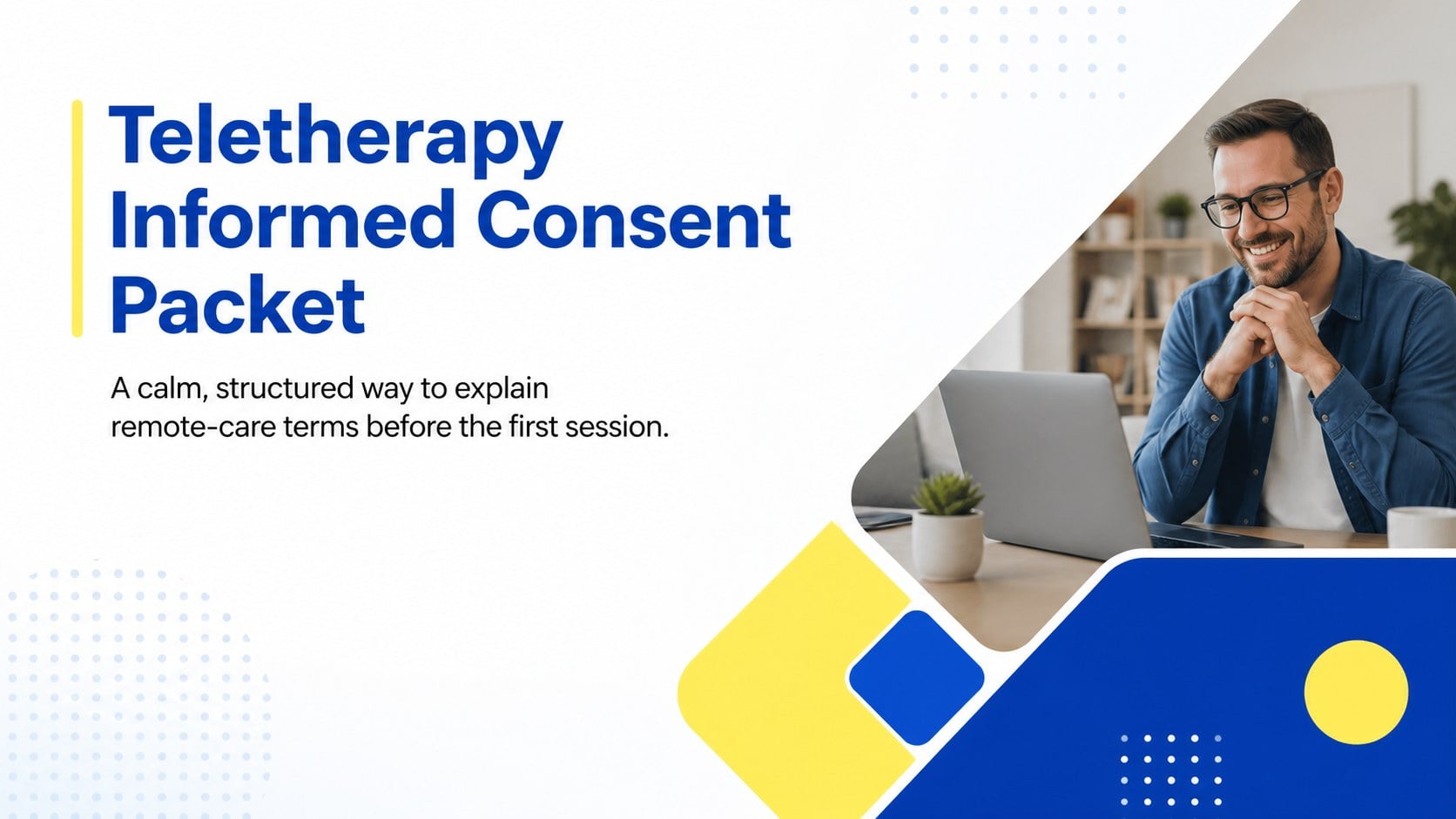
Prepare client-ready paperwork faster with a teletherapy informed consent packet featuring editable terms, privacy details, and signature fields for remote…

Design notes
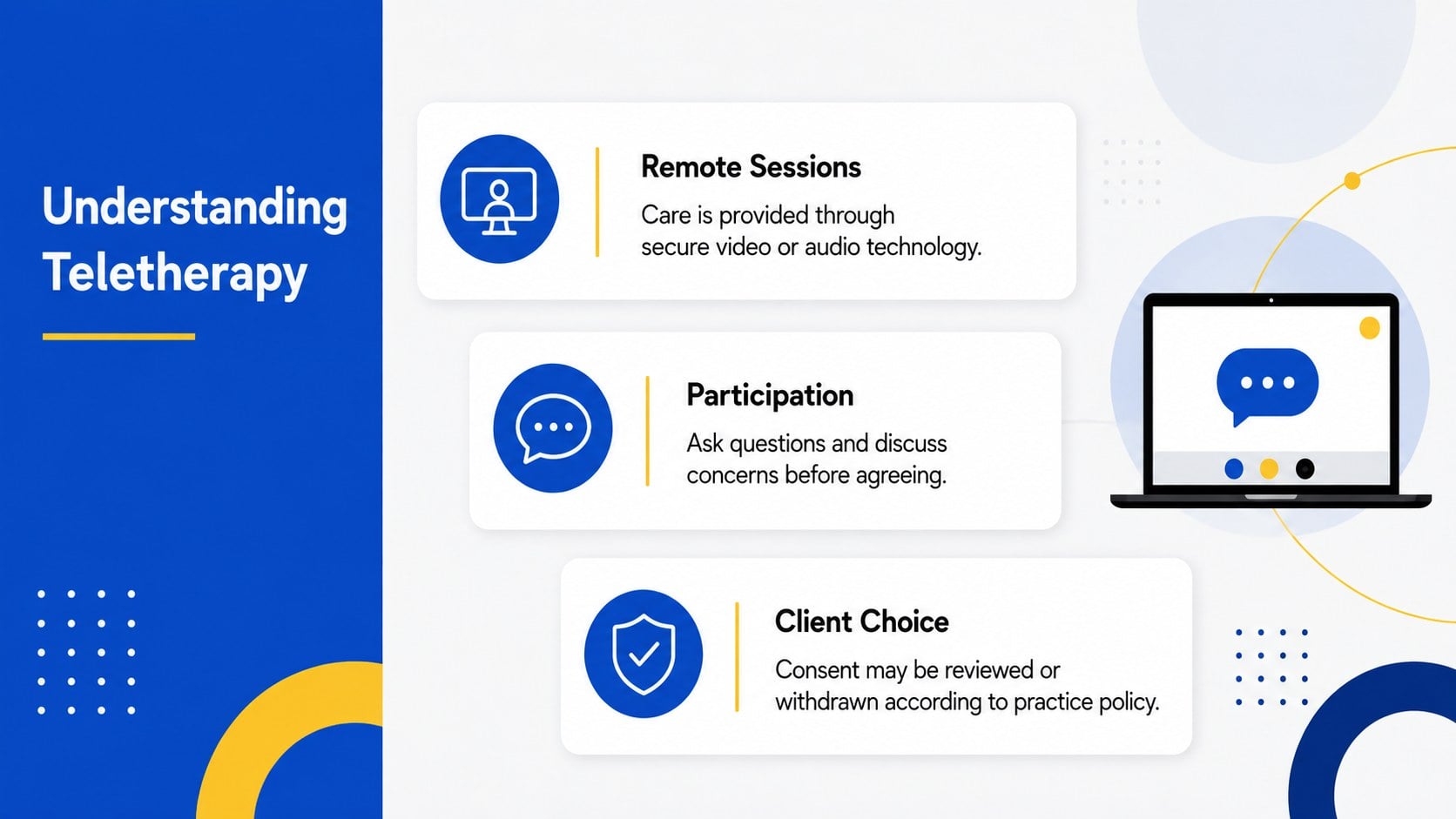
This Teletherapy Informed Consent Packet gives therapists and behavioral health teams a clear, approachable way to discuss remote-care expectations with clients. Modern geometric styling and a balanced yellow, blue, white, and black palette keep important information organized without making the material feel clinical or overwhelming.
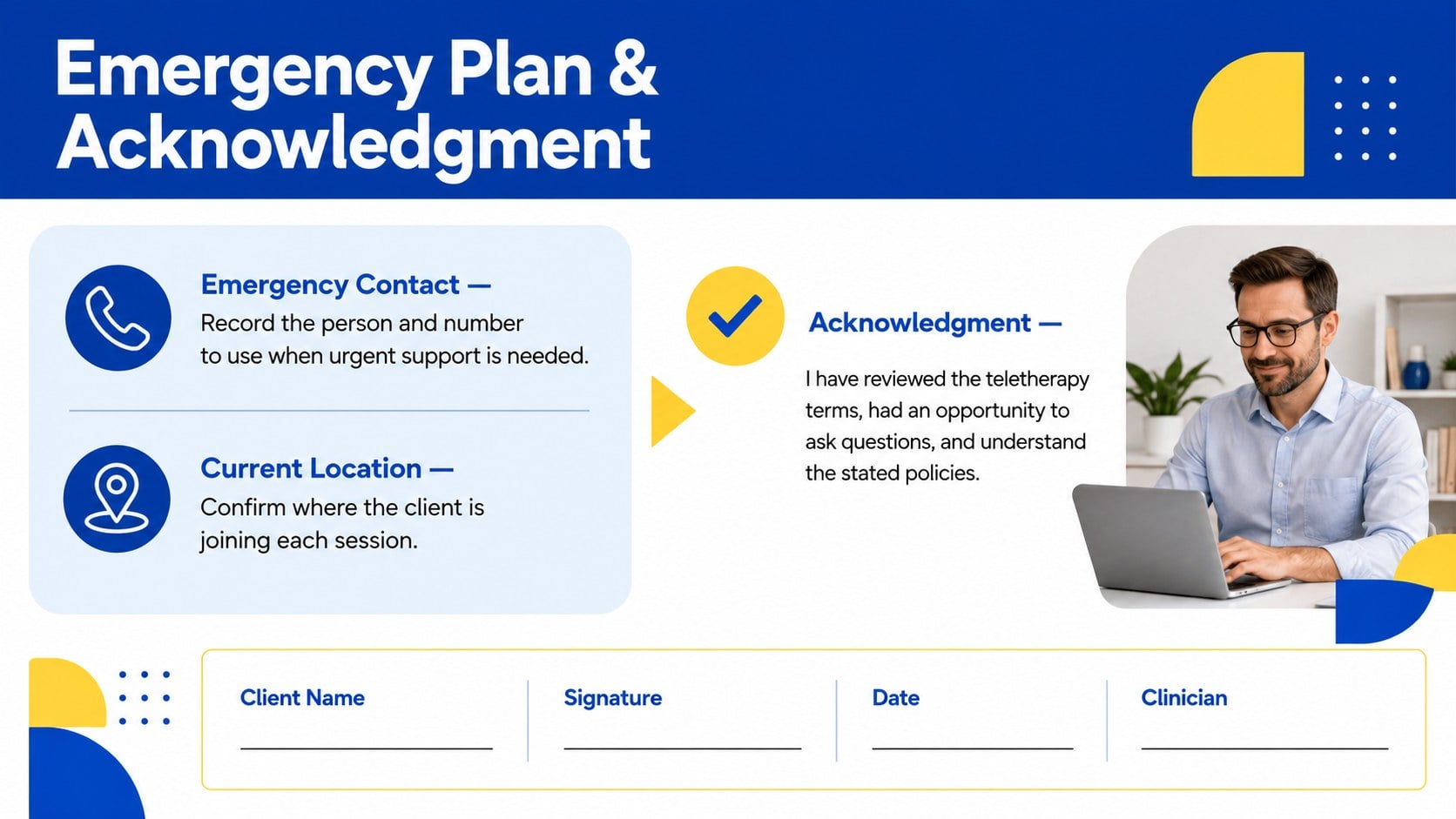
The packet includes editable sections for the purpose of teletherapy, potential benefits and limitations, technology requirements, confidentiality, emergency procedures, fees, cancellations, and client acknowledgment. Use it as a virtual counseling privacy consent template, adapt it into a telehealth risks and benefits consent deck, or add practice-specific language and contact information. Dedicated signature areas make it easy to record agreement after reviewing the terms together.
Designed for counselors, psychologists, social workers, private practices, clinics, and telehealth coordinators, the slides can support intake appointments, policy updates, and recurring consent reviews. Every page is customizable in PowerPoint and Google Slides, allowing you to change wording, reorder sections, apply your own fonts, or adjust the existing geometric accents. The result is a polished consent resource that saves preparation time while helping clients understand privacy boundaries, communication methods, technical disruptions, and next steps during urgent situations. Review the final language against local regulations and your organization’s professional requirements before use.
Perfect for: new teletherapy client intake; remote counseling policy review; private practice consent onboarding; telehealth privacy discussion; annual client consent renewal.
Frequently asked questions
Can I edit the consent language for my practice? Yes. All headings, policy explanations, contact details, and acknowledgment fields can be edited in PowerPoint or Google Slides. Have the final wording reviewed for compliance with your local laws and professional requirements.
Practical details
Yes. All headings, policy explanations, contact details, and acknowledgment fields can be edited in PowerPoint or Google Slides. Have the final wording reviewed for compliance with your local laws and professional requirements.
The packet is designed for PowerPoint and Google Slides. Layouts, colors, fonts, and text sections remain editable on both platforms.
Yes. Replace the existing colors and typefaces with your brand settings, then add your clinic name and approved contact details. Keep strong contrast around policy text and signature areas for readability.
No. It provides an editable structure rather than jurisdiction-specific legal advice. A qualified professional should review the completed packet before it is presented to clients.
Keep exploring
15Promote classes with a yoga workshop marketing presentation featuring playful beige, pink, and purple illustrations for PowerPoint and Google Slides.
 15
15Build a clear breast cancer awareness bulletin with bold pink-and-red slides for campaign news, screening reminders, impact data, and community updates.
 15
15Build a clear World Cancer Day message with this global cancer awareness campaign deck, featuring editable blue-green layouts for PowerPoint and Google Slides.
 4
4Document wound findings, treatment decisions, and healing progress with clinical wound evaluation slides for nurses in PowerPoint and Google Slides.
 14
14Plan a clear donor campaign with this blood donation awareness presentation, featuring editable beige-and-red visuals for PowerPoint and Google Slides.
 15
15Build a Kidney Health Awareness Campaign Deck with blue illustrated slides for prevention tips, risk education, screening events, and outreach.
 15
15Build an actionable training session with this fitness program workshop deck, using energetic yellow geometry and editable PowerPoint and Google Slides layouts.
 15
15Equip health teams with this malaria prevention education deck for workshops, community outreach, and policy briefings in PowerPoint or Google Slides.