
 14
14presentation
2036 Dragon Year Celebration Theme
Plan a memorable Lunar New Year campaign with the 2036 Dragon Year Celebration Theme, featuring bold red-and-yellow slides for lessons and events.
Google SlidesPowerPoint
presentation · English
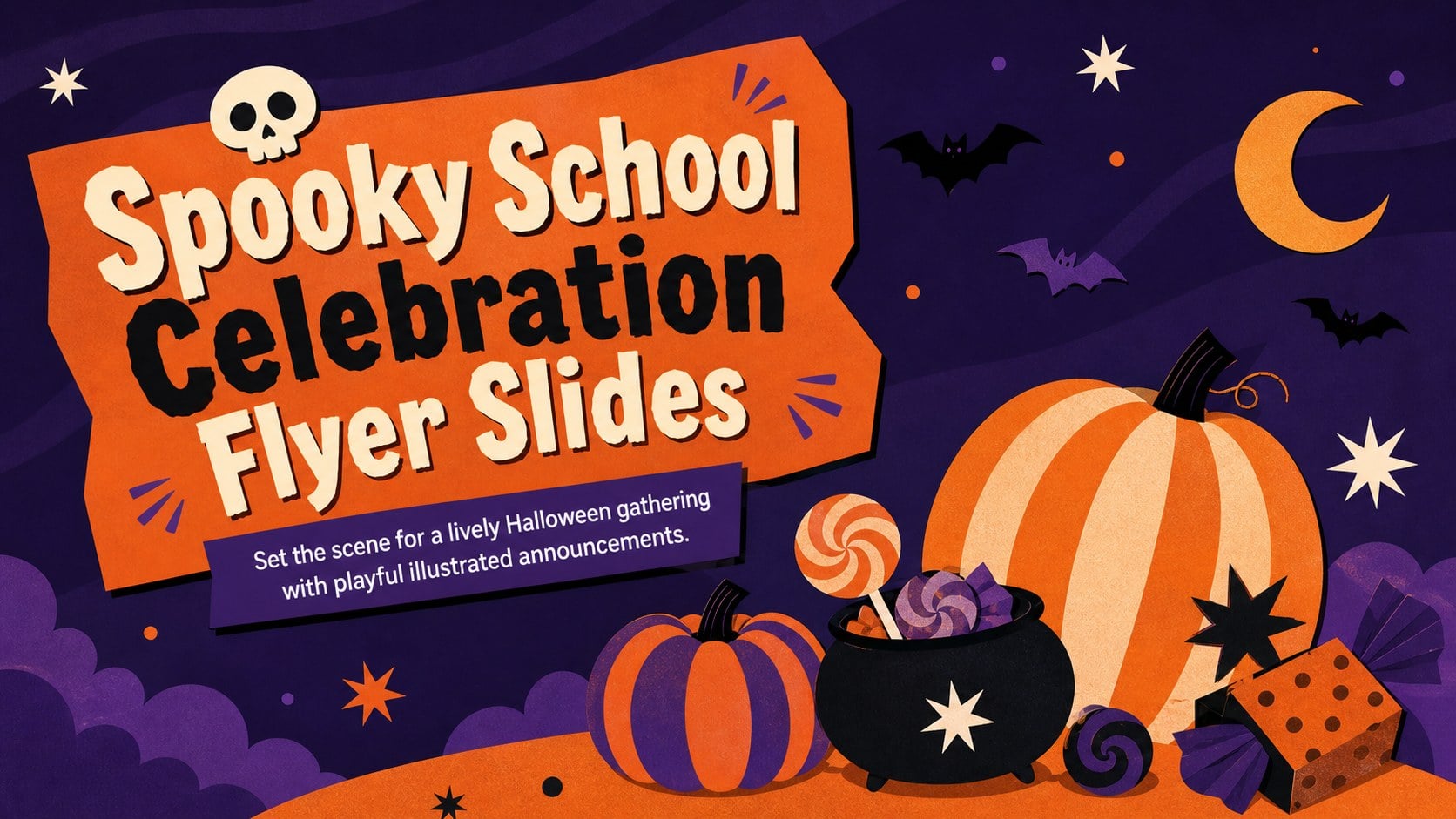
Build excitement with Spooky School Celebration Flyer Slides, featuring editable purple-and-orange artwork for PowerPoint and Google Slides.

Design notes
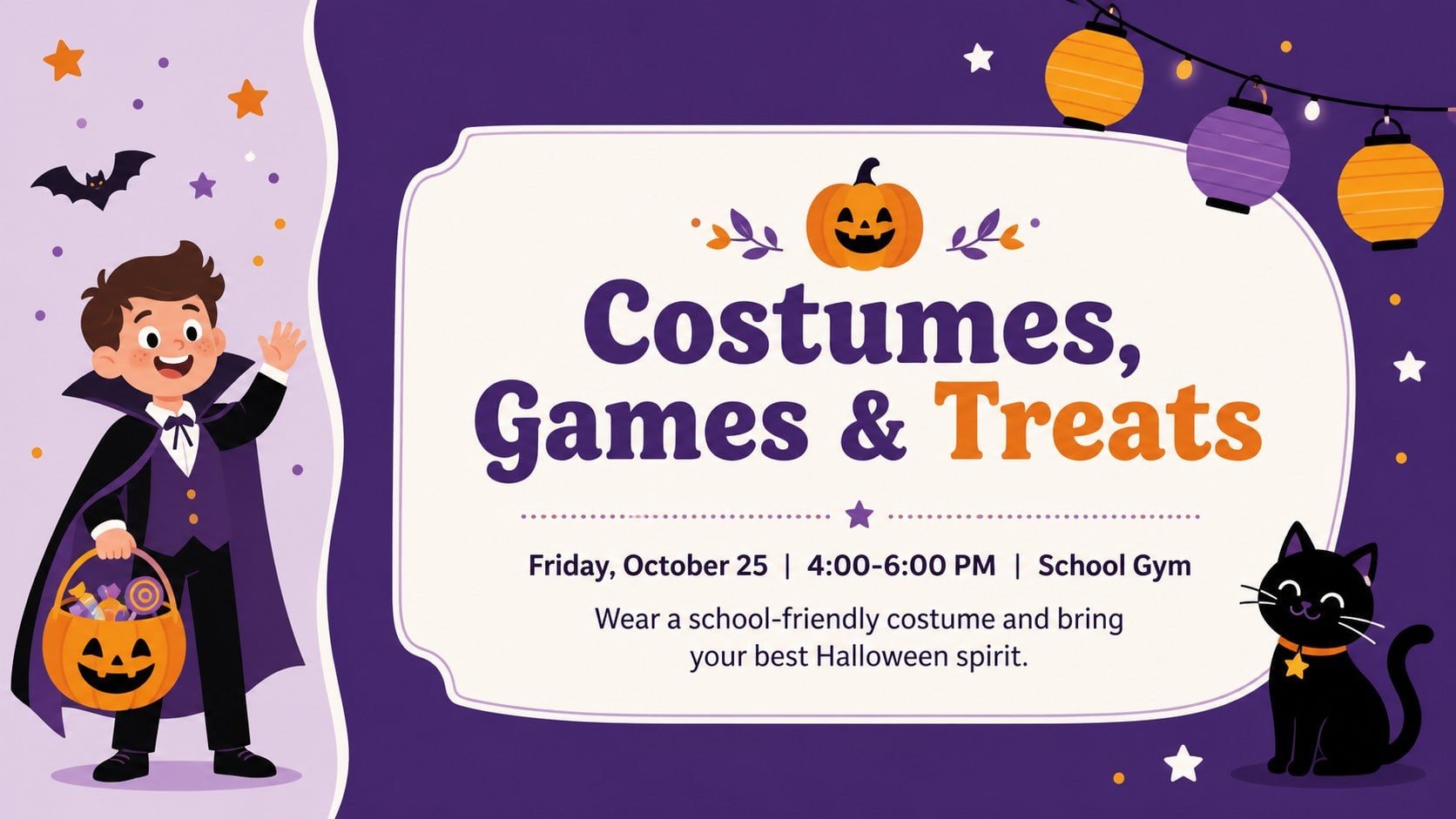
Spooky School Celebration Flyer Slides help students, teachers, and activity leaders announce a Halloween event with energy and clarity. The playful illustrated style combines vivid purple and orange with bold display lettering, seasonal decorations, and easy-to-scan event information. Use the layouts as a school Halloween event flyer presentation on classroom screens, in assemblies, or as a digital notice shared with families.
Inside are three coordinated designs for introducing the celebration, presenting practical details, and sharing final reminders. Editable text areas make it simple to add the date, time, location, costume guidance, admission notes, and contact information. The varied compositions can also support a Halloween party announcement slide or a student council Halloween event poster without losing the cheerful visual theme. Decorative pumpkins, bats, stars, sweets, and friendly spooky motifs keep the mood fun and appropriate for school audiences.
The slides can be customized in PowerPoint and Google Slides. Change the wording, rearrange graphics, adjust colors, or add your school name while preserving the purple-and-orange palette. The 16:9 format works well for projectors, hallway displays, virtual classrooms, and widescreen digital signage. Whether the event is a costume social, autumn fundraiser, classroom celebration, or after-school gathering, this illustrated deck provides a polished starting point for a clear and memorable invitation.
Perfect for: school costume party announcement; classroom Halloween celebration; student council event promotion; autumn fundraiser invitation; hallway digital event display.
Frequently asked questions
Can I edit the event date, location, and party details? Yes. All essential wording can be replaced with your own date, time, venue, costume guidance, and contact information. You can also move or resize text areas to fit longer announcements.
Practical details
Yes. All essential wording can be replaced with your own date, time, venue, costume guidance, and contact information. You can also move or resize text areas to fit longer announcements.
The template is designed for PowerPoint and Google Slides. Both platforms let you update text, colors, illustrations, and layout elements.
Yes. The purple-and-orange palette can be adjusted using the theme and shape color controls. For a cohesive result, keep strong contrast between the background, headline, and practical event details.
Yes. The illustrations use friendly seasonal imagery rather than frightening or graphic content. Teachers can simplify the wording or remove decorative elements for different age groups.
Keep exploring
14Plan a memorable Lunar New Year campaign with the 2036 Dragon Year Celebration Theme, featuring bold red-and-yellow slides for lessons and events.
 15
15Build playful lessons and party stories with a kid-friendly zombie celebration theme in purple, green and pastel blue for PowerPoint and Google Slides.
 15
15Build eerie lessons, campaigns, and story pitches with an undead survival scenario theme featuring editable slides for PowerPoint and Google Slides.
 3
3Share festive messages with a Lunar Horse New Year Wishes Theme, featuring bold red-and-yellow layouts for PowerPoint and Google Slides celebrations.
 15
15Bring zodiac traditions to life with a Lunar Snake Festival Presentation featuring 15 cheerful red illustrated slides for PowerPoint and Google Slides.
 6
6Honor teams and individuals with an Orange Year-End Recognition Certificate Set featuring six editable designs for PowerPoint and Google Slides.
 14
14Honor the people behind the headlines with a World Sports Press Appreciation Deck for PowerPoint and Google Slides, styled in crisp, modern green.
 15
15Teach, inspire, and celebrate with our Plant-Powered Vegetarian Day Lesson Deck, featuring cheerful editable visuals for PowerPoint and Google Slides.