
 14
14presentation
2036 Dragon Year Celebration Theme
Plan a memorable Lunar New Year campaign with the 2036 Dragon Year Celebration Theme, featuring bold red-and-yellow slides for lessons and events.
Google SlidesPowerPoint
presentation · English
Plan school, family, and seasonal activities with this spooky October 2027 monthly organizer, featuring editable grids for PowerPoint and Google Slides.

Design notes
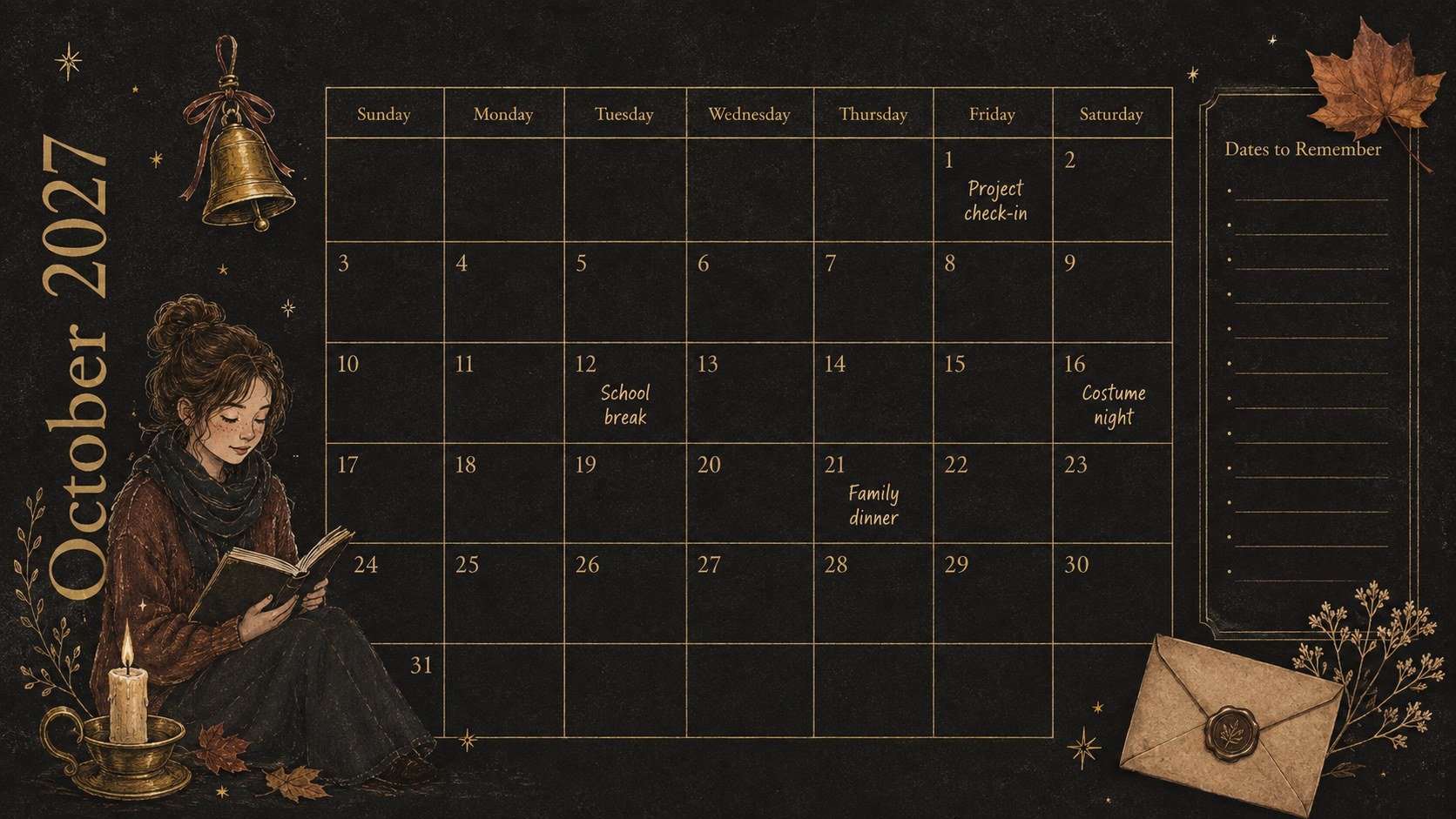
The spooky October 2027 monthly organizer brings structure to a busy autumn schedule without losing the playful spirit of Halloween. Warm brown, antique gold, and deep black create an elegant seasonal palette, while hand-drawn illustrations add personality without crowding the planning space. Use it to coordinate appointments, deadlines, celebrations, study sessions, and everyday reminders in one clear monthly view.
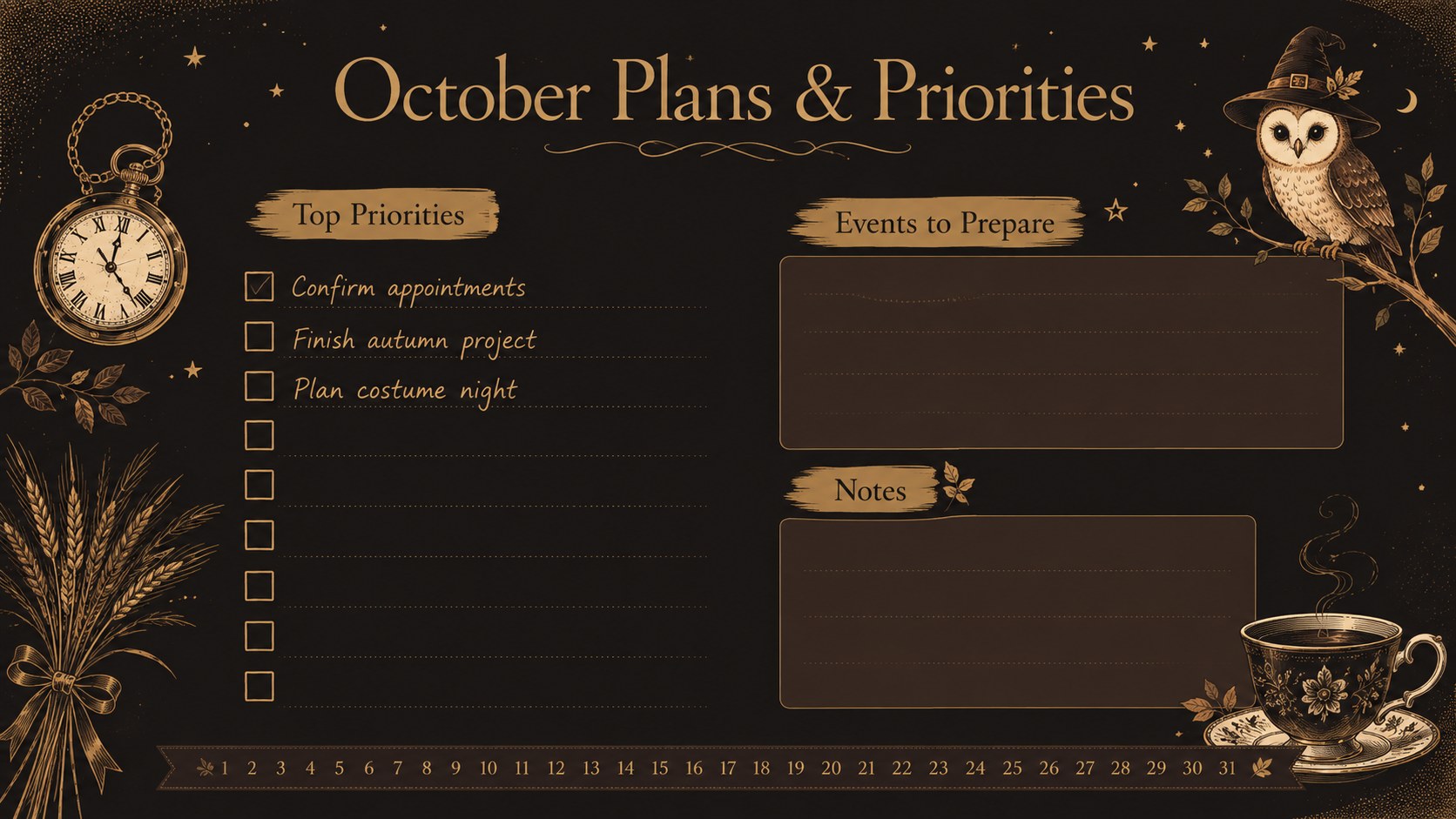
Inside, you will find a polished cover, a spacious dated calendar, and a companion planning page for priorities, notes, and upcoming events. Every section can be edited in PowerPoint or Google Slides, including headings, colors, type, icons, and calendar entries. The layout also works as an editable October 2027 planner for digital use or printing. Halloween monthly calendar slides make it simple to prepare a themed classroom display, family command center, or seasonal work schedule.
This October family schedule template is designed for parents, students, teachers, remote teams, and anyone arranging fall activities. Add birthdays, school breaks, project milestones, costume parties, travel plans, or personal goals. The balanced landscape format provides generous writing room, while decorative details such as lanterns, autumn leaves, crescent moons, and tiny moths preserve the whimsical illustrated style. Whether displayed on screen or printed at home, the organizer keeps important dates easy to scan throughout the month.
Perfect for: family activity scheduling; classroom deadline planning; Halloween event coordination; personal appointment tracking; autumn project management.
Frequently asked questions
Can I edit every calendar entry? Yes. Dates, labels, notes, headings, colors, and decorative elements can be changed to match your schedule and preferred planning style.
Practical details
Yes. Dates, labels, notes, headings, colors, and decorative elements can be changed to match your schedule and preferred planning style.
The organizer is designed for PowerPoint and Google Slides. Both platforms allow you to customize the layouts and present or print the finished calendar.
Yes. The landscape layout can be exported as a PDF and printed after you add your events and reminders. Check your printer scaling settings to preserve the intended spacing.
Replace the illustrations, adjust the brown, gold, and black palette, or change the fonts directly in PowerPoint or Google Slides. You can also duplicate the notes page for weekly priorities or additional event lists.
Keep exploring
14Plan a memorable Lunar New Year campaign with the 2036 Dragon Year Celebration Theme, featuring bold red-and-yellow slides for lessons and events.
 15
15Build playful lessons and party stories with a kid-friendly zombie celebration theme in purple, green and pastel blue for PowerPoint and Google Slides.
 15
15Build eerie lessons, campaigns, and story pitches with an undead survival scenario theme featuring editable slides for PowerPoint and Google Slides.
 3
3Share festive messages with a Lunar Horse New Year Wishes Theme, featuring bold red-and-yellow layouts for PowerPoint and Google Slides celebrations.
 15
15Bring zodiac traditions to life with a Lunar Snake Festival Presentation featuring 15 cheerful red illustrated slides for PowerPoint and Google Slides.
 6
6Honor teams and individuals with an Orange Year-End Recognition Certificate Set featuring six editable designs for PowerPoint and Google Slides.
 14
14Honor the people behind the headlines with a World Sports Press Appreciation Deck for PowerPoint and Google Slides, styled in crisp, modern green.
 15
15Teach, inspire, and celebrate with our Plant-Powered Vegetarian Day Lesson Deck, featuring cheerful editable visuals for PowerPoint and Google Slides.