
 15
15presentation
Yoga Workshop Marketing Presentation
Promote classes with a yoga workshop marketing presentation featuring playful beige, pink, and purple illustrations for PowerPoint and Google Slides.
Google SlidesPowerPoint
presentation · English
Build a compelling senior care impact pitch deck with friendly blue-and-yellow slides for mission, services, outcomes, team, and funding. Edit it free.

Design notes
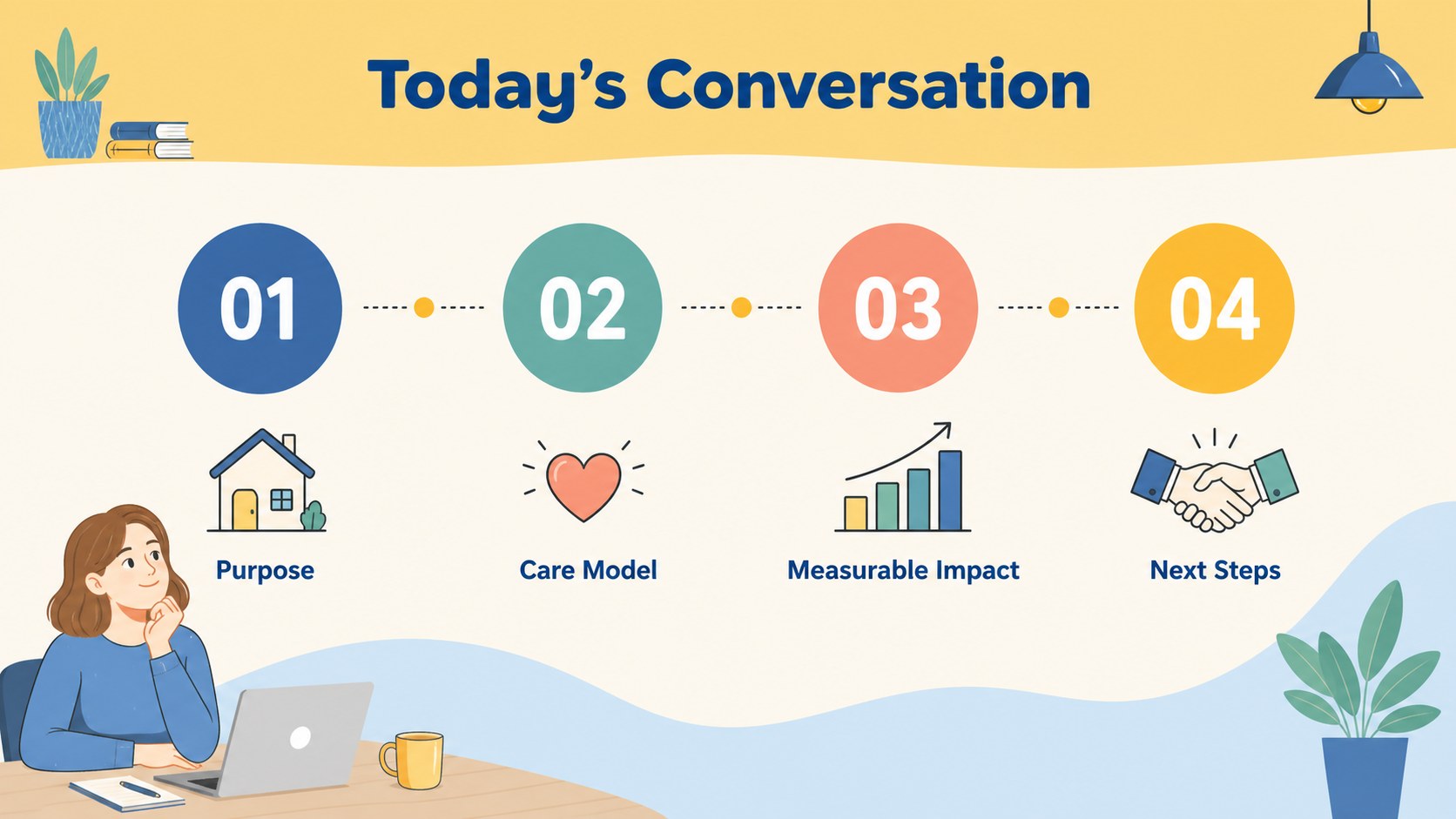
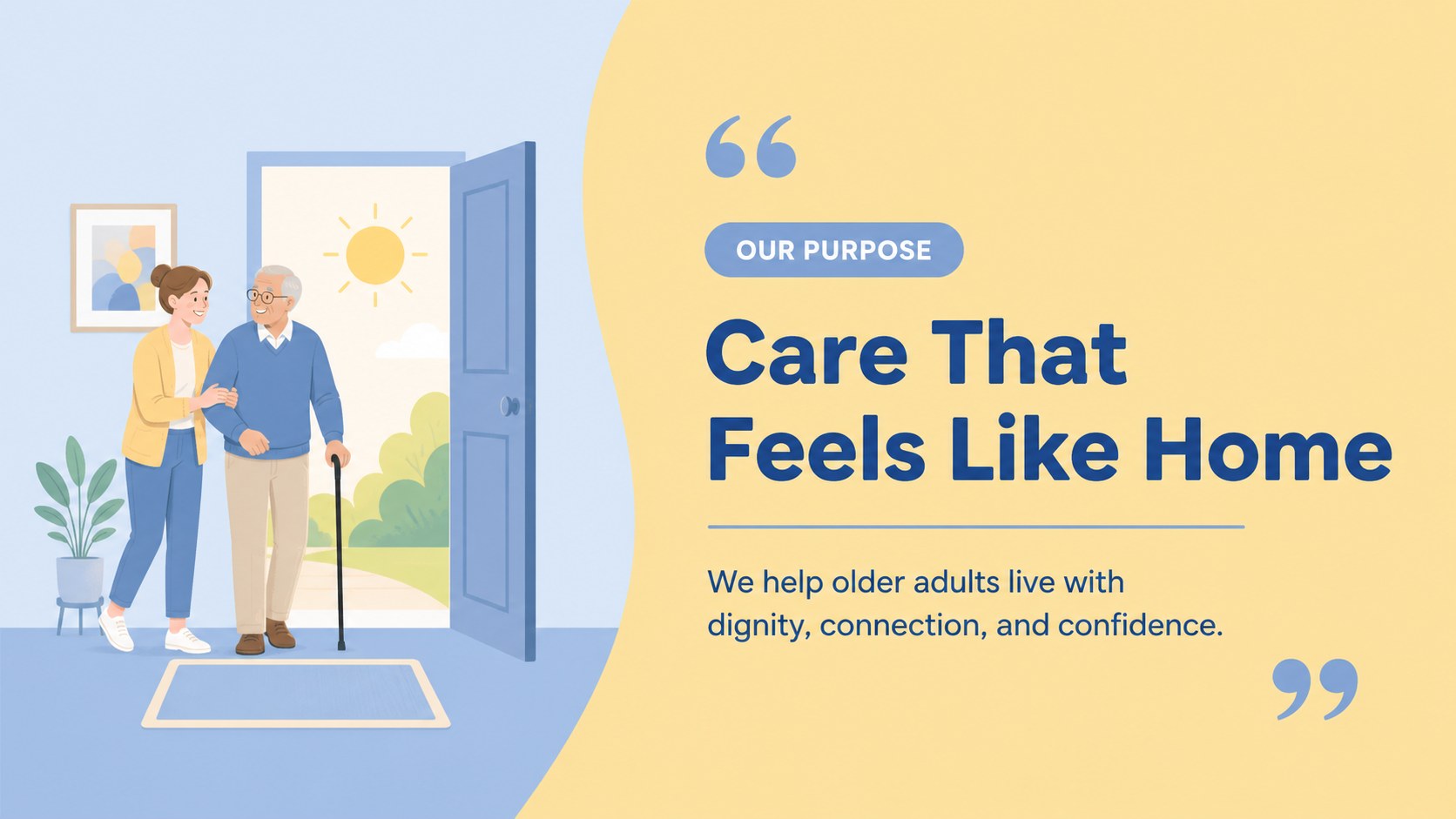
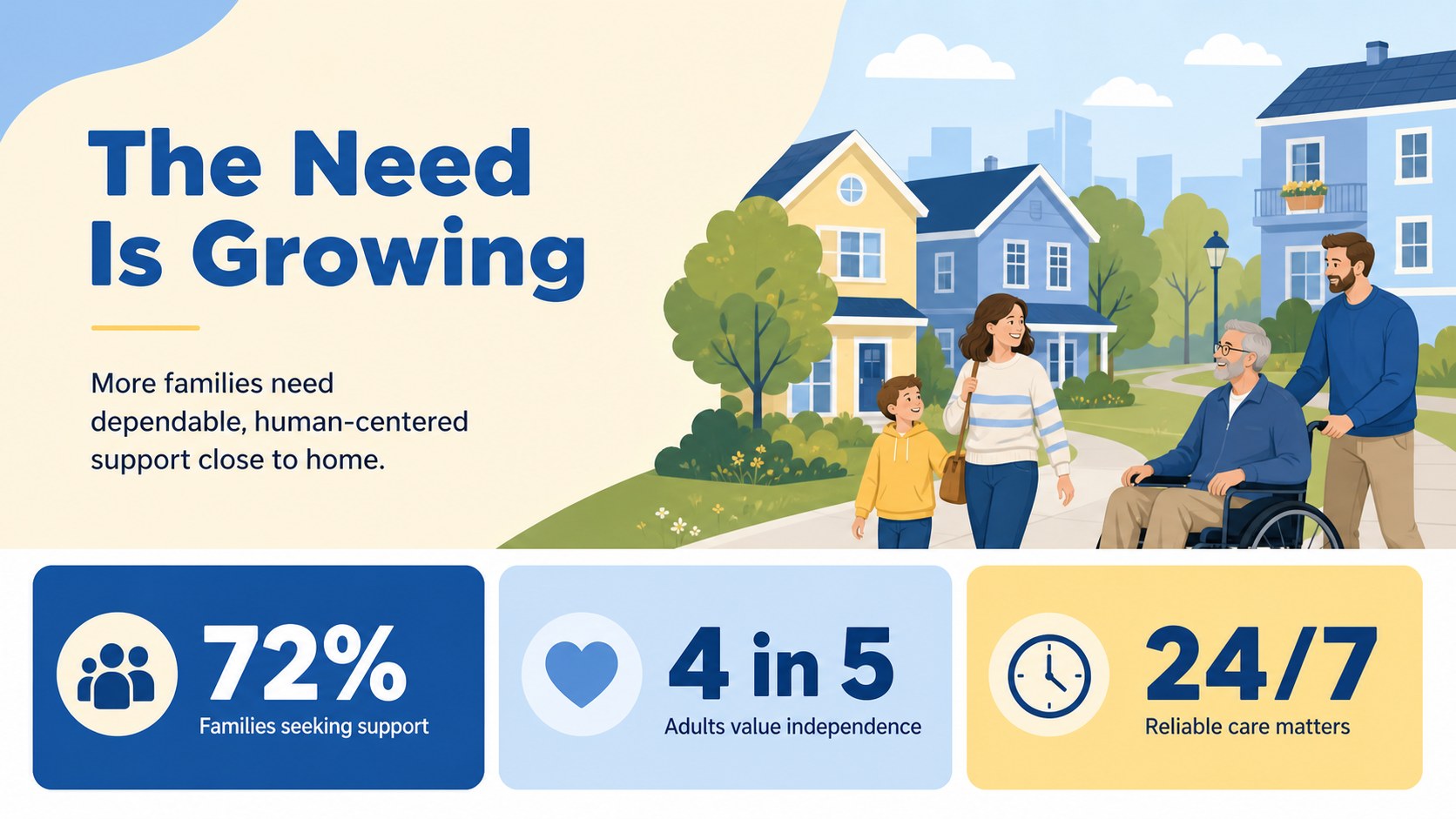
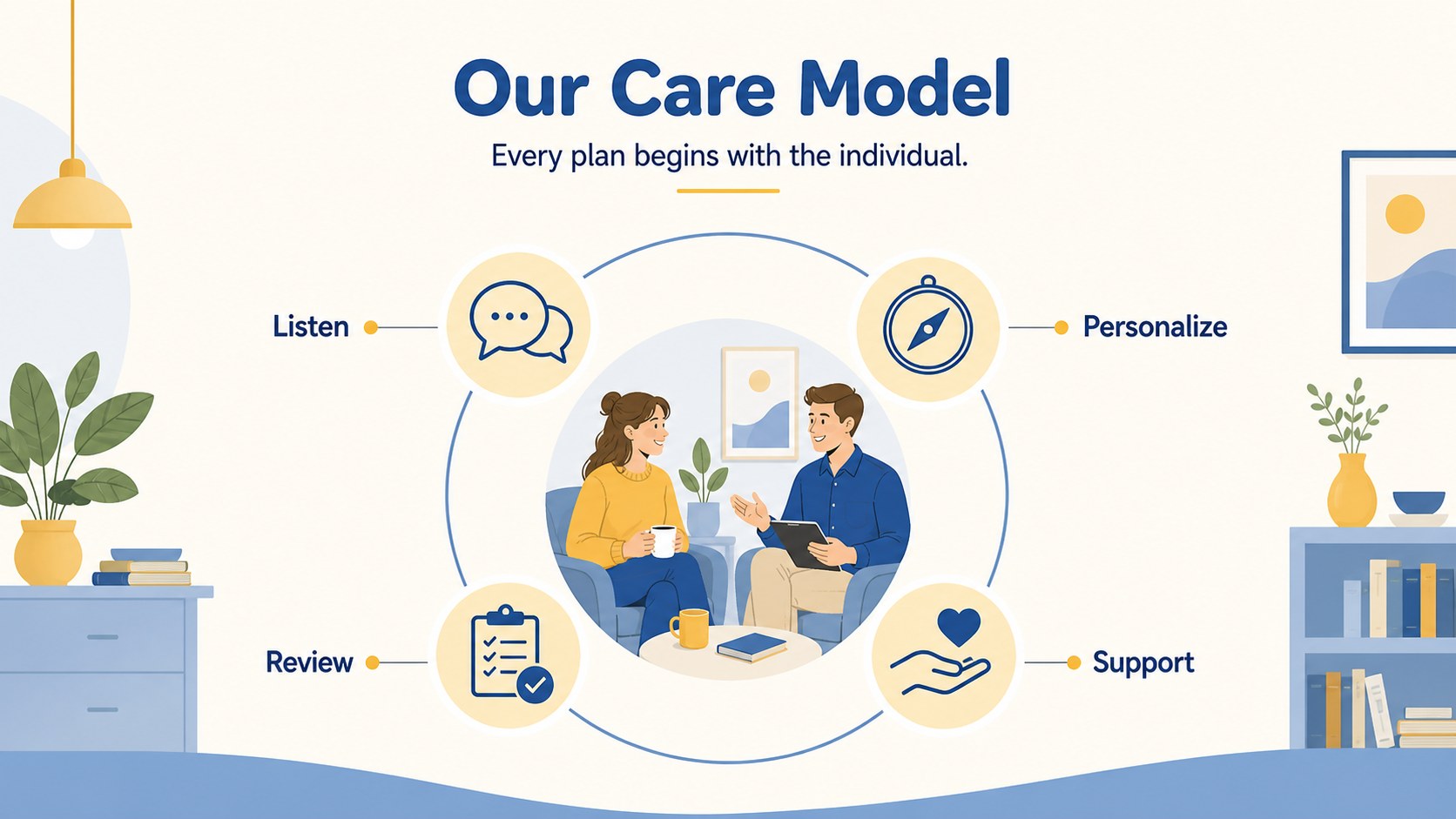
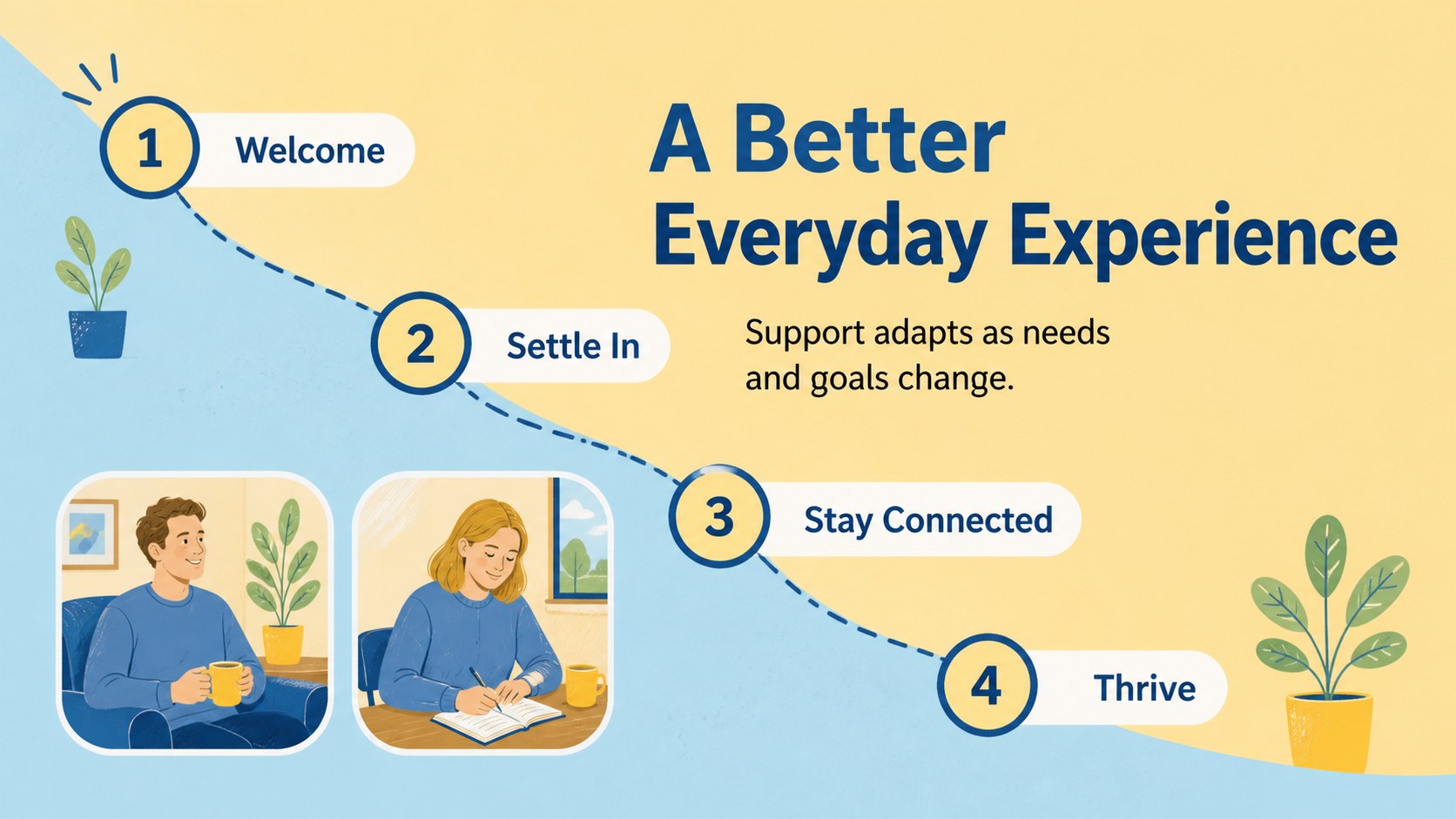
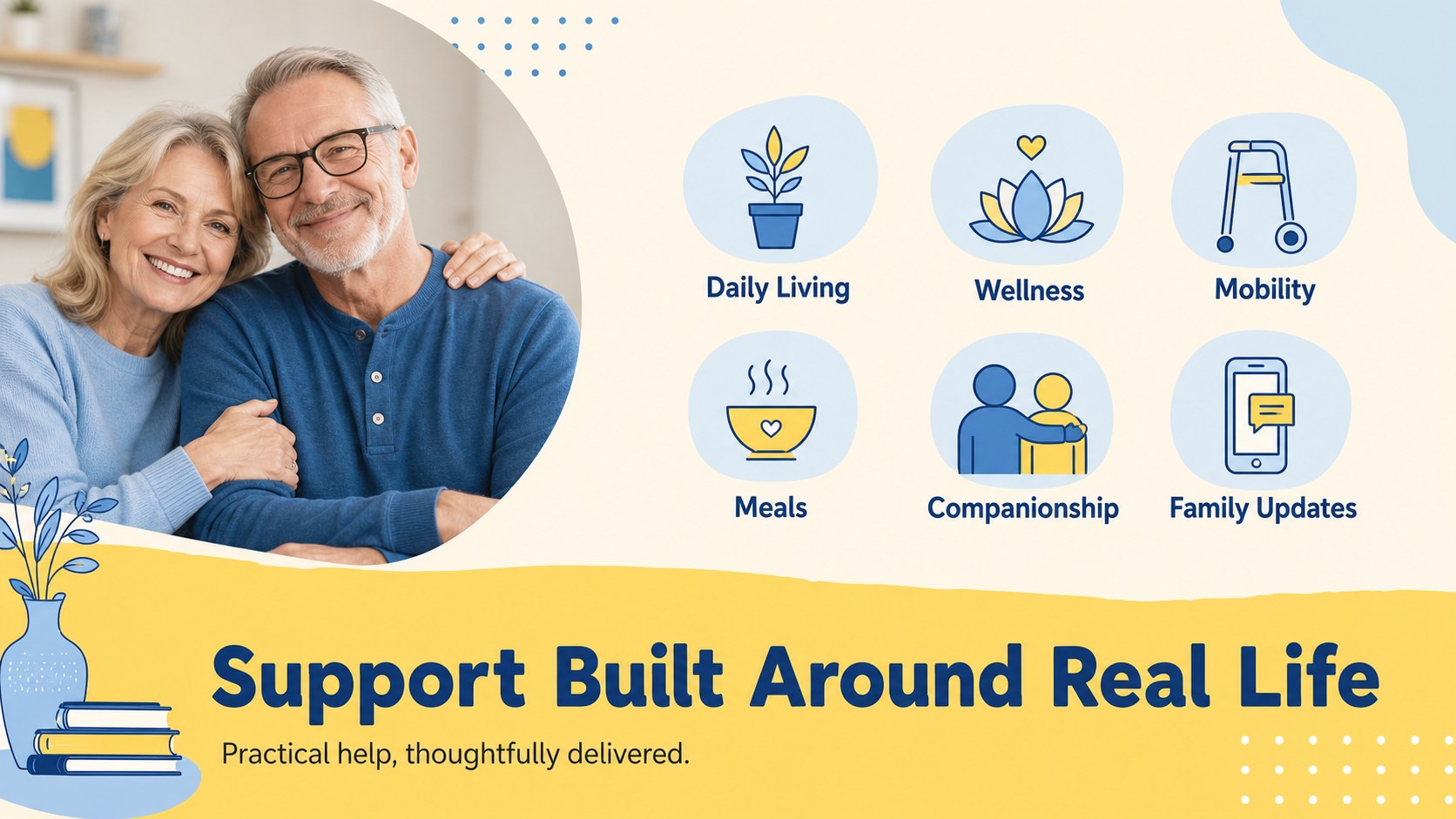
Present your organization with warmth, clarity, and confidence using this senior care impact pitch deck. Its friendly blue-and-yellow visual system helps care providers explain their purpose while keeping key information easy to scan for investors, partners, families, and community stakeholders.
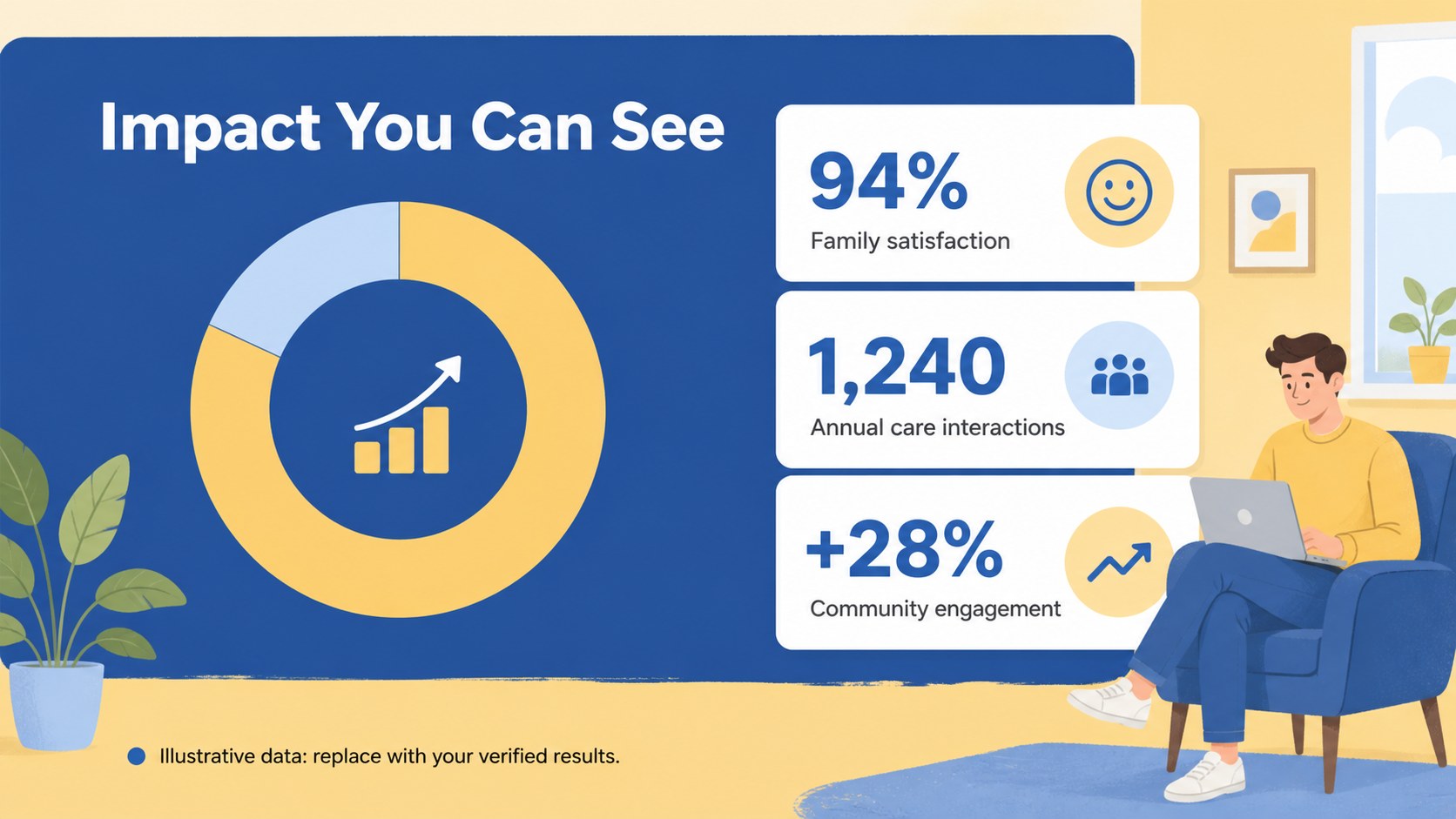
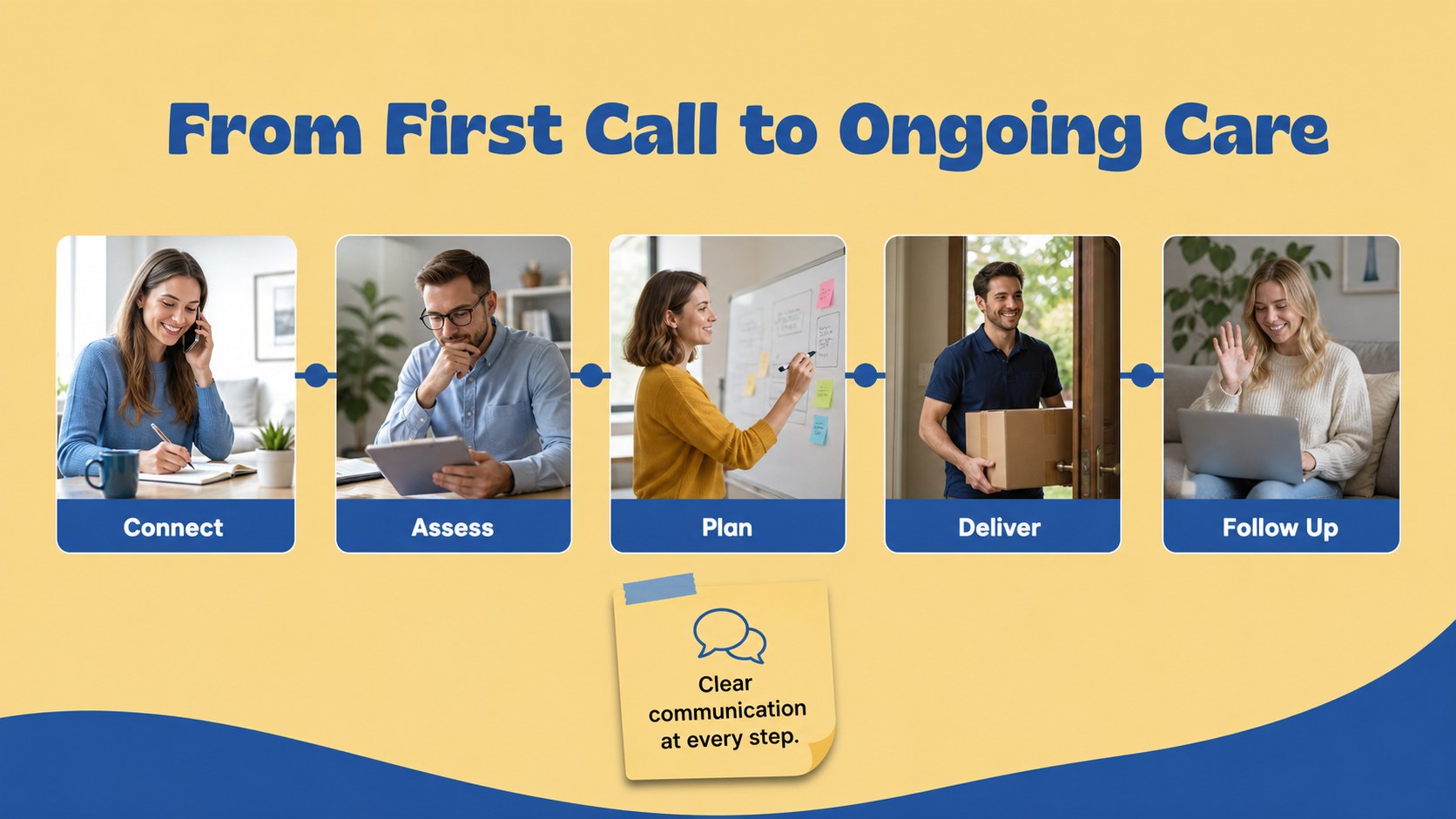
Inside, you’ll find layouts for an opening statement, agenda, mission and vision, community need, service model, resident experience, care journey, impact metrics, financial snapshot, team introduction, partnerships, implementation timeline, and a closing call to action. The structure works well for an assisted living investor presentation, an elder care nonprofit pitch, or a senior living facility funding deck. Replace the sample copy with your own statistics, photography, testimonials, charts, and brand details.
The editable template is designed for practical customization, with flexible text areas, simple data visualizations, image placeholders, icons, and reusable content blocks. Adjust the blue and yellow palette to match your identity or retain the bright wellness-inspired look. Use the finished slides for fundraising meetings, service proposals, board updates, grant applications, or presentations to referral partners.
Perfect for: assisted living investor presentation; elder care nonprofit fundraising; senior living grant application; care provider partnership proposal; board meeting impact update.
Frequently asked questions
Can I edit this senior care deck without design experience? Yes. The template uses editable text boxes, image areas, icons, charts, and layout elements. You can update the content with ’s drag-and-drop editor.
Practical details
Yes. The template uses editable text boxes, image areas, icons, charts, and layout elements. You can update the content with ’s drag-and-drop editor.
Yes. Open the design and export it as a PowerPoint file, or save it to Google Drive for use in Google Slides. Some -specific animations or elements may need adjustment after export.
Add your mission, care programs, resident or patient outcomes, service area, team credentials, partnerships, operating model, and funding request. Use verified statistics and consented photography wherever possible.
Yes. lets you replace the template colors and font settings to match your organization’s brand. Keep strong contrast between text and backgrounds so the deck remains accessible.
Keep exploring
15Promote classes with a yoga workshop marketing presentation featuring playful beige, pink, and purple illustrations for PowerPoint and Google Slides.
 15
15Build a clear breast cancer awareness bulletin with bold pink-and-red slides for campaign news, screening reminders, impact data, and community updates.
 15
15Build a clear World Cancer Day message with this global cancer awareness campaign deck, featuring editable blue-green layouts for PowerPoint and Google Slides.
 4
4Document wound findings, treatment decisions, and healing progress with clinical wound evaluation slides for nurses in PowerPoint and Google Slides.
 14
14Plan a clear donor campaign with this blood donation awareness presentation, featuring editable beige-and-red visuals for PowerPoint and Google Slides.
 15
15Build a Kidney Health Awareness Campaign Deck with blue illustrated slides for prevention tips, risk education, screening events, and outreach.
 15
15Build an actionable training session with this fitness program workshop deck, using energetic yellow geometry and editable PowerPoint and Google Slides layouts.
 15
15Equip health teams with this malaria prevention education deck for workshops, community outreach, and policy briefings in PowerPoint or Google Slides.