
 14
14presentation
2036 Dragon Year Celebration Theme
Plan a memorable Lunar New Year campaign with the 2036 Dragon Year Celebration Theme, featuring bold red-and-yellow slides for lessons and events.
Google SlidesPowerPoint
presentation · English
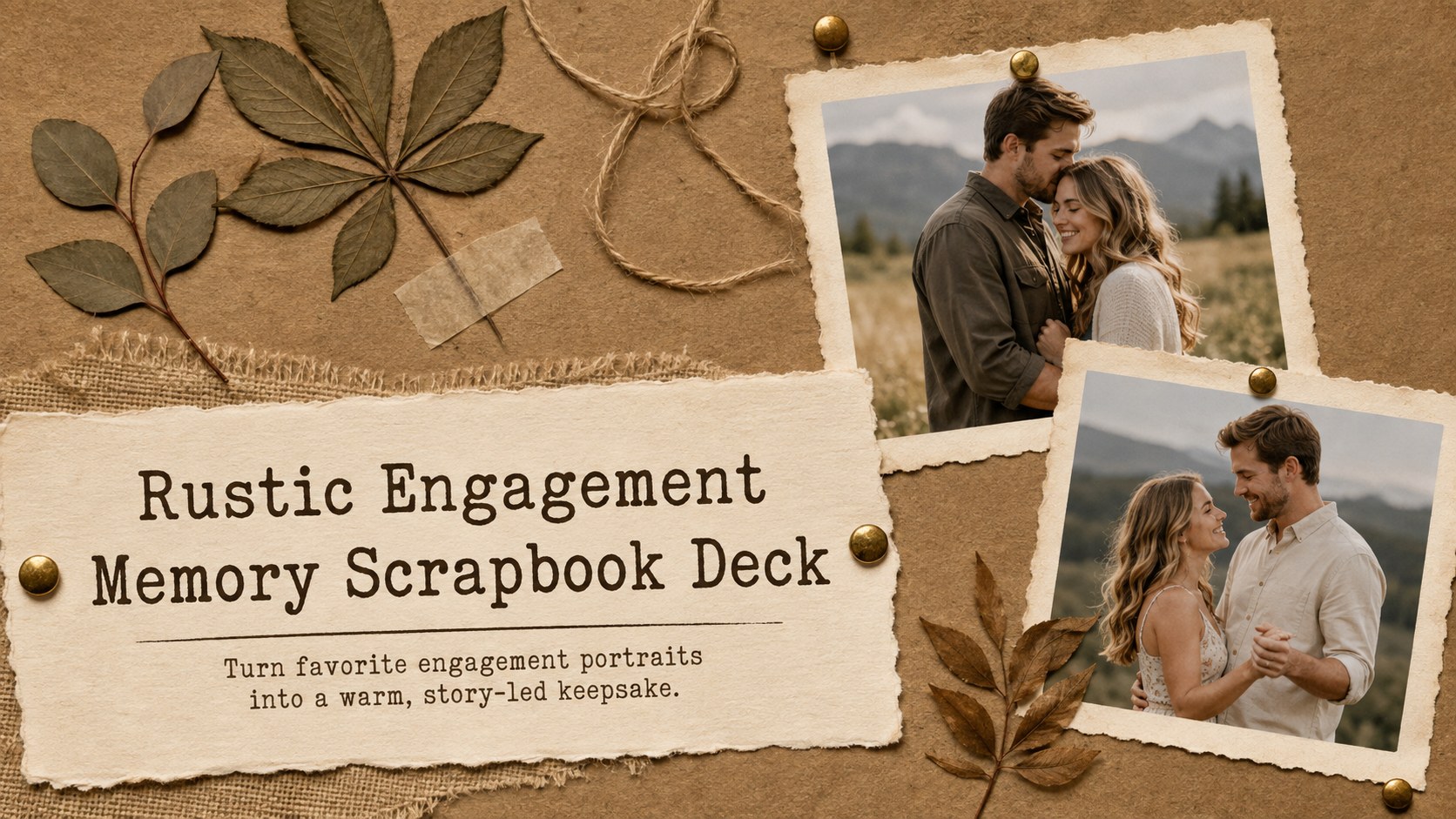
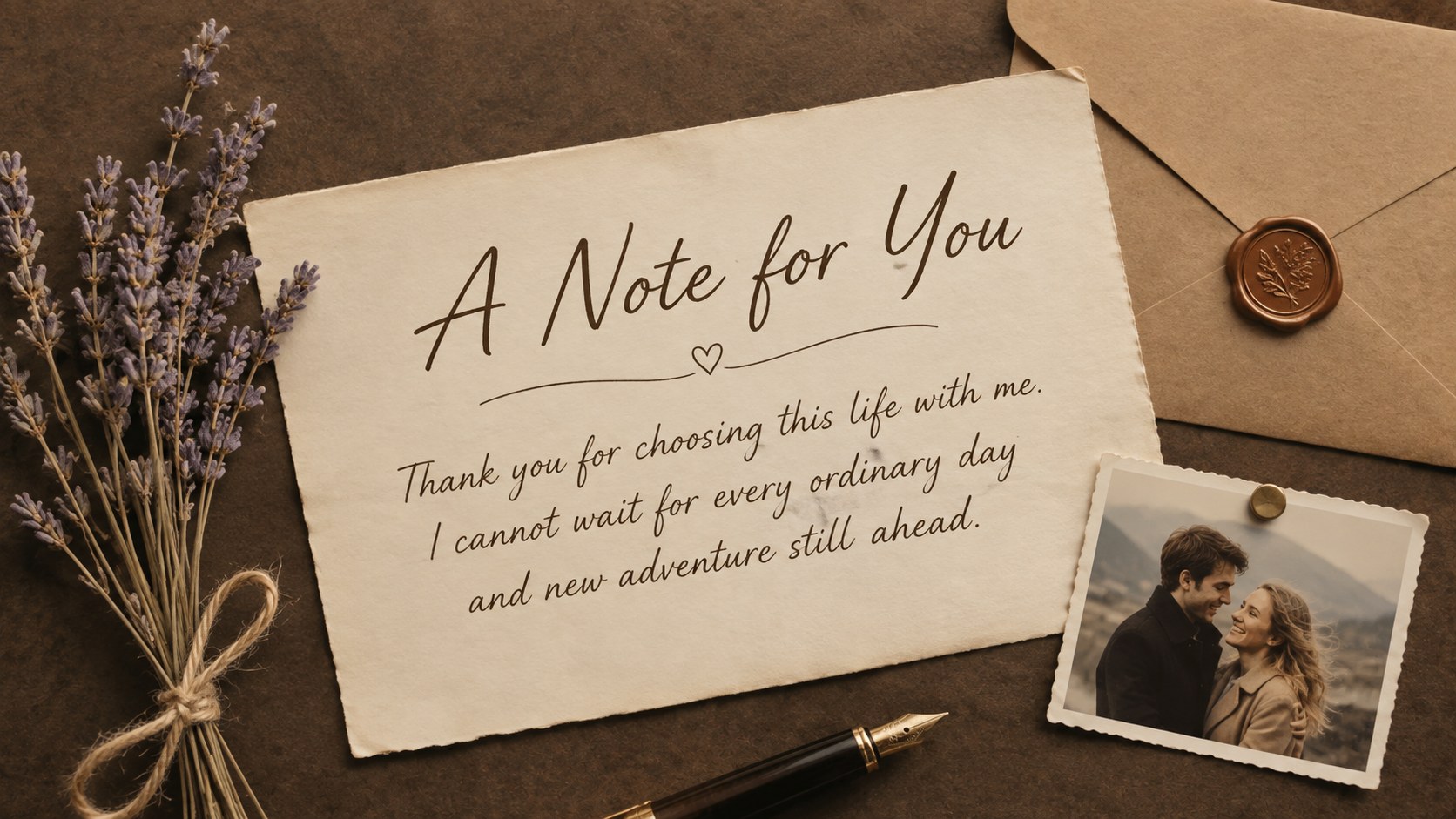
Turn engagement portraits into a heartfelt keepsake with this rustic engagement memory scrapbook deck for PowerPoint and Google Slides.




Design notes
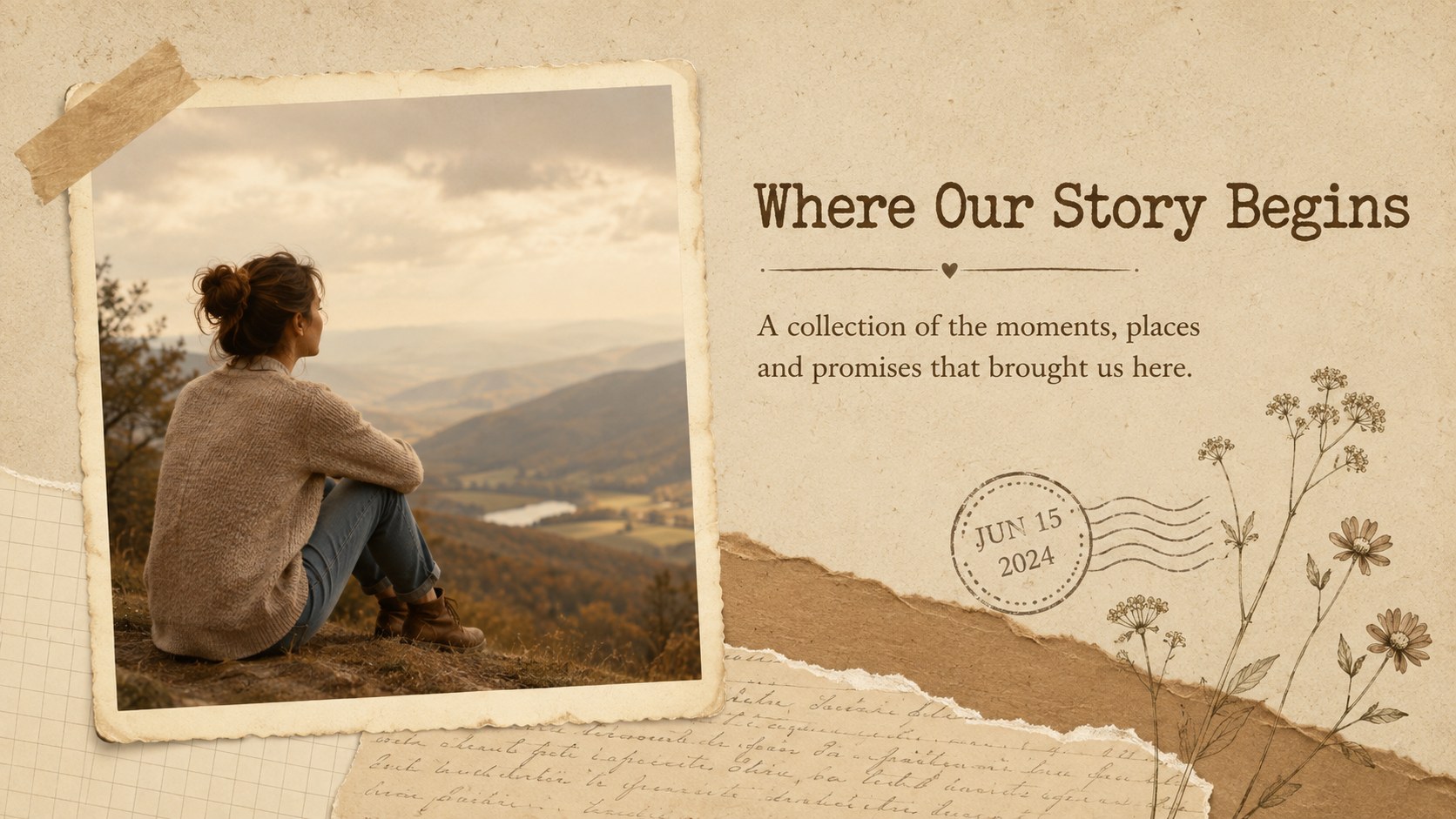
Celebrate the journey toward marriage with a rustic engagement memory scrapbook deck designed to turn favorite portraits and shared milestones into a meaningful visual story. Warm brown tones, layered paper textures, pinned photographs and handwritten-style accents create the feeling of a carefully assembled keepsake while leaving plenty of room for each couple's personality.
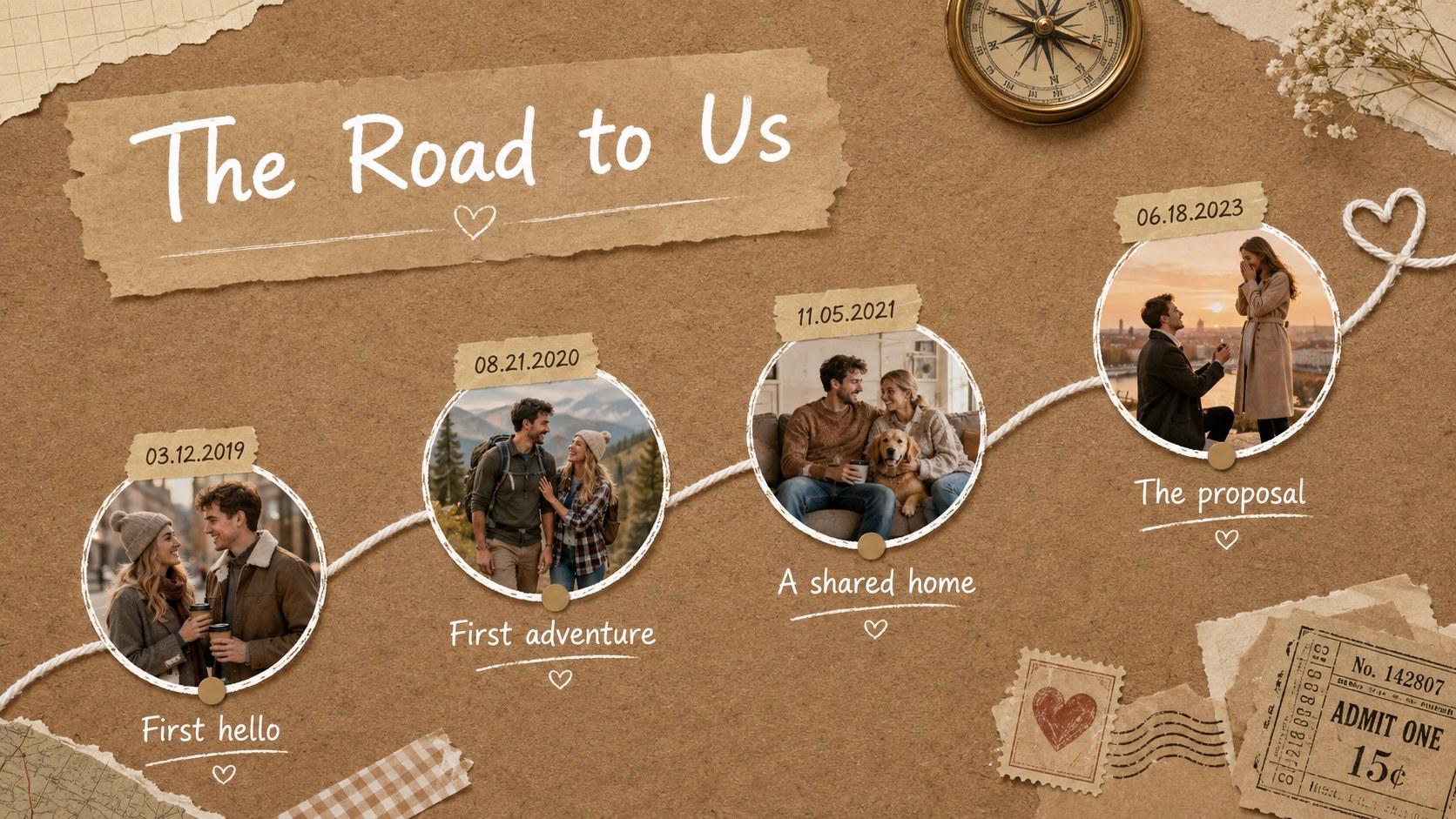
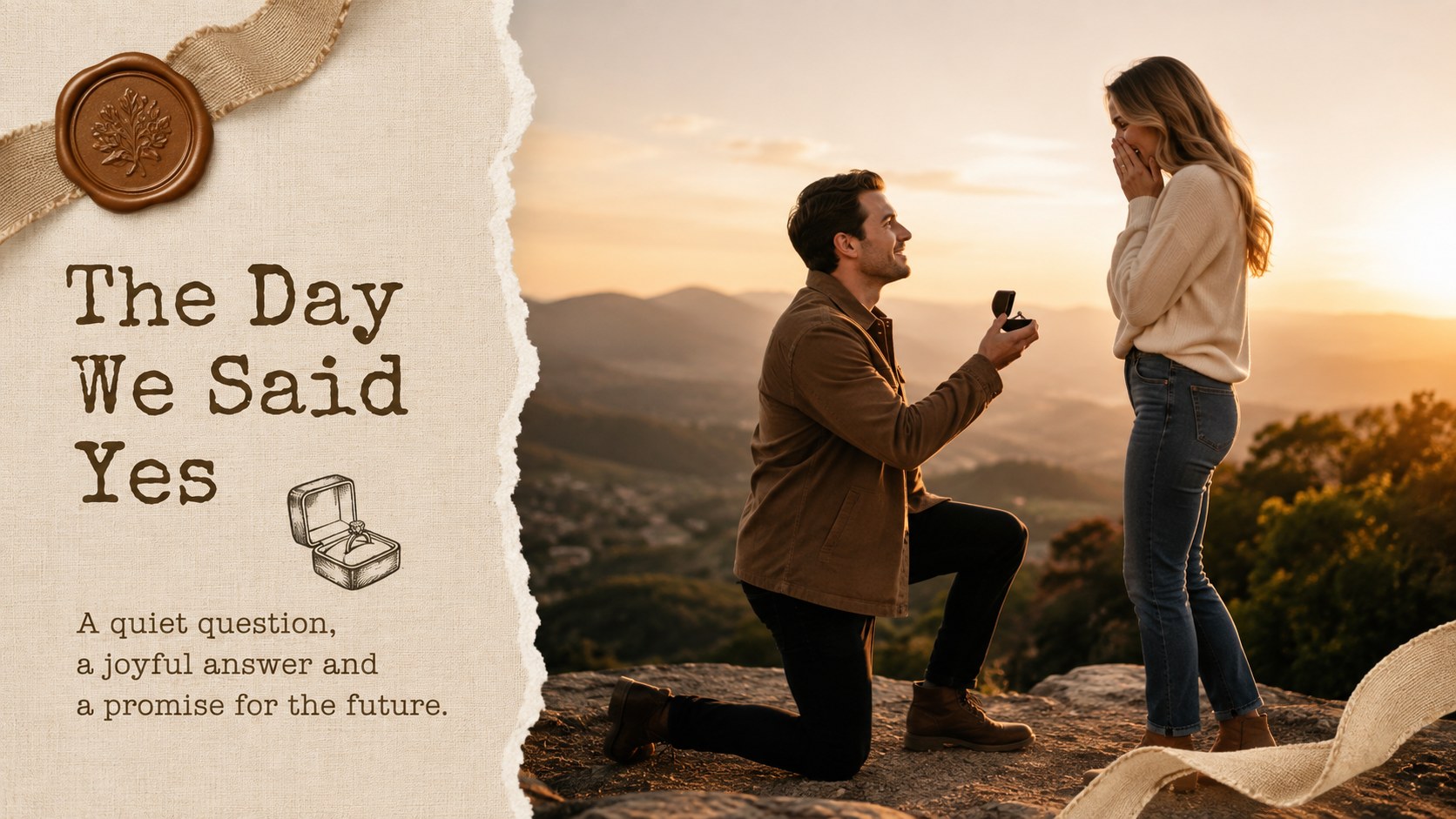
The deck includes more than 25 customizable layouts for opening titles, relationship timelines, proposal stories, portrait galleries, favorite memories, personal notes, wedding countdowns and closing messages. Flexible image frames, collage arrangements and short text sections help you build a cohesive pre-wedding photo album presentation without overcrowding the photographs. Use the ready-made structure as a complete narrative or select individual layouts for an engagement party slideshow.
This brown scrapbook wedding presentation is suited to engaged couples, wedding photographers, planners and family members preparing a personal celebration. It also works as a vintage engagement photo slideshow for rehearsal dinners, bridal showers, anniversary reflections or private digital albums. Edit the wording, replace the sample photographs, adjust the type and rearrange decorative elements in PowerPoint or Google Slides. The nostalgic bulletin-board aesthetic remains consistent throughout, while every page can be adapted to match the couple, event and chosen photographs.
Perfect for: engagement party slideshow; pre-wedding portrait album; rehearsal dinner presentation; photographer client gallery; bridal shower memory display; digital couple keepsake.
Frequently asked questions
Can I replace every photograph with my own engagement images? Yes. Replace the sample images with personal portraits and crop or reposition them inside the existing frames. Both PowerPoint and Google Slides provide standard image replacement and cropping controls.
Practical details
Yes. Replace the sample images with personal portraits and crop or reposition them inside the existing frames. Both PowerPoint and Google Slides provide standard image replacement and cropping controls.
The deck is designed for Microsoft PowerPoint and Google Slides. Some fonts, transitions or image effects may render slightly differently between the two platforms, so review the finished presentation before sharing it.
Yes. You can change the background colors, paper textures, typefaces, frames and decorative accents to suit the wedding palette. Keeping a small set of repeated colors and textures will preserve the cohesive handmade look.
The slides can be exported to PDF for digital sharing or printing. For the best printed result, use high-resolution photographs and confirm the printer's page size, margins and bleed requirements before export.
Keep exploring
14Plan a memorable Lunar New Year campaign with the 2036 Dragon Year Celebration Theme, featuring bold red-and-yellow slides for lessons and events.
 15
15Build playful lessons and party stories with a kid-friendly zombie celebration theme in purple, green and pastel blue for PowerPoint and Google Slides.
 15
15Build eerie lessons, campaigns, and story pitches with an undead survival scenario theme featuring editable slides for PowerPoint and Google Slides.
 3
3Share festive messages with a Lunar Horse New Year Wishes Theme, featuring bold red-and-yellow layouts for PowerPoint and Google Slides celebrations.
 15
15Bring zodiac traditions to life with a Lunar Snake Festival Presentation featuring 15 cheerful red illustrated slides for PowerPoint and Google Slides.
 6
6Honor teams and individuals with an Orange Year-End Recognition Certificate Set featuring six editable designs for PowerPoint and Google Slides.
 14
14Honor the people behind the headlines with a World Sports Press Appreciation Deck for PowerPoint and Google Slides, styled in crisp, modern green.
 15
15Teach, inspire, and celebrate with our Plant-Powered Vegetarian Day Lesson Deck, featuring cheerful editable visuals for PowerPoint and Google Slides.