
 14
14presentation
2036 Dragon Year Celebration Theme
Plan a memorable Lunar New Year campaign with the 2036 Dragon Year Celebration Theme, featuring bold red-and-yellow slides for lessons and events.
Google SlidesPowerPoint
presentation · English
Create coordinated event stationery with this romantic bow invitation suite, offering editable pink layouts for PowerPoint and Google Slides, ready to print.
Design notes
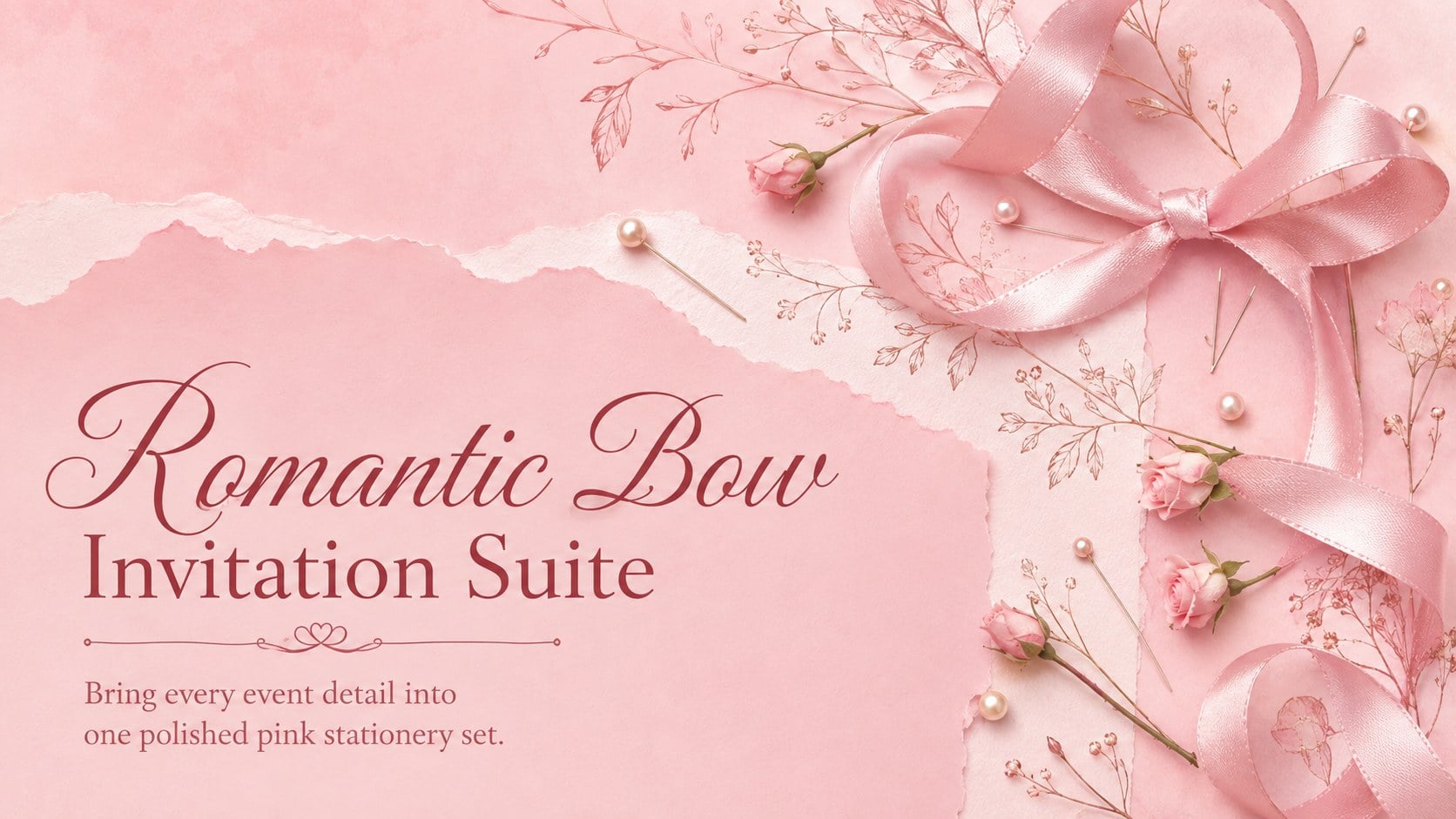
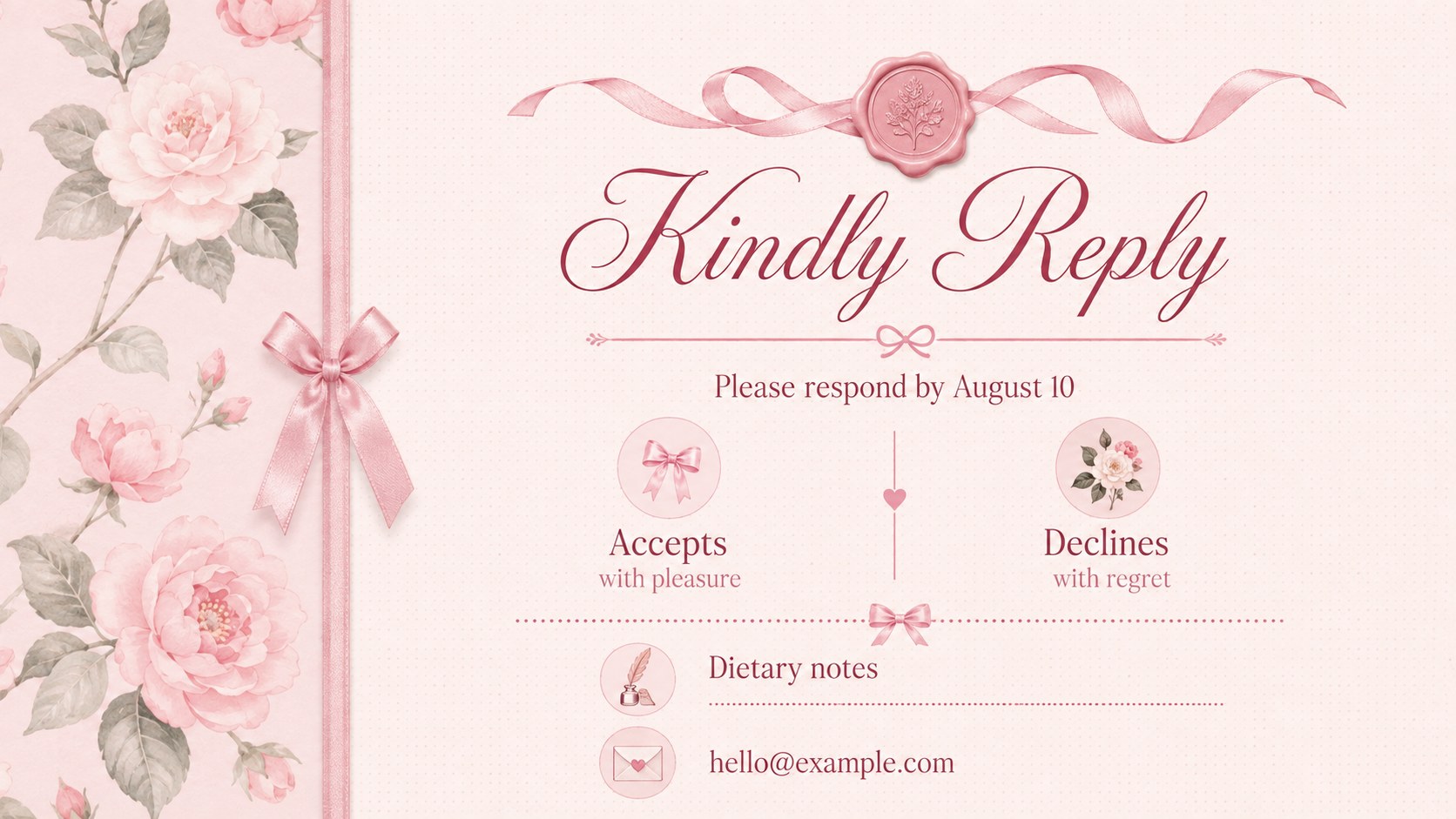
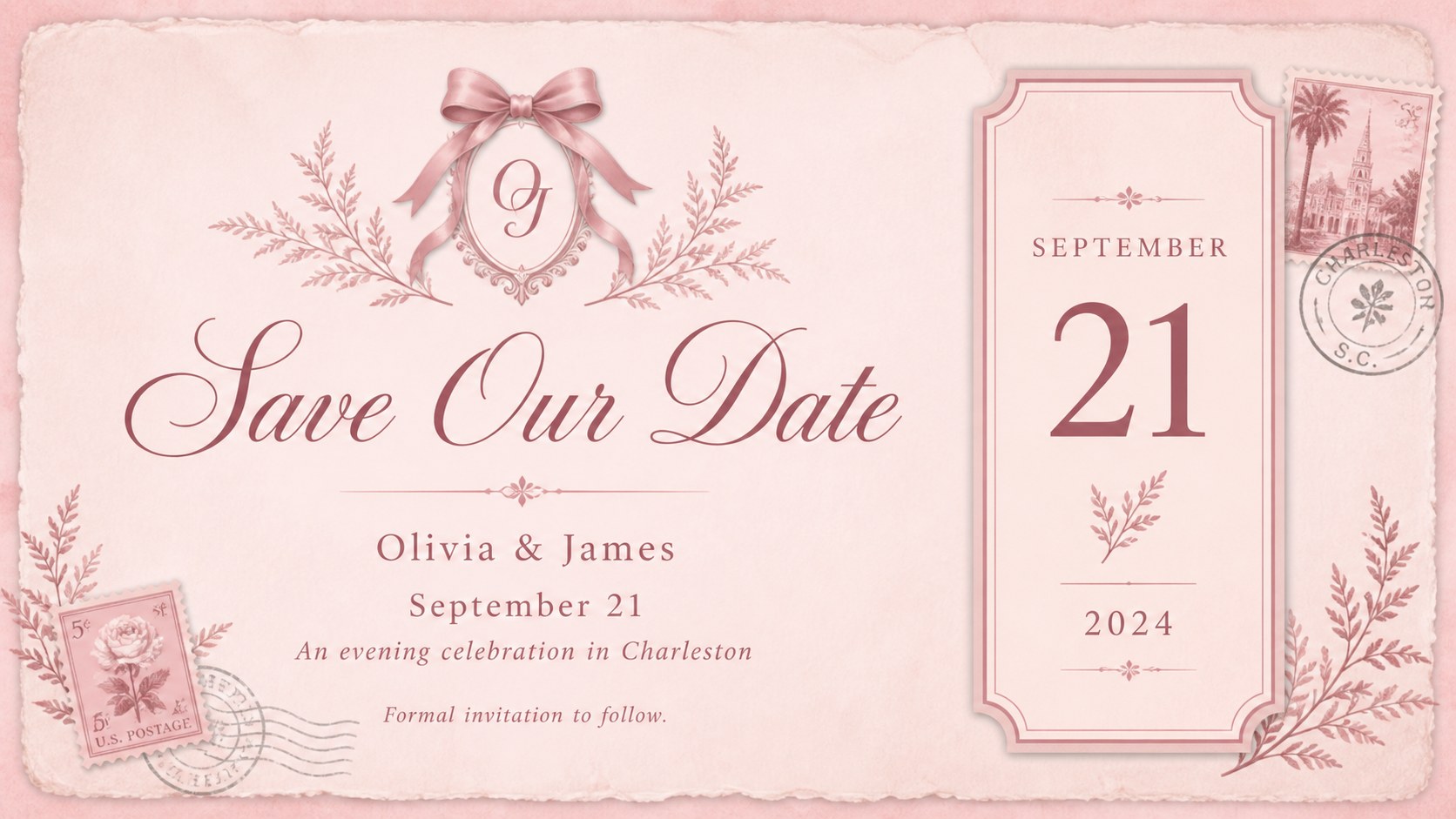
Set the tone for a thoughtful celebration with the Romantic Bow Invitation Suite, a coordinated collection of pink stationery layouts inspired by ribbons, delicate florals, vintage paper, and refined typography. This editable pink bow invitation set balances nostalgic coquette details with clear, practical event information.
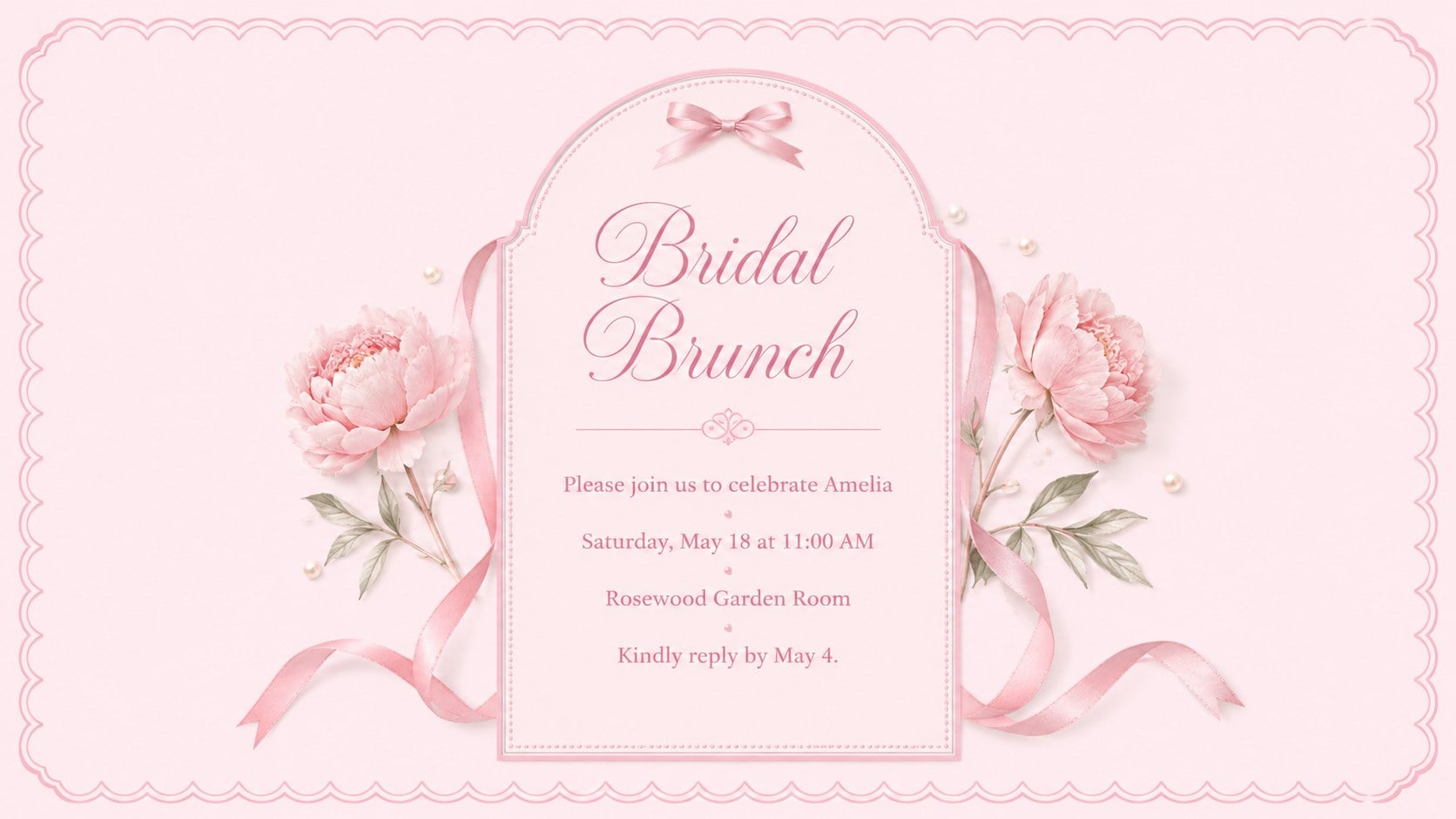
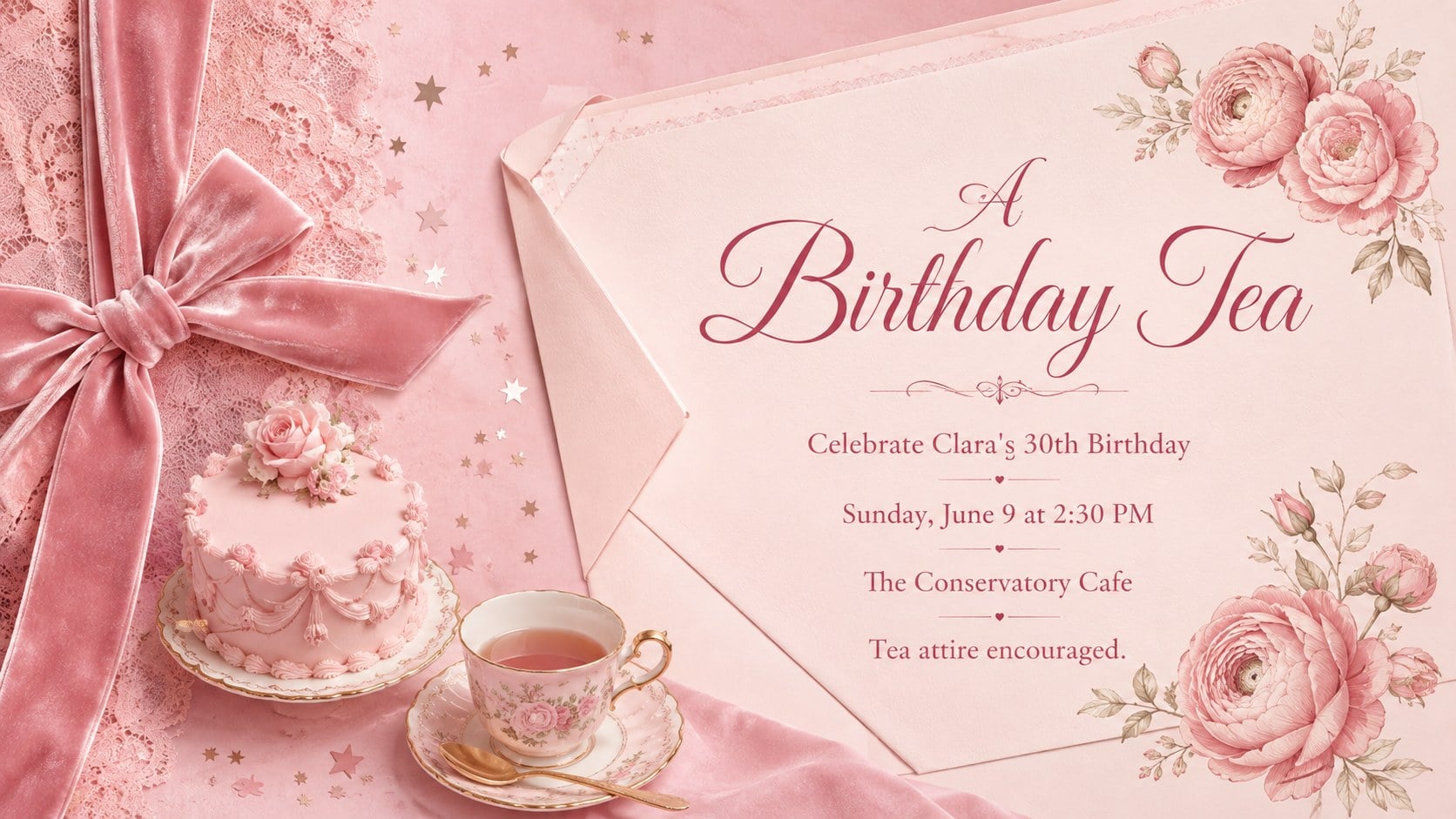
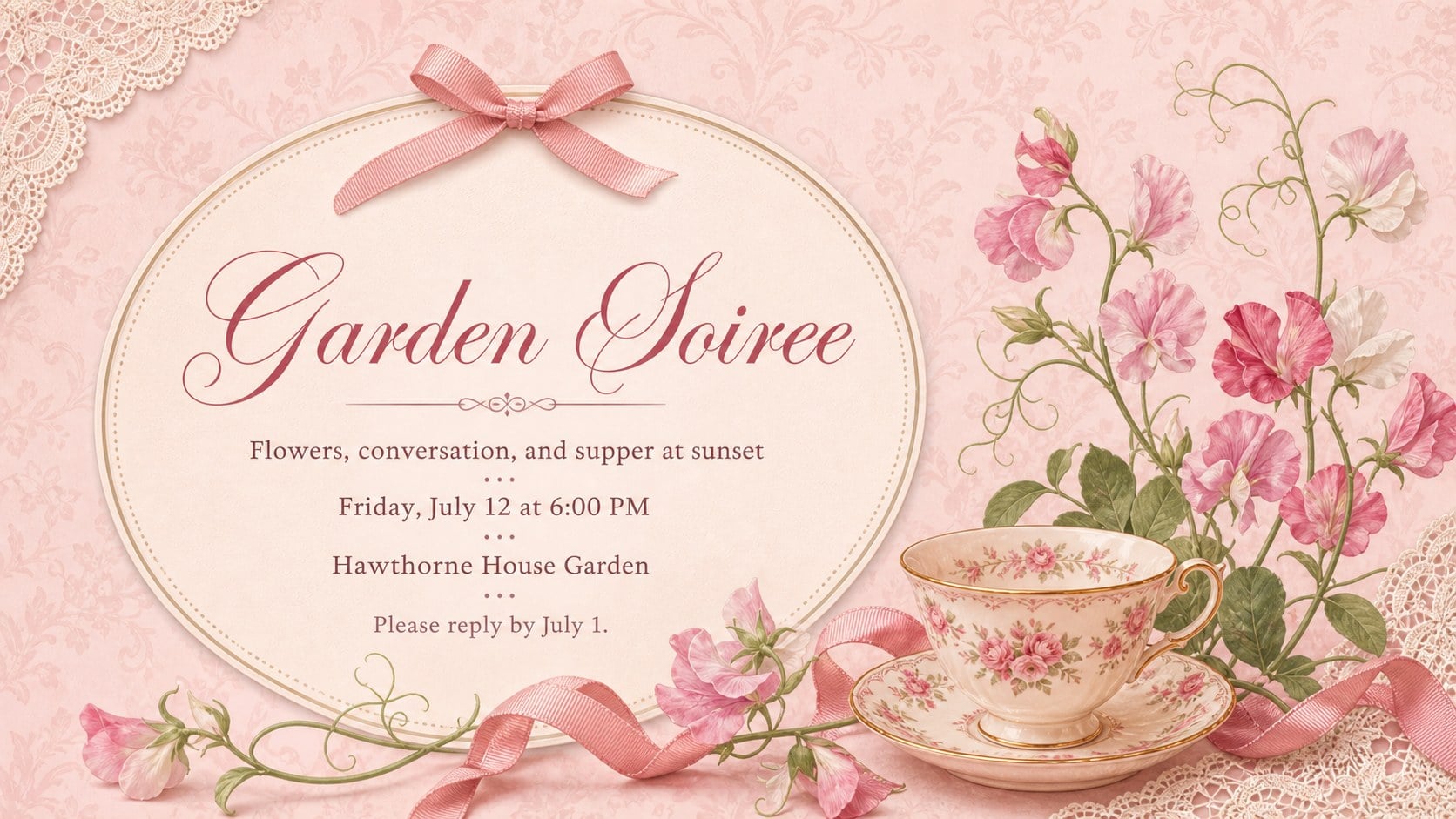
Inside are six coordinated invitation concepts with space for names, dates, locations, RSVP instructions, dress codes, and short personal messages. Adapt the layouts into a bridal shower invitation PowerPoint, an elegant birthday announcement, a garden party card, or a save-the-date design. Decorative frames, bows, floral accents, and textured backgrounds can be recolored or repositioned while preserving the suite's romantic character.
Designed for hosts, event planners, families, and small creative businesses, the template works in PowerPoint and Google Slides. Update the wording, switch typefaces, add photos, and adjust colors without specialist design software. Each layout can be shared digitally or exported for printing, making the collection useful as both romantic event invitation slides and printable A4 invitation slides. The soft pink palette and graceful detailing suit bridal brunches, milestone birthdays, engagement parties, afternoon teas, and other occasions that call for an elegant feminine finish.
Perfect for: bridal shower invitation; milestone birthday party; engagement celebration; afternoon tea gathering; garden party save-the-date.
Frequently asked questions
Can I edit the invitation wording and event details? Yes. Replace the sample names, date, venue, RSVP information, and personal message directly in PowerPoint or Google Slides.
Practical details
Yes. Replace the sample names, date, venue, RSVP information, and personal message directly in PowerPoint or Google Slides.
Yes. You can recolor the backgrounds, ribbons, floral accents, borders, and typography to coordinate with your event theme.
The layouts are designed for Microsoft PowerPoint and Google Slides. Both platforms support text editing, element placement, and common export formats.
Yes. After customizing a layout, export it as a high-quality PDF and confirm the final paper size and printer margins before producing multiple copies.
Keep exploring
14Plan a memorable Lunar New Year campaign with the 2036 Dragon Year Celebration Theme, featuring bold red-and-yellow slides for lessons and events.
 15
15Build playful lessons and party stories with a kid-friendly zombie celebration theme in purple, green and pastel blue for PowerPoint and Google Slides.
 15
15Build eerie lessons, campaigns, and story pitches with an undead survival scenario theme featuring editable slides for PowerPoint and Google Slides.
 3
3Share festive messages with a Lunar Horse New Year Wishes Theme, featuring bold red-and-yellow layouts for PowerPoint and Google Slides celebrations.
 15
15Bring zodiac traditions to life with a Lunar Snake Festival Presentation featuring 15 cheerful red illustrated slides for PowerPoint and Google Slides.
 6
6Honor teams and individuals with an Orange Year-End Recognition Certificate Set featuring six editable designs for PowerPoint and Google Slides.
 14
14Honor the people behind the headlines with a World Sports Press Appreciation Deck for PowerPoint and Google Slides, styled in crisp, modern green.
 15
15Teach, inspire, and celebrate with our Plant-Powered Vegetarian Day Lesson Deck, featuring cheerful editable visuals for PowerPoint and Google Slides.