
 14
14presentation
2036 Dragon Year Celebration Theme
Plan a memorable Lunar New Year campaign with the 2036 Dragon Year Celebration Theme, featuring bold red-and-yellow slides for lessons and events.
Google SlidesPowerPoint
presentation · English
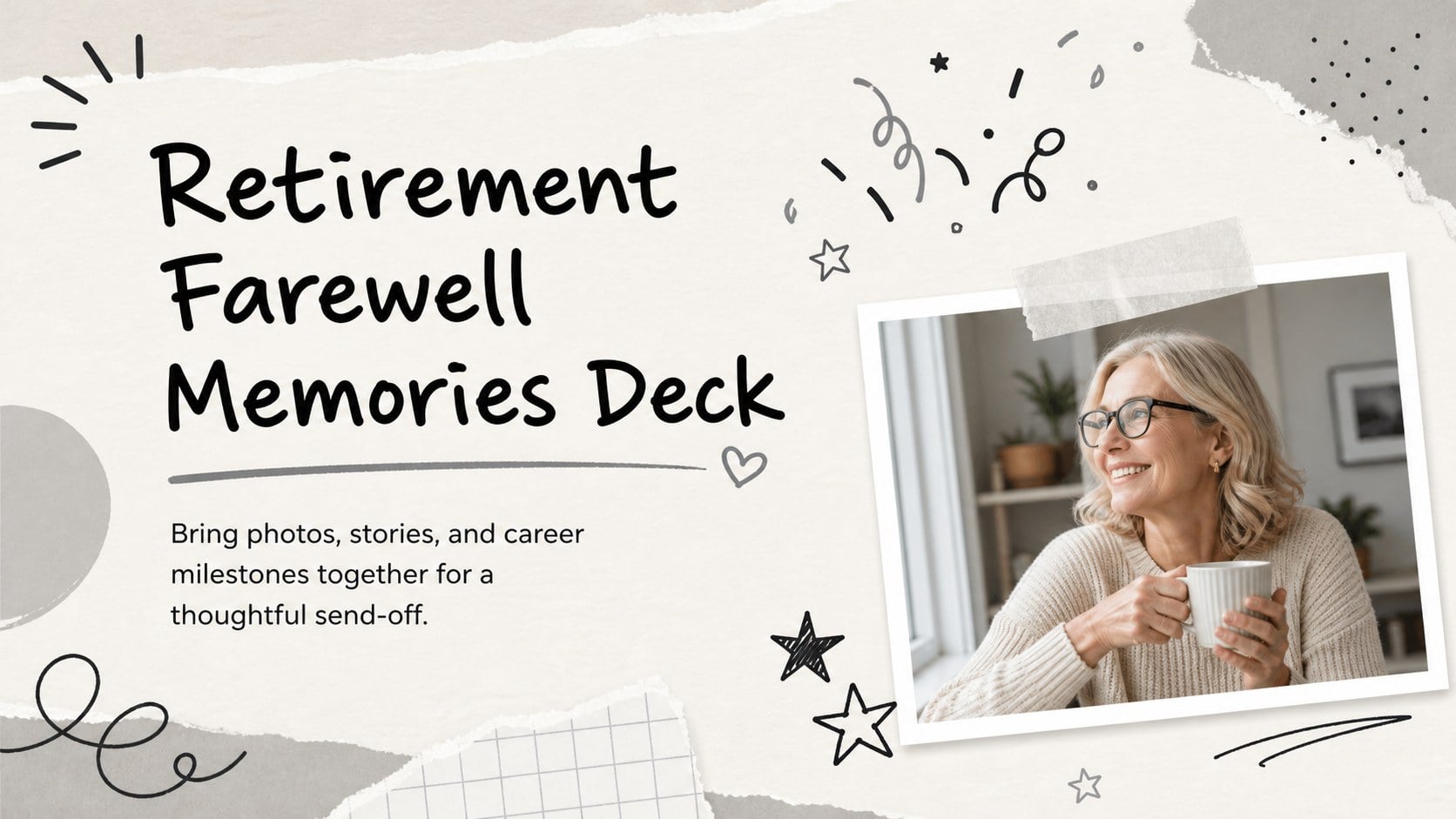
Turn career highlights into a warm retirement farewell memories deck with playful black and grey slides for PowerPoint or Google Slides.






Design notes
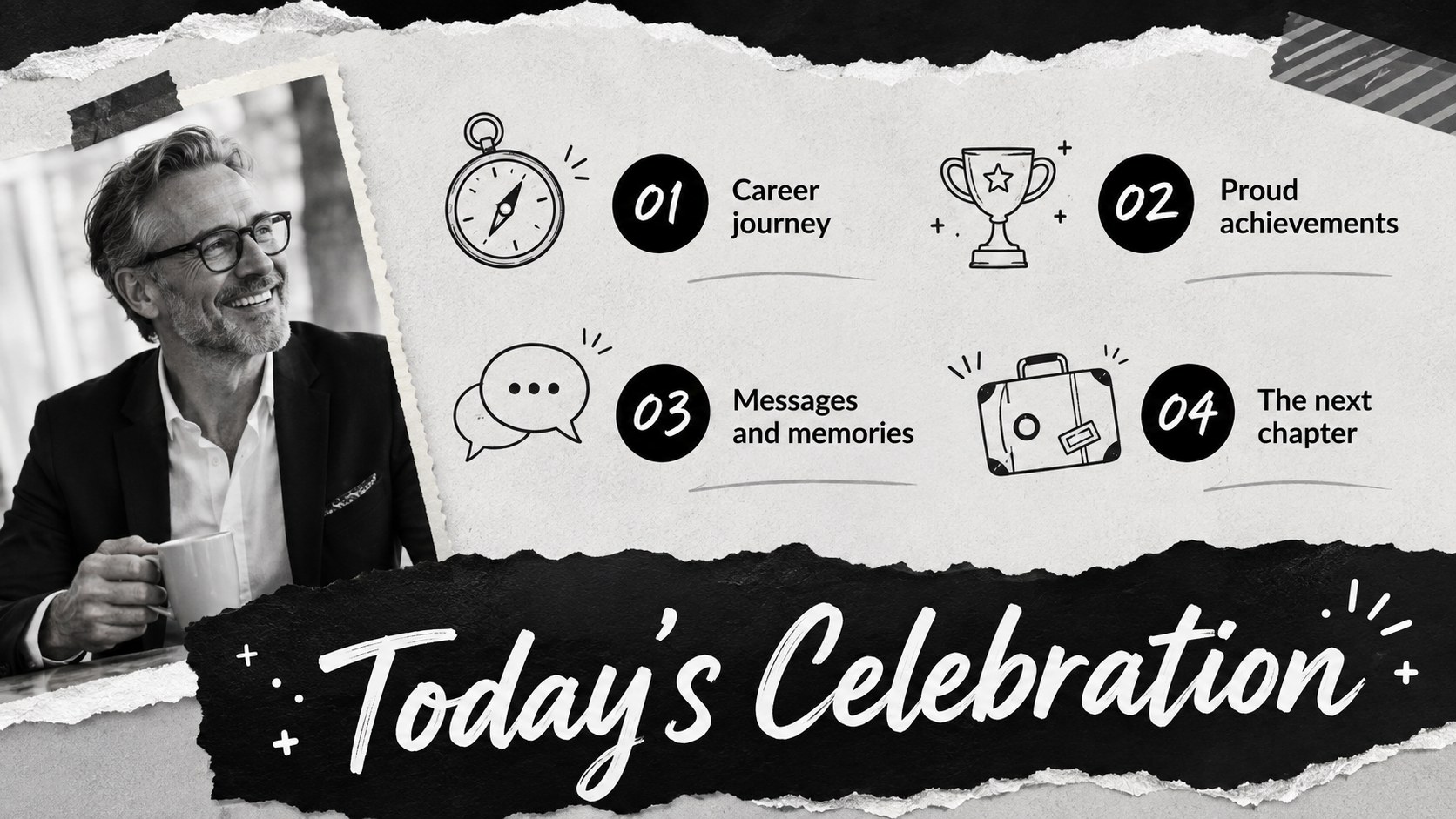
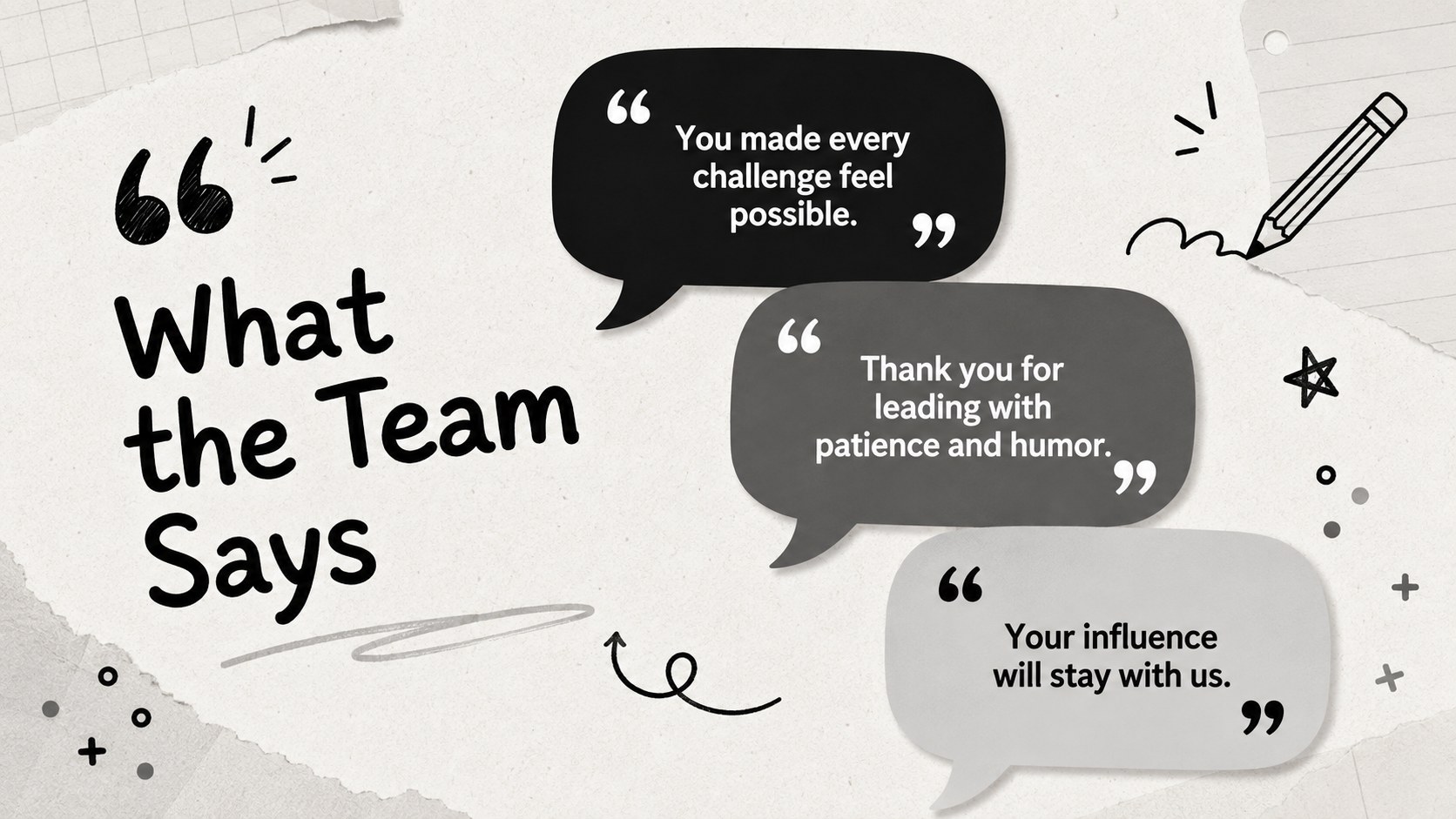
Celebrate a remarkable career with a retirement farewell memories deck designed for stories, photographs, milestones, and warm messages. Its playful minimal style combines black and grey with hand-drawn details, creating a polished backdrop that feels nostalgic without becoming overly formal. Every layout can be personalized in PowerPoint or Google Slides for a colleague, friend, relative, teacher, or community leader.
The 15-slide collection includes an opening tribute, career timeline, achievement highlights, photo collage, memorable quotes, team messages, fun facts, favorite moments, future plans, and a closing toast. Flexible spaces for captions and images also make this a practical retirement photo collage presentation or employee retirement memory book. Add photographs from different career stages, adjust the wording, and reorder sections to match the story you want to tell.
Use these career milestone farewell slides during an office celebration, family gathering, virtual send-off, or recorded tribute. The restrained palette keeps photos and personal messages at the center, while the doodle-inspired accents add warmth and personality. Present the finished deck live, share it digitally, or export it for playback at a retirement event. Whether the occasion calls for sincere appreciation, gentle humor, or both, the layouts help speakers create a cohesive farewell that honors past contributions and looks ahead to the retiree's next chapter.
Perfect for: office retirement celebration; coworker farewell gathering; family retirement tribute; teacher retirement ceremony; virtual employee send-off.
Frequently asked questions
Can I edit this retirement deck in PowerPoint and Google Slides? Yes. You can update the text, photographs, colors, and slide order in either PowerPoint or Google Slides.
Practical details
Yes. You can update the text, photographs, colors, and slide order in either PowerPoint or Google Slides.
Replace the sample content with career dates, personal photographs, achievements, quotes, and messages from colleagues or family. You can also duplicate layouts when you need more space for memories.
Yes. Several layouts are designed for portraits, workplace photographs, event snapshots, and captioned memory collages.
Yes. Present it during a video call or export the completed slides for digital sharing and event playback.
Keep exploring
14Plan a memorable Lunar New Year campaign with the 2036 Dragon Year Celebration Theme, featuring bold red-and-yellow slides for lessons and events.
 15
15Build playful lessons and party stories with a kid-friendly zombie celebration theme in purple, green and pastel blue for PowerPoint and Google Slides.
 15
15Build eerie lessons, campaigns, and story pitches with an undead survival scenario theme featuring editable slides for PowerPoint and Google Slides.
 3
3Share festive messages with a Lunar Horse New Year Wishes Theme, featuring bold red-and-yellow layouts for PowerPoint and Google Slides celebrations.
 15
15Bring zodiac traditions to life with a Lunar Snake Festival Presentation featuring 15 cheerful red illustrated slides for PowerPoint and Google Slides.
 6
6Honor teams and individuals with an Orange Year-End Recognition Certificate Set featuring six editable designs for PowerPoint and Google Slides.
 14
14Honor the people behind the headlines with a World Sports Press Appreciation Deck for PowerPoint and Google Slides, styled in crisp, modern green.
 15
15Teach, inspire, and celebrate with our Plant-Powered Vegetarian Day Lesson Deck, featuring cheerful editable visuals for PowerPoint and Google Slides.