
 14
14presentation
2036 Dragon Year Celebration Theme
Plan a memorable Lunar New Year campaign with the 2036 Dragon Year Celebration Theme, featuring bold red-and-yellow slides for lessons and events.
Google SlidesPowerPoint
presentation · English
Build a polished red and white christmas presentation deck for holiday greetings, photo memories, business updates, and seasonal events in PowerPoint or…






Design notes
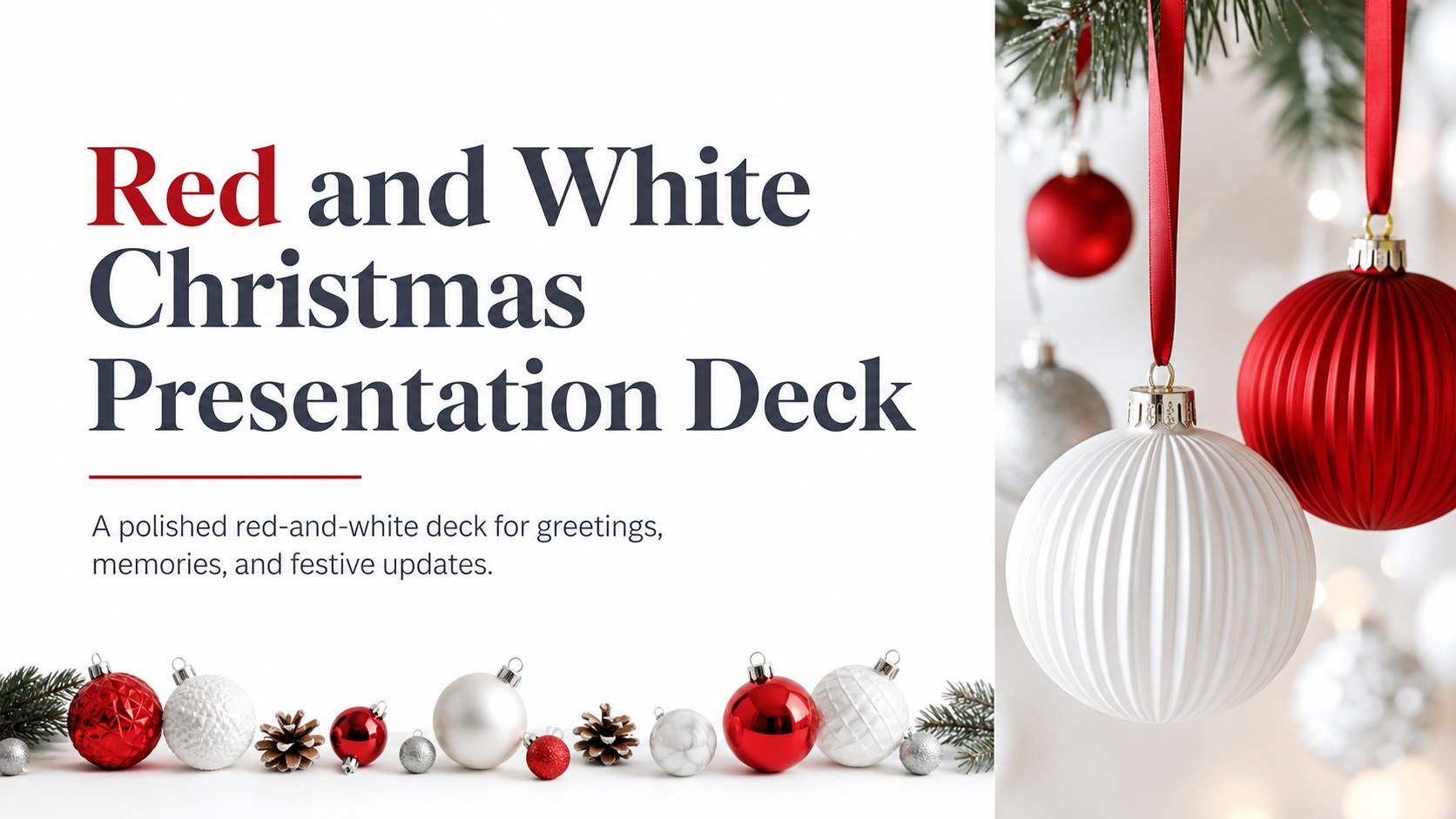
Create a polished red and white christmas presentation deck for holiday greetings, family photo collections, customer messages, or seasonal business updates. Rich red accents, crisp white space, ornament photography, and refined typography give the design a festive mood without making it feel overly traditional.
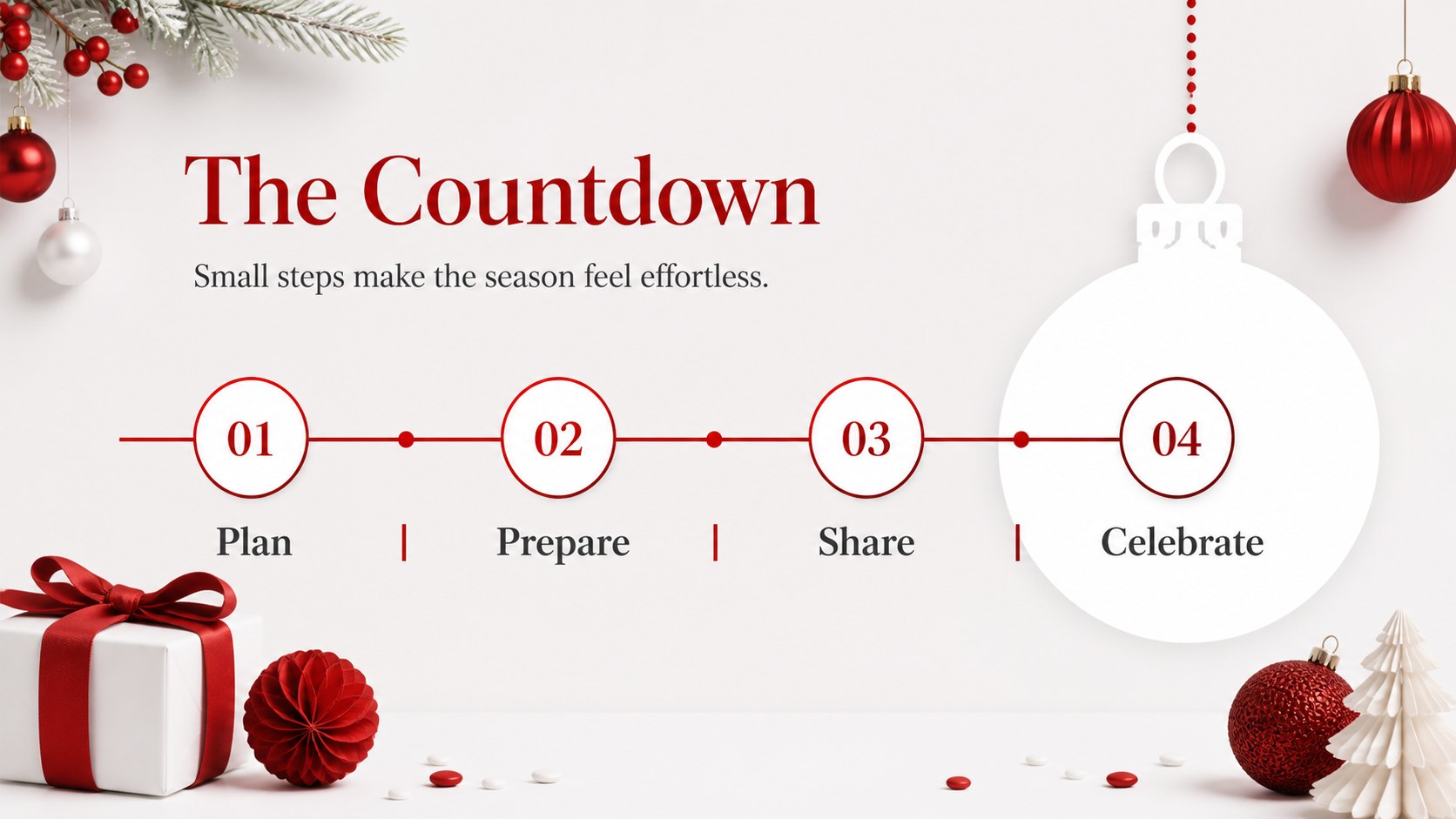
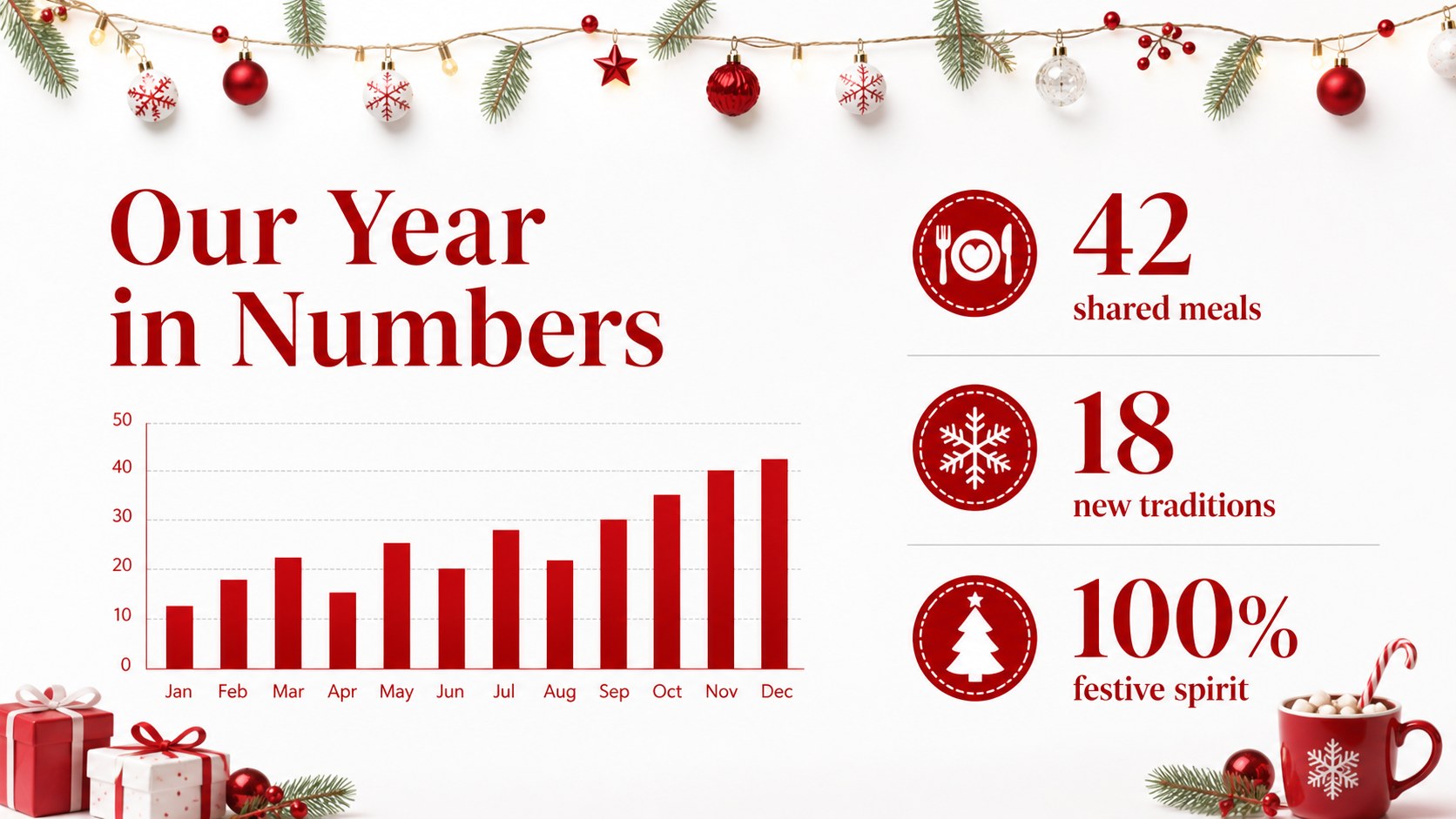
The 16:9 presentation includes 16 adaptable layouts for title pages, photo collages, event details, comparisons, timelines, charts, tables, and closing messages. Use the included holiday icons, world map, and decorative bauble elements to add personality, or simplify the layouts for a cleaner editorial result. Every text field, image, color, and graphic element can be adjusted to suit your story.
This Christmas photo slideshow template works well for schools, nonprofits, small businesses, families, event organizers, and marketing teams. Present it in Google Slides or edit it as a PowerPoint template on your computer, then export the finished deck to PDF or JPG for sharing. The color palette centers on red and white, while the flexible structure supports Christmas greeting cards, client appreciation messages, year-end recaps, and winter celebration announcements.
Perfect for: family Christmas photo slideshow; client holiday greeting; year-end business recap; school winter celebration; nonprofit holiday fundraiser; Christmas event announcement.
Frequently asked questions
Can I edit this deck in Google Slides? Yes. Open the presentation as a Google Slides theme and edit the text, images, colors, layouts, icons, charts, and tables. The slides are designed for a 16:9 screen.
Practical details
Yes. Open the presentation as a Google Slides theme and edit the text, images, colors, layouts, icons, charts, and tables. The slides are designed for a 16:9 screen.
Yes. Download it as a PowerPoint template and customize it on your computer. You can also export the completed presentation to PDF or JPG for distribution.
All colors are editable, so you can adapt the palette to a brand, school, family event, or another seasonal style. Some decorative assets may need minor adjustments after recoloring.
The layouts support greetings, photos, event schedules, comparisons, timelines, charts, tables, and year-end statistics. You can add, remove, duplicate, or reorder slides as needed.
Keep exploring
14Plan a memorable Lunar New Year campaign with the 2036 Dragon Year Celebration Theme, featuring bold red-and-yellow slides for lessons and events.
 15
15Build playful lessons and party stories with a kid-friendly zombie celebration theme in purple, green and pastel blue for PowerPoint and Google Slides.
 15
15Build eerie lessons, campaigns, and story pitches with an undead survival scenario theme featuring editable slides for PowerPoint and Google Slides.
 3
3Share festive messages with a Lunar Horse New Year Wishes Theme, featuring bold red-and-yellow layouts for PowerPoint and Google Slides celebrations.
 15
15Bring zodiac traditions to life with a Lunar Snake Festival Presentation featuring 15 cheerful red illustrated slides for PowerPoint and Google Slides.
 6
6Honor teams and individuals with an Orange Year-End Recognition Certificate Set featuring six editable designs for PowerPoint and Google Slides.
 14
14Honor the people behind the headlines with a World Sports Press Appreciation Deck for PowerPoint and Google Slides, styled in crisp, modern green.
 15
15Teach, inspire, and celebrate with our Plant-Powered Vegetarian Day Lesson Deck, featuring cheerful editable visuals for PowerPoint and Google Slides.