
 15
15presentation
Yoga Workshop Marketing Presentation
Promote classes with a yoga workshop marketing presentation featuring playful beige, pink, and purple illustrations for PowerPoint and Google Slides.
Google SlidesPowerPoint
presentation · English
Build clear cancer education slides for prevention talks, patient education, and community outreach with editable purple visuals for PowerPoint and Google…

Design notes
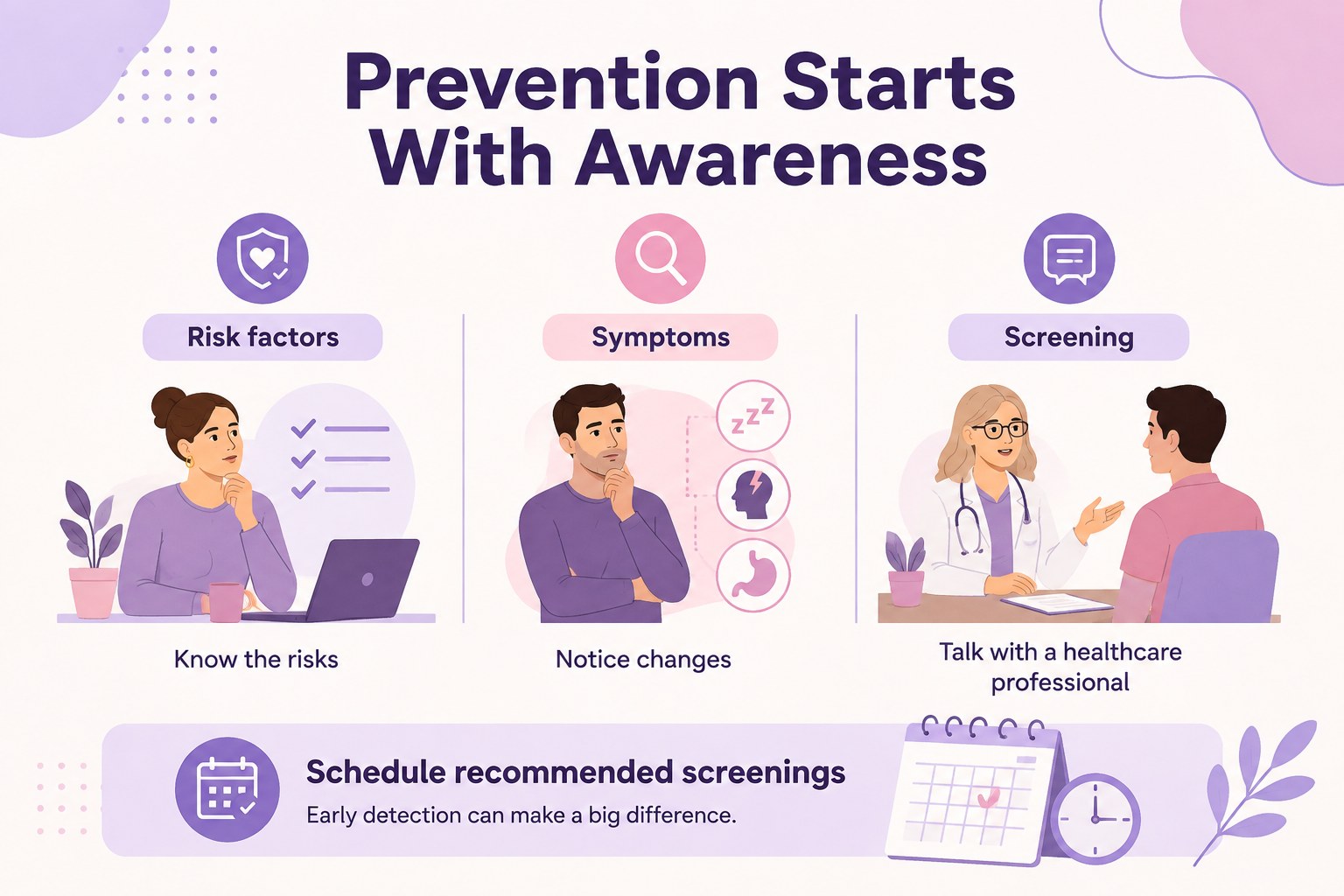
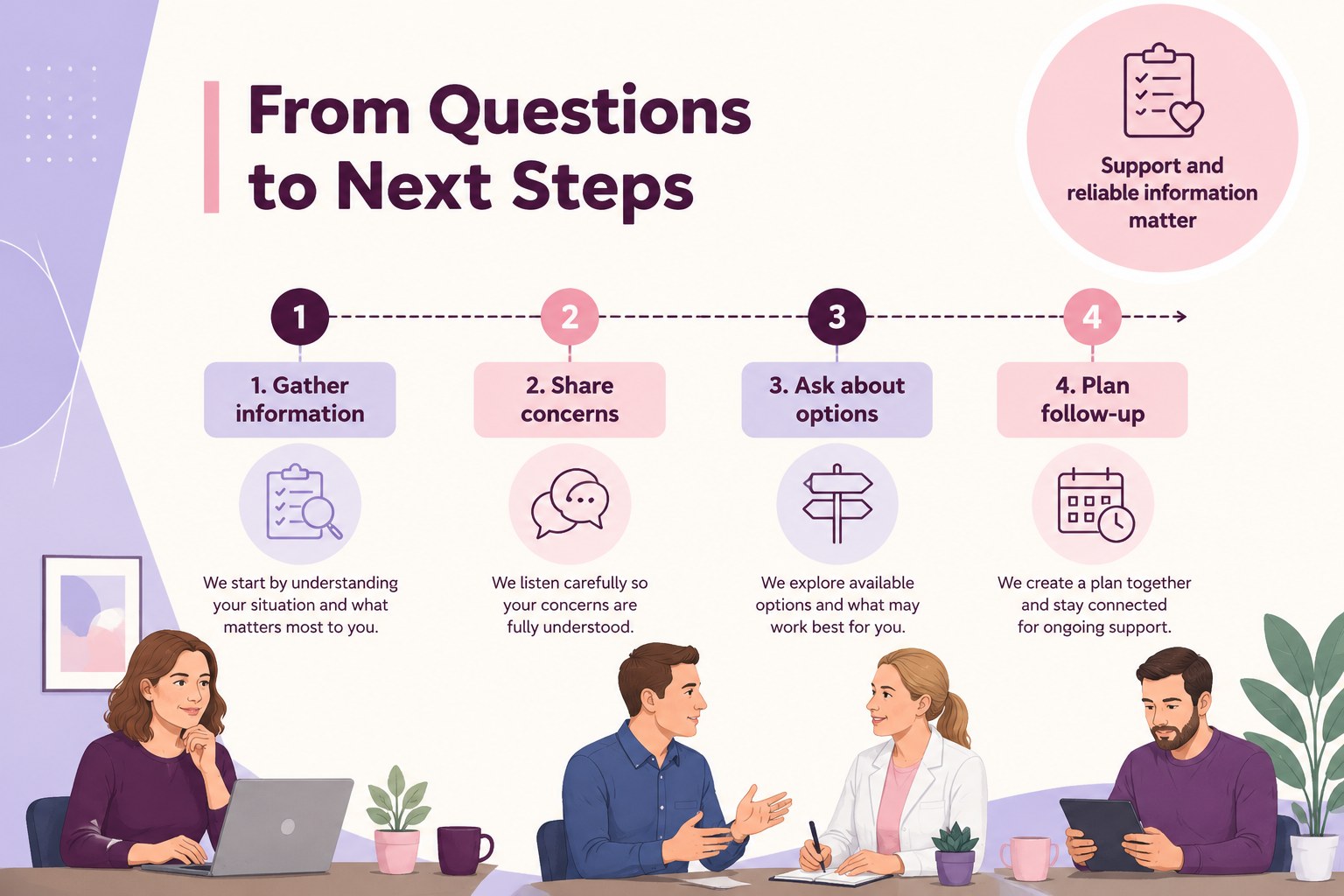
Cancer education slides help health professionals, teachers, advocates, and nonprofit teams explain important information with clarity and sensitivity. This purple illustrated presentation uses flat graphics, structured layouts, and approachable visual storytelling to make topics easier to follow without overwhelming the audience.
Inside, you will find ready-to-edit infographic pages for cancer prevention presentation topics, symptom awareness, screening reminders, risk factors, treatment pathways, and supportive calls to action. Rework the charts, icons, labels, colors, and text to match a specific campaign, organization, or classroom lesson. The portrait-friendly layouts also work well for printable handouts and social content when exported in alternative formats.
Use this deck for oncology awareness slides at community events, patient education sessions, school health programs, fundraising initiatives, or internal staff training. It is compatible with PowerPoint and Google Slides, so teams can present live, collaborate remotely, or share a customized PDF. The friendly composition and purple-and-pink palette provide a respectful visual system for serious subject matter while keeping key facts easy to scan.
Perfect for: community health awareness event; patient education session; school wellness lesson; cancer charity fundraiser; screening campaign briefing.
Frequently asked questions
Can I edit these slides in PowerPoint? Yes. The presentation is designed for PowerPoint and can be customized with your own text, images, charts, icons, and colors. You can also export the finished deck as a PDF for distribution.
Practical details
Yes. The presentation is designed for PowerPoint and can be customized with your own text, images, charts, icons, and colors. You can also export the finished deck as a PDF for distribution.
Yes, you can open and adapt the deck in Google Slides. This makes it practical for browser-based editing, team collaboration, and remote presentations.
Yes. Replace the sample headings, statistics, illustrations, and calls to action with information relevant to a particular cancer type or audience. Review all medical content with a qualified professional before publishing.
The layouts include portrait-oriented infographic pages that can be exported for handouts or posters. Check the final dimensions, image resolution, and text legibility before printing.
Keep exploring
15Promote classes with a yoga workshop marketing presentation featuring playful beige, pink, and purple illustrations for PowerPoint and Google Slides.
 15
15Build a clear breast cancer awareness bulletin with bold pink-and-red slides for campaign news, screening reminders, impact data, and community updates.
 15
15Build a clear World Cancer Day message with this global cancer awareness campaign deck, featuring editable blue-green layouts for PowerPoint and Google Slides.
 4
4Document wound findings, treatment decisions, and healing progress with clinical wound evaluation slides for nurses in PowerPoint and Google Slides.
 14
14Plan a clear donor campaign with this blood donation awareness presentation, featuring editable beige-and-red visuals for PowerPoint and Google Slides.
 15
15Build a Kidney Health Awareness Campaign Deck with blue illustrated slides for prevention tips, risk education, screening events, and outreach.
 15
15Build an actionable training session with this fitness program workshop deck, using energetic yellow geometry and editable PowerPoint and Google Slides layouts.
 15
15Equip health teams with this malaria prevention education deck for workshops, community outreach, and policy briefings in PowerPoint or Google Slides.