
 15
15presentation
Yoga Workshop Marketing Presentation
Promote classes with a yoga workshop marketing presentation featuring playful beige, pink, and purple illustrations for PowerPoint and Google Slides.
Google SlidesPowerPoint
presentation · English
Explain screening, risk, diagnosis, and care with a prostate health oncology deck created for clear lessons in PowerPoint and Google Slides.


Design notes
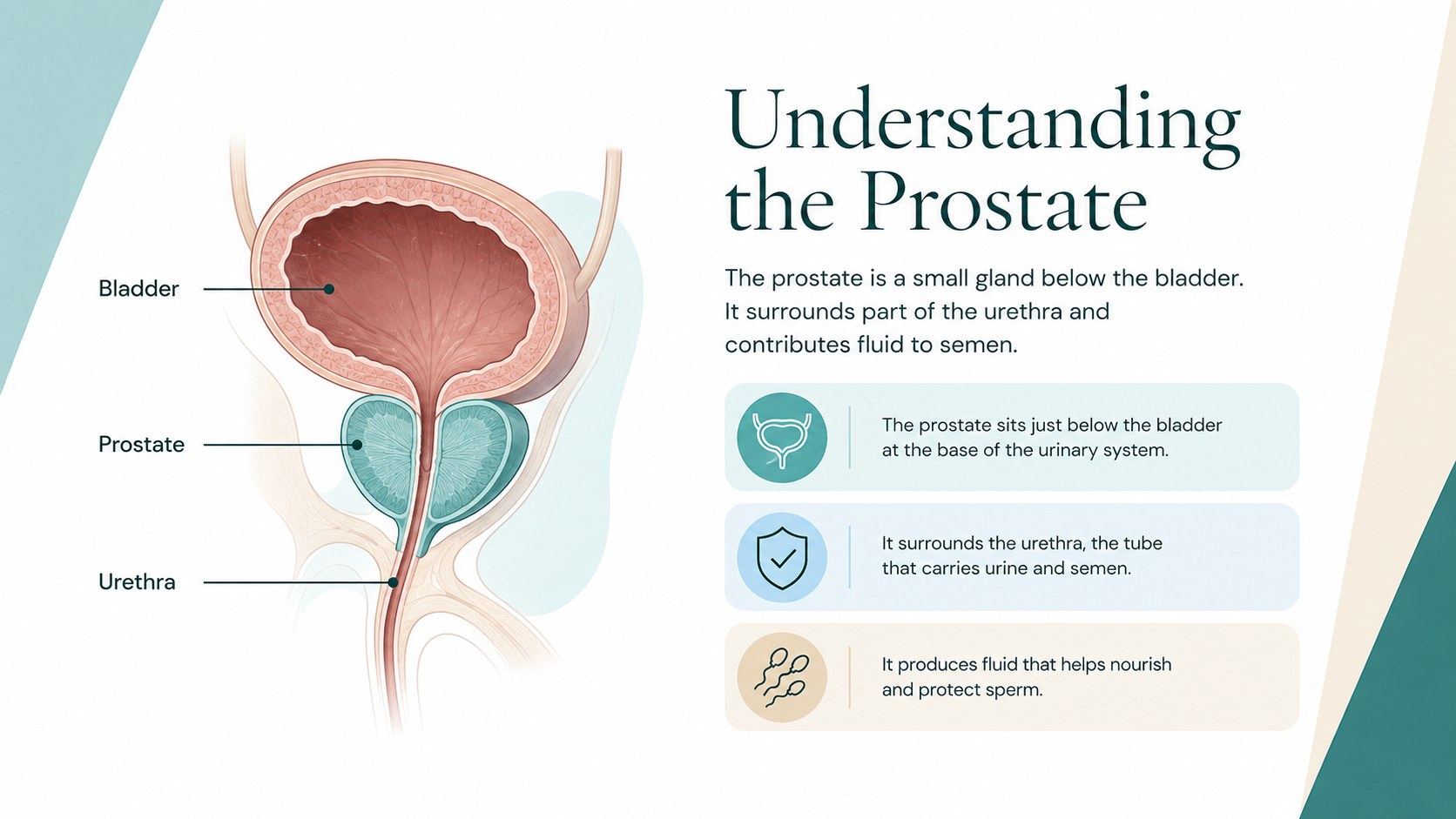
Make a sensitive medical topic easier to discuss with this prostate health oncology deck for educators. Its clear structure helps teachers, health professionals, and community presenters explain prostate cancer without crowding slides with dense clinical language. A restrained combination of green, blue, white, and beige creates a calm setting for lessons, workshops, and public awareness sessions.
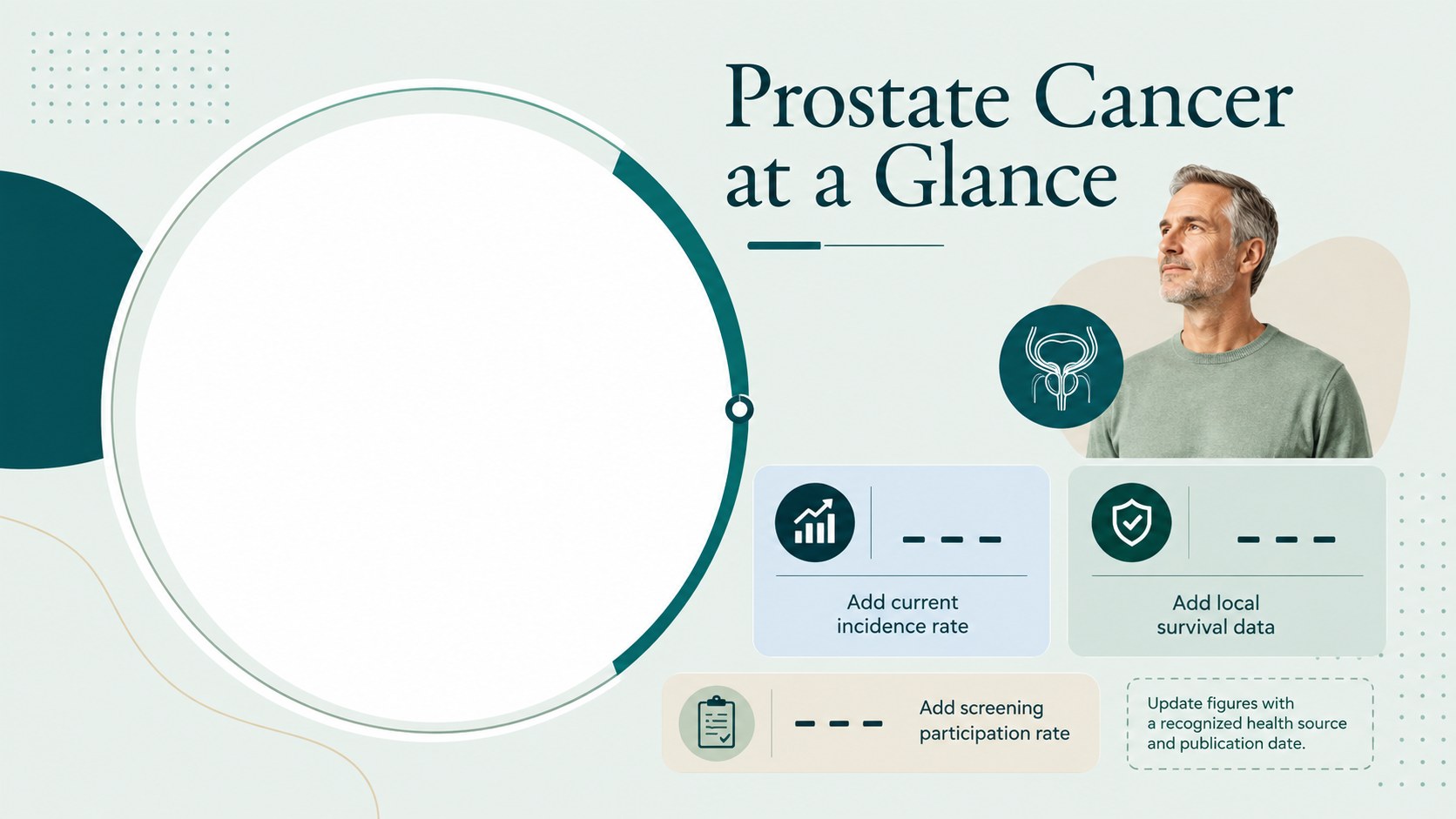
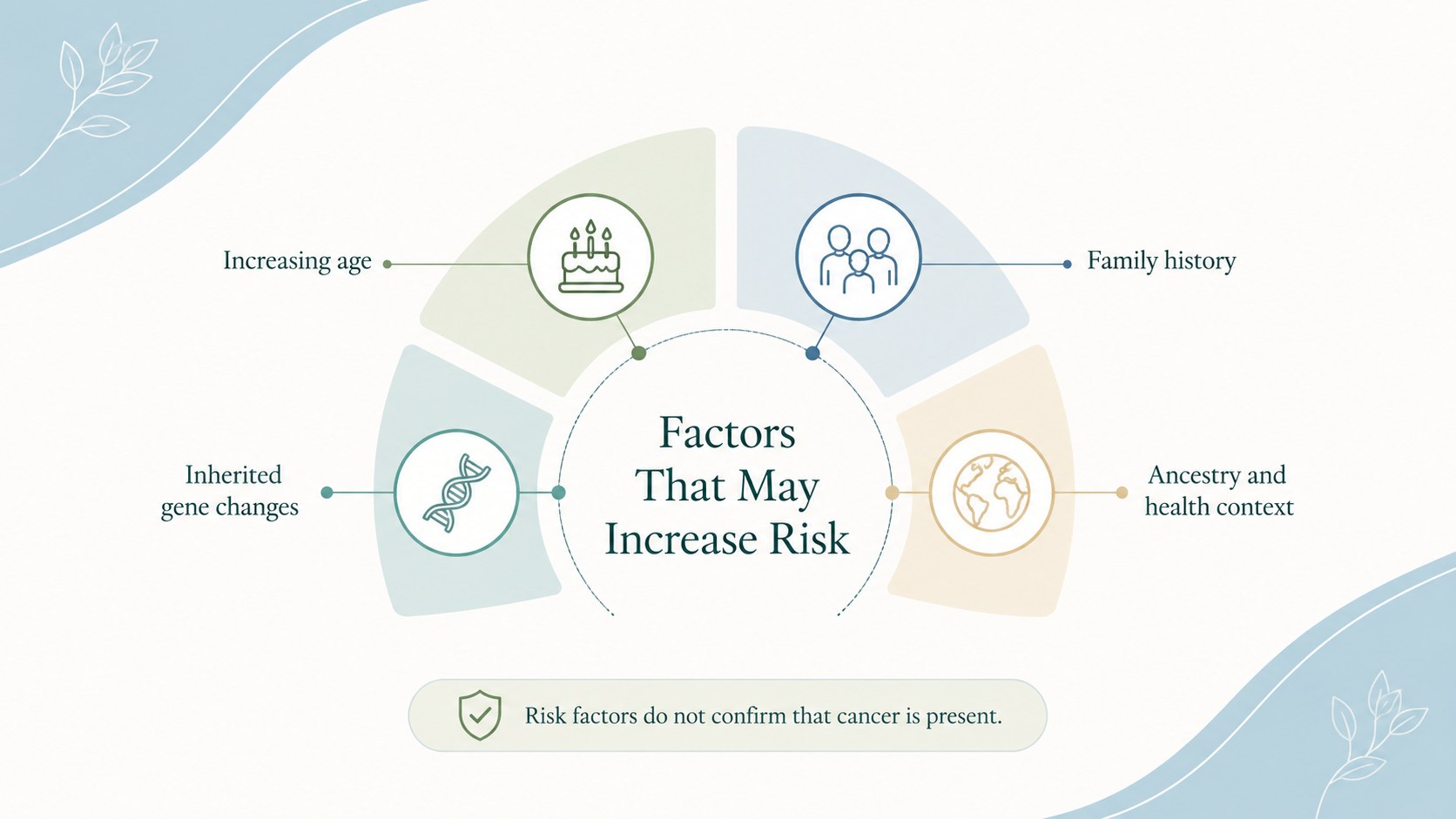
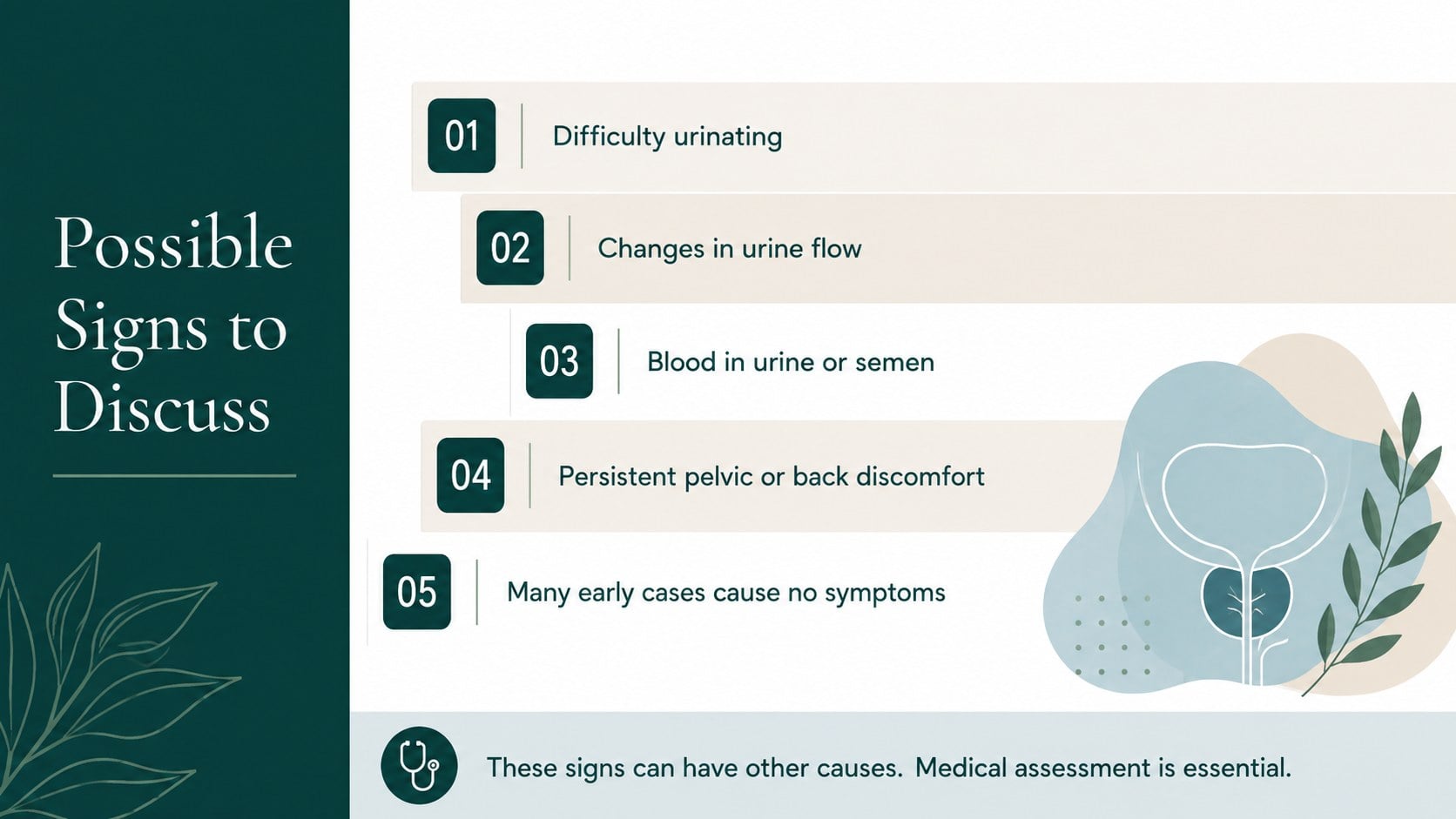
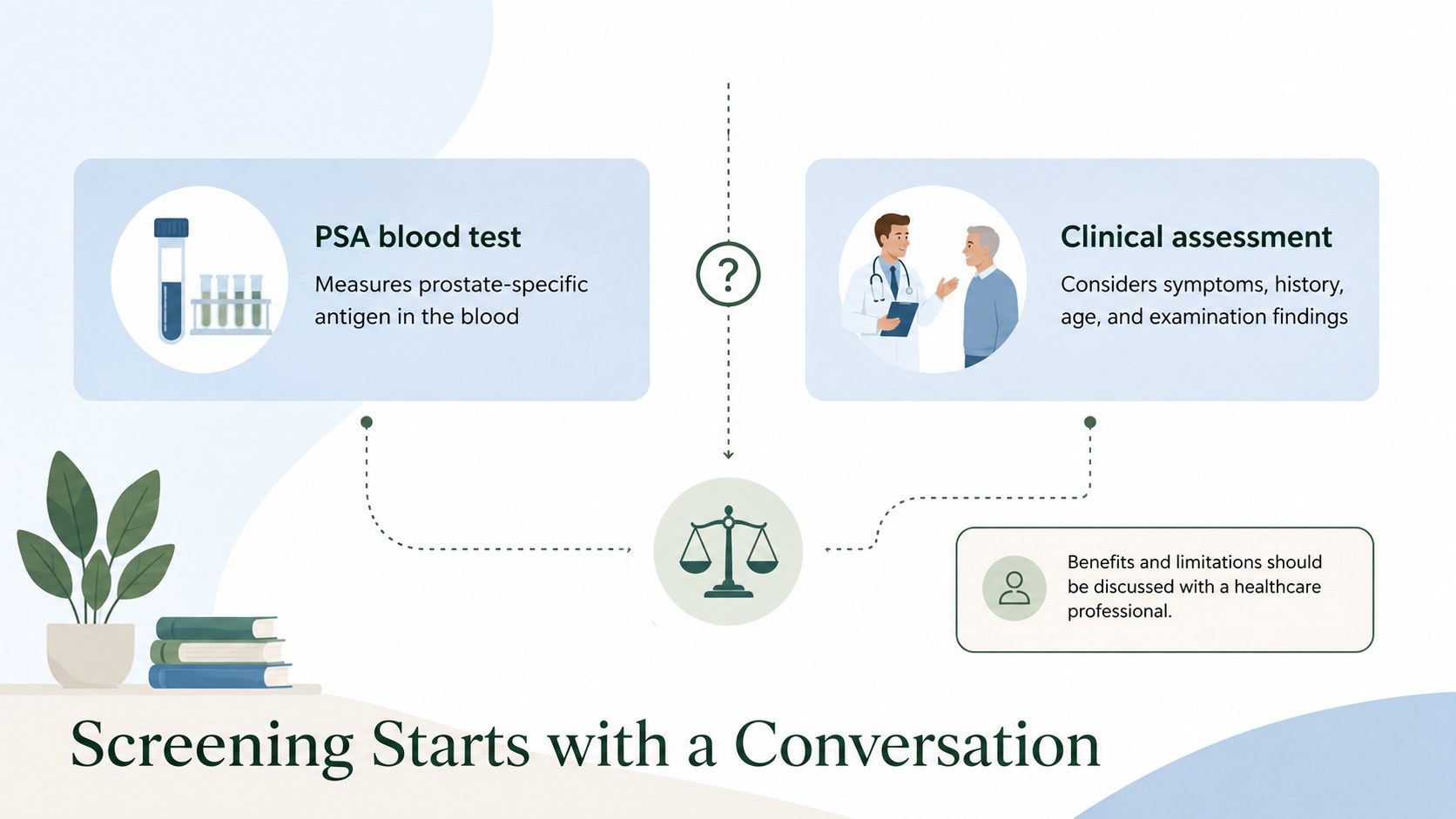
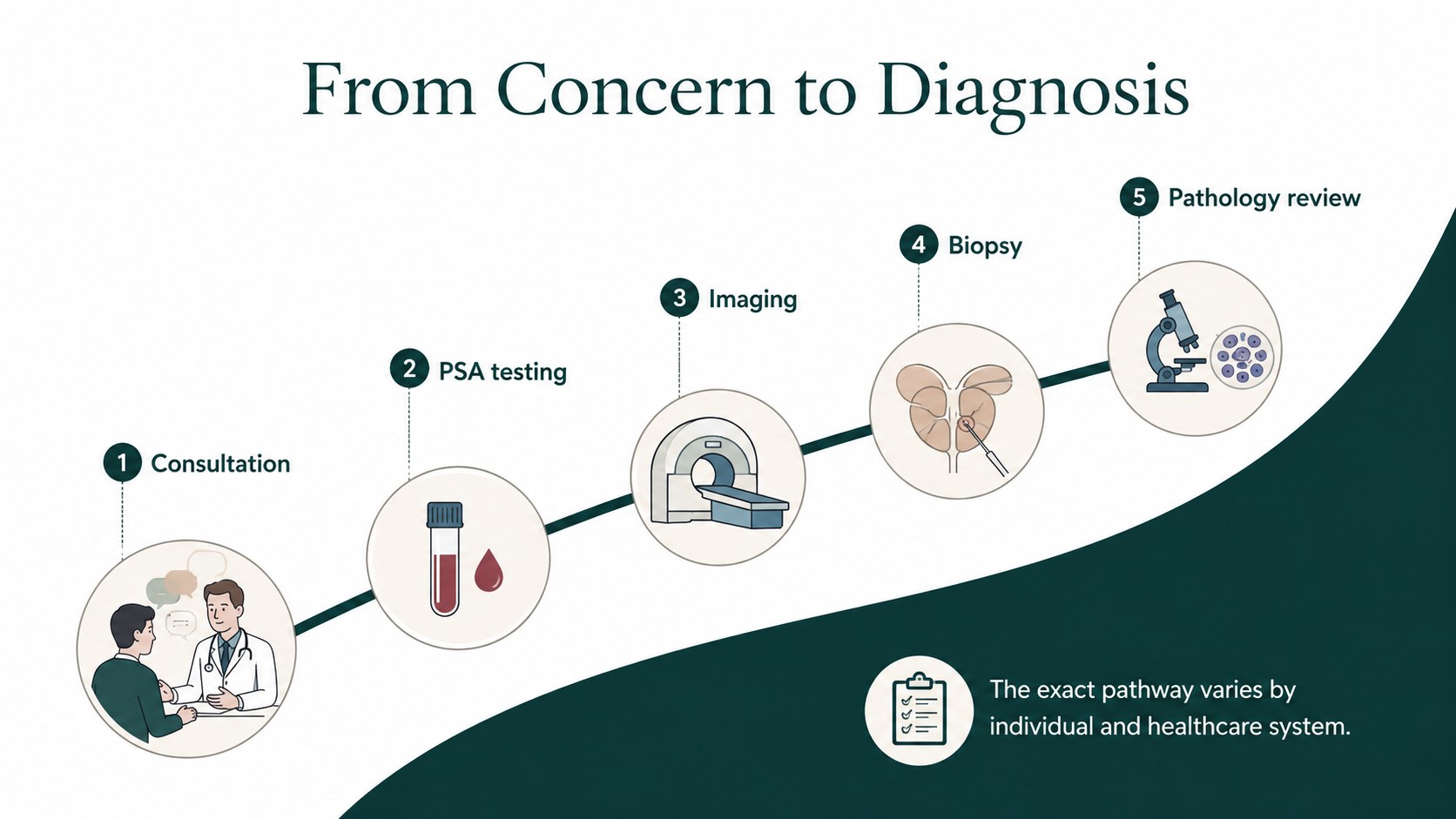
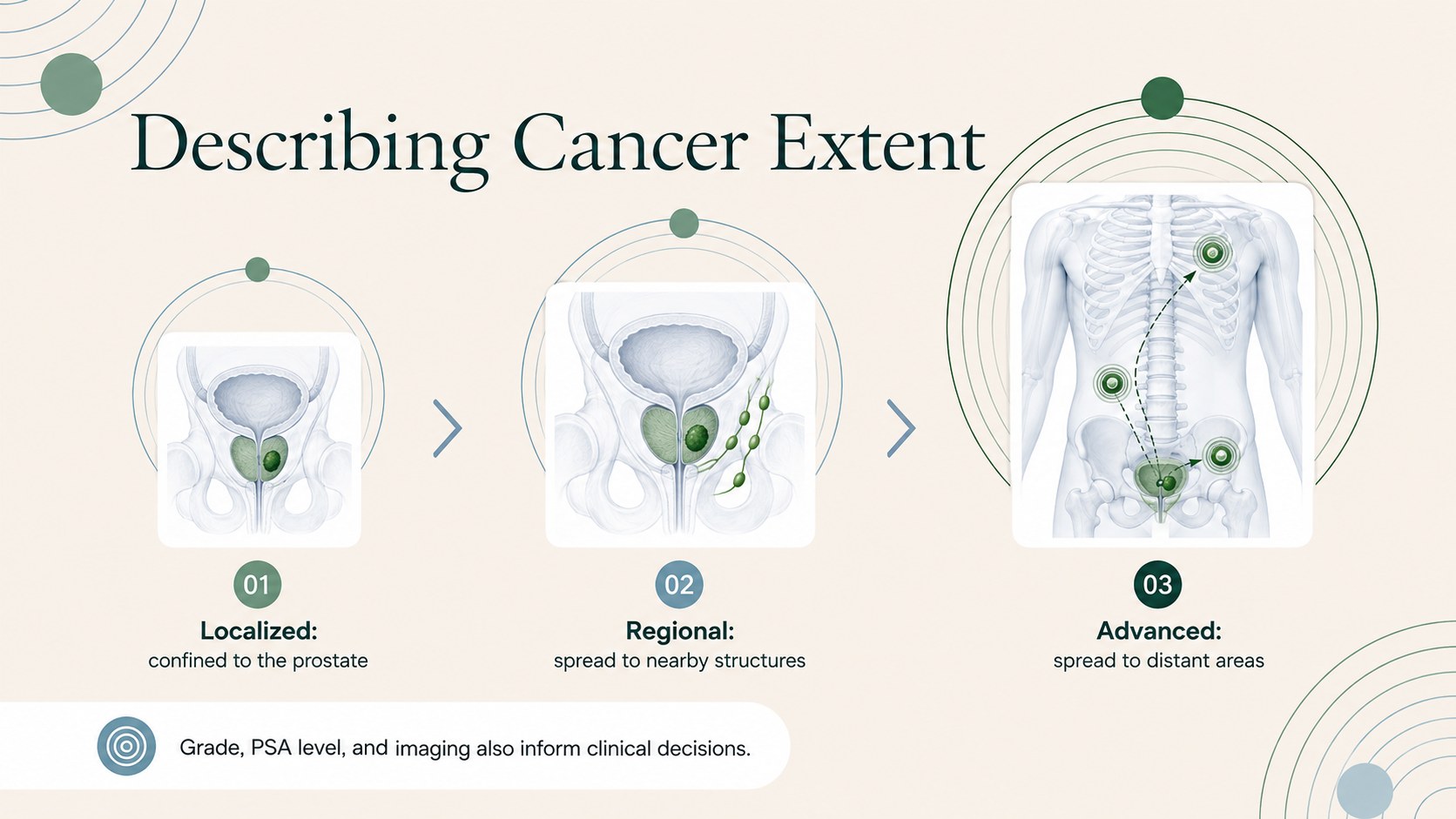
The 14-slide presentation includes an opening overview, prostate anatomy, key statistics, risk factors, possible symptoms, screening methods, diagnostic steps, cancer stages, treatment pathways, side-effect support, prevention guidance, discussion prompts, and trusted resource sections. Charts, timelines, comparison layouts, and visual callouts support a logical learning sequence. All text, colors, graphics, and data placeholders can be edited in PowerPoint or Google Slides.
Use this prostate cancer presentation for students in health classes, staff training, or community education. It also works as prostate cancer awareness slides for educators preparing an outreach event or as a men's health lesson presentation for adult learners. Replace the sample facts with current guidance from recognized health authorities, adjust the terminology for the learners' knowledge level, and add local screening or support information. The balanced landscape design keeps important points prominent while leaving space for speaker notes, diagrams, and discussion questions.
Perfect for: secondary school health lesson; community cancer awareness workshop; healthcare staff education; patient information seminar; mens health outreach event.
Frequently asked questions
Can I edit this presentation in PowerPoint and Google Slides? Yes. The layouts, text, colors, charts, and image placeholders can be customized in PowerPoint or Google Slides. Review formatting after importing if your organization uses nonstandard fonts.
Practical details
Yes. The layouts, text, colors, charts, and image placeholders can be customized in PowerPoint or Google Slides. Review formatting after importing if your organization uses nonstandard fonts.
Yes. Replace technical terms with plain-language explanations and add guidance from your local healthcare provider or public health authority. The content should be reviewed by a qualified professional before clinical use.
Edit the chart values and source notes with current information from recognized cancer or public health organizations. Include the publication date so viewers can judge how current the figures are.
Yes. Apply your preferred theme colors and fonts through the presentation's master or theme controls. Maintain strong contrast and readable type sizes when adapting the design.
Keep exploring
15Promote classes with a yoga workshop marketing presentation featuring playful beige, pink, and purple illustrations for PowerPoint and Google Slides.
 15
15Build a clear breast cancer awareness bulletin with bold pink-and-red slides for campaign news, screening reminders, impact data, and community updates.
 15
15Build a clear World Cancer Day message with this global cancer awareness campaign deck, featuring editable blue-green layouts for PowerPoint and Google Slides.
 4
4Document wound findings, treatment decisions, and healing progress with clinical wound evaluation slides for nurses in PowerPoint and Google Slides.
 14
14Plan a clear donor campaign with this blood donation awareness presentation, featuring editable beige-and-red visuals for PowerPoint and Google Slides.
 15
15Build a Kidney Health Awareness Campaign Deck with blue illustrated slides for prevention tips, risk education, screening events, and outreach.
 15
15Build an actionable training session with this fitness program workshop deck, using energetic yellow geometry and editable PowerPoint and Google Slides layouts.
 15
15Equip health teams with this malaria prevention education deck for workshops, community outreach, and policy briefings in PowerPoint or Google Slides.