
 14
14presentation
2036 Dragon Year Celebration Theme
Plan a memorable Lunar New Year campaign with the 2036 Dragon Year Celebration Theme, featuring bold red-and-yellow slides for lessons and events.
Google SlidesPowerPoint
presentation · English
Build a memorable programmers day presentation deck with playful violet and orange 3D visuals for team tributes, tech events, and coding milestones.








Design notes
Recognize the people who turn ideas into working software with a colorful programmers day presentation deck. Its playful 3D aesthetic combines violet and orange accents with clean typography, giving technical stories a warmer and more approachable feel. Use it for an internal IT tribute, a classroom presentation, a community event, or a campaign celebrating the craft of coding.
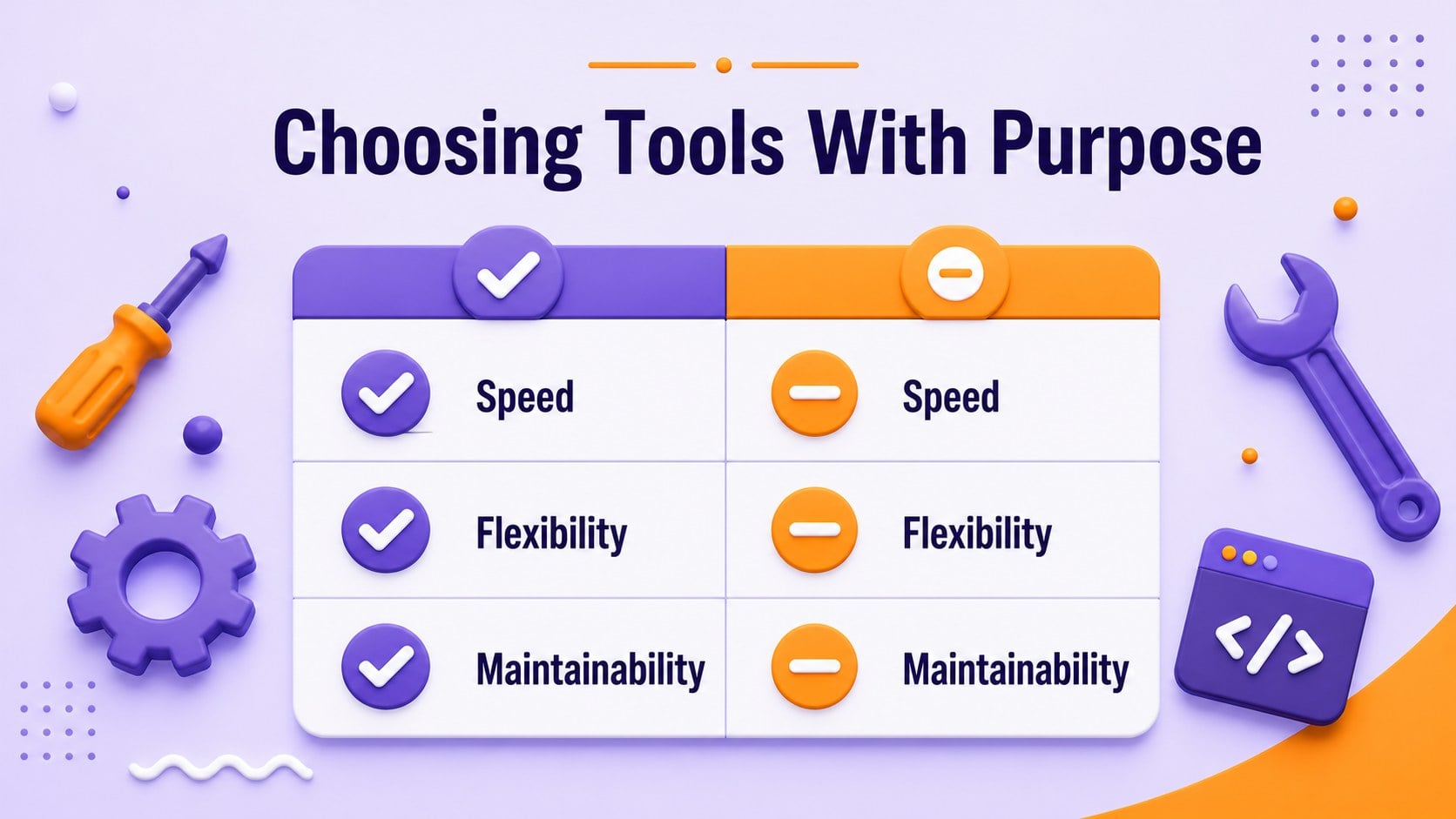
Inside, you’ll find 15 editable widescreen slides for introducing a team, mapping a development journey, presenting milestones, comparing tools, and highlighting memorable contributions. The layouts support short statements, structured text, process diagrams, charts, timelines, and closing messages without requiring advanced design skills. Oswald typography keeps headings bold and readable while geometric details add energy to each page.
Edit the deck in PowerPoint or Google Slides, replace the sample copy, and adjust the violet-and-orange palette to match your organization. It can also support a software engineering appreciation presentation, a coding team recognition event, or an IT department anniversary. The visual system is consistent enough for a complete program while remaining flexible for workshops, social content planning, and technical storytelling.
Perfect for: IT department recognition event; developer milestone presentation; coding classroom celebration; programming community meetup; software team anniversary; technology appreciation campaign.
Frequently asked questions
Can I edit this deck in PowerPoint? Yes. The slides are designed for editing in PowerPoint, including text, colors, shapes, charts, and layouts. Replace the sample content with your own team details or event messaging.
Practical details
Yes. The slides are designed for editing in PowerPoint, including text, colors, shapes, charts, and layouts. Replace the sample content with your own team details or event messaging.
Yes, you can use the presentation in Google Slides. After importing it, review font availability and make small spacing adjustments if your workspace substitutes a typeface.
The layouts work for developer tributes, coding milestones, team introductions, event agendas, process overviews, and technology education. Charts, timelines, statements, and comparison slides give you several ways to present technical information.
Yes. Change the accent colors, replace the 3D graphics, and update the typography while keeping the structure intact. The deck remains visually coherent when you use a focused palette and consistent heading styles.
Keep exploring
14Plan a memorable Lunar New Year campaign with the 2036 Dragon Year Celebration Theme, featuring bold red-and-yellow slides for lessons and events.
 15
15Build playful lessons and party stories with a kid-friendly zombie celebration theme in purple, green and pastel blue for PowerPoint and Google Slides.
 15
15Build eerie lessons, campaigns, and story pitches with an undead survival scenario theme featuring editable slides for PowerPoint and Google Slides.
 3
3Share festive messages with a Lunar Horse New Year Wishes Theme, featuring bold red-and-yellow layouts for PowerPoint and Google Slides celebrations.
 15
15Bring zodiac traditions to life with a Lunar Snake Festival Presentation featuring 15 cheerful red illustrated slides for PowerPoint and Google Slides.
 6
6Honor teams and individuals with an Orange Year-End Recognition Certificate Set featuring six editable designs for PowerPoint and Google Slides.
 14
14Honor the people behind the headlines with a World Sports Press Appreciation Deck for PowerPoint and Google Slides, styled in crisp, modern green.
 15
15Teach, inspire, and celebrate with our Plant-Powered Vegetarian Day Lesson Deck, featuring cheerful editable visuals for PowerPoint and Google Slides.