
 14
14presentation
2036 Dragon Year Celebration Theme
Plan a memorable Lunar New Year campaign with the 2036 Dragon Year Celebration Theme, featuring bold red-and-yellow slides for lessons and events.
Google SlidesPowerPoint
presentation · English
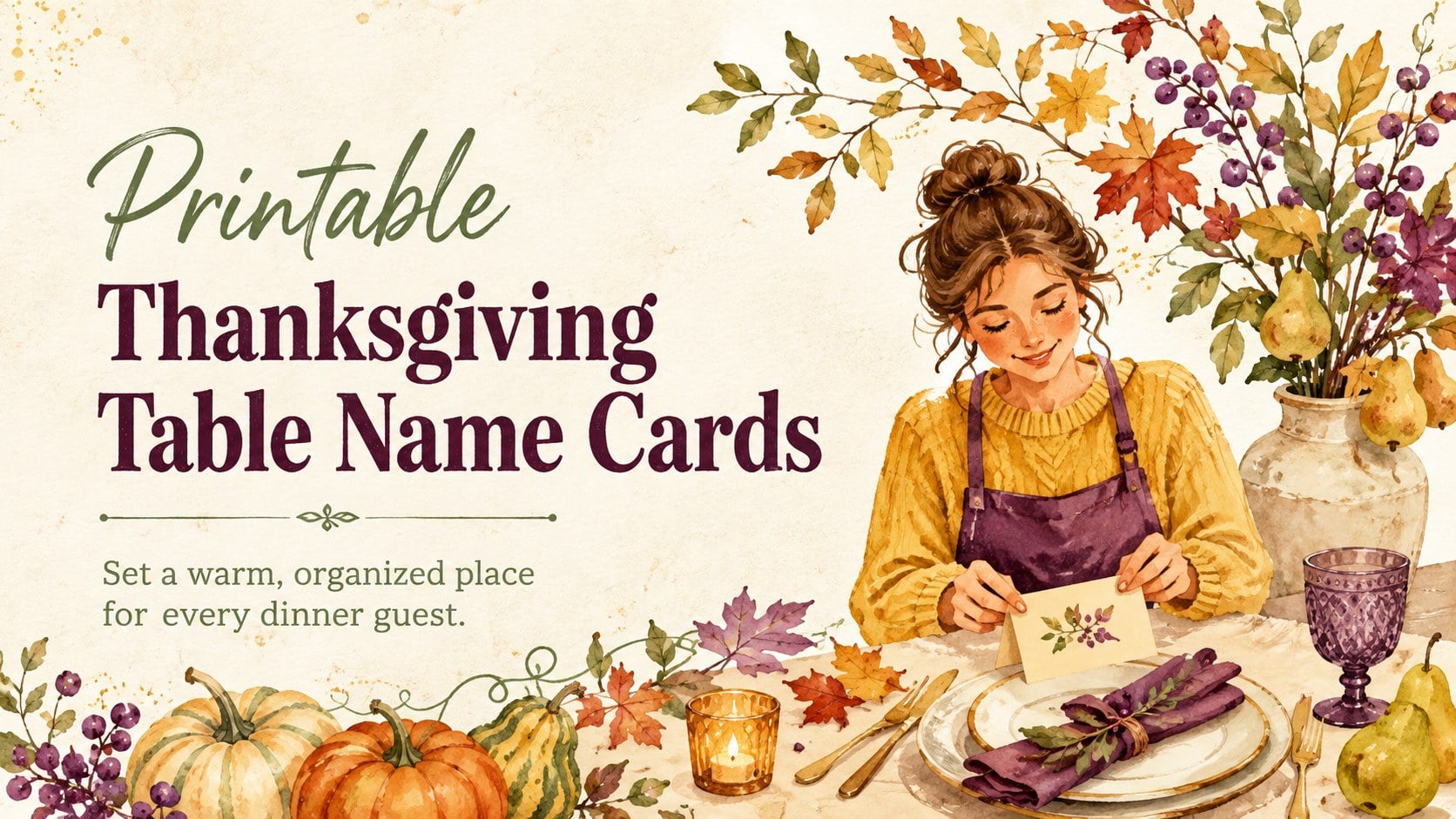
Set a welcoming table faster with Printable Thanksgiving Table Name Cards, featuring editable harvest designs for PowerPoint and Google Slides.

Design notes
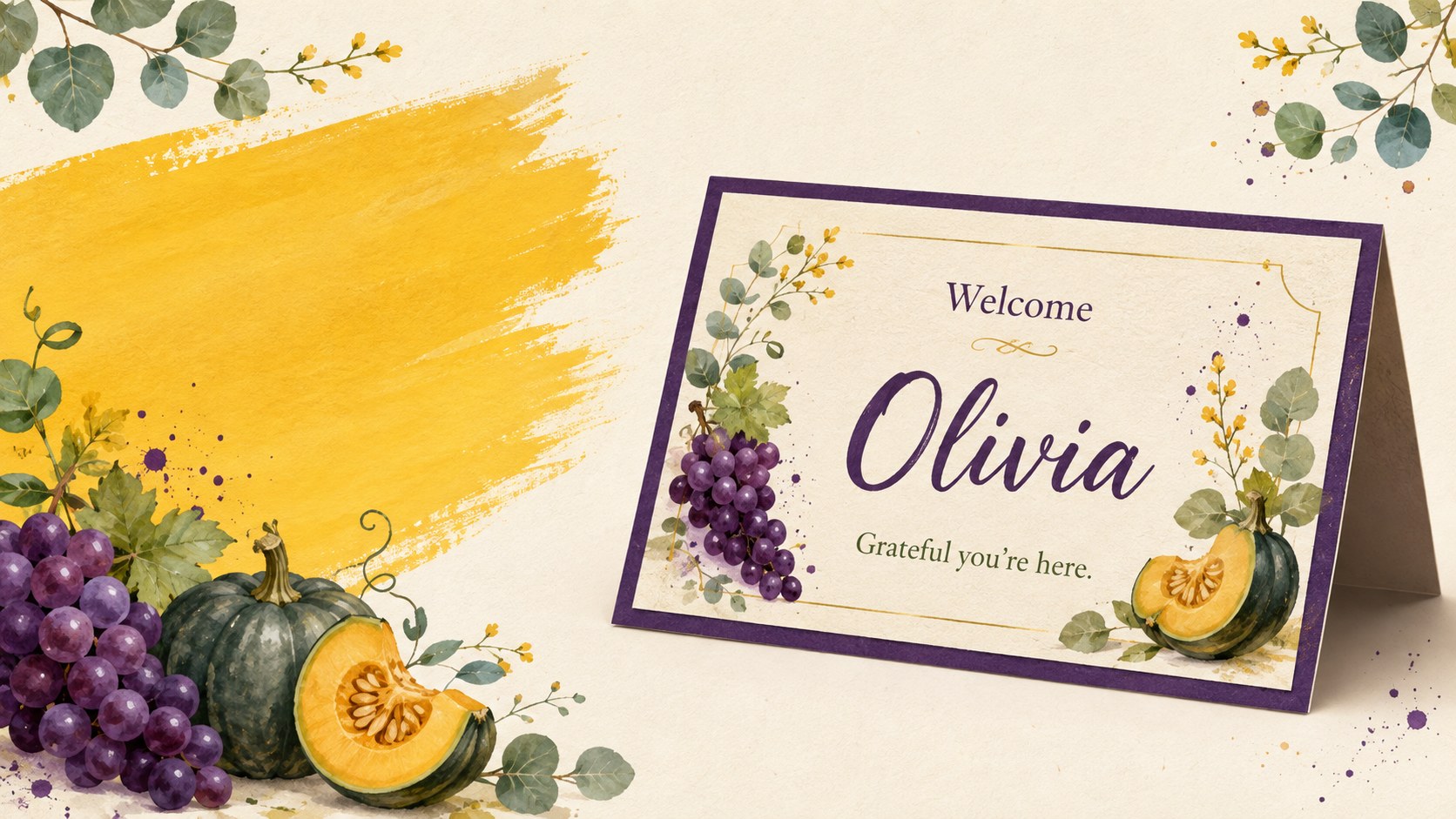
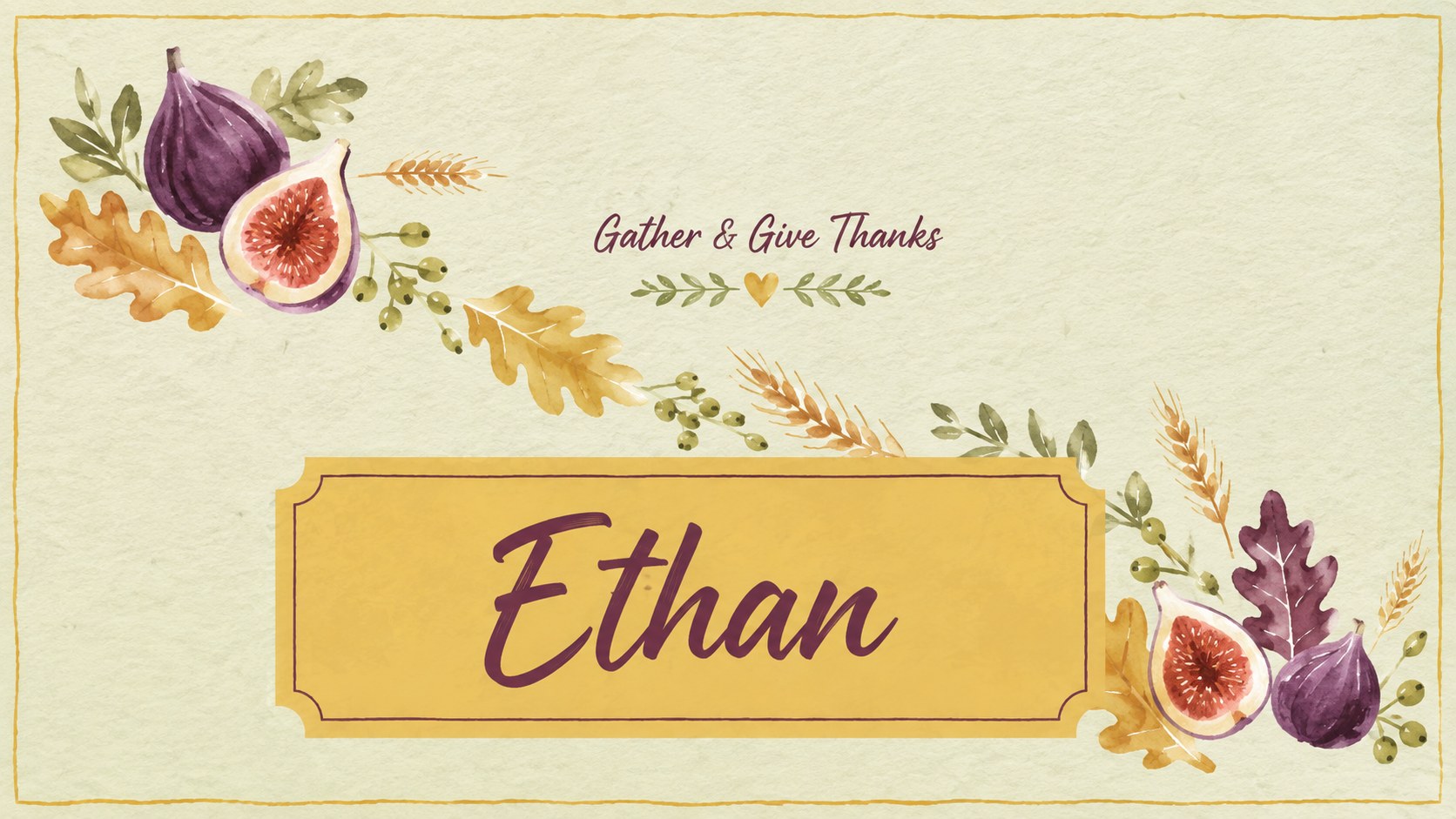
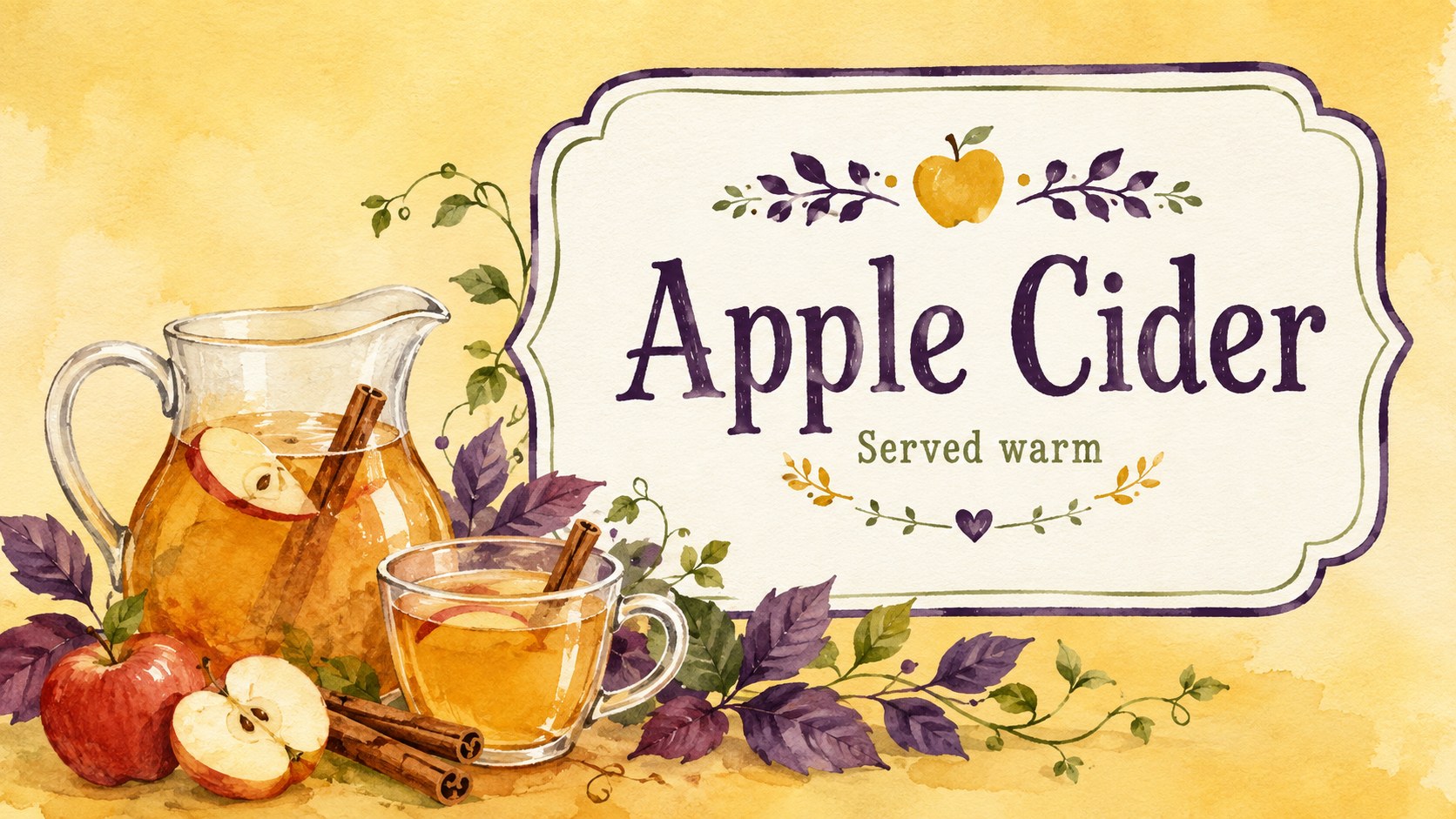
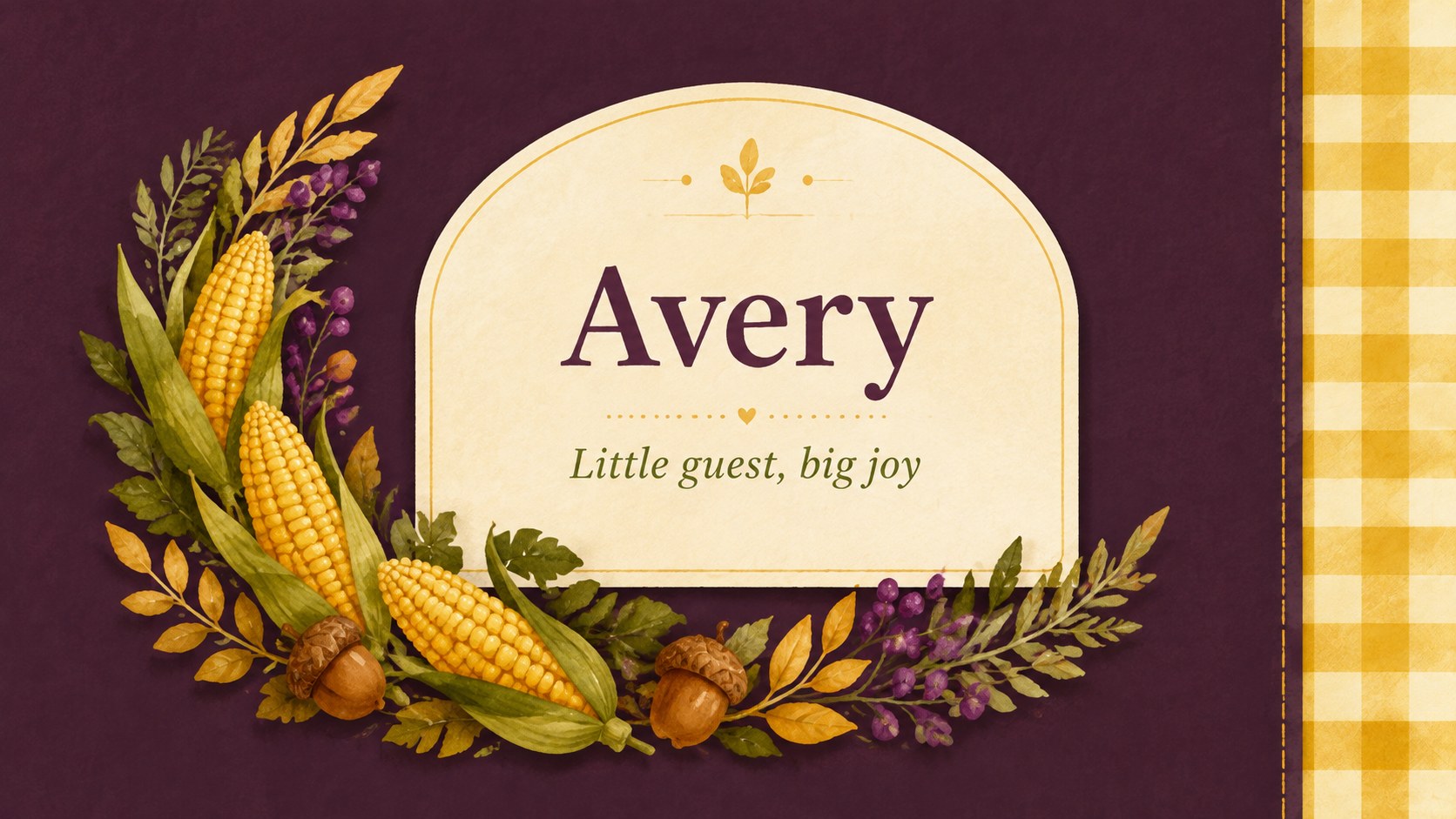
Printable Thanksgiving Table Name Cards make it simple to organize your seating plan while giving each guest a thoughtful welcome. The cheerful harvest artwork combines lively yellow, purple, and green with hand-painted leaves, seasonal produce, and lightly textured paper details. Edit each card in PowerPoint or Google Slides, then display the designs digitally or print them for your table.
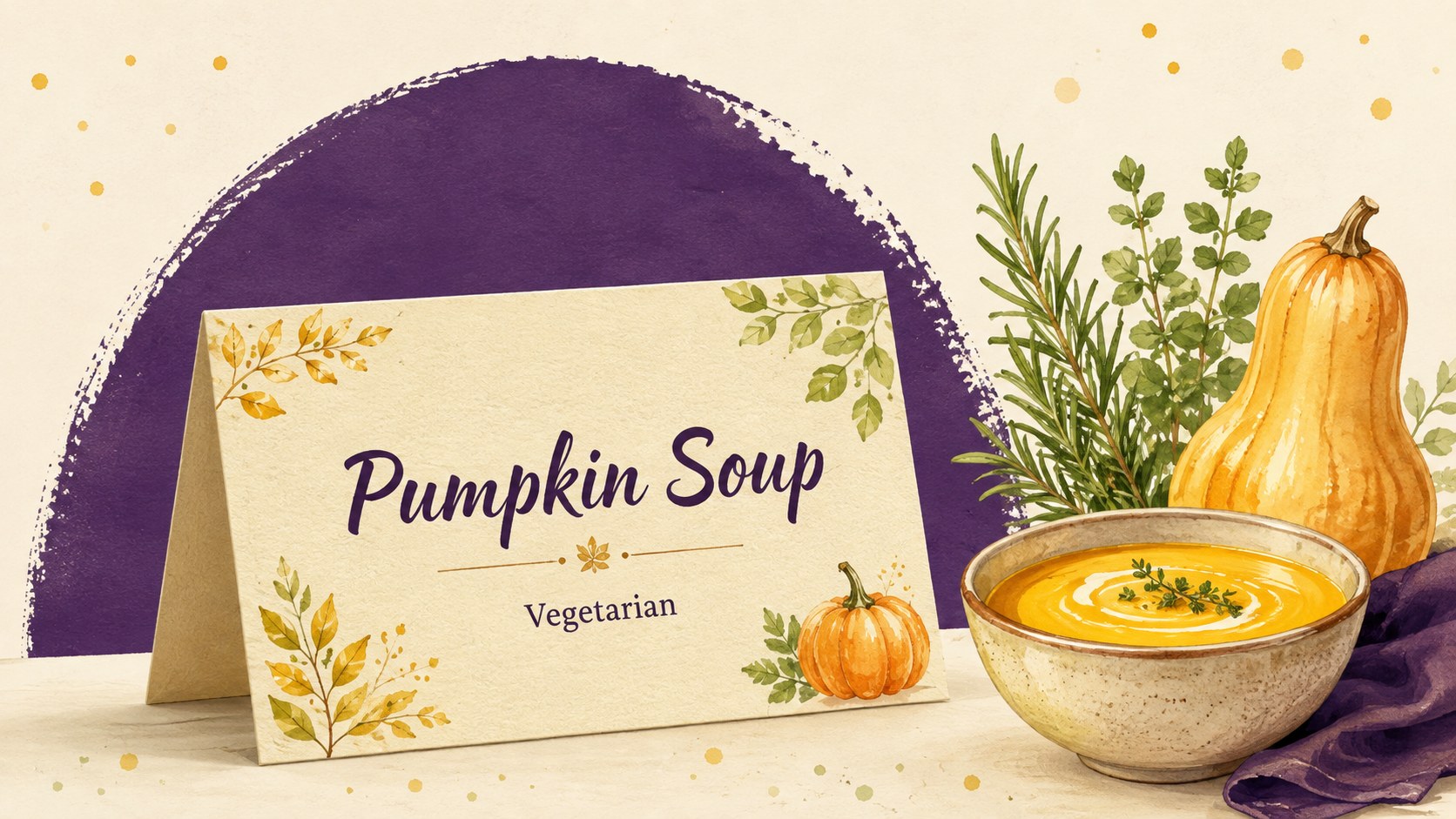
Inside are seven coordinated layouts with varied arrangements for guest names, short messages, menu items, and dietary notes. Use them as an editable Thanksgiving place cards PowerPoint set, adapt them into a printable harvest seating cards template, or turn selected designs into Thanksgiving buffet label cards slides. The mix of script and classic serif typography keeps names prominent while preserving the warm, rustic character of the collection.
These cards are designed for family hosts, community organizers, teachers, event planners, and anyone preparing a Friendsgiving or seasonal dinner. Customize the wording, resize name fields, adjust colors, or replace decorative illustrations to match your tablescape. The layouts can identify assigned seats, children’s places, dishes, beverages, desserts, or allergy-friendly options. With several coordinated styles ready to personalize, the set helps create a polished celebration without requiring you to design every card from scratch.
Perfect for: Thanksgiving dinner seating; Friendsgiving place settings; Holiday buffet labels; Community harvest supper; Classroom gratitude meal; Dietary information cards.
Frequently asked questions
Can I change the guest names and messages? Yes. Open the template in PowerPoint or Google Slides and replace the sample wording with guest names, greetings, dish titles, or dietary notes. Text size and placement can also be adjusted for longer names.
Practical details
Yes. Open the template in PowerPoint or Google Slides and replace the sample wording with guest names, greetings, dish titles, or dietary notes. Text size and placement can also be adjusted for longer names.
Yes. Personalize the cards first, then export the finished pages as a PDF for consistent printing. Review your printer settings and use heavier paper or cardstock for sturdier table cards.
The template is designed for PowerPoint and Google Slides. Both platforms support editing the text, colors, illustrations, and layout before presentation or printing.
Yes. Replace the guest names with dish titles and add short notes such as vegetarian, nut-free, or served warm. The coordinated layouts work well for buffet stations, dessert tables, and beverage areas.
Keep exploring
14Plan a memorable Lunar New Year campaign with the 2036 Dragon Year Celebration Theme, featuring bold red-and-yellow slides for lessons and events.
 15
15Build playful lessons and party stories with a kid-friendly zombie celebration theme in purple, green and pastel blue for PowerPoint and Google Slides.
 15
15Build eerie lessons, campaigns, and story pitches with an undead survival scenario theme featuring editable slides for PowerPoint and Google Slides.
 3
3Share festive messages with a Lunar Horse New Year Wishes Theme, featuring bold red-and-yellow layouts for PowerPoint and Google Slides celebrations.
 15
15Bring zodiac traditions to life with a Lunar Snake Festival Presentation featuring 15 cheerful red illustrated slides for PowerPoint and Google Slides.
 6
6Honor teams and individuals with an Orange Year-End Recognition Certificate Set featuring six editable designs for PowerPoint and Google Slides.
 14
14Honor the people behind the headlines with a World Sports Press Appreciation Deck for PowerPoint and Google Slides, styled in crisp, modern green.
 15
15Teach, inspire, and celebrate with our Plant-Powered Vegetarian Day Lesson Deck, featuring cheerful editable visuals for PowerPoint and Google Slides.