
 15
15presentation
Yoga Workshop Marketing Presentation
Promote classes with a yoga workshop marketing presentation featuring playful beige, pink, and purple illustrations for PowerPoint and Google Slides.
Google SlidesPowerPoint
presentation · English
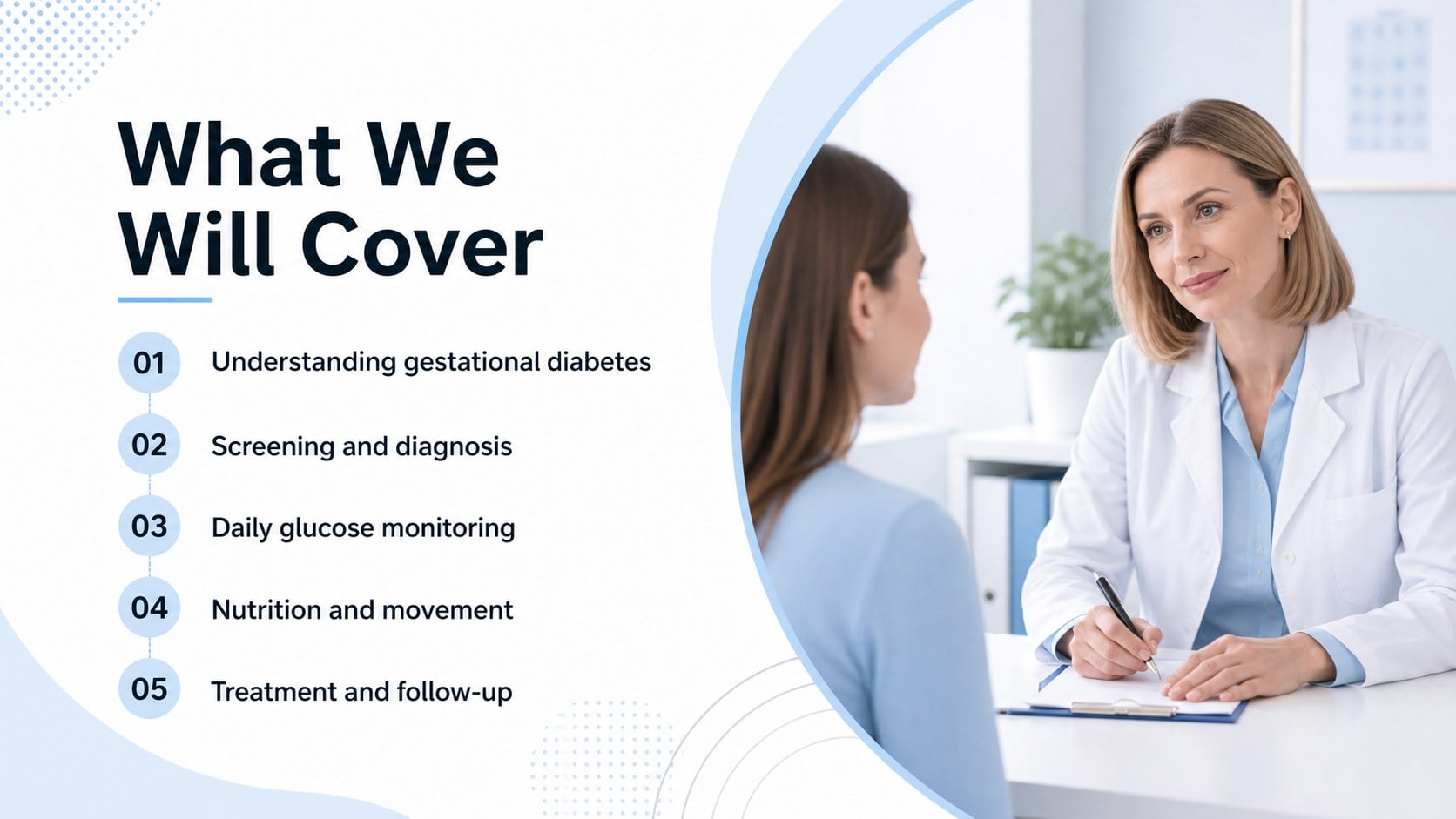
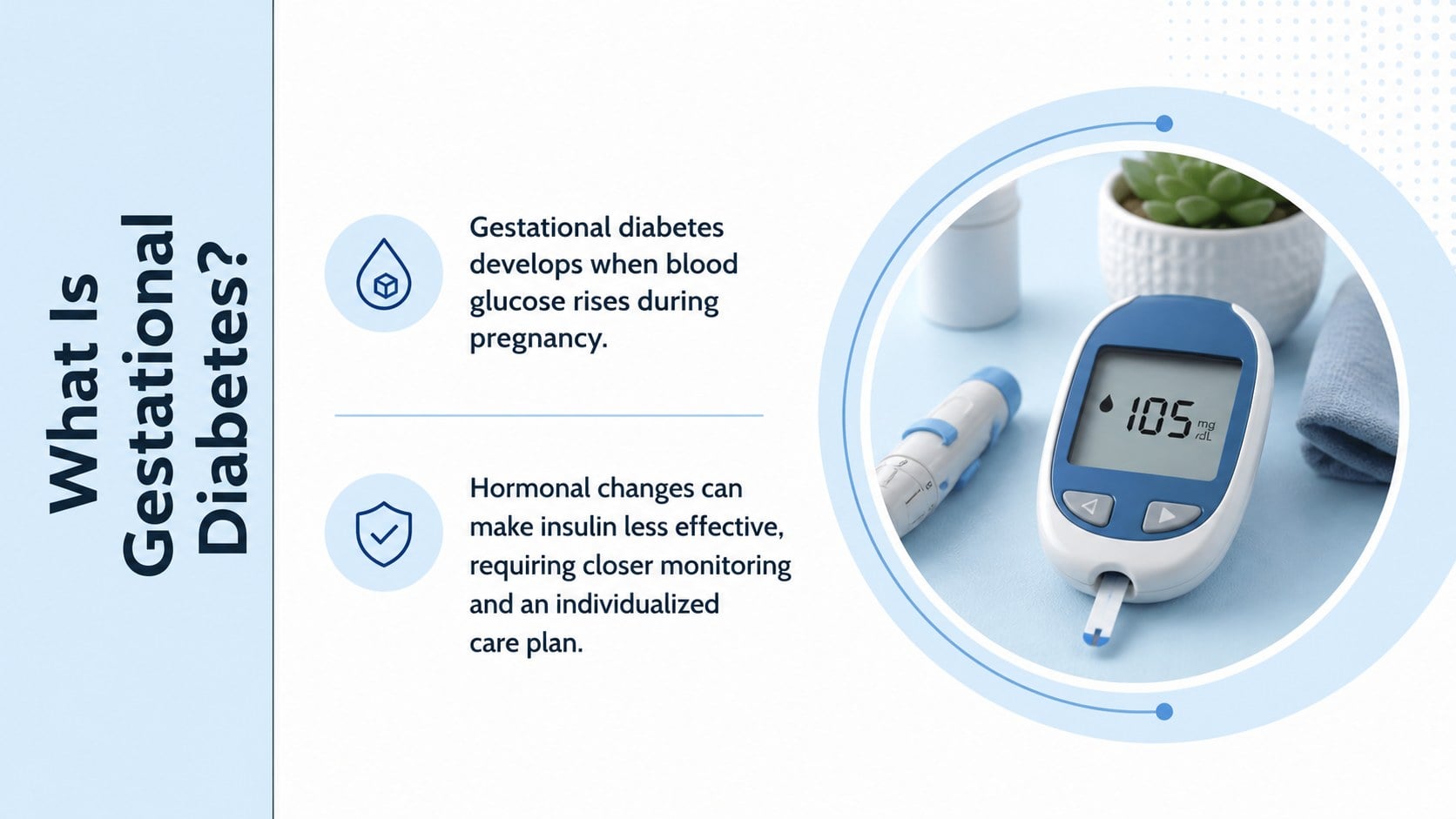
Use this pregnancy blood sugar education deck to explain gestational diabetes, screening, monitoring, nutrition, and care in PowerPoint or Google Slides.

Design notes
Make an often complex prenatal health topic easier to understand with this pregnancy blood sugar education deck. Designed for clear, supportive communication, the modern blue, white, and black layout helps presenters explain gestational diabetes without overwhelming their audience. The restrained typography and structured visual hierarchy suit both clinical and classroom settings.
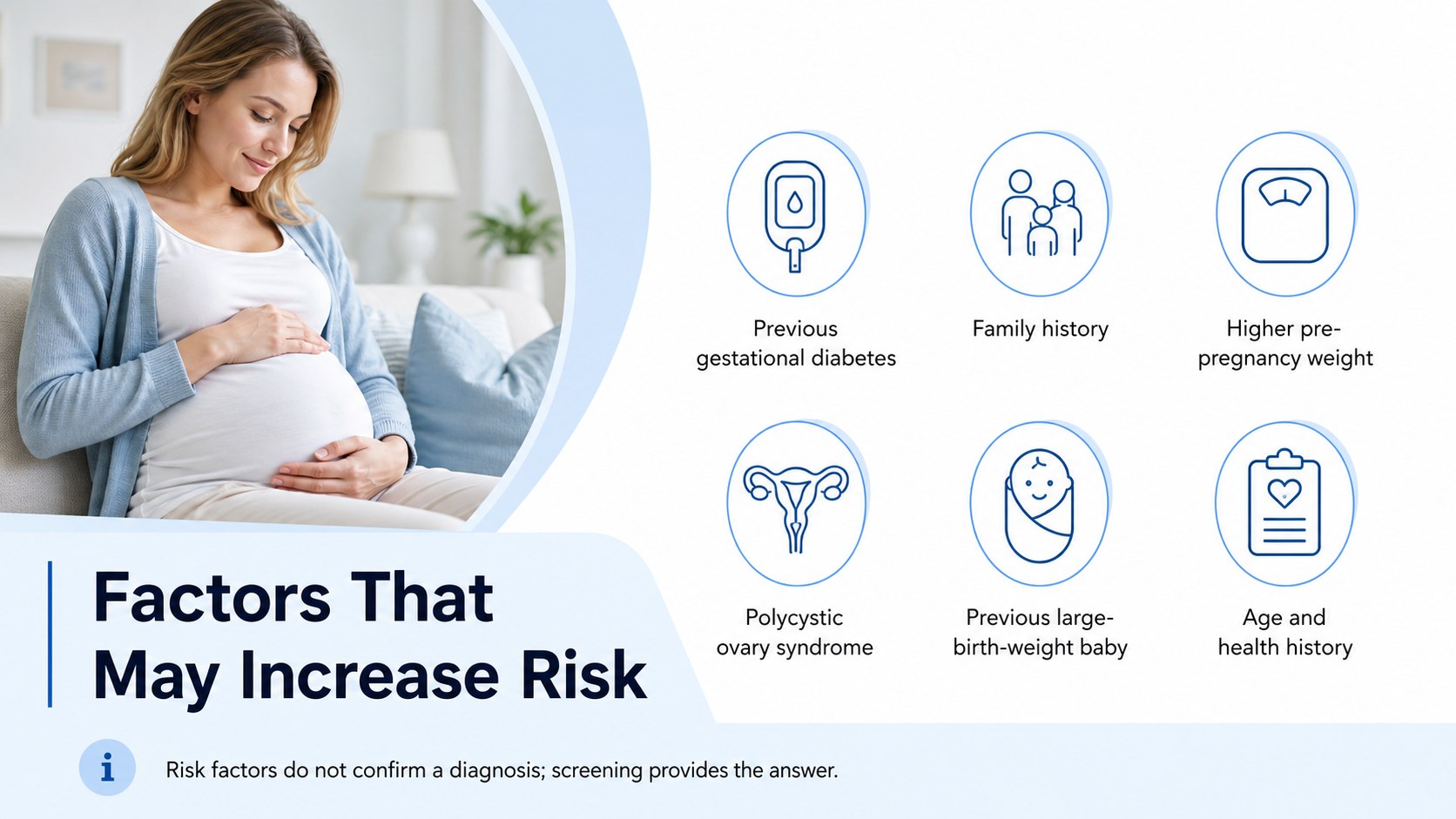
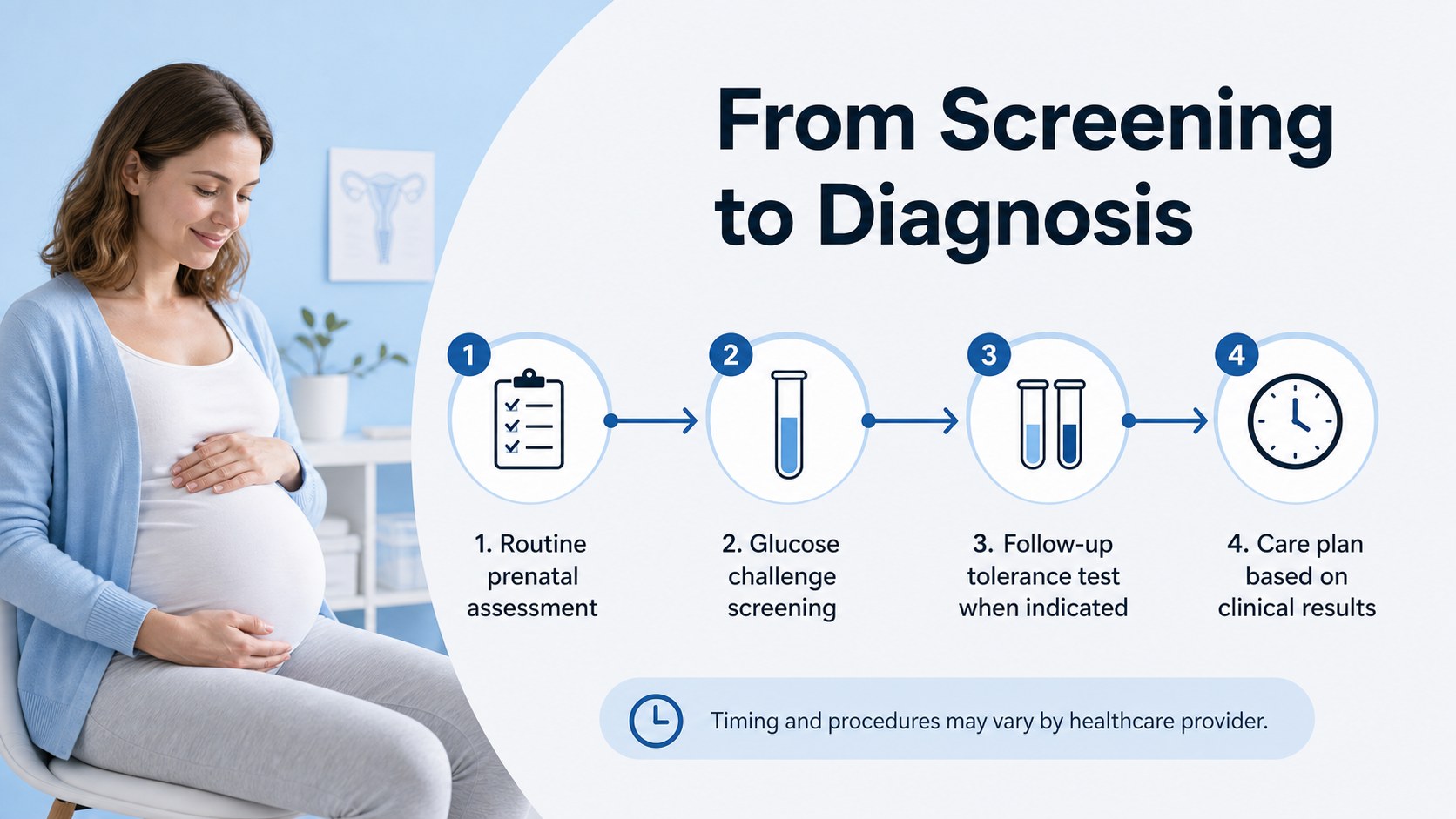
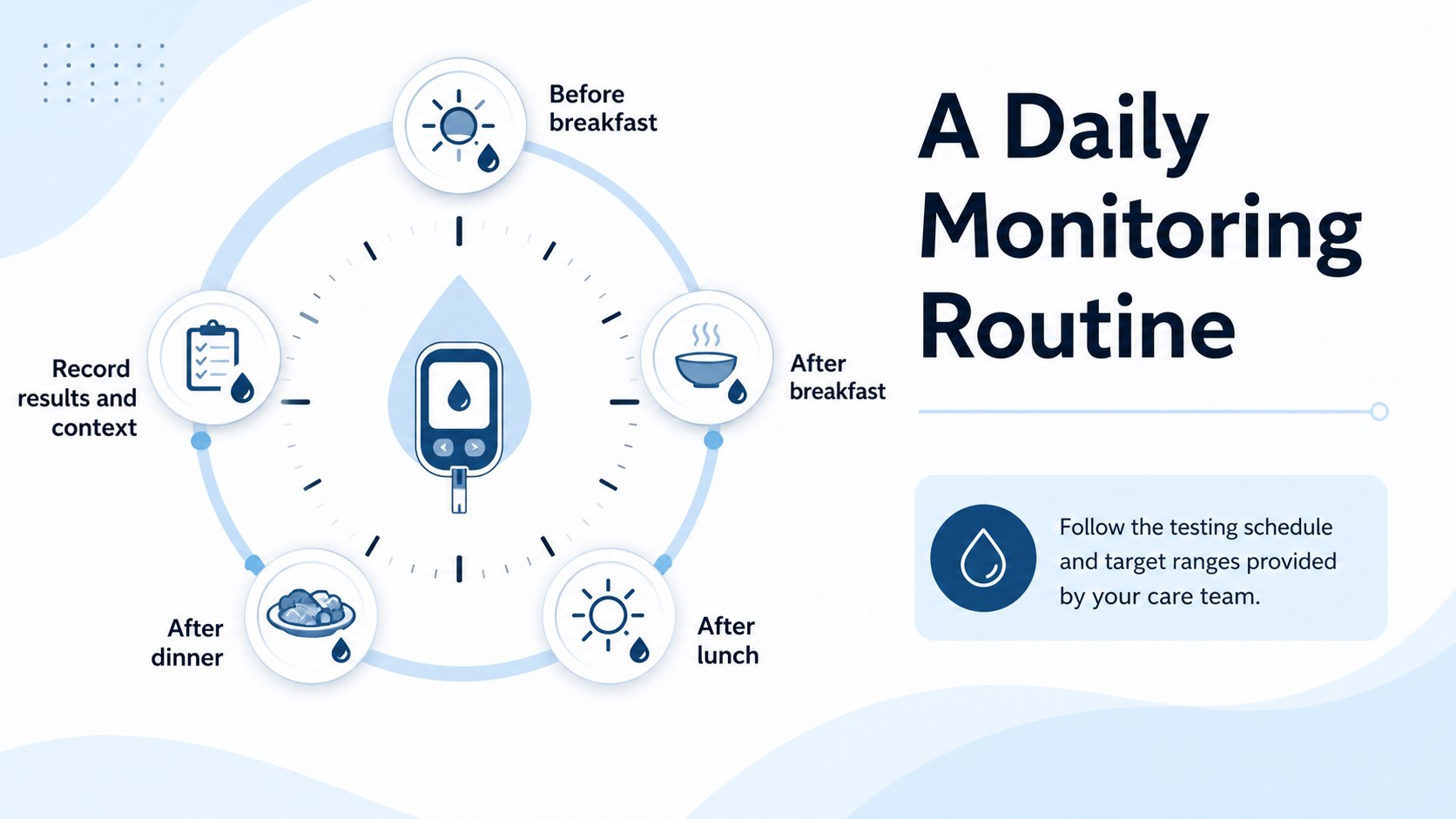
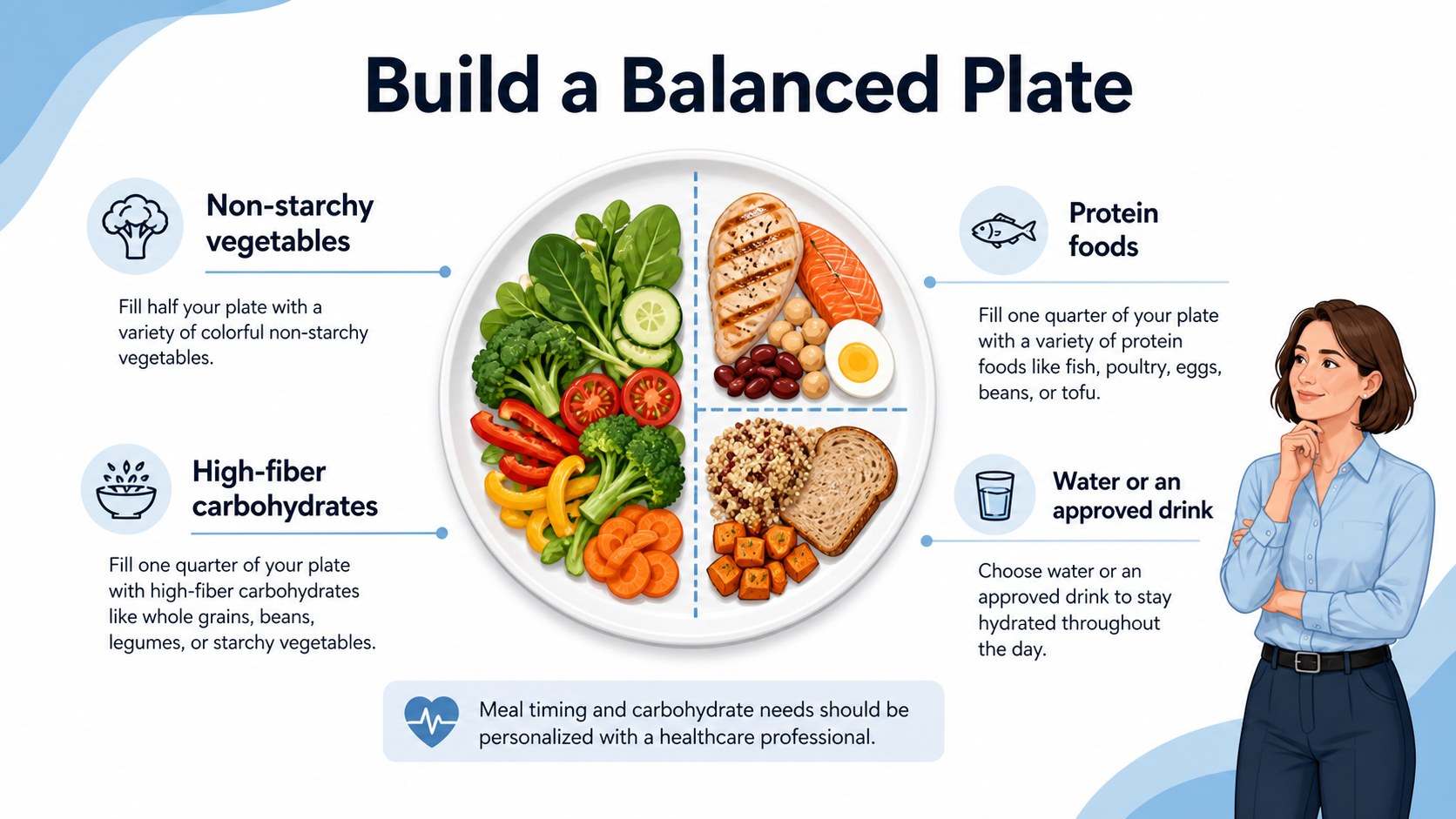
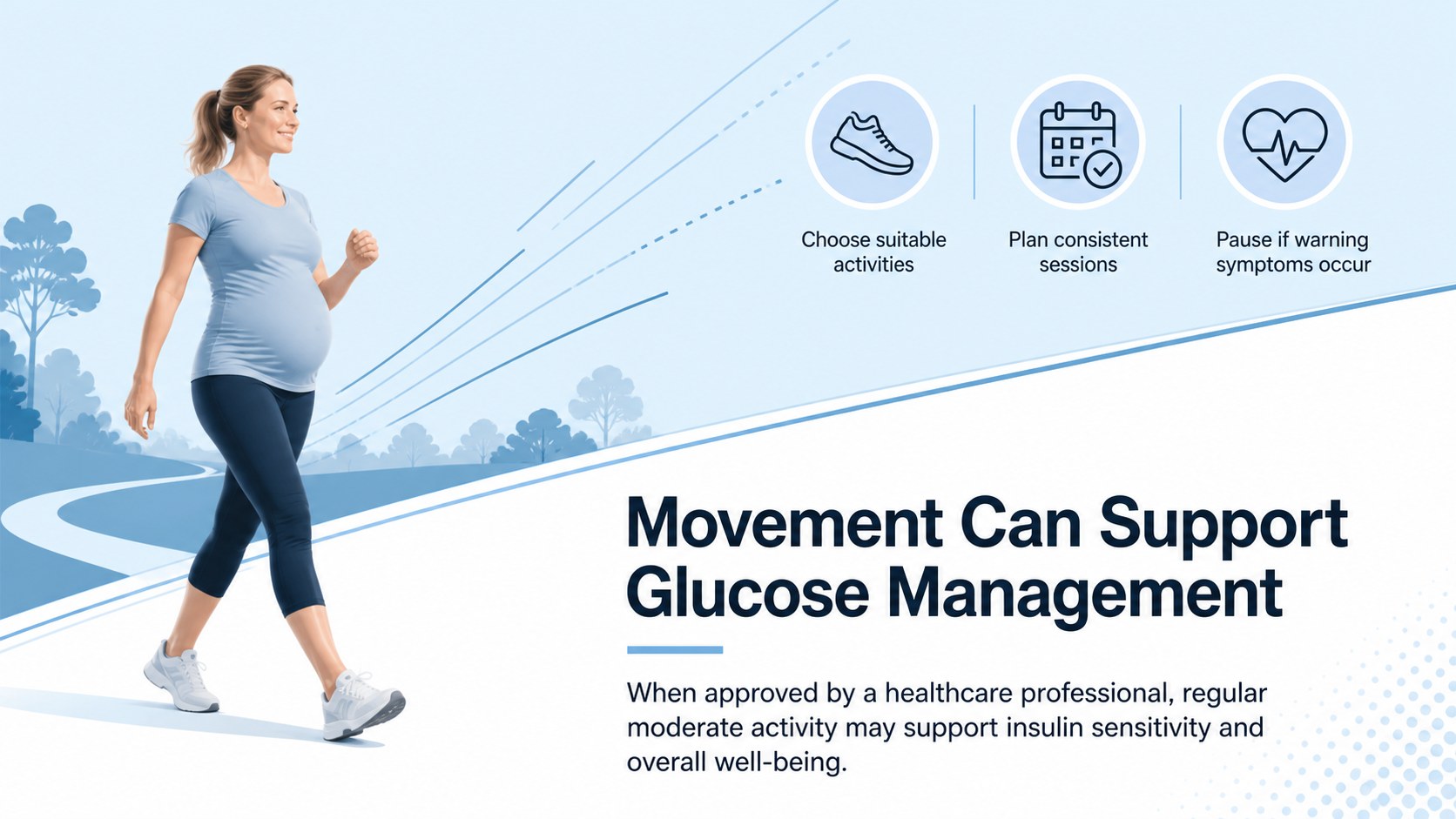
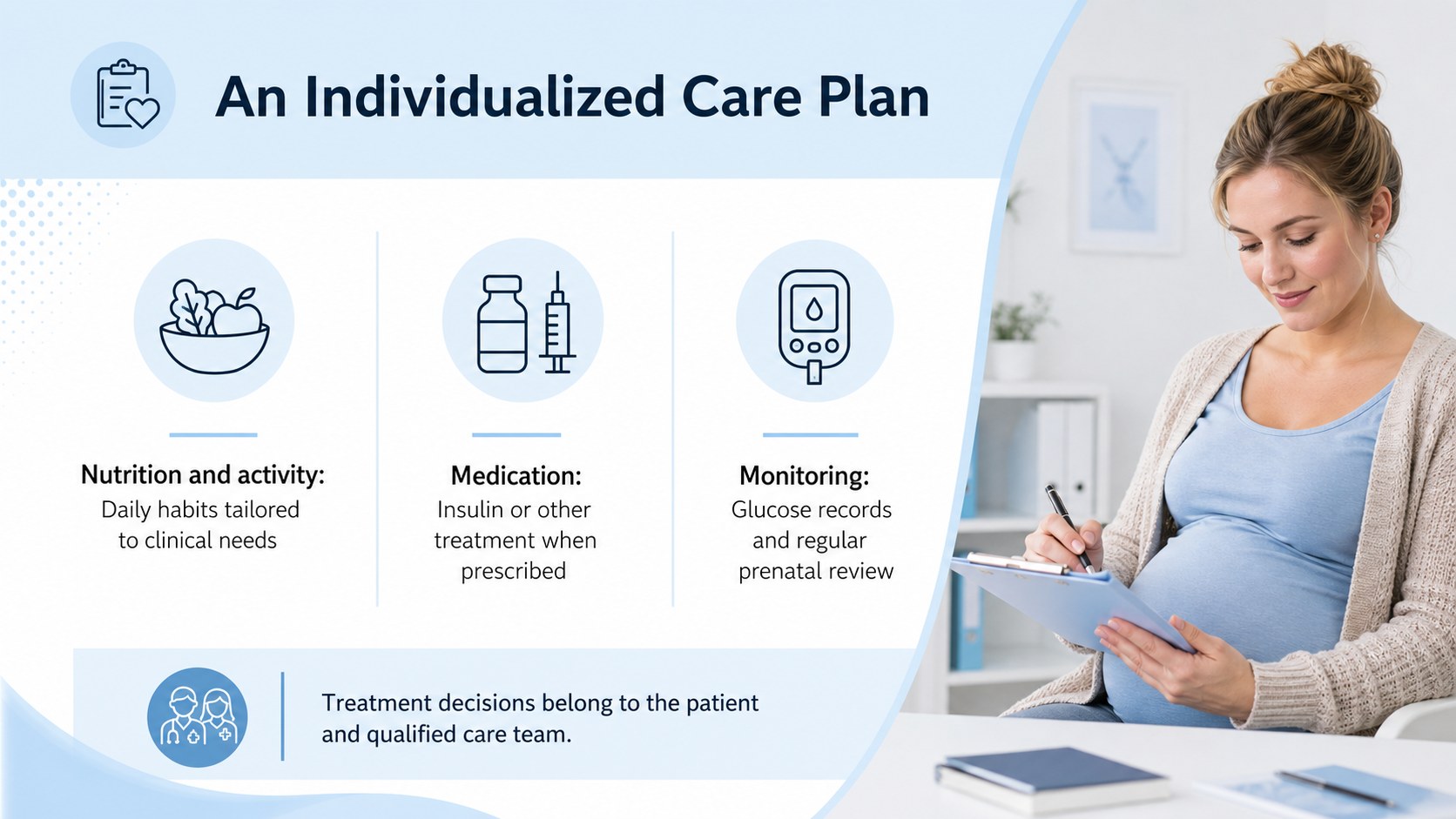
Across 13 editable 16:9 slides, the deck covers key topics such as risk factors, glucose screening during pregnancy, target ranges, nutrition planning, physical activity, daily monitoring, possible complications, treatment options, and postpartum follow-up. Flexible content layouts provide space for concise explanations, process diagrams, comparison tables, charts, and practical reminders. It can also serve as a gestational diabetes patient education presentation or a prenatal blood glucose monitoring lesson for healthcare training.
This resource is suitable for diabetes educators, nurses, dietitians, medical instructors, prenatal care teams, and public health presenters. Use it during antenatal classes, professional workshops, patient consultations, or student seminars. Every element can be adapted in PowerPoint or Google Slides, allowing you to revise terminology, insert local clinical guidance, replace charts, and add speaker notes. The consistent palette keeps attention on the information while offering enough visual contrast for screening results, care pathways, and action points.
Perfect for: antenatal patient education; nursing classroom lesson; diabetes educator workshop; prenatal nutrition seminar; maternal health staff training.
Frequently asked questions
Can I edit the medical content in this deck? Yes. All headings, text boxes, charts, colors, and visual elements can be edited so the material reflects your audience and local clinical guidance. Medical information should be reviewed by a qualified professional before presentation.
Practical details
Yes. All headings, text boxes, charts, colors, and visual elements can be edited so the material reflects your audience and local clinical guidance. Medical information should be reviewed by a qualified professional before presentation.
The template is designed for Microsoft PowerPoint and Google Slides. Some fonts, transitions, or chart formatting may vary slightly between platforms.
Yes. You can simplify terminology, add practice-specific contact details, replace examples, and insert your own glucose targets or meal-planning guidance. Speaker notes can also be added for consultation prompts.
Yes. It includes layouts for screening steps, risk factors, monitoring routines, nutrition guidance, charts, care planning, and follow-up. These sections can be duplicated or reordered for different sessions.
Keep exploring
15Promote classes with a yoga workshop marketing presentation featuring playful beige, pink, and purple illustrations for PowerPoint and Google Slides.
 15
15Build a clear breast cancer awareness bulletin with bold pink-and-red slides for campaign news, screening reminders, impact data, and community updates.
 15
15Build a clear World Cancer Day message with this global cancer awareness campaign deck, featuring editable blue-green layouts for PowerPoint and Google Slides.
 4
4Document wound findings, treatment decisions, and healing progress with clinical wound evaluation slides for nurses in PowerPoint and Google Slides.
 14
14Plan a clear donor campaign with this blood donation awareness presentation, featuring editable beige-and-red visuals for PowerPoint and Google Slides.
 15
15Build a Kidney Health Awareness Campaign Deck with blue illustrated slides for prevention tips, risk education, screening events, and outreach.
 15
15Build an actionable training session with this fitness program workshop deck, using energetic yellow geometry and editable PowerPoint and Google Slides layouts.
 15
15Equip health teams with this malaria prevention education deck for workshops, community outreach, and policy briefings in PowerPoint or Google Slides.