
 14
14presentation
2036 Dragon Year Celebration Theme
Plan a memorable Lunar New Year campaign with the 2036 Dragon Year Celebration Theme, featuring bold red-and-yellow slides for lessons and events.
Google SlidesPowerPoint
presentation · English
Plan a lively seasonal campaign with the Playful Thanksgiving Promotion Deck, featuring editable blue-and-yellow layouts for PowerPoint and Google Slides.







Design notes
Bring seasonal promotions together in one polished Playful Thanksgiving Promotion Deck. Designed with a cheerful blue-and-yellow palette, hand-drawn accents, bold shapes, and friendly typography, this presentation gives holiday messaging an upbeat personality without sacrificing clarity. Use it as a thanksgiving event promotion presentation for community dinners, retail celebrations, school activities, or workplace gatherings.
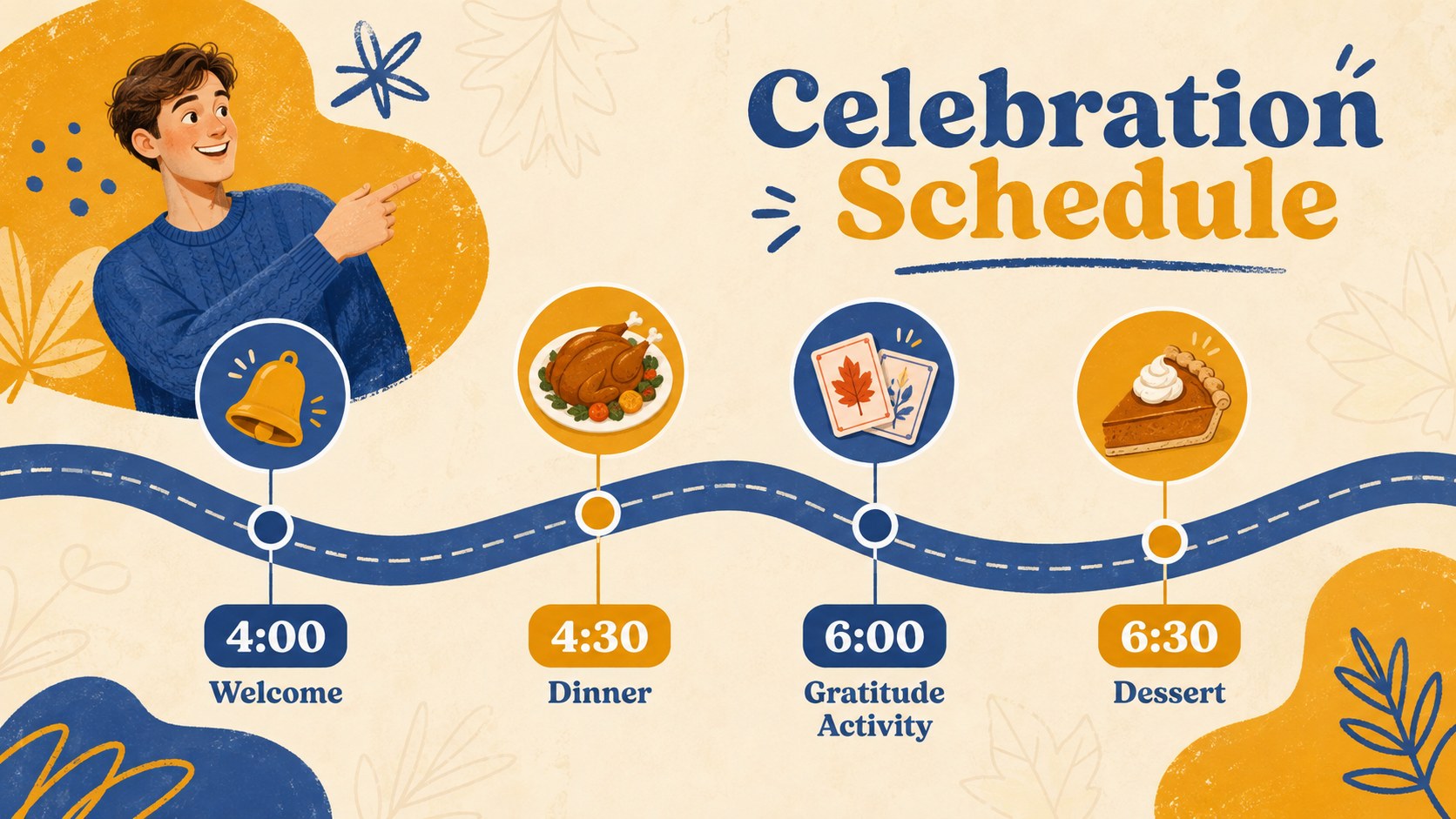
The deck includes more than 25 editable layouts for campaign introductions, event information, menus, special offers, schedules, audience profiles, communication channels, social posts, calls to action, and performance highlights. Mix and match the blue and yellow thanksgiving slides to create a concise announcement or a complete marketing story. Charts, image frames, icons, text areas, and decorative elements can be adapted to suit your message, while transitions and animations help important details stand out.
This playful holiday marketing deck is suited to restaurant owners, event coordinators, small businesses, community groups, educators, and internal communications teams. Add your own photography, update prices and dates, adjust the color balance, or replace the Alegreya Sans typography with a preferred font. Every layout can be edited in PowerPoint or Google Slides, making it practical for collaborative planning, presenting live, or exporting as a shareable PDF.
Perfect for: community Thanksgiving dinner promotion; restaurant holiday menu launch; retail Thanksgiving sale campaign; school harvest celebration announcement; workplace appreciation luncheon; charity food drive outreach.
Frequently asked questions
Can I edit this deck in PowerPoint and Google Slides? Yes. All text, colors, images, and layout elements are editable in PowerPoint and Google Slides. Some fonts or transition effects may vary slightly between platforms.
Practical details
Yes. All text, colors, images, and layout elements are editable in PowerPoint and Google Slides. Some fonts or transition effects may vary slightly between platforms.
Replace the sample dates, menu items, offers, and contact details with your own information. You can also add photos, move decorative elements, and adjust the blue-and-yellow palette to match your organization.
Yes. Select the layouts you need, organize them into a short sequence, and export the finished presentation as a PDF. Check print margins and image resolution before sending it to a printer.
The deck includes editable chart areas, shapes, image frames, and layouts suitable for campaign results. PowerPoint and Google Slides also let you apply transitions or simple object animations.
Keep exploring
14Plan a memorable Lunar New Year campaign with the 2036 Dragon Year Celebration Theme, featuring bold red-and-yellow slides for lessons and events.
 15
15Build playful lessons and party stories with a kid-friendly zombie celebration theme in purple, green and pastel blue for PowerPoint and Google Slides.
 15
15Build eerie lessons, campaigns, and story pitches with an undead survival scenario theme featuring editable slides for PowerPoint and Google Slides.
 3
3Share festive messages with a Lunar Horse New Year Wishes Theme, featuring bold red-and-yellow layouts for PowerPoint and Google Slides celebrations.
 15
15Bring zodiac traditions to life with a Lunar Snake Festival Presentation featuring 15 cheerful red illustrated slides for PowerPoint and Google Slides.
 6
6Honor teams and individuals with an Orange Year-End Recognition Certificate Set featuring six editable designs for PowerPoint and Google Slides.
 14
14Honor the people behind the headlines with a World Sports Press Appreciation Deck for PowerPoint and Google Slides, styled in crisp, modern green.
 15
15Teach, inspire, and celebrate with our Plant-Powered Vegetarian Day Lesson Deck, featuring cheerful editable visuals for PowerPoint and Google Slides.