
 15
15presentation
Yoga Workshop Marketing Presentation
Promote classes with a yoga workshop marketing presentation featuring playful beige, pink, and purple illustrations for PowerPoint and Google Slides.
Google SlidesPowerPoint
presentation · English
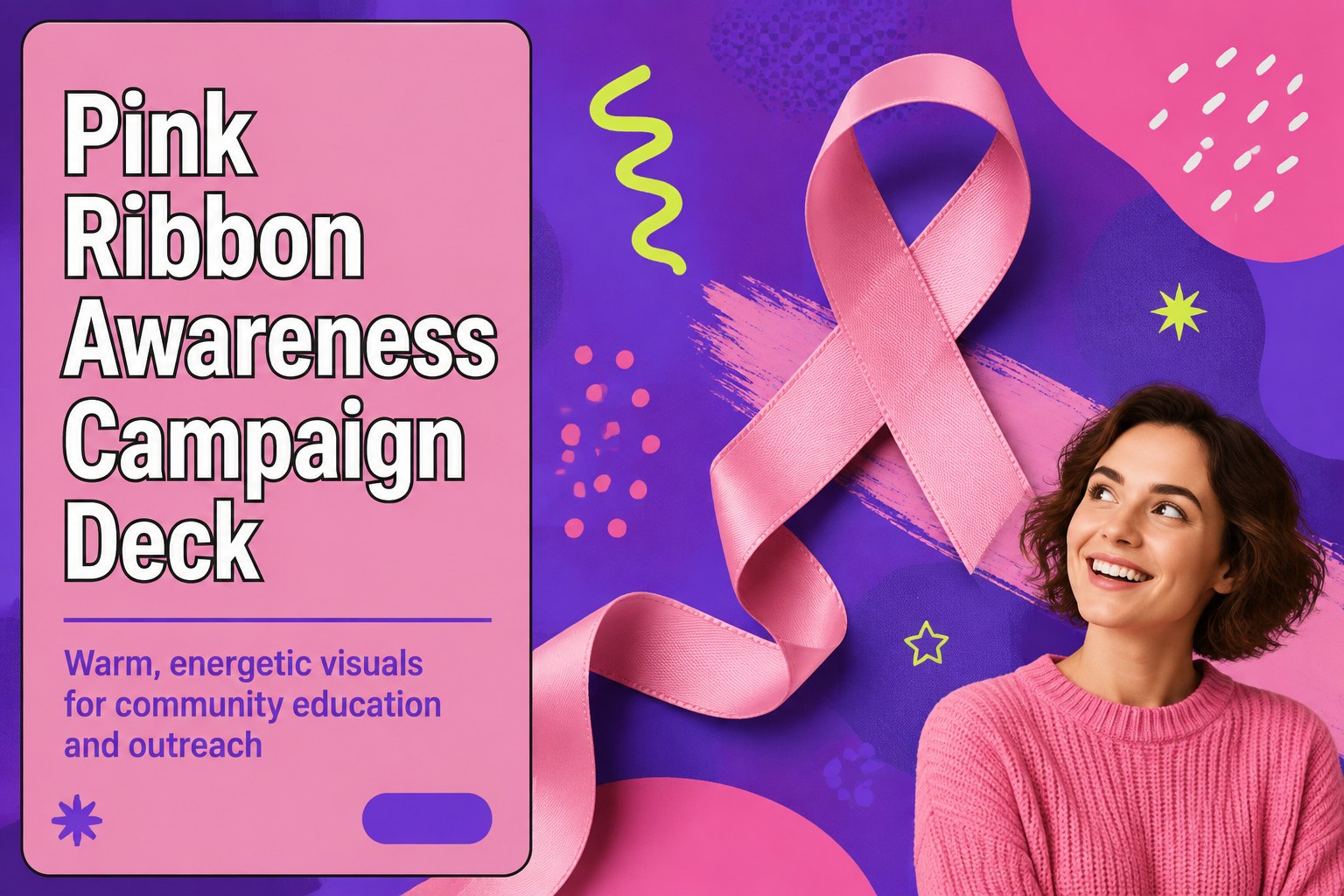
Create a memorable pink ribbon awareness campaign deck for health outreach, nonprofit events, and educational messaging in PowerPoint or Google Slides.
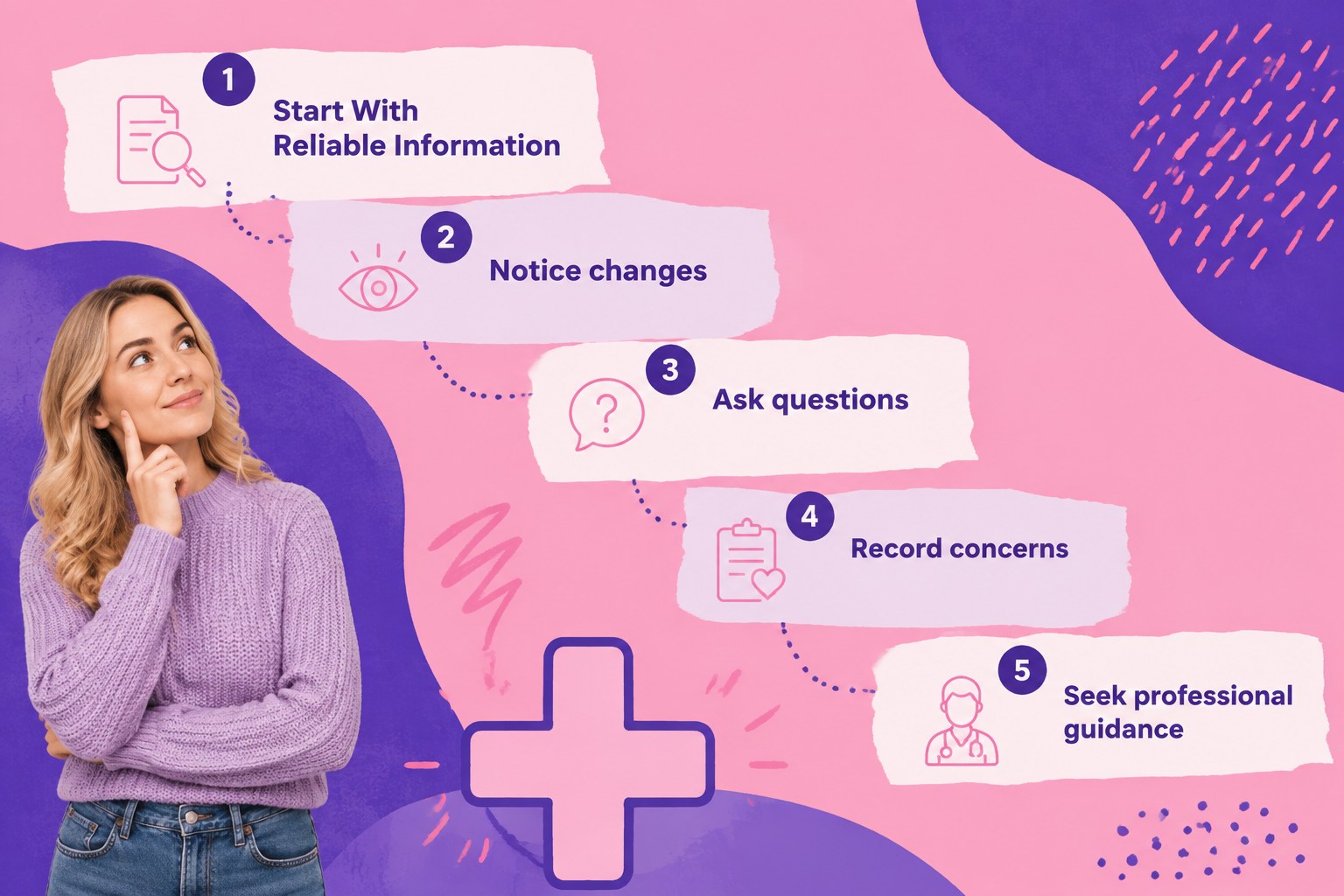
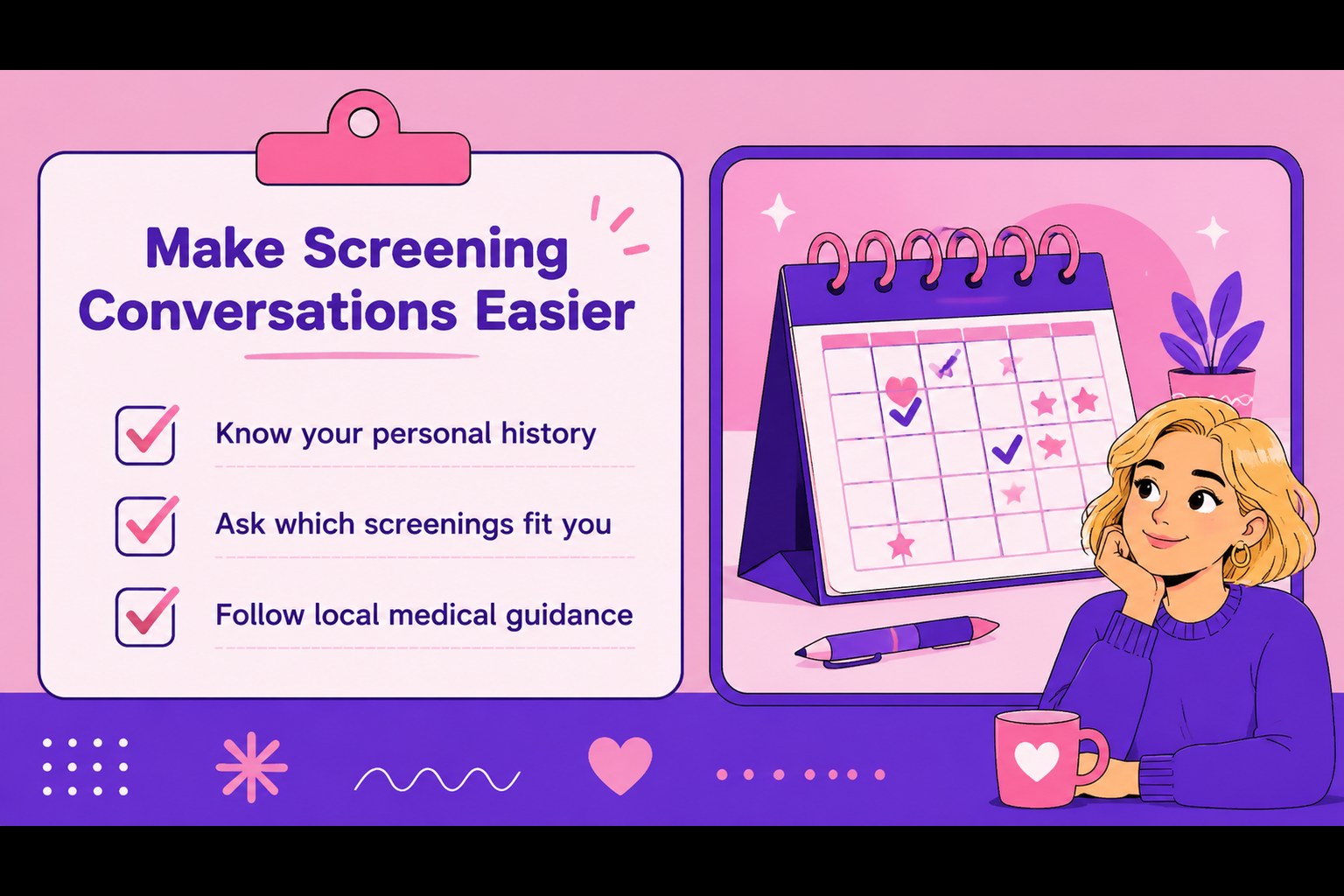
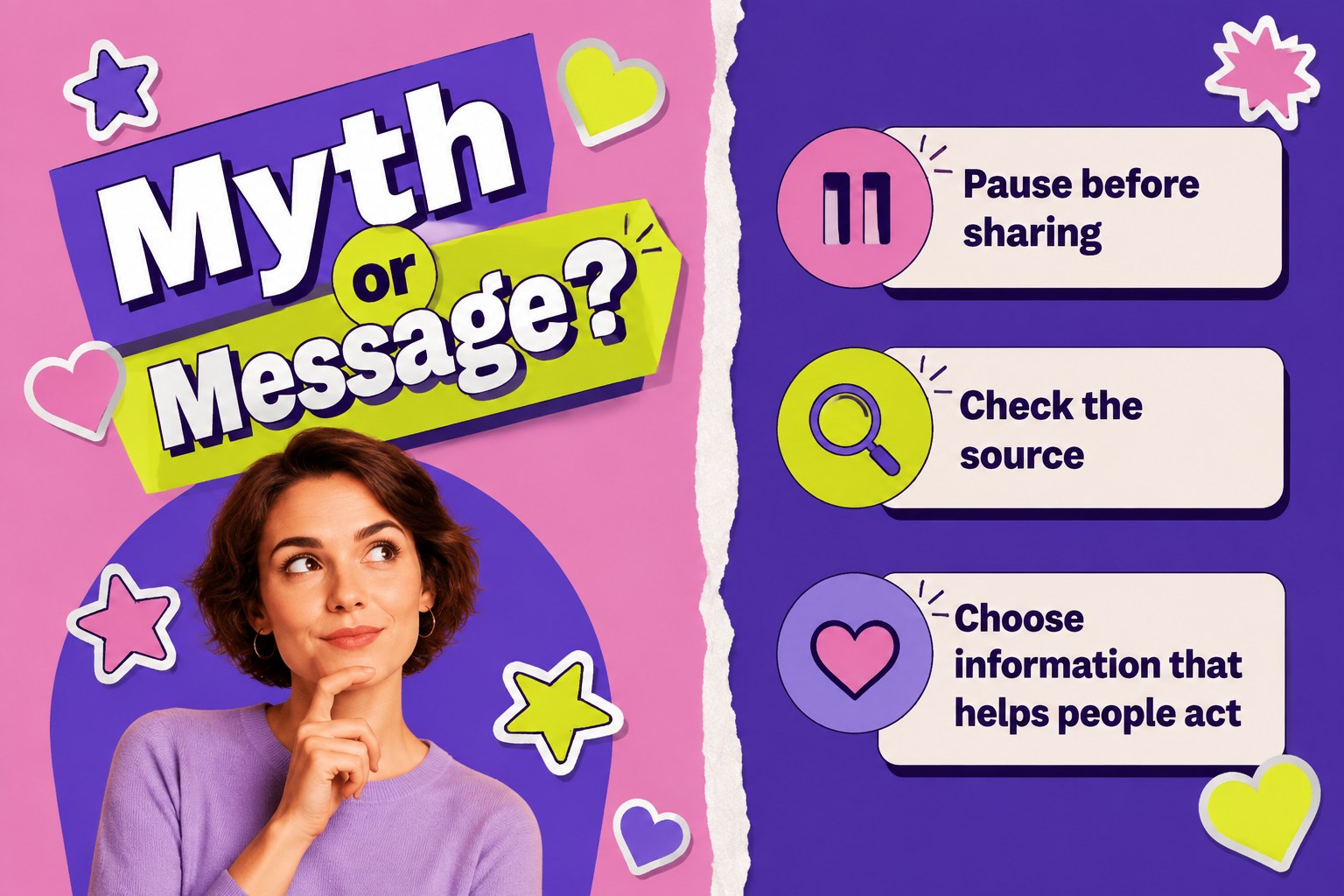
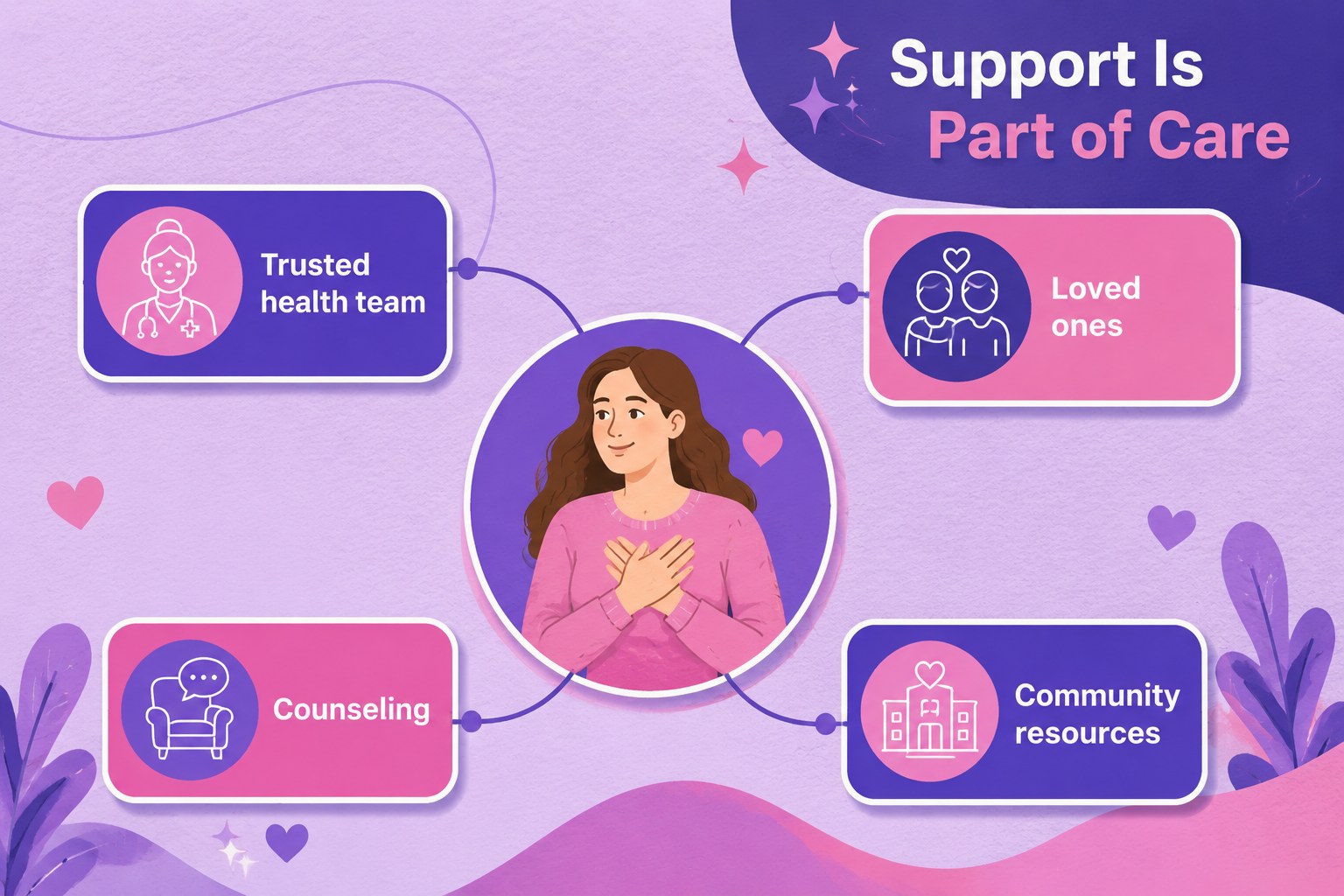
Design notes
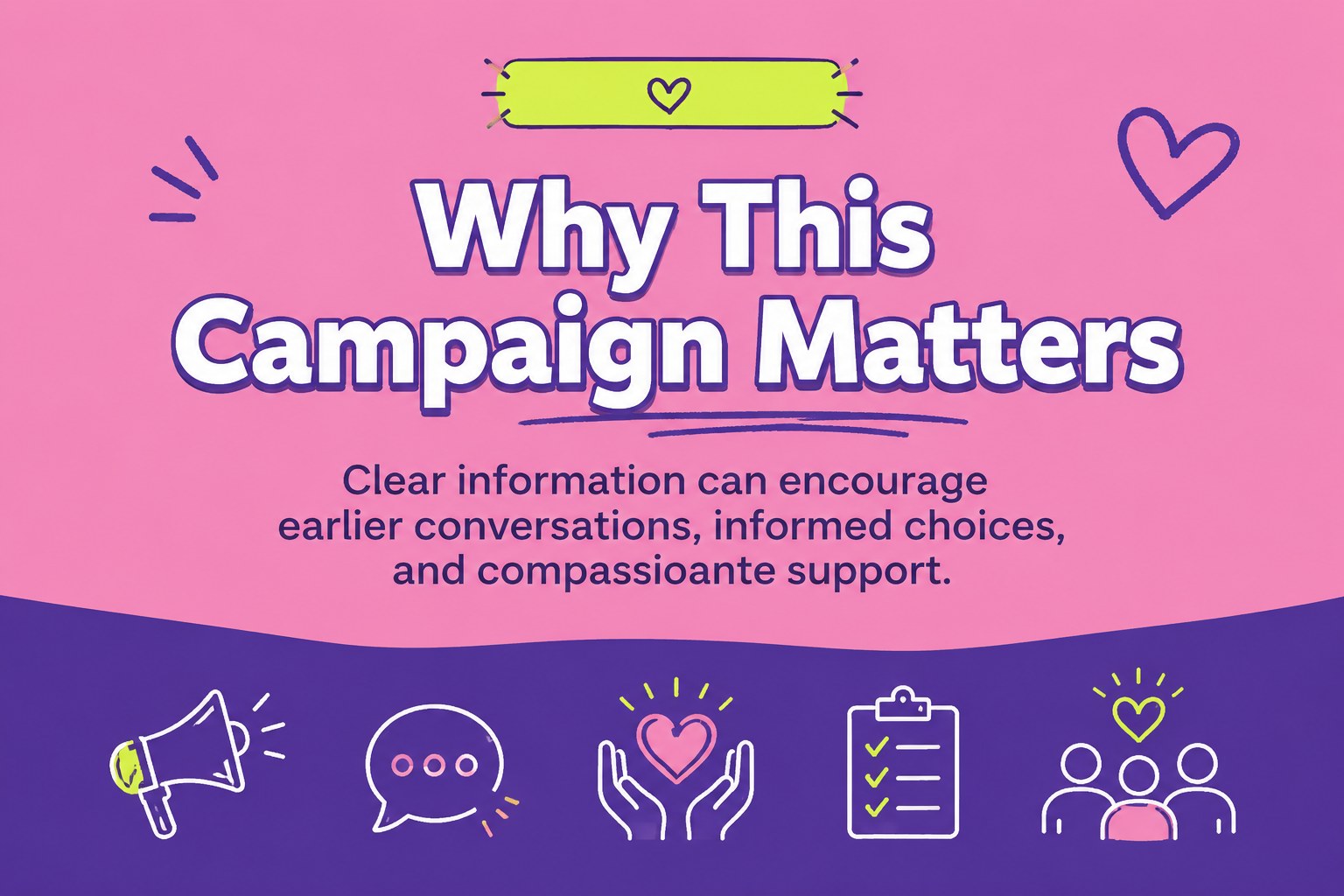
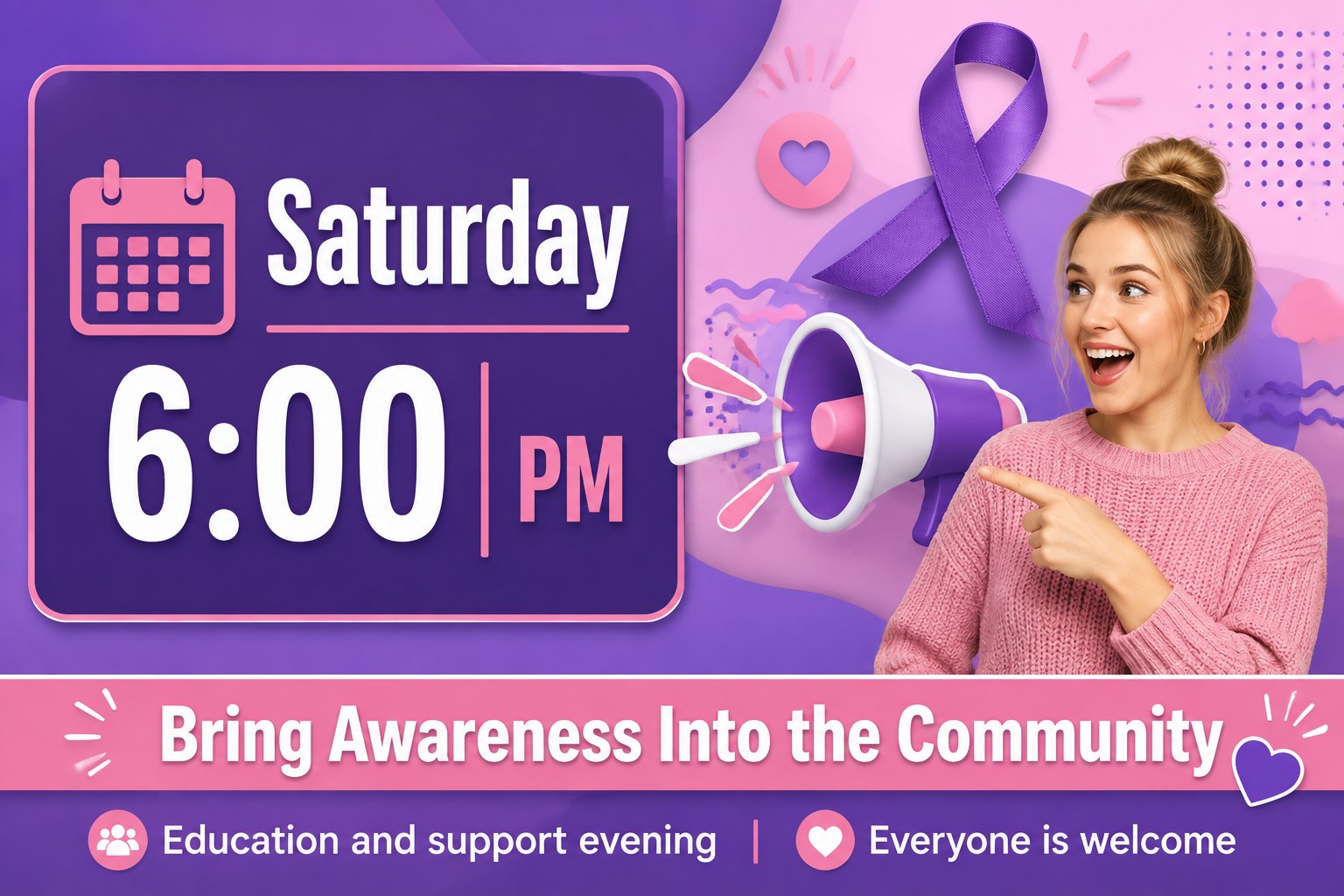
Turn important health messaging into a memorable pink ribbon awareness campaign deck for community outreach, nonprofit communications, and educational events. Its colorful pink and purple palette, playful stickers, and retro-inspired details create an approachable visual language while leaving room for accurate, respectful information.
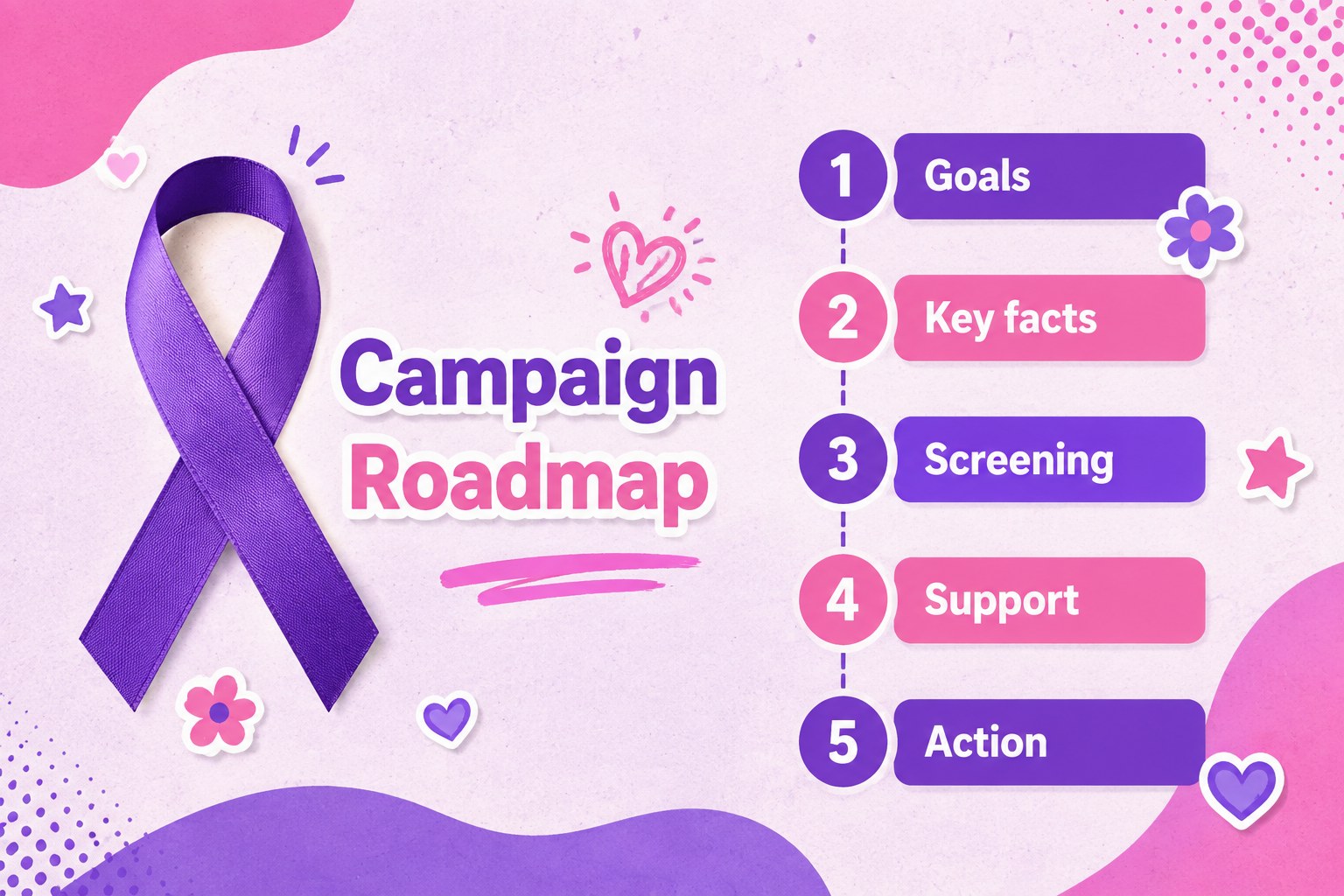
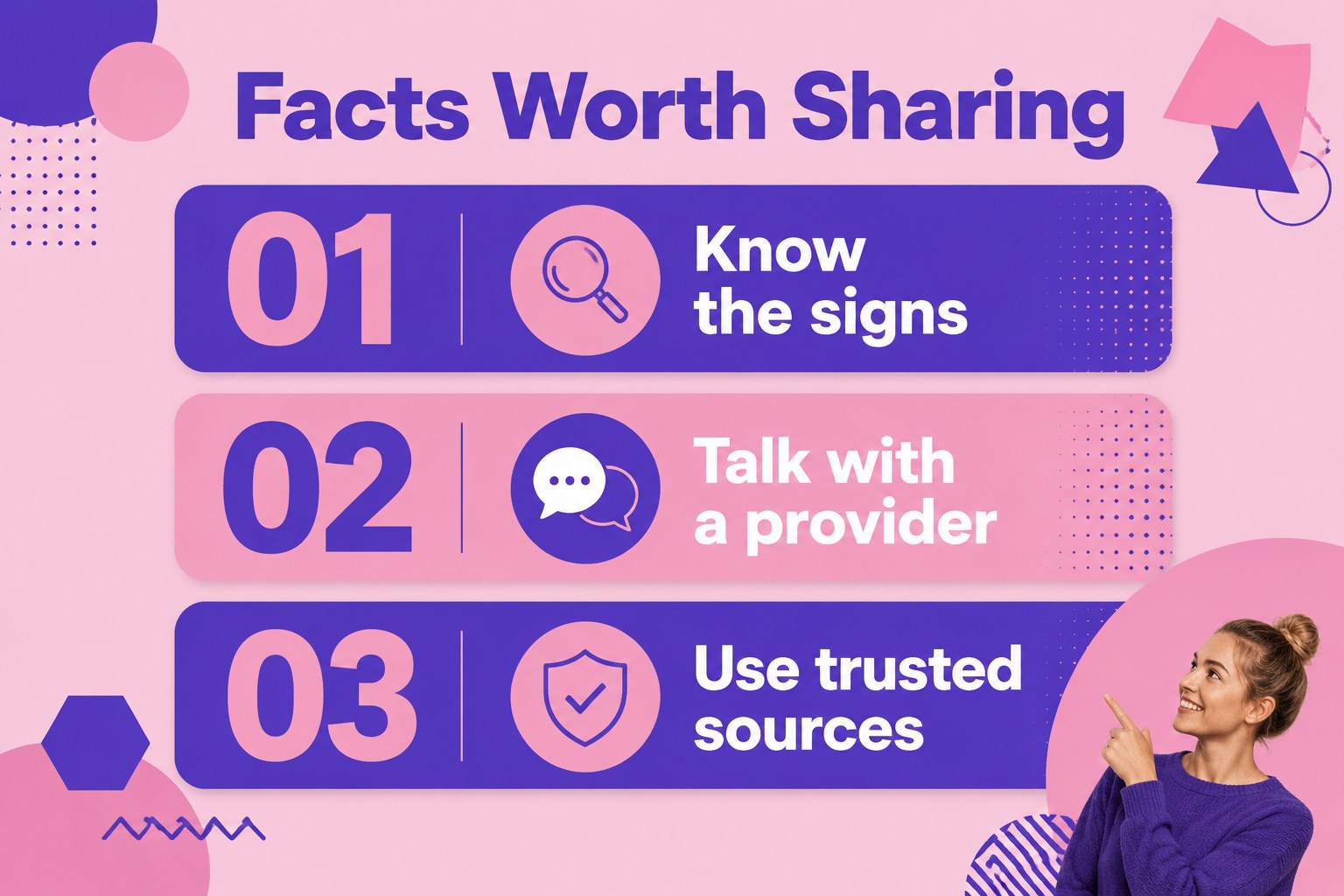
Inside, you will find editable layouts for campaign goals, key facts, prevention reminders, screening guidance, support resources, event announcements, donation appeals, and closing calls to action. The 15-slide structure also includes infographic moments, comparison layouts, quote spaces, charts, and image placeholders so you can shape the story around your organization.
This presentation is designed for nonprofit teams, healthcare educators, advocacy groups, student organizations, and marketing professionals. Use it as a breast cancer awareness presentation for a workplace campaign, a community workshop, a fundraising event, or a social-impact briefing. Edit the text, colors, charts, icons, and imagery in PowerPoint or Google Slides, then adapt the finished deck for live talks, digital sharing, or printed handouts. Keep medical claims aligned with trusted health sources and add local screening or support contacts before publishing.
Perfect for: nonprofit awareness campaign; community health workshop; workplace screening initiative; breast cancer fundraising event; student health education talk.
Frequently asked questions
Can I edit this presentation in PowerPoint? Yes. The layouts are intended for PowerPoint editing, including text, shapes, charts, colors, and image placeholders. Replace the sample information with current facts and local resources before presenting.
Practical details
Yes. The layouts are intended for PowerPoint editing, including text, shapes, charts, colors, and image placeholders. Replace the sample information with current facts and local resources before presenting.
Yes, you can open and customize the deck in Google Slides. Check font substitutions and image placement after importing, then review the presentation in slideshow mode.
You can tailor the campaign goals, donation appeal, event details, partner logos, and contact information to your organization. Keep the pink and purple palette or adjust the accents to match your established identity.
Use verified information from recognized medical or public health organizations, especially for screening and treatment topics. Add source notes, regional support contacts, and a clear disclaimer where appropriate.
Keep exploring
15Promote classes with a yoga workshop marketing presentation featuring playful beige, pink, and purple illustrations for PowerPoint and Google Slides.
 15
15Build a clear breast cancer awareness bulletin with bold pink-and-red slides for campaign news, screening reminders, impact data, and community updates.
 15
15Build a clear World Cancer Day message with this global cancer awareness campaign deck, featuring editable blue-green layouts for PowerPoint and Google Slides.
 4
4Document wound findings, treatment decisions, and healing progress with clinical wound evaluation slides for nurses in PowerPoint and Google Slides.
 14
14Plan a clear donor campaign with this blood donation awareness presentation, featuring editable beige-and-red visuals for PowerPoint and Google Slides.
 15
15Build a Kidney Health Awareness Campaign Deck with blue illustrated slides for prevention tips, risk education, screening events, and outreach.
 15
15Build an actionable training session with this fitness program workshop deck, using energetic yellow geometry and editable PowerPoint and Google Slides layouts.
 15
15Equip health teams with this malaria prevention education deck for workshops, community outreach, and policy briefings in PowerPoint or Google Slides.