
 14
14presentation
2036 Dragon Year Celebration Theme
Plan a memorable Lunar New Year campaign with the 2036 Dragon Year Celebration Theme, featuring bold red-and-yellow slides for lessons and events.
Google SlidesPowerPoint
presentation · English
Create a pink milestone memory deck for a first-year celebration, combining playful illustrations, personal highlights, and business progress in editable…



Design notes
Mark a meaningful first-year milestone with a pink milestone memory deck designed for heartfelt storytelling and cheerful progress updates. Its soft pink palette, rounded shapes, hand-drawn accents, and friendly illustrated style create an inviting presentation for personal celebrations, relationship anniversaries, community events, or a company’s first year in business.
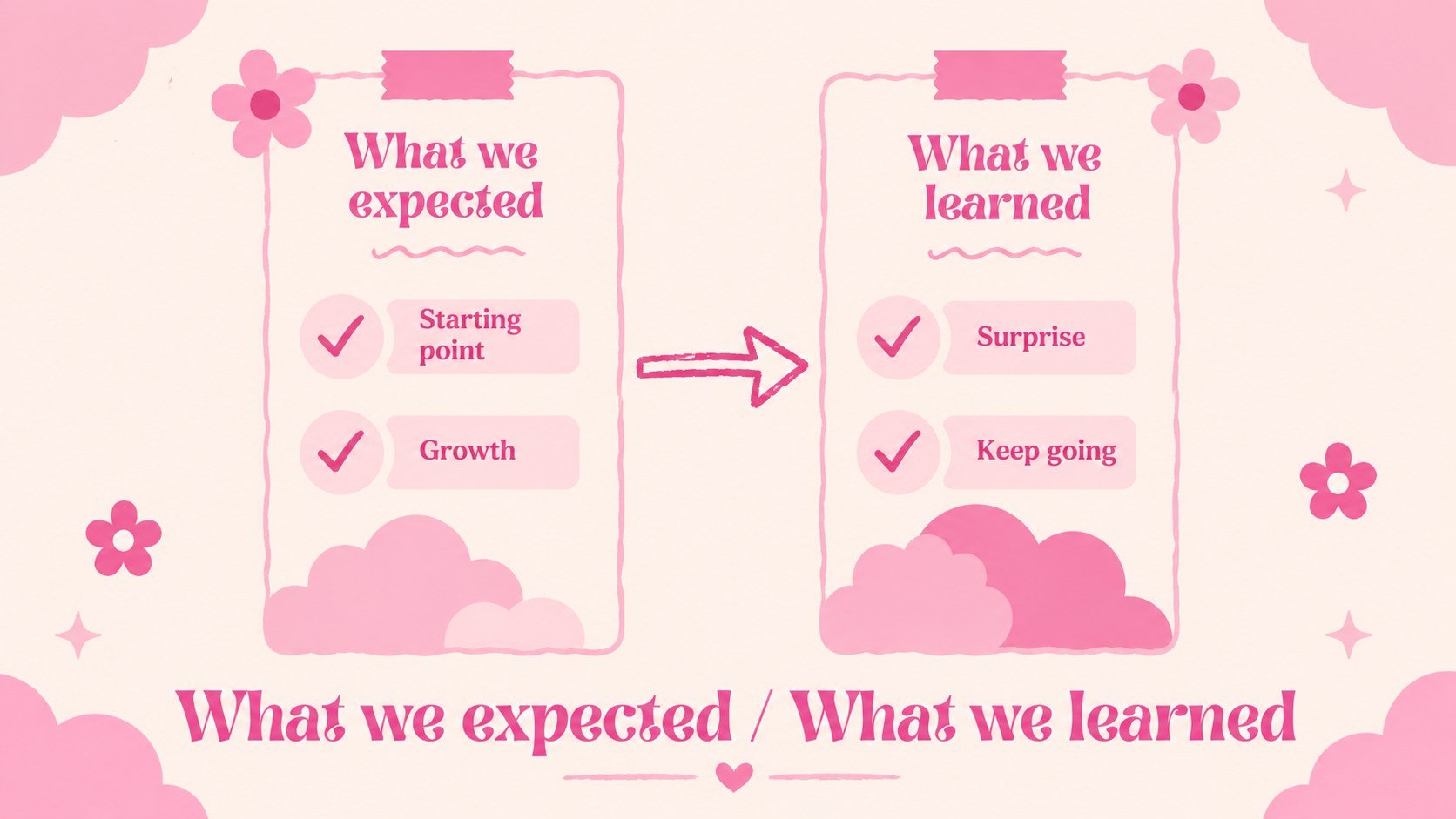
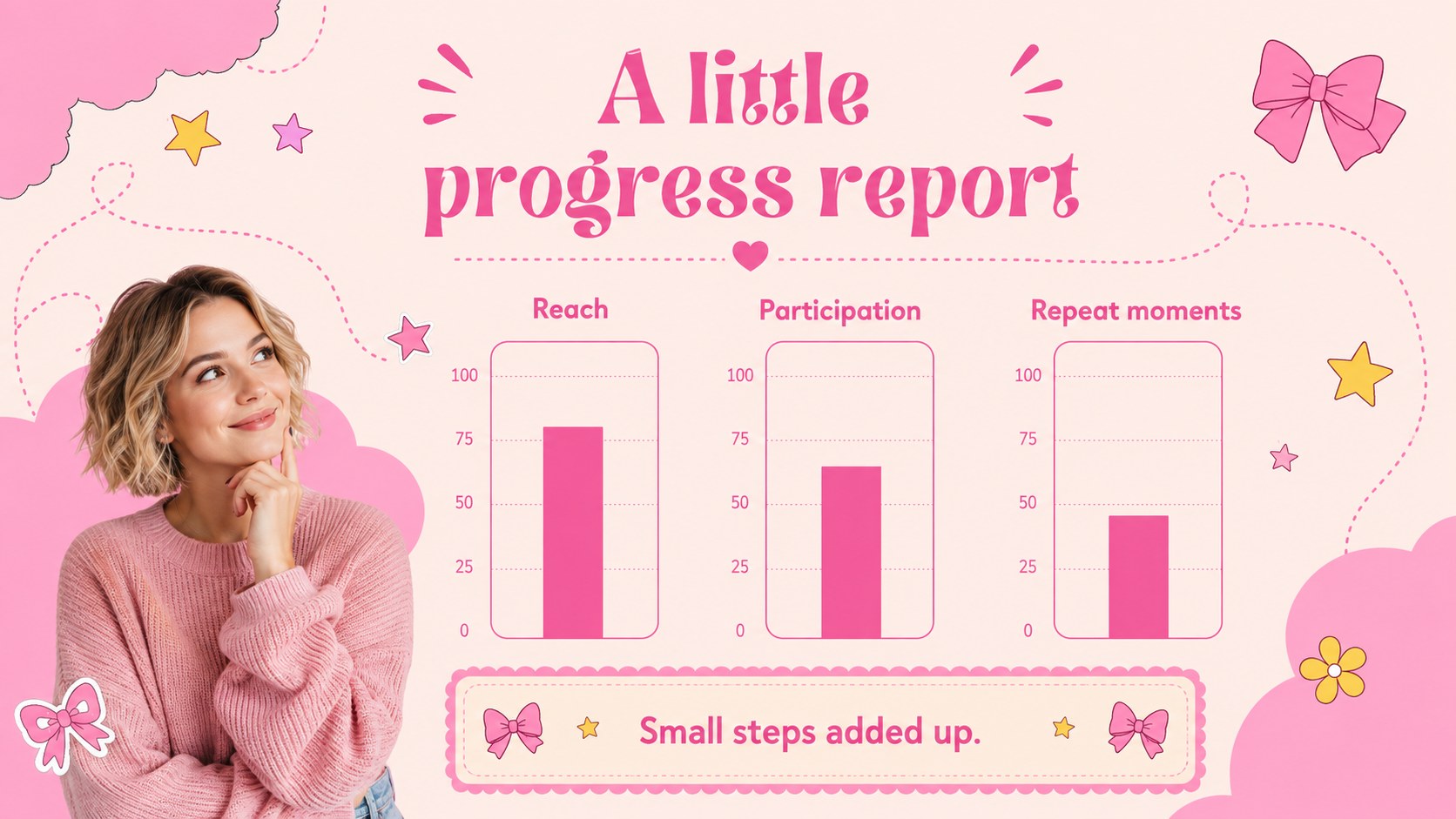
Inside, you’ll find 15 editable 16:9 slides for a cover, welcome message, celebration agenda, key moments, timeline, photo memories, favorite details, audience quotes, achievement highlights, simple data visuals, lessons learned, next-year plans, and a closing thank-you. The layouts balance decorative doodles with clear spaces for images, captions, milestones, and short narrative text, making the deck easy to adapt without losing its playful character.
Use this first-year celebration presentation for a couple’s memory recap, a small business anniversary, a nonprofit progress review, or an event slideshow. Edit the content in PowerPoint or Google Slides, replace the illustrations and photos, and adjust the wording for a personal or professional audience. The deck uses Nunito and a pink-centered color palette, with customizable shapes, charts, lines, frames, transitions, and image placeholders.
Perfect for: couple anniversary memory recap; startup first-year progress review; nonprofit milestone presentation; community event slideshow; personal photo celebration.
Frequently asked questions
Can I edit this deck in PowerPoint? Yes. The presentation is designed for PowerPoint editing, including text, colors, shapes, images, and charts. Replace the sample content with your own milestone story or progress data.
Practical details
Yes. The presentation is designed for PowerPoint editing, including text, colors, shapes, images, and charts. Replace the sample content with your own milestone story or progress data.
Yes, you can open and customize the deck in Google Slides. Some fonts or animations may need minor adjustments after import, but the main layouts and editable elements remain available.
Yes. Swap photo captions for business metrics, customer quotes, team highlights, and goals for the coming year. The playful visual system keeps a company review approachable while preserving clear information hierarchy.
You can change the wording, images, illustrations, charts, colors, and slide order. The layouts include flexible spaces for timelines, memories, achievements, lessons learned, and future plans.
Keep exploring
14Plan a memorable Lunar New Year campaign with the 2036 Dragon Year Celebration Theme, featuring bold red-and-yellow slides for lessons and events.
 15
15Build playful lessons and party stories with a kid-friendly zombie celebration theme in purple, green and pastel blue for PowerPoint and Google Slides.
 15
15Build eerie lessons, campaigns, and story pitches with an undead survival scenario theme featuring editable slides for PowerPoint and Google Slides.
 3
3Share festive messages with a Lunar Horse New Year Wishes Theme, featuring bold red-and-yellow layouts for PowerPoint and Google Slides celebrations.
 15
15Bring zodiac traditions to life with a Lunar Snake Festival Presentation featuring 15 cheerful red illustrated slides for PowerPoint and Google Slides.
 6
6Honor teams and individuals with an Orange Year-End Recognition Certificate Set featuring six editable designs for PowerPoint and Google Slides.
 14
14Honor the people behind the headlines with a World Sports Press Appreciation Deck for PowerPoint and Google Slides, styled in crisp, modern green.
 15
15Teach, inspire, and celebrate with our Plant-Powered Vegetarian Day Lesson Deck, featuring cheerful editable visuals for PowerPoint and Google Slides.