
 14
14presentation
2036 Dragon Year Celebration Theme
Plan a memorable Lunar New Year campaign with the 2036 Dragon Year Celebration Theme, featuring bold red-and-yellow slides for lessons and events.
Google SlidesPowerPoint
presentation · English
Plan polished seasonal events with a pink holiday gathering invite for easy editing in PowerPoint and Google Slides, from office parties to client mixers.




Design notes
Set a cheerful yet polished tone with this pink holiday gathering invite, created for hosts who want seasonal messaging to feel warm, modern, and organized. Soft pink backgrounds, minimal festive illustrations, and clear typography give every layout a distinctive look without overwhelming important event details.
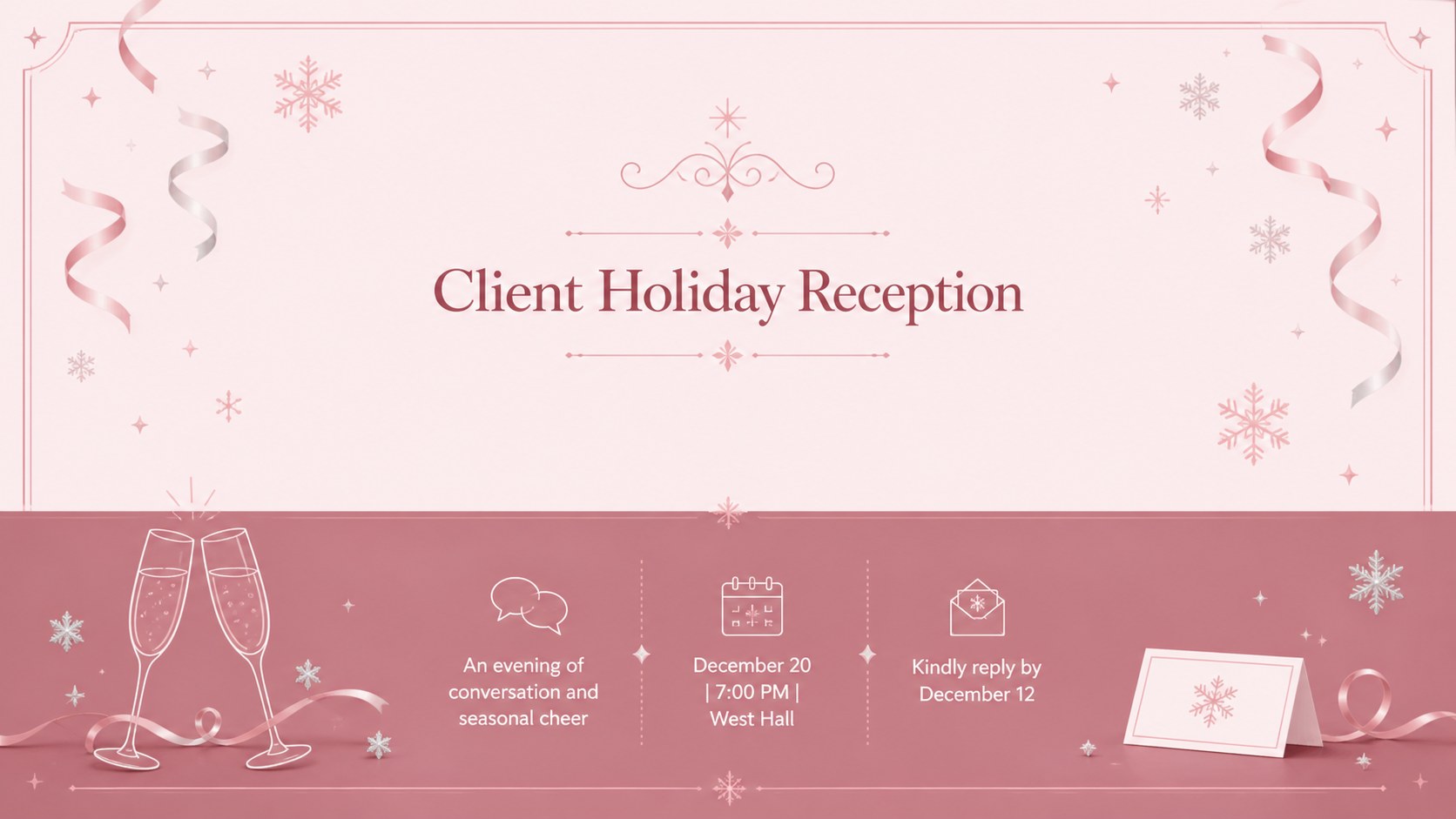
The five-slide suite includes a main announcement, an office celebration invitation, a client reception layout, a festive dinner card, and an RSVP reminder. Each design provides dedicated space for the date, time, venue, dress code, contact information, and a concise seasonal message. Use the layouts together as a coordinated invitation campaign or select one as a standalone pink Christmas invitation slide. Decorative elements, colors, type, and wording can be adjusted in PowerPoint or Google Slides to suit your event.
This office holiday party invitation template works well for marketing teams, workplace coordinators, small businesses, community organizers, and independent event planners. It can also serve as a client holiday reception invitation for agencies, professional services firms, and hospitality teams. The restrained illustrated style keeps the suite friendly and festive while remaining appropriate for professional audiences. Export the finished designs for digital distribution, presentation screens, or printed handouts after adding your own event information.
Perfect for: office holiday celebration; client seasonal reception; festive team dinner; community Christmas gathering; end-of-year business mixer.
Frequently asked questions
Can I edit the invitation details? Yes. Replace the sample date, time, venue, RSVP information, and event message directly in PowerPoint or Google Slides. You can also move, resize, or remove decorative elements.
Practical details
Yes. Replace the sample date, time, venue, RSVP information, and event message directly in PowerPoint or Google Slides. You can also move, resize, or remove decorative elements.
The slides are designed for PowerPoint and Google Slides. Both platforms support text editing, color changes, image replacement, and layout adjustments.
Yes. Update the backgrounds, accents, illustrations, and typography to match a company identity or event theme. Maintain strong contrast between the event details and background for readability.
Yes. Export a completed invitation as a PDF or image for email and digital sharing, or prepare it for printing. Review margins and print settings before producing physical copies.
Keep exploring
14Plan a memorable Lunar New Year campaign with the 2036 Dragon Year Celebration Theme, featuring bold red-and-yellow slides for lessons and events.
 15
15Build playful lessons and party stories with a kid-friendly zombie celebration theme in purple, green and pastel blue for PowerPoint and Google Slides.
 15
15Build eerie lessons, campaigns, and story pitches with an undead survival scenario theme featuring editable slides for PowerPoint and Google Slides.
 3
3Share festive messages with a Lunar Horse New Year Wishes Theme, featuring bold red-and-yellow layouts for PowerPoint and Google Slides celebrations.
 15
15Bring zodiac traditions to life with a Lunar Snake Festival Presentation featuring 15 cheerful red illustrated slides for PowerPoint and Google Slides.
 6
6Honor teams and individuals with an Orange Year-End Recognition Certificate Set featuring six editable designs for PowerPoint and Google Slides.
 14
14Honor the people behind the headlines with a World Sports Press Appreciation Deck for PowerPoint and Google Slides, styled in crisp, modern green.
 15
15Teach, inspire, and celebrate with our Plant-Powered Vegetarian Day Lesson Deck, featuring cheerful editable visuals for PowerPoint and Google Slides.