
 15
15presentation
Yoga Workshop Marketing Presentation
Promote classes with a yoga workshop marketing presentation featuring playful beige, pink, and purple illustrations for PowerPoint and Google Slides.
Google SlidesPowerPoint
document · English
Build a calm patient intake workflow slides deck for clinics and hospitals, with editable PowerPoint and Google Slides layouts for organized onboarding.
Design notes
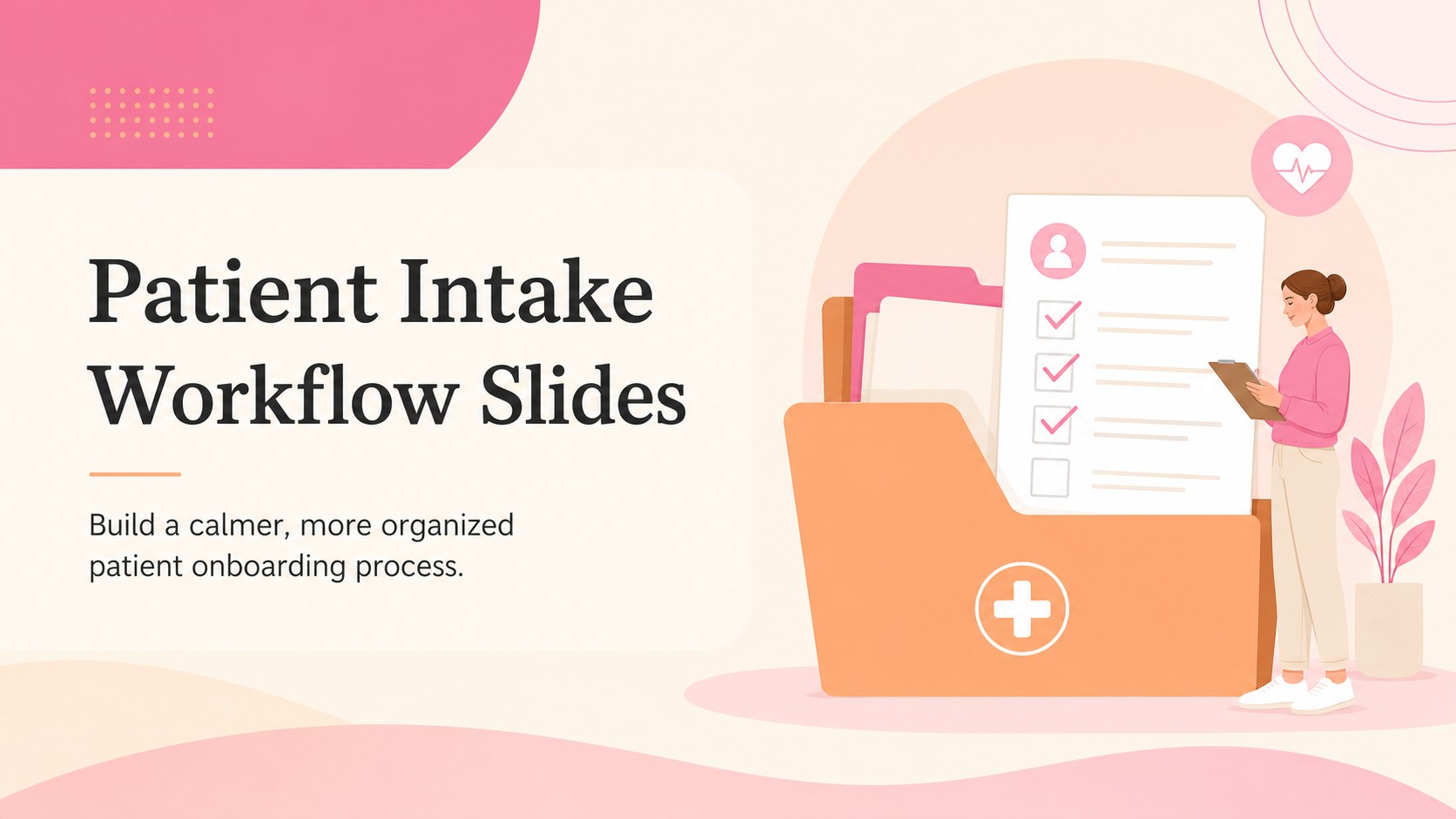
Patient Intake Workflow Slides is a polished presentation template for explaining and organizing the patient onboarding process. Designed for clinics, hospitals, private practices, and healthcare administrators, it uses a calming blend of beige, pink, and orange with clean typography and approachable visual structure.
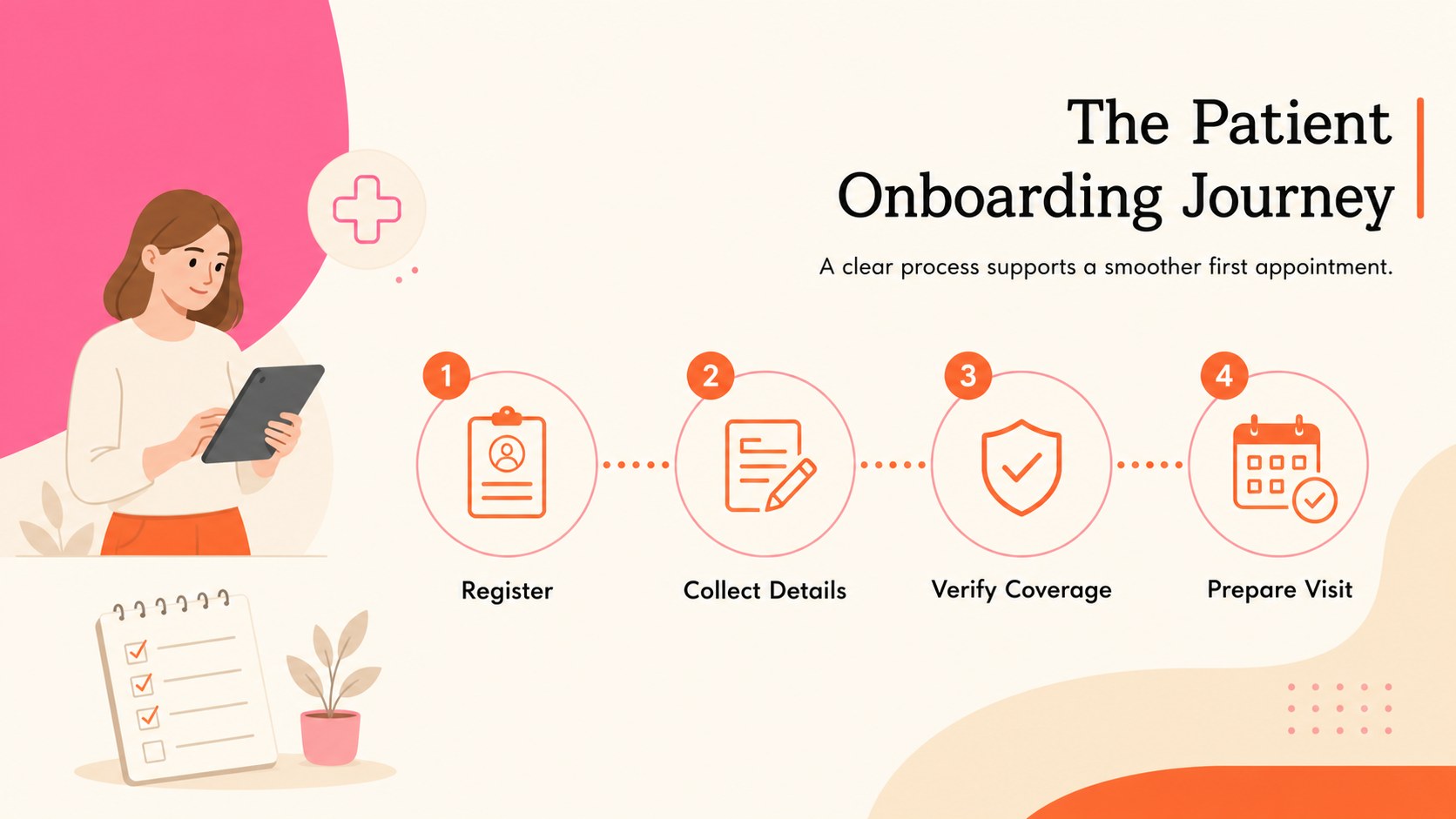
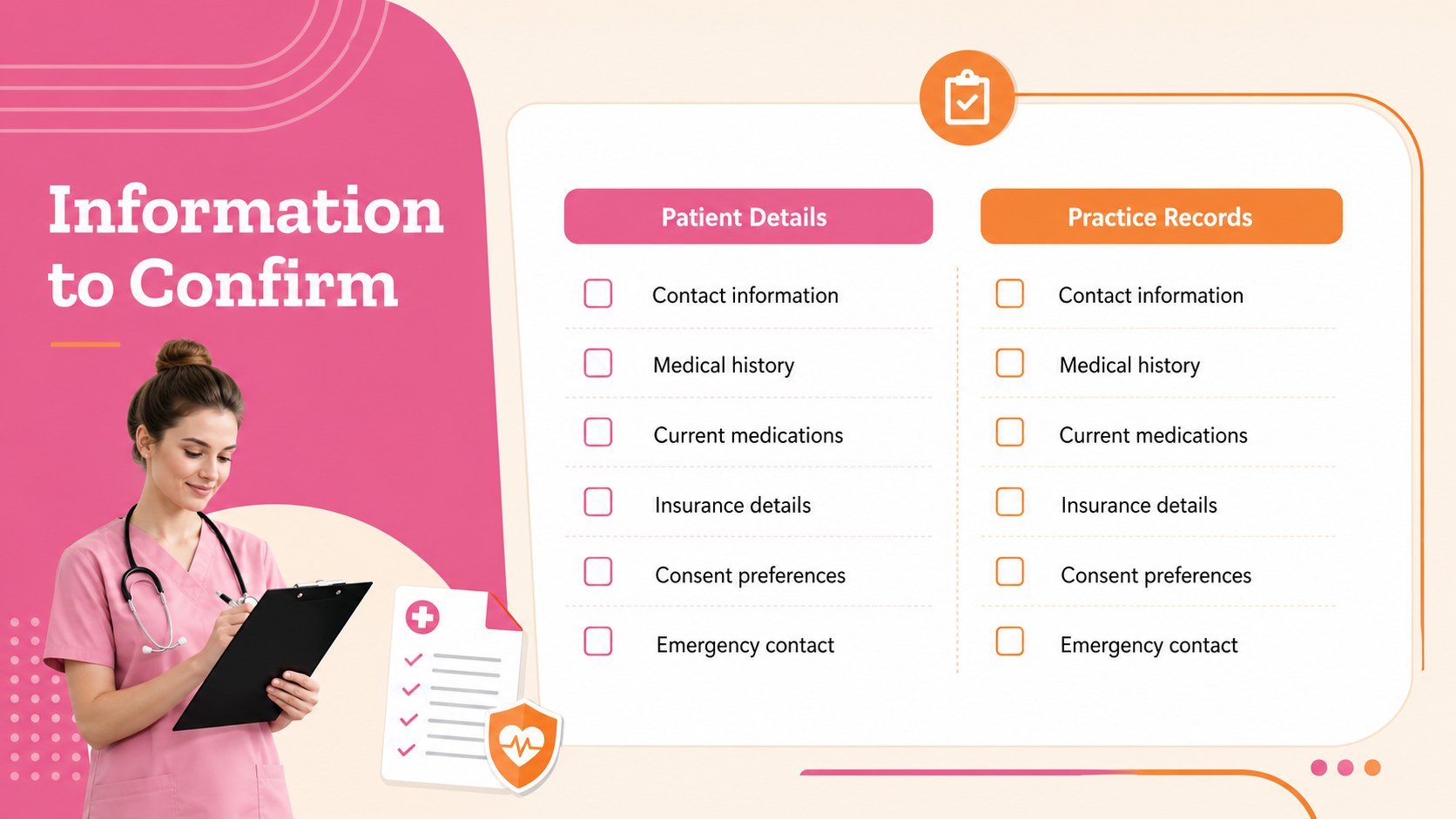
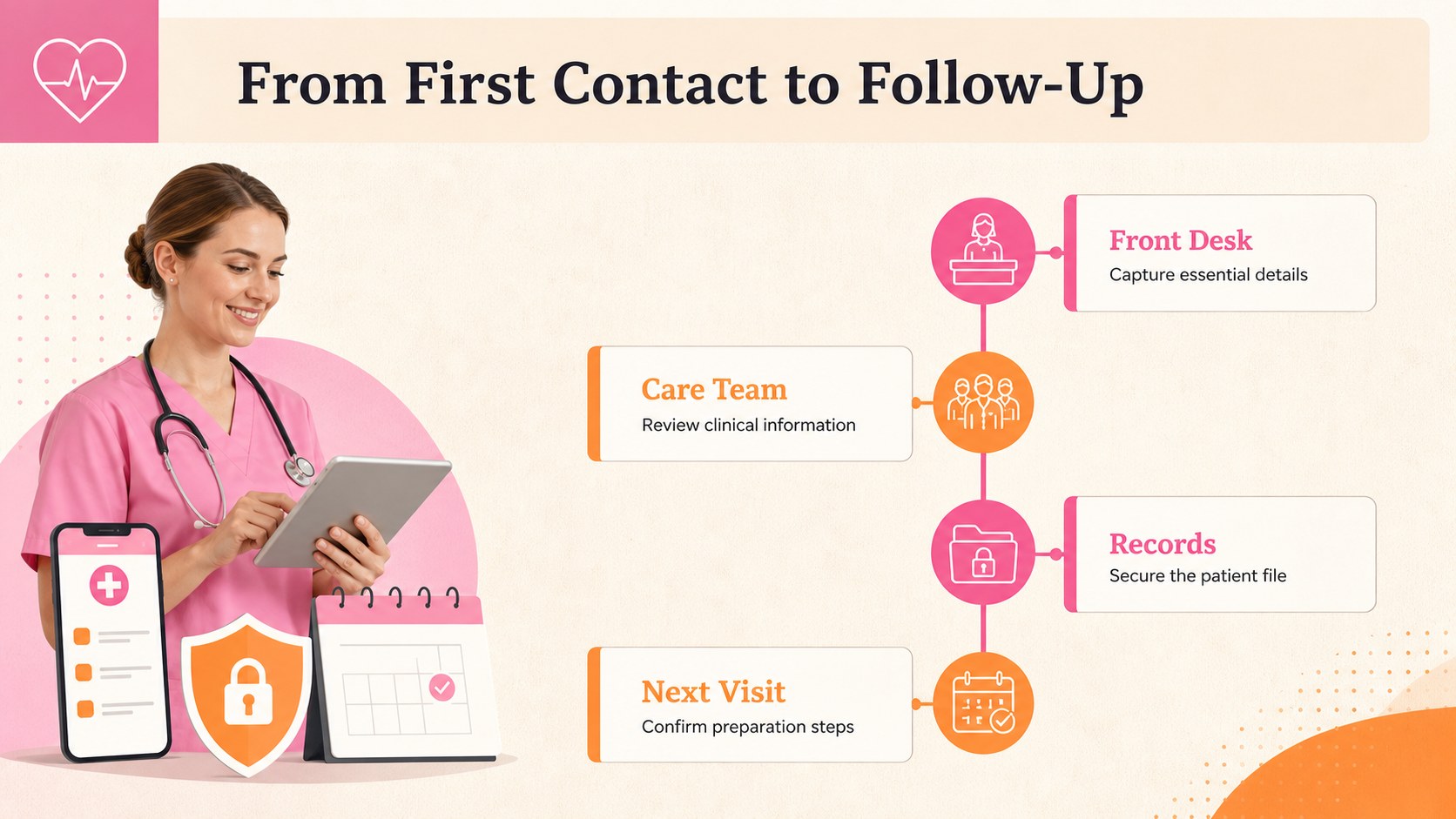
Inside, you’ll find a cover layout, an overview of the intake journey, a patient information checklist, and a customizable workflow slide for staff responsibilities and follow-up actions. The deck can help teams present a patient registration workflow, outline medical history and insurance collection, or standardize front-desk procedures across locations. Its balanced layouts make complex administrative steps easier to scan without feeling overly clinical.
Edit the template in PowerPoint or Google Slides and adapt headings, fields, icons, and accent colors to match your organization. It works well for healthcare onboarding presentations, internal process training, practice management meetings, and patient services briefings. Use the patient intake process presentation to clarify what information is needed, when it should be collected, and how records move securely through the practice. The design is also suitable for creating a reusable clinic registration presentation that can be updated as policies change.
Perfect for: clinic staff onboarding; hospital registration training; private practice process review; front-desk workflow briefing; patient services meeting.
Frequently asked questions
Can I edit the patient intake workflow slides? Yes. All text, colors, icons, and layout elements can be customized. Replace the sample workflow steps with the procedures and terminology used by your practice.
Practical details
Yes. All text, colors, icons, and layout elements can be customized. Replace the sample workflow steps with the procedures and terminology used by your practice.
The template is designed for Microsoft PowerPoint and Google Slides. You can edit the deck online in Google Slides or download it for desktop editing in PowerPoint.
Yes. Use it for clinics, hospitals, dental offices, specialty practices, or other patient-facing services. Adjust the checklist and workflow sections to reflect each setting’s registration requirements.
Yes. The beige, pink, and orange palette can be modified to match your organization’s visual identity. You can also add approved logos and contact details where appropriate.
Keep exploring
15Promote classes with a yoga workshop marketing presentation featuring playful beige, pink, and purple illustrations for PowerPoint and Google Slides.
 15
15Build a clear breast cancer awareness bulletin with bold pink-and-red slides for campaign news, screening reminders, impact data, and community updates.
 15
15Build a clear World Cancer Day message with this global cancer awareness campaign deck, featuring editable blue-green layouts for PowerPoint and Google Slides.
 4
4Document wound findings, treatment decisions, and healing progress with clinical wound evaluation slides for nurses in PowerPoint and Google Slides.
 14
14Plan a clear donor campaign with this blood donation awareness presentation, featuring editable beige-and-red visuals for PowerPoint and Google Slides.
 15
15Build a Kidney Health Awareness Campaign Deck with blue illustrated slides for prevention tips, risk education, screening events, and outreach.
 15
15Build an actionable training session with this fitness program workshop deck, using energetic yellow geometry and editable PowerPoint and Google Slides layouts.
 15
15Equip health teams with this malaria prevention education deck for workshops, community outreach, and policy briefings in PowerPoint or Google Slides.