
 15
15presentation
Yoga Workshop Marketing Presentation
Promote classes with a yoga workshop marketing presentation featuring playful beige, pink, and purple illustrations for PowerPoint and Google Slides.
Google SlidesPowerPoint
document · English
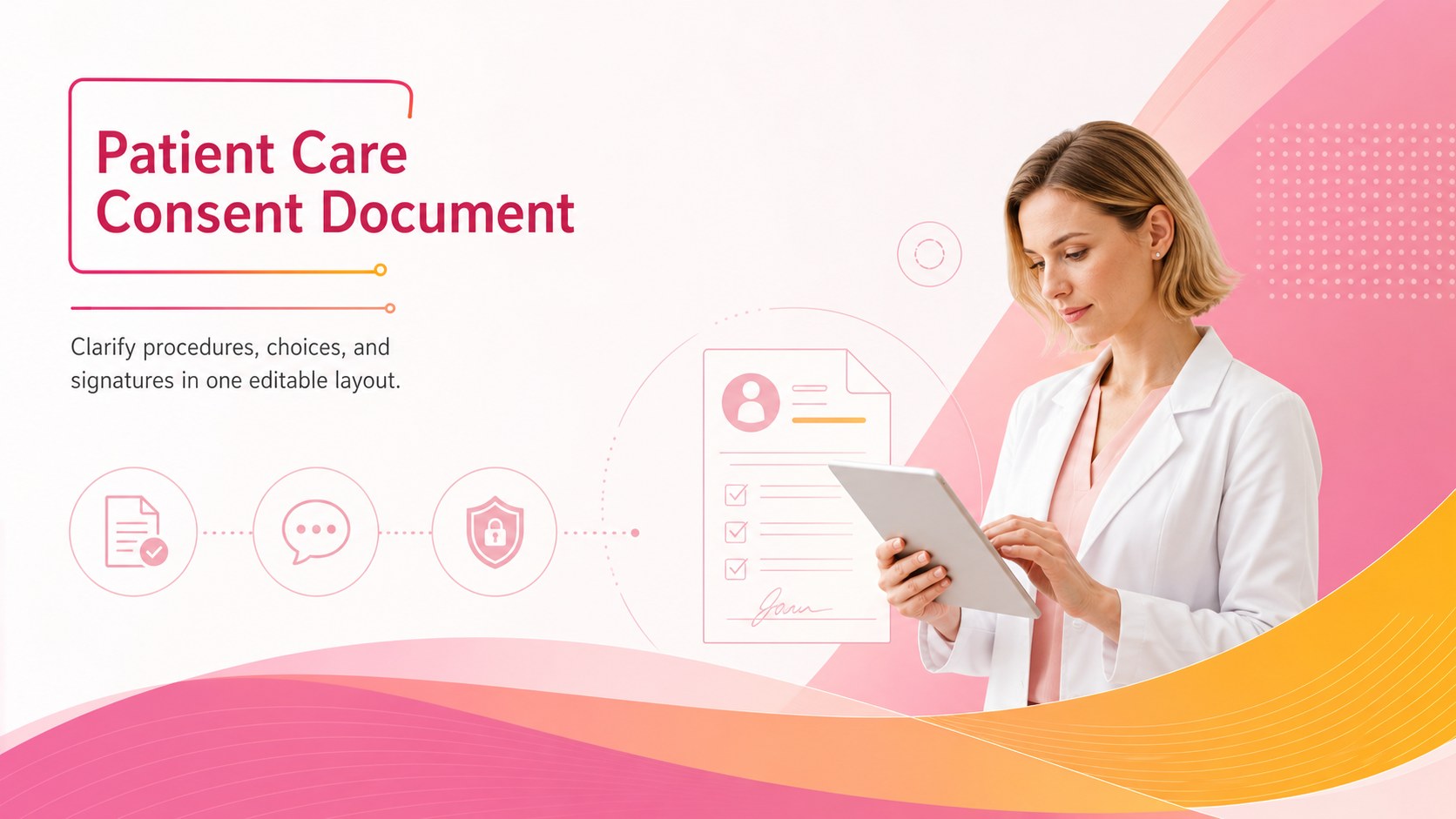
Prepare clear permissions with this patient care consent document for clinics and hospitals, editable in PowerPoint and Google Slides.
Design notes
A patient care consent document gives healthcare teams a structured way to explain proposed services, record a patient’s decision, and collect the necessary signatures. Designed for clear communication, this editable template balances essential clinical information with an approachable pink, yellow, orange, and white gradient style. Use it as a practical starting point, then revise the wording to reflect your organization’s policies and applicable legal requirements.
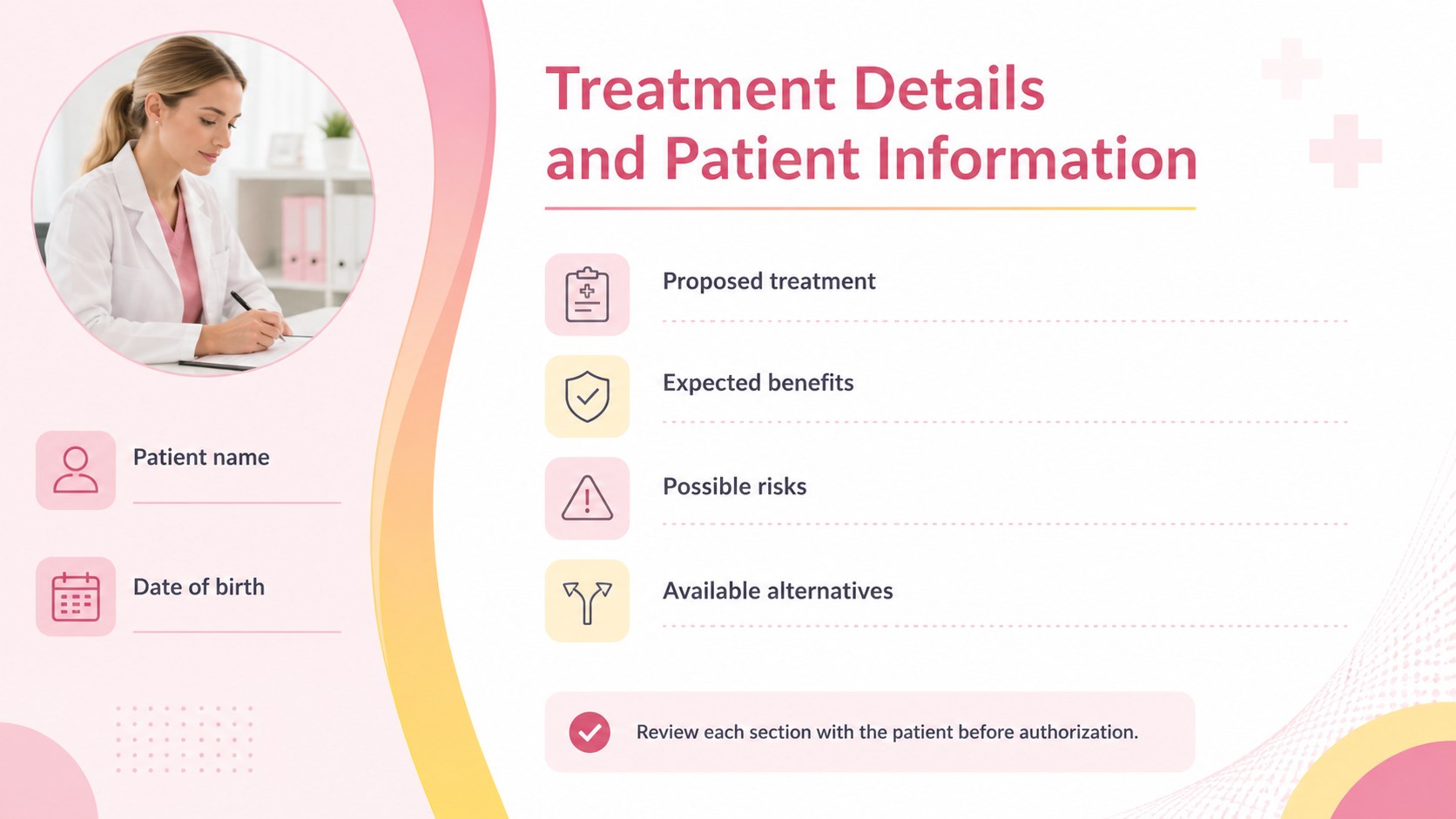
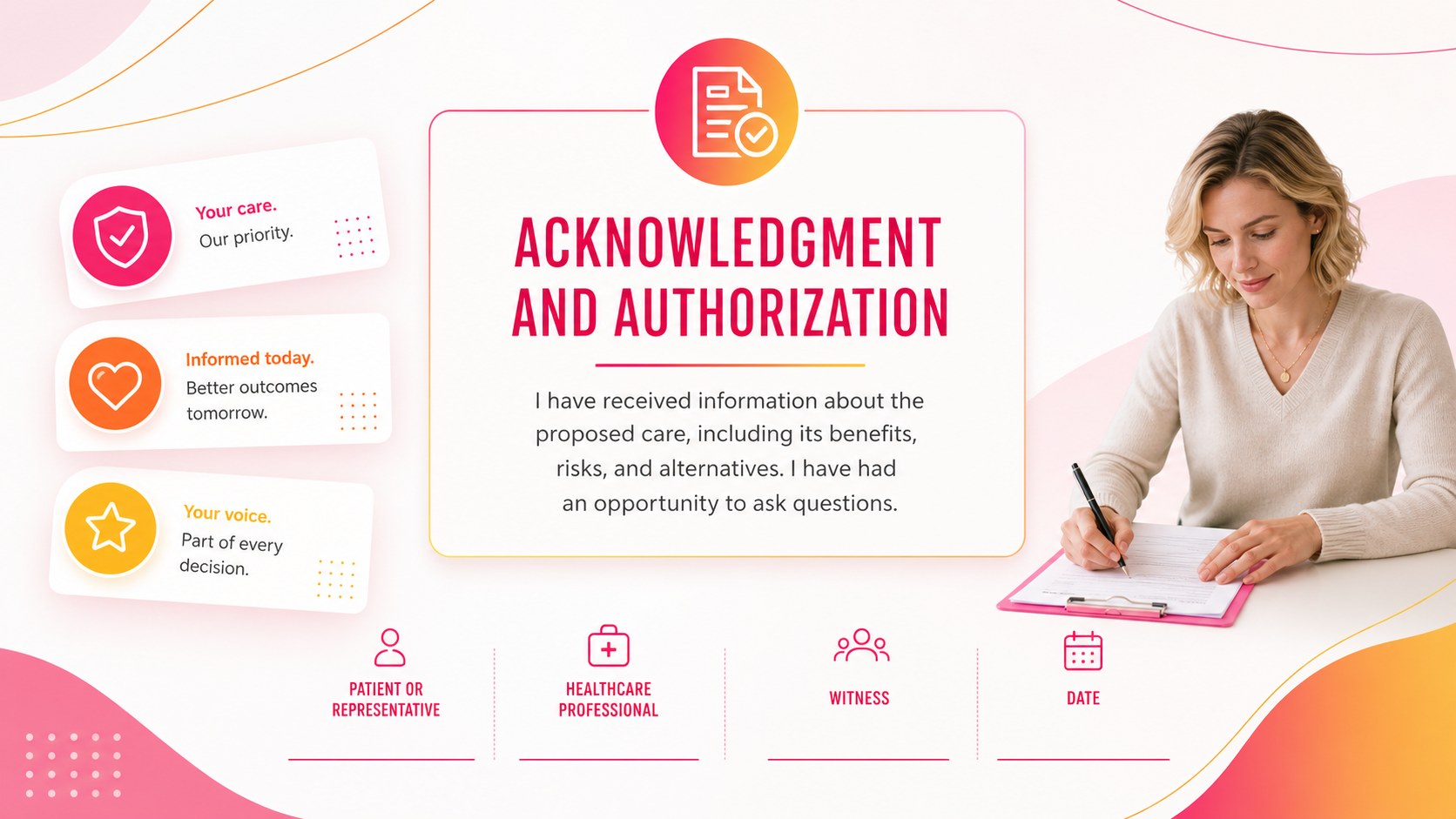
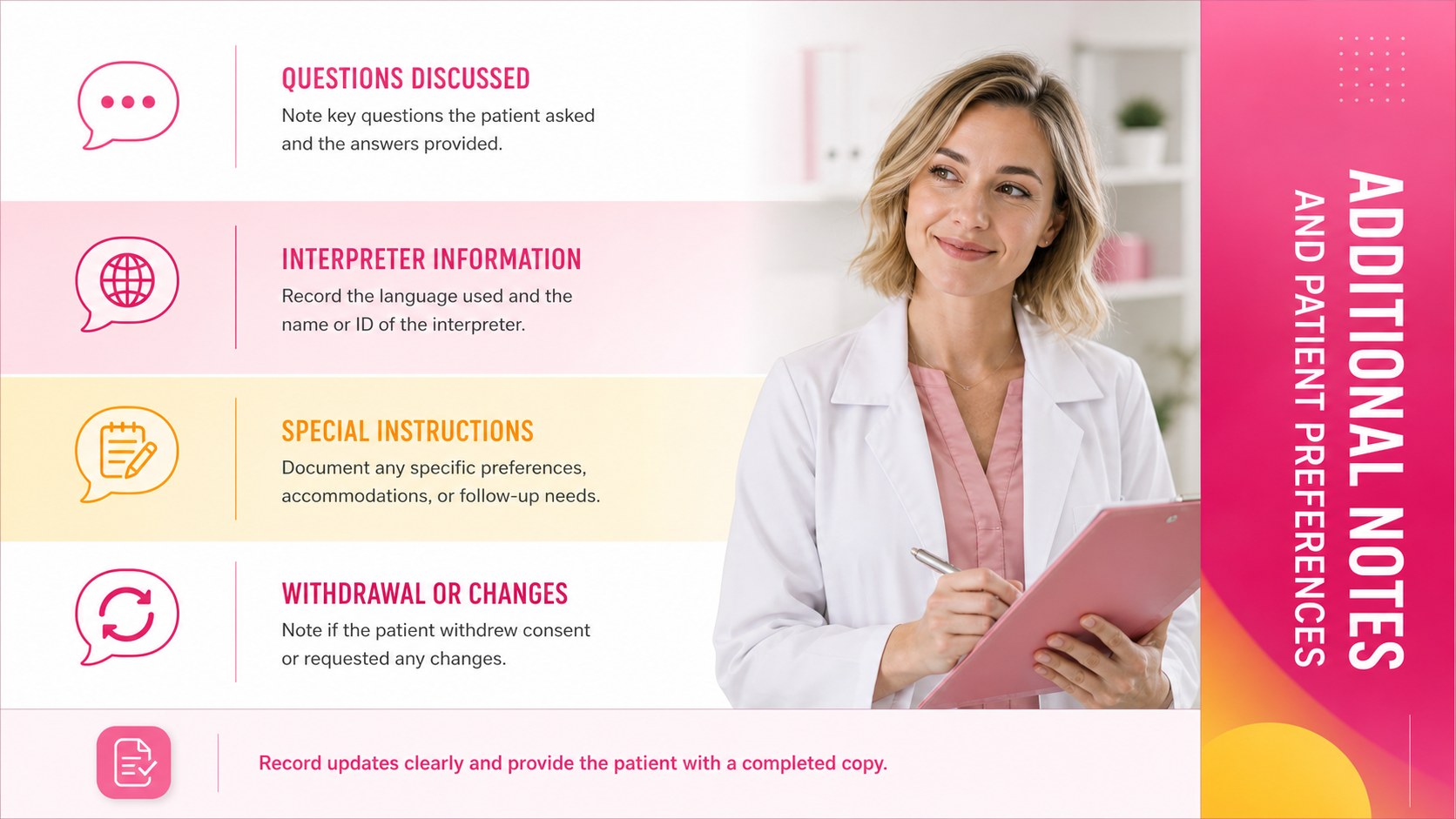
The template includes areas for patient details, the proposed treatment or procedure, expected benefits, possible risks, available alternatives, privacy acknowledgments, and authorization. Dedicated signature fields help document agreement from the patient or representative, the healthcare professional, and a witness when required. The patient procedure authorization layout is organized for quick review, while the medical consent signature template provides clearly separated approval fields. Additional space can be used for questions, special instructions, interpreter information, or withdrawal terms.
Built for PowerPoint and Google Slides, the design is easy to customize with your practice name, contact details, fonts, colors, and revised form sections. It is suitable for clinics, hospitals, outpatient centers, therapy practices, dental offices, and independent providers preparing an editable healthcare permission document. Before use, have the final language reviewed by an authorized clinical or legal professional to ensure it meets local regulations and the needs of your specific service.
Perfect for: outpatient procedure authorization; clinic intake documentation; therapy treatment approval; dental procedure consent; hospital patient records.
Frequently asked questions
Can I edit the document for a specific procedure? Yes. Update the procedure description, risks, benefits, alternatives, and signature requirements in PowerPoint or Google Slides. You can also add or remove sections to match your clinical workflow.
Practical details
Yes. Update the procedure description, risks, benefits, alternatives, and signature requirements in PowerPoint or Google Slides. You can also add or remove sections to match your clinical workflow.
The template is designed for PowerPoint and Google Slides. Both platforms allow you to revise the wording, adjust the layout, and export the completed document for printing or digital distribution.
Yes. Replace the placeholder information with your organization’s name, logo, address, and contact details. The fonts and gradient colors can also be adjusted to align with your visual identity.
It provides a customizable structure rather than jurisdiction-specific legal advice. A qualified clinical or legal professional should review the final document before it is used with patients.
Keep exploring
15Promote classes with a yoga workshop marketing presentation featuring playful beige, pink, and purple illustrations for PowerPoint and Google Slides.
 15
15Build a clear breast cancer awareness bulletin with bold pink-and-red slides for campaign news, screening reminders, impact data, and community updates.
 15
15Build a clear World Cancer Day message with this global cancer awareness campaign deck, featuring editable blue-green layouts for PowerPoint and Google Slides.
 4
4Document wound findings, treatment decisions, and healing progress with clinical wound evaluation slides for nurses in PowerPoint and Google Slides.
 14
14Plan a clear donor campaign with this blood donation awareness presentation, featuring editable beige-and-red visuals for PowerPoint and Google Slides.
 15
15Build a Kidney Health Awareness Campaign Deck with blue illustrated slides for prevention tips, risk education, screening events, and outreach.
 15
15Build an actionable training session with this fitness program workshop deck, using energetic yellow geometry and editable PowerPoint and Google Slides layouts.
 15
15Equip health teams with this malaria prevention education deck for workshops, community outreach, and policy briefings in PowerPoint or Google Slides.