
 14
14presentation
2036 Dragon Year Celebration Theme
Plan a memorable Lunar New Year campaign with the 2036 Dragon Year Celebration Theme, featuring bold red-and-yellow slides for lessons and events.
Google SlidesPowerPoint
presentation · English
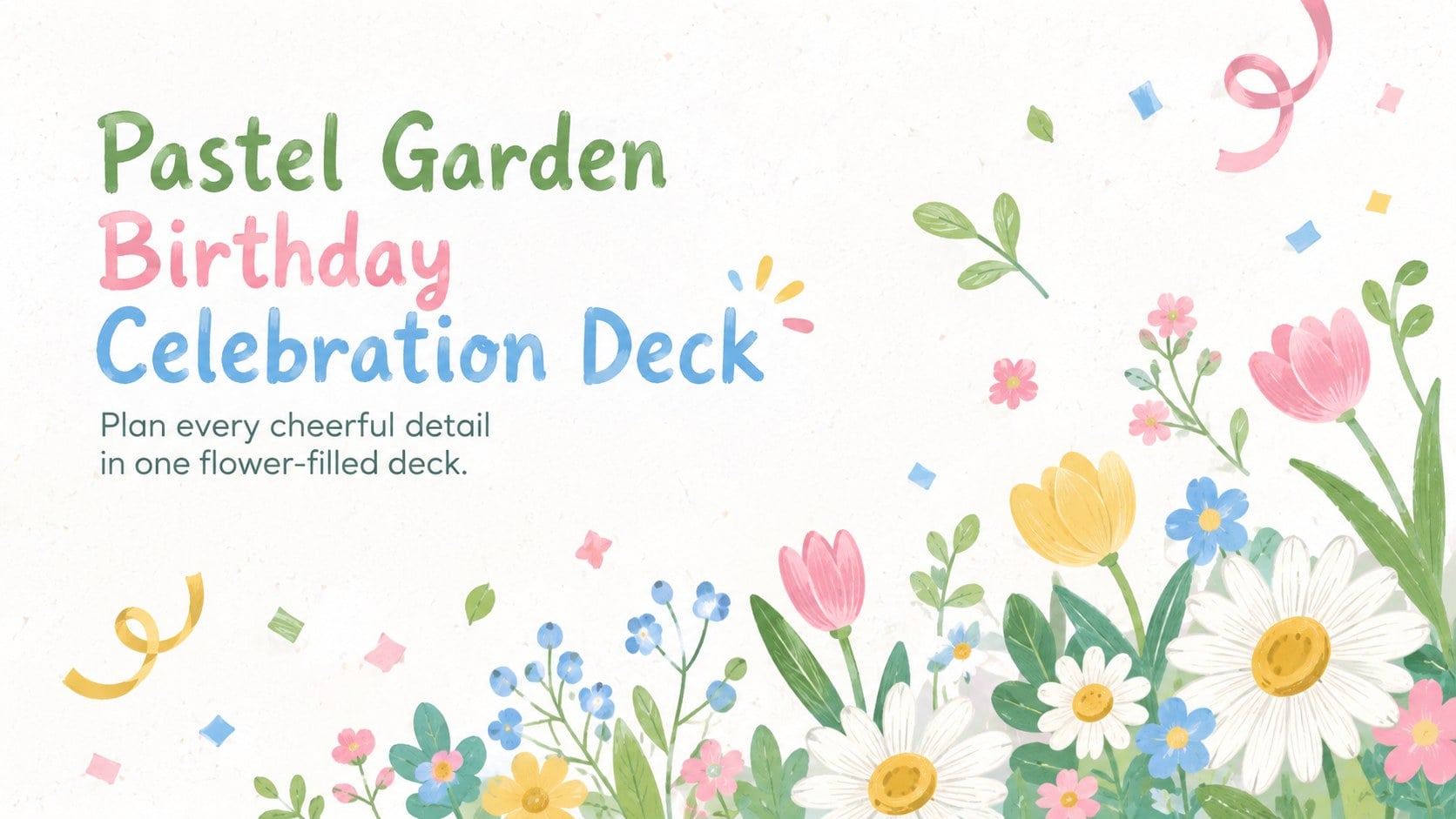
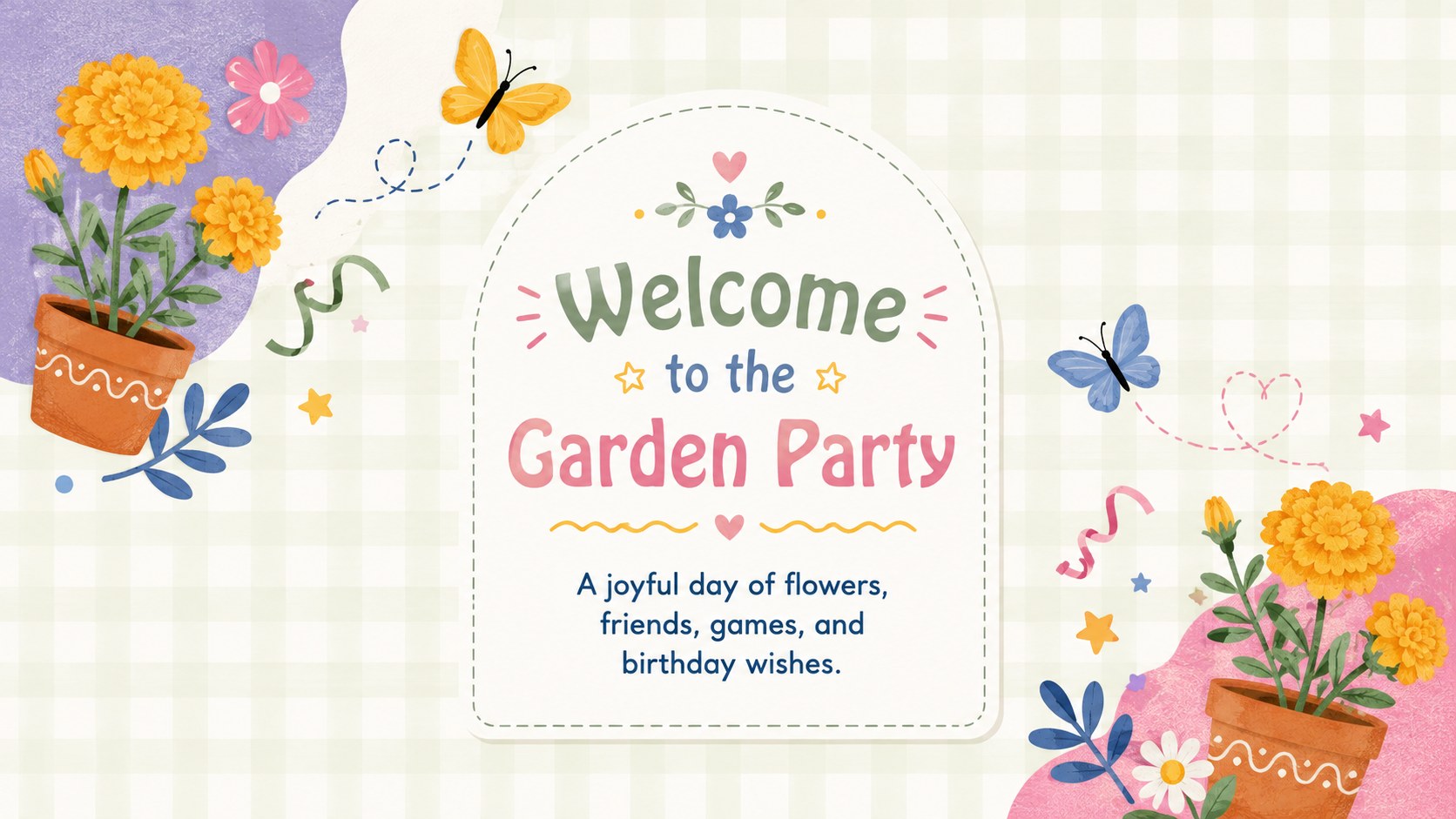
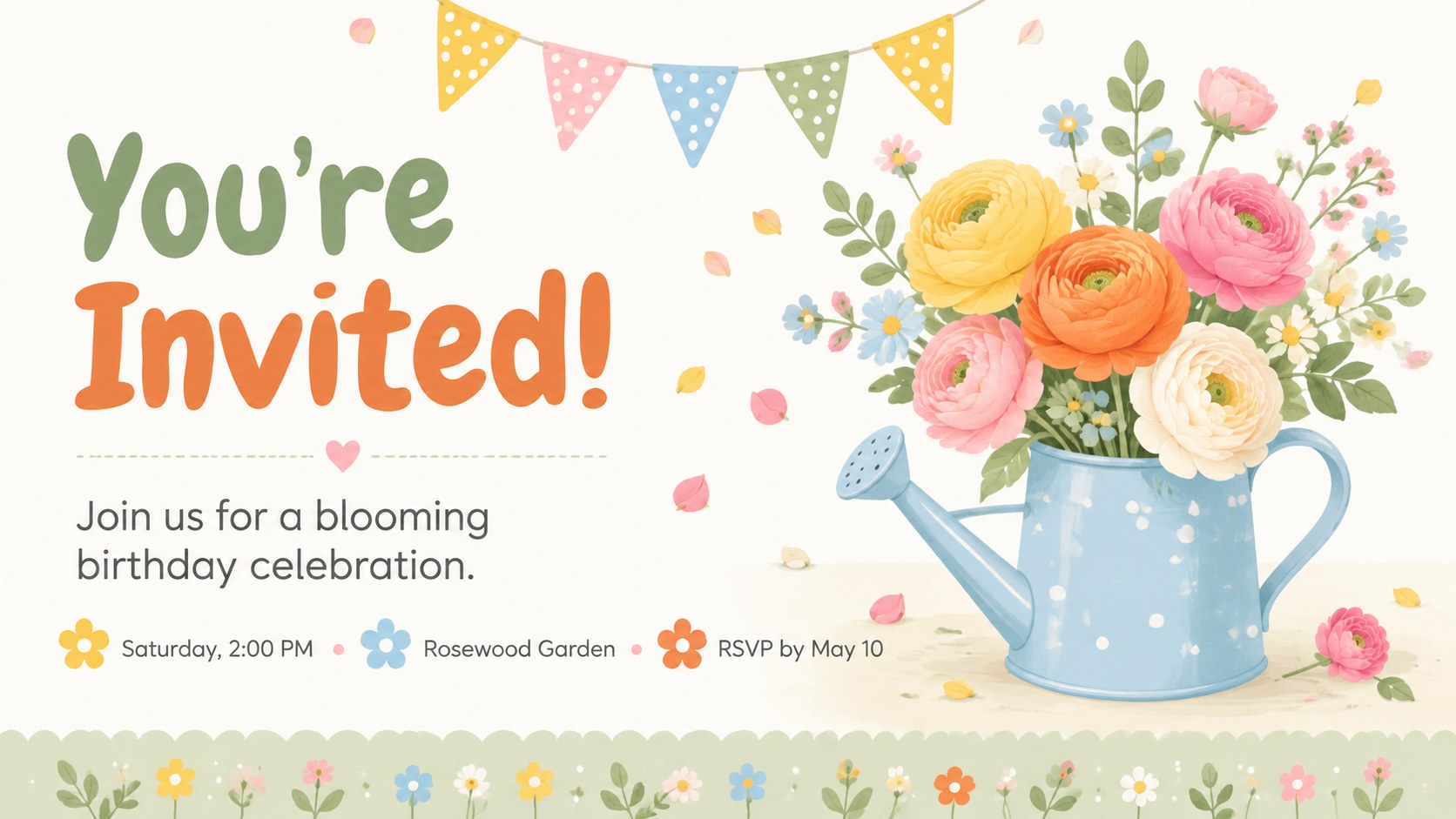
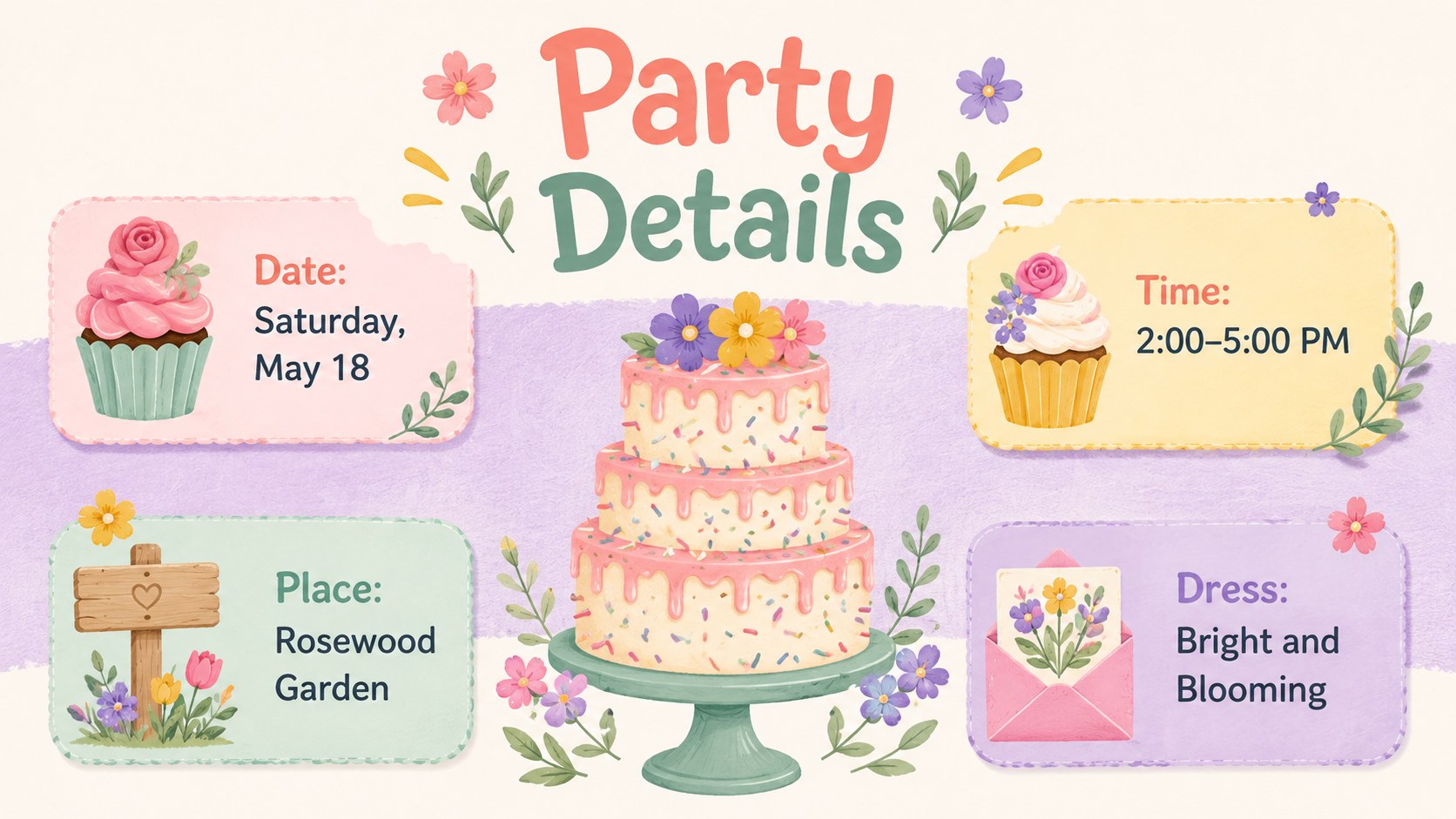
Plan invites, games, menus, and party details with a pastel garden birthday celebration deck, ready to edit in PowerPoint and Google Slides.
Design notes
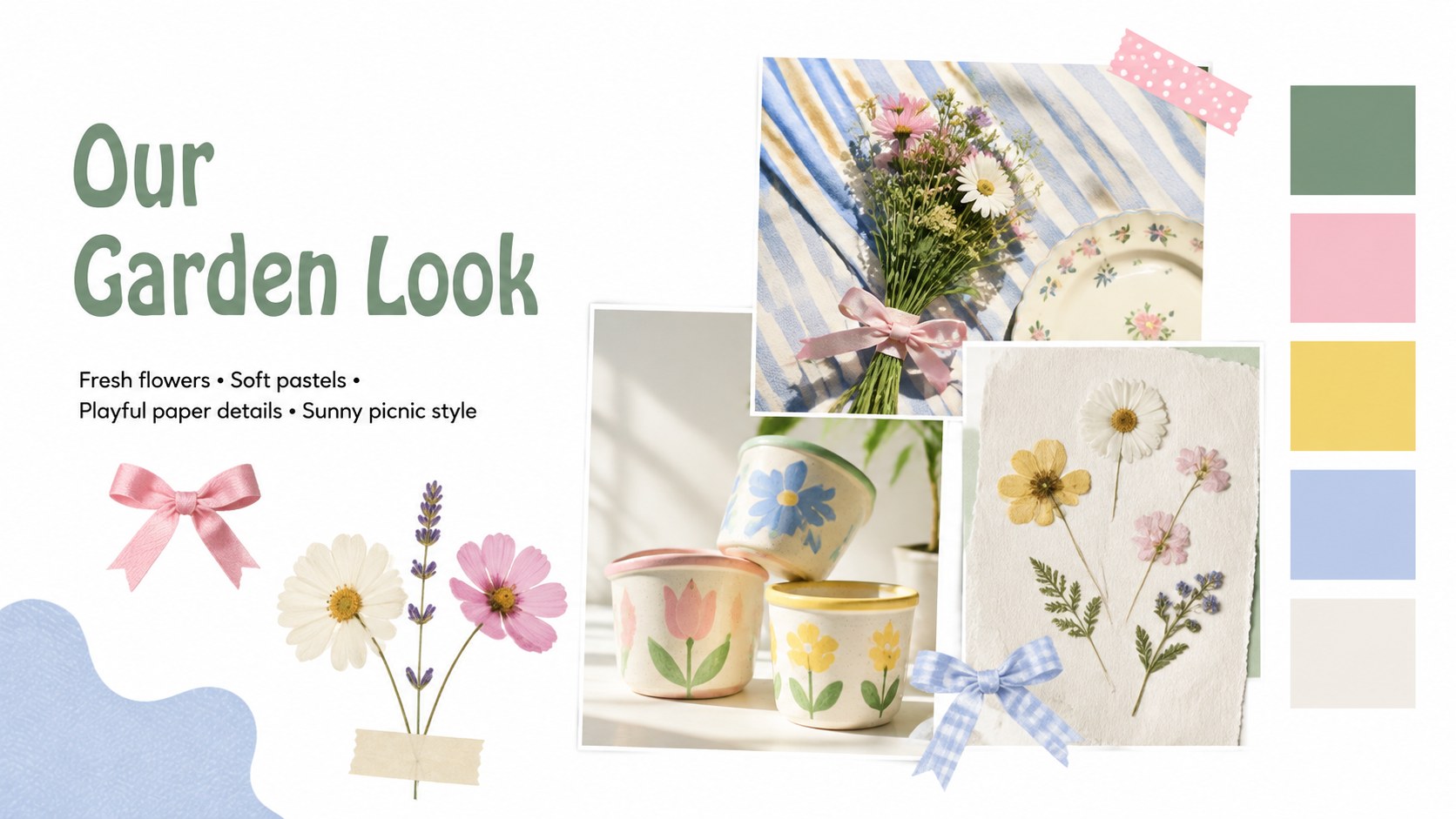
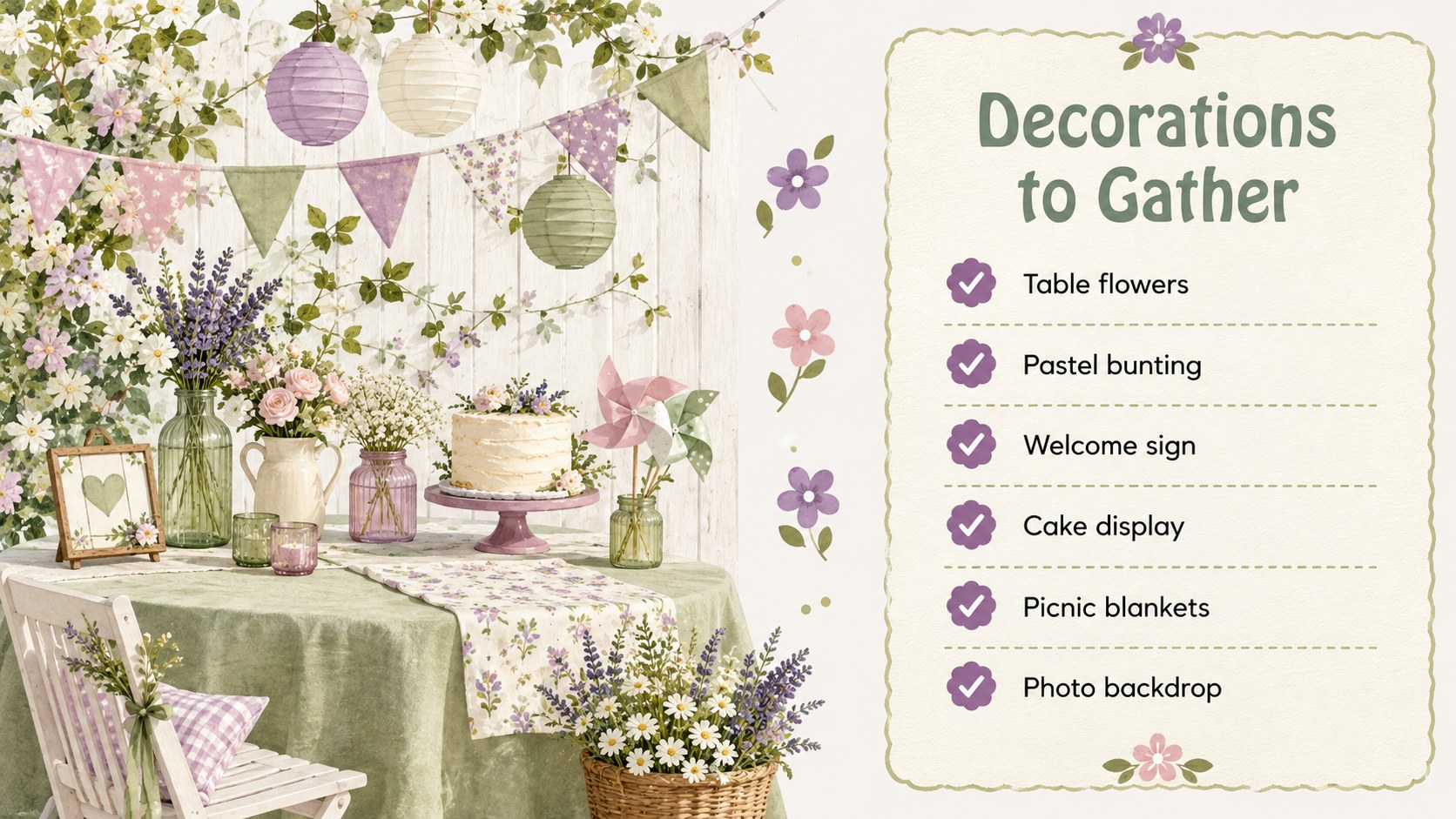
Bring a bright outdoor celebration to life with this pastel garden birthday celebration deck. Soft florals, hand-cut paper textures, cheerful colors, and airy white space create a welcoming look for sharing party plans or presenting a memorable birthday story. Every layout is designed to feel playful without making important details difficult to read.
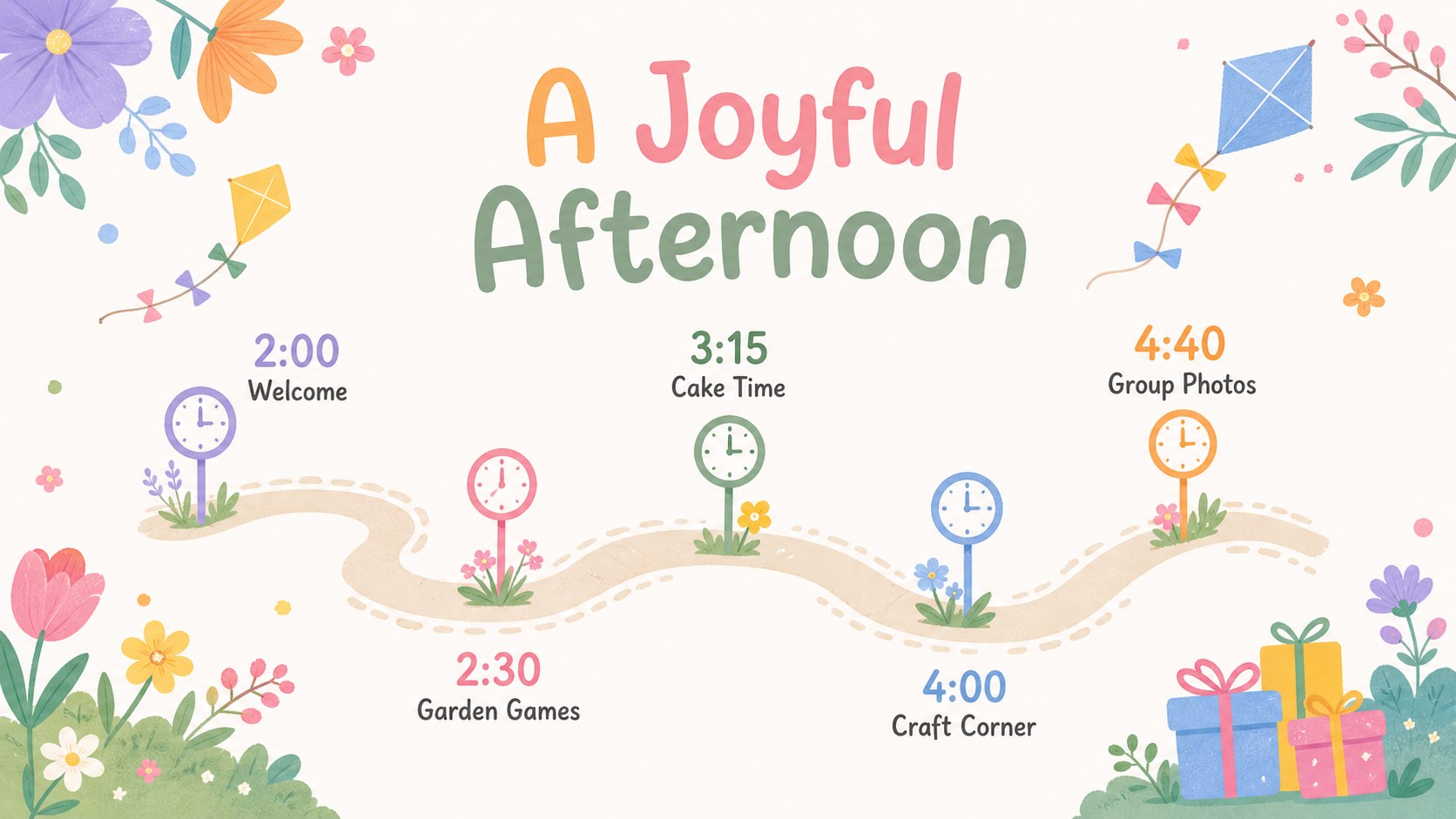
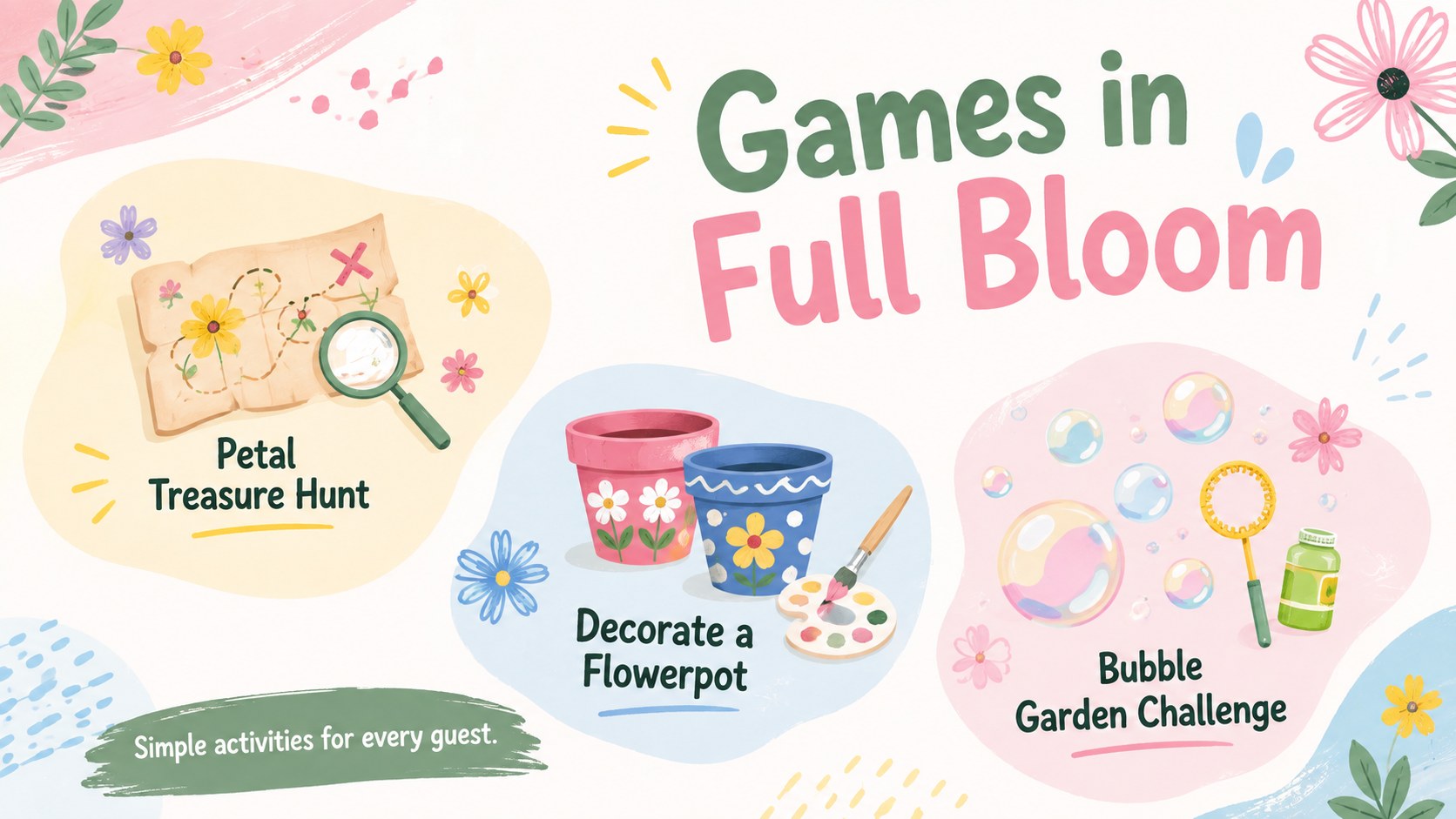
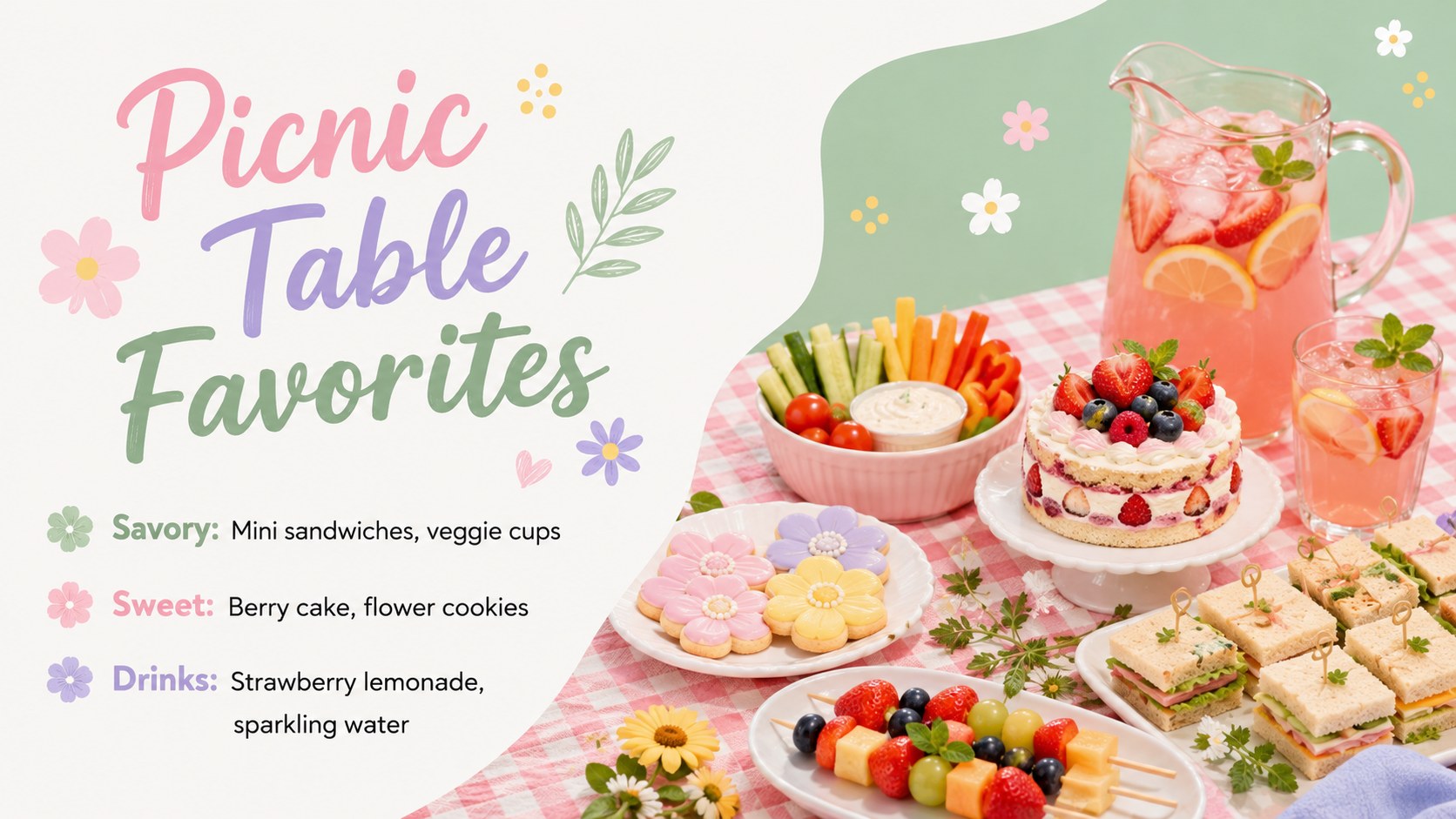
Inside, you will find more than 25 customizable slides for invitations, event details, schedules, guest lists, menus, games, decorations, photo highlights, budgets, and thank-you messages. Use the birthday party planning deck as a complete organizer or select individual layouts for an editable birthday invitation slides set. Charts, frames, icons, image placeholders, and decorative shapes can be adjusted to suit your venue, age group, and celebration theme. Animation and transition options also help create a lively presentation when the deck is shown on screen.
This spring garden celebration template works especially well for parents, teachers, event planners, community groups, and anyone arranging a child-friendly gathering. Change the wording, typefaces, colors, and photographs directly in PowerPoint or Google Slides. Whether you are announcing a backyard party, coordinating classroom festivities, or collecting favorite memories after the event, the flexible layouts keep the experience organized, colorful, and personal.
Perfect for: backyard birthday invitation; children's party schedule; classroom birthday celebration; garden event planning; birthday photo recap.
Frequently asked questions
Can I edit this deck in PowerPoint and Google Slides? Yes. The layouts, text, colors, shapes, and image placeholders can be customized in PowerPoint or Google Slides. Some fonts or transitions may vary slightly between the two platforms.
Practical details
Yes. The layouts, text, colors, shapes, and image placeholders can be customized in PowerPoint or Google Slides. Some fonts or transitions may vary slightly between the two platforms.
Yes. Choose an invitation layout, add the date, time, venue, and RSVP details, then export that slide as an image or PDF. Check that no private contact information is visible before sharing it publicly.
Replace the sample wording and adjust the floral graphics, photographs, and accent colors to match the guest of honor. The pastel palette can remain soft for young children or be paired with cleaner typography for teens and adults.
Yes. Each section uses editable text boxes and flexible visual elements. Add or remove rows, duplicate activity blocks, and update labels to reflect the size and format of your event.
Keep exploring
14Plan a memorable Lunar New Year campaign with the 2036 Dragon Year Celebration Theme, featuring bold red-and-yellow slides for lessons and events.
 15
15Build playful lessons and party stories with a kid-friendly zombie celebration theme in purple, green and pastel blue for PowerPoint and Google Slides.
 15
15Build eerie lessons, campaigns, and story pitches with an undead survival scenario theme featuring editable slides for PowerPoint and Google Slides.
 3
3Share festive messages with a Lunar Horse New Year Wishes Theme, featuring bold red-and-yellow layouts for PowerPoint and Google Slides celebrations.
 15
15Bring zodiac traditions to life with a Lunar Snake Festival Presentation featuring 15 cheerful red illustrated slides for PowerPoint and Google Slides.
 6
6Honor teams and individuals with an Orange Year-End Recognition Certificate Set featuring six editable designs for PowerPoint and Google Slides.
 14
14Honor the people behind the headlines with a World Sports Press Appreciation Deck for PowerPoint and Google Slides, styled in crisp, modern green.
 15
15Teach, inspire, and celebrate with our Plant-Powered Vegetarian Day Lesson Deck, featuring cheerful editable visuals for PowerPoint and Google Slides.