
 14
14presentation
2036 Dragon Year Celebration Theme
Plan a memorable Lunar New Year campaign with the 2036 Dragon Year Celebration Theme, featuring bold red-and-yellow slides for lessons and events.
Google SlidesPowerPoint
presentation · English
Create a heartfelt reveal with this pastel garden baby reveal announcement deck, featuring editable layouts for photos, dates, family notes, and wishes.




Design notes
Turn joyful news into a thoughtful visual story with this pastel garden baby reveal announcement deck. Soft pink and blue tones, playful botanical doodles, and scrapbook-inspired details create a welcoming setting for sharing your pregnancy announcement with relatives, friends, or social followers. Every layout balances cheerful decoration with clear space for your own words and images.
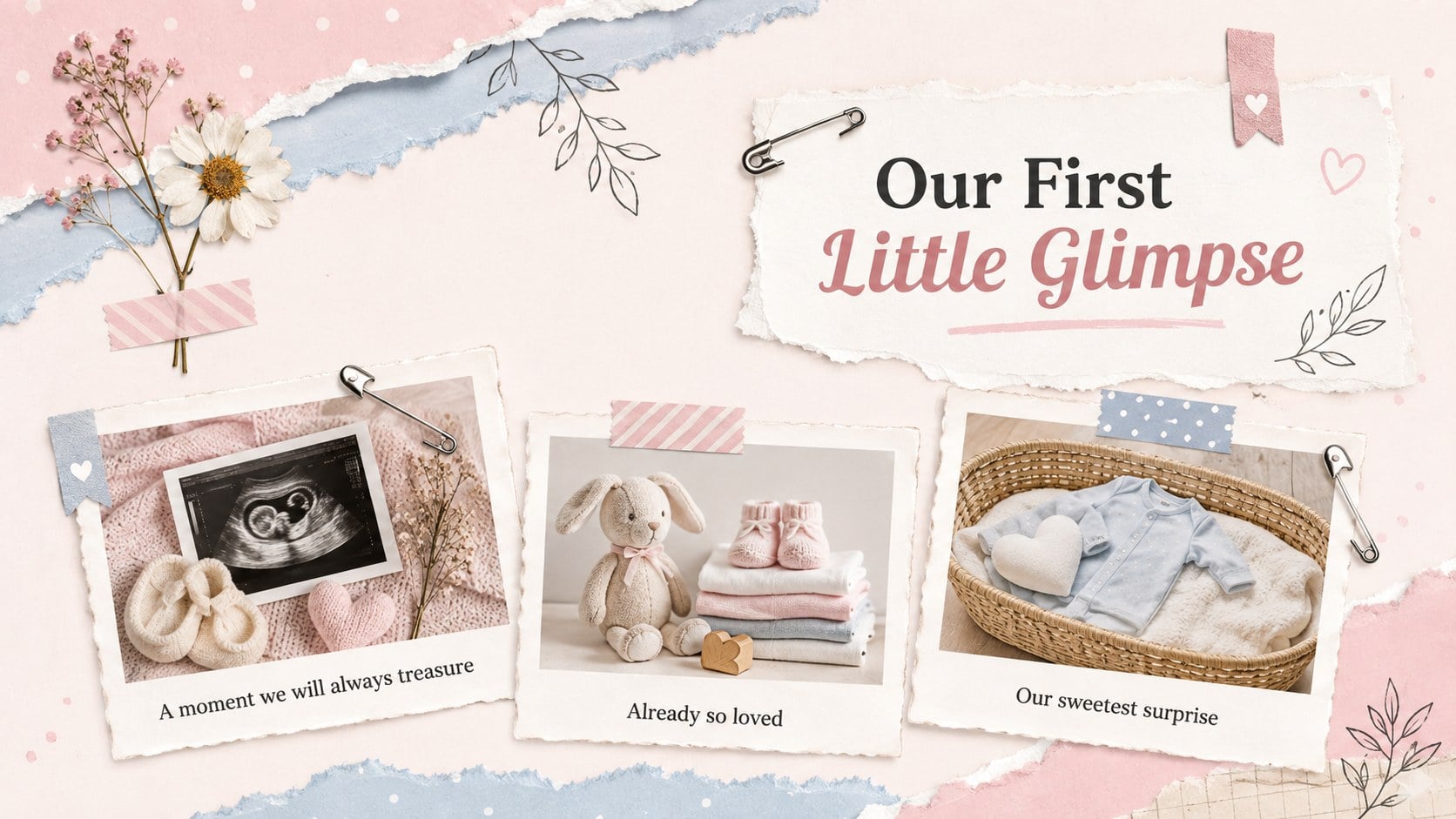
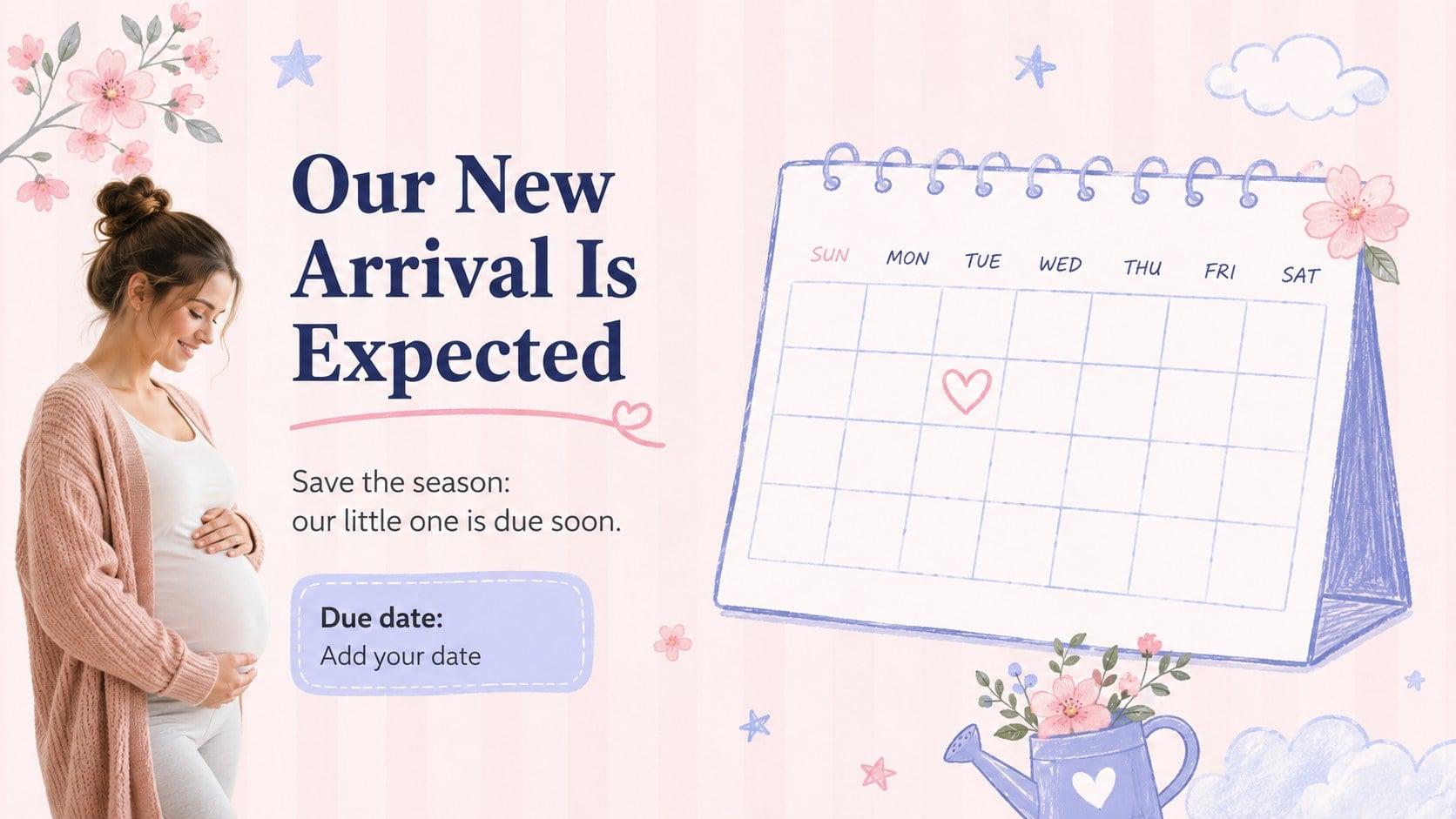
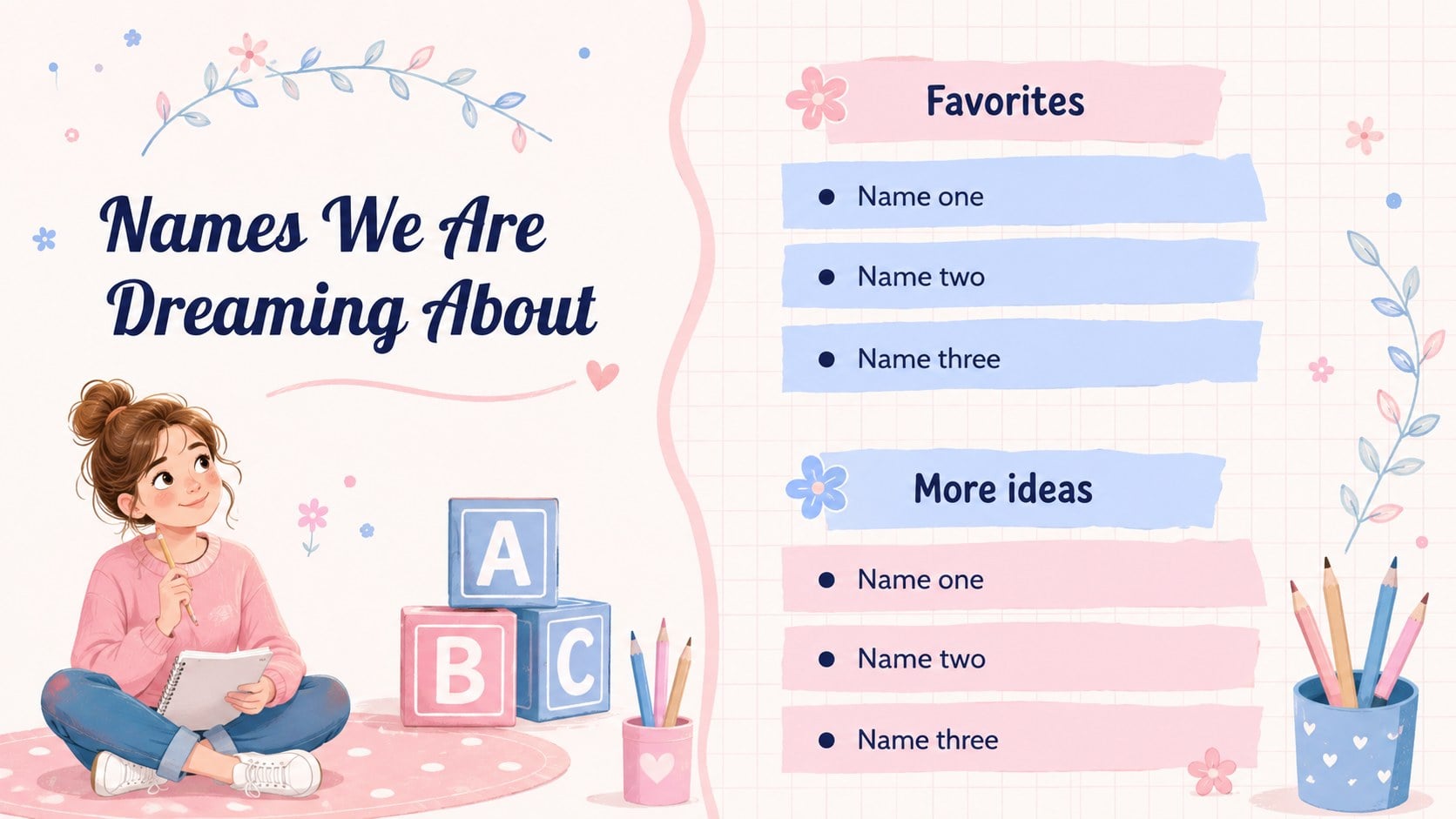
The deck includes a cover reveal, photo pages, a due-date announcement, milestone highlights, family reactions, name ideas, heartfelt messages, and a closing thank-you. Use it as an editable baby reveal slideshow or build a pregnancy announcement photo collage with ultrasound pictures, family portraits, and meaningful keepsakes. Coordinated frames, simple timelines, quote layouts, and decorative accents help the full story feel consistent without limiting your creativity.
This pastel garden baby reveal announcement deck is designed for expecting parents, relatives planning a surprise, photographers preparing client reveal galleries, and hosts organizing a baby celebration. Edit the text, rearrange layouts, replace photos, and adjust the pastel pink and blue palette in PowerPoint or Google Slides. The flexible design also works as a family pregnancy reveal slide deck for an intimate gathering, virtual announcement, or keepsake presentation.
Perfect for: family pregnancy reveal; virtual baby announcement; ultrasound photo slideshow; baby celebration welcome screen; keepsake reveal presentation.
Frequently asked questions
Can I add ultrasound photos and family portraits? Yes. Replace the sample images with ultrasound scans, portraits, or keepsake photos, then crop them inside the provided frames. You can also duplicate a photo layout when you need additional space.
Practical details
Yes. Replace the sample images with ultrasound scans, portraits, or keepsake photos, then crop them inside the provided frames. You can also duplicate a photo layout when you need additional space.
The template is designed for PowerPoint and Google Slides. Text, colors, image placeholders, and most decorative elements can be edited in either platform.
Yes. Update the theme colors or recolor individual shapes to match your preferred announcement style. Check text contrast after changing pale background shades.
Yes. Delete, reorder, or duplicate slides without affecting the rest of the presentation. Keep only the layouts needed for your reveal, gathering, or photo story.
Keep exploring
14Plan a memorable Lunar New Year campaign with the 2036 Dragon Year Celebration Theme, featuring bold red-and-yellow slides for lessons and events.
 15
15Build playful lessons and party stories with a kid-friendly zombie celebration theme in purple, green and pastel blue for PowerPoint and Google Slides.
 15
15Build eerie lessons, campaigns, and story pitches with an undead survival scenario theme featuring editable slides for PowerPoint and Google Slides.
 3
3Share festive messages with a Lunar Horse New Year Wishes Theme, featuring bold red-and-yellow layouts for PowerPoint and Google Slides celebrations.
 15
15Bring zodiac traditions to life with a Lunar Snake Festival Presentation featuring 15 cheerful red illustrated slides for PowerPoint and Google Slides.
 6
6Honor teams and individuals with an Orange Year-End Recognition Certificate Set featuring six editable designs for PowerPoint and Google Slides.
 14
14Honor the people behind the headlines with a World Sports Press Appreciation Deck for PowerPoint and Google Slides, styled in crisp, modern green.
 15
15Teach, inspire, and celebrate with our Plant-Powered Vegetarian Day Lesson Deck, featuring cheerful editable visuals for PowerPoint and Google Slides.