
 15
15presentation
Yoga Workshop Marketing Presentation
Promote classes with a yoga workshop marketing presentation featuring playful beige, pink, and purple illustrations for PowerPoint and Google Slides.
Google SlidesPowerPoint
presentation · English
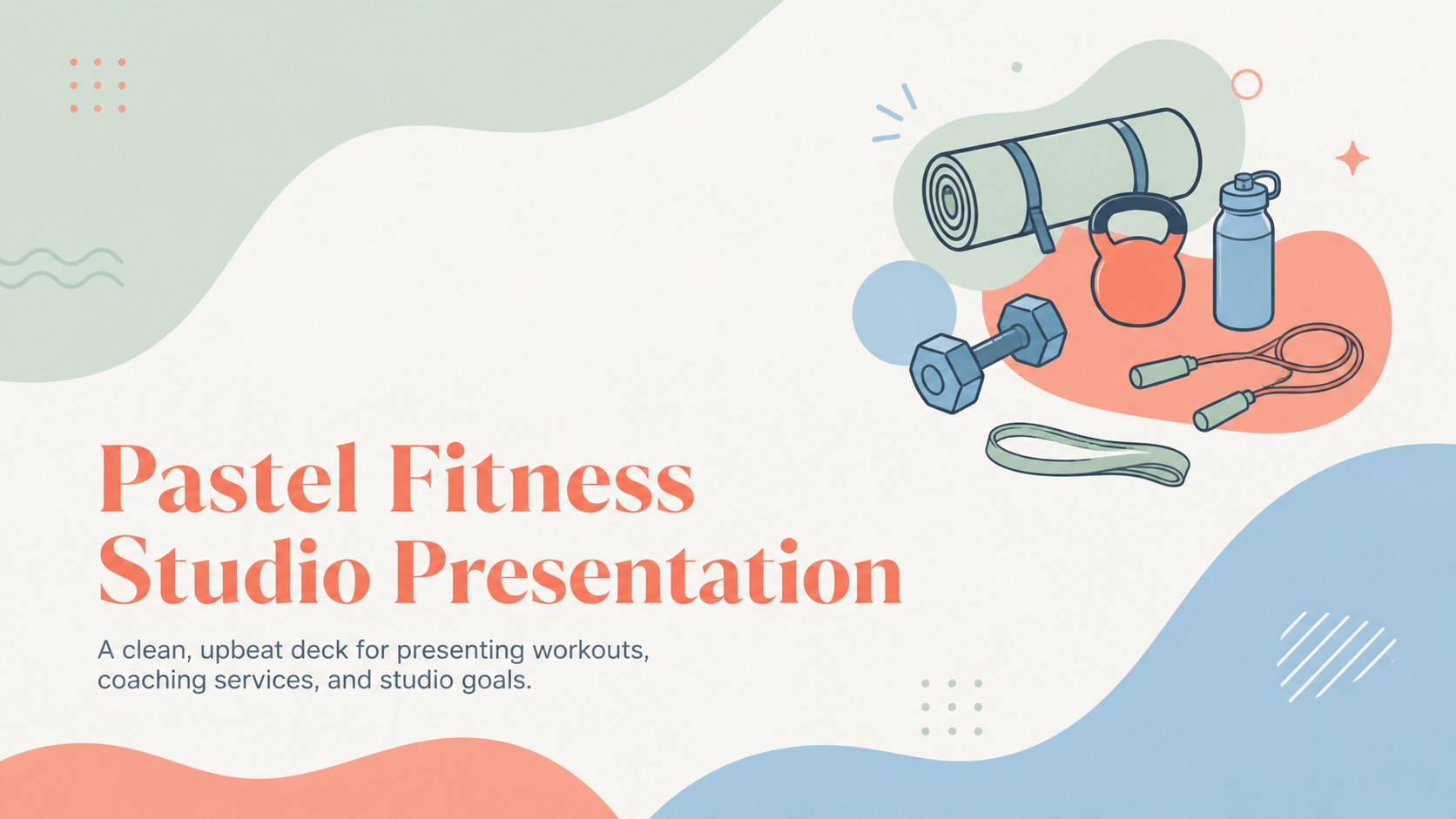
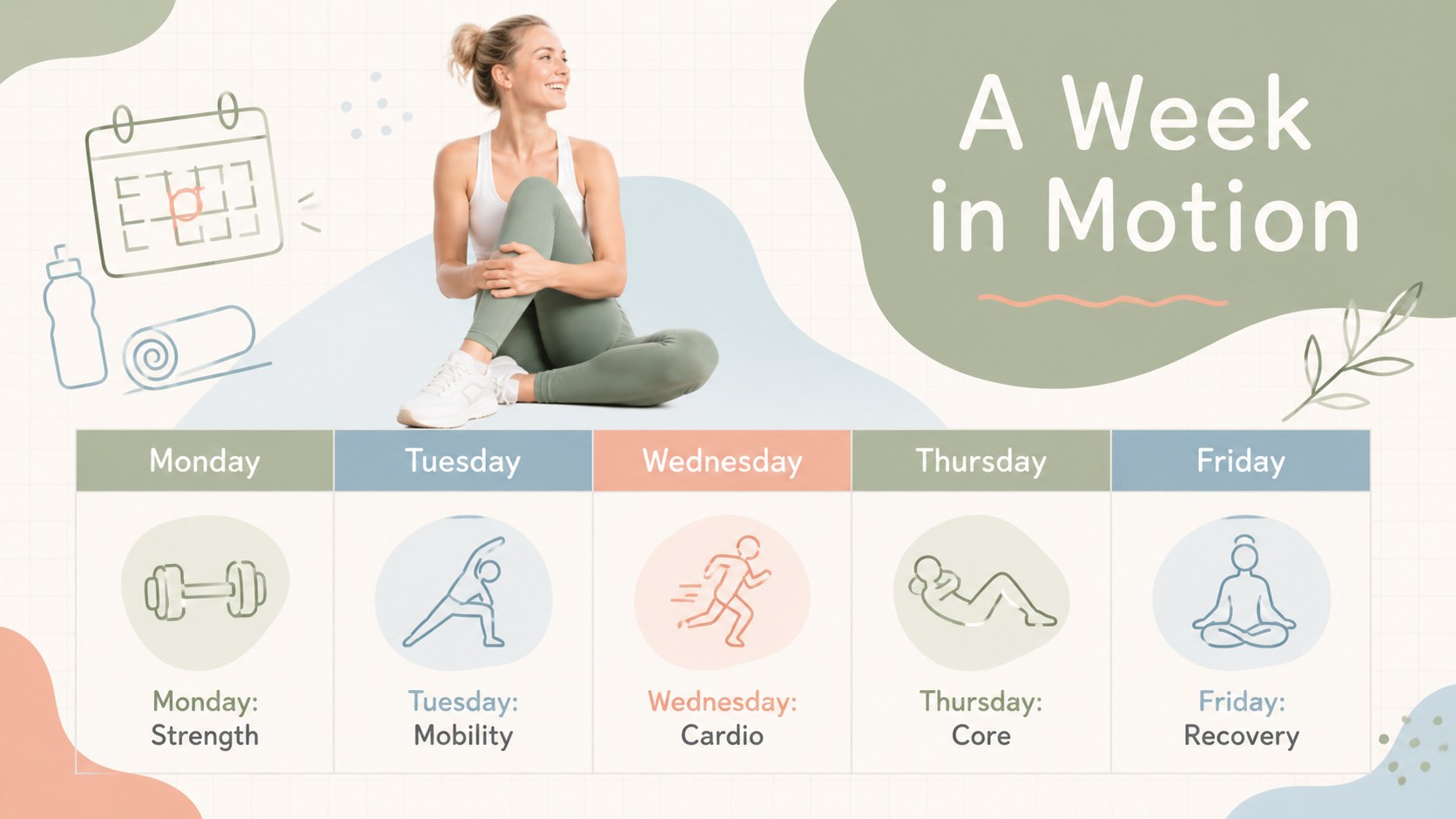
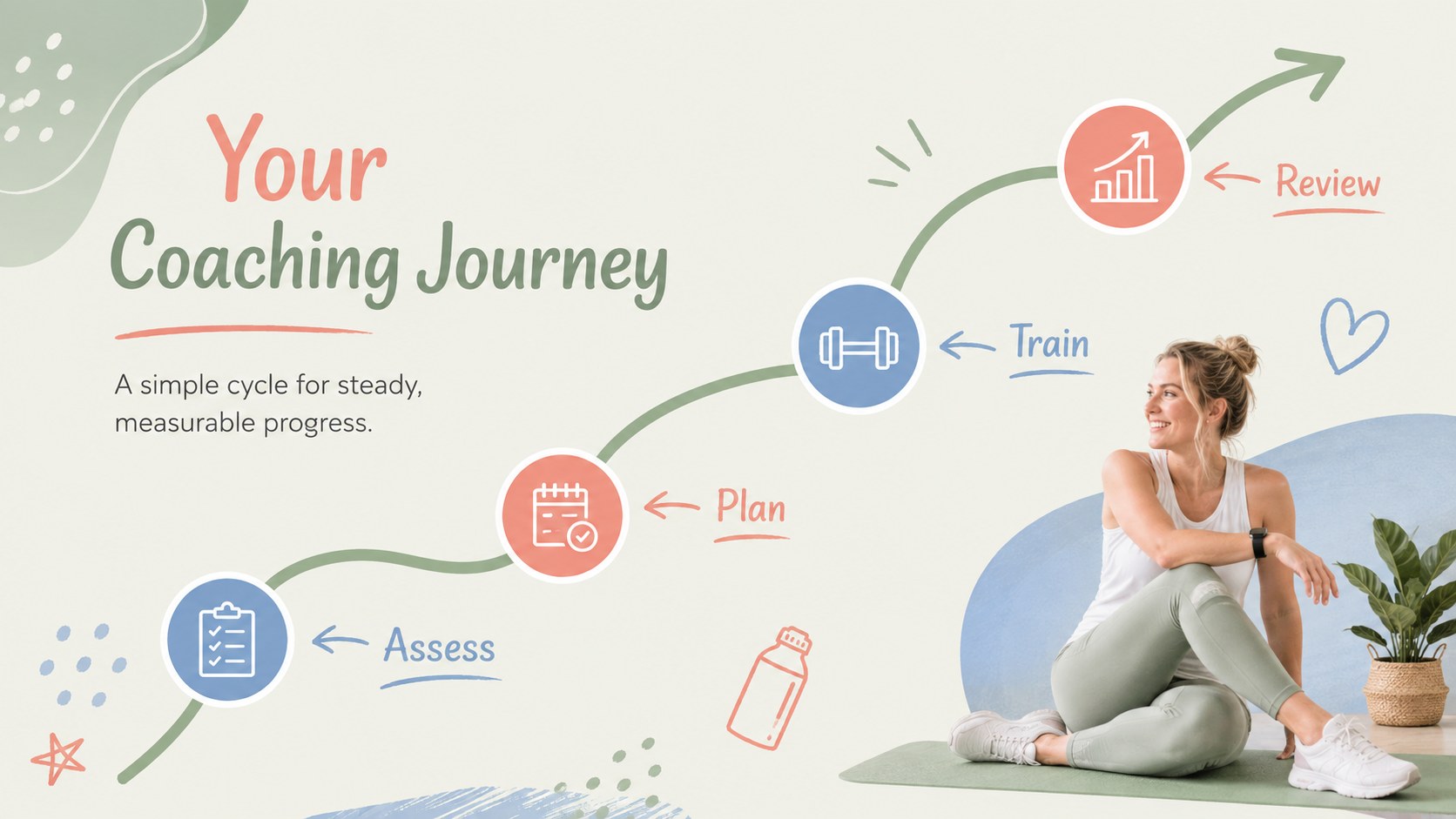
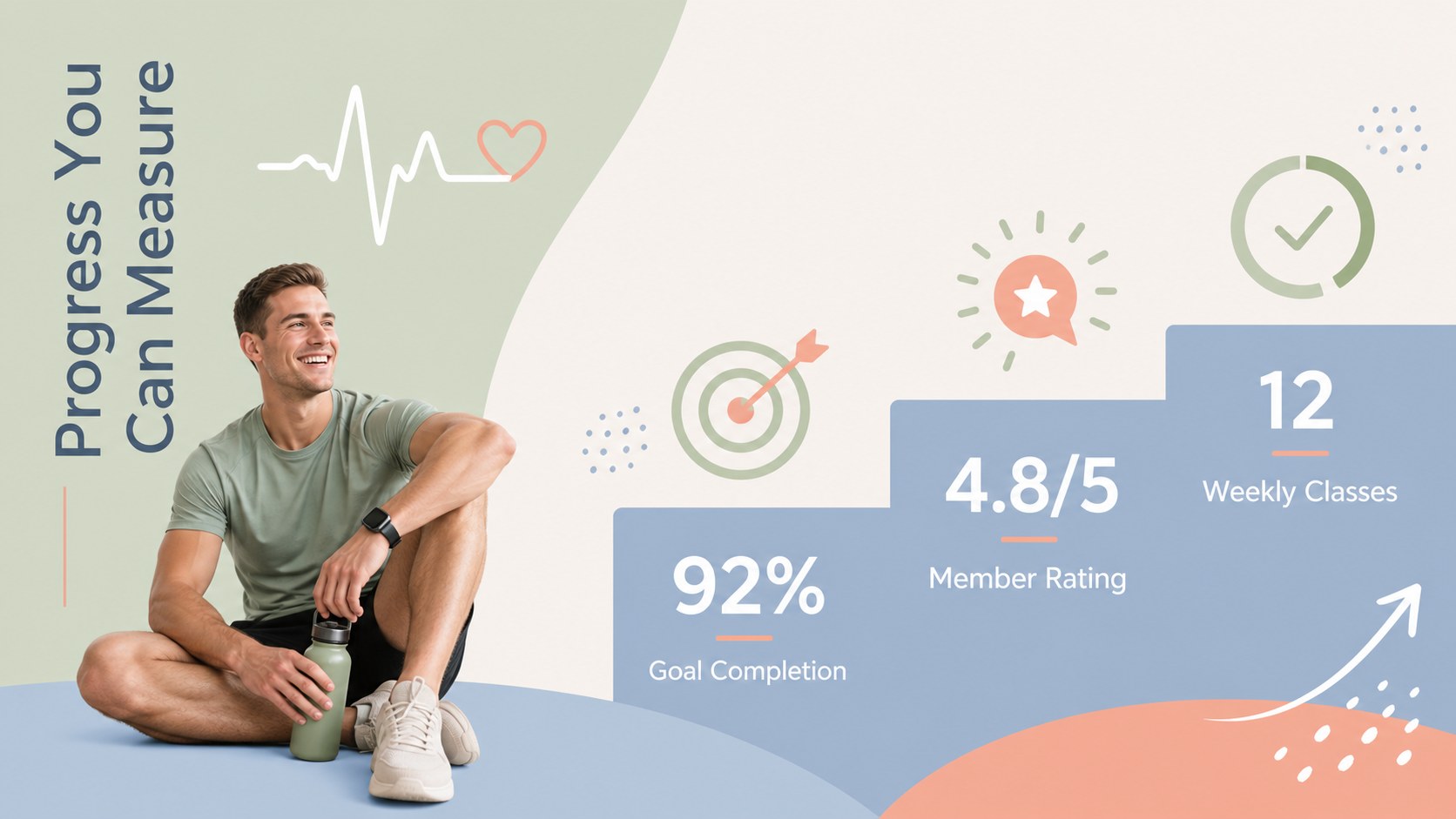
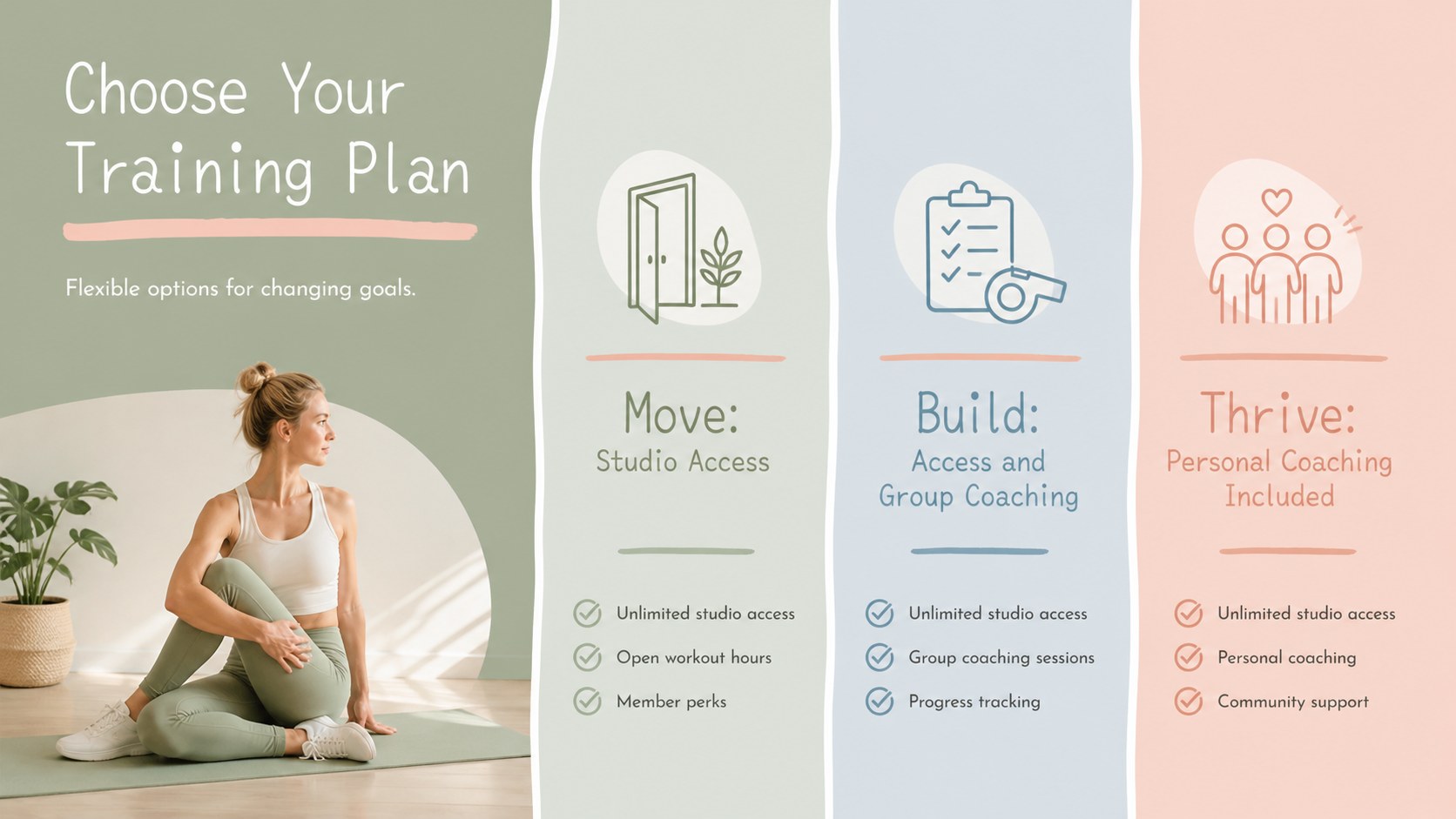
Present programs, coaching services, and goals with a pastel fitness studio presentation featuring organic doodles for PowerPoint and Google Slides.

Design notes
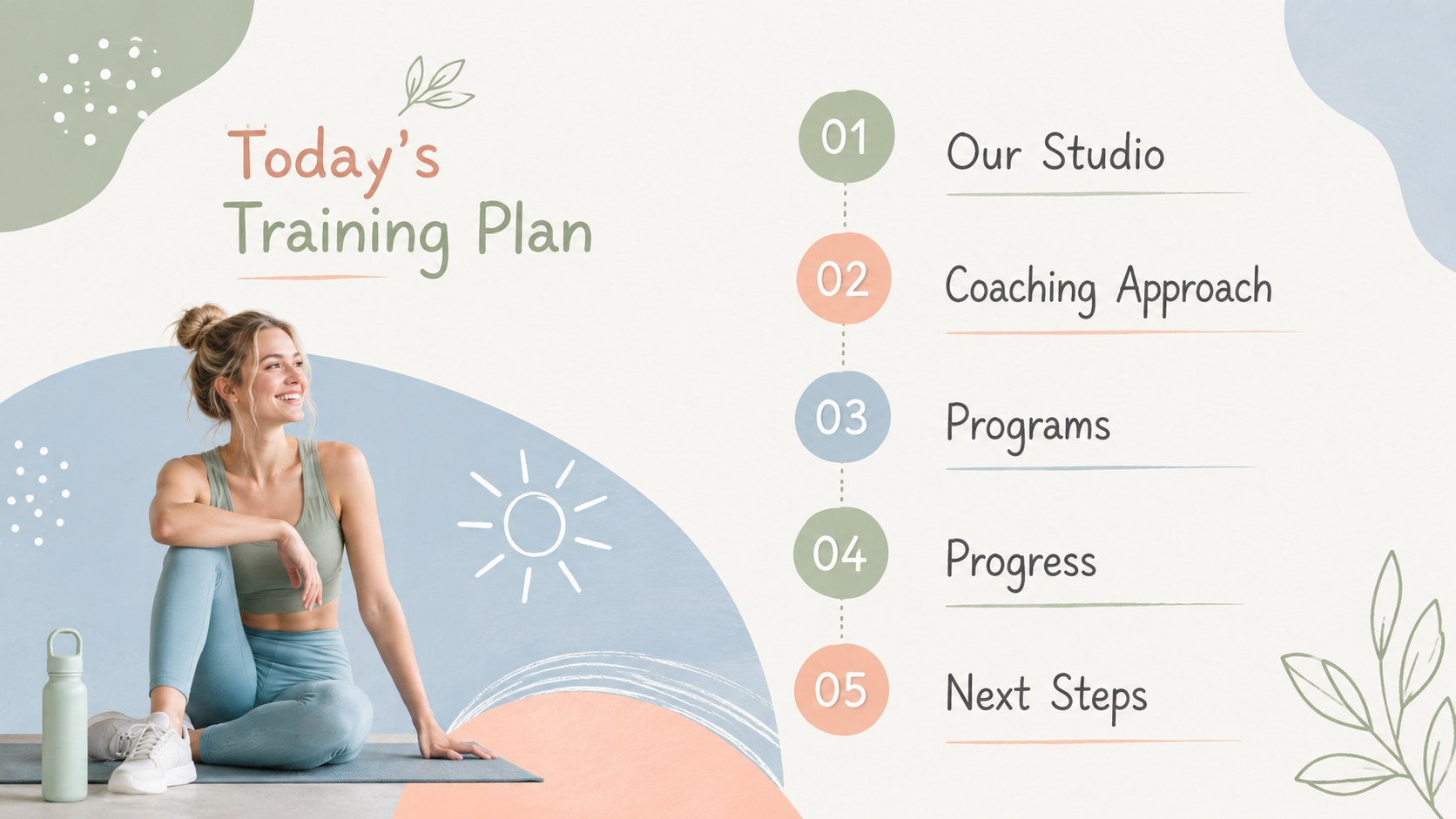
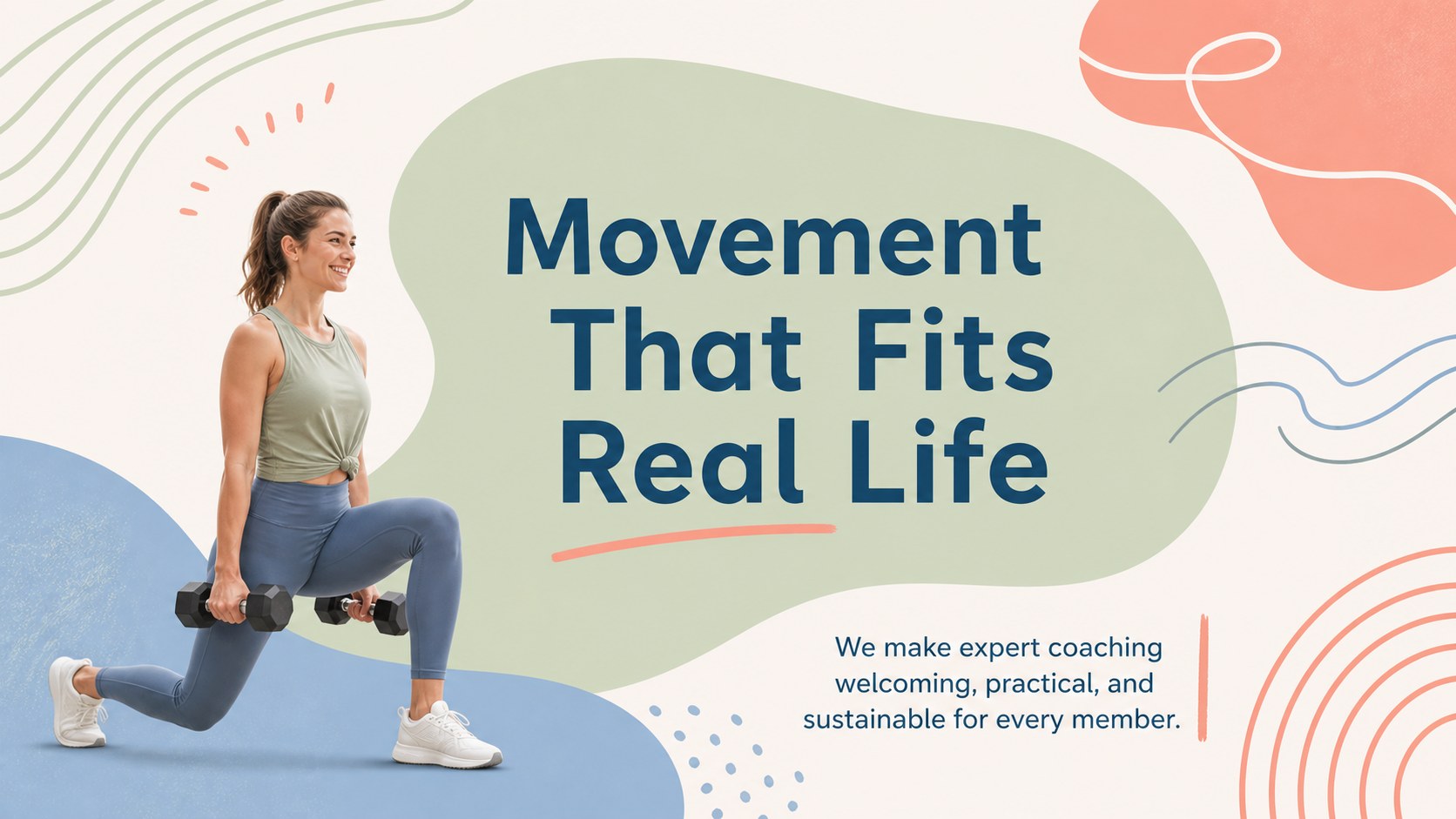
The Pastel Fitness Studio Presentation gives trainers, instructors, and wellness teams a polished way to explain their approach without making the message feel overly formal. Its soft green, blue, and complementary pastel accents pair with playful organic doodles, clean typography, and spacious layouts. The result is a modern deck that feels energetic, friendly, and easy to follow.
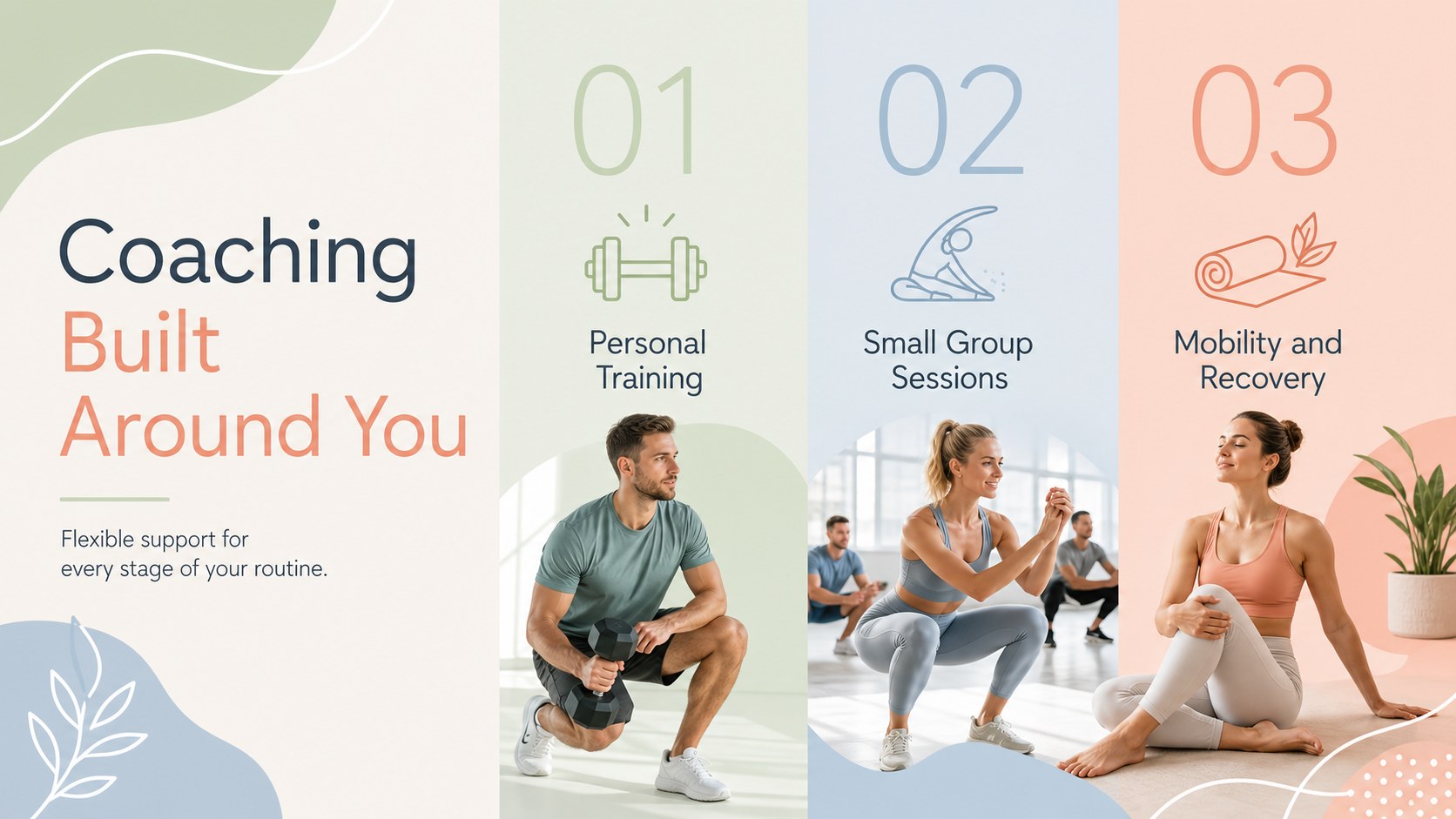
Use the included layouts to introduce your studio, outline training philosophies, present class schedules, compare membership options, share client results, and explain future goals. The collection also supports team profiles, service overviews, workout timelines, key statistics, testimonials, pricing, and a clear call to action. These personal trainer presentation slides can be adapted into a complete fitness studio pitch deck or a focused gym membership proposal presentation.
The template is suited to independent coaches, boutique gyms, yoga and movement studios, school fitness programs, wellness consultants, and community recreation teams. Every slide can be edited in PowerPoint or Google Slides, allowing you to update wording, rearrange sections, add photography, and apply your preferred fonts. Replace the sample palette with your studio colors or retain the pastel design for a calm, contemporary look. Built-in visual hierarchy keeps detailed information readable while the doodle-inspired accents add personality without distracting from your content.
Perfect for: fitness studio introduction; personal training proposal; gym membership presentation; wellness coaching workshop; group class overview; studio performance report.
Frequently asked questions
Can I edit this template in PowerPoint and Google Slides? Yes. All text, colors, images, and layout elements can be edited in PowerPoint or Google Slides. Some fonts may require substitution if they are not installed on your device.
Practical details
Yes. All text, colors, images, and layout elements can be edited in PowerPoint or Google Slides. Some fonts may require substitution if they are not installed on your device.
Replace the sample colors with your brand palette, add your logo, and update the typography to match your visual identity. You can also swap the example imagery for studio photos, trainer portraits, or workout graphics.
Yes. The layouts support studio introductions, class programs, membership proposals, and business updates as well as individual coaching plans. Unneeded sections can be deleted or duplicated to fit your presentation.
Yes. PowerPoint and Google Slides both support charts, embedded media, transitions, and animations. Keep effects restrained so the clean minimalist style remains easy to read.
Keep exploring
15Promote classes with a yoga workshop marketing presentation featuring playful beige, pink, and purple illustrations for PowerPoint and Google Slides.
 15
15Build a clear breast cancer awareness bulletin with bold pink-and-red slides for campaign news, screening reminders, impact data, and community updates.
 15
15Build a clear World Cancer Day message with this global cancer awareness campaign deck, featuring editable blue-green layouts for PowerPoint and Google Slides.
 4
4Document wound findings, treatment decisions, and healing progress with clinical wound evaluation slides for nurses in PowerPoint and Google Slides.
 14
14Plan a clear donor campaign with this blood donation awareness presentation, featuring editable beige-and-red visuals for PowerPoint and Google Slides.
 15
15Build a Kidney Health Awareness Campaign Deck with blue illustrated slides for prevention tips, risk education, screening events, and outreach.
 15
15Build an actionable training session with this fitness program workshop deck, using energetic yellow geometry and editable PowerPoint and Google Slides layouts.
 15
15Equip health teams with this malaria prevention education deck for workshops, community outreach, and policy briefings in PowerPoint or Google Slides.