
 14
14presentation
2036 Dragon Year Celebration Theme
Plan a memorable Lunar New Year campaign with the 2036 Dragon Year Celebration Theme, featuring bold red-and-yellow slides for lessons and events.
Google SlidesPowerPoint
presentation · English
Plan a joyful milestone with Pastel Blue Sweet Sixteen Party Slides featuring editable invitations, schedules, photos, and party details.


Design notes
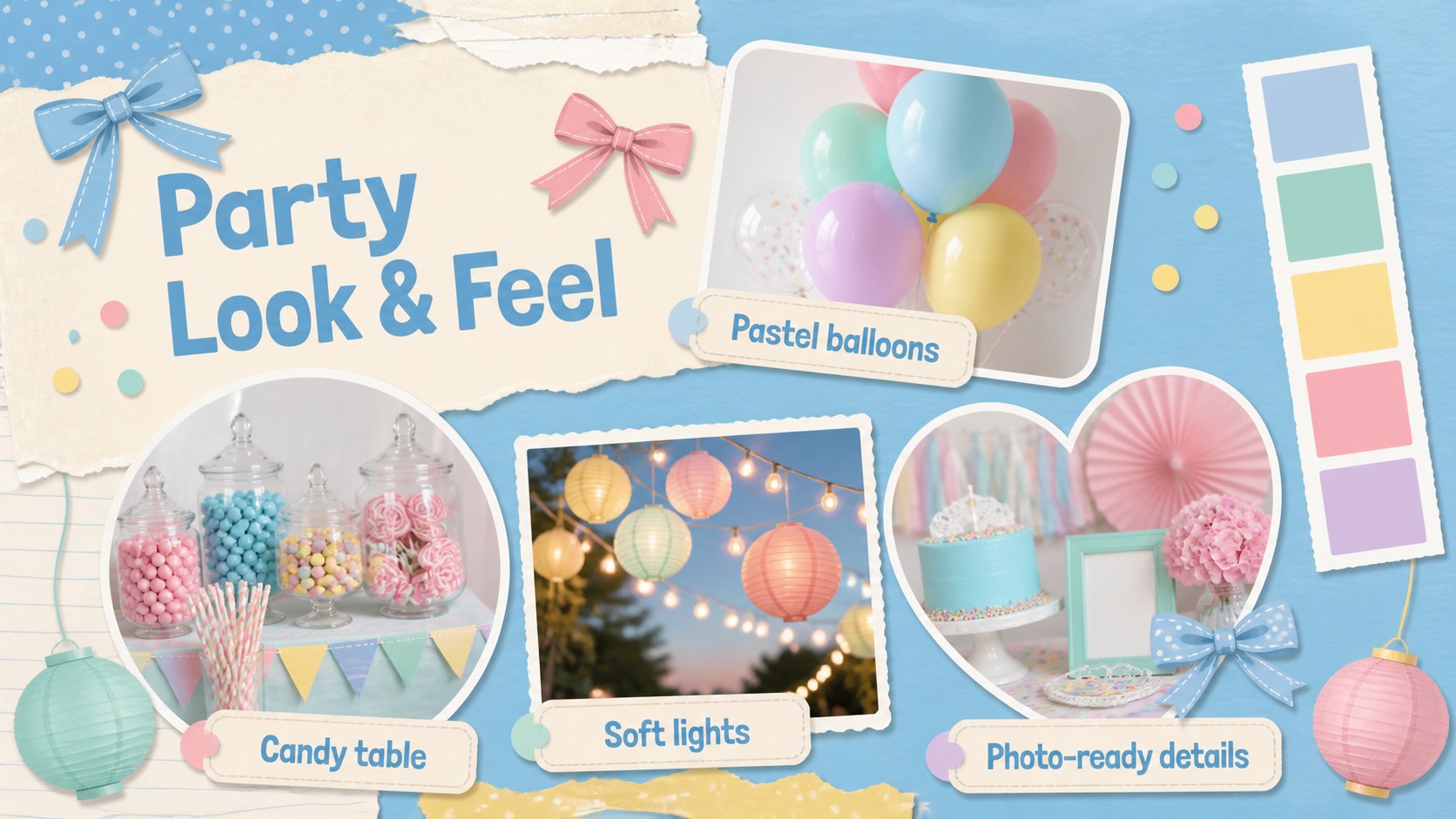
Pastel Blue Sweet Sixteen Party Slides turn milestone planning into a bright, coordinated story. The cheerful blue, cream, white, and pastel palette pairs playful balloons, sweets, confetti, and hand-drawn accents with clear layouts that are easy to personalize. Use the deck to announce the celebration, introduce the guest of honor, or build a polished presentation for family and friends.
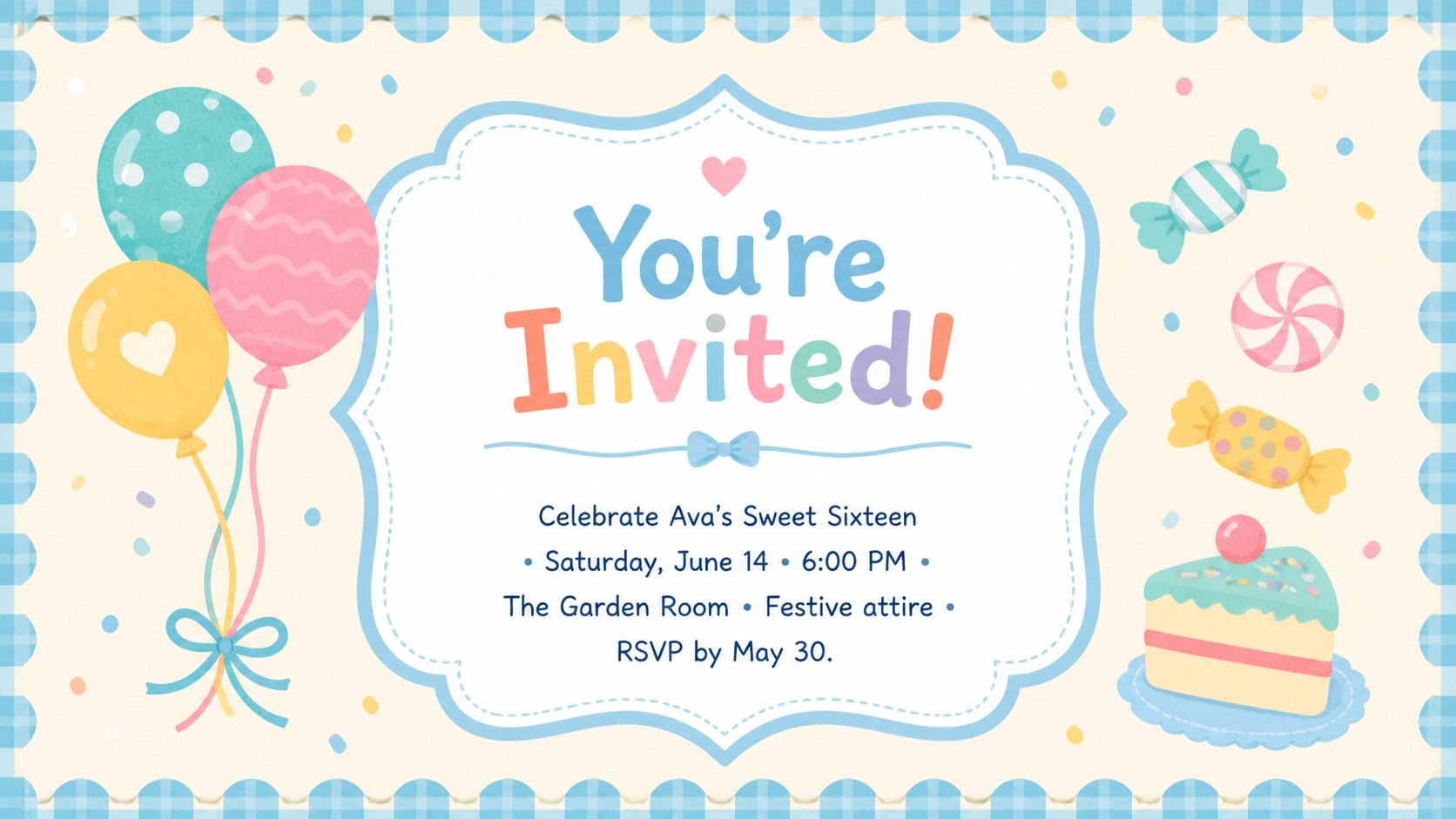
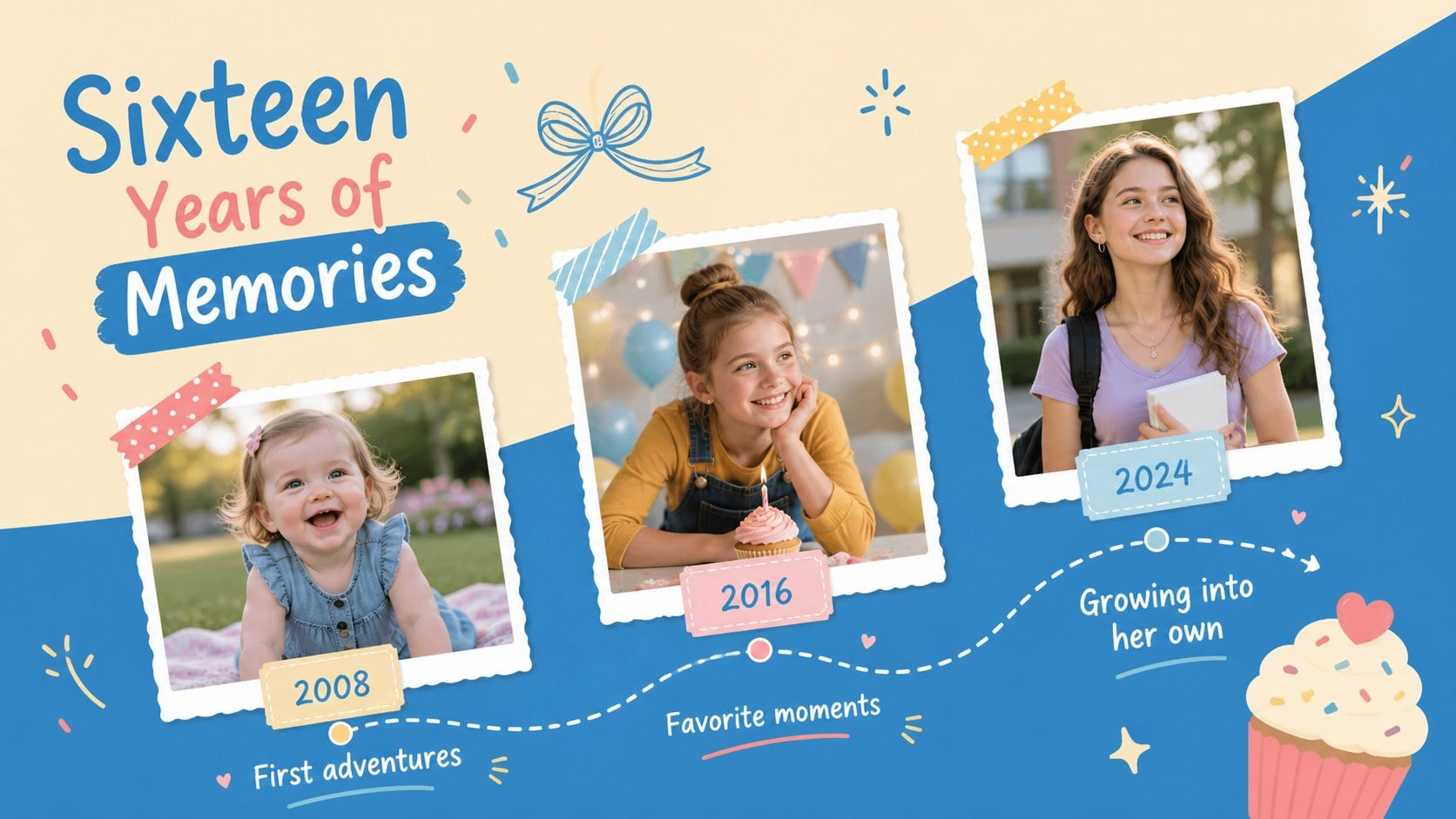
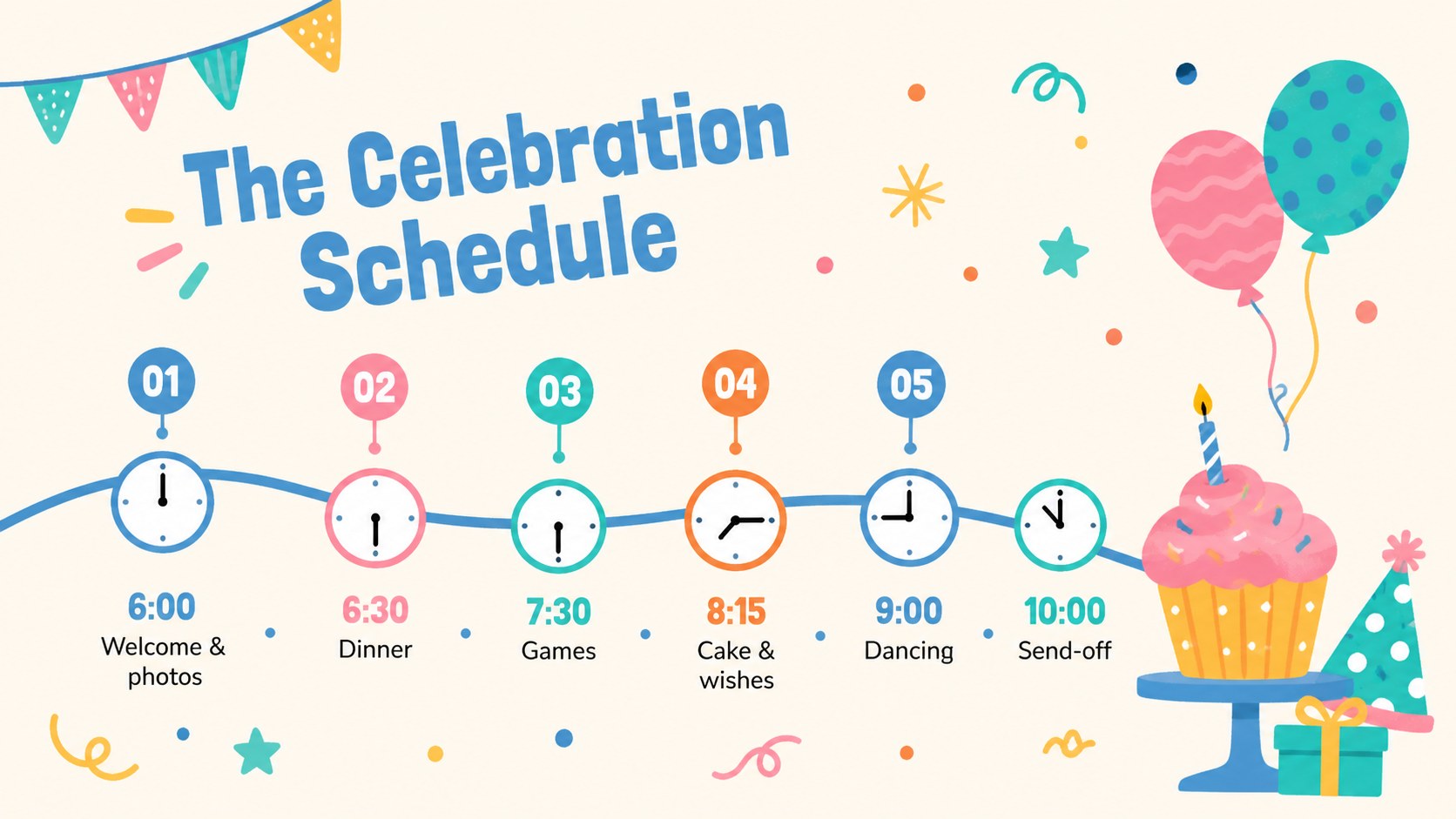
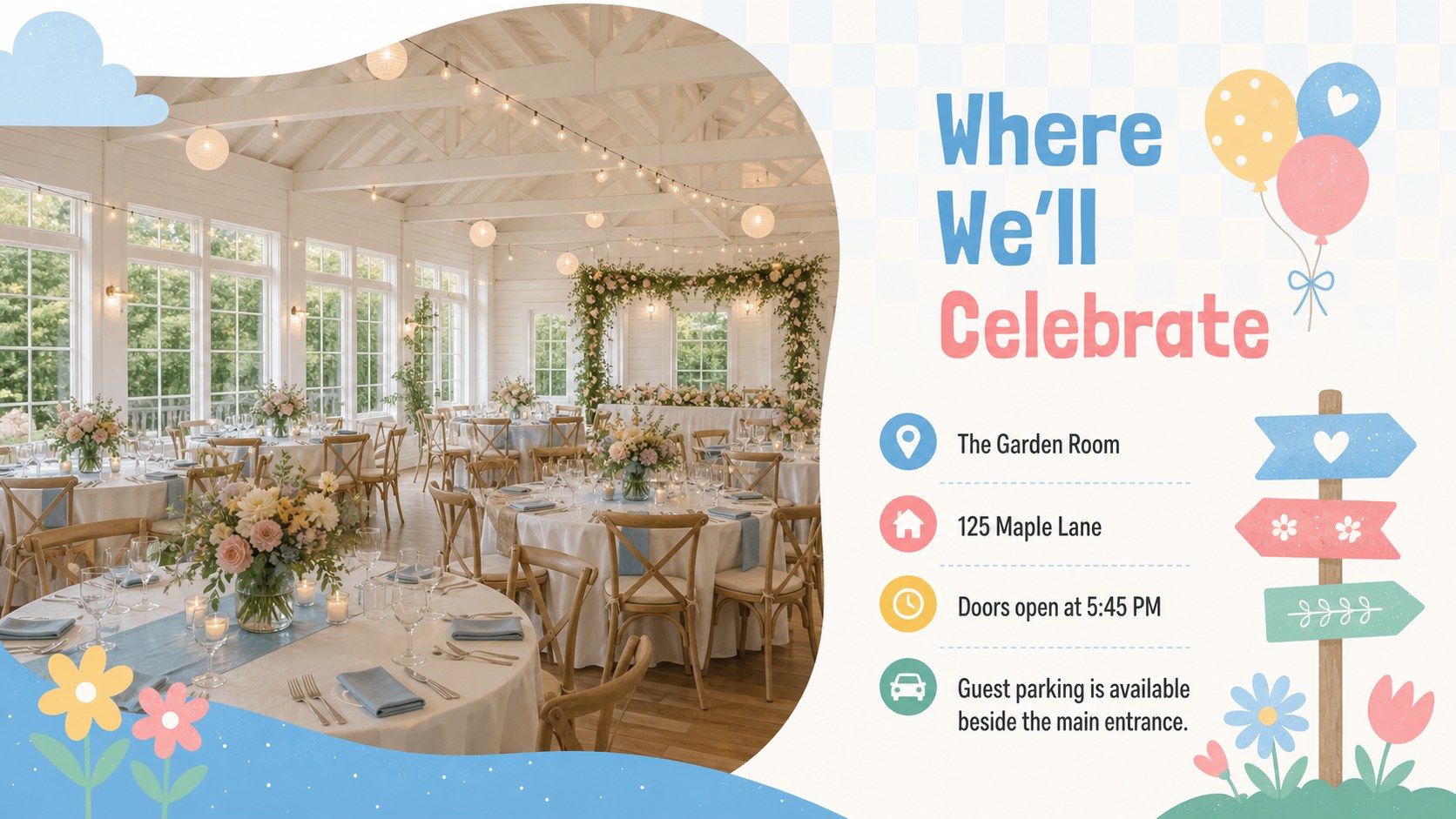
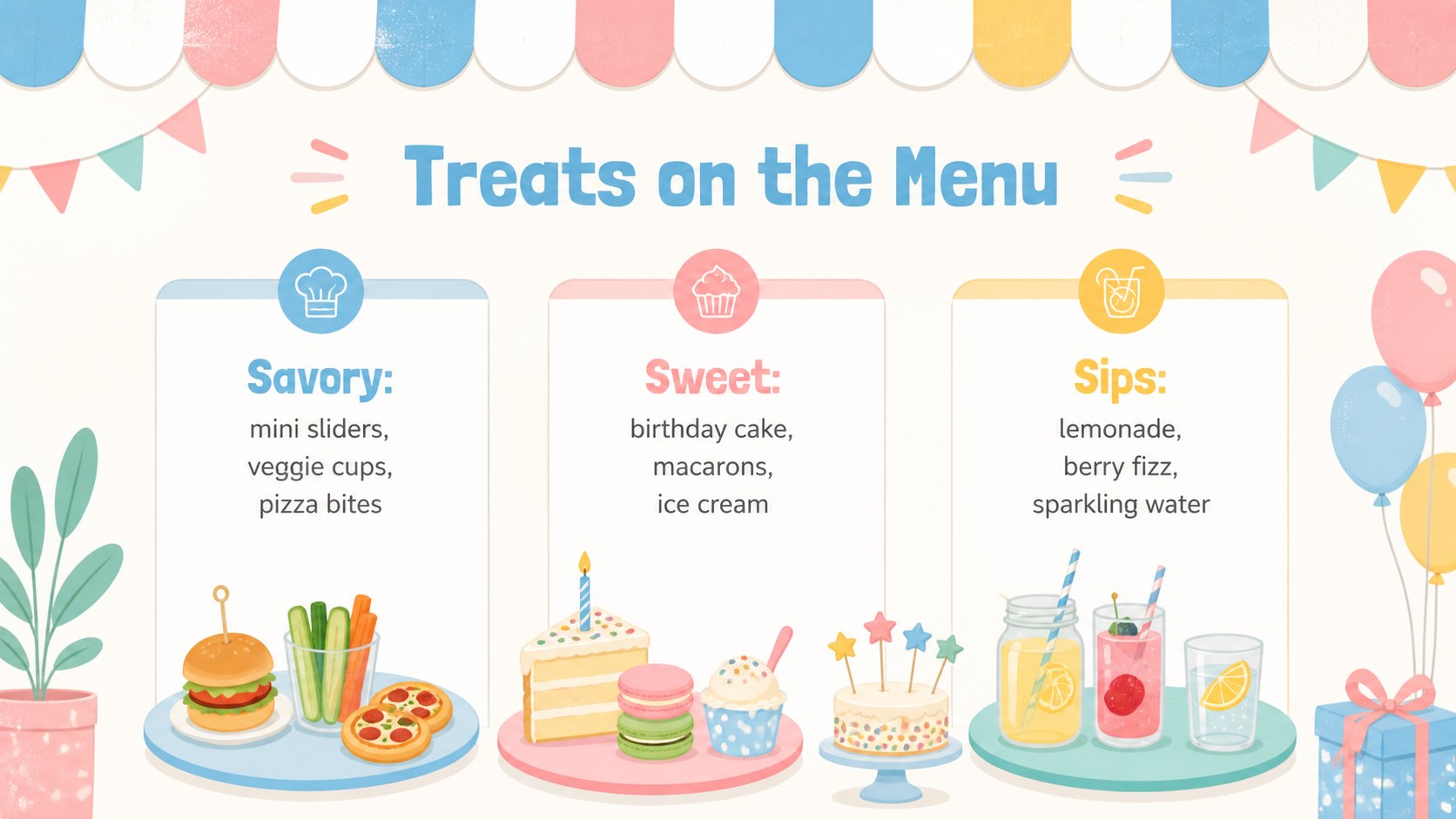
Inside, you will find layouts for invitations, party details, a celebration timeline, venue information, food and drink ideas, music picks, activities, photo memories, birthday wishes, and a final thank-you. The flexible format also works as an editable birthday itinerary slides collection or a sixteenth birthday photo slideshow. Charts, text areas, image frames, and decorative elements can be adjusted without losing the deck's upbeat illustrated style.
This candy themed birthday presentation is designed for teens, parents, event planners, schools, and community groups organizing a memorable sixteenth birthday. Change the wording, colors, images, and schedule in PowerPoint or Google Slides, then present it on screen or share selected pages digitally. Whether you are preparing an intimate gathering, a classroom celebration, or a full party program, the layouts help keep essential information organized while preserving a cute, youthful atmosphere.
Perfect for: sweet sixteen party invitation; teen birthday event plan; milestone photo slideshow; party schedule presentation; birthday memory showcase.
Frequently asked questions
Can I edit these slides in PowerPoint and Google Slides? Yes. The layouts, text, colors, and image areas can be customized in PowerPoint or Google Slides. Some fonts may be substituted depending on what is installed on your device.
Practical details
Yes. The layouts, text, colors, and image areas can be customized in PowerPoint or Google Slides. Some fonts may be substituted depending on what is installed on your device.
Yes. Personalize the invitation and party information layouts with the date, time, venue, dress code, and RSVP details. You can then share the selected slides digitally or export them in a suitable format.
Replace the sample imagery in the photo frames with portraits, childhood memories, or event pictures. Crop each image to fit its frame and check readability before presenting or exporting.
Yes. Replace the pastel blue accents with colors that match the celebration while keeping enough contrast between text and backgrounds. Decorative balloons, sweets, and confetti can also be recolored or removed.
Keep exploring
14Plan a memorable Lunar New Year campaign with the 2036 Dragon Year Celebration Theme, featuring bold red-and-yellow slides for lessons and events.
 15
15Build playful lessons and party stories with a kid-friendly zombie celebration theme in purple, green and pastel blue for PowerPoint and Google Slides.
 15
15Build eerie lessons, campaigns, and story pitches with an undead survival scenario theme featuring editable slides for PowerPoint and Google Slides.
 3
3Share festive messages with a Lunar Horse New Year Wishes Theme, featuring bold red-and-yellow layouts for PowerPoint and Google Slides celebrations.
 15
15Bring zodiac traditions to life with a Lunar Snake Festival Presentation featuring 15 cheerful red illustrated slides for PowerPoint and Google Slides.
 6
6Honor teams and individuals with an Orange Year-End Recognition Certificate Set featuring six editable designs for PowerPoint and Google Slides.
 14
14Honor the people behind the headlines with a World Sports Press Appreciation Deck for PowerPoint and Google Slides, styled in crisp, modern green.
 15
15Teach, inspire, and celebrate with our Plant-Powered Vegetarian Day Lesson Deck, featuring cheerful editable visuals for PowerPoint and Google Slides.