
 15
15presentation
Yoga Workshop Marketing Presentation
Promote classes with a yoga workshop marketing presentation featuring playful beige, pink, and purple illustrations for PowerPoint and Google Slides.
Google SlidesPowerPoint
presentation · English
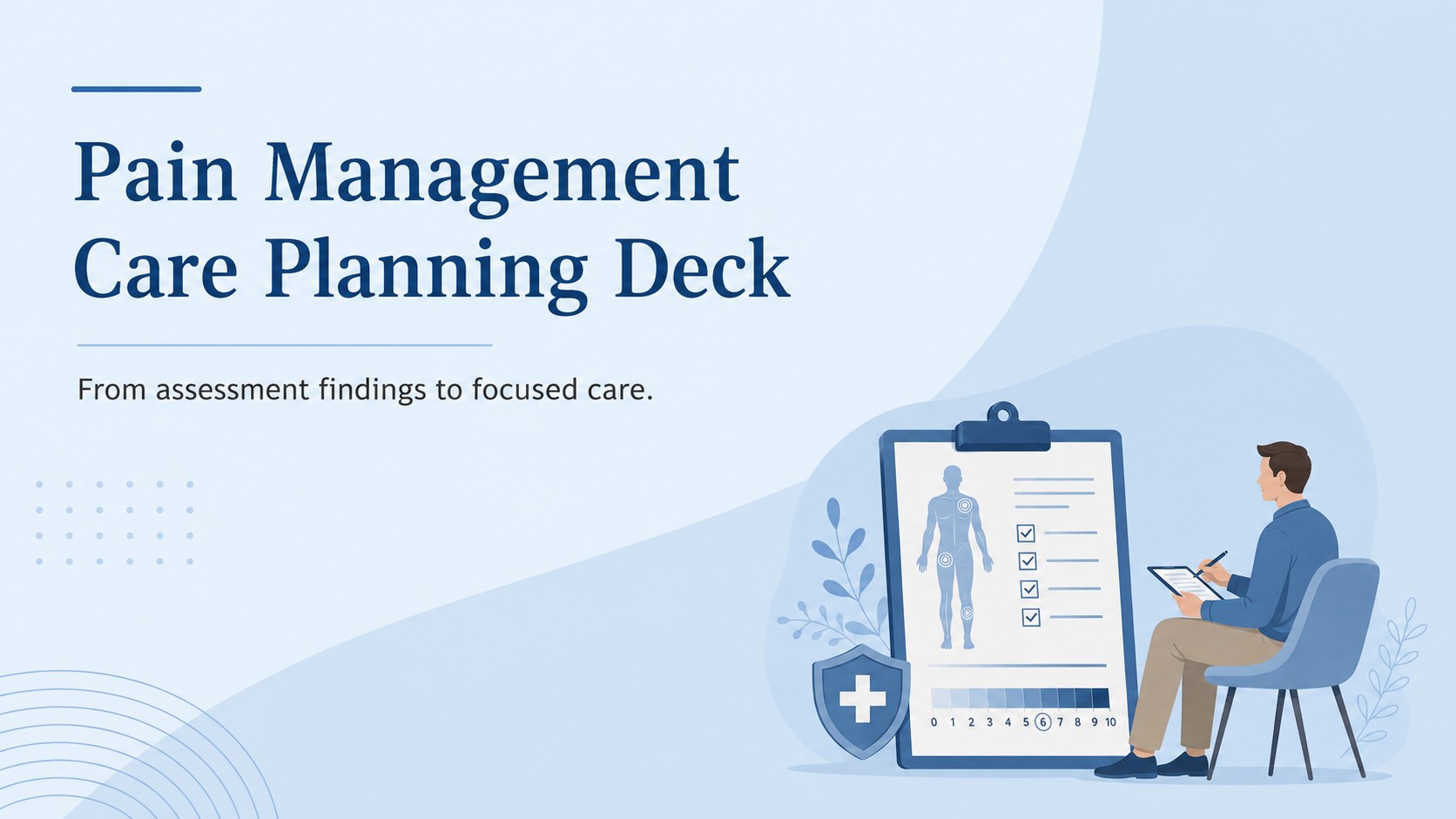
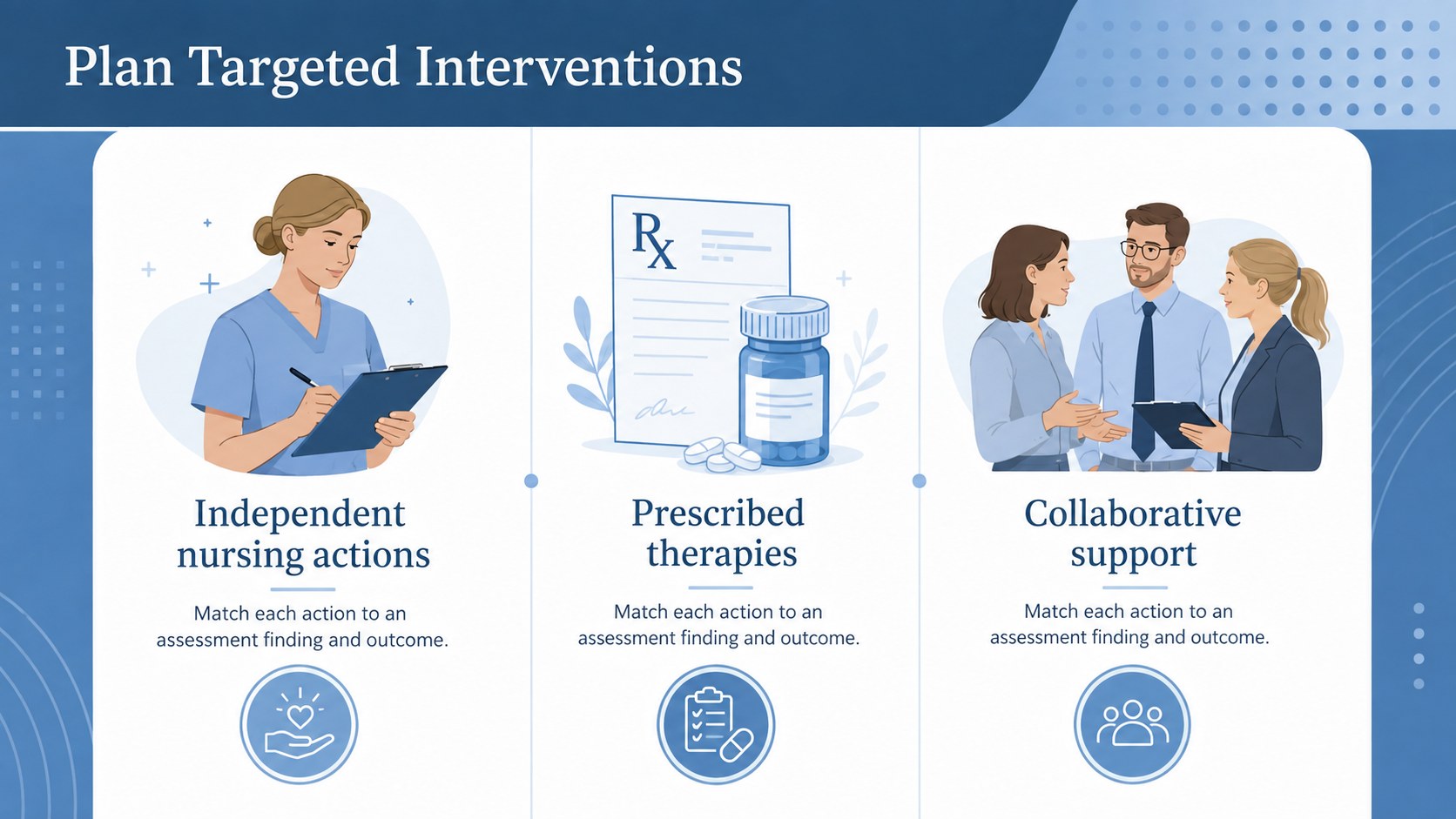
Build clearer clinical discussions with a Pain Management Care Planning Deck for nursing assessments, interventions, outcomes, and patient follow-up.
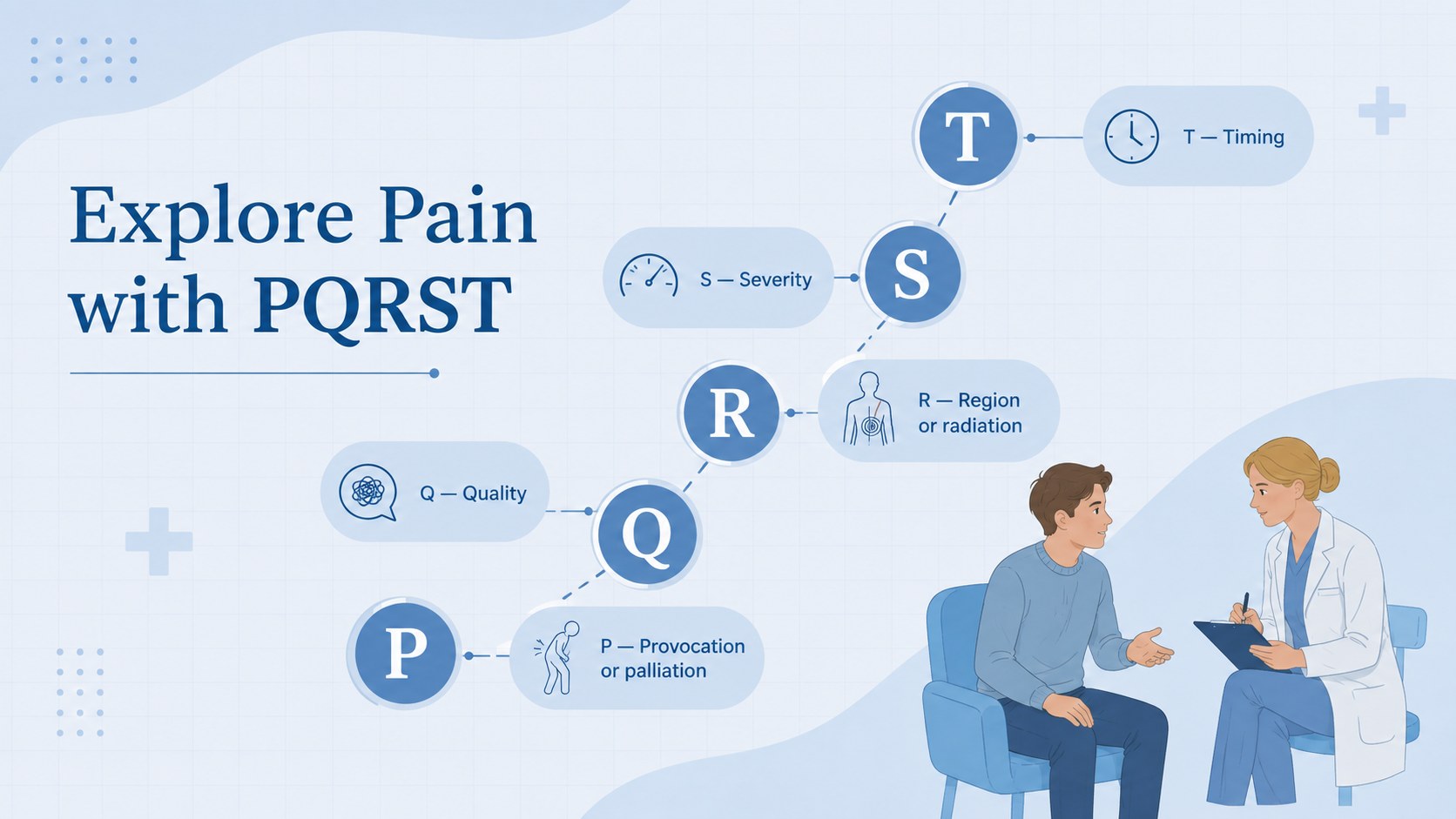
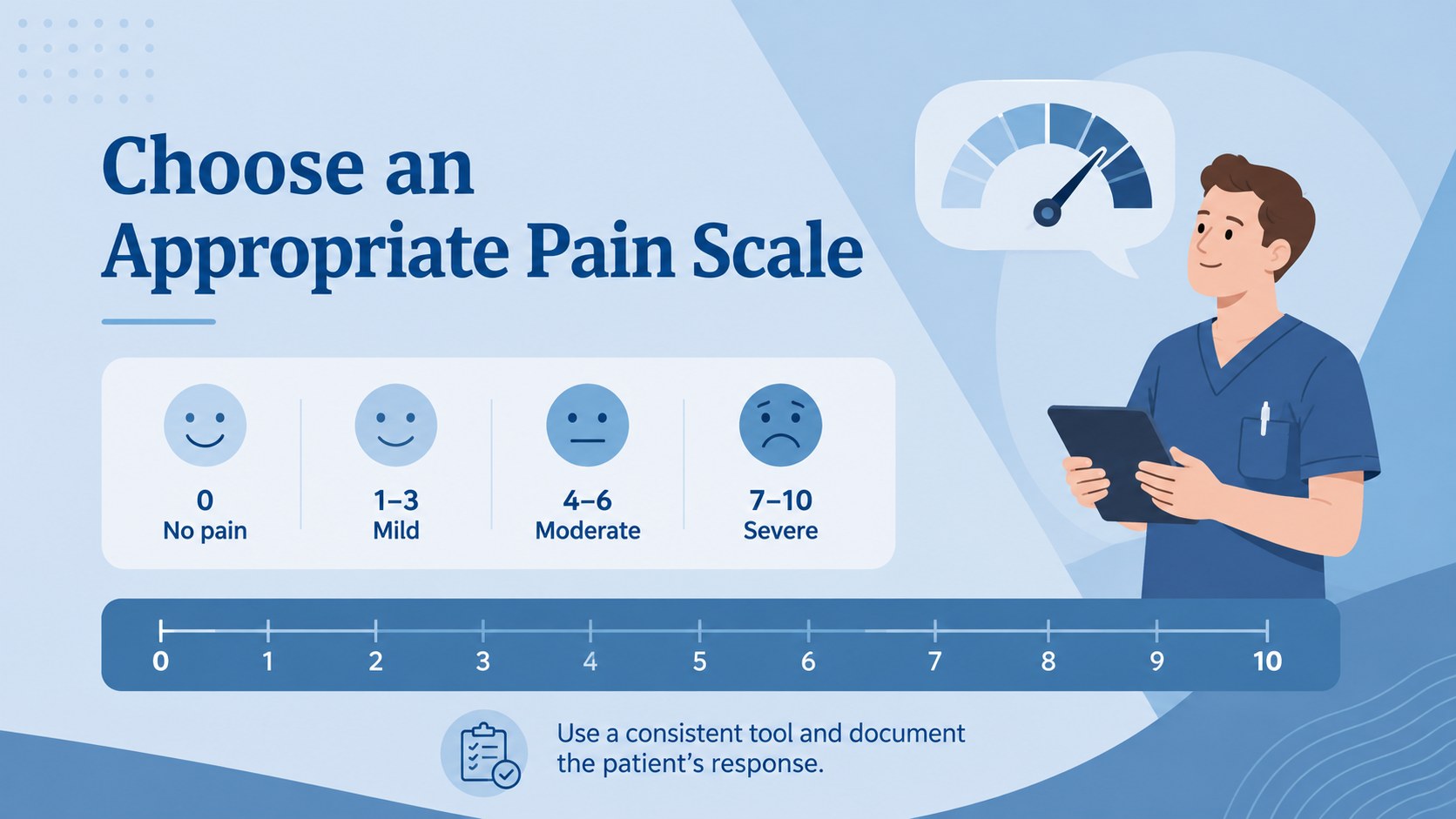
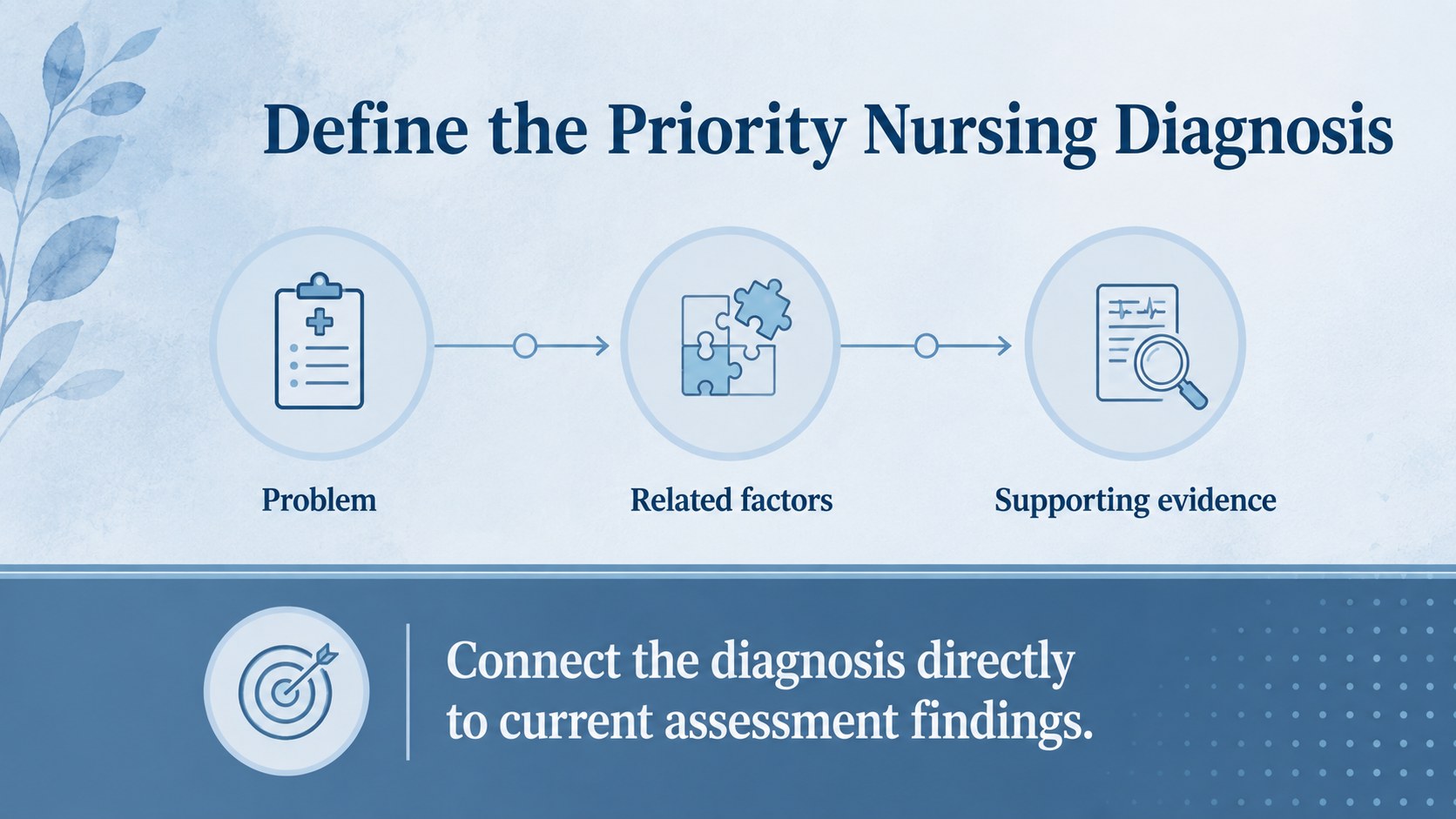
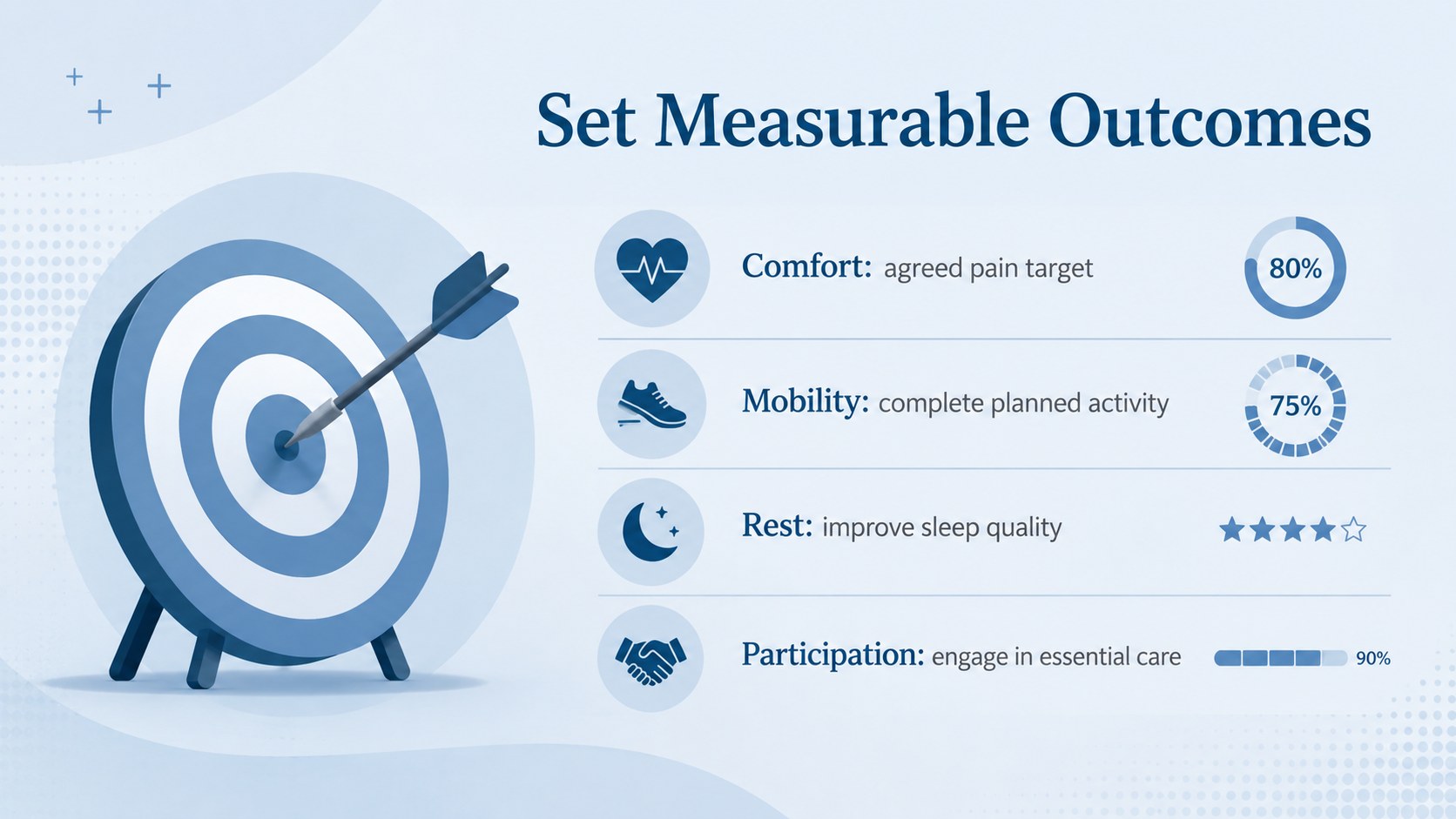
Design notes
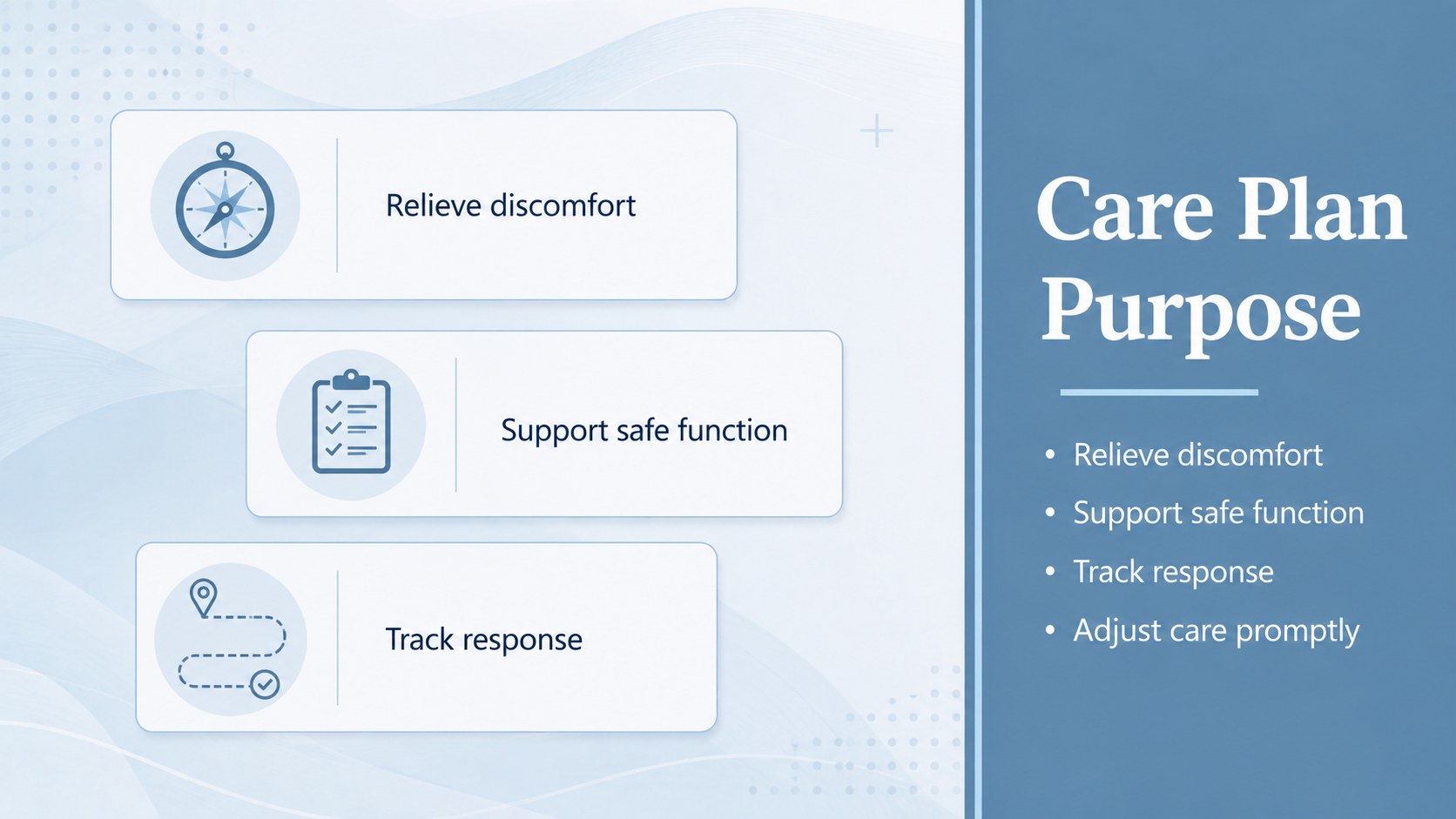
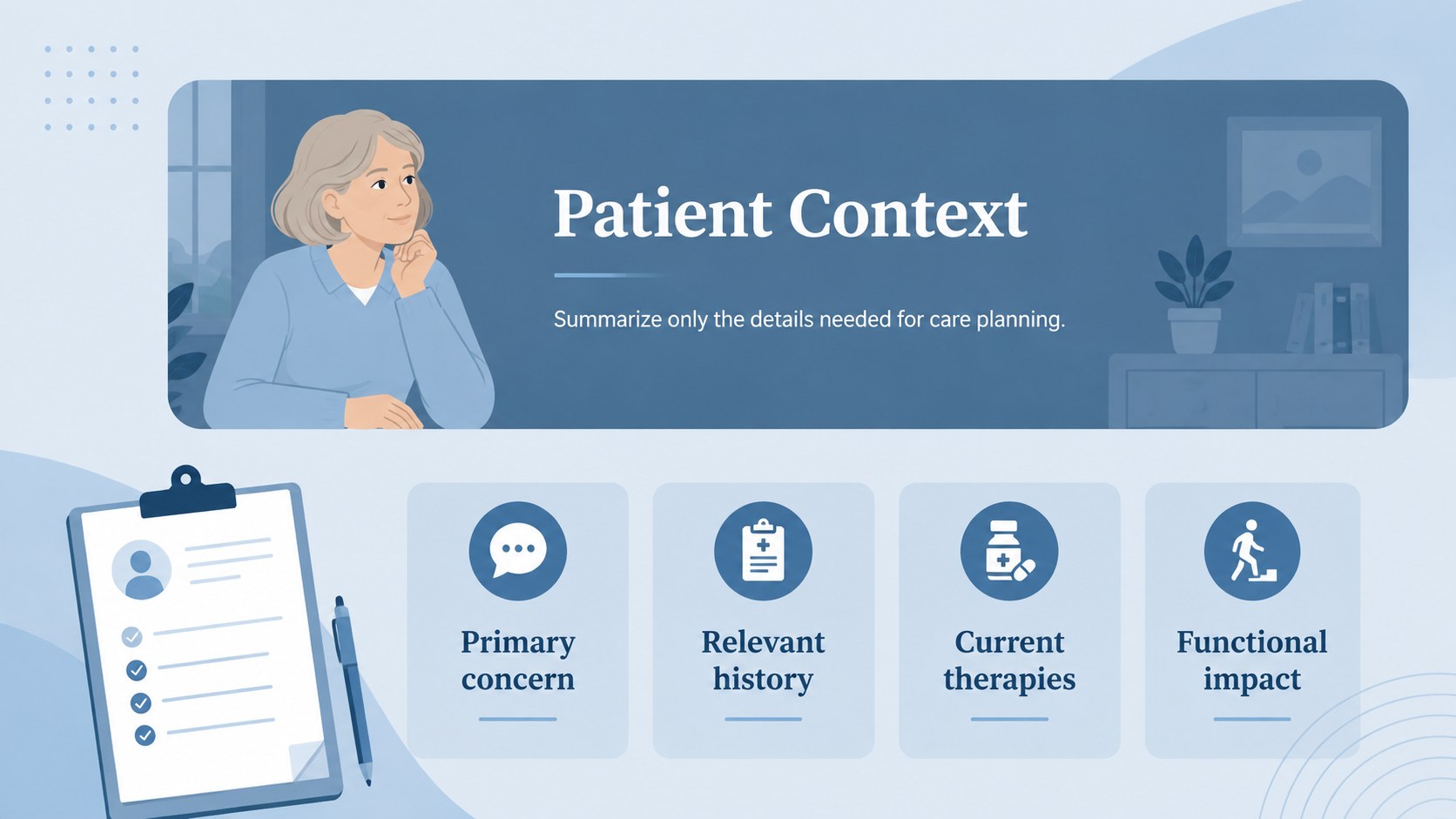
The Pain Management Care Planning Deck turns clinical findings into a clear, organized story for nursing discussions. Its calm blue palette, minimal illustrations, and uncluttered layouts help presenters communicate pain concerns without overwhelming the audience. Use it to connect patient observations with measurable goals, appropriate interventions, and follow-up decisions.
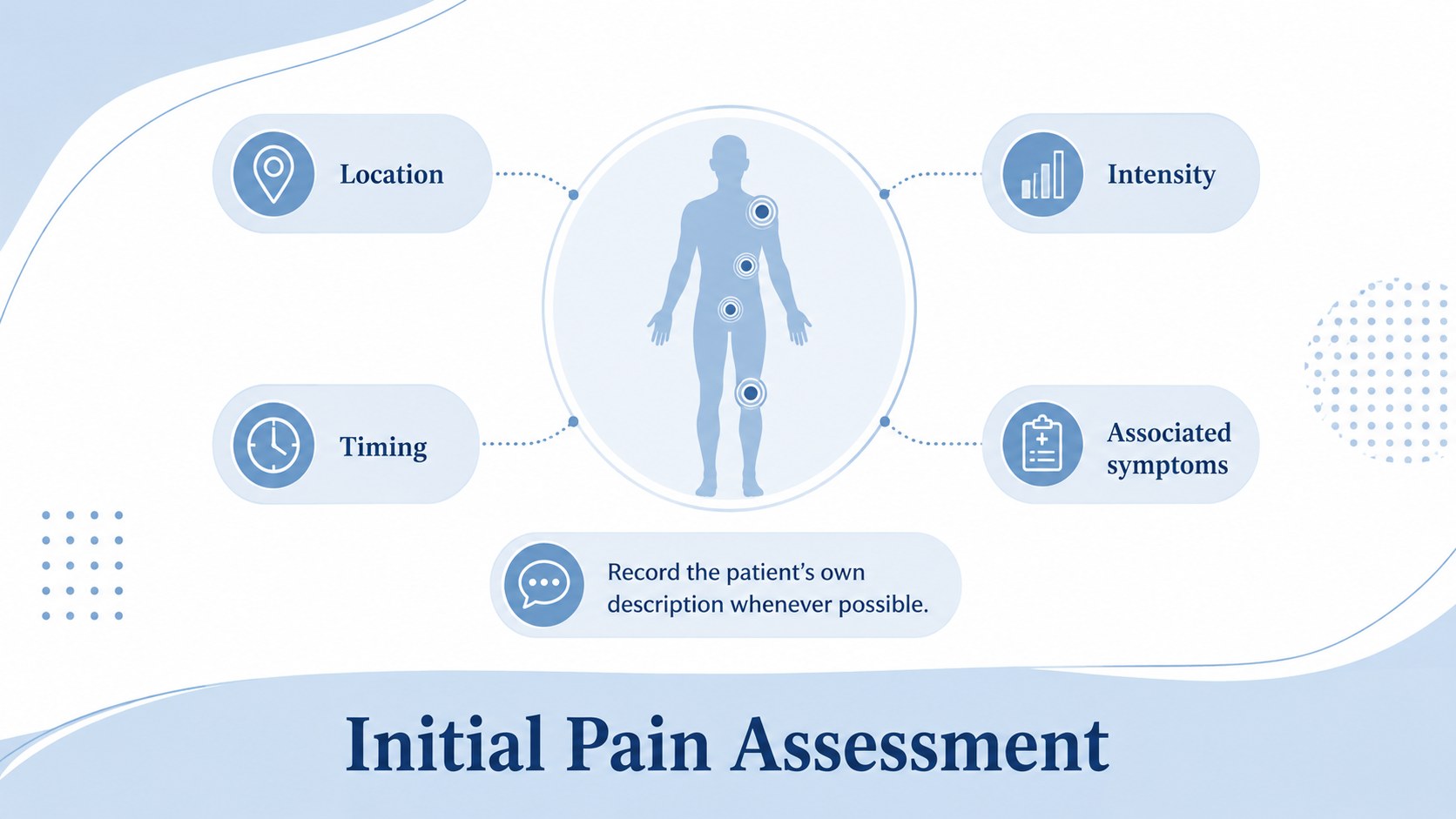
Inside, you will find layouts for patient profiles, pain assessment findings, PQRST questions, pain scale results, nursing diagnoses, expected outcomes, medication considerations, nonpharmacological measures, implementation schedules, and reassessment notes. The deck also includes space for interdisciplinary communication, escalation criteria, and a concise care summary. These structures make it useful as a nursing pain assessment presentation or a patient pain management plan template while leaving room for local policies and case-specific details.
Designed for nurses, clinical educators, nursing students, care coordinators, and hospital training teams, the slides work in both PowerPoint and Google Slides. Every page can be adapted with unit terminology, approved assessment tools, patient scenarios, charts, and institutional colors. Use the pain reassessment workflow presentation layouts during case conferences, simulation exercises, classroom teaching, staff development, or quality-improvement reviews. The restrained visual style keeps attention on clinical reasoning while maintaining a professional, approachable tone.
Perfect for: nursing case conference; clinical skills workshop; patient care plan review; hospital staff training; nursing student assignment; pain management audit.
Frequently asked questions
Can I edit the clinical sections for a specific patient scenario? Yes. Replace the sample headings, findings, goals, and interventions with details appropriate to your scenario. Remove identifying patient information and follow your organization's privacy and documentation policies.
Practical details
Yes. Replace the sample headings, findings, goals, and interventions with details appropriate to your scenario. Remove identifying patient information and follow your organization's privacy and documentation policies.
The template is designed for PowerPoint and Google Slides. Fonts, colors, text boxes, illustrations, tables, and charts can be adjusted in either platform.
Yes. You can substitute your approved pain scale, assessment questions, and documentation categories. Check that any clinical tool you add is authorized for use in your setting.
Yes. The layouts support classroom cases, simulation debriefs, competency sessions, and interdisciplinary reviews. Presenters should verify all clinical content against current guidance and local protocols.
Keep exploring
15Promote classes with a yoga workshop marketing presentation featuring playful beige, pink, and purple illustrations for PowerPoint and Google Slides.
 15
15Build a clear breast cancer awareness bulletin with bold pink-and-red slides for campaign news, screening reminders, impact data, and community updates.
 15
15Build a clear World Cancer Day message with this global cancer awareness campaign deck, featuring editable blue-green layouts for PowerPoint and Google Slides.
 4
4Document wound findings, treatment decisions, and healing progress with clinical wound evaluation slides for nurses in PowerPoint and Google Slides.
 14
14Plan a clear donor campaign with this blood donation awareness presentation, featuring editable beige-and-red visuals for PowerPoint and Google Slides.
 15
15Build a Kidney Health Awareness Campaign Deck with blue illustrated slides for prevention tips, risk education, screening events, and outreach.
 15
15Build an actionable training session with this fitness program workshop deck, using energetic yellow geometry and editable PowerPoint and Google Slides layouts.
 15
15Equip health teams with this malaria prevention education deck for workshops, community outreach, and policy briefings in PowerPoint or Google Slides.