
 14
14presentation
2036 Dragon Year Celebration Theme
Plan a memorable Lunar New Year campaign with the 2036 Dragon Year Celebration Theme, featuring bold red-and-yellow slides for lessons and events.
Google SlidesPowerPoint
presentation · English
Build an orange Halloween meme party deck for office socials, classroom fun, and costume nights, with editable PowerPoint and Google Slides layouts.
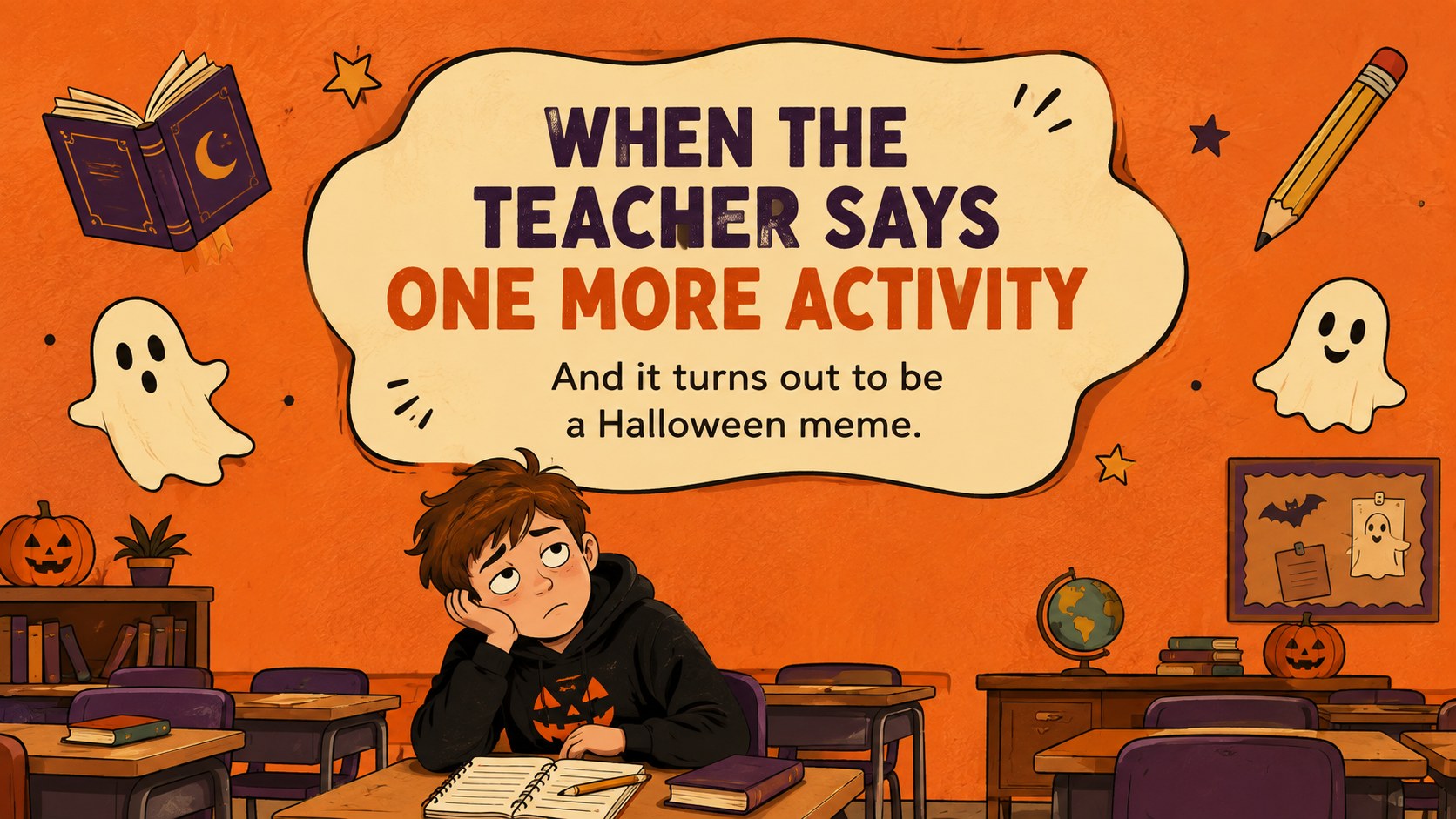

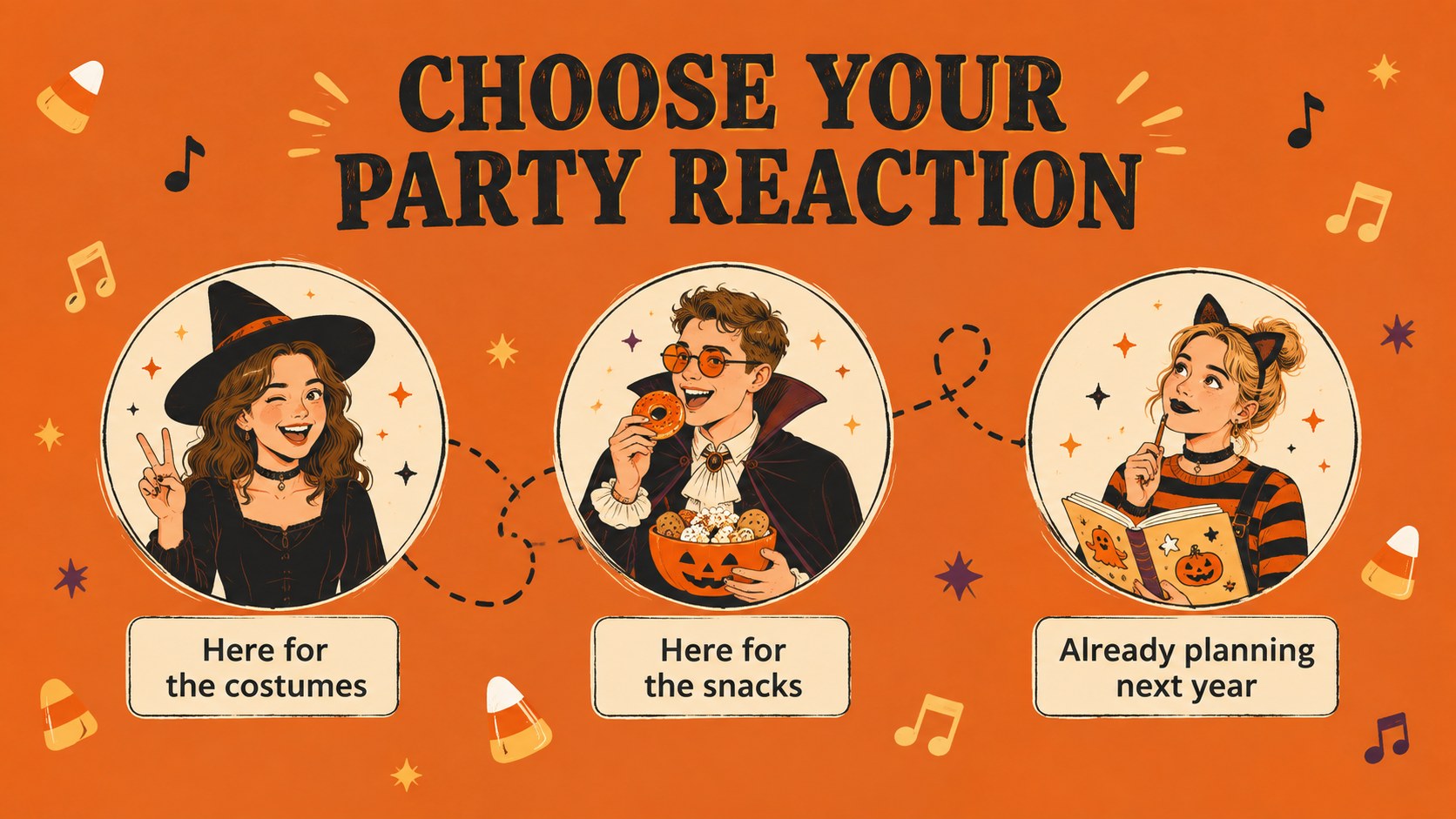

Design notes
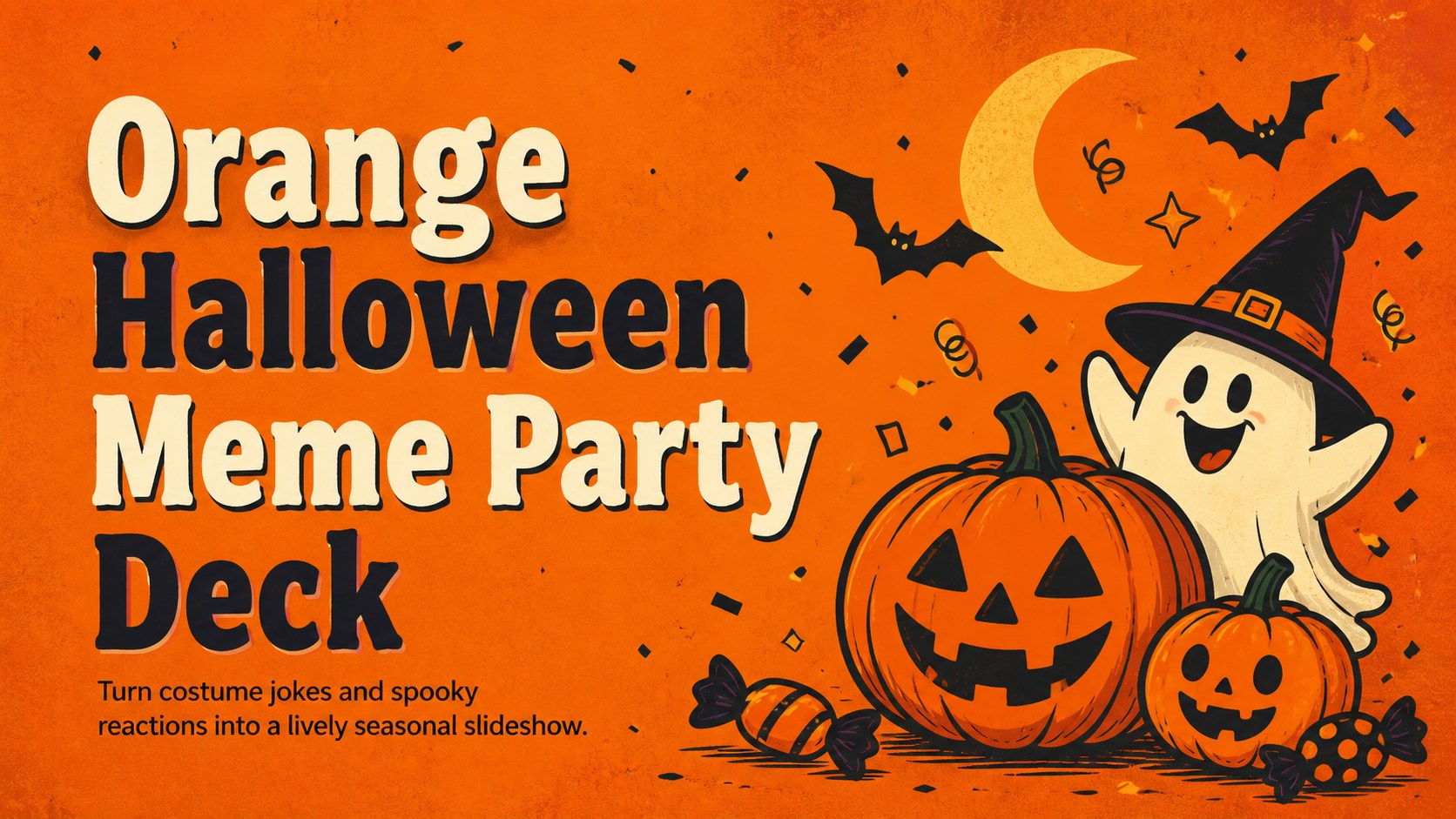
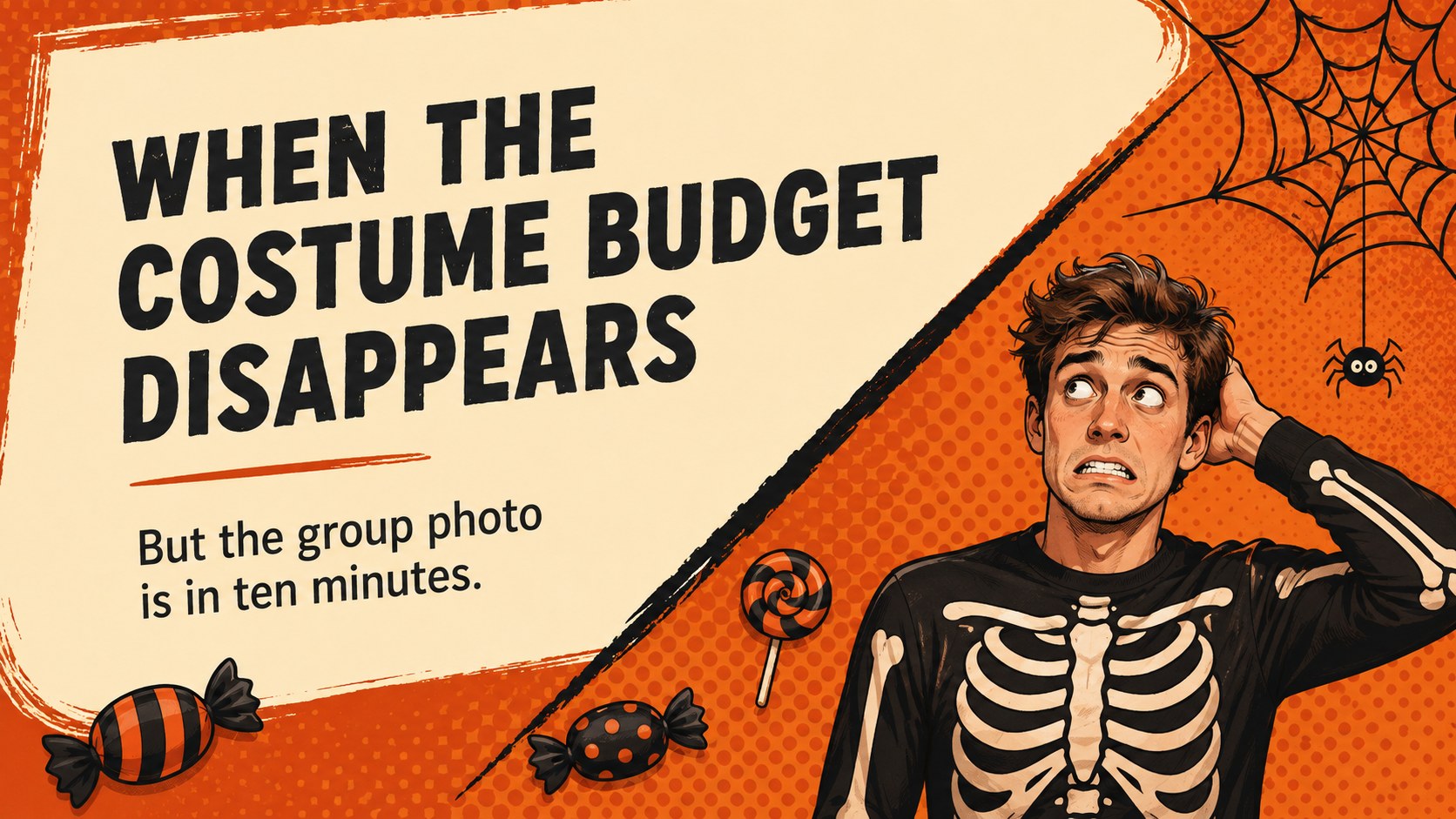
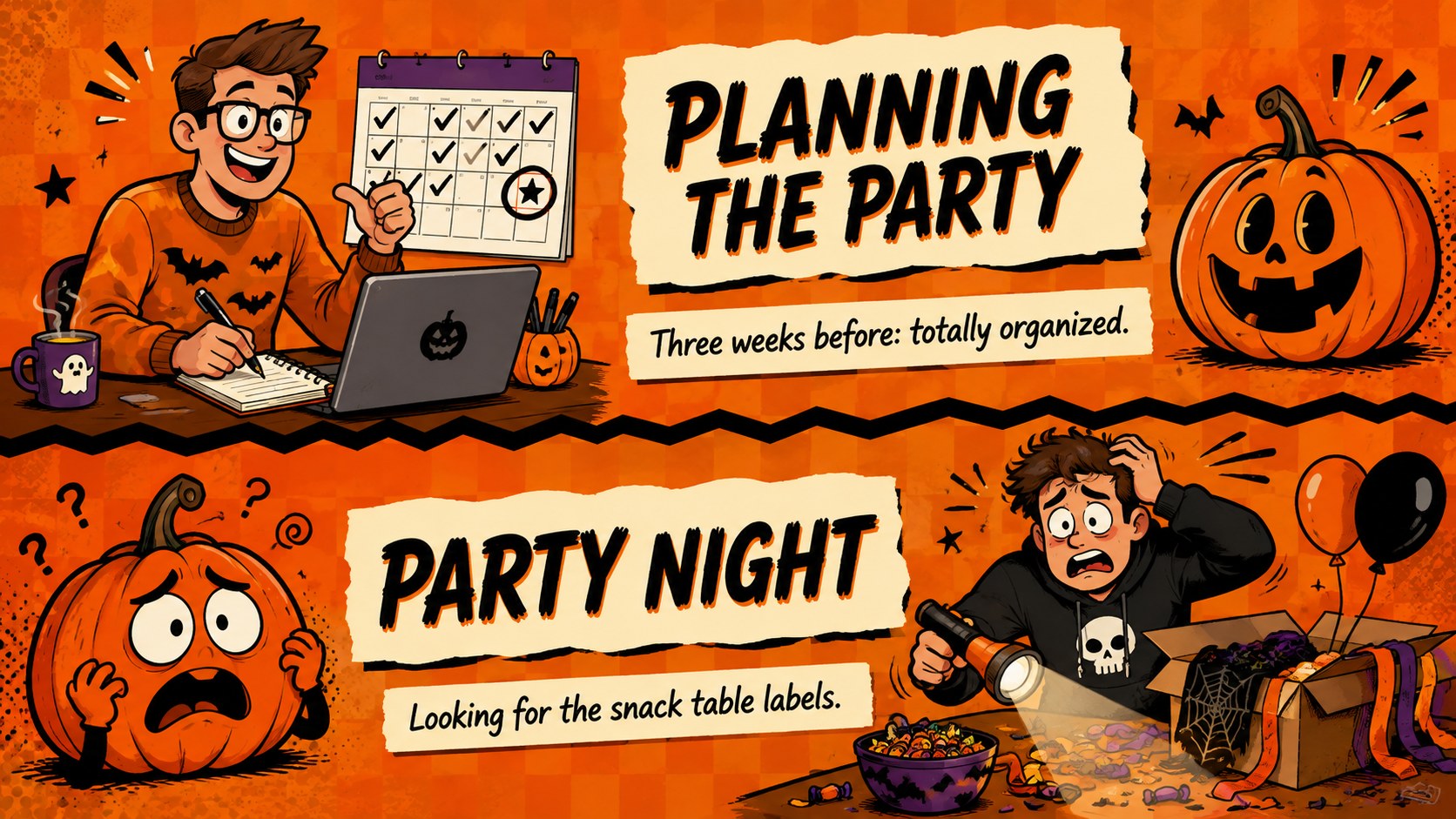
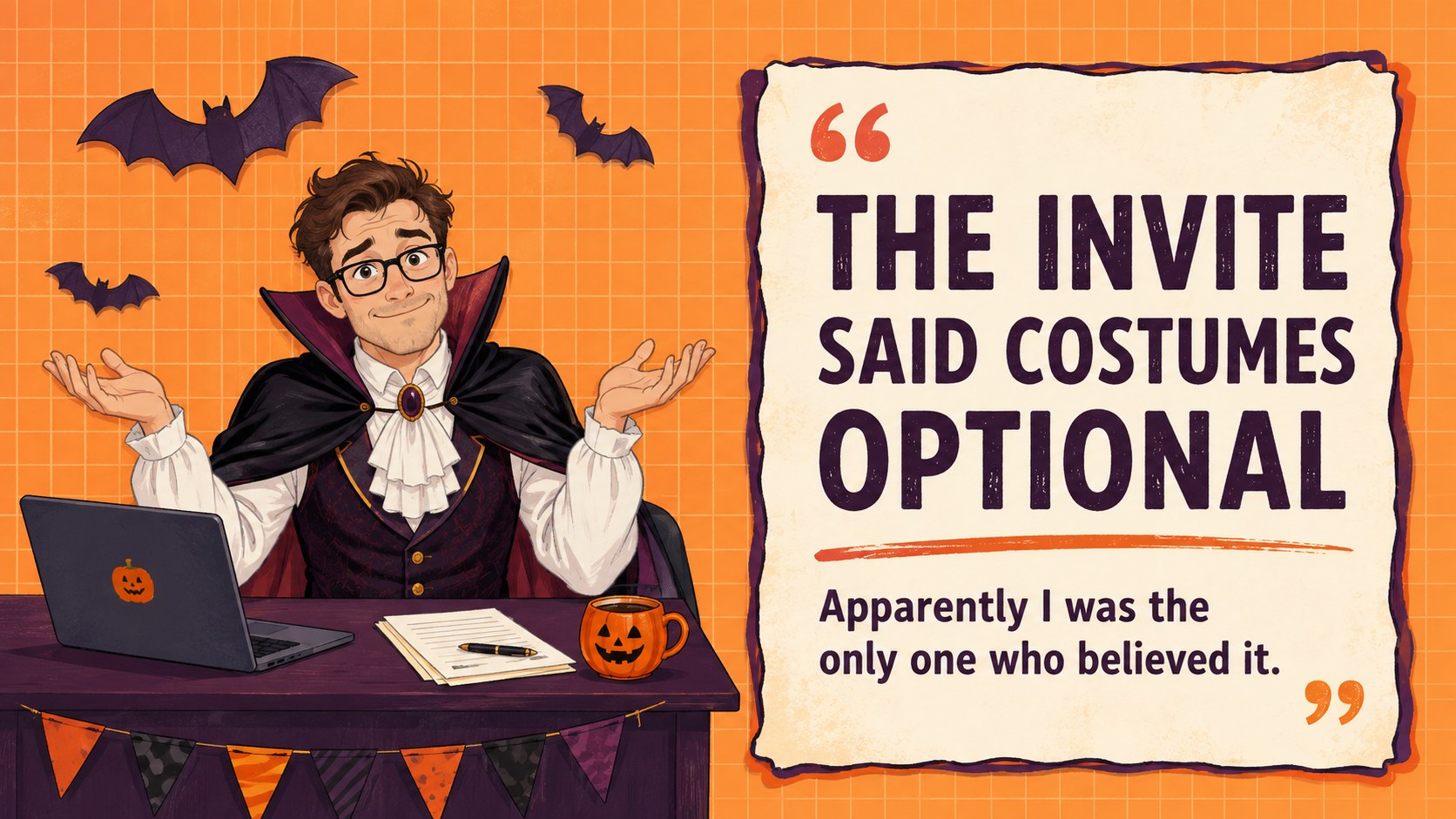
Bring playful seasonal humor to the screen with an orange Halloween meme party deck made for quick laughs and easy customization. Its energetic orange palette, expressive cartoon artwork, and bold captions create a festive mood without leaning into genuinely frightening imagery. Use it to tell costume stories, react to October routines, or collect inside jokes from your group.
The deck includes eight editable slides with punchline layouts, reaction scenes, caption areas, illustrated monsters, and a closing screen. Rearrange the elements, replace every joke, adjust the type, or add your own photos in PowerPoint or Google Slides. These layouts can become a funny Halloween party PowerPoint template, a costume party meme slideshow, or a sequence of classroom Halloween humor slides while preserving a consistent visual identity.
It suits teachers planning a seasonal activity, coworkers organizing an October social, students presenting a lighthearted project, and friends sharing costume-night memories. The large typography remains readable during group presentations, while varied compositions help each joke feel fresh. Whether you are building an office icebreaker or a personal photo recap, the deck offers a practical starting point for humorous Halloween storytelling.
Perfect for: office Halloween icebreaker; classroom seasonal activity; costume party slideshow; October social recap; student humor presentation.
Frequently asked questions
Can I edit every meme caption? Yes. Replace the headlines, punchlines, and supporting text with your own jokes, names, or event details. You can also move, resize, recolor, or remove the illustrated elements.
Practical details
Yes. Replace the headlines, punchlines, and supporting text with your own jokes, names, or event details. You can also move, resize, recolor, or remove the illustrated elements.
The deck is designed for PowerPoint and Google Slides. Both platforms support editing the text, colors, images, and slide order.
Yes. Insert your photos into the available image areas or place them beside the illustrated reaction graphics. Crop each photo to suit the layout and check that captions remain readable.
The included wording uses light, non-graphic seasonal humor suitable for general audiences. Teachers and organizers should still review customized jokes and images for their specific group.
Keep exploring
14Plan a memorable Lunar New Year campaign with the 2036 Dragon Year Celebration Theme, featuring bold red-and-yellow slides for lessons and events.
 15
15Build playful lessons and party stories with a kid-friendly zombie celebration theme in purple, green and pastel blue for PowerPoint and Google Slides.
 15
15Build eerie lessons, campaigns, and story pitches with an undead survival scenario theme featuring editable slides for PowerPoint and Google Slides.
 3
3Share festive messages with a Lunar Horse New Year Wishes Theme, featuring bold red-and-yellow layouts for PowerPoint and Google Slides celebrations.
 15
15Bring zodiac traditions to life with a Lunar Snake Festival Presentation featuring 15 cheerful red illustrated slides for PowerPoint and Google Slides.
 6
6Honor teams and individuals with an Orange Year-End Recognition Certificate Set featuring six editable designs for PowerPoint and Google Slides.
 14
14Honor the people behind the headlines with a World Sports Press Appreciation Deck for PowerPoint and Google Slides, styled in crisp, modern green.
 15
15Teach, inspire, and celebrate with our Plant-Powered Vegetarian Day Lesson Deck, featuring cheerful editable visuals for PowerPoint and Google Slides.