
 14
14presentation
2036 Dragon Year Celebration Theme
Plan a memorable Lunar New Year campaign with the 2036 Dragon Year Celebration Theme, featuring bold red-and-yellow slides for lessons and events.
Google SlidesPowerPoint
presentation · English
Build anticipation with an Orange Halloween Invitation Deck featuring eerie illustrations, editable party details, and layouts for PowerPoint and Google…

Design notes
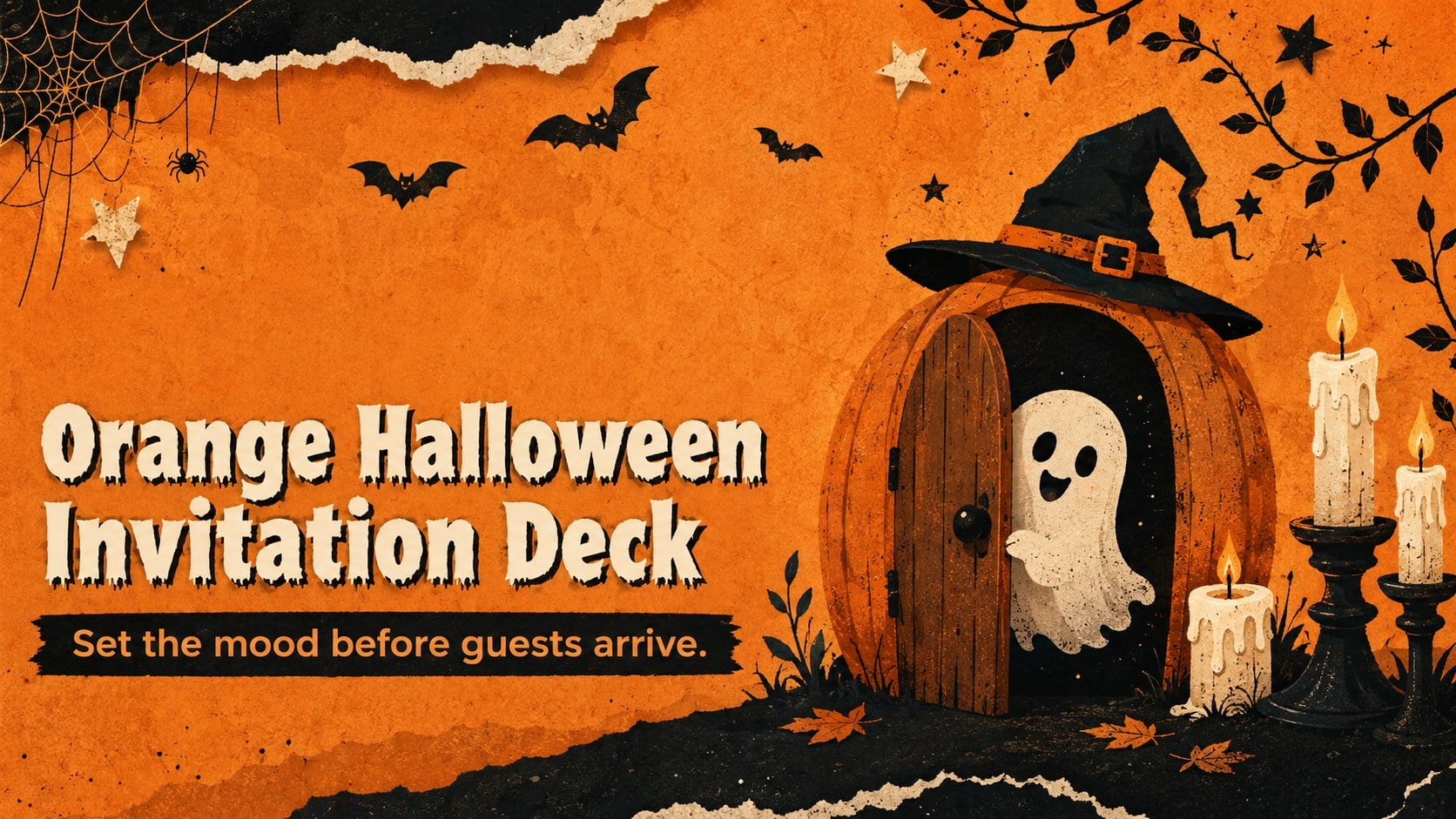
Set an eerie yet playful tone with the Orange Halloween Invitation Deck, an illustrated presentation made for announcing seasonal celebrations in memorable style. Vivid orange backgrounds, shadowy accents, distressed textures, and spirited Halloween artwork give every page a festive sense of suspense without sacrificing readability.
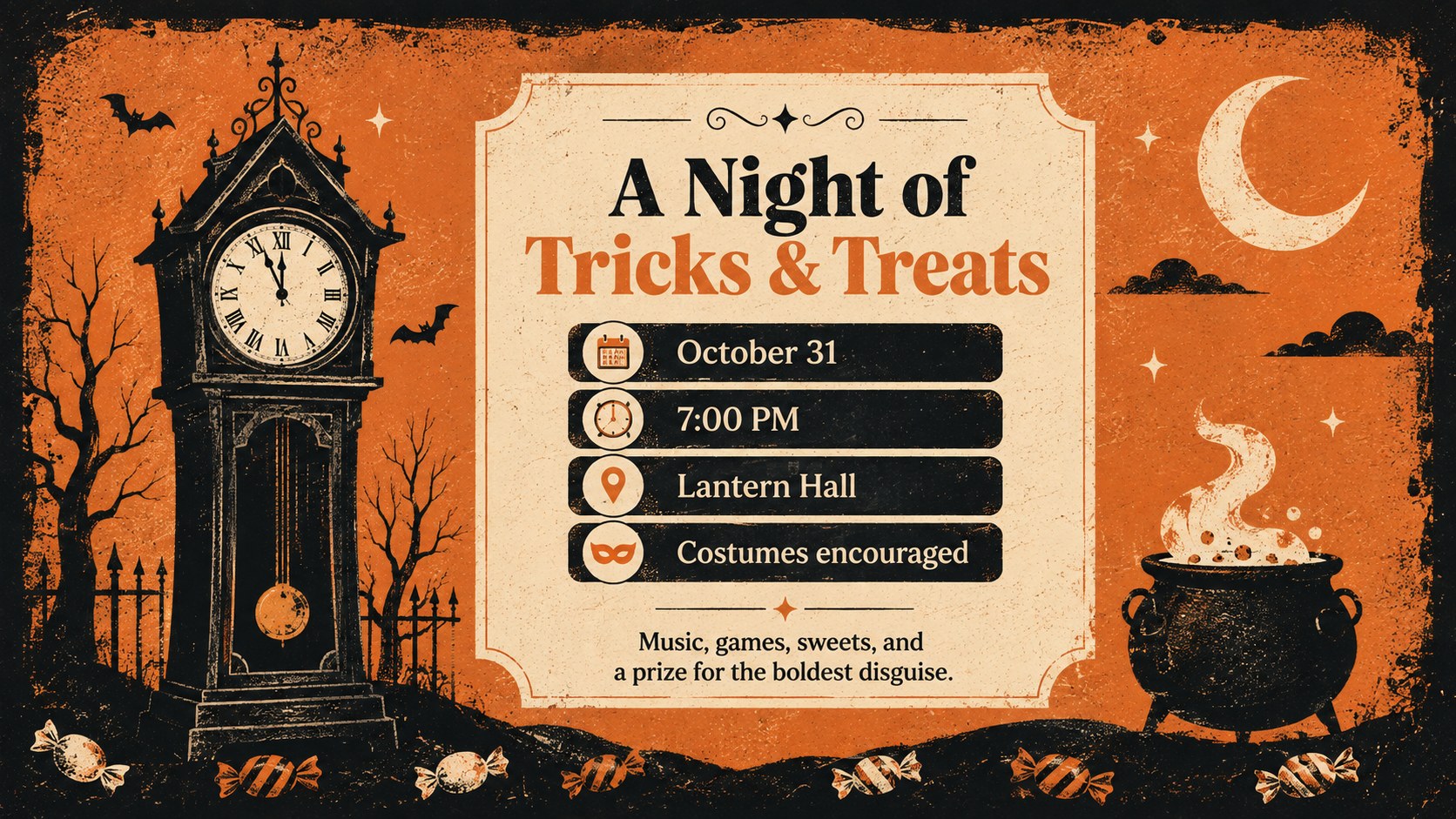
The deck includes three coordinated layouts: an attention-grabbing cover, an event information page, and an RSVP reminder. Add the date, start time, location, costume guidance, contact details, and any special instructions guests need. The flexible arrangement also works as an editable spooky party announcement deck, a Halloween costume party invite for PowerPoint, or a set of textured orange Halloween flyer slides. Fonts, colors, illustrations, and wording can be adjusted to match a family gathering, school celebration, community event, or adults-only costume night.
Designed for party hosts, event coordinators, teachers, parent groups, and local venues, this template keeps invitation planning quick and visually consistent. Edit it in PowerPoint or Google Slides, then present it on screen, share it digitally, or export individual pages for distribution. The high-contrast typography and clearly separated information areas help guests spot the important details immediately while the original illustrated decorations maintain a fun, spooky atmosphere.
Perfect for: Halloween costume party invitation; School fall celebration announcement; Family trick-or-treat gathering; Community Halloween event; Venue theme-night promotion.
Frequently asked questions
Can I edit the party details and invitation wording? Yes. Replace the sample text with your date, time, venue, dress code, RSVP information, and guest instructions. You can also move or remove decorative elements to create more room.
Practical details
Yes. Replace the sample text with your date, time, venue, dress code, RSVP information, and guest instructions. You can also move or remove decorative elements to create more room.
The deck is designed for Microsoft PowerPoint and Google Slides. Text, colors, fonts, and layout elements can be customized in either platform.
Yes. Use playful wording, brighter accents, and less frightening illustrations for a school or family celebration. The orange palette and illustrated style still preserve the seasonal theme.
Yes. After editing, export selected pages as PDF or image files for email, messaging, printing, or social posts. Check the exported dimensions before printing to ensure the layout matches your chosen paper size.
Keep exploring
14Plan a memorable Lunar New Year campaign with the 2036 Dragon Year Celebration Theme, featuring bold red-and-yellow slides for lessons and events.
 15
15Build playful lessons and party stories with a kid-friendly zombie celebration theme in purple, green and pastel blue for PowerPoint and Google Slides.
 15
15Build eerie lessons, campaigns, and story pitches with an undead survival scenario theme featuring editable slides for PowerPoint and Google Slides.
 3
3Share festive messages with a Lunar Horse New Year Wishes Theme, featuring bold red-and-yellow layouts for PowerPoint and Google Slides celebrations.
 15
15Bring zodiac traditions to life with a Lunar Snake Festival Presentation featuring 15 cheerful red illustrated slides for PowerPoint and Google Slides.
 6
6Honor teams and individuals with an Orange Year-End Recognition Certificate Set featuring six editable designs for PowerPoint and Google Slides.
 14
14Honor the people behind the headlines with a World Sports Press Appreciation Deck for PowerPoint and Google Slides, styled in crisp, modern green.
 15
15Teach, inspire, and celebrate with our Plant-Powered Vegetarian Day Lesson Deck, featuring cheerful editable visuals for PowerPoint and Google Slides.