
 14
14presentation
2036 Dragon Year Celebration Theme
Plan a memorable Lunar New Year campaign with the 2036 Dragon Year Celebration Theme, featuring bold red-and-yellow slides for lessons and events.
Google SlidesPowerPoint
presentation · English
Plan a lively fall gathering with this Oktoberfest invitation slide kit, featuring editable yellow-and-brown artwork for PowerPoint and Google Slides.

Design notes
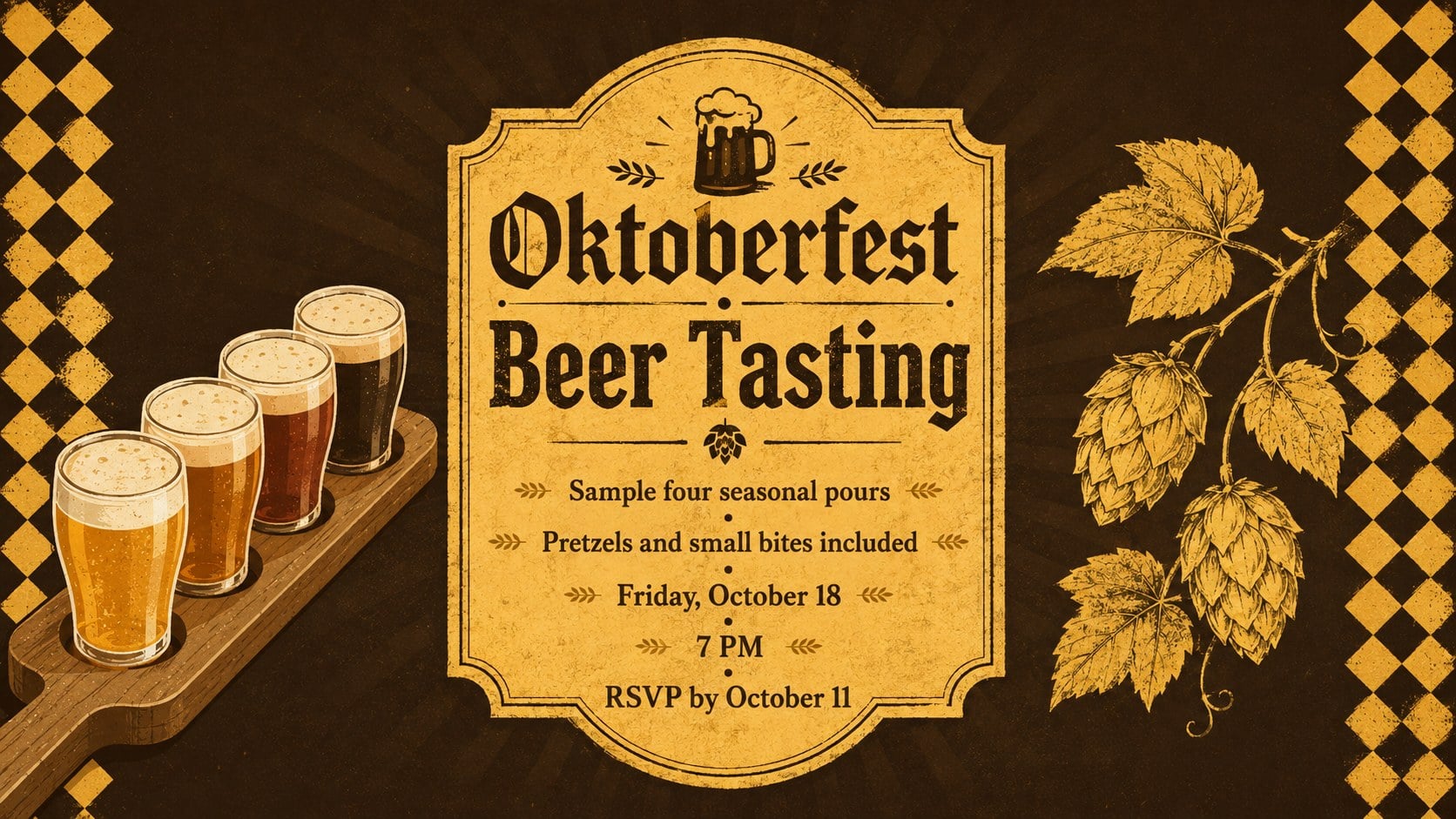
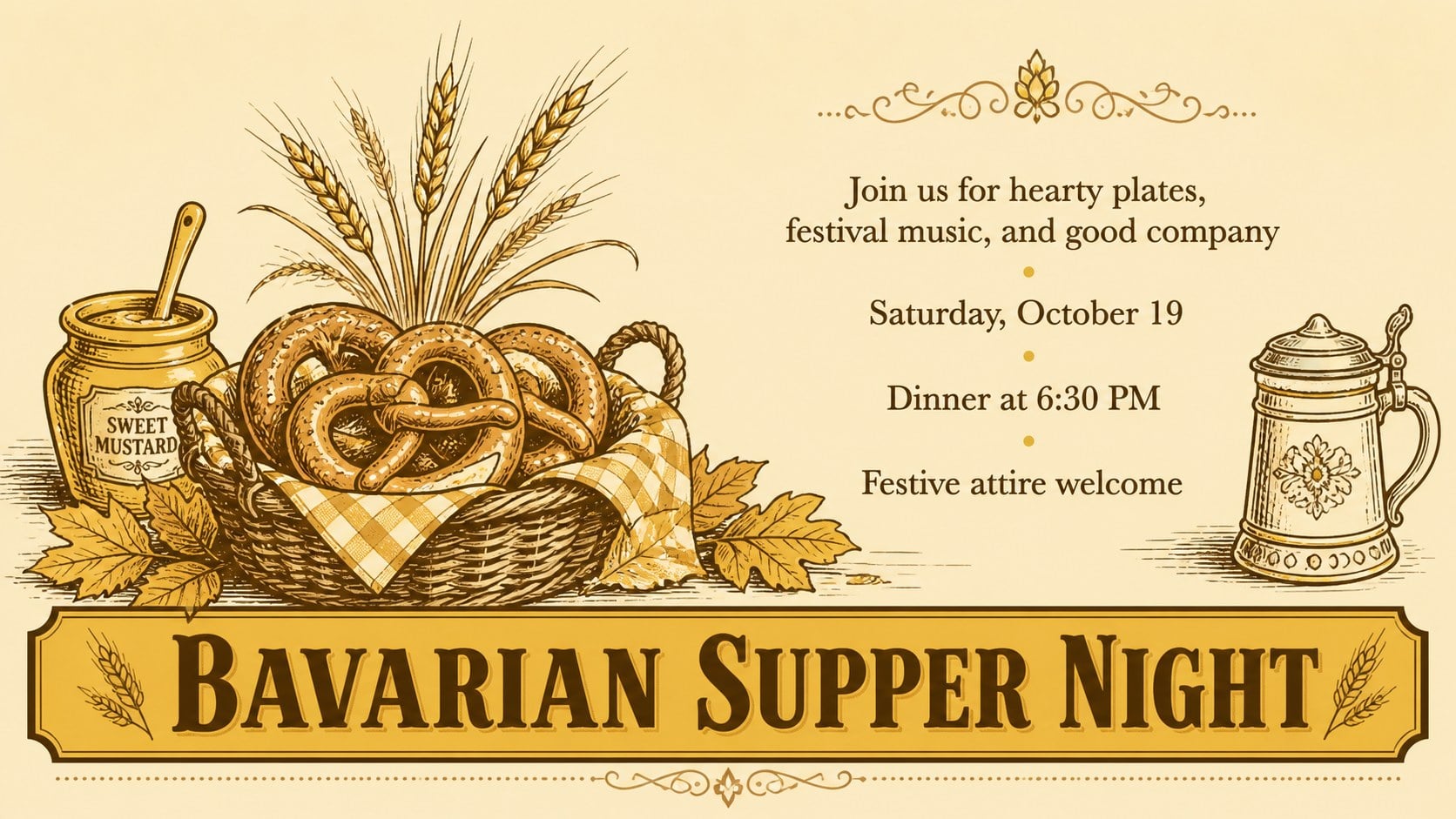
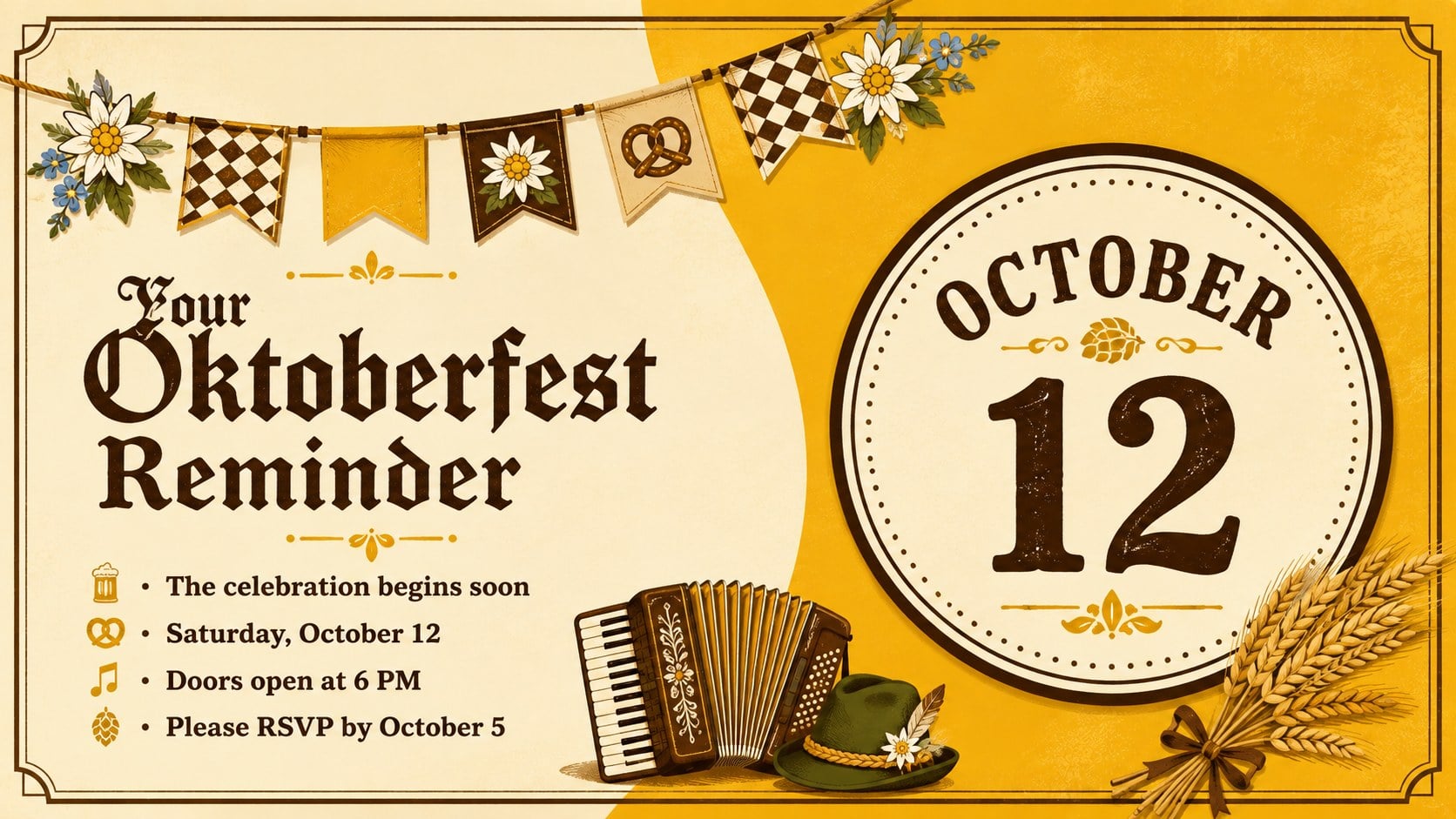
Set the date in spirited Bavarian style with this Oktoberfest invitation slide kit. Warm browns, cheerful yellows, hand-drawn lettering, and playful festival illustrations create a cozy vintage mood without making event information difficult to read. Every layout can be edited in PowerPoint or Google Slides, giving hosts a quick way to prepare polished announcements for print or digital sharing.
The kit includes four coordinated Oktoberfest party invitation templates with distinct arrangements for a main announcement, beer tasting, autumn supper, and final reminder. Clearly organized text areas provide room for the date, time, venue, dress guidance, RSVP details, and a brief event message. Decorative elements such as pretzels, wheat, steins, pennants, and alpine flowers can be moved, resized, recolored, or removed to fit your celebration.
Use these editable German festival invites for a backyard gathering, restaurant promotion, community celebration, seasonal fundraiser, or workplace social. The layouts also work as printable Oktoberfest event invitations when exported to PDF, while widescreen formatting makes them suitable for email, social sharing, or display screens. Replace the sample wording, adjust the typography, and add your own event details while keeping the welcoming yellow-and-brown illustrated style intact.
Perfect for: backyard Oktoberfest party; brewery beer tasting; restaurant festival promotion; community autumn celebration; workplace seasonal social.
Frequently asked questions
Can I edit these invitations in PowerPoint and Google Slides? Yes. The layouts are designed for both PowerPoint and Google Slides, where you can replace the sample text, reposition elements, and update colors or fonts.
Practical details
Yes. The layouts are designed for both PowerPoint and Google Slides, where you can replace the sample text, reposition elements, and update colors or fonts.
Yes. After adding your event details, export the chosen design as a high-quality PDF and select appropriate print settings. The 16:9 format can also be shared digitally or displayed on screens.
You can change the event name, date, time, location, RSVP instructions, dress guidance, and host message. Illustrations and decorative accents may also be resized, moved, recolored, or removed.
No. Choose one layout for a single announcement or use all four as a coordinated sequence for invitations, tasting details, meal information, and reminders.
Keep exploring
14Plan a memorable Lunar New Year campaign with the 2036 Dragon Year Celebration Theme, featuring bold red-and-yellow slides for lessons and events.
 15
15Build playful lessons and party stories with a kid-friendly zombie celebration theme in purple, green and pastel blue for PowerPoint and Google Slides.
 15
15Build eerie lessons, campaigns, and story pitches with an undead survival scenario theme featuring editable slides for PowerPoint and Google Slides.
 3
3Share festive messages with a Lunar Horse New Year Wishes Theme, featuring bold red-and-yellow layouts for PowerPoint and Google Slides celebrations.
 15
15Bring zodiac traditions to life with a Lunar Snake Festival Presentation featuring 15 cheerful red illustrated slides for PowerPoint and Google Slides.
 6
6Honor teams and individuals with an Orange Year-End Recognition Certificate Set featuring six editable designs for PowerPoint and Google Slides.
 14
14Honor the people behind the headlines with a World Sports Press Appreciation Deck for PowerPoint and Google Slides, styled in crisp, modern green.
 15
15Teach, inspire, and celebrate with our Plant-Powered Vegetarian Day Lesson Deck, featuring cheerful editable visuals for PowerPoint and Google Slides.