
 15
15presentation
Yoga Workshop Marketing Presentation
Promote classes with a yoga workshop marketing presentation featuring playful beige, pink, and purple illustrations for PowerPoint and Google Slides.
Google SlidesPowerPoint
presentation · English
Build clear health lessons with an obesity awareness infographic presentation featuring editable data visuals and colorful doodles for PowerPoint and Google…
Design notes
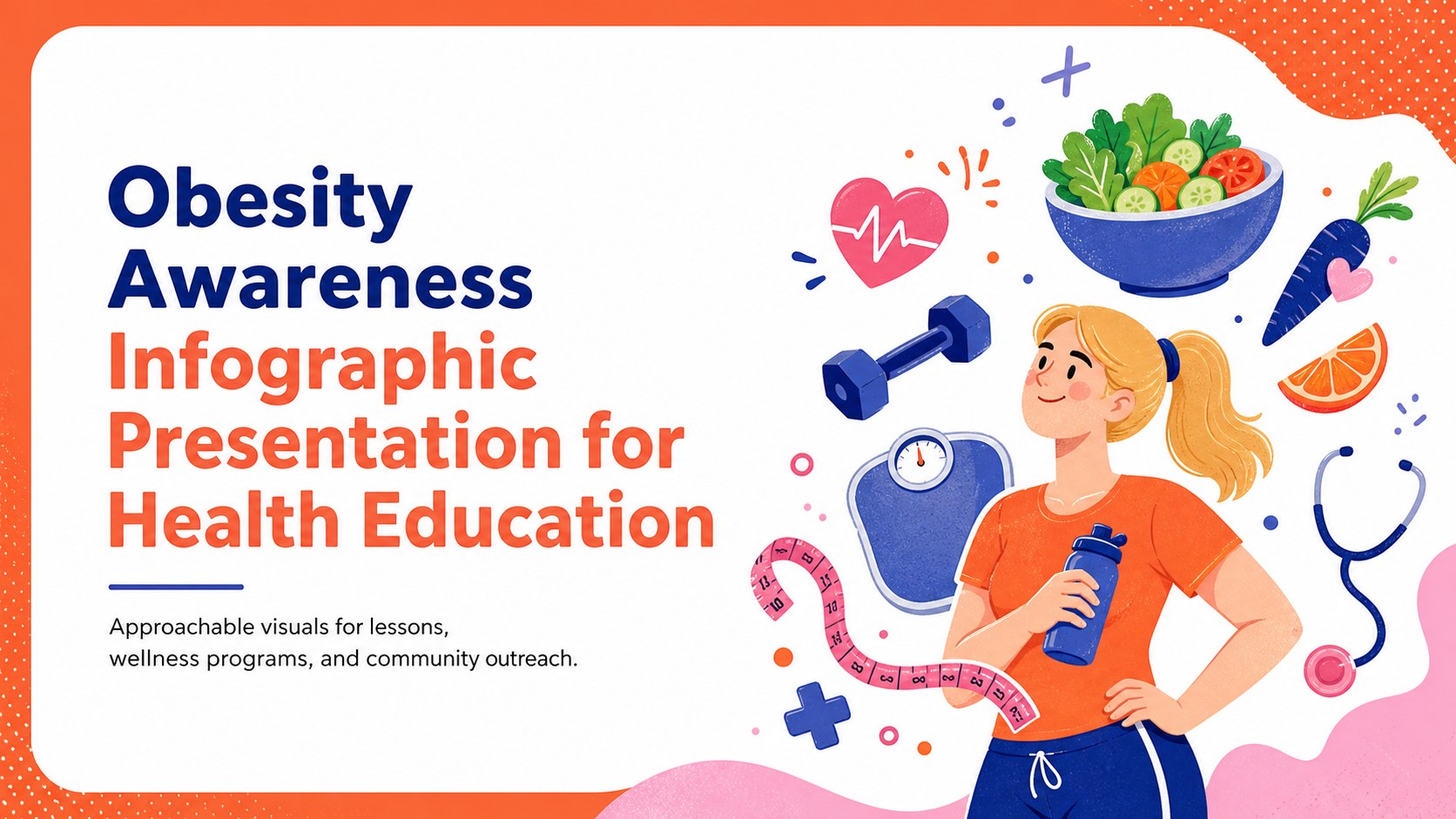
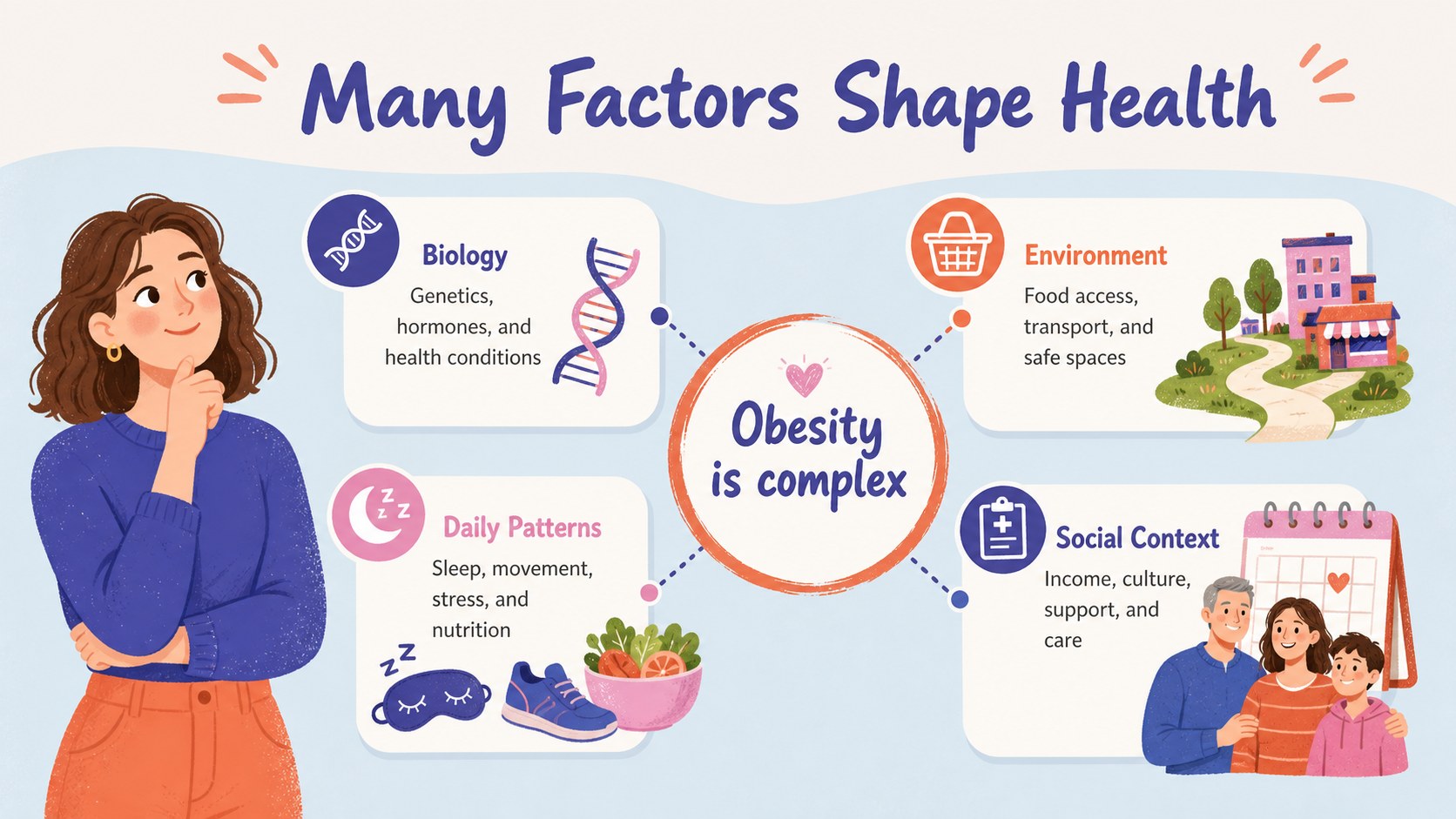
Make health statistics easier to understand with an obesity awareness infographic presentation designed for clear, responsible communication. Its energetic orange, blue, pink, and white palette pairs friendly doodle-style illustrations with structured spaces for facts, comparisons, recommendations, and cited research. Every element can be adjusted in PowerPoint or Google Slides to match your message and audience.
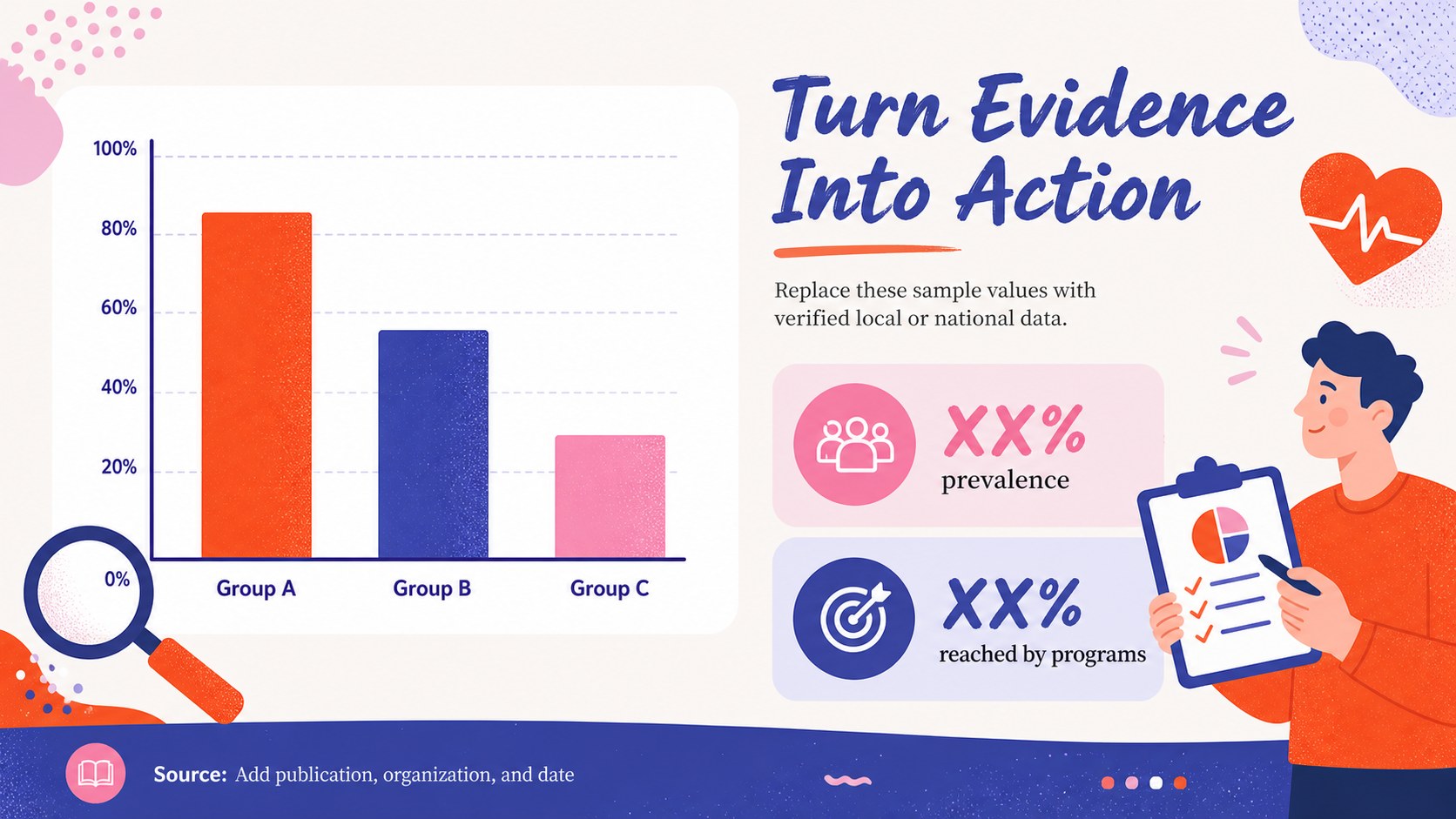
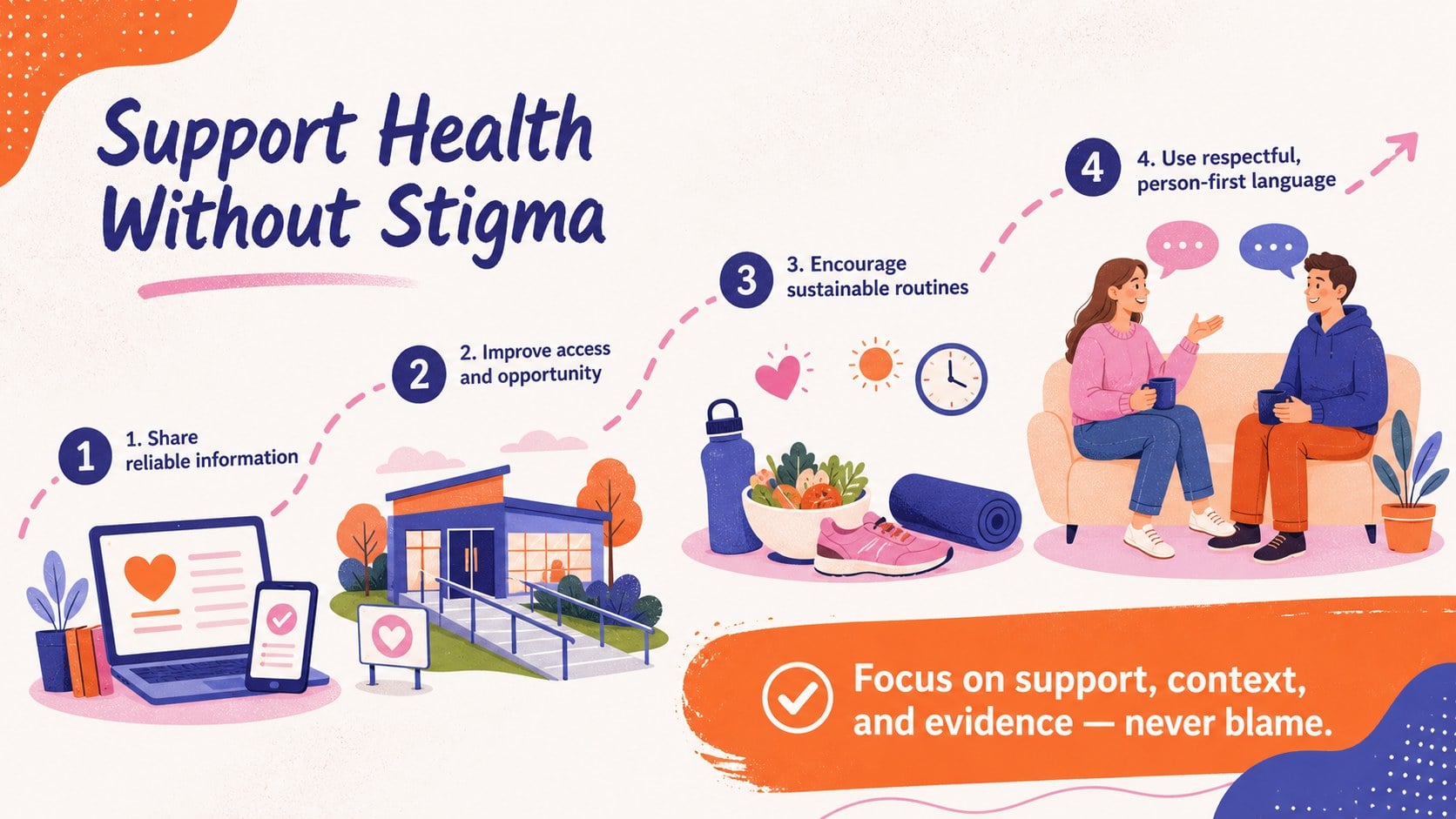
The deck includes a bold introductory cover, a causes-and-influences overview, an editable data visualization, and a practical prevention summary. Use the layouts to explain contributing factors, present prevalence figures, compare health indicators, or introduce evidence-based habits. Charts, icons, labels, shapes, and text areas are easy to recolor, resize, or replace. Add your organization’s logo, update the statistics, and include source notes before presenting.
This public health obesity infographic template works well for teachers, students, healthcare professionals, nonprofit teams, workplace wellness coordinators, and community educators. It can support obesity education slides for schools, a healthy weight awareness presentation, research summaries, staff training, or public outreach campaigns. The illustrated design keeps information accessible while allowing presenters to address the subject with sensitivity. Avoid stigmatizing language, focus on reliable evidence, and adapt examples to the needs of each group. The widescreen format is ready for classroom displays, virtual sessions, conference screens, or exported handouts.
Perfect for: school health lesson; community wellness workshop; public health campaign; healthcare staff training; student research presentation.
Frequently asked questions
Can I edit the statistics and charts? Yes. Replace the sample figures with current data, update labels, and adjust chart colors directly in PowerPoint or Google Slides. Add citations in the provided source areas to keep the presentation credible.
Practical details
Yes. Replace the sample figures with current data, update labels, and adjust chart colors directly in PowerPoint or Google Slides. Add citations in the provided source areas to keep the presentation credible.
The template is designed for Microsoft PowerPoint and Google Slides. Some font spacing or animation behavior may vary slightly between the two platforms.
Change the palette, fonts, icons, and illustrations to match your visual identity. You can also add a logo and duplicate or remove sections without changing the overall 16:9 layout.
Yes, especially when the wording and statistics are adapted for the students’ age group. Use respectful, evidence-based language and focus on health education rather than appearance or individual blame.
Keep exploring
15Promote classes with a yoga workshop marketing presentation featuring playful beige, pink, and purple illustrations for PowerPoint and Google Slides.
 15
15Build a clear breast cancer awareness bulletin with bold pink-and-red slides for campaign news, screening reminders, impact data, and community updates.
 15
15Build a clear World Cancer Day message with this global cancer awareness campaign deck, featuring editable blue-green layouts for PowerPoint and Google Slides.
 4
4Document wound findings, treatment decisions, and healing progress with clinical wound evaluation slides for nurses in PowerPoint and Google Slides.
 14
14Plan a clear donor campaign with this blood donation awareness presentation, featuring editable beige-and-red visuals for PowerPoint and Google Slides.
 15
15Build a Kidney Health Awareness Campaign Deck with blue illustrated slides for prevention tips, risk education, screening events, and outreach.
 15
15Build an actionable training session with this fitness program workshop deck, using energetic yellow geometry and editable PowerPoint and Google Slides layouts.
 15
15Equip health teams with this malaria prevention education deck for workshops, community outreach, and policy briefings in PowerPoint or Google Slides.