
 15
15presentation
Yoga Workshop Marketing Presentation
Promote classes with a yoga workshop marketing presentation featuring playful beige, pink, and purple illustrations for PowerPoint and Google Slides.
Google SlidesPowerPoint
presentation · English
Build a clear nursing professional development deck for workshops, staff training, and clinical education with editable blue geometric slides for PowerPoint…






Design notes
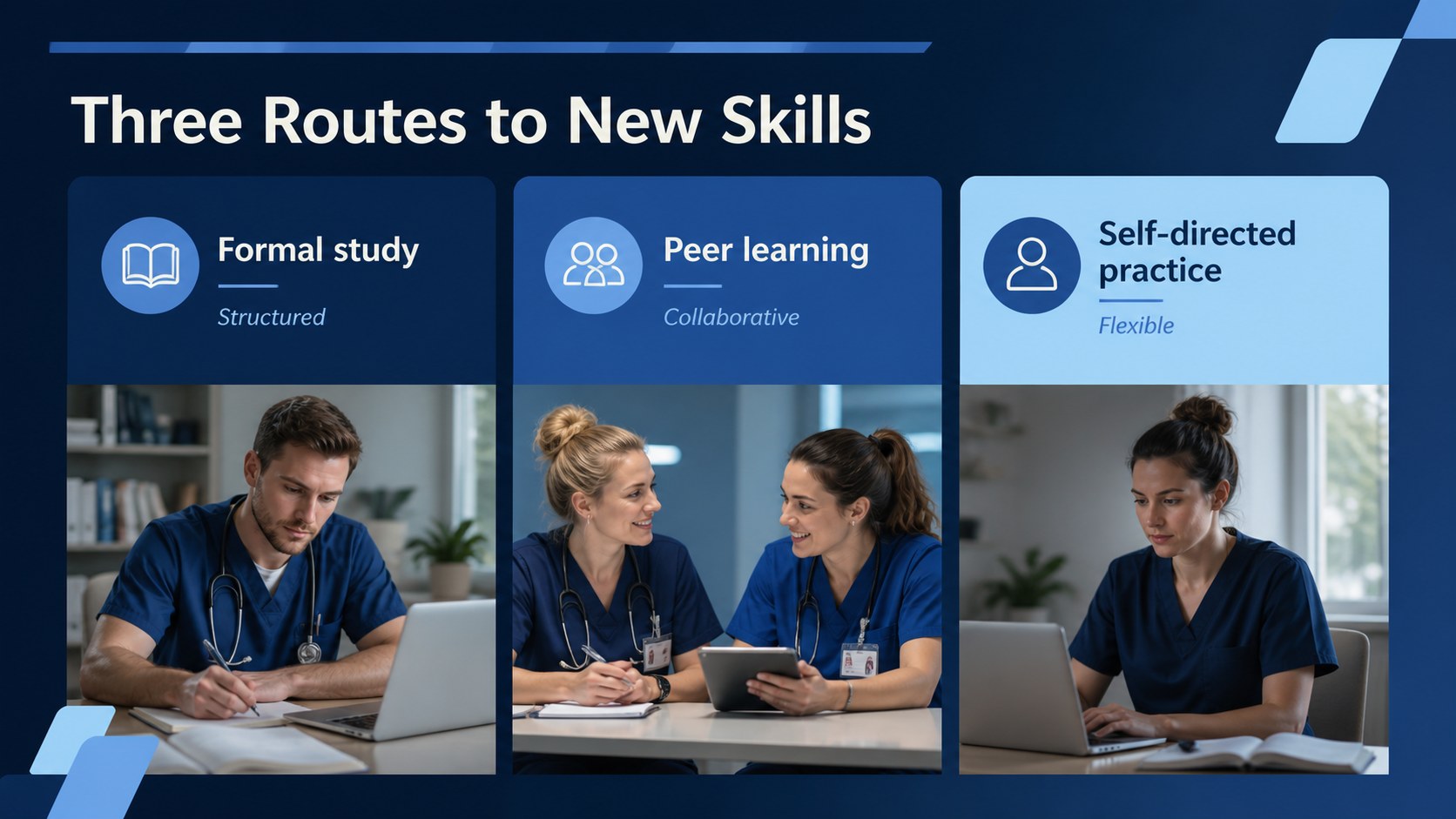
Support stronger clinical practice with a nursing professional development deck designed for educators, nurse managers, and healthcare teams. The presentation gives continuing learning a clear structure, helping audiences connect professional growth with patient outcomes, confidence, and workplace performance. Its calm blue-and-white palette, geometric accents, and light animation create a polished setting for seminars, staff meetings, and educational workshops.
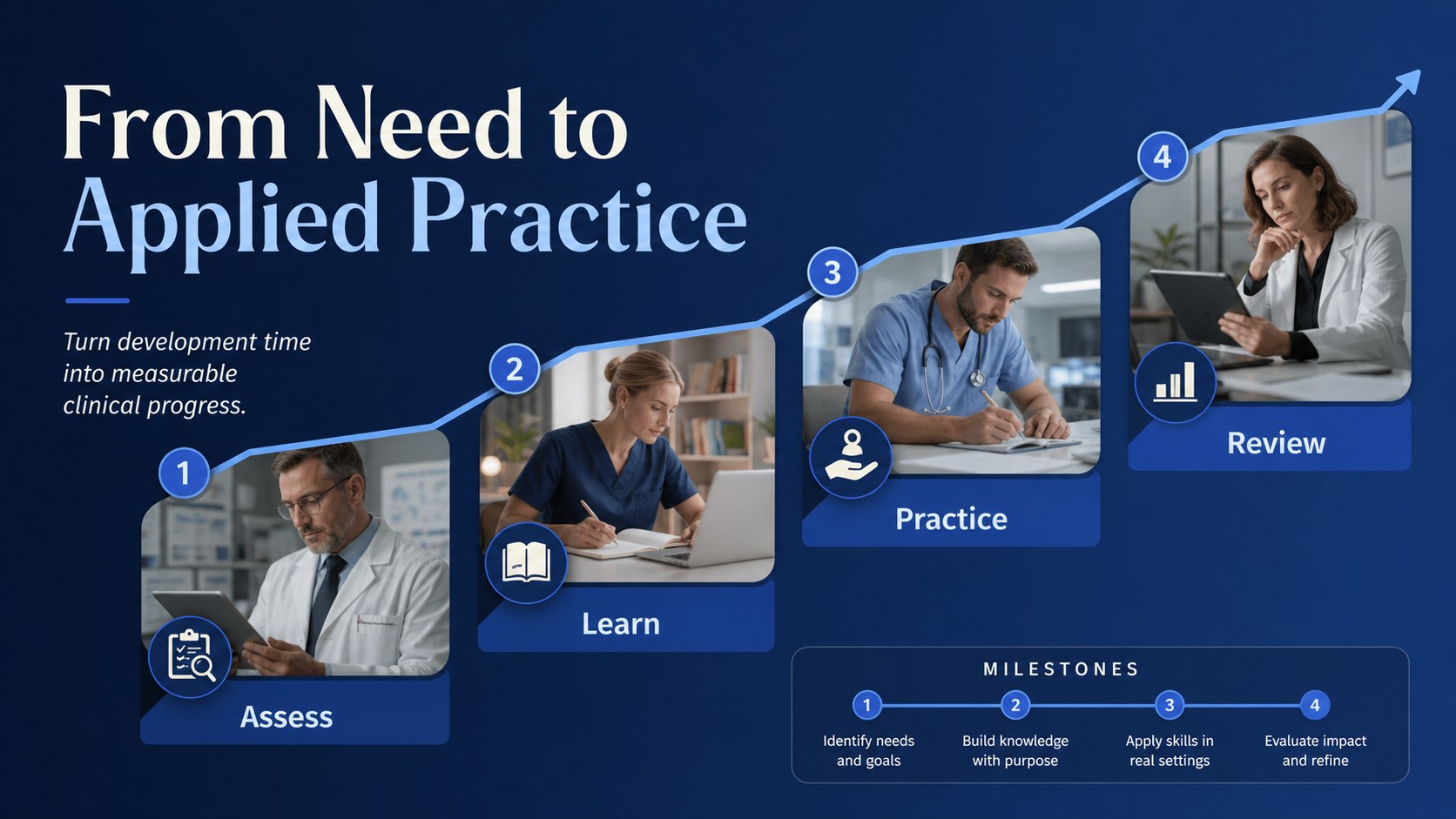
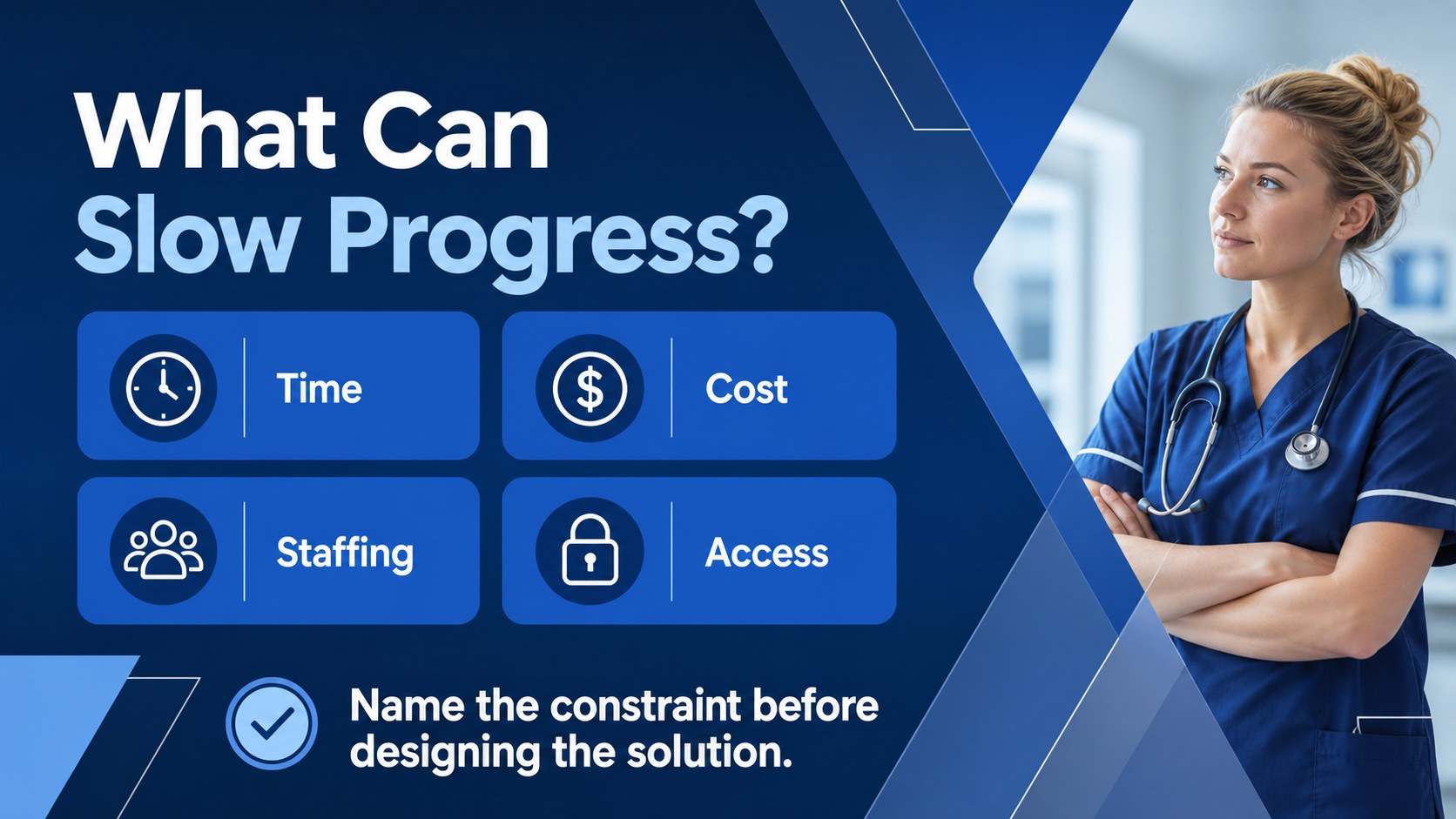
Inside, you’ll find an opening framework for lifelong learning, slides on the value of professional development, a comparison of formal and informal education, and visual layouts for planning individual learning goals. Additional sections cover certification, mentoring, online study, peer learning, and common obstacles such as time, cost, staffing, and access. Timelines, comparison tables, process diagrams, and discussion prompts make complex training topics easier to explain.
Use this nursing education workshop presentation for hospital orientation refreshers, continuing competency sessions, faculty instruction, or a personal growth plan. Every slide is editable in PowerPoint and Google Slides, with customizable text, charts, shapes, transitions, and color elements. The 16:9 format works well for projected training rooms and virtual meetings, while the modular layouts let you adapt the deck to different specialties, audiences, and learning objectives.
Perfect for: hospital staff development workshop; nursing faculty lesson; clinical competency refresher; nurse mentoring session; professional growth planning meeting.
Frequently asked questions
Can I edit this presentation in PowerPoint? Yes. The deck is designed for PowerPoint and can be customized with your own wording, images, charts, and branding. You can also adjust colors and animation settings to match your training environment.
Practical details
Yes. The deck is designed for PowerPoint and can be customized with your own wording, images, charts, and branding. You can also adjust colors and animation settings to match your training environment.
Yes, you can open and edit the presentation in Google Slides. Replace sample text, modify layouts, and collaborate with colleagues directly in your shared presentation file.
The layouts are flexible enough for topics such as oncology, pediatrics, critical care, or community nursing. Swap the examples, learning objectives, and imagery while keeping the blue geometric design system.
Use it to explain lifelong learning, certification, mentoring, online courses, peer education, and competency planning. It also includes space to discuss practical barriers and create an actionable development roadmap.
Keep exploring
15Promote classes with a yoga workshop marketing presentation featuring playful beige, pink, and purple illustrations for PowerPoint and Google Slides.
 15
15Build a clear breast cancer awareness bulletin with bold pink-and-red slides for campaign news, screening reminders, impact data, and community updates.
 15
15Build a clear World Cancer Day message with this global cancer awareness campaign deck, featuring editable blue-green layouts for PowerPoint and Google Slides.
 4
4Document wound findings, treatment decisions, and healing progress with clinical wound evaluation slides for nurses in PowerPoint and Google Slides.
 14
14Plan a clear donor campaign with this blood donation awareness presentation, featuring editable beige-and-red visuals for PowerPoint and Google Slides.
 15
15Build a Kidney Health Awareness Campaign Deck with blue illustrated slides for prevention tips, risk education, screening events, and outreach.
 15
15Build an actionable training session with this fitness program workshop deck, using energetic yellow geometry and editable PowerPoint and Google Slides layouts.
 15
15Equip health teams with this malaria prevention education deck for workshops, community outreach, and policy briefings in PowerPoint or Google Slides.