
 15
15presentation
Yoga Workshop Marketing Presentation
Promote classes with a yoga workshop marketing presentation featuring playful beige, pink, and purple illustrations for PowerPoint and Google Slides.
Google SlidesPowerPoint
presentation · English
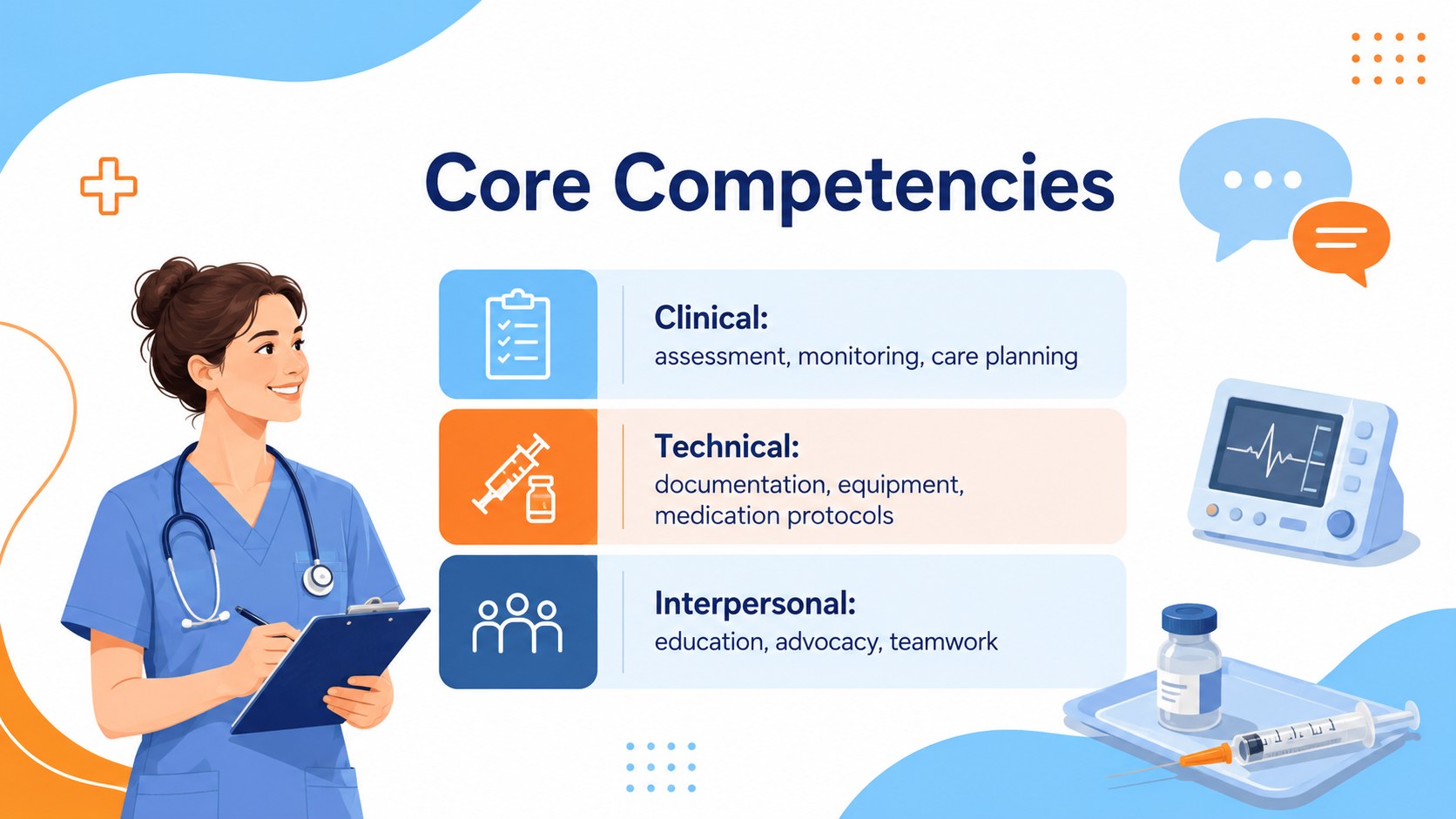
Present clinical strengths with Nursing Career Portfolio Slides, a blue and orange illustrated template for interviews in PowerPoint and Google Slides.


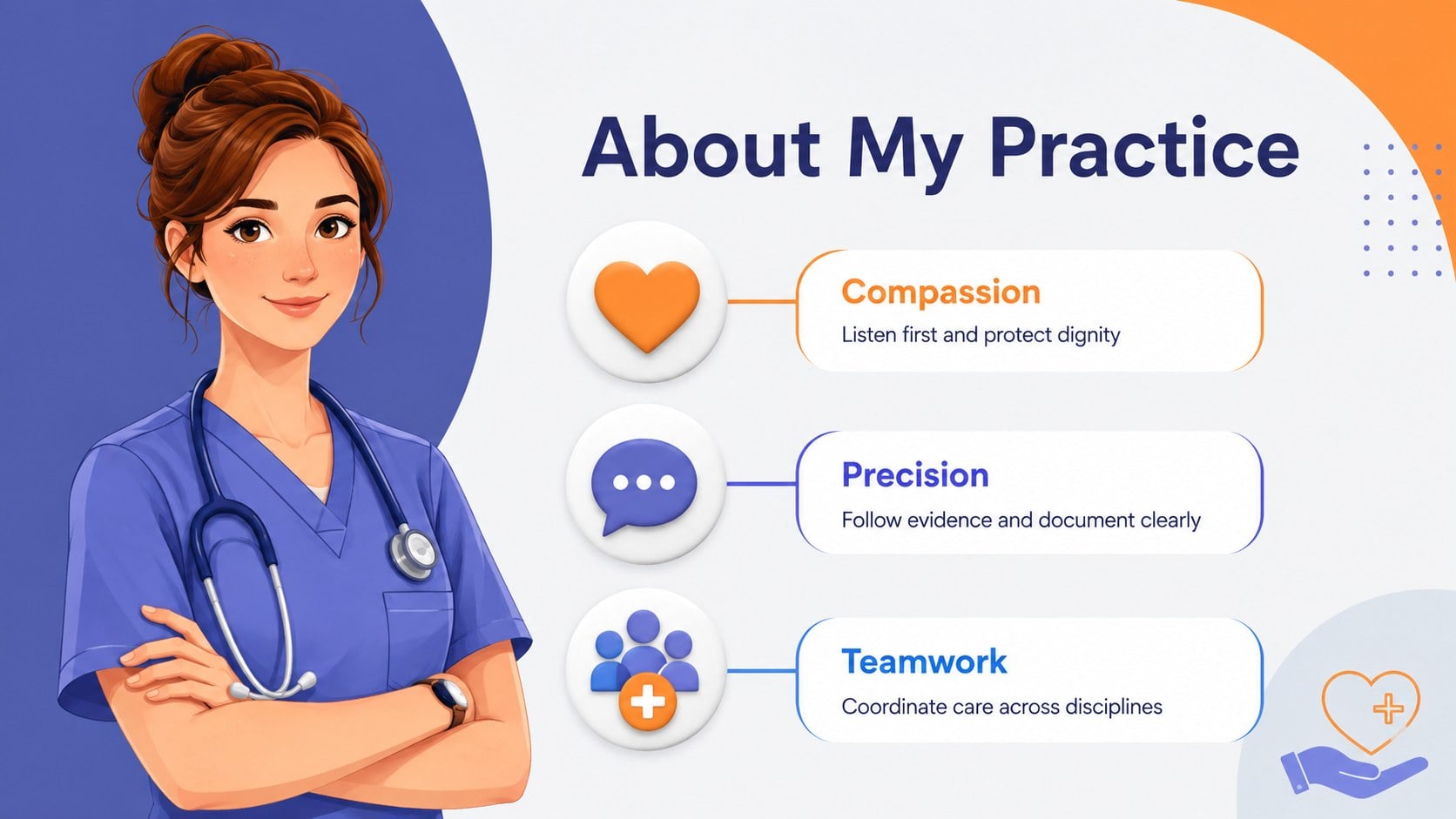

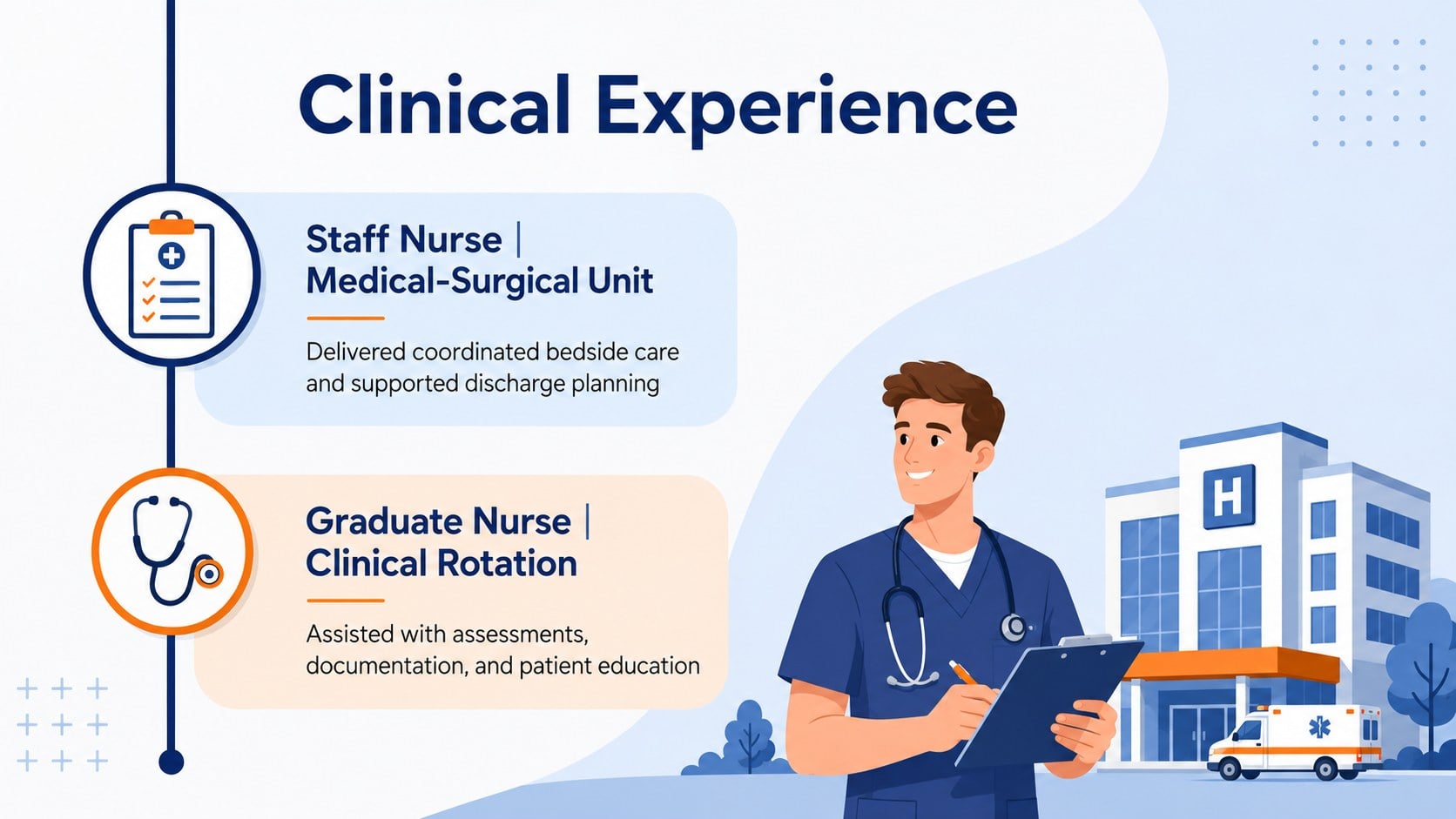

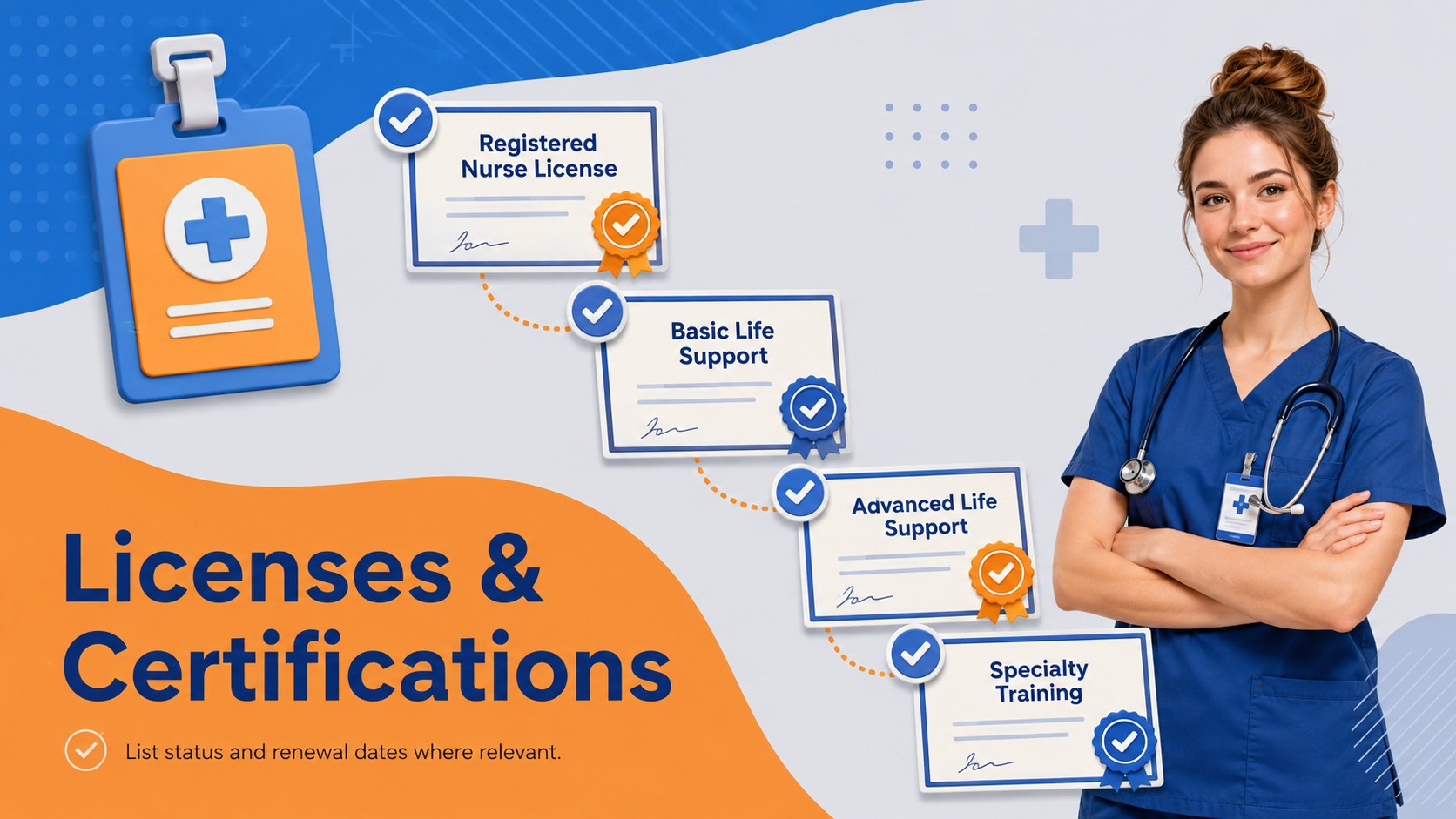
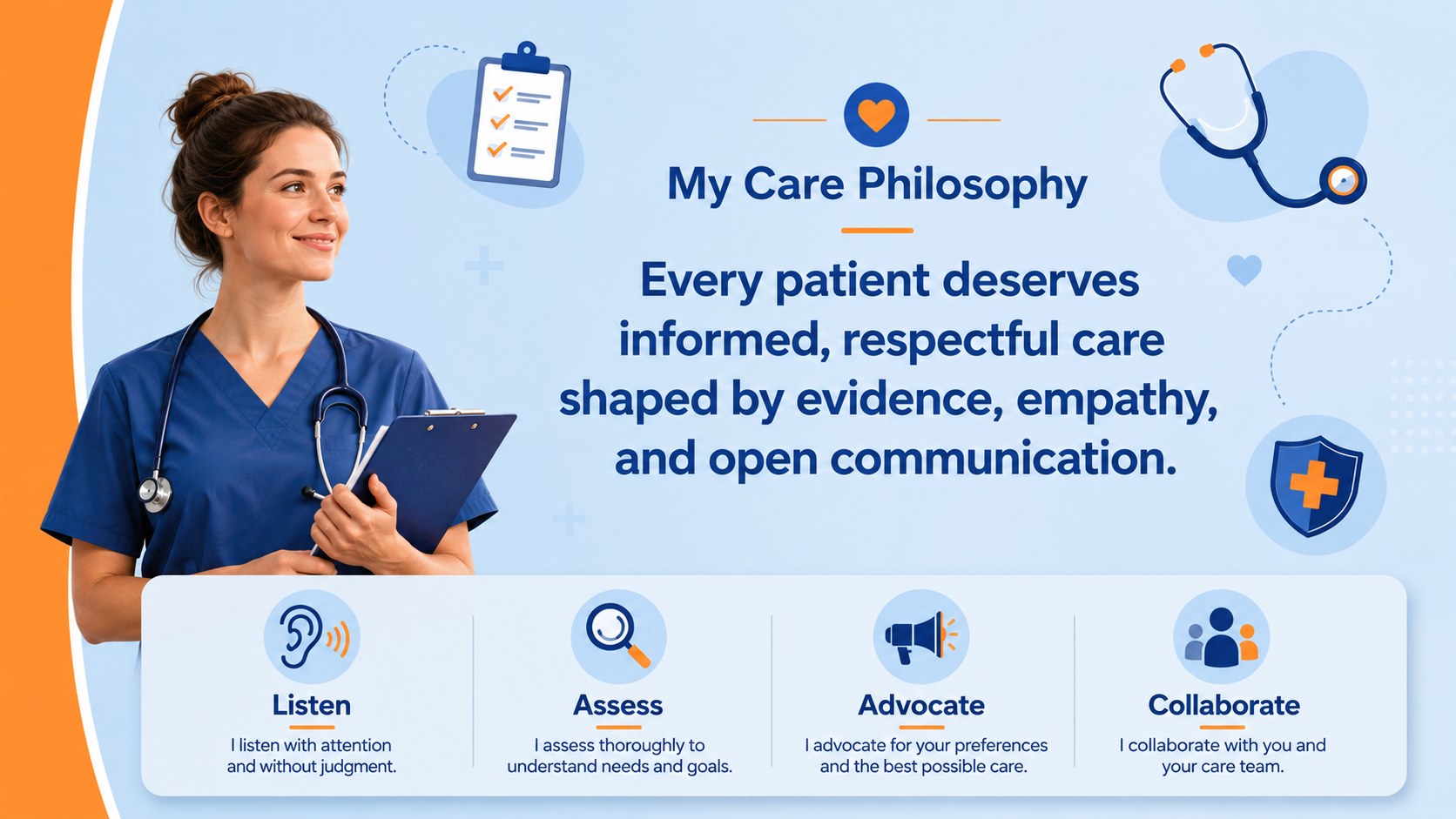
Design notes
Nursing Career Portfolio Slides turn a traditional resume into a clear, engaging presentation for healthcare hiring conversations. The blue and orange illustrated design balances an approachable personality with professional structure, helping you communicate clinical expertise without overwhelming your audience. Use the deck as a registered nurse interview presentation or adapt it for internal advancement, residency applications, and networking events.
Inside, you will find 15 editable 16:9 layouts covering a professional profile, clinical strengths, employment history, education, certifications, care philosophy, measurable achievements, and references. A career timeline and concise case highlight help organize complex experience into an easy-to-follow story. Every layout can be customized in PowerPoint or Google Slides, including the wording, fonts, colors, illustrations, charts, and section order.
This clinical experience portfolio template is suited to registered nurses, nursing graduates, specialist practitioners, travel nurses, and other patient-care professionals. It also works as a nurse skills presentation for hiring teams that need a focused overview of competencies and outcomes. Replace the sample content with your credentials, tailor the examples to the role, and present a confident account of your qualifications while keeping sensitive patient information private.
Perfect for: registered nurse job interview; nursing residency application; clinical promotion review; healthcare networking presentation; travel nurse career portfolio.
Frequently asked questions
Can I edit these slides in PowerPoint and Google Slides? Yes. The layouts, text, colors, and visual elements can be edited in both PowerPoint and Google Slides. Some fonts or effects may render slightly differently between platforms, so review the finished deck before presenting.
Practical details
Yes. The layouts, text, colors, and visual elements can be edited in both PowerPoint and Google Slides. Some fonts or effects may render slightly differently between platforms, so review the finished deck before presenting.
Prioritize experience and competencies that match the job description, then add concise examples with measurable outcomes. Remove sections that do not support the role so the presentation remains focused.
Yes. Students and recent graduates can replace employment sections with clinical placements, simulations, coursework, volunteer experience, and relevant certifications. The structure is flexible enough to emphasize potential as well as formal experience.
Do not include patient names, identifiable medical details, confidential workplace information, or unnecessary personal data. Use anonymized examples and confirm that every case description follows your employer's privacy requirements.
Keep exploring
15Promote classes with a yoga workshop marketing presentation featuring playful beige, pink, and purple illustrations for PowerPoint and Google Slides.
 15
15Build a clear breast cancer awareness bulletin with bold pink-and-red slides for campaign news, screening reminders, impact data, and community updates.
 15
15Build a clear World Cancer Day message with this global cancer awareness campaign deck, featuring editable blue-green layouts for PowerPoint and Google Slides.
 4
4Document wound findings, treatment decisions, and healing progress with clinical wound evaluation slides for nurses in PowerPoint and Google Slides.
 14
14Plan a clear donor campaign with this blood donation awareness presentation, featuring editable beige-and-red visuals for PowerPoint and Google Slides.
 15
15Build a Kidney Health Awareness Campaign Deck with blue illustrated slides for prevention tips, risk education, screening events, and outreach.
 15
15Build an actionable training session with this fitness program workshop deck, using energetic yellow geometry and editable PowerPoint and Google Slides layouts.
 15
15Equip health teams with this malaria prevention education deck for workshops, community outreach, and policy briefings in PowerPoint or Google Slides.