
 15
15presentation
Yoga Workshop Marketing Presentation
Promote classes with a yoga workshop marketing presentation featuring playful beige, pink, and purple illustrations for PowerPoint and Google Slides.
Google SlidesPowerPoint
presentation · English
Plan patient education, local services, and care initiatives with this neighborhood health clinic outreach deck for PowerPoint and Google Slides.

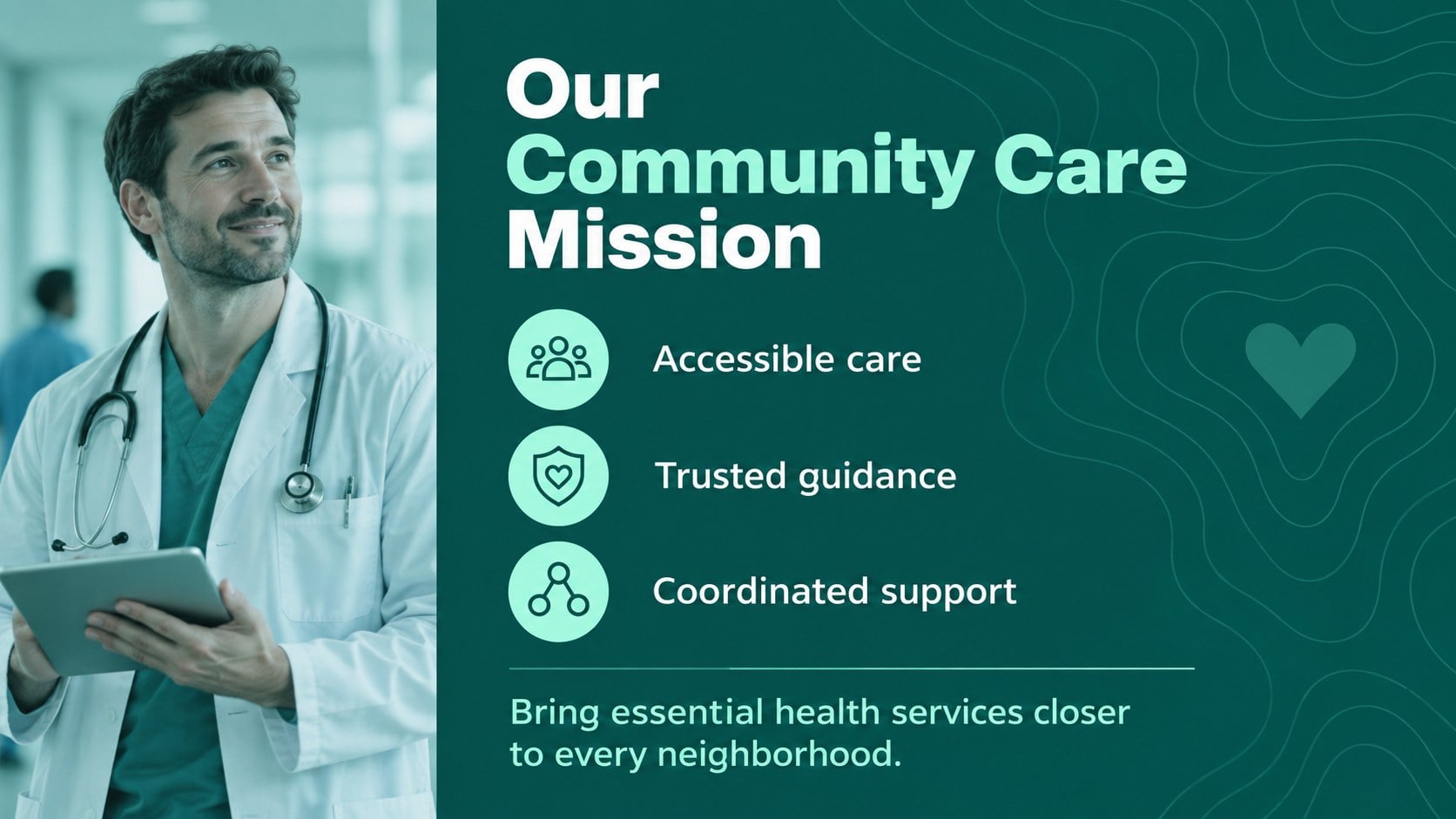
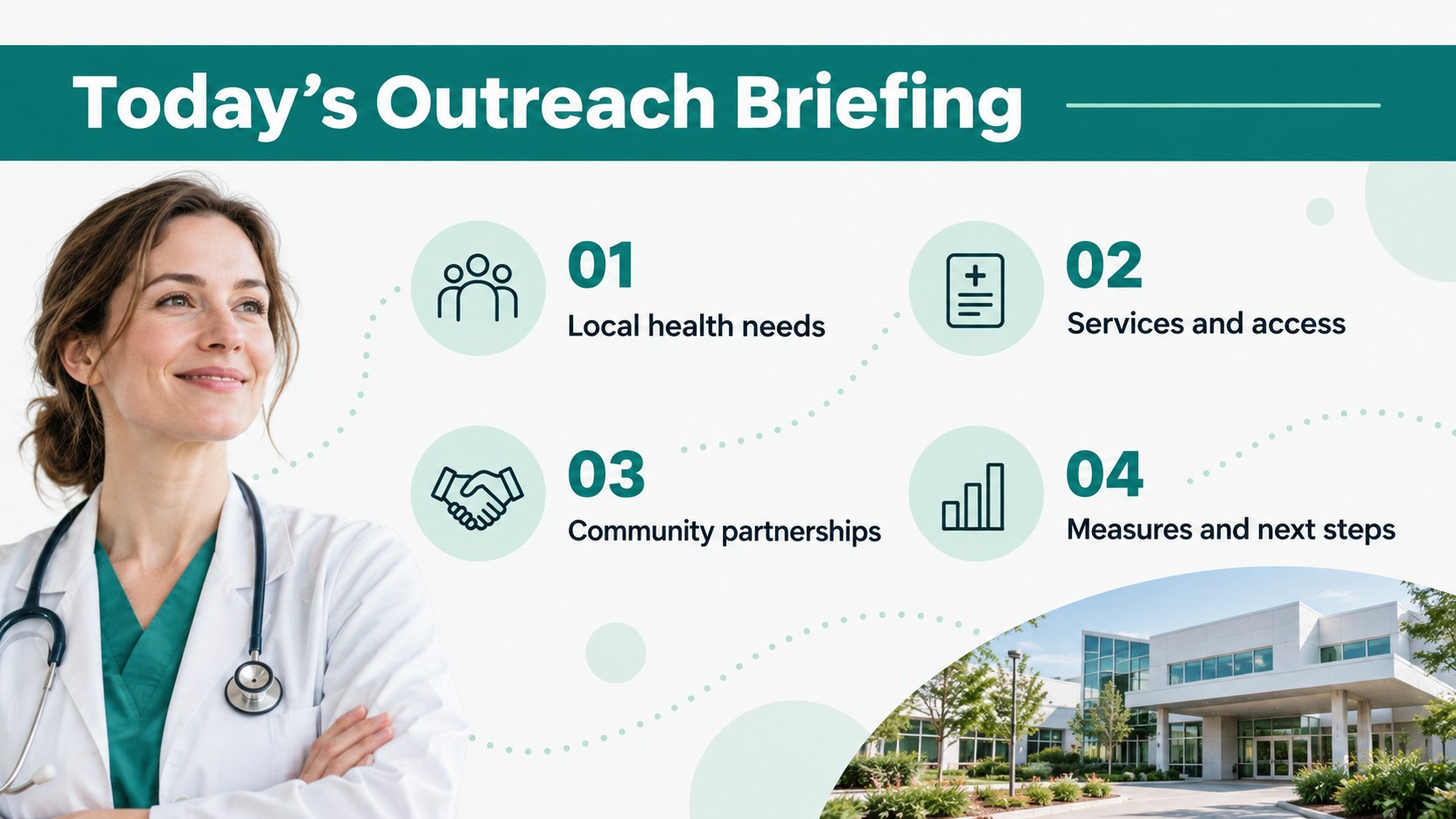
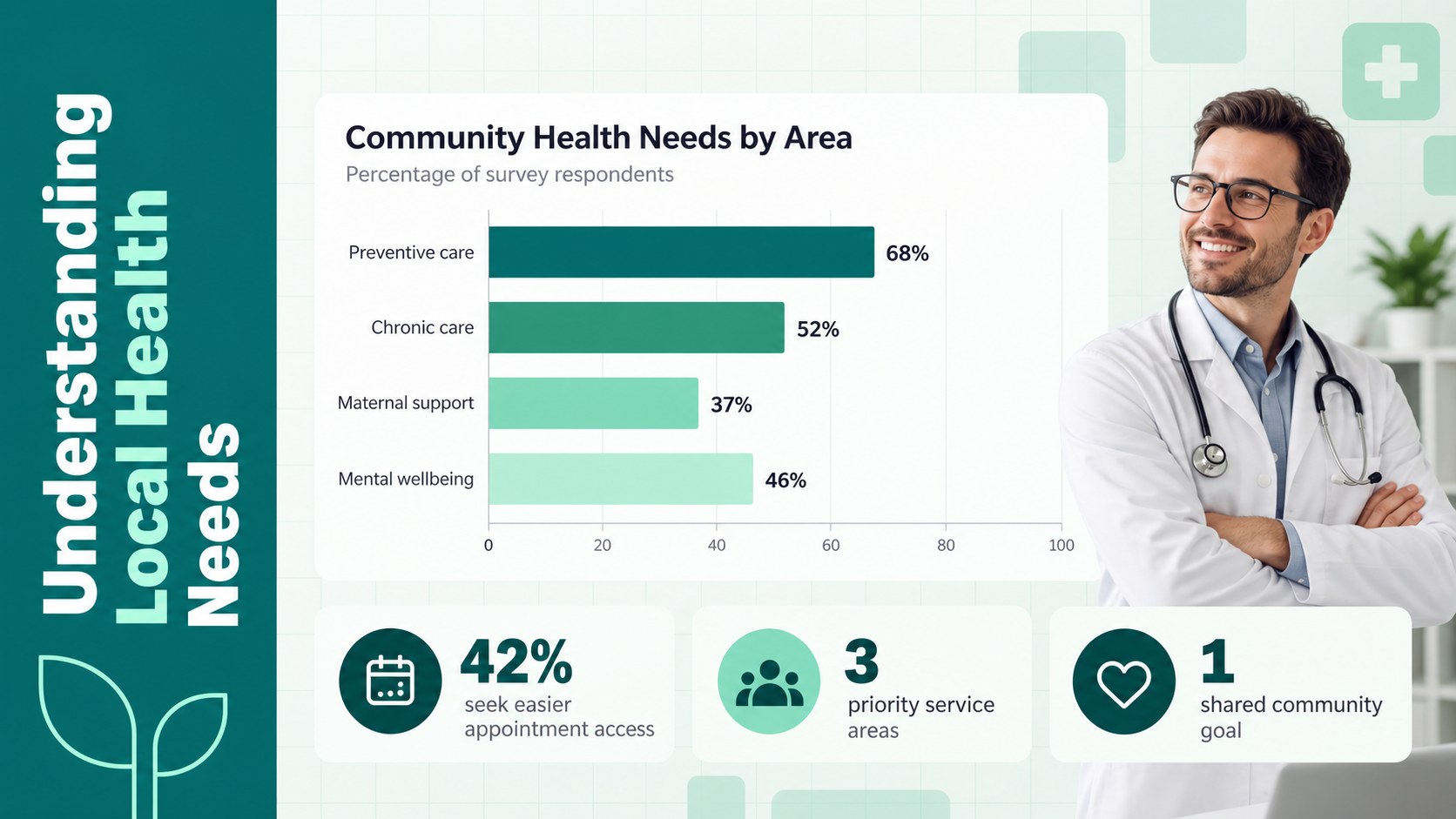
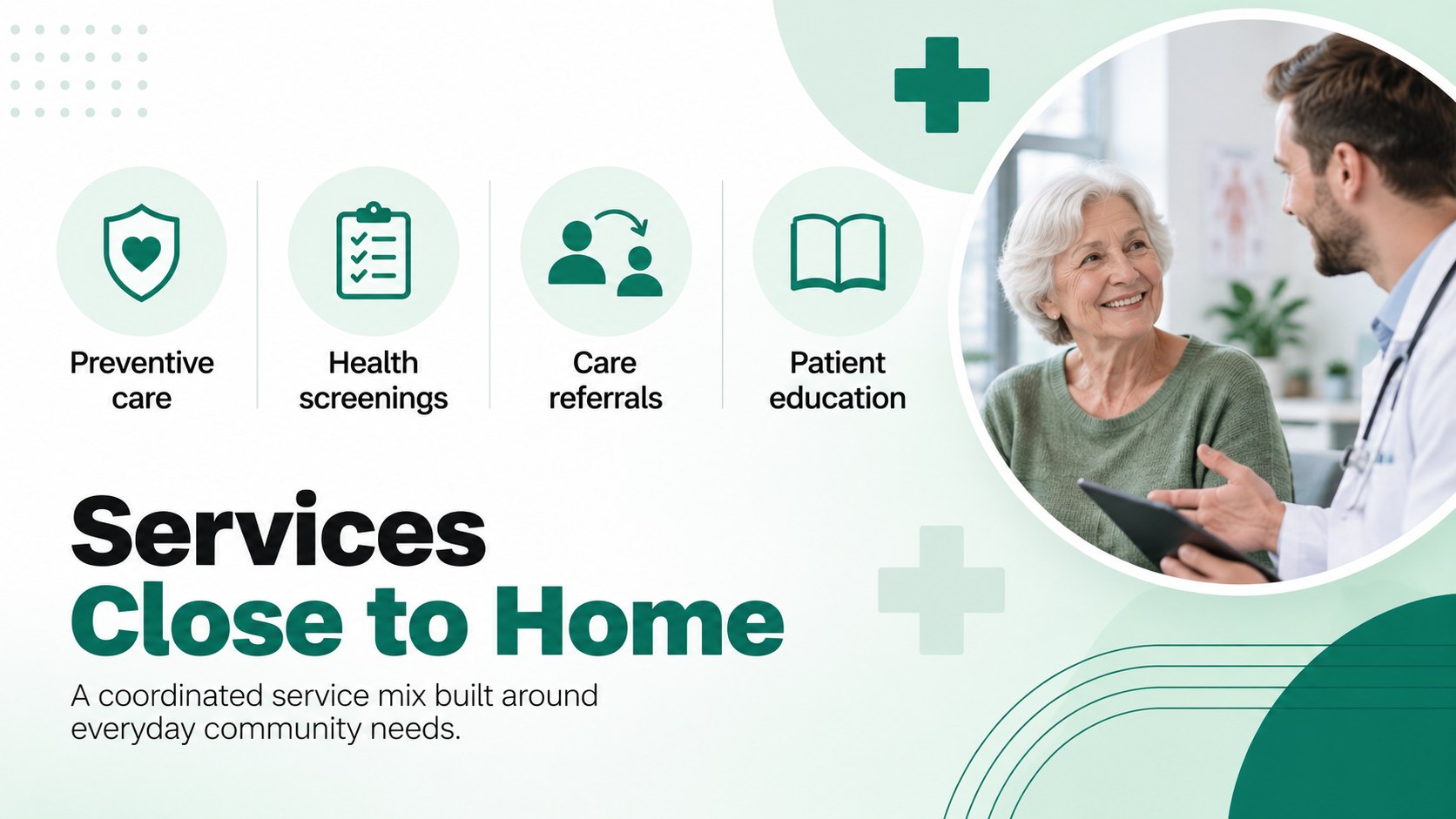
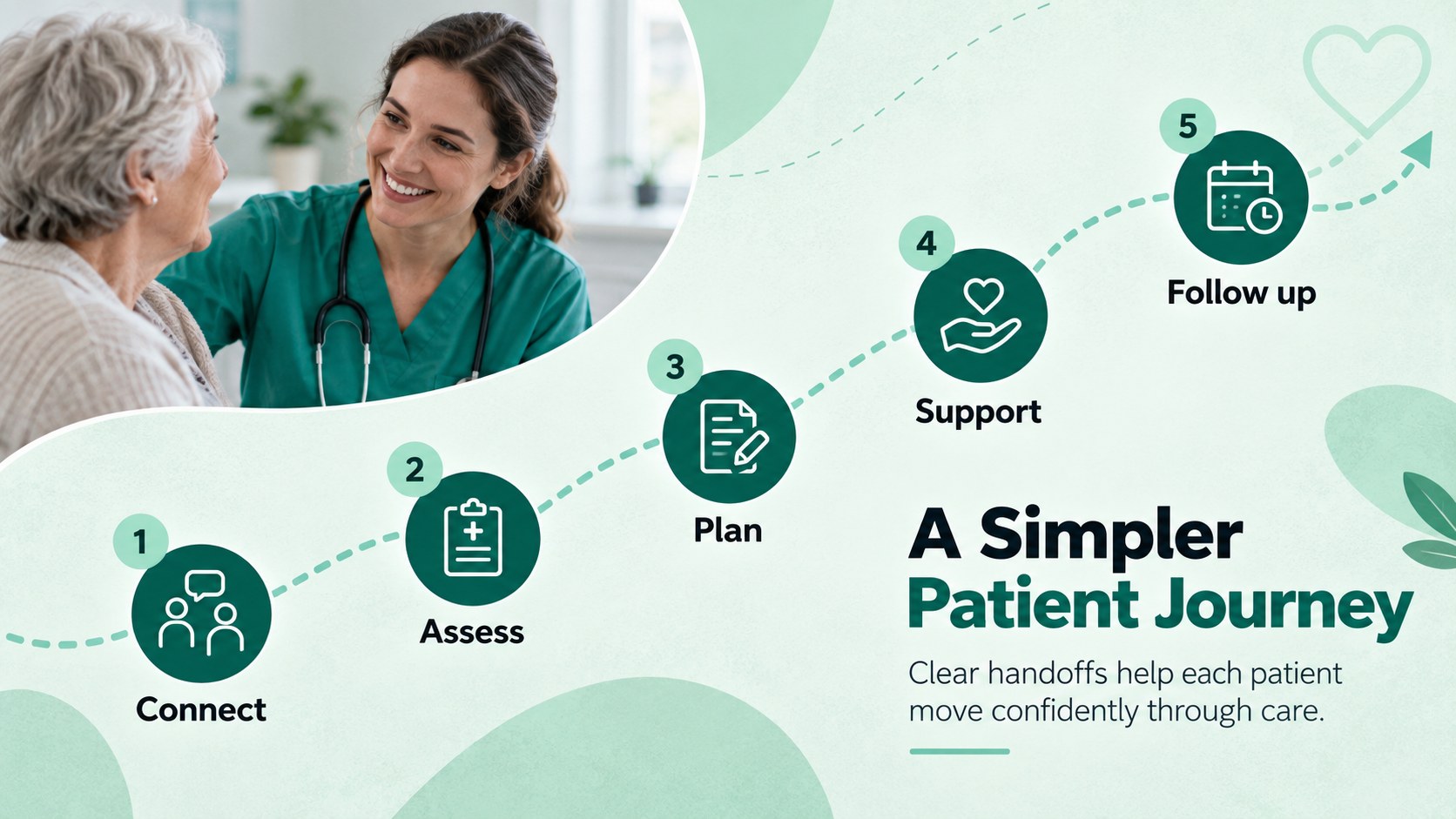
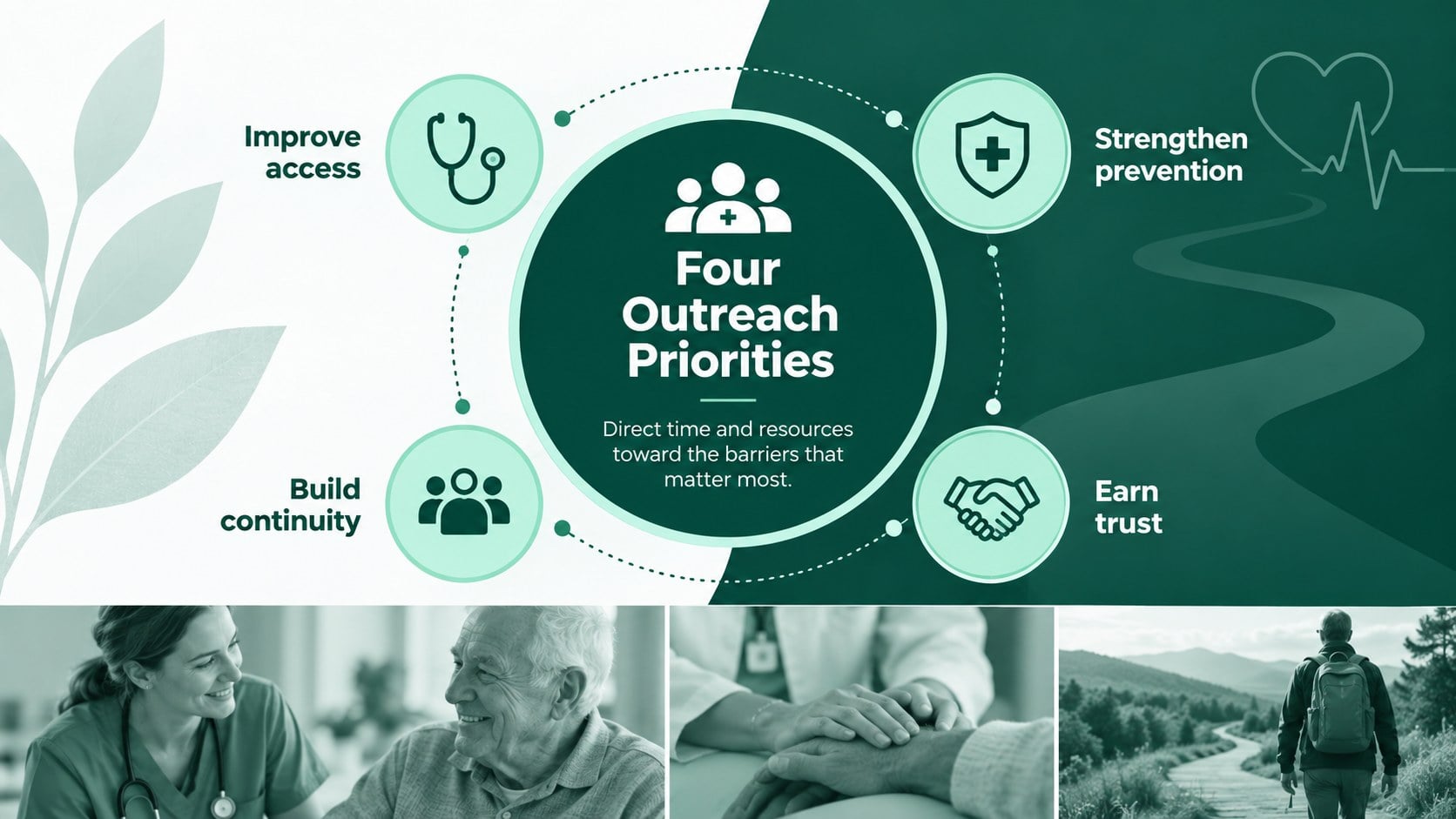

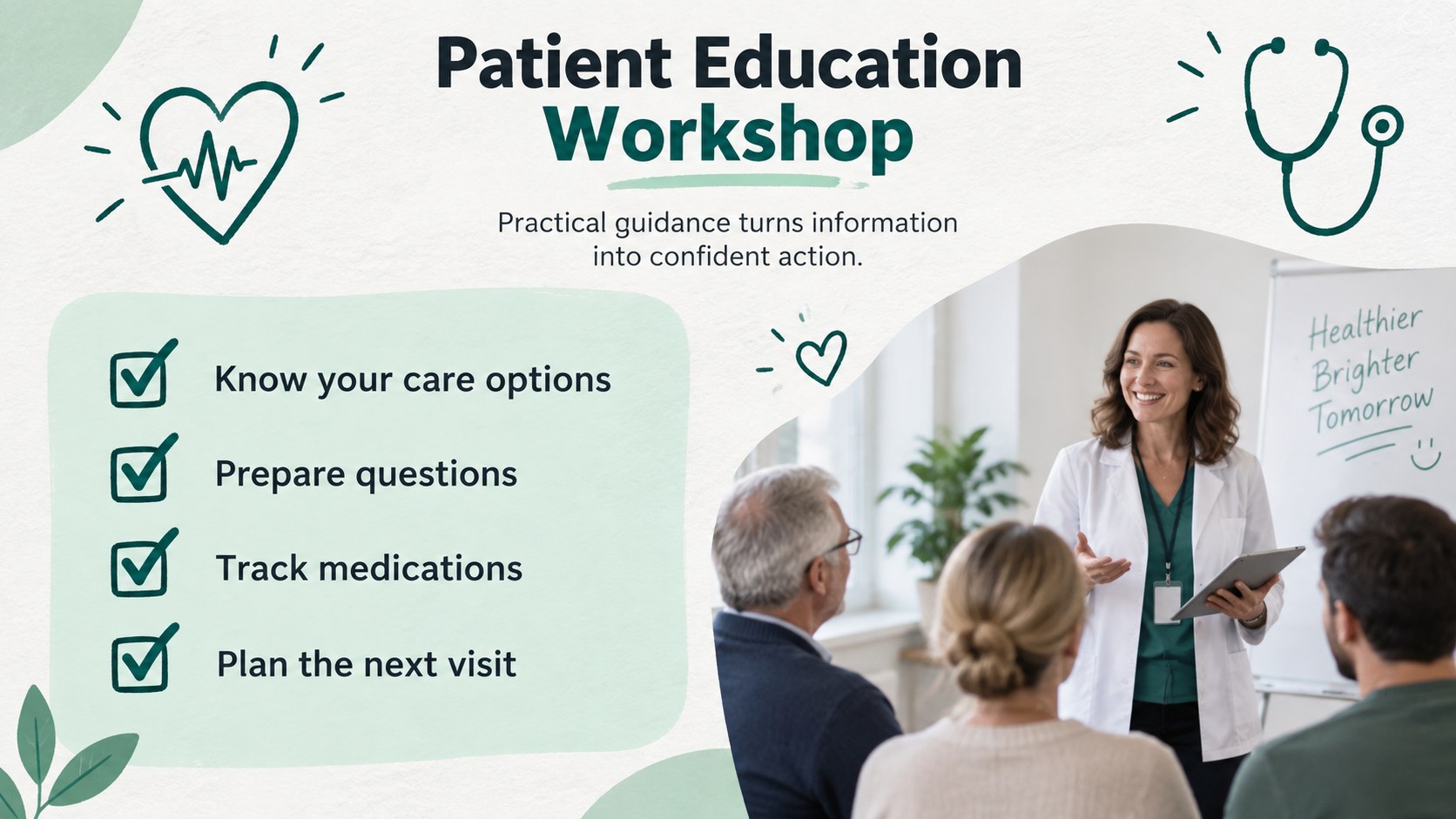
Design notes
Build a focused story around accessible care with this neighborhood health clinic outreach deck. Its minimal green, black, and monochrome design gives public health information a calm, credible setting without distracting from patient needs, service plans, or clinical insights. Use it as a community clinic presentation for healthcare teams that need to communicate clearly with colleagues, partners, and residents.
The 15-slide structure includes layouts for local health needs, available services, patient journeys, outreach priorities, care team responsibilities, community partnerships, timelines, case studies, and performance indicators. Photo-led pages add a human dimension, while charts, diagrams, and organized content blocks make complex information easier to scan. Every element can be adapted in PowerPoint or Google Slides, from typography and colors to images, data, and section order. It also works as a patient education presentation template for workshops and preventive care sessions.
Designed for nurses, clinic coordinators, healthcare administrators, nonprofit partners, and public health educators, these public health outreach slides support both internal planning and community-facing communication. Present a mobile clinic proposal, introduce a neighborhood wellness initiative, summarize service outcomes, or prepare a staff training session while maintaining a consistent professional style. The flexible layouts accommodate concise briefings as well as detailed program reviews.
Perfect for: community health needs briefing; mobile clinic proposal; patient education workshop; nursing team orientation; local care partnership update; clinic performance review.
Frequently asked questions
Can I edit every part of this healthcare presentation? Yes. You can change the text, photographs, colors, charts, icons, and layout elements to match your clinic or outreach program. The slides are structured for quick editing without requiring advanced design skills.
Practical details
Yes. You can change the text, photographs, colors, charts, icons, and layout elements to match your clinic or outreach program. The slides are structured for quick editing without requiring advanced design skills.
The deck is designed for Microsoft PowerPoint and Google Slides. Some font spacing or transition behavior may vary slightly between the two platforms, so review the final presentation before delivering it.
Yes. Replace the sample copy with plain-language guidance, local contact details, and approved clinical information. You can also simplify charts or add translated content for the communities your organization serves.
Start by adding your organization name, approved photographs, service categories, and current performance data. Keep the restrained green palette or substitute your own brand colors while preserving strong contrast and readable type.
Keep exploring
15Promote classes with a yoga workshop marketing presentation featuring playful beige, pink, and purple illustrations for PowerPoint and Google Slides.
 15
15Build a clear breast cancer awareness bulletin with bold pink-and-red slides for campaign news, screening reminders, impact data, and community updates.
 15
15Build a clear World Cancer Day message with this global cancer awareness campaign deck, featuring editable blue-green layouts for PowerPoint and Google Slides.
 4
4Document wound findings, treatment decisions, and healing progress with clinical wound evaluation slides for nurses in PowerPoint and Google Slides.
 14
14Plan a clear donor campaign with this blood donation awareness presentation, featuring editable beige-and-red visuals for PowerPoint and Google Slides.
 15
15Build a Kidney Health Awareness Campaign Deck with blue illustrated slides for prevention tips, risk education, screening events, and outreach.
 15
15Build an actionable training session with this fitness program workshop deck, using energetic yellow geometry and editable PowerPoint and Google Slides layouts.
 15
15Equip health teams with this malaria prevention education deck for workshops, community outreach, and policy briefings in PowerPoint or Google Slides.