
 15
15presentation
Yoga Workshop Marketing Presentation
Promote classes with a yoga workshop marketing presentation featuring playful beige, pink, and purple illustrations for PowerPoint and Google Slides.
Google SlidesPowerPoint
presentation · English
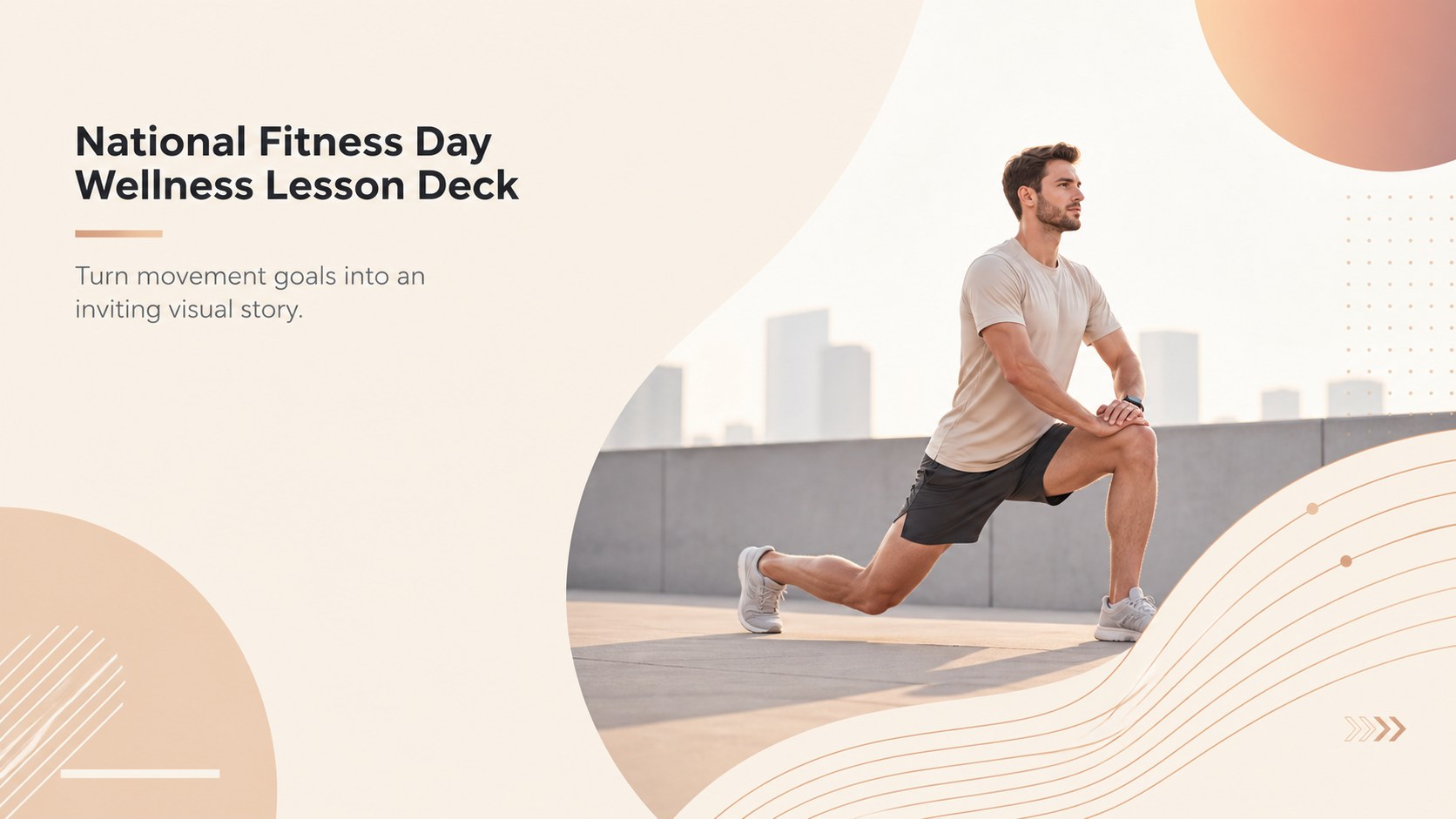
Plan an energizing class or community event with this National Fitness Day wellness lesson deck, featuring warm beige slides for PowerPoint and Google Slides.
Design notes
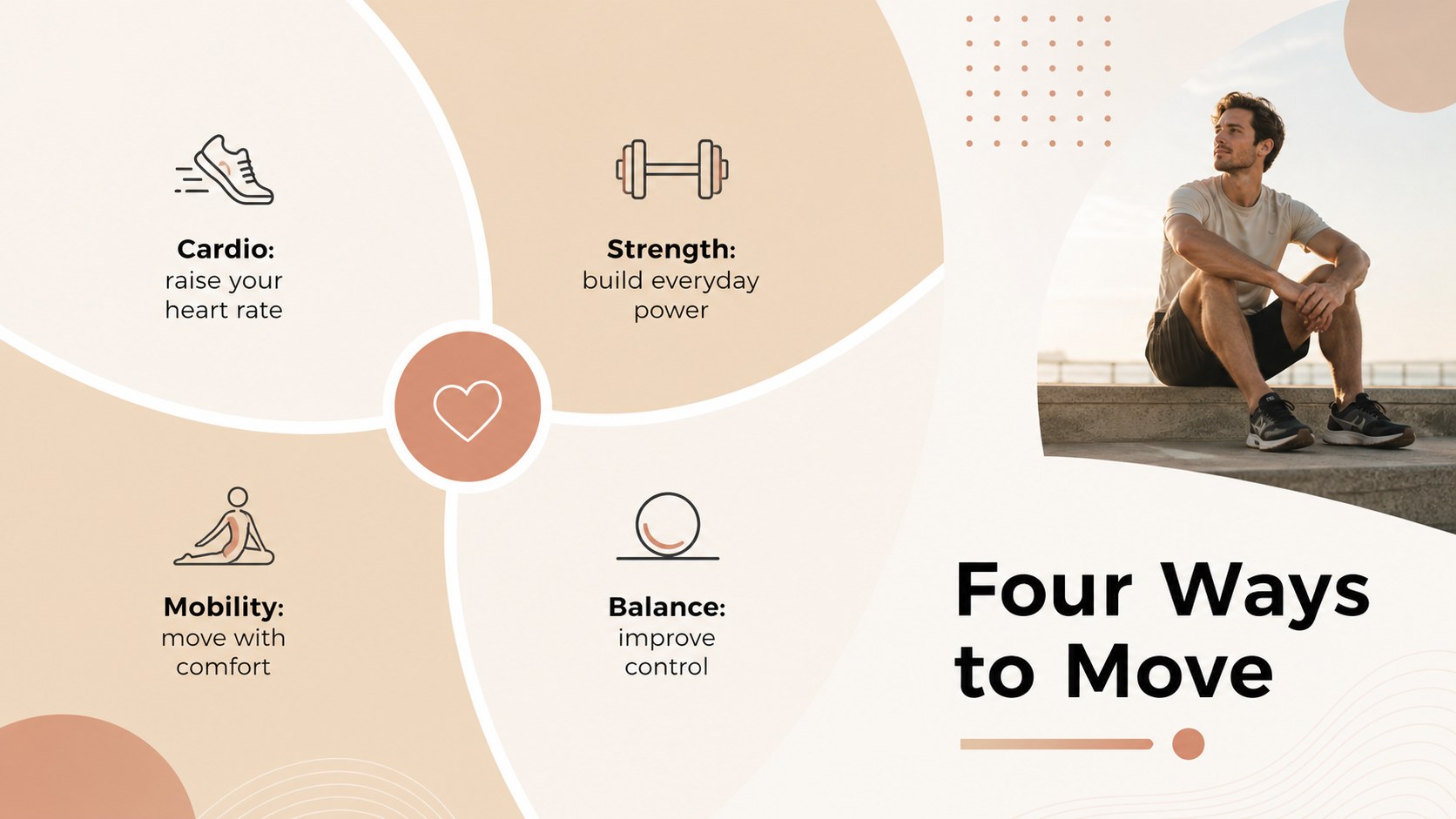
Built as a national fitness day wellness lesson deck, this presentation helps audiences explore movement, healthy routines, and realistic activity goals without overwhelming them. Its warm beige palette, crisp typography, geometric accents, and spacious layouts create a modern setting for clear instruction and positive discussion.
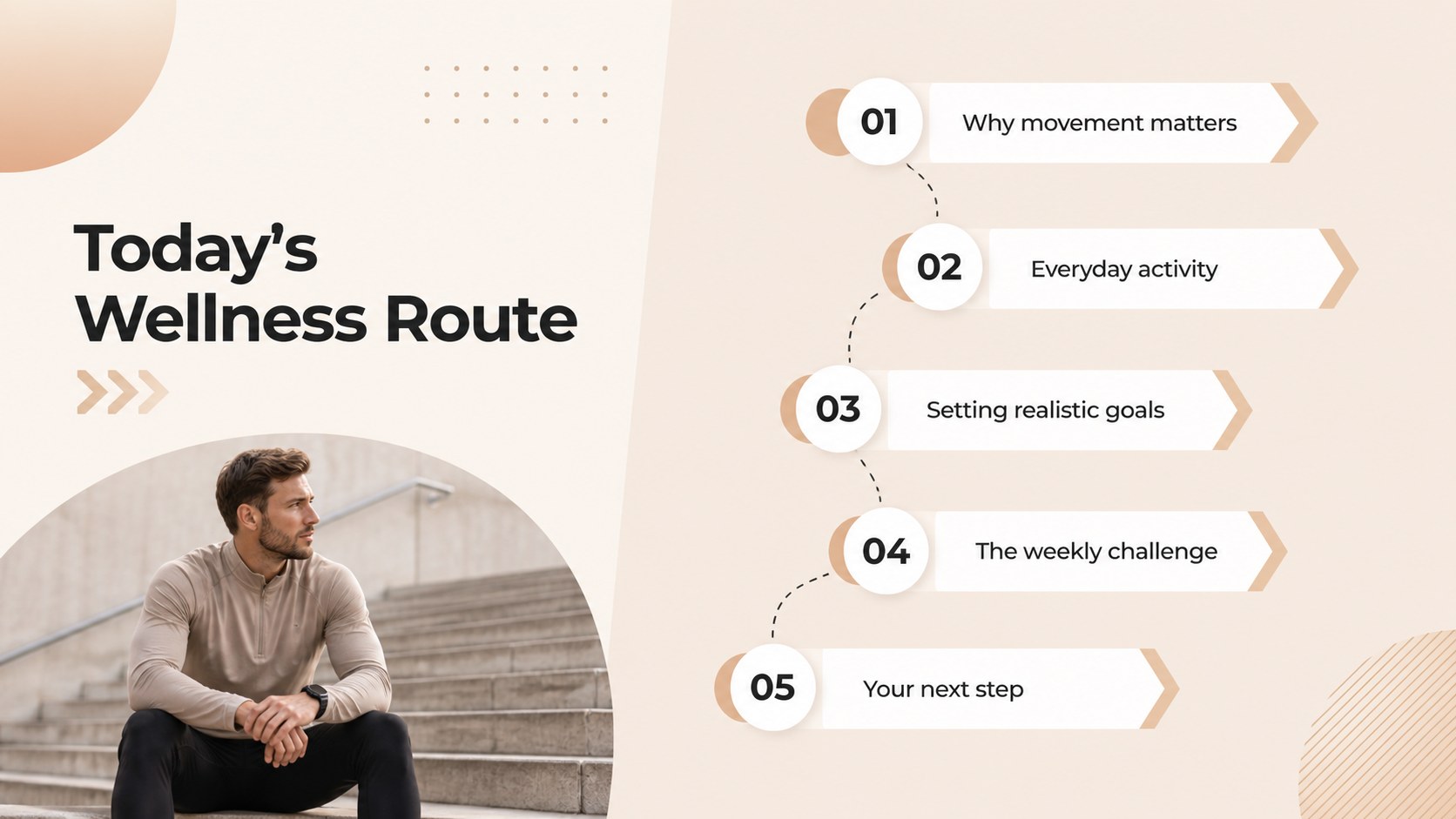
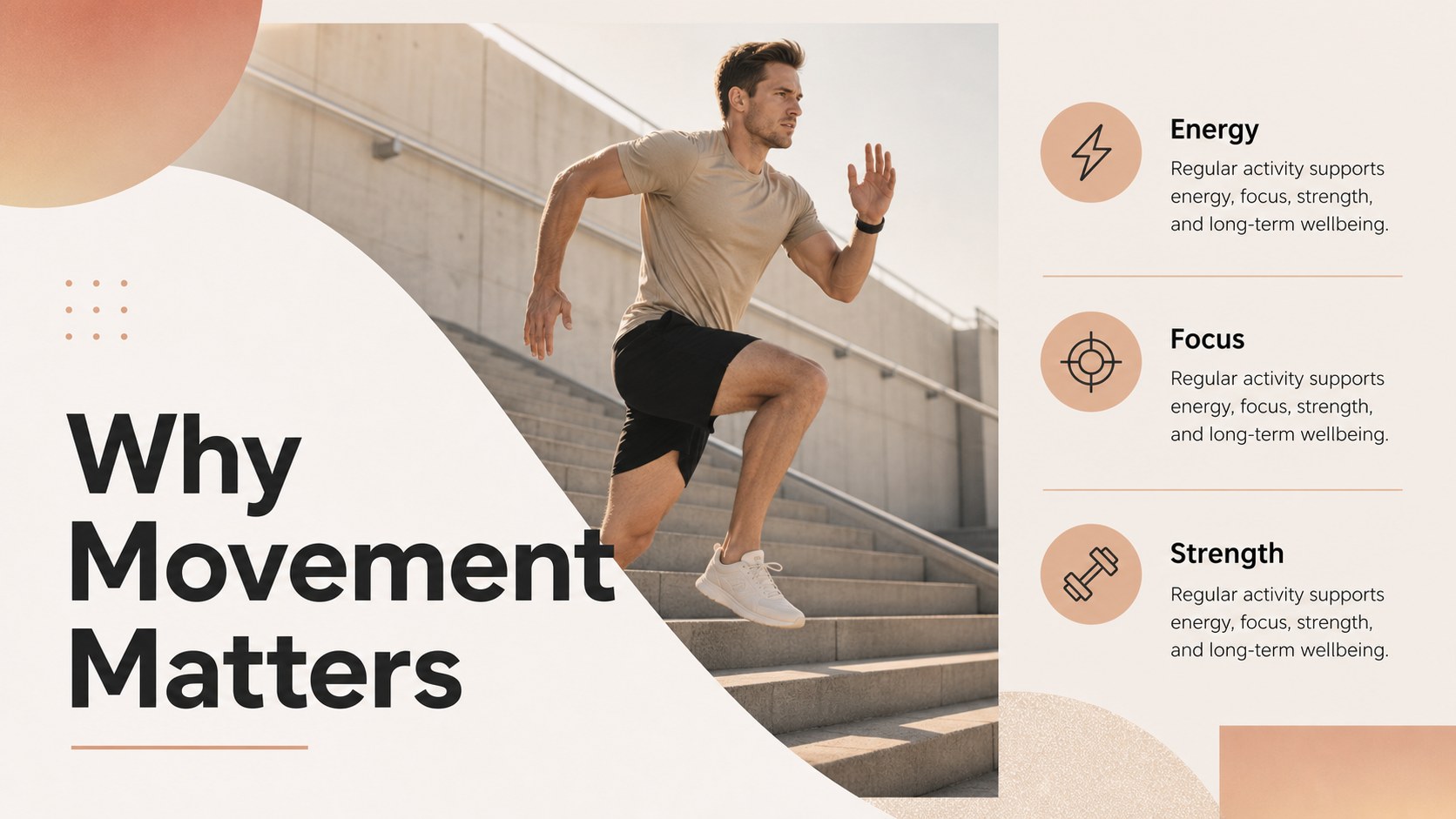
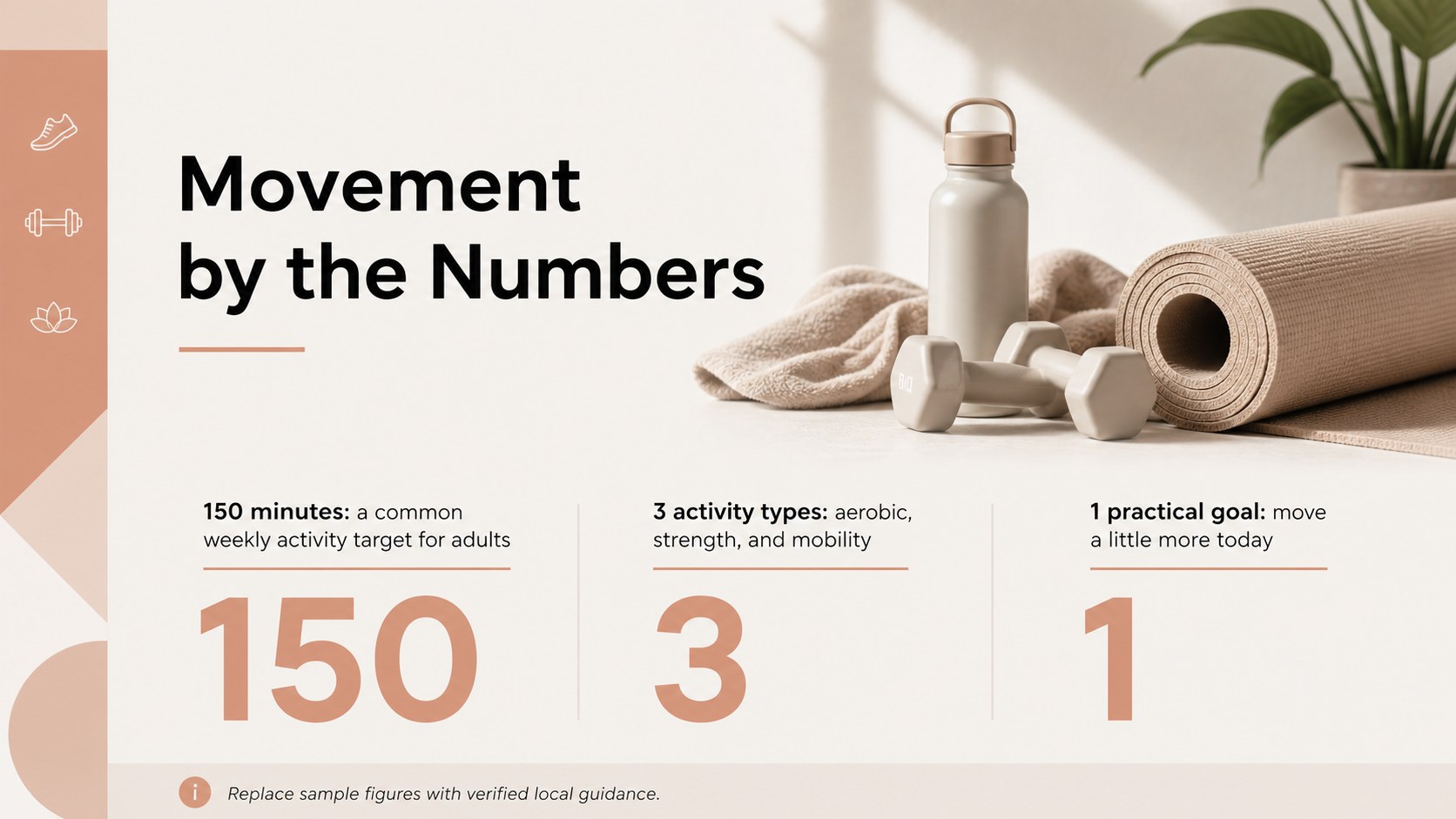
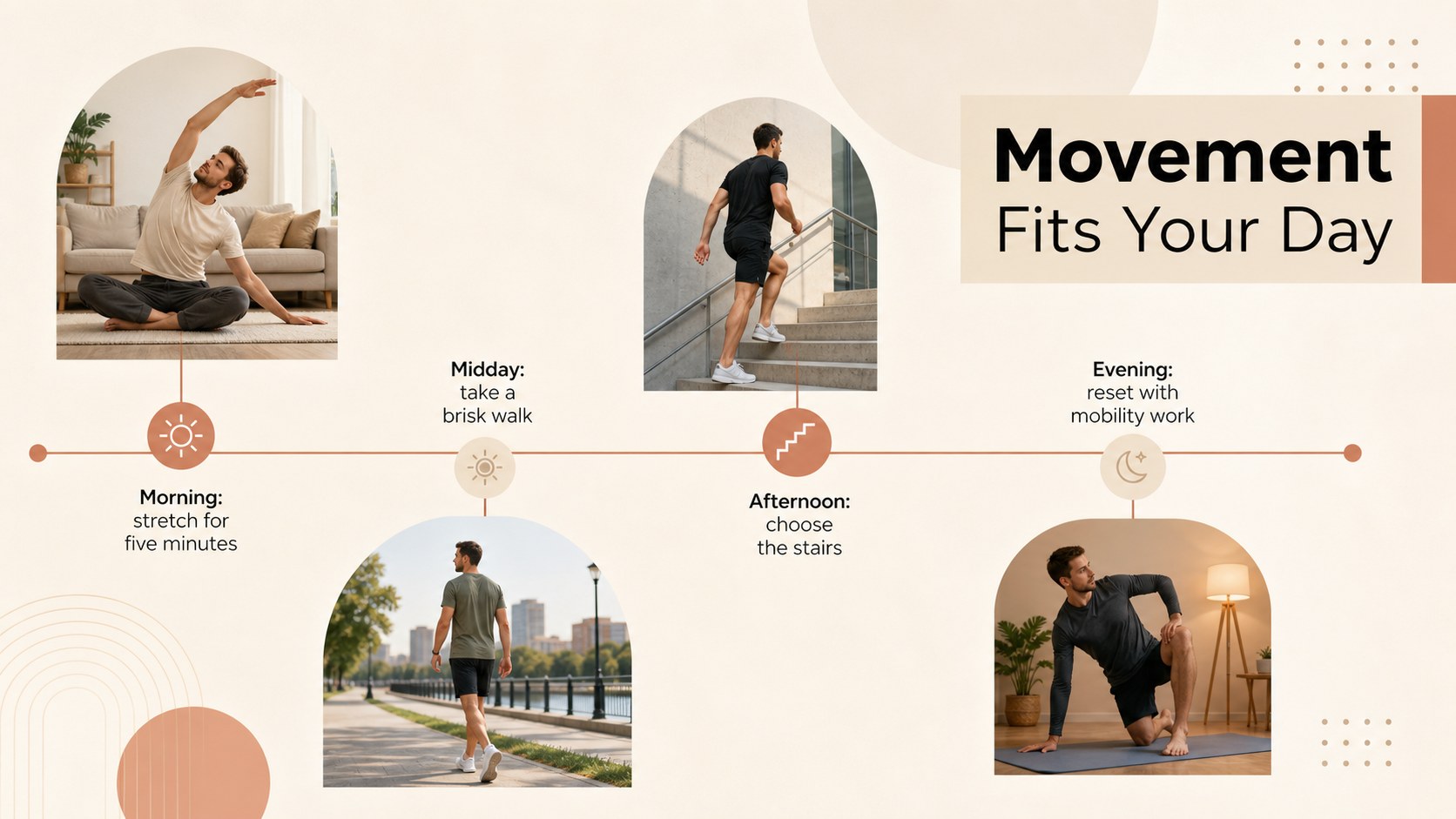
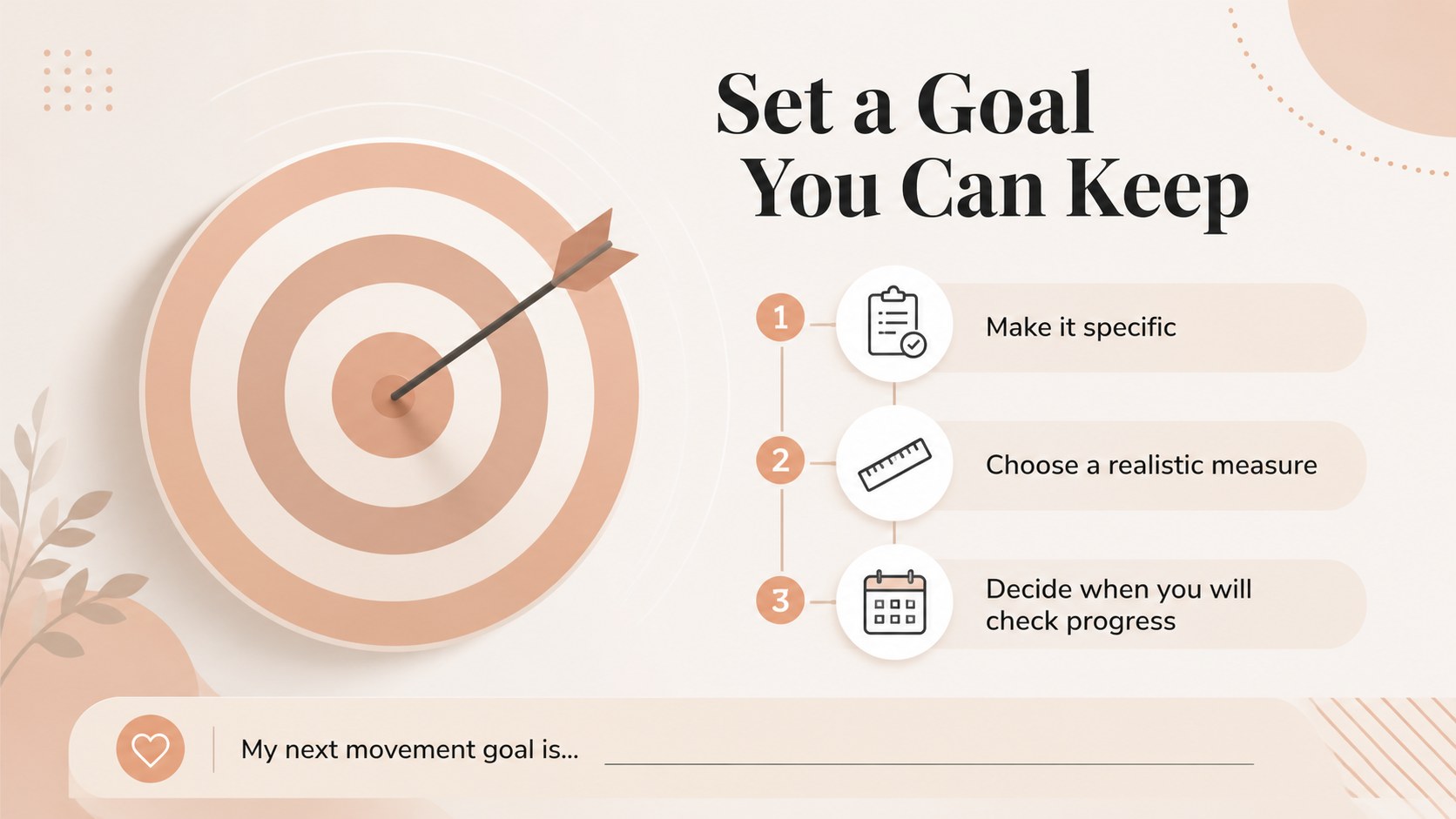
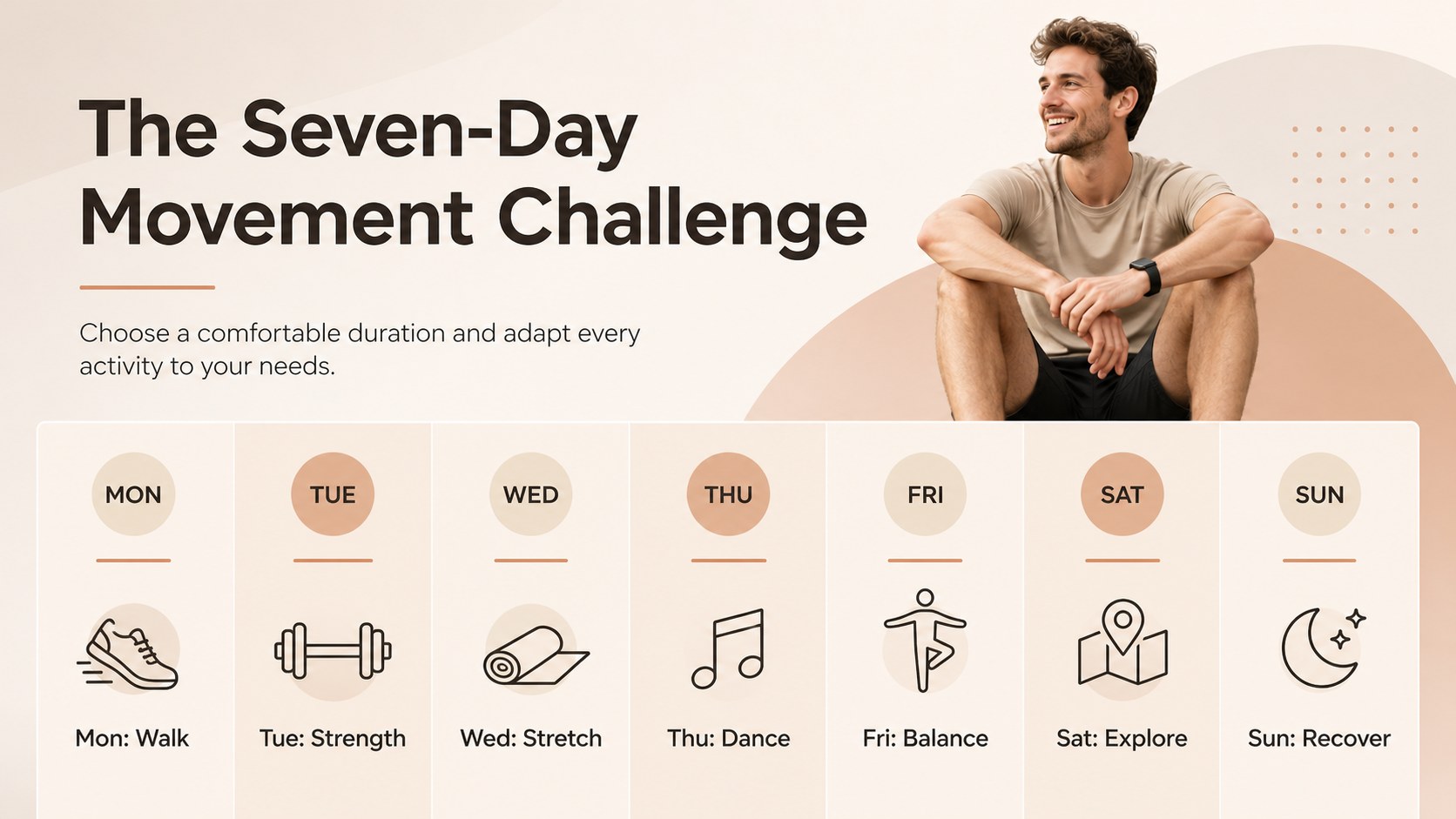
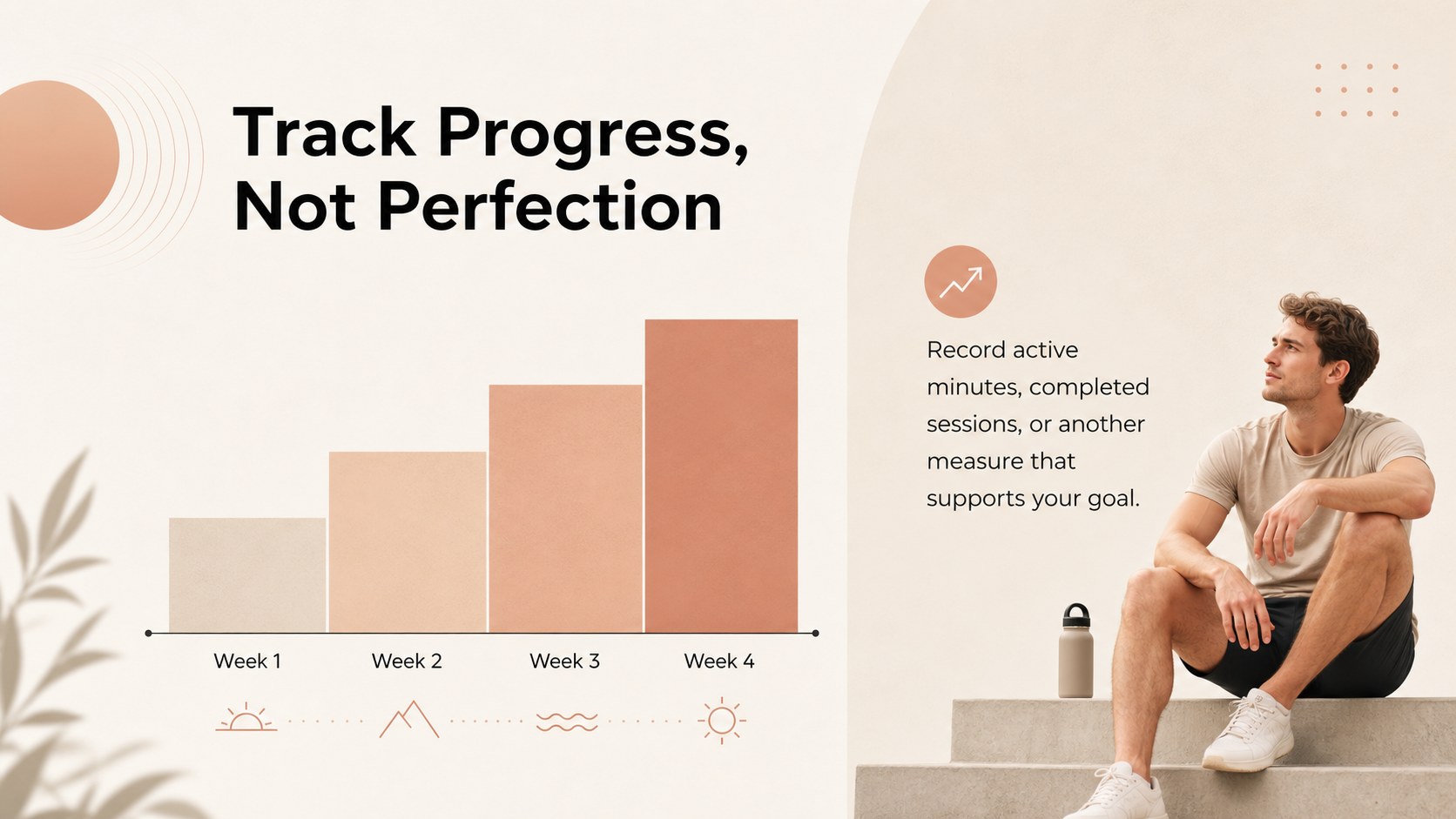
The 15-slide collection includes an opening statement, session agenda, fitness facts, daily movement ideas, activity categories, goal-setting prompts, a weekly challenge, progress tracking, discussion questions, and a closing call to action. Flexible content areas support short explanations, statistics, timelines, checklists, and simple charts. Use it as a National Fitness Day classroom presentation, a workplace wellness event slide deck, or a community fitness awareness presentation. Every layout can be adjusted in PowerPoint or Google Slides to match your message, audience, and schedule.
The deck is designed for physical education teachers, school coordinators, gym teams, health educators, HR departments, coaches, and community organizers. Replace the sample wording, add local event details, insert activity photographs, or adapt the suggested challenges for different ages and ability levels. Whether you are introducing active habits to students or coordinating a group wellness program, these slides provide a polished framework for keeping the session focused, inclusive, and easy to follow.
Perfect for: physical education lesson; workplace wellness event; community fitness workshop; school movement challenge; gym member orientation; healthy habits seminar.
Frequently asked questions
Can I edit the slides in PowerPoint and Google Slides? Yes. All text, colors, images, charts, and layout elements can be edited in PowerPoint or Google Slides. Font availability and animation behavior may vary slightly between the two platforms.
Practical details
Yes. All text, colors, images, charts, and layout elements can be edited in PowerPoint or Google Slides. Font availability and animation behavior may vary slightly between the two platforms.
Replace the sample copy with your event schedule, activity instructions, local statistics, and contact details. You can also add photographs, adjust the beige palette, and duplicate layouts for extra sessions or challenges.
Yes. The neutral visual style works for classrooms, workplaces, gyms, and community programs. Adapt the vocabulary, activity intensity, and goal-setting prompts to suit the audience's age and ability level.
Yes. The deck provides layouts for key statistics, weekly goals, activity comparisons, and progress indicators. Replace the sample values with your own verified data before presenting.
Keep exploring
15Promote classes with a yoga workshop marketing presentation featuring playful beige, pink, and purple illustrations for PowerPoint and Google Slides.
 15
15Build a clear breast cancer awareness bulletin with bold pink-and-red slides for campaign news, screening reminders, impact data, and community updates.
 15
15Build a clear World Cancer Day message with this global cancer awareness campaign deck, featuring editable blue-green layouts for PowerPoint and Google Slides.
 4
4Document wound findings, treatment decisions, and healing progress with clinical wound evaluation slides for nurses in PowerPoint and Google Slides.
 14
14Plan a clear donor campaign with this blood donation awareness presentation, featuring editable beige-and-red visuals for PowerPoint and Google Slides.
 15
15Build a Kidney Health Awareness Campaign Deck with blue illustrated slides for prevention tips, risk education, screening events, and outreach.
 15
15Build an actionable training session with this fitness program workshop deck, using energetic yellow geometry and editable PowerPoint and Google Slides layouts.
 15
15Equip health teams with this malaria prevention education deck for workshops, community outreach, and policy briefings in PowerPoint or Google Slides.