
 14
14presentation
2036 Dragon Year Celebration Theme
Plan a memorable Lunar New Year campaign with the 2036 Dragon Year Celebration Theme, featuring bold red-and-yellow slides for lessons and events.
Google SlidesPowerPoint
presentation · English
Turn family stories into a lively celebration with Mother's Day Quiz Show Slides for PowerPoint and Google Slides, featuring editable pink floral rounds.

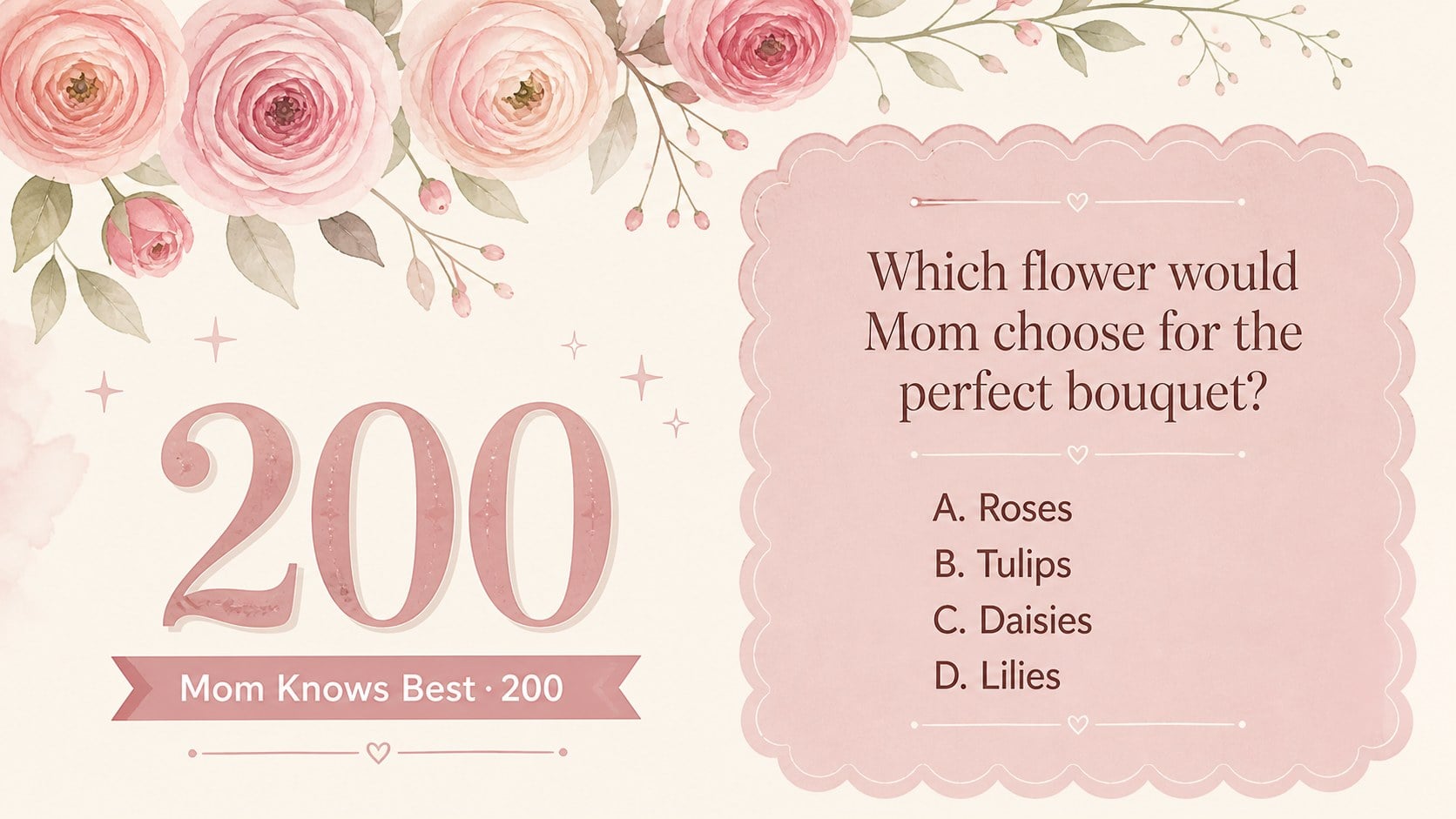

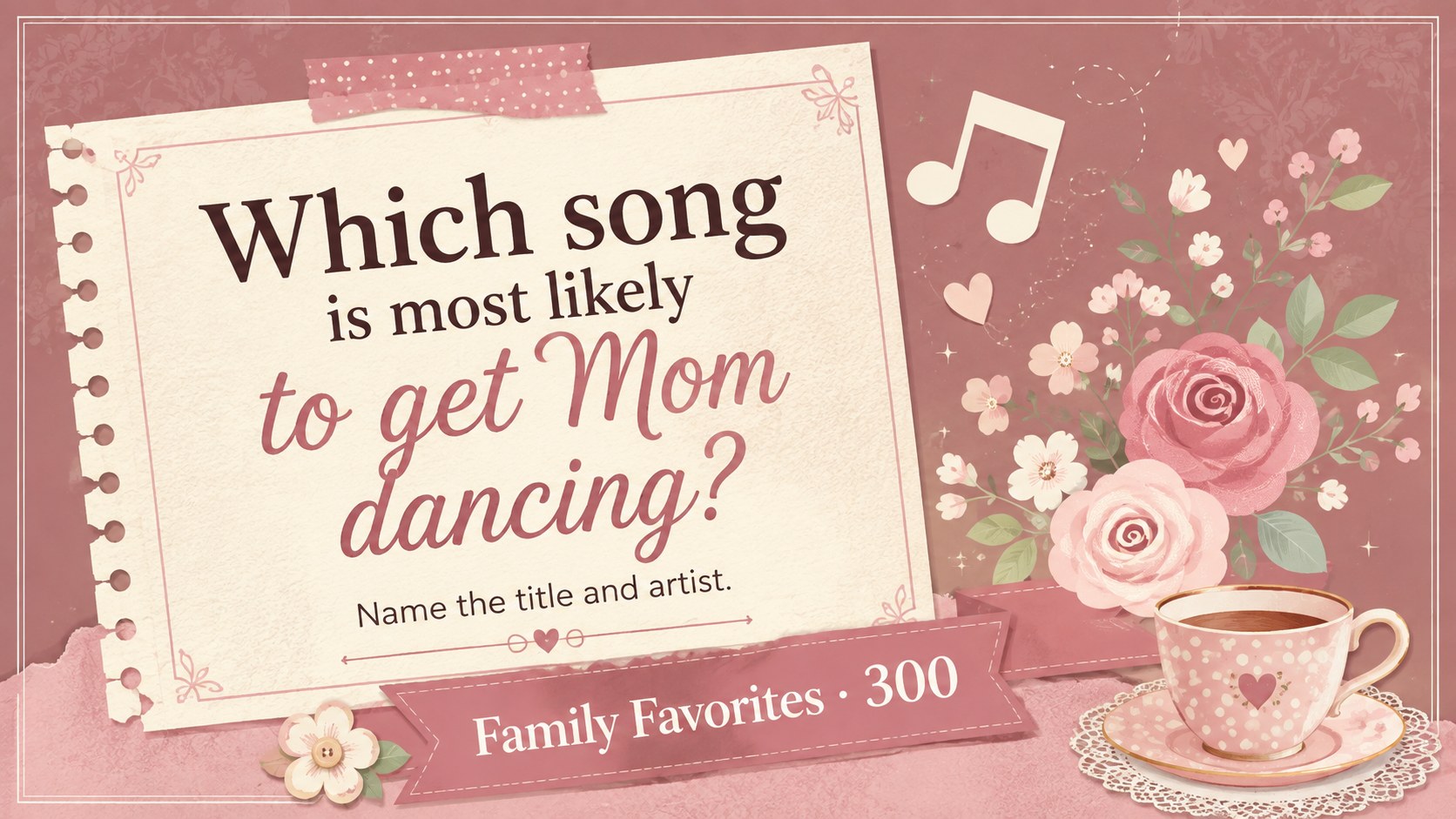
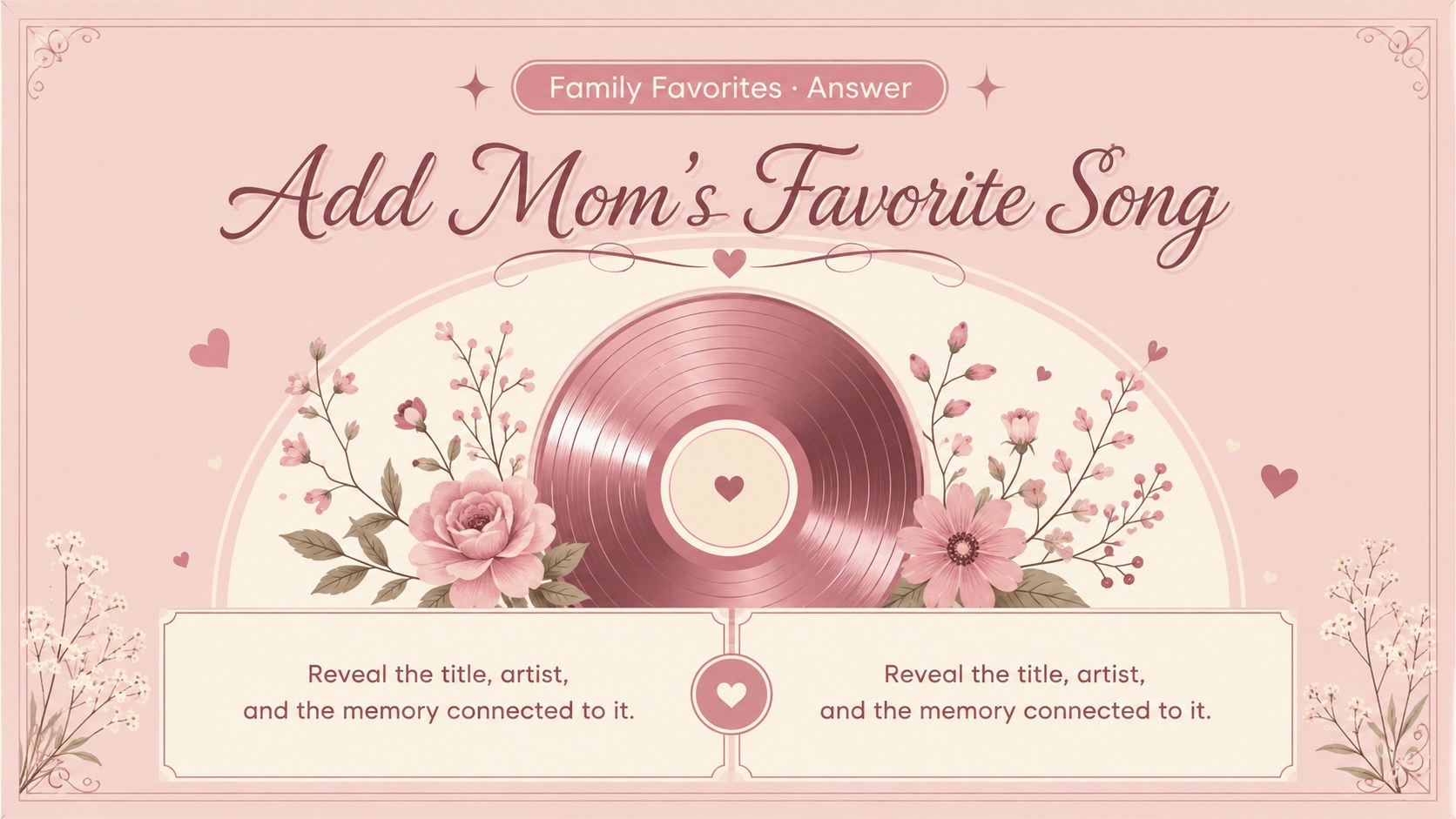
Design notes
Bring laughter, memories, and friendly competition to your celebration with Mother's Day Quiz Show Slides. Styled with an elegant pink palette, graceful script lettering, and fresh floral accents, this interactive deck gives hosts a polished way to honor moms without spending hours building a game from scratch.
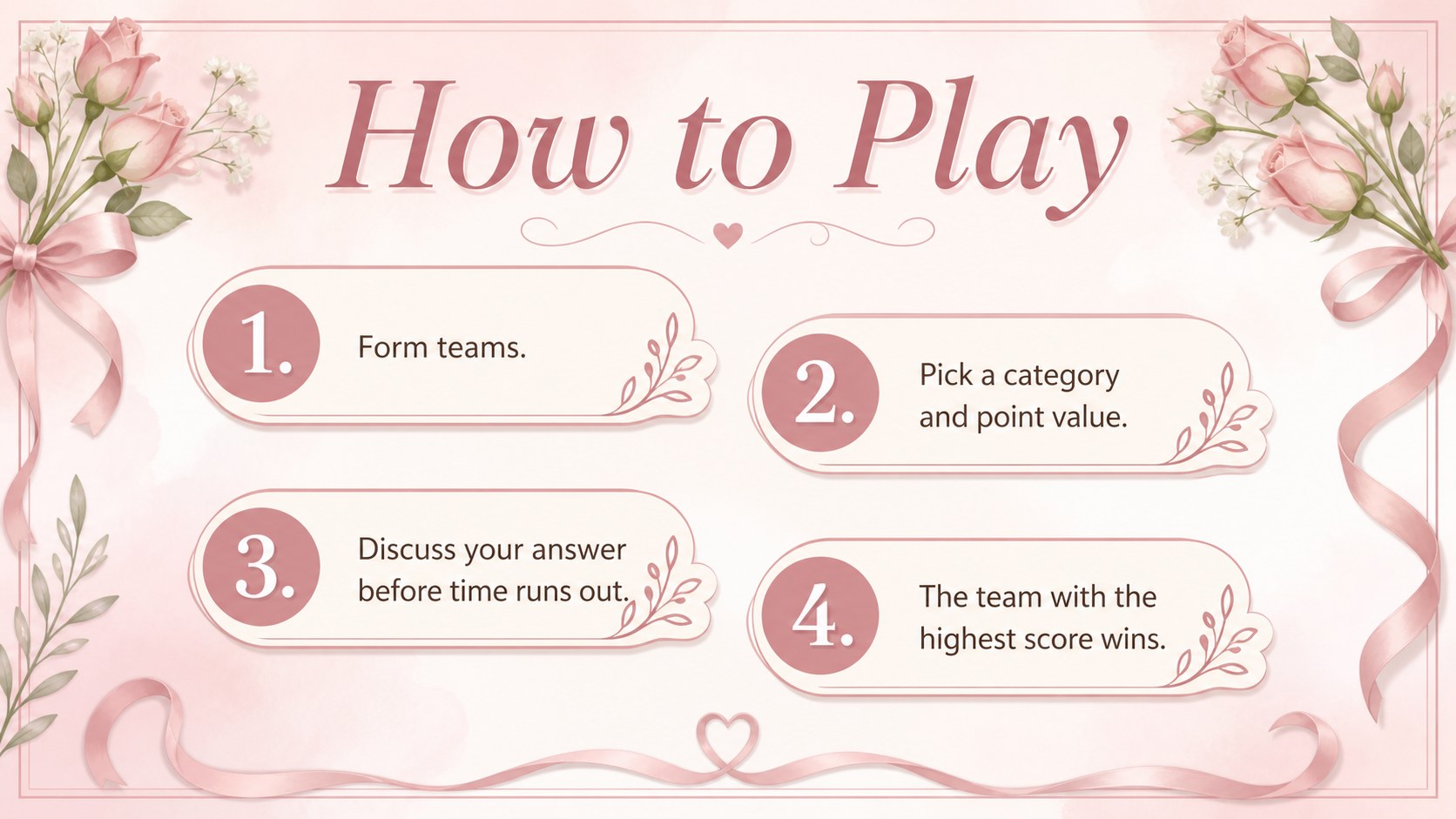
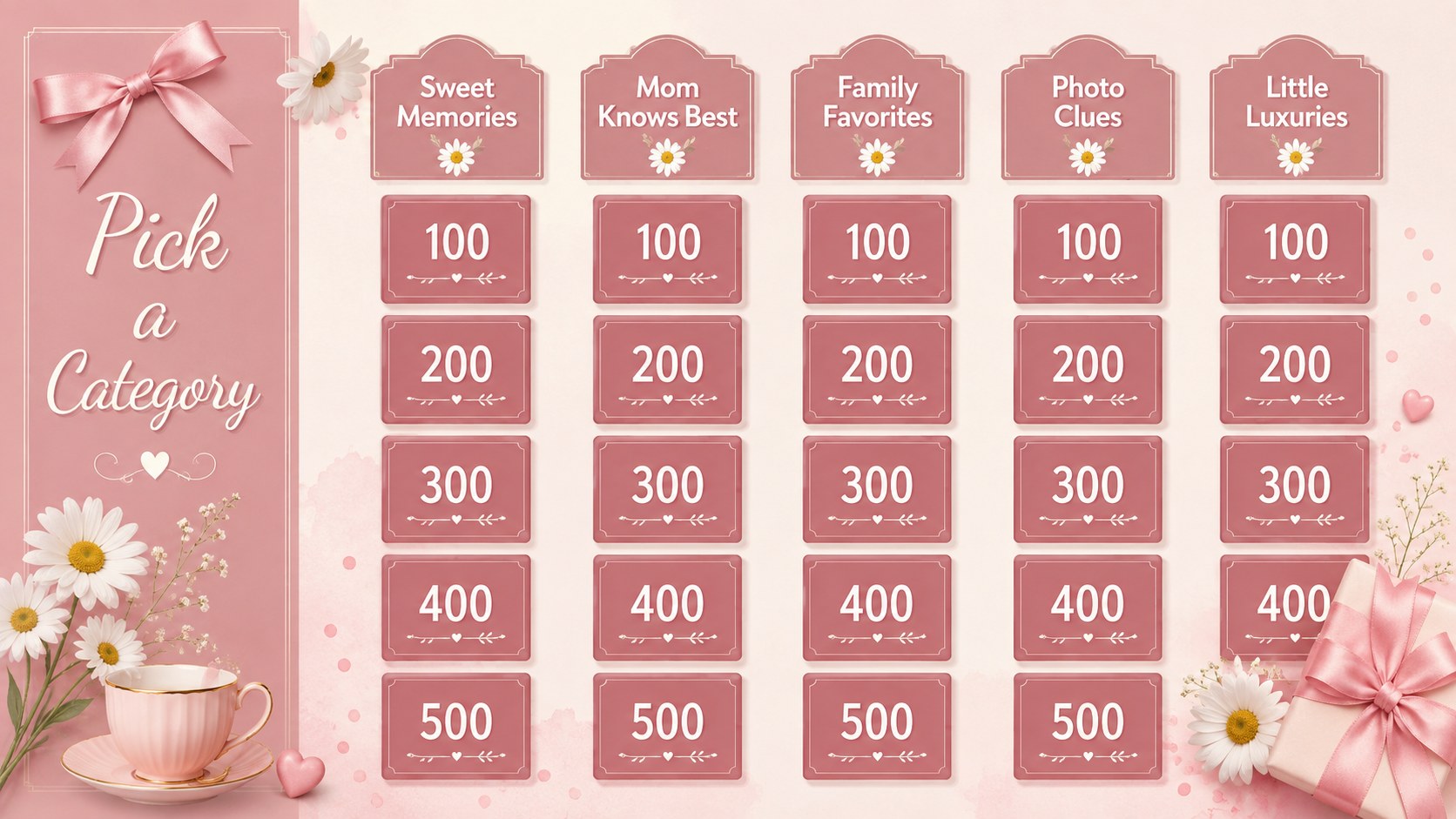
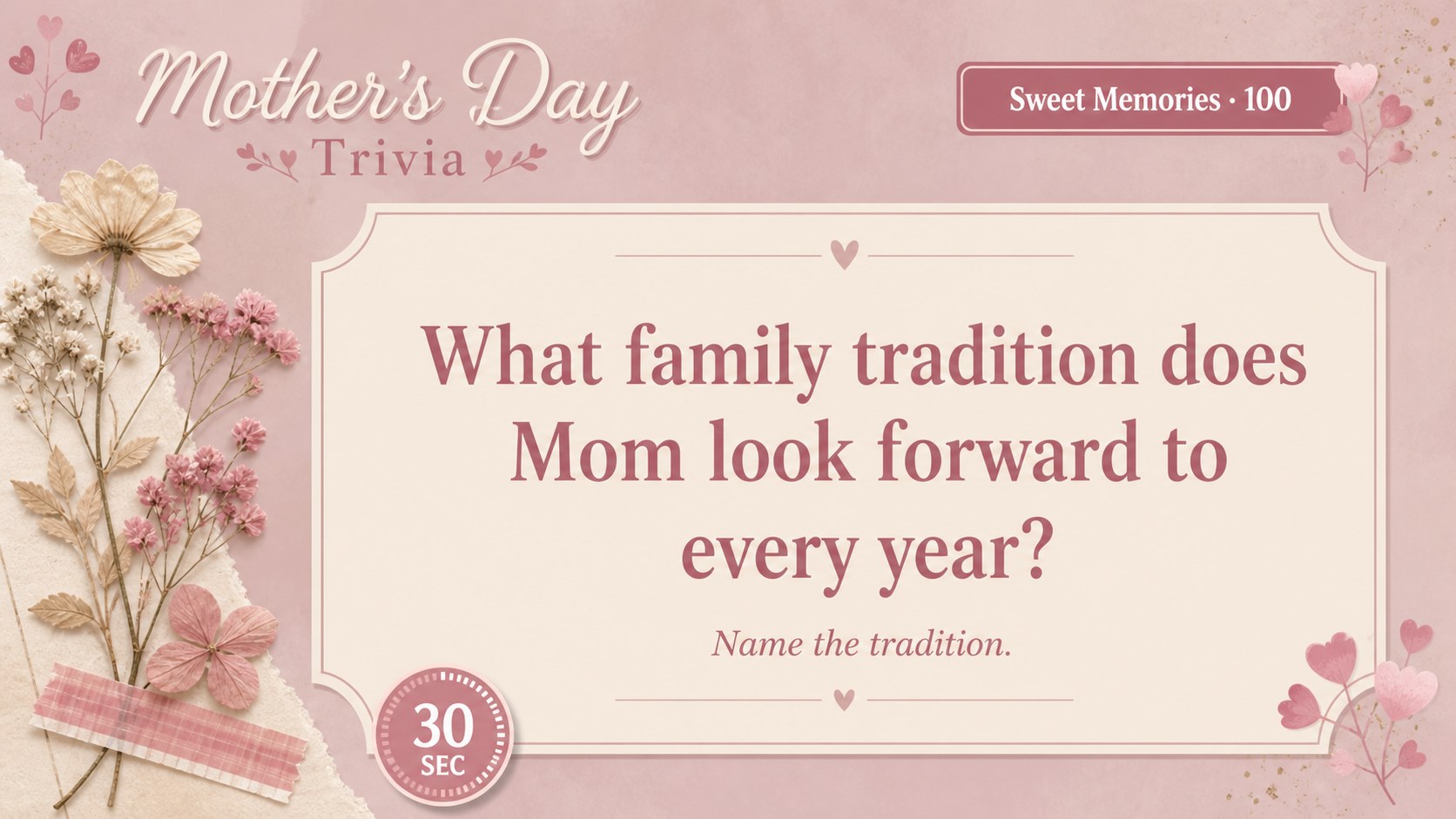
Inside, you will find a category board, simple play instructions, question and answer layouts, score tracking, a tie-breaker, and a final challenge. Turn it into an editable Mother's Day trivia template by adding family stories, childhood facts, favorite songs, photo clues, or questions about Mom's most memorable sayings. The flexible layouts also work as a pink floral quiz game slides collection for larger events with several teams.
This deck is designed for families, teachers, community groups, event planners, and anyone organizing a Mother's Day classroom game presentation. Change the wording, rearrange rounds, insert personal photos, and adjust point values in PowerPoint or Google Slides. Keep the included feminine floral style or adapt the colors while preserving the easy-to-follow quiz format. Whether used for a family brunch, school activity, women's group gathering, or virtual celebration, the presentation helps everyone participate in a warm and playful tribute.
Perfect for: Mother's Day family brunch; classroom holiday activity; community group celebration; virtual family trivia night; mother and daughter event.
Frequently asked questions
Can I edit the questions and categories? Yes. Replace every category, question, answer, and point value with personal trivia or classroom content. You can also duplicate question layouts to create longer rounds.
Practical details
Yes. Replace every category, question, answer, and point value with personal trivia or classroom content. You can also duplicate question layouts to create longer rounds.
Yes. The deck is designed for editing and presenting in both PowerPoint and Google Slides. Minor font or transition differences may appear when moving between platforms.
Add family photos, favorite sayings, memorable dates, recipes, songs, and childhood stories. Use details that guests will recognize while keeping more difficult clues for the higher-value questions.
Yes. Adjust the theme colors, fonts, floral graphics, and background elements to suit your event. Keep strong contrast between questions and backgrounds so the game remains easy to read on a screen.
Keep exploring
14Plan a memorable Lunar New Year campaign with the 2036 Dragon Year Celebration Theme, featuring bold red-and-yellow slides for lessons and events.
 15
15Build playful lessons and party stories with a kid-friendly zombie celebration theme in purple, green and pastel blue for PowerPoint and Google Slides.
 15
15Build eerie lessons, campaigns, and story pitches with an undead survival scenario theme featuring editable slides for PowerPoint and Google Slides.
 3
3Share festive messages with a Lunar Horse New Year Wishes Theme, featuring bold red-and-yellow layouts for PowerPoint and Google Slides celebrations.
 15
15Bring zodiac traditions to life with a Lunar Snake Festival Presentation featuring 15 cheerful red illustrated slides for PowerPoint and Google Slides.
 6
6Honor teams and individuals with an Orange Year-End Recognition Certificate Set featuring six editable designs for PowerPoint and Google Slides.
 14
14Honor the people behind the headlines with a World Sports Press Appreciation Deck for PowerPoint and Google Slides, styled in crisp, modern green.
 15
15Teach, inspire, and celebrate with our Plant-Powered Vegetarian Day Lesson Deck, featuring cheerful editable visuals for PowerPoint and Google Slides.