
 14
14presentation
2036 Dragon Year Celebration Theme
Plan a memorable Lunar New Year campaign with the 2036 Dragon Year Celebration Theme, featuring bold red-and-yellow slides for lessons and events.
Google SlidesPowerPoint
presentation · English
Build a striking midnight music promo deck with purple-and-black pop styling. This editable presentation template works in PowerPoint and Google Slides.
Design notes
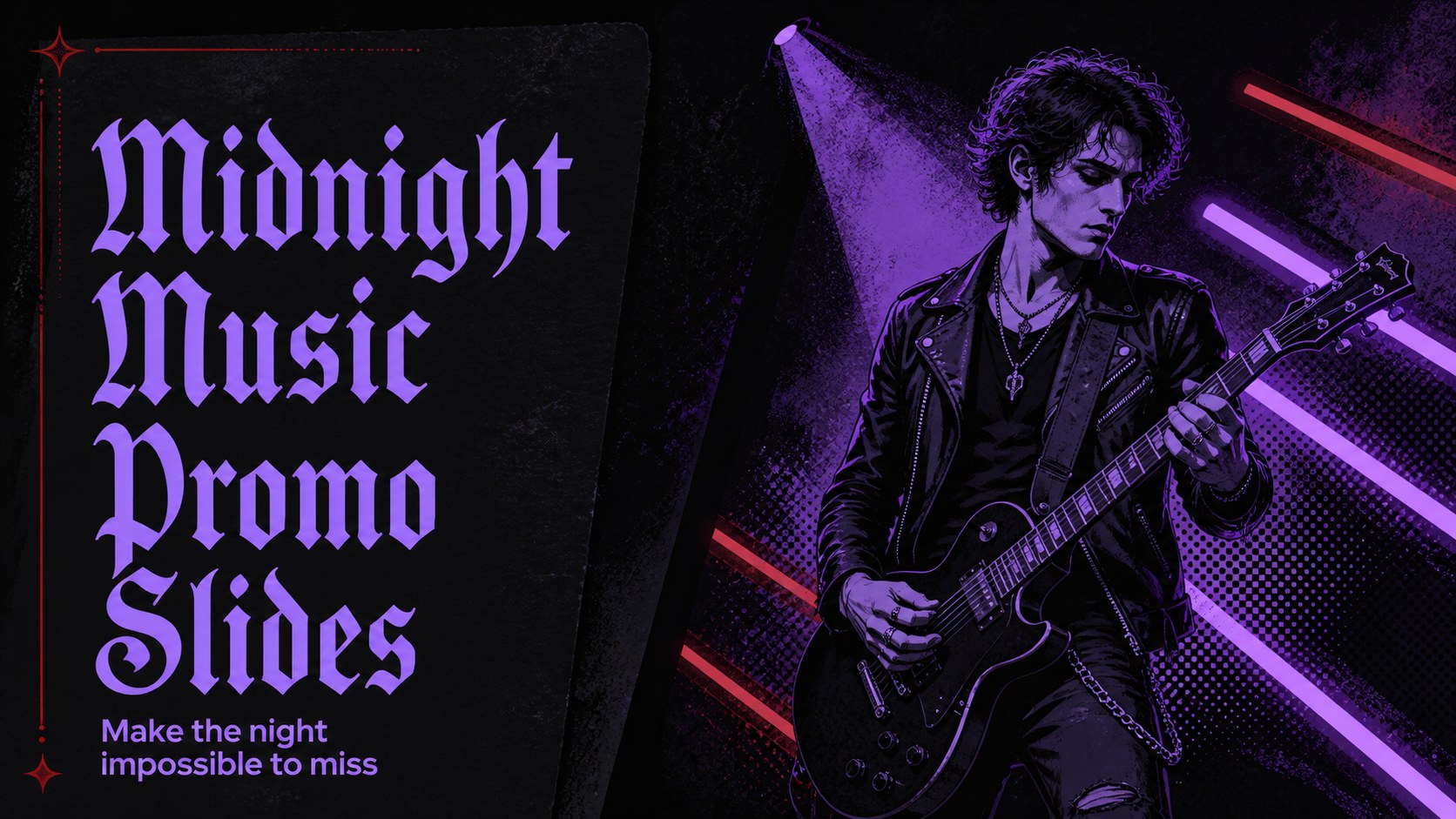
Midnight Music Promo Slides give musicians, DJs, event organizers, and nightlife brands a memorable way to promote a show or communicate a creative concept. The dark black background, saturated purple details, and expressive display typography create a dramatic visual identity while leaving room for practical event information.
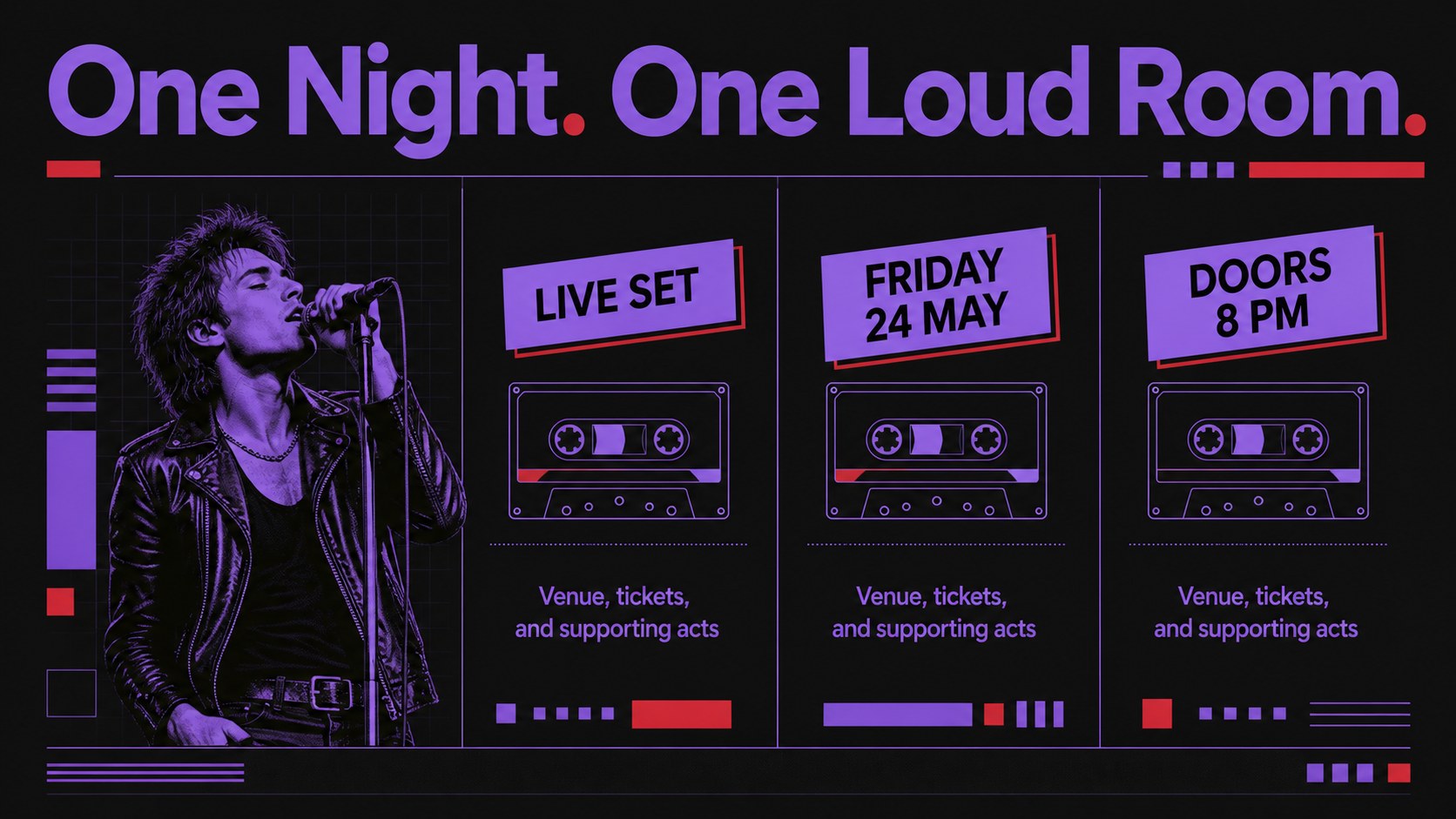
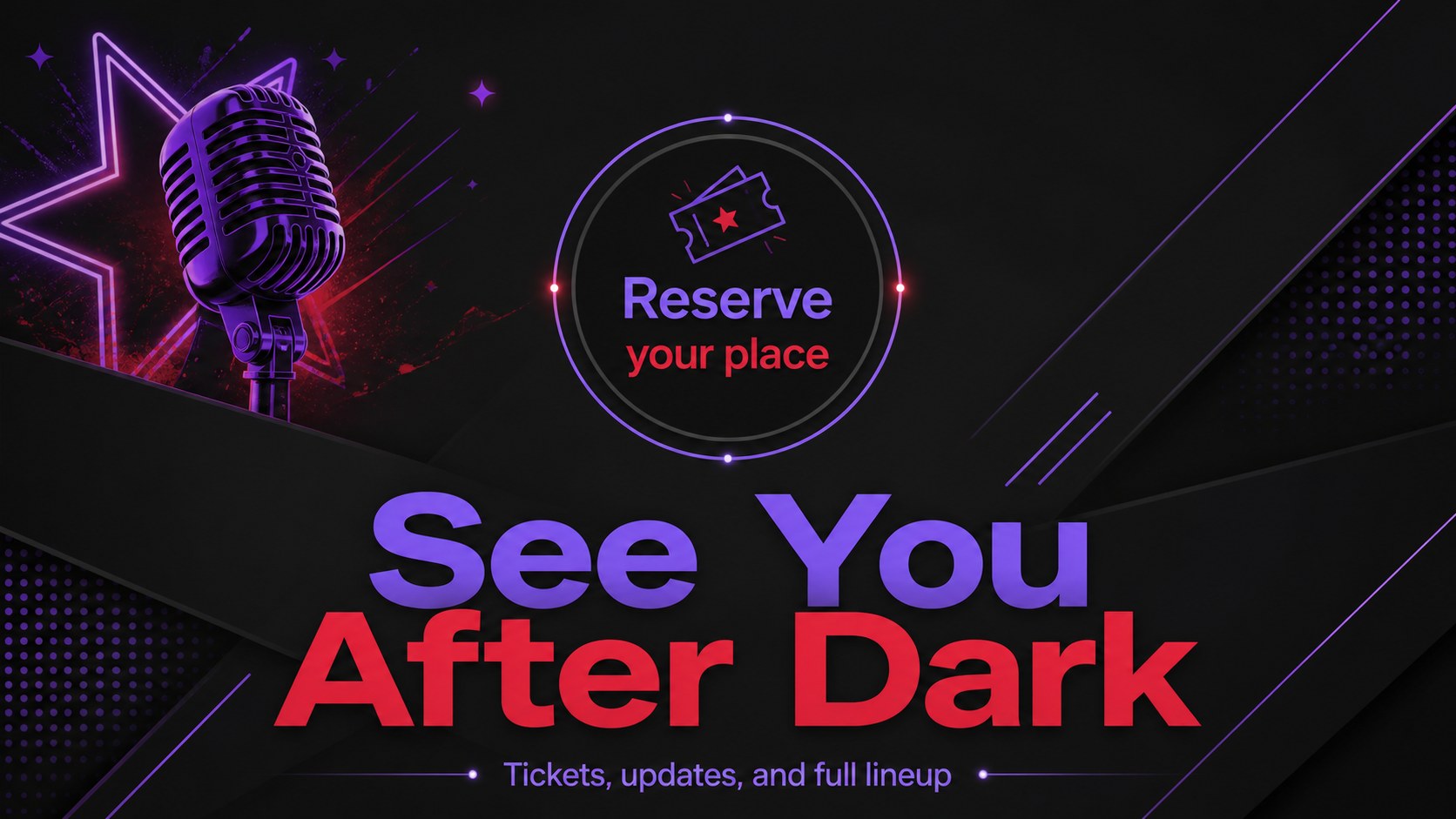
This editable presentation template includes a 16:9 cover slide, a featured event information layout, and a closing promotional slide. Use the deck to introduce a performer, announce a concert, outline a party schedule, present ticket details, or build a short campaign around a new release. Rework the headlines, dates, venue details, imagery, and calls to action in PowerPoint or Google Slides.
The design suits concert promotion slides, gothic nightlife branding, pop music announcements, Halloween events, and alternative culture projects. Decorative frames, bold contrast, and layered graphic accents help important details stand out without losing the energetic poster-inspired style. Add your own photography, logos, links, and event data to create a polished music event presentation for social promotion, internal planning, or an on-screen announcement.
Perfect for: concert announcement; DJ night promotion; Halloween party campaign; music release presentation; nightlife brand briefing.
Frequently asked questions
Can I edit these slides in PowerPoint? Yes. The template is designed for PowerPoint editing, so you can replace text, adjust colors, add images, and update event details directly in the presentation.
Practical details
Yes. The template is designed for PowerPoint editing, so you can replace text, adjust colors, add images, and update event details directly in the presentation.
Yes, you can open and customize the deck in Google Slides. Check each imported text box and graphic element after conversion to make sure spacing and fonts remain consistent.
Yes. The layouts are suitable for performer introductions, venue and date details, ticket calls to action, party schedules, and short promotional campaigns.
You can change the wording, photographs, event information, typography, and accent colors while keeping the black-and-purple visual direction. Add links, logos, or contact details to match your event identity.
Keep exploring
14Plan a memorable Lunar New Year campaign with the 2036 Dragon Year Celebration Theme, featuring bold red-and-yellow slides for lessons and events.
 15
15Build playful lessons and party stories with a kid-friendly zombie celebration theme in purple, green and pastel blue for PowerPoint and Google Slides.
 15
15Build eerie lessons, campaigns, and story pitches with an undead survival scenario theme featuring editable slides for PowerPoint and Google Slides.
 3
3Share festive messages with a Lunar Horse New Year Wishes Theme, featuring bold red-and-yellow layouts for PowerPoint and Google Slides celebrations.
 15
15Bring zodiac traditions to life with a Lunar Snake Festival Presentation featuring 15 cheerful red illustrated slides for PowerPoint and Google Slides.
 6
6Honor teams and individuals with an Orange Year-End Recognition Certificate Set featuring six editable designs for PowerPoint and Google Slides.
 14
14Honor the people behind the headlines with a World Sports Press Appreciation Deck for PowerPoint and Google Slides, styled in crisp, modern green.
 15
15Teach, inspire, and celebrate with our Plant-Powered Vegetarian Day Lesson Deck, featuring cheerful editable visuals for PowerPoint and Google Slides.