
 15
15presentation
Yoga Workshop Marketing Presentation
Promote classes with a yoga workshop marketing presentation featuring playful beige, pink, and purple illustrations for PowerPoint and Google Slides.
Google SlidesPowerPoint
document · English
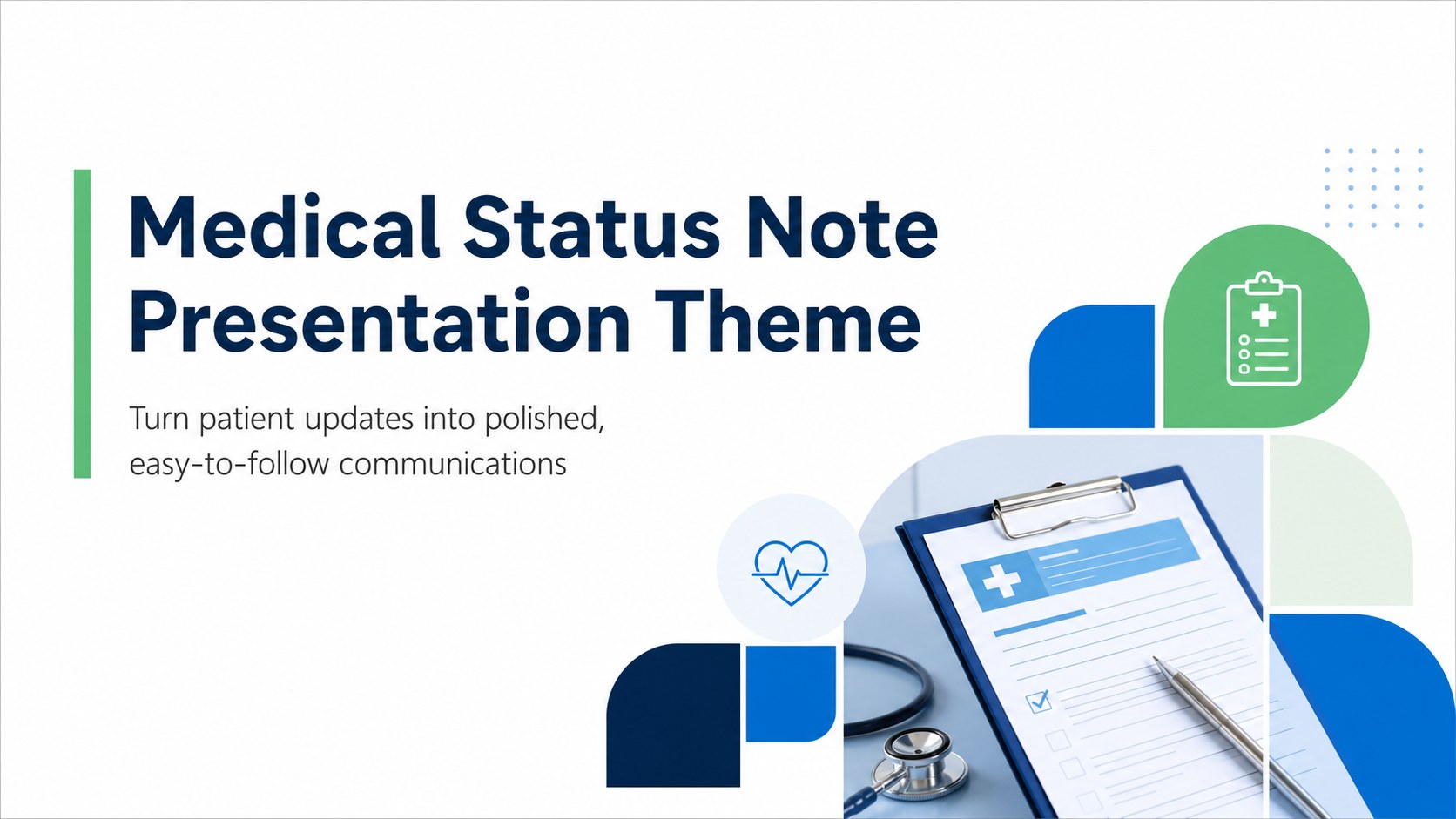
Build a clear medical status note presentation with a modern geometric layout in blue, green, and white for patient updates, referrals, and clinical records.

Design notes
Use this medical status note presentation to organize patient updates in a format that feels professional, calm, and easy to scan. The modern geometric design combines blue, green, and white to support clear communication between healthcare teams, patients, and administrative staff. It is suitable for medical status reports, referral summaries, follow-up documentation, and care coordination briefings.
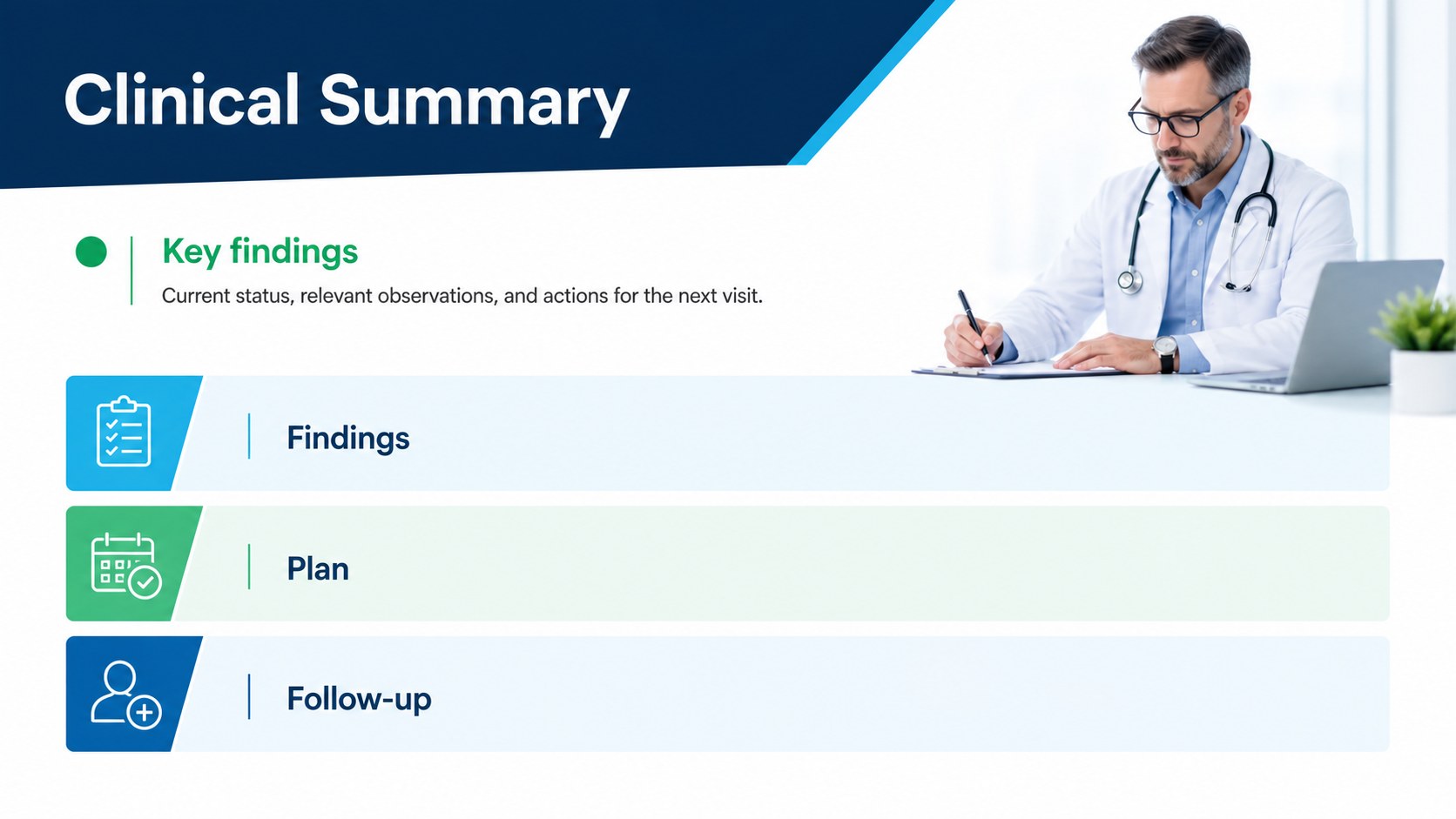
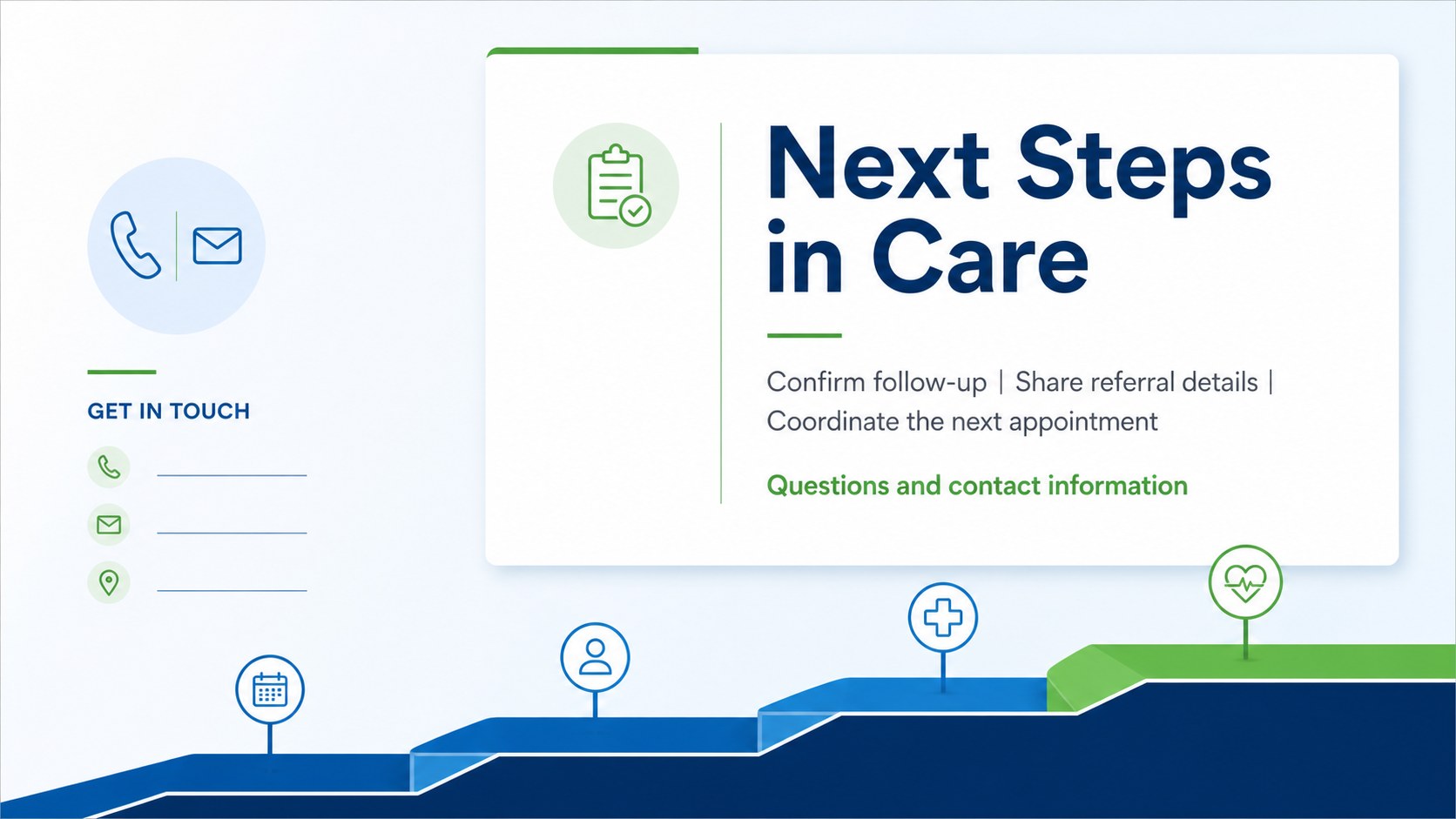
Inside, you will find a focused title slide, a structured patient information layout, a clinical summary page, and a closing slide for next steps or contact details. Replace the sample wording with diagnoses, appointment information, treatment updates, recommendations, or supporting notes. The layouts are designed to keep sensitive information organized without making the presentation feel crowded.
This template works well for physicians, nurses, clinics, rehabilitation providers, school health offices, and medical administrators. Edit it in PowerPoint or Google Slides, adjust the blue and green accents to match your organization, and add approved charts, icons, or documentation as needed. It can support a medical referral presentation, a patient progress update, or an internal care team report while maintaining a consistent visual system from beginning to end.
Perfect for: patient progress review; clinical referral briefing; care team coordination; medical appointment summary; school health communication.
Frequently asked questions
Can I edit this template in PowerPoint? Yes. The layouts are intended for PowerPoint editing, including changes to text, colors, shapes, and approved visual assets. You can also export the finished presentation as a PDF when needed.
Practical details
Yes. The layouts are intended for PowerPoint editing, including changes to text, colors, shapes, and approved visual assets. You can also export the finished presentation as a PDF when needed.
Yes, you can open and adapt the presentation in Google Slides. Check the imported fonts and spacing after conversion, then replace the sample content with your own clinical information.
You can adjust the blue, green, and white palette to suit your organization while preserving the clean medical look. Slides can also be duplicated, reordered, or removed to match a referral, follow-up, or care coordination workflow.
Use the layouts for patient identifiers, visit dates, status summaries, recommendations, follow-up actions, and referral details. Follow your organization’s privacy policies and only include information appropriate for the intended audience.
Keep exploring
15Promote classes with a yoga workshop marketing presentation featuring playful beige, pink, and purple illustrations for PowerPoint and Google Slides.
 15
15Build a clear breast cancer awareness bulletin with bold pink-and-red slides for campaign news, screening reminders, impact data, and community updates.
 15
15Build a clear World Cancer Day message with this global cancer awareness campaign deck, featuring editable blue-green layouts for PowerPoint and Google Slides.
 4
4Document wound findings, treatment decisions, and healing progress with clinical wound evaluation slides for nurses in PowerPoint and Google Slides.
 14
14Plan a clear donor campaign with this blood donation awareness presentation, featuring editable beige-and-red visuals for PowerPoint and Google Slides.
 15
15Build a Kidney Health Awareness Campaign Deck with blue illustrated slides for prevention tips, risk education, screening events, and outreach.
 15
15Build an actionable training session with this fitness program workshop deck, using energetic yellow geometry and editable PowerPoint and Google Slides layouts.
 15
15Equip health teams with this malaria prevention education deck for workshops, community outreach, and policy briefings in PowerPoint or Google Slides.