
 15
15presentation
Yoga Workshop Marketing Presentation
Promote classes with a yoga workshop marketing presentation featuring playful beige, pink, and purple illustrations for PowerPoint and Google Slides.
Google SlidesPowerPoint
presentation · English
Simplify benefits conversations with a Medical Coverage Options Briefing in calm beige and blue, ready to edit in PowerPoint or Google Slides for teams and…




Design notes
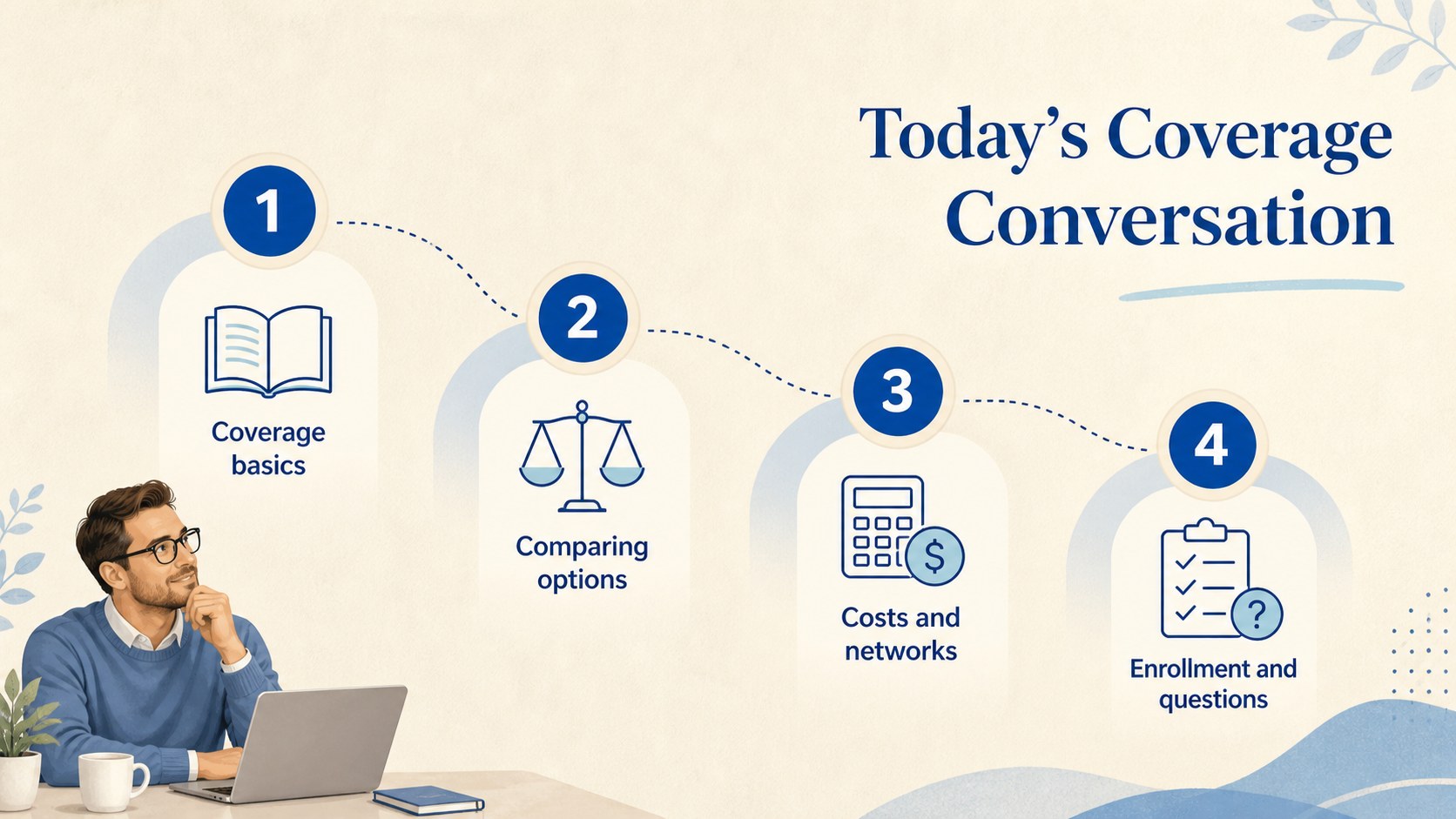
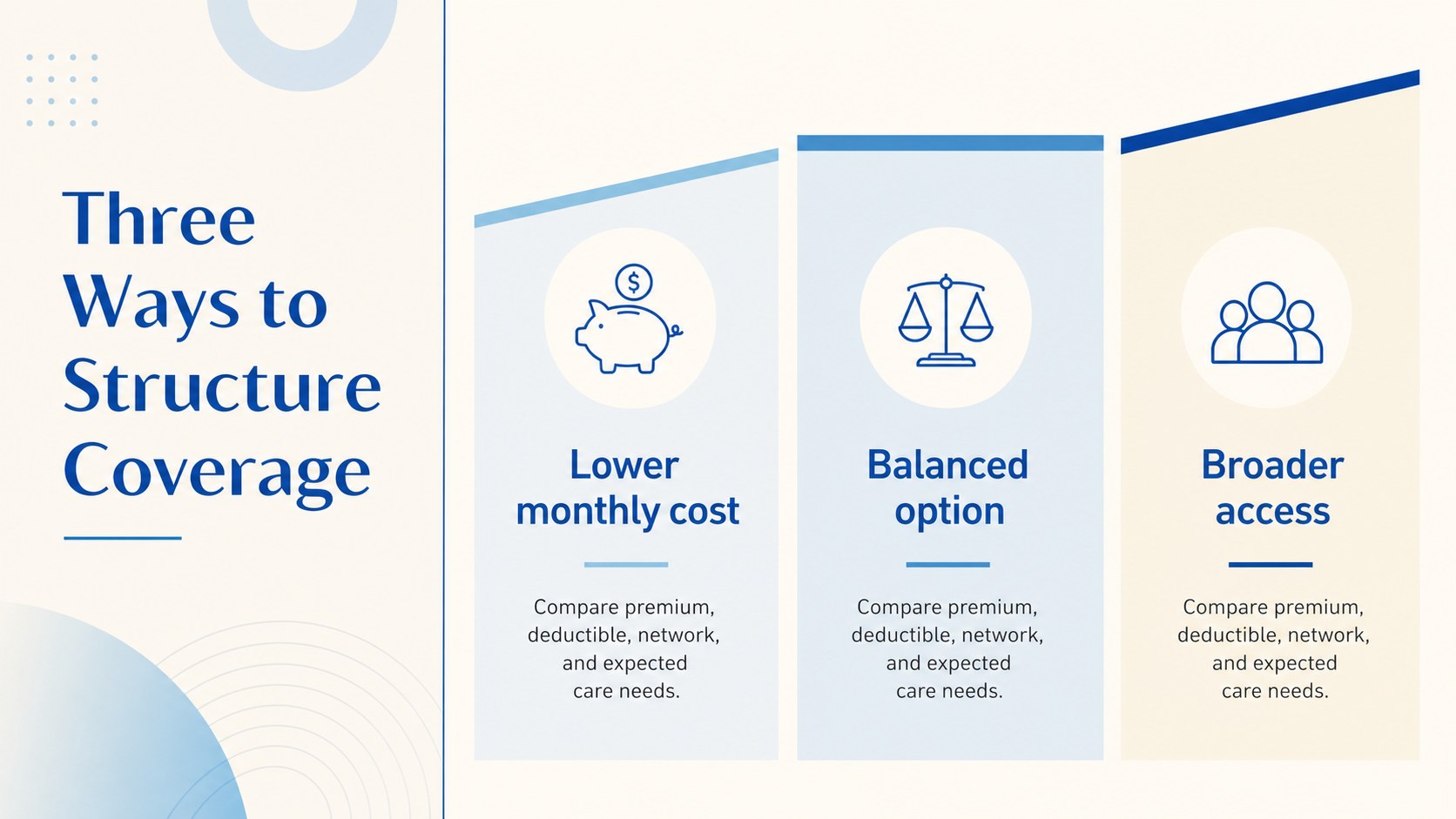
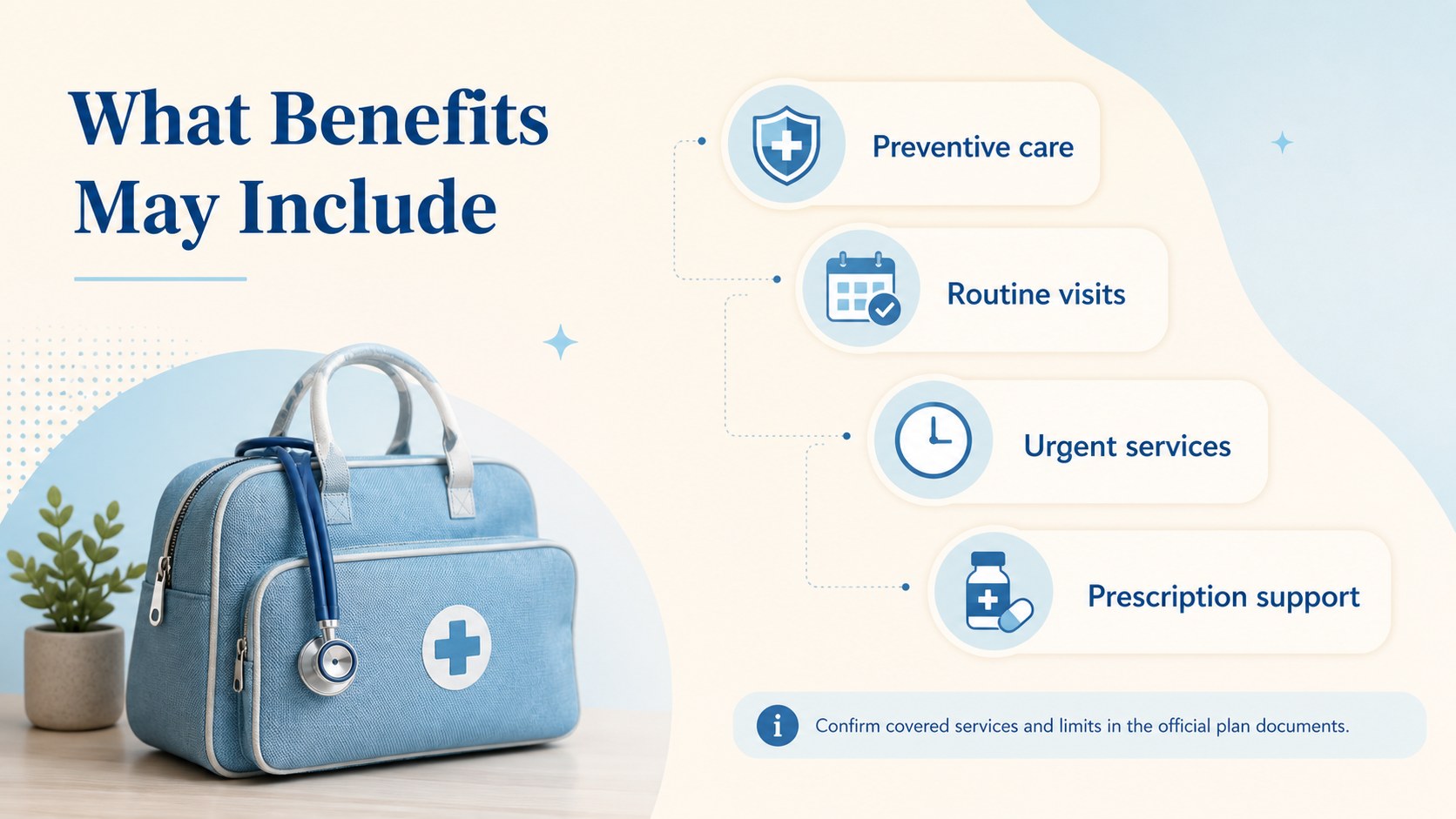
Turn detailed policy information into a conversation your audience can follow. The Medical Coverage Options Briefing uses a clean beige-and-blue visual system to organize health benefits, plan comparisons, costs, provider access, and enrollment guidance without overwhelming viewers. Its understated style suits professional discussions where clarity and trust matter.
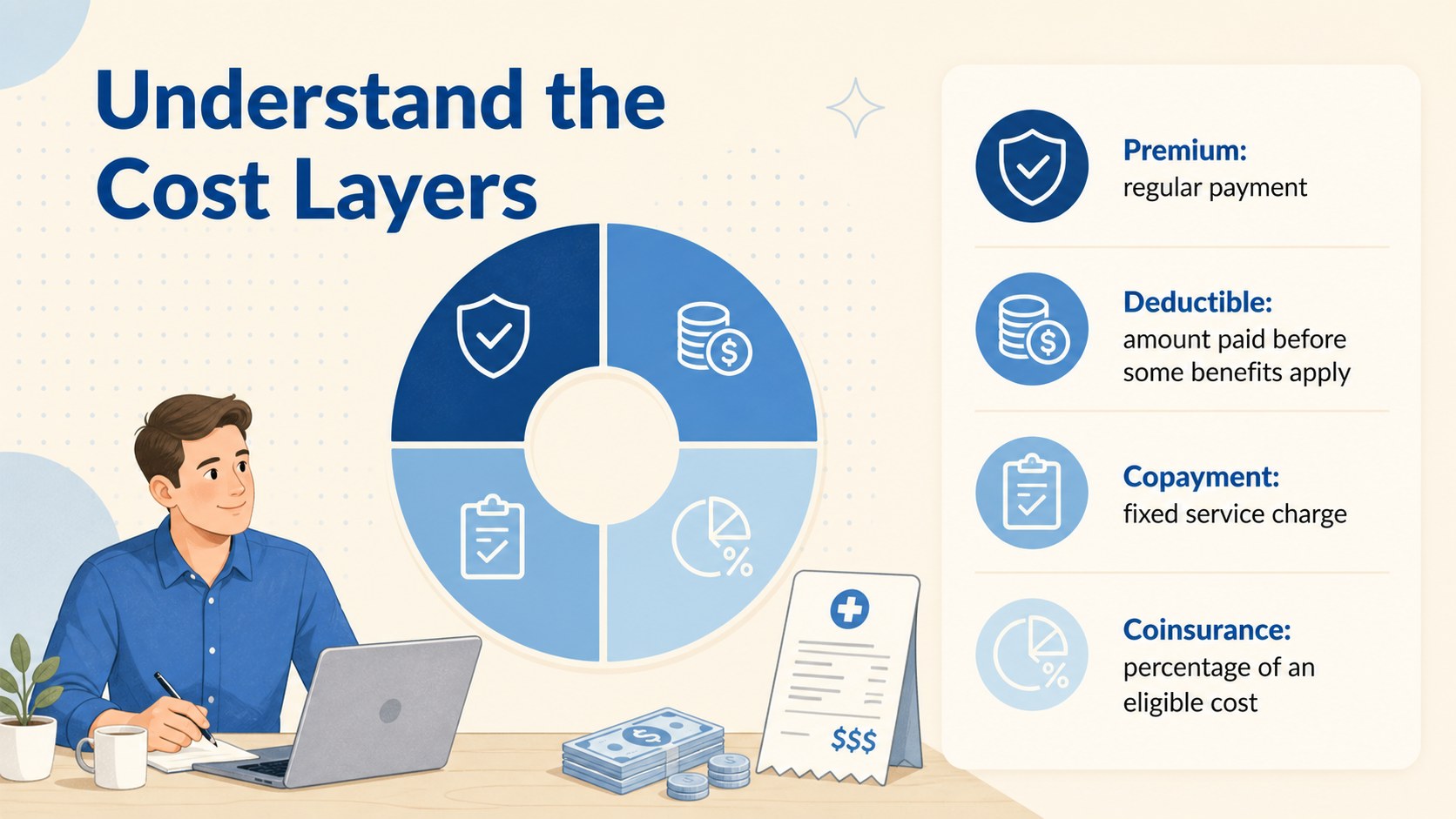
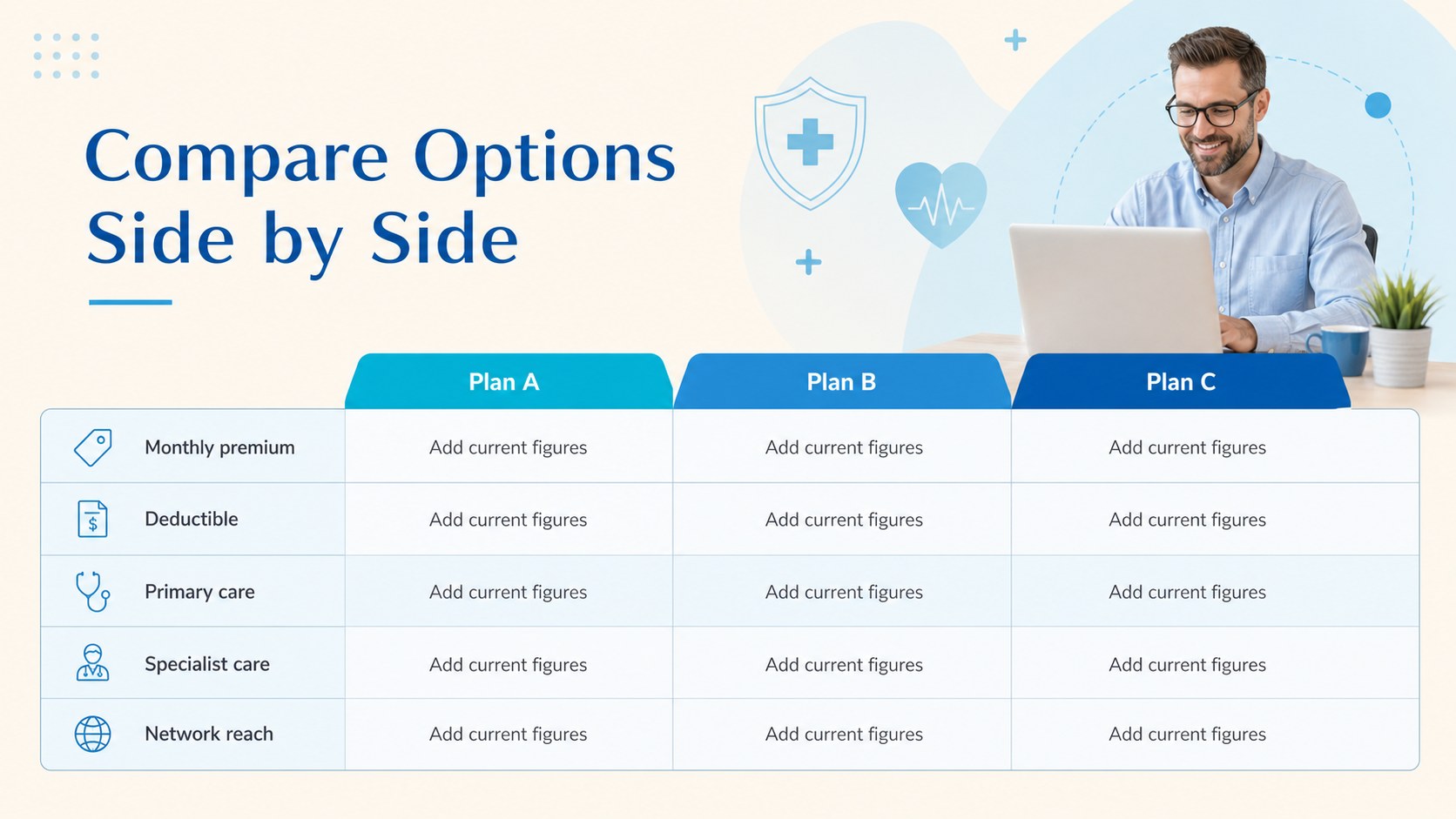
Inside are 15 ready-to-edit layouts for opening remarks, meeting goals, coverage basics, plan types, benefits summaries, cost breakdowns, comparison tables, provider networks, eligibility, enrollment steps, timelines, frequently asked questions, and next actions. Charts, icons, tables, and text areas can be adapted for an employee benefits enrollment slides session or a client health coverage comparison deck. Use the placeholders for your own premiums, deductibles, copayments, dates, and contact details rather than presenting sample information as policy advice.
This health insurance presentation template is designed for benefits coordinators, insurance advisers, healthcare administrators, HR teams, brokers, and workshop facilitators. It works equally well for onboarding meetings, annual enrollment briefings, client consultations, and internal training. Every slide can be customized in PowerPoint or Google Slides, including colors, typography, diagrams, and section order. The restrained Nunito typography and spacious layouts keep technical explanations readable while preserving the approachable, minimal character of the original design direction.
Perfect for: employee benefits enrollment meeting; client insurance consultation; health plan comparison workshop; new hire benefits orientation; annual coverage review.
Frequently asked questions
Can I edit this briefing in PowerPoint and Google Slides? Yes. The layouts, text, colors, tables, icons, and charts can be edited in both PowerPoint and Google Slides. Some fonts or transitions may render slightly differently between platforms.
Practical details
Yes. The layouts, text, colors, tables, icons, and charts can be edited in both PowerPoint and Google Slides. Some fonts or transitions may render slightly differently between platforms.
Yes. Replace every placeholder with current information from the relevant insurer or benefits administrator. Review premiums, deductibles, network rules, eligibility terms, and deadlines carefully before presenting.
Add the organization logo, apply its approved typefaces, and update the beige-and-blue palette with accessible brand colors. Keep strong contrast between text, table cells, and chart labels for readability.
Yes. It includes layouts for eligibility, plan comparisons, costs, enrollment steps, deadlines, and questions. Presenters can hide or duplicate sections to match the number of options being offered.
Keep exploring
15Promote classes with a yoga workshop marketing presentation featuring playful beige, pink, and purple illustrations for PowerPoint and Google Slides.
 15
15Build a clear breast cancer awareness bulletin with bold pink-and-red slides for campaign news, screening reminders, impact data, and community updates.
 15
15Build a clear World Cancer Day message with this global cancer awareness campaign deck, featuring editable blue-green layouts for PowerPoint and Google Slides.
 4
4Document wound findings, treatment decisions, and healing progress with clinical wound evaluation slides for nurses in PowerPoint and Google Slides.
 14
14Plan a clear donor campaign with this blood donation awareness presentation, featuring editable beige-and-red visuals for PowerPoint and Google Slides.
 15
15Build a Kidney Health Awareness Campaign Deck with blue illustrated slides for prevention tips, risk education, screening events, and outreach.
 15
15Build an actionable training session with this fitness program workshop deck, using energetic yellow geometry and editable PowerPoint and Google Slides layouts.
 15
15Equip health teams with this malaria prevention education deck for workshops, community outreach, and policy briefings in PowerPoint or Google Slides.