
 14
14presentation
2036 Dragon Year Celebration Theme
Plan a memorable Lunar New Year campaign with the 2036 Dragon Year Celebration Theme, featuring bold red-and-yellow slides for lessons and events.
Google SlidesPowerPoint
presentation · English
Plan a sunny seasonal talk with a longest day presentation theme in orange and yellow, ready for polished PowerPoint and Google Slides storytelling.




Design notes
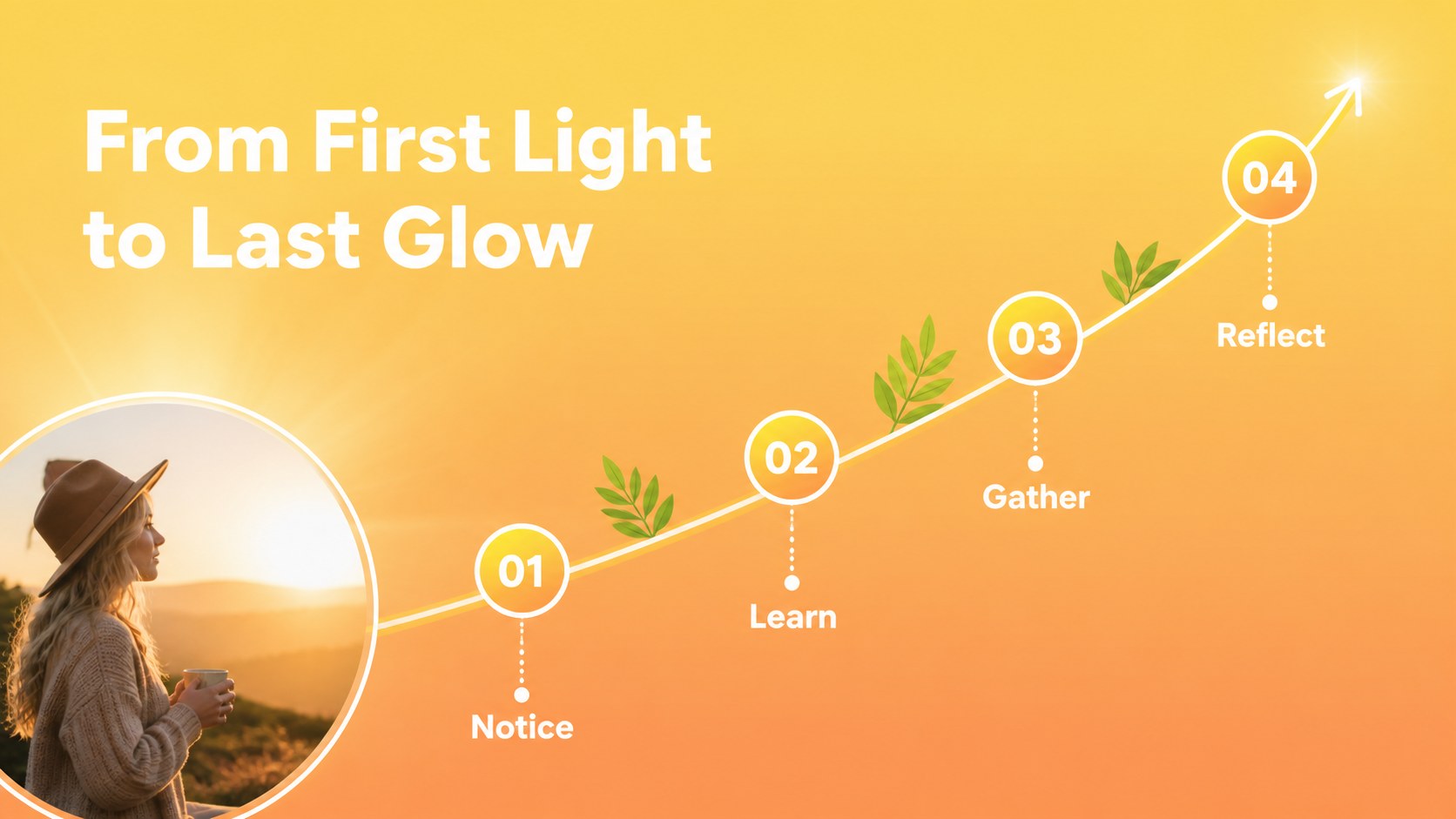
Turn the year’s brightest day into a warm, memorable visual story with this longest day presentation theme. Built around an energetic orange and yellow palette, the deck pairs simple layouts with illustrated sun, leaf, and light details that feel cheerful without becoming busy. Use it to explain solstice traditions, introduce a summer gathering, share seasonal goals, or frame a personal reflection.
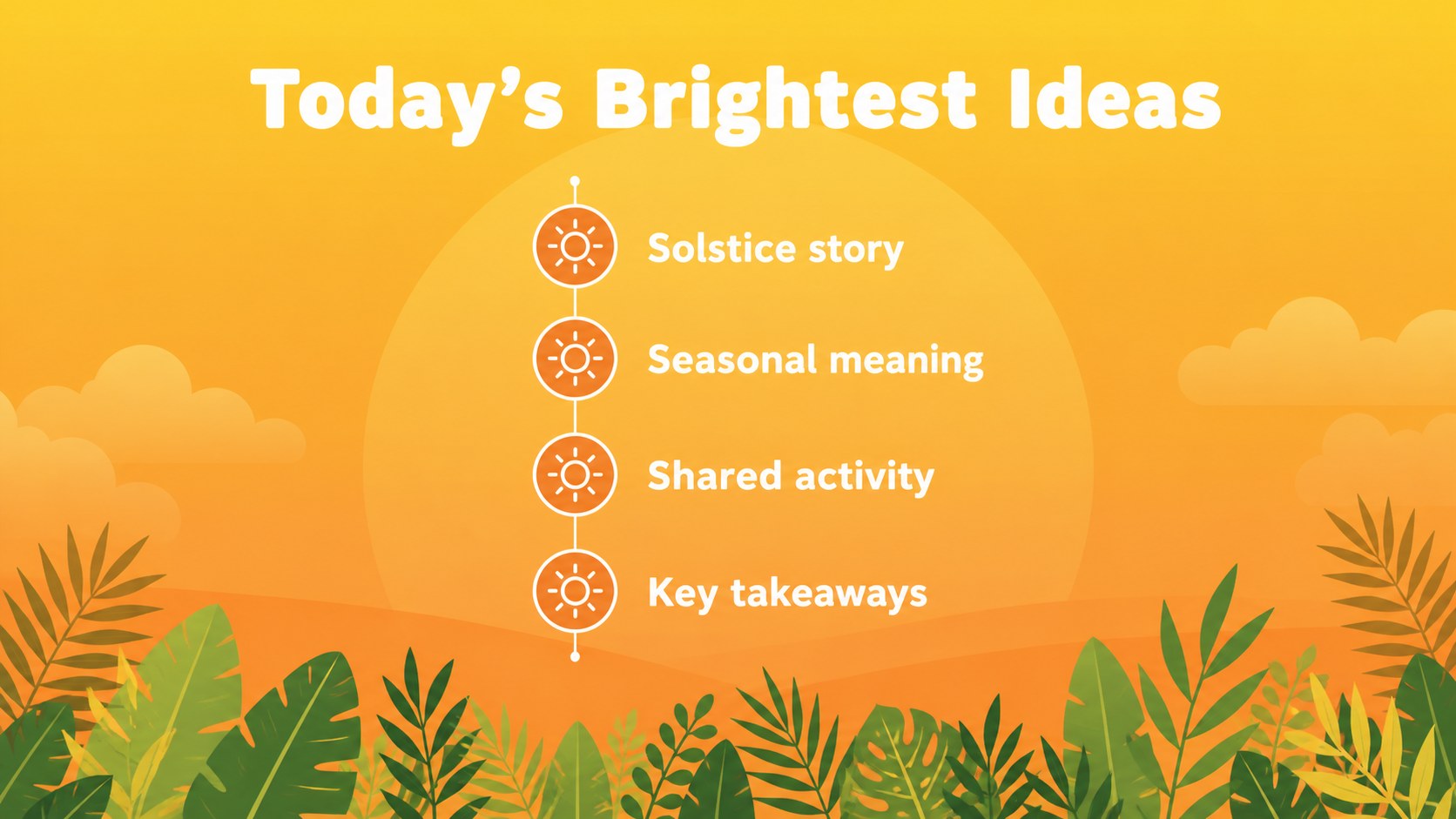
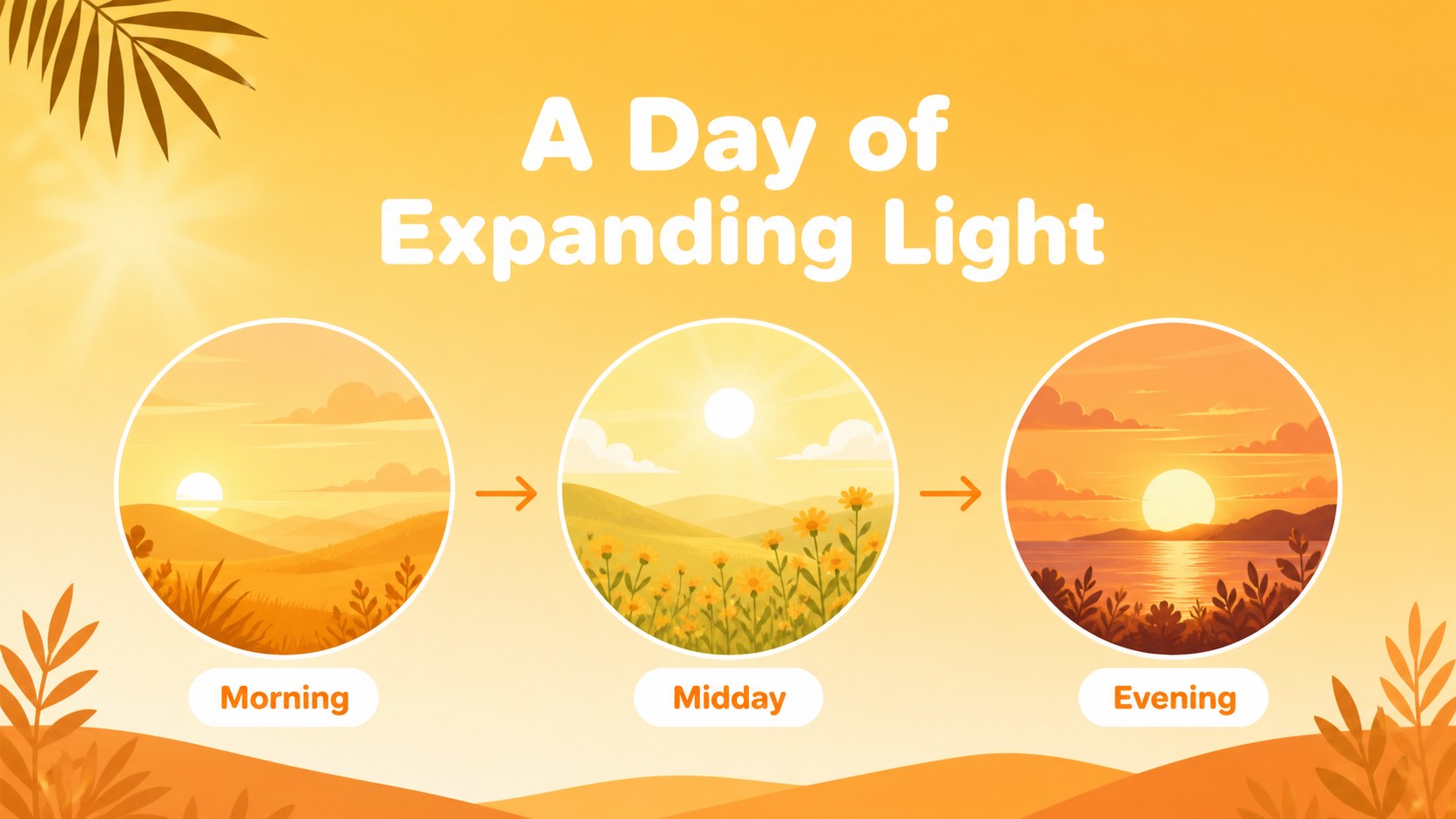
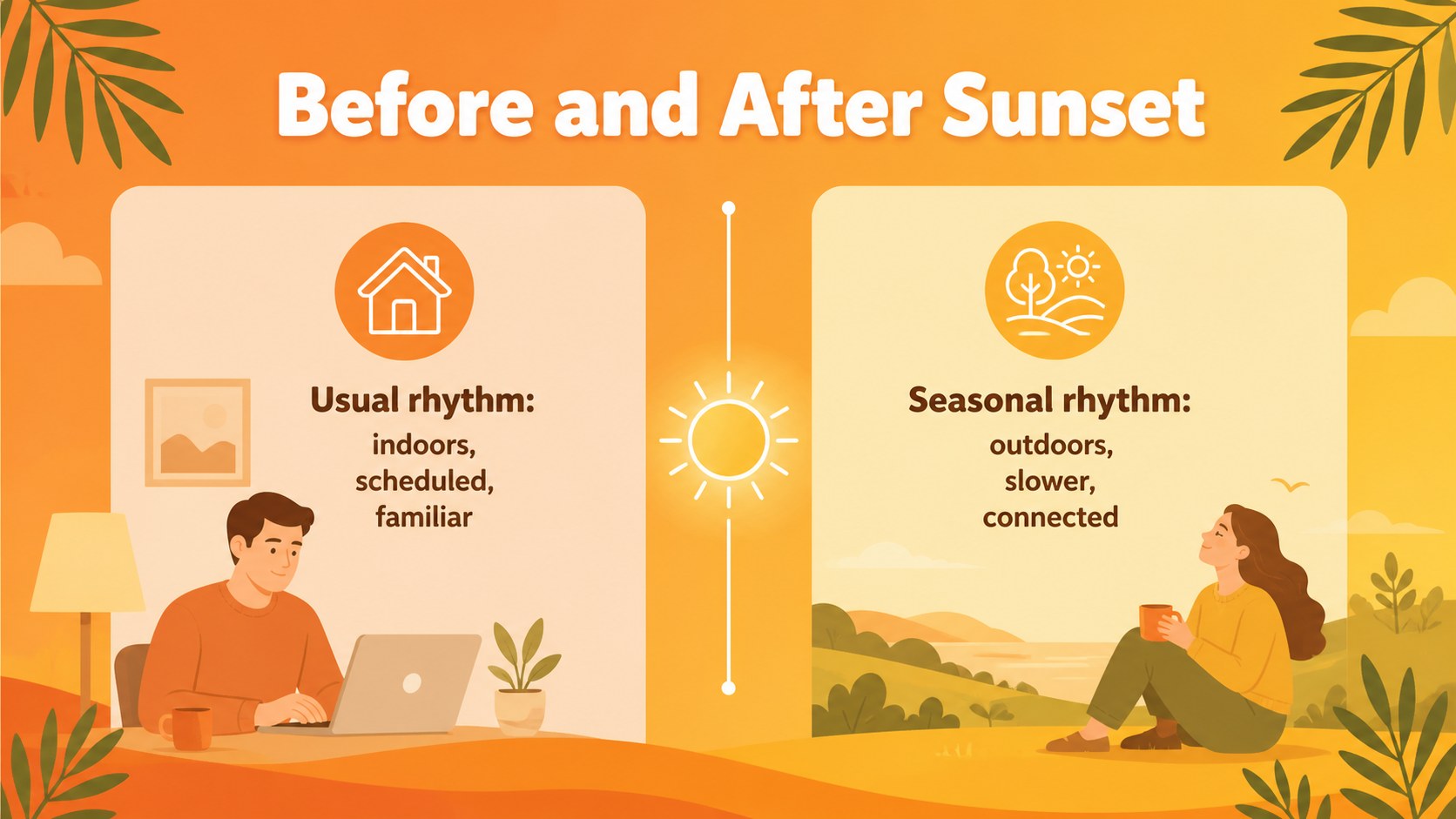
Inside, you’ll find 19 editable 16:9 slides for opening statements, agendas, section dividers, image-led storytelling, comparisons, timelines, data highlights, and closing messages. Charts, shapes, lines, frames, and text areas can be rearranged to fit your material, while animation and transition options help create a smooth presentation flow. The layouts also work well as a summer solstice lesson presentation for classrooms, community groups, and cultural programs.
The template is designed for teachers, event organizers, wellness presenters, small businesses, and anyone preparing a seasonal talk. Edit it in PowerPoint or Google Slides, update the colors and typography, and replace the sample content with your own images, notes, and statistics. It is also a practical choice for a summer event presentation theme when you need a bright, approachable deck that can be prepared quickly.
Perfect for: summer solstice classroom lesson; community festival introduction; seasonal wellness workshop; summer event planning briefing; personal summer reflection.
Frequently asked questions
Can I edit this longest day presentation theme in PowerPoint? Yes. The slides are editable in PowerPoint, including text, colors, shapes, charts, and image areas. Replace the sample wording with your own content while keeping the existing visual structure.
Practical details
Yes. The slides are editable in PowerPoint, including text, colors, shapes, charts, and image areas. Replace the sample wording with your own content while keeping the existing visual structure.
Yes, it is compatible with Google Slides as well as PowerPoint. Upload or import the presentation, then adjust fonts and media if your organization uses different defaults.
Yes. The layouts support lesson objectives, timelines, explanatory text, visual examples, and recap slides. You can adapt the tone for primary students, older learners, or community education.
Use the theme or color controls in your presentation software to change accent colors across the deck. You can also edit individual shapes and illustrations when a slide needs a more specific seasonal color treatment.
Keep exploring
14Plan a memorable Lunar New Year campaign with the 2036 Dragon Year Celebration Theme, featuring bold red-and-yellow slides for lessons and events.
 15
15Build playful lessons and party stories with a kid-friendly zombie celebration theme in purple, green and pastel blue for PowerPoint and Google Slides.
 15
15Build eerie lessons, campaigns, and story pitches with an undead survival scenario theme featuring editable slides for PowerPoint and Google Slides.
 3
3Share festive messages with a Lunar Horse New Year Wishes Theme, featuring bold red-and-yellow layouts for PowerPoint and Google Slides celebrations.
 15
15Bring zodiac traditions to life with a Lunar Snake Festival Presentation featuring 15 cheerful red illustrated slides for PowerPoint and Google Slides.
 6
6Honor teams and individuals with an Orange Year-End Recognition Certificate Set featuring six editable designs for PowerPoint and Google Slides.
 14
14Honor the people behind the headlines with a World Sports Press Appreciation Deck for PowerPoint and Google Slides, styled in crisp, modern green.
 15
15Teach, inspire, and celebrate with our Plant-Powered Vegetarian Day Lesson Deck, featuring cheerful editable visuals for PowerPoint and Google Slides.