
 14
14presentation
2036 Dragon Year Celebration Theme
Plan a memorable Lunar New Year campaign with the 2036 Dragon Year Celebration Theme, featuring bold red-and-yellow slides for lessons and events.
Google SlidesPowerPoint
presentation · English
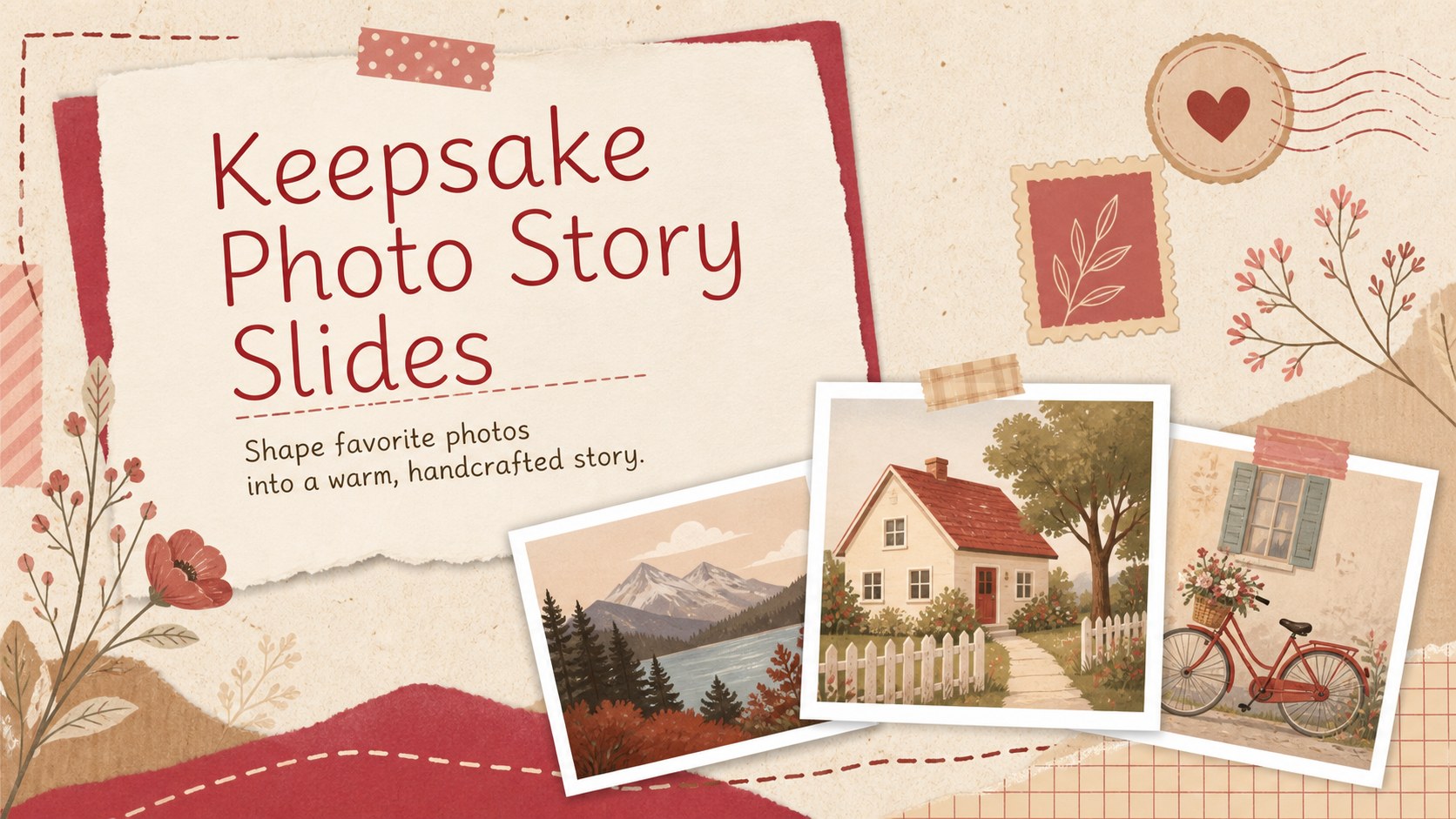
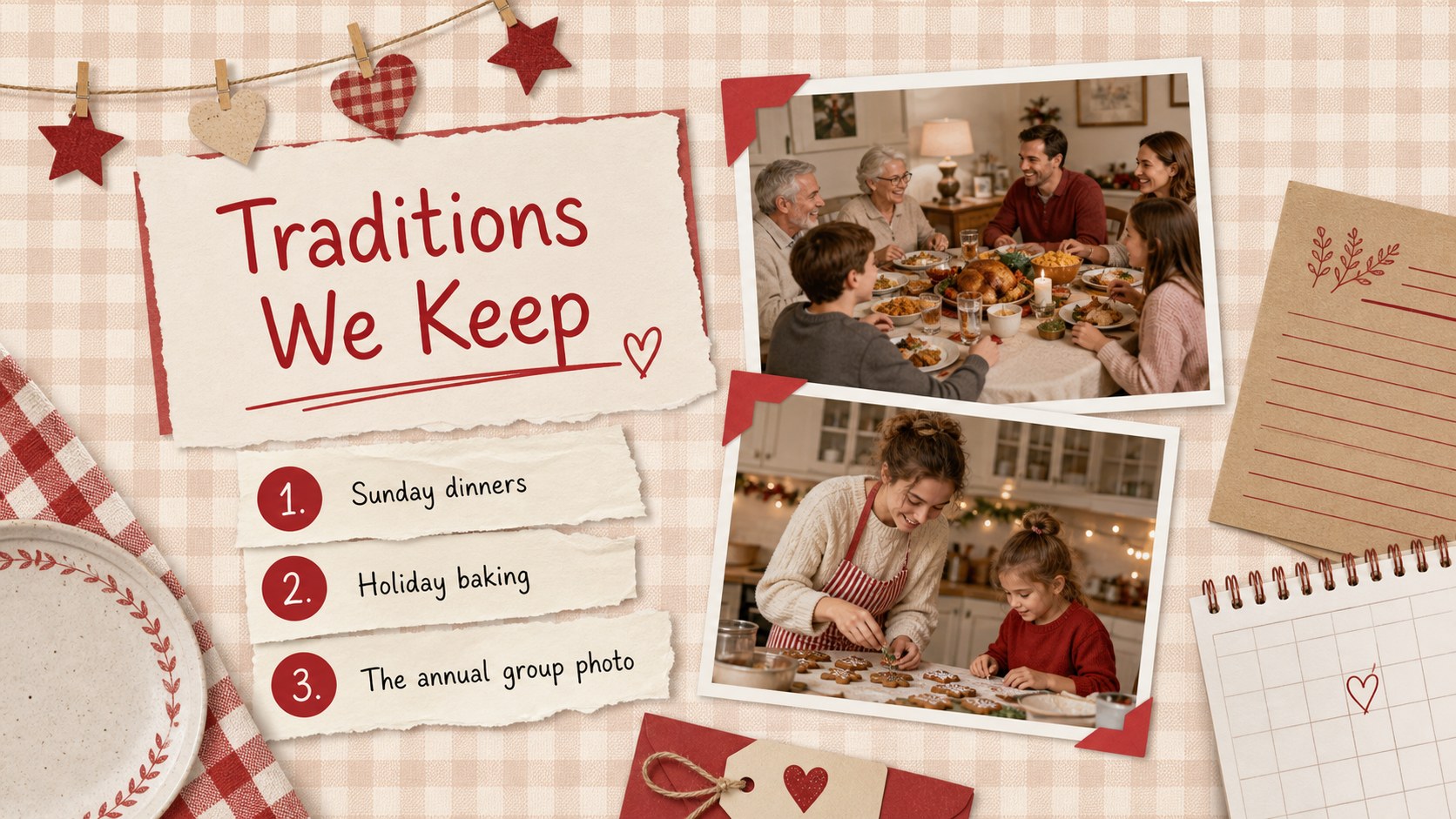
Turn favorite snapshots into keepsake photo story slides with playful red paper layouts for birthdays, family milestones, reunions, and warm retrospectives.




Design notes
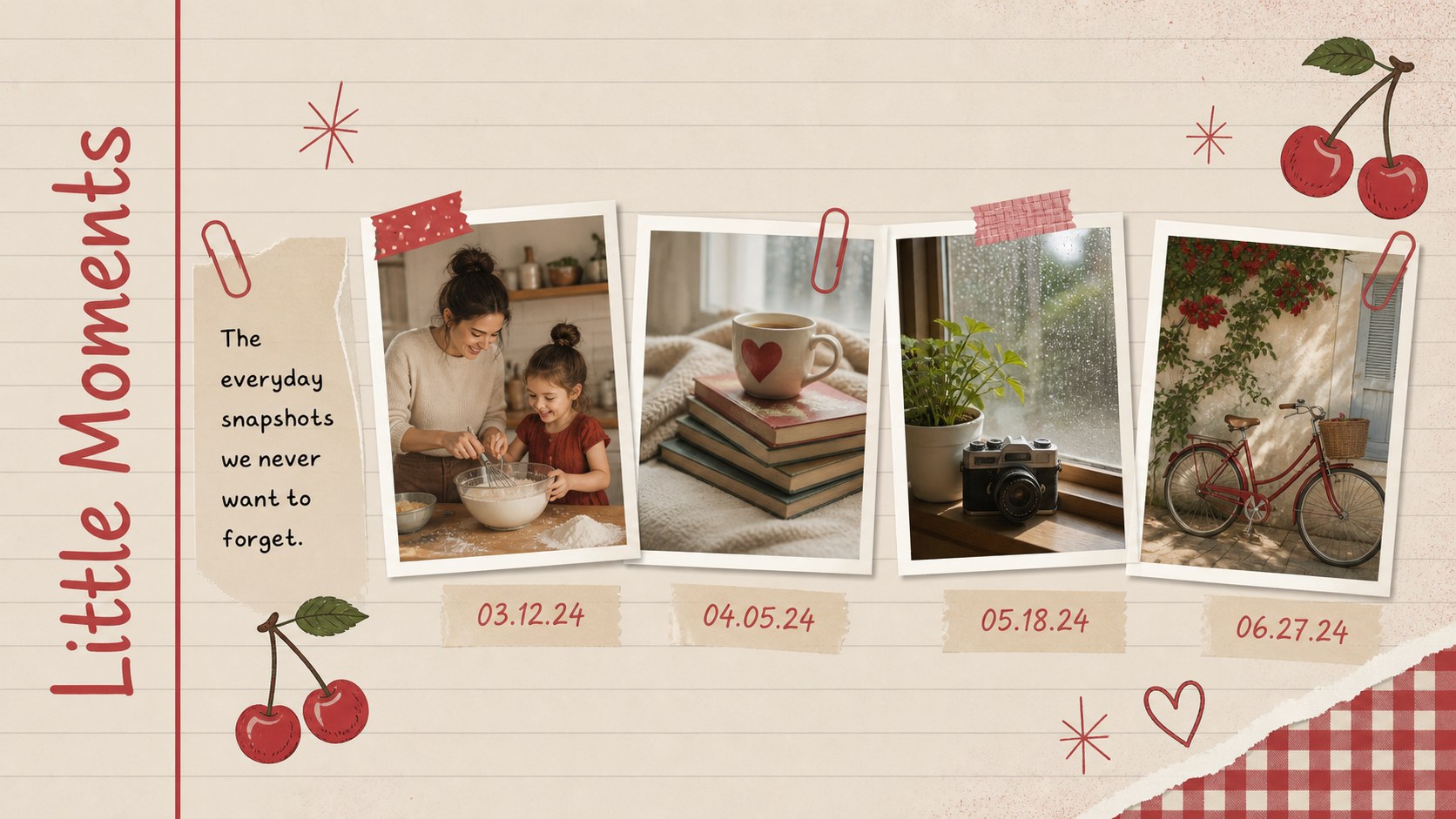
Turn meaningful snapshots into keepsake photo story slides that feel personal, playful, and thoughtfully assembled. Inspired by handmade albums, the red paper textures, illustrated accents, photo frames, and layered details help each memory feel like part of a warm visual narrative. The layouts are expressive without distracting from the photographs and stories at the center.
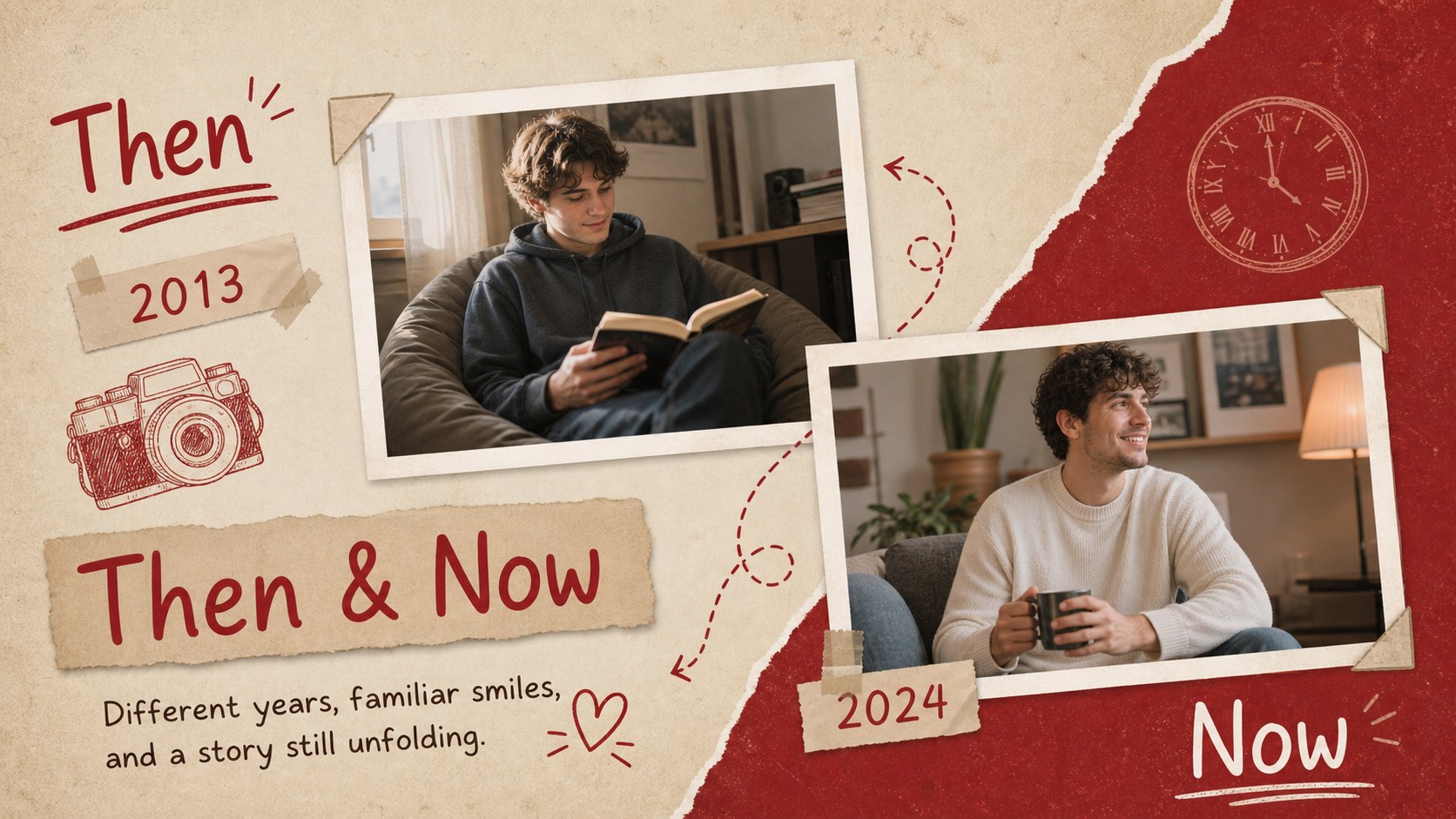
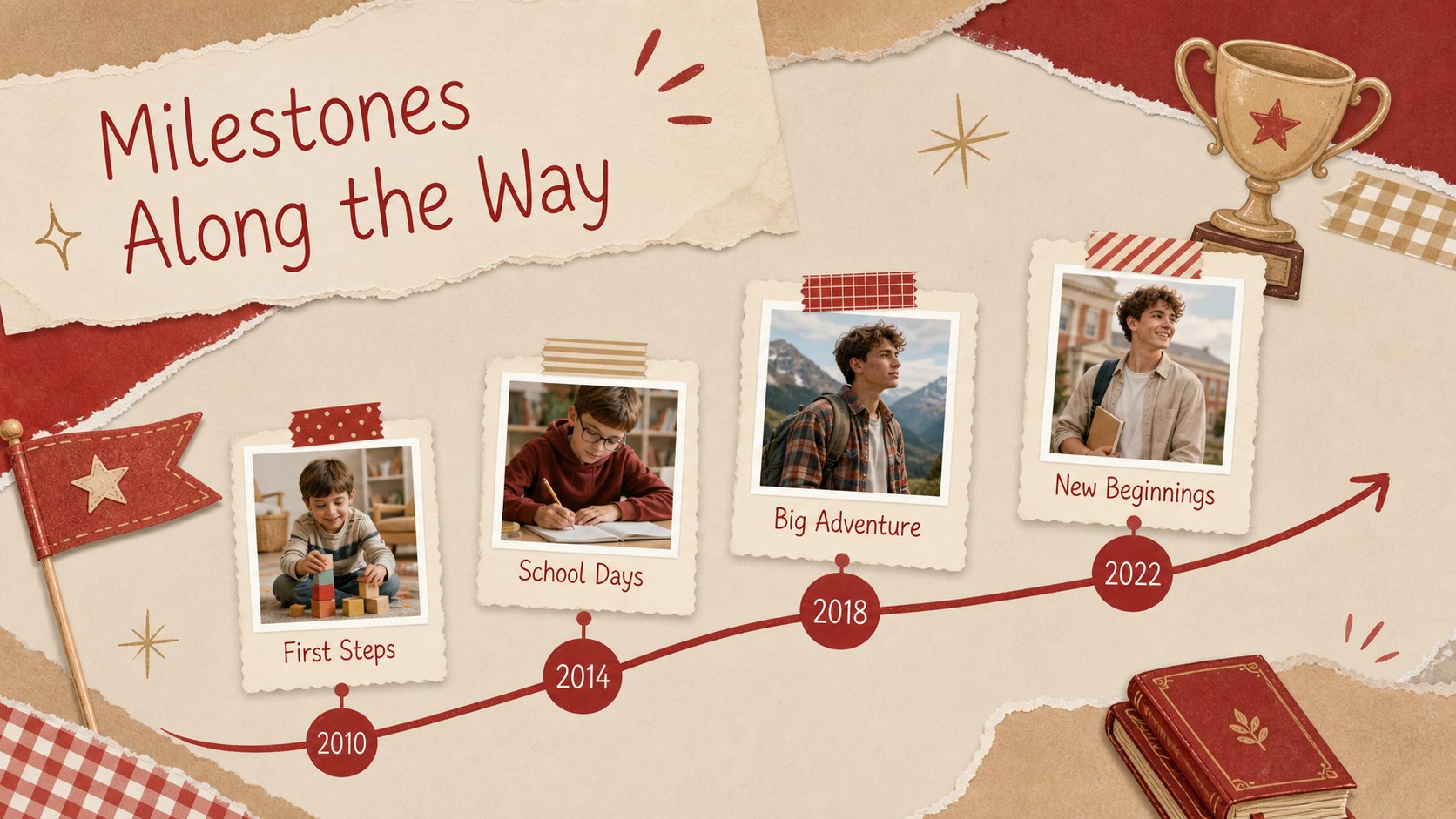
Inside, you will find cover options, photo mosaics, milestone pages, then-and-now comparisons, travel highlights, quotation layouts, a memory timeline, and a closing page. Use the deck as a family memory slideshow template, a birthday photo story presentation, or an editable reunion photo album deck. Flexible image spaces and concise text areas make it easy to balance captions, dates, anecdotes, and favorite quotes.
These slides are suited to families, friends, teachers, event organizers, and anyone preserving a meaningful chapter of life. Customize the wording, replace the sample photos, adjust the decorative elements, and reorder pages in PowerPoint or Google Slides. The consistent red palette and illustrated scrapbook styling work especially well for anniversaries, childhood collections, school-year recaps, friendship tributes, holiday gatherings, and remembrance projects. Whether presented live or shared digitally, the finished deck offers an inviting way to revisit important people, places, and moments.
Perfect for: family reunion photo recap; milestone birthday tribute; anniversary memory collection; childhood year-by-year story; school-year photo keepsake; friendship celebration slideshow.
Frequently asked questions
Can I edit these slides in PowerPoint and Google Slides? Yes. The layouts are designed for editing in PowerPoint and Google Slides, including text, photographs, colors, and page order. Some fonts may be substituted automatically if they are not installed on your device.
Practical details
Yes. The layouts are designed for editing in PowerPoint and Google Slides, including text, photographs, colors, and page order. Some fonts may be substituted automatically if they are not installed on your device.
Select a photo placeholder and use the platform's replace-image command to insert your own picture. Crop or reposition the image inside its frame so important faces and details remain visible.
Yes. Update the background, paper accents, borders, and illustrated details with your preferred theme colors. Keeping two or three recurring accent colors will help the full deck remain visually consistent.
Duplicate any layout that matches the content you need, then replace its text and images. You can also combine photo pages, timelines, quotes, and milestone layouts to create a longer keepsake.
Keep exploring
14Plan a memorable Lunar New Year campaign with the 2036 Dragon Year Celebration Theme, featuring bold red-and-yellow slides for lessons and events.
 15
15Build playful lessons and party stories with a kid-friendly zombie celebration theme in purple, green and pastel blue for PowerPoint and Google Slides.
 15
15Build eerie lessons, campaigns, and story pitches with an undead survival scenario theme featuring editable slides for PowerPoint and Google Slides.
 3
3Share festive messages with a Lunar Horse New Year Wishes Theme, featuring bold red-and-yellow layouts for PowerPoint and Google Slides celebrations.
 15
15Bring zodiac traditions to life with a Lunar Snake Festival Presentation featuring 15 cheerful red illustrated slides for PowerPoint and Google Slides.
 6
6Honor teams and individuals with an Orange Year-End Recognition Certificate Set featuring six editable designs for PowerPoint and Google Slides.
 14
14Honor the people behind the headlines with a World Sports Press Appreciation Deck for PowerPoint and Google Slides, styled in crisp, modern green.
 15
15Teach, inspire, and celebrate with our Plant-Powered Vegetarian Day Lesson Deck, featuring cheerful editable visuals for PowerPoint and Google Slides.