
 14
14presentation
2036 Dragon Year Celebration Theme
Plan a memorable Lunar New Year campaign with the 2036 Dragon Year Celebration Theme, featuring bold red-and-yellow slides for lessons and events.
Google SlidesPowerPoint
presentation · English
Bring movement and color to classes, studios, or community events with this joyful dance day celebration theme for PowerPoint and Google Slides.




Design notes
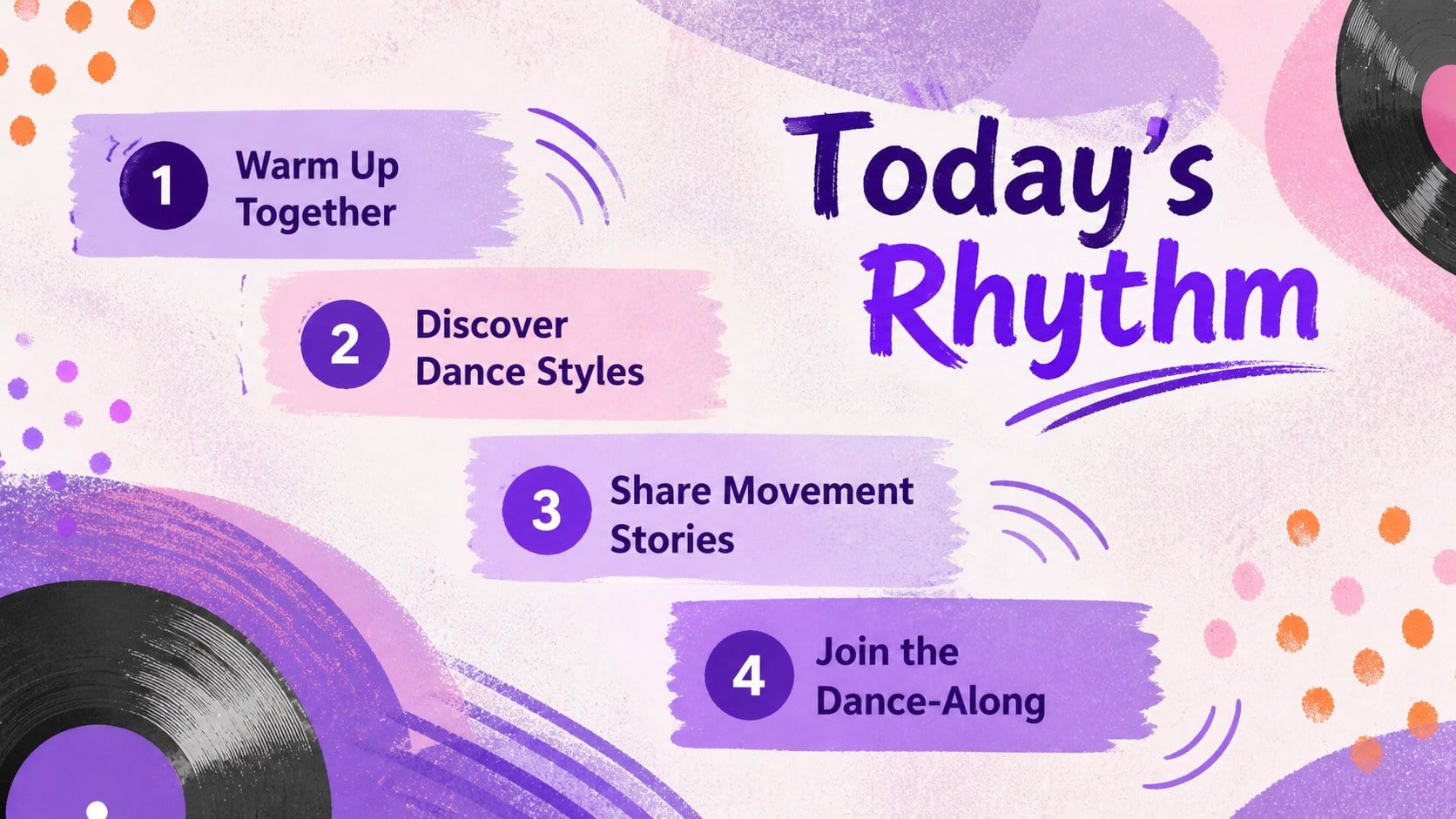
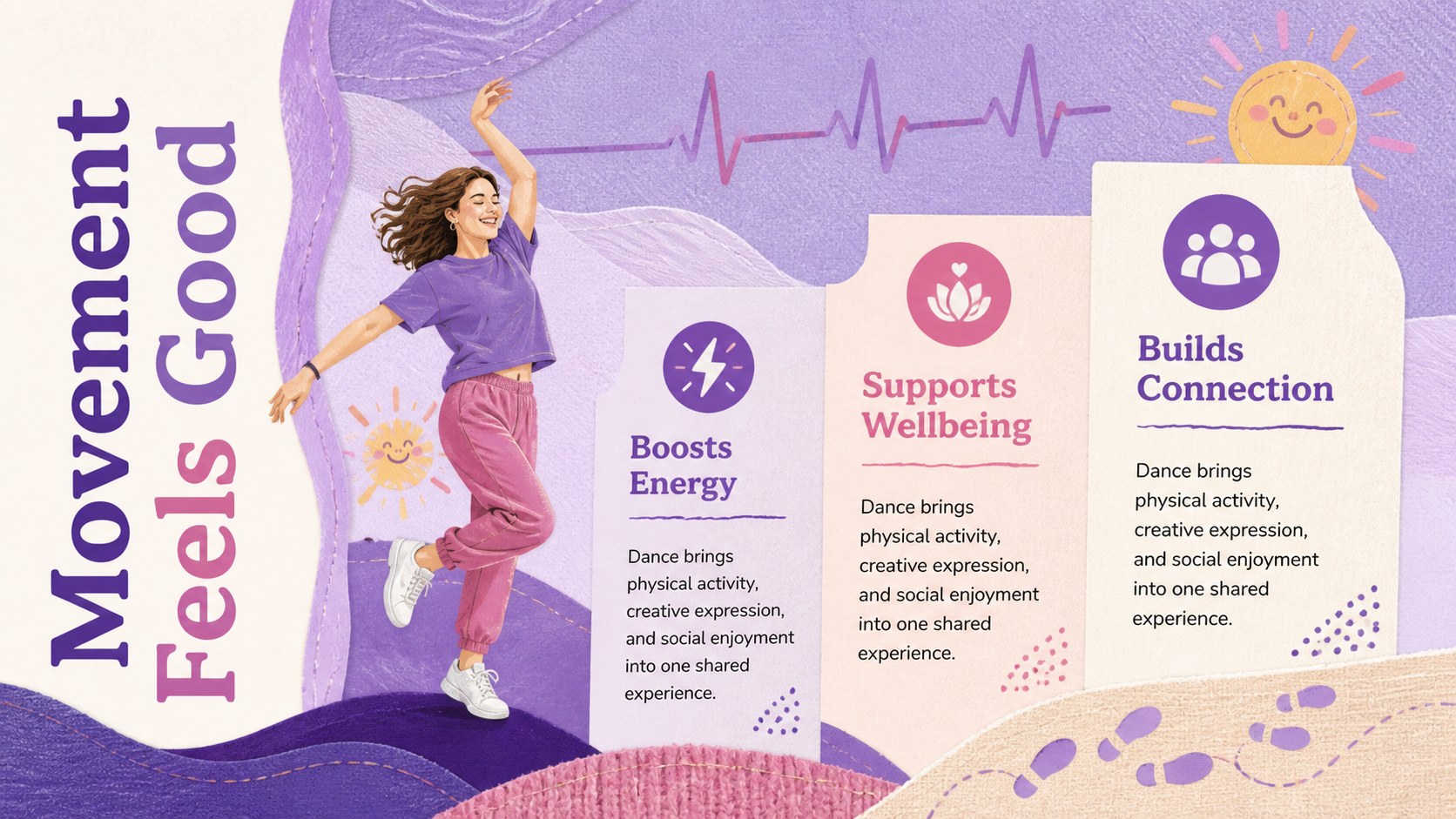
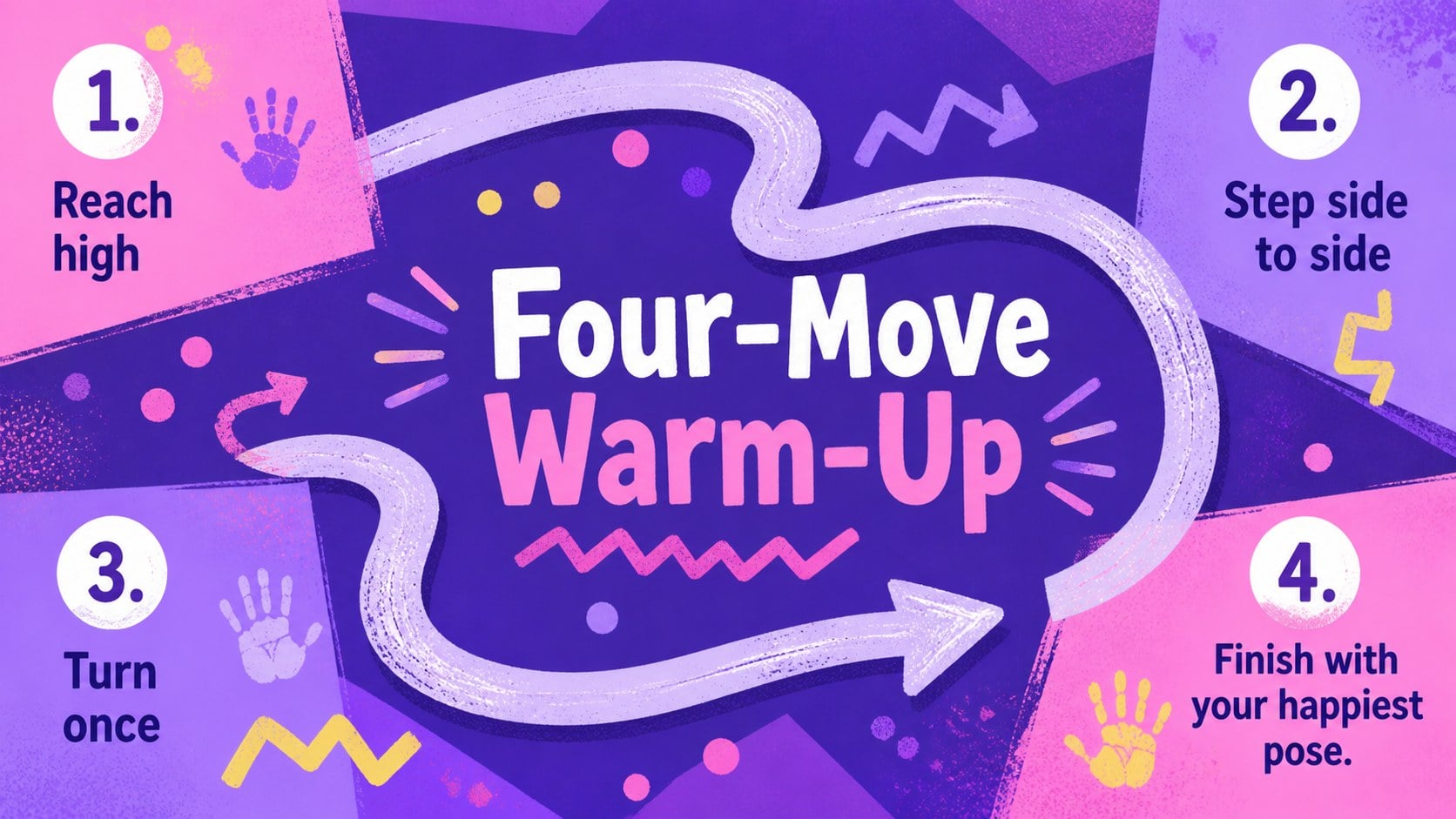
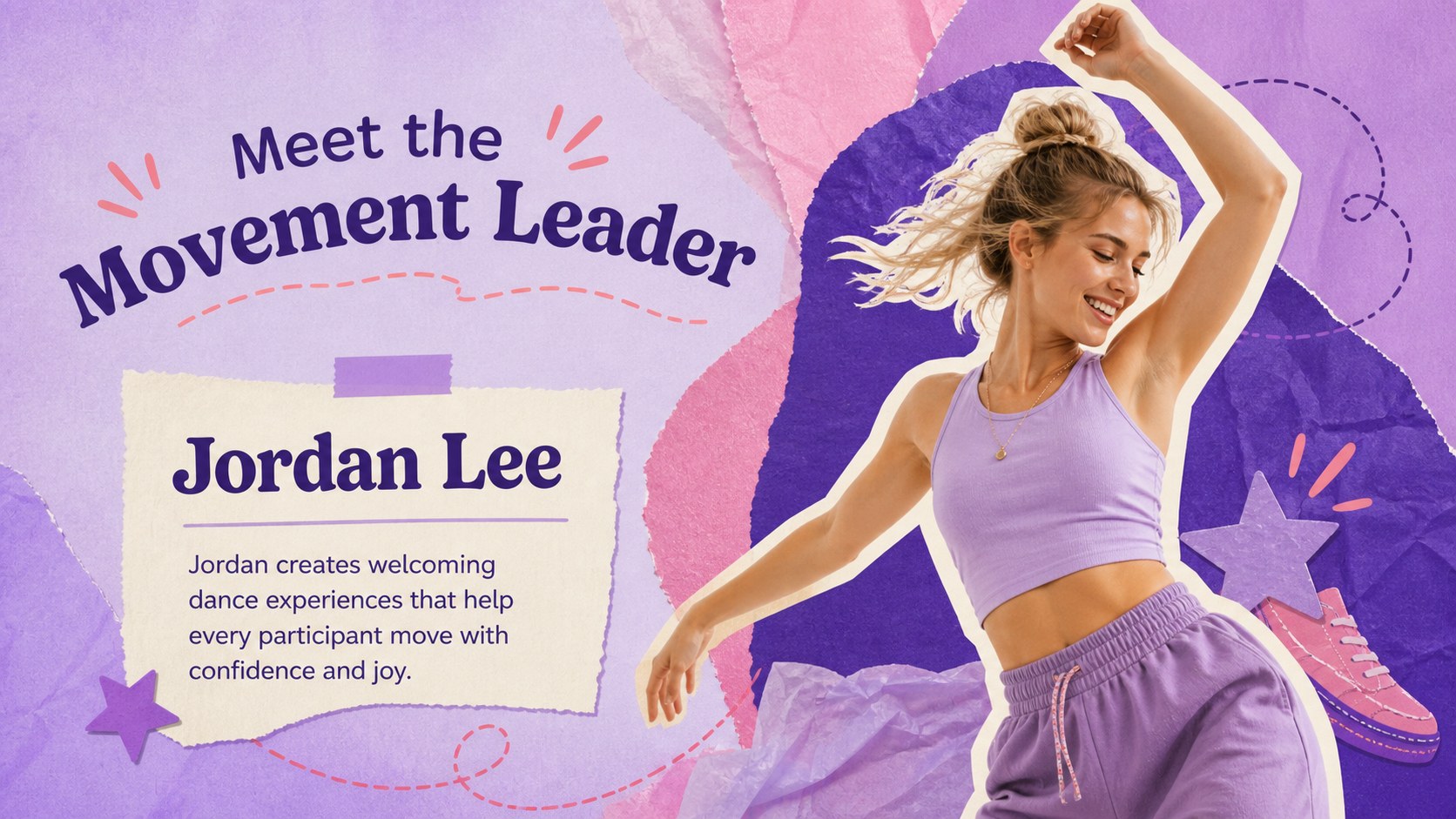
Fill the room with rhythm using the Joyful Dance Day Celebration Theme, a colorful presentation created for International Happy Dance Day activities. Expressive doodles, layered textures, lively shapes, and a vibrant purple palette give every slide an upbeat mixed-media character. Use it as a dance day classroom presentation, a community celebration guide, or an energetic introduction to movement and music.
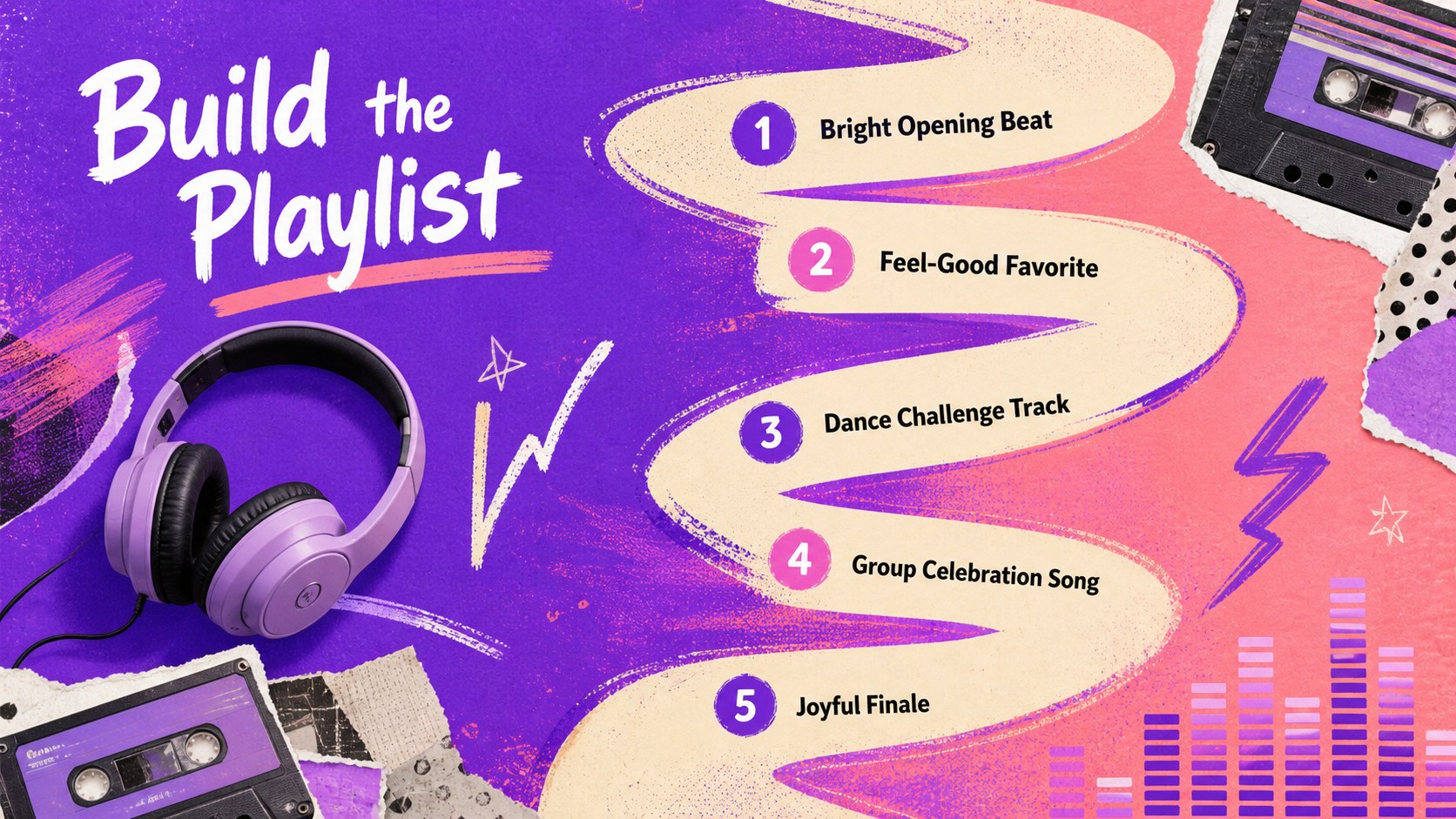
The deck includes 15 customizable layouts for opening remarks, event schedules, dance style spotlights, movement challenges, playlists, instructor profiles, photo moments, timelines, and closing messages. Clear content areas make it easy to balance practical information with playful visuals. Presenters can replace the sample wording, adjust colors, insert photographs, and reorganize sections without losing the deck's joyful visual rhythm.
This joyful dance day celebration theme works in PowerPoint and Google Slides. It is especially useful for teachers, dance instructors, youth leaders, festival organizers, and wellness teams preparing a dance studio event slideshow or colorful movement celebration deck. Whether the occasion features a classroom warm-up, a studio showcase, or a public dance-along, these slides provide a polished framework for sharing plans, encouraging participation, and celebrating the simple happiness of moving to music.
Perfect for: school Dance Day lesson; dance studio celebration; community dance-along; youth movement workshop; festival program briefing.
Frequently asked questions
Can I edit every part of the presentation? Yes. The headings, body copy, colors, photographs, shapes, and layout elements can be adjusted to suit your event or lesson. You can also duplicate, remove, or reorder slides.
Practical details
Yes. The headings, body copy, colors, photographs, shapes, and layout elements can be adjusted to suit your event or lesson. You can also duplicate, remove, or reorder slides.
The theme is designed for Microsoft PowerPoint and Google Slides. Import behavior can vary slightly by platform, so review fonts, transitions, and image placement before presenting.
Yes. Replace the sample sections with class instructions, performer details, rehearsal times, playlists, or showcase schedules. The layouts support both educational content and event planning.
Add your own dance photography, update the accent colors, and swap the sample text for your program details. Keeping the purple base and bright contrasting accents will preserve the energetic mixed-media look.
Keep exploring
14Plan a memorable Lunar New Year campaign with the 2036 Dragon Year Celebration Theme, featuring bold red-and-yellow slides for lessons and events.
 15
15Build playful lessons and party stories with a kid-friendly zombie celebration theme in purple, green and pastel blue for PowerPoint and Google Slides.
 15
15Build eerie lessons, campaigns, and story pitches with an undead survival scenario theme featuring editable slides for PowerPoint and Google Slides.
 3
3Share festive messages with a Lunar Horse New Year Wishes Theme, featuring bold red-and-yellow layouts for PowerPoint and Google Slides celebrations.
 15
15Bring zodiac traditions to life with a Lunar Snake Festival Presentation featuring 15 cheerful red illustrated slides for PowerPoint and Google Slides.
 6
6Honor teams and individuals with an Orange Year-End Recognition Certificate Set featuring six editable designs for PowerPoint and Google Slides.
 14
14Honor the people behind the headlines with a World Sports Press Appreciation Deck for PowerPoint and Google Slides, styled in crisp, modern green.
 15
15Teach, inspire, and celebrate with our Plant-Powered Vegetarian Day Lesson Deck, featuring cheerful editable visuals for PowerPoint and Google Slides.