
 15
15presentation
Yoga Workshop Marketing Presentation
Promote classes with a yoga workshop marketing presentation featuring playful beige, pink, and purple illustrations for PowerPoint and Google Slides.
Google SlidesPowerPoint
presentation · English
Teach type 2 diabetes with an insulin resistance learning guide featuring clear visuals, prevention topics, and editable PowerPoint and Google Slides layouts.


Design notes
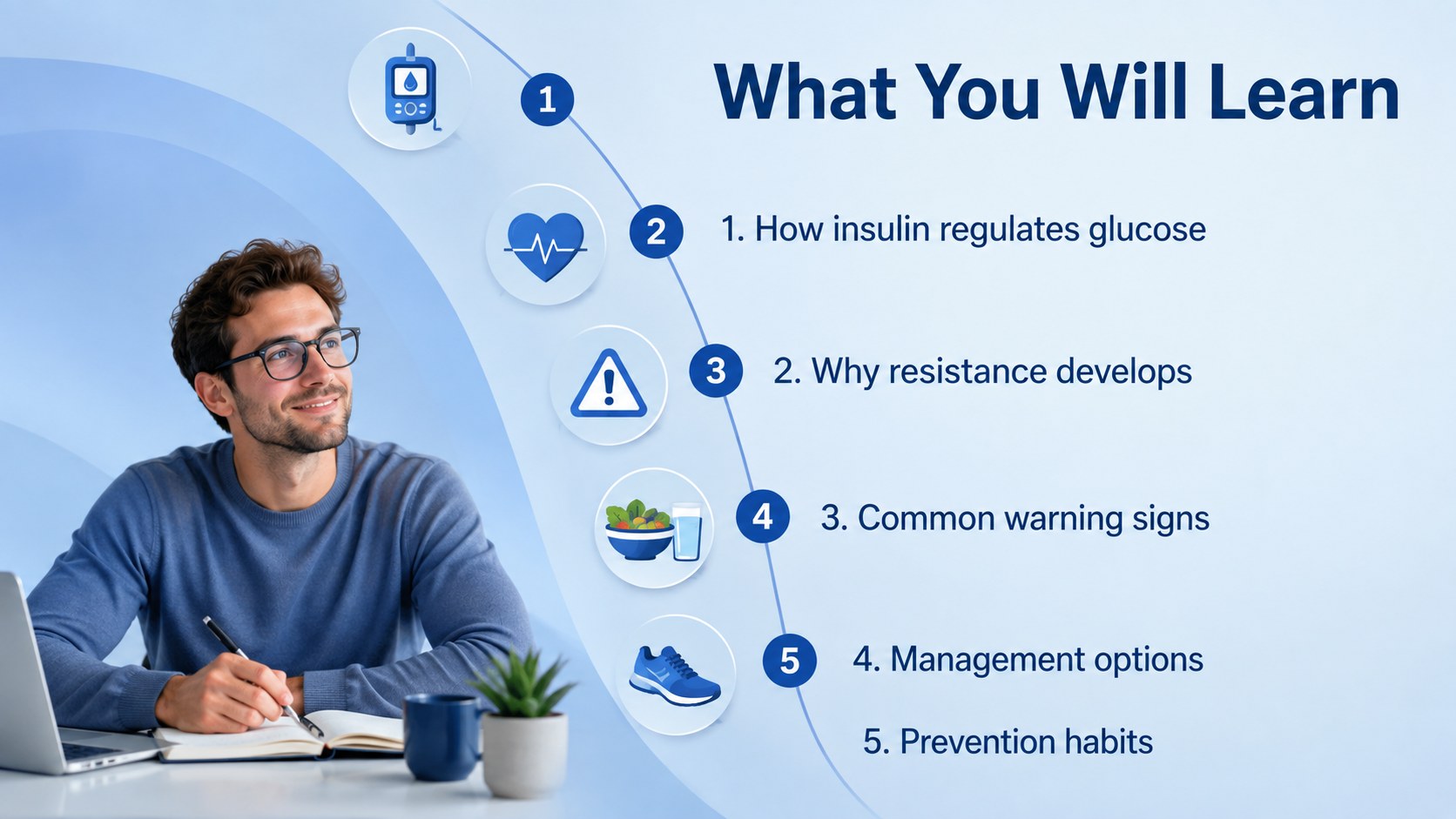
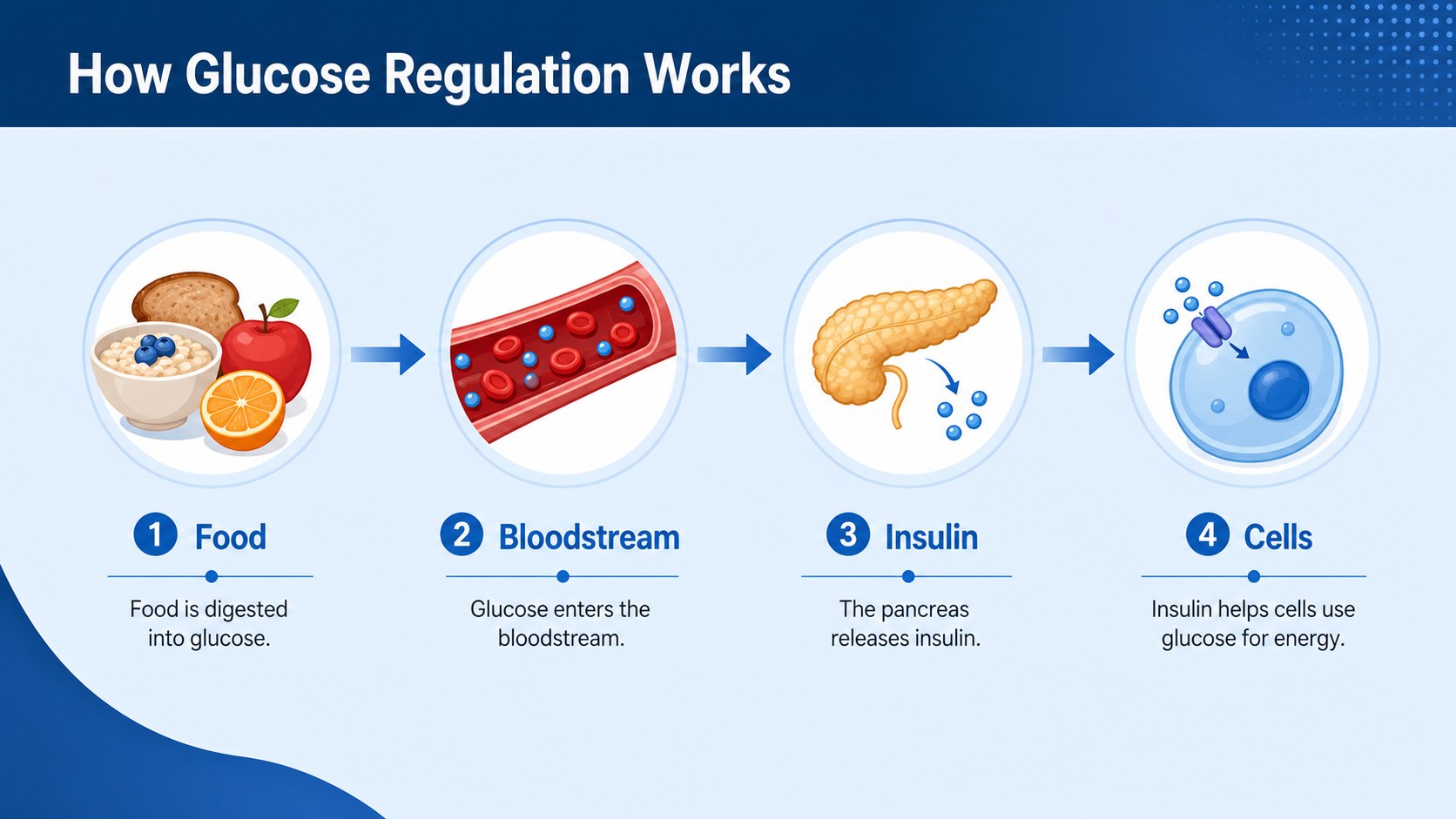
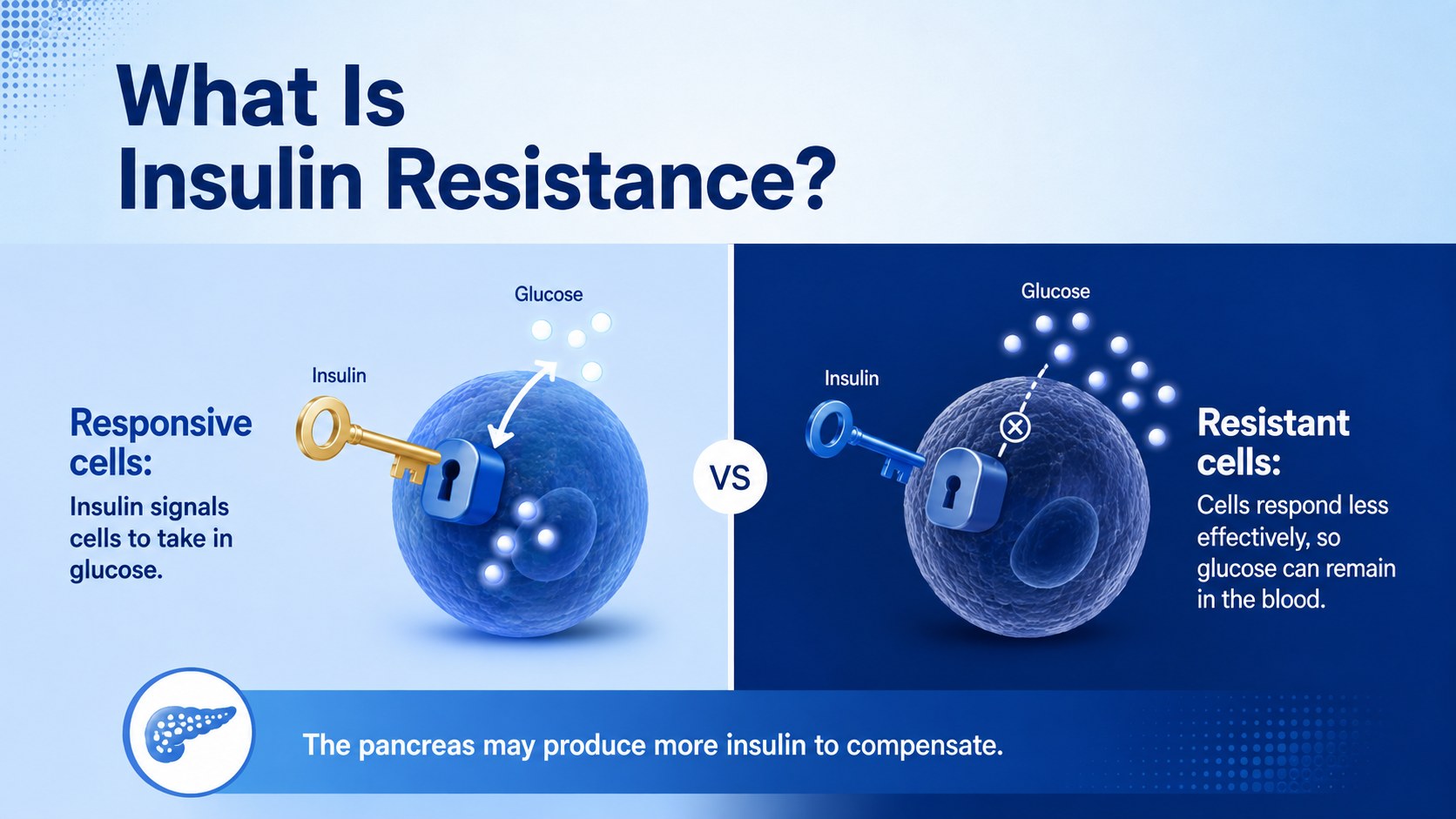
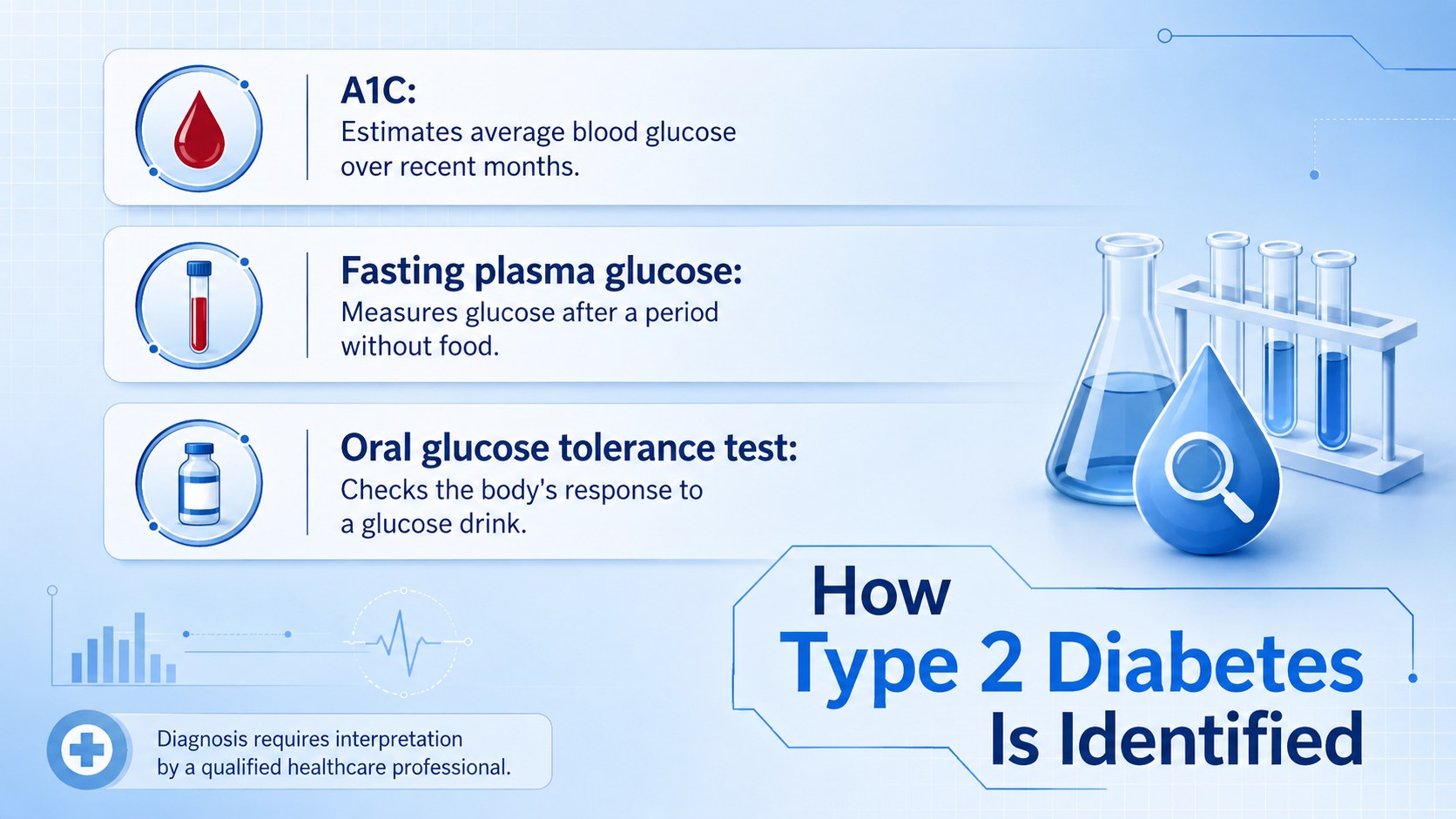
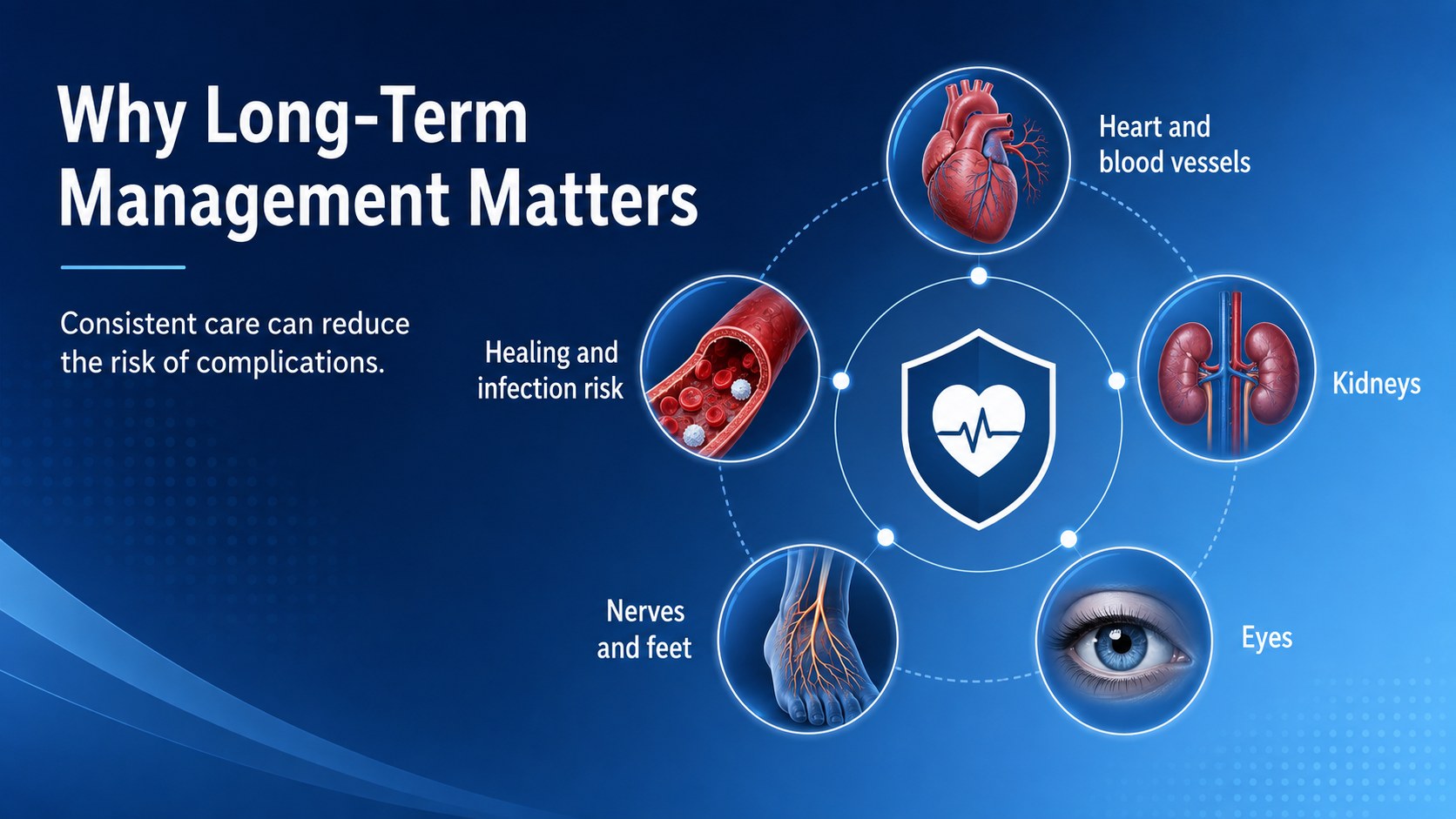
Build a focused health lesson with this insulin resistance learning guide for PowerPoint and Google Slides. Created for classroom teaching and patient-friendly instruction, the deck explains how glucose, insulin, and lifestyle factors relate to type 2 diabetes. Clean typography, layered blue gradients, and modern medical graphics keep detailed information organized without making the presentation feel clinical or overwhelming.
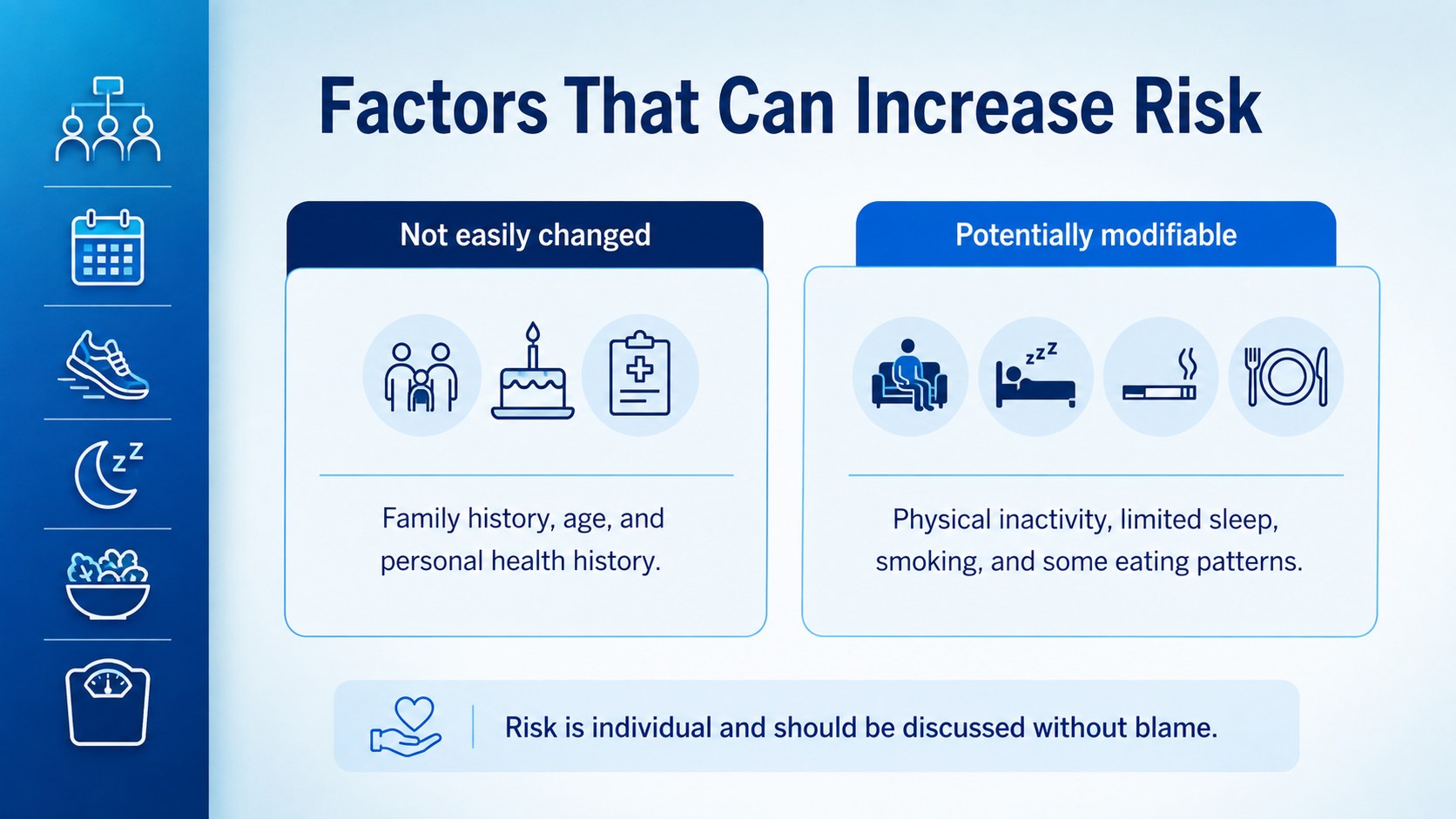
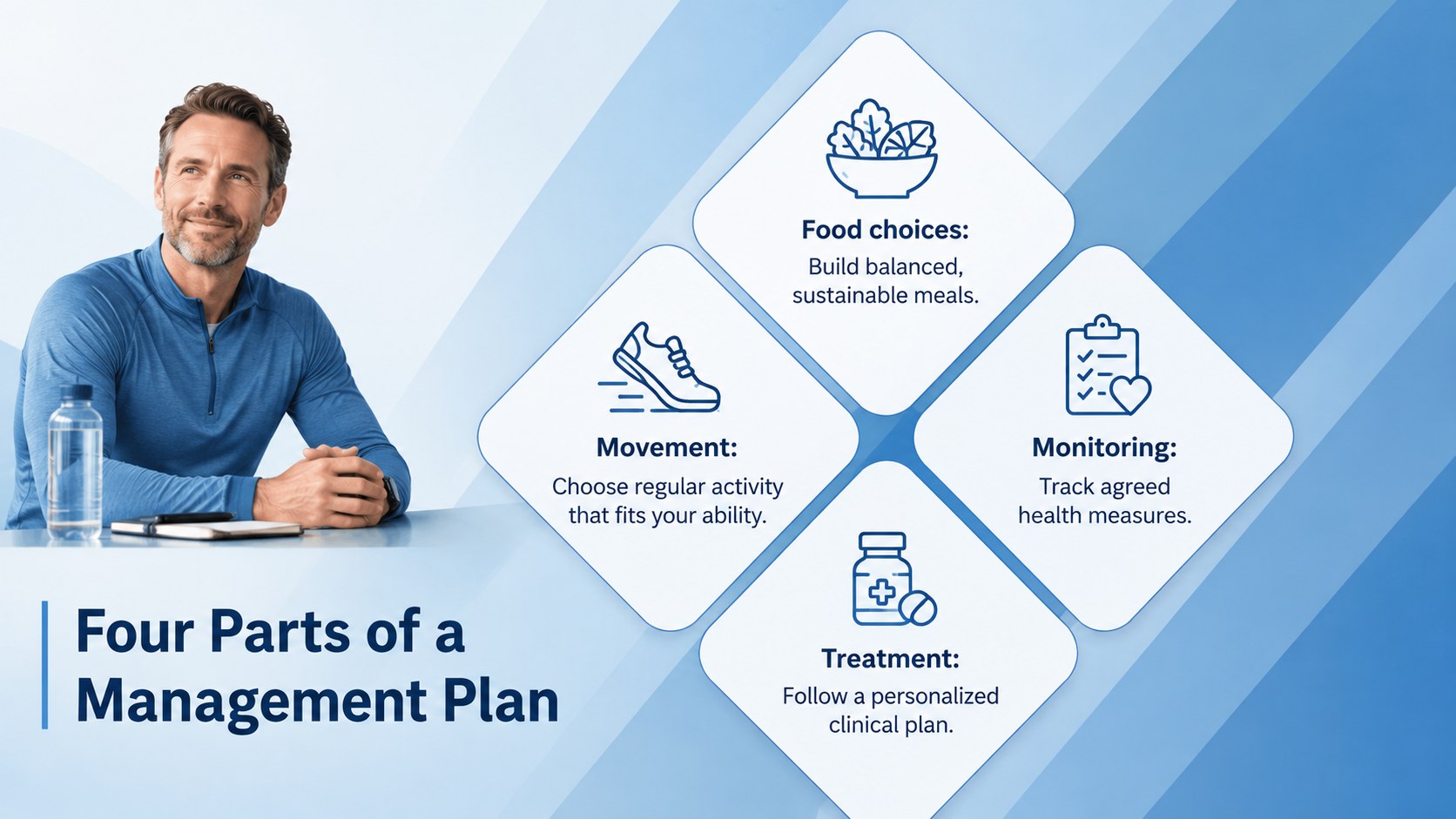
The slides provide a structured path from foundational concepts to practical action. Use the included layouts to introduce learning goals, explain normal glucose regulation, identify risk factors and symptoms, summarize diagnostic tests, and discuss possible complications. Additional sections cover balanced eating, physical activity, medication, blood glucose monitoring, and prevention. Charts, comparison layouts, timelines, discussion questions, and a sample case make this a versatile type 2 diabetes lesson presentation. It also works as an insulin and glucose education deck or as diabetes prevention classroom slides for a longer health unit.
Teachers, biology instructors, nursing educators, community health teams, and workplace wellness coordinators can adapt every slide. Replace the sample wording, revise diagrams, add local health guidance, and adjust the depth for different audiences. All 15 widescreen layouts are editable in PowerPoint and Google Slides, allowing colors, fonts, shapes, and visual elements to be customized for your lesson or workshop.
Perfect for: secondary school health lesson; biology class lecture; nursing education session; community diabetes workshop; patient information seminar; workplace wellness training.
Frequently asked questions
Can I edit the lesson content and diagrams? Yes. The text, colors, shapes, charts, and diagram labels can be changed to match your curriculum or health guidance. You can also duplicate or remove slides to adjust the lesson length.
Practical details
Yes. The text, colors, shapes, charts, and diagram labels can be changed to match your curriculum or health guidance. You can also duplicate or remove slides to adjust the lesson length.
The template is designed for Microsoft PowerPoint and Google Slides. Import or open the file in your preferred platform, then edit the layouts using its standard presentation tools.
Yes. Simplify the terminology, add guidance from your healthcare organization, and tailor examples to the intended audience. Medical information should be reviewed by a qualified professional before public or clinical use.
Yes. It includes layouts for comparisons, data summaries, a management timeline, discussion prompts, and a sample case. These elements can be replaced with your own statistics, questions, or activities.
Keep exploring
15Promote classes with a yoga workshop marketing presentation featuring playful beige, pink, and purple illustrations for PowerPoint and Google Slides.
 15
15Build a clear breast cancer awareness bulletin with bold pink-and-red slides for campaign news, screening reminders, impact data, and community updates.
 15
15Build a clear World Cancer Day message with this global cancer awareness campaign deck, featuring editable blue-green layouts for PowerPoint and Google Slides.
 4
4Document wound findings, treatment decisions, and healing progress with clinical wound evaluation slides for nurses in PowerPoint and Google Slides.
 14
14Plan a clear donor campaign with this blood donation awareness presentation, featuring editable beige-and-red visuals for PowerPoint and Google Slides.
 15
15Build a Kidney Health Awareness Campaign Deck with blue illustrated slides for prevention tips, risk education, screening events, and outreach.
 15
15Build an actionable training session with this fitness program workshop deck, using energetic yellow geometry and editable PowerPoint and Google Slides layouts.
 15
15Equip health teams with this malaria prevention education deck for workshops, community outreach, and policy briefings in PowerPoint or Google Slides.