
 15
15presentation
Yoga Workshop Marketing Presentation
Promote classes with a yoga workshop marketing presentation featuring playful beige, pink, and purple illustrations for PowerPoint and Google Slides.
Google SlidesPowerPoint
presentation · English
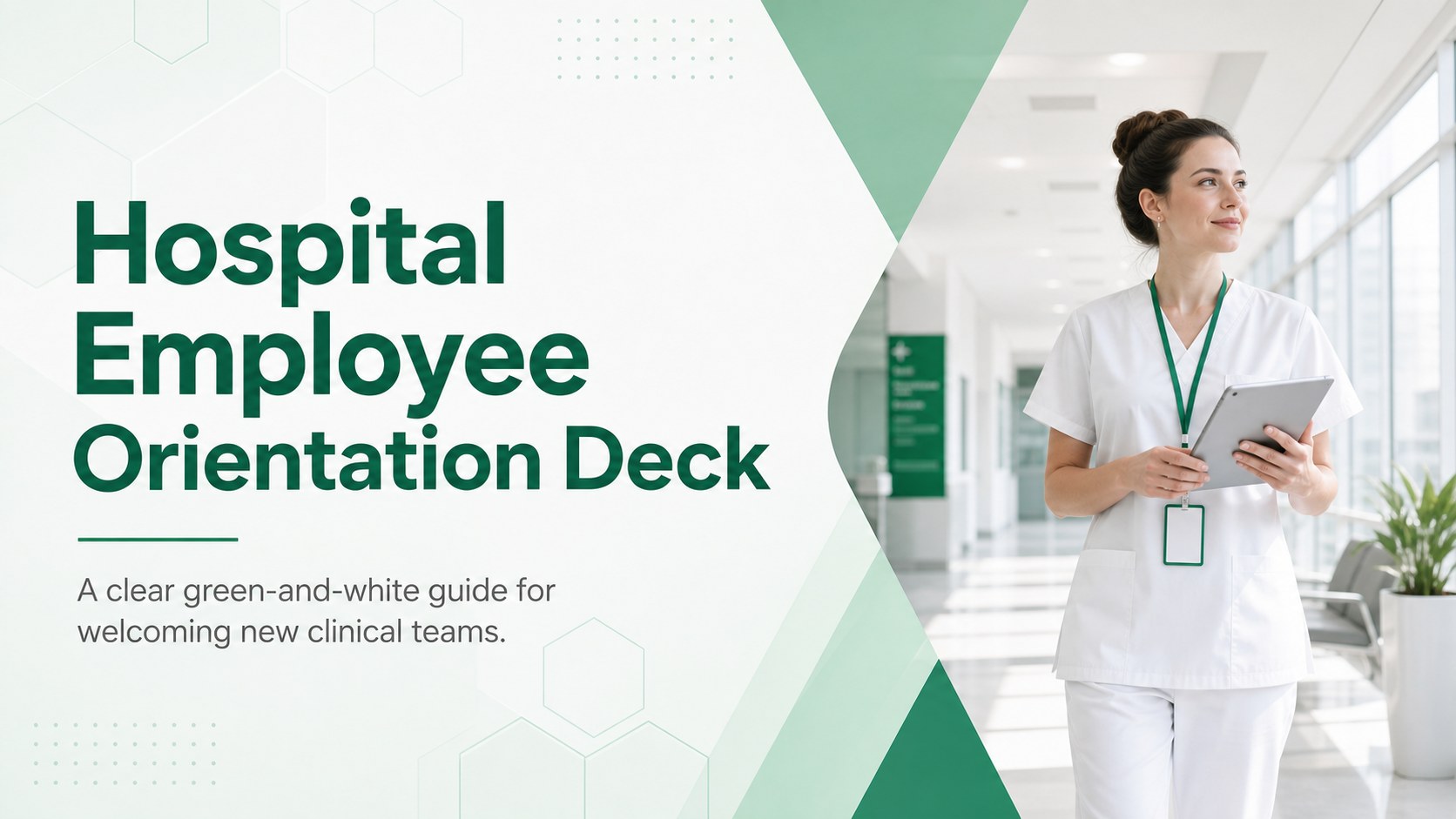
Build a clear hospital employee orientation deck for welcoming clinical teams, explaining procedures, and organizing first-day training in PowerPoint or…



Design notes
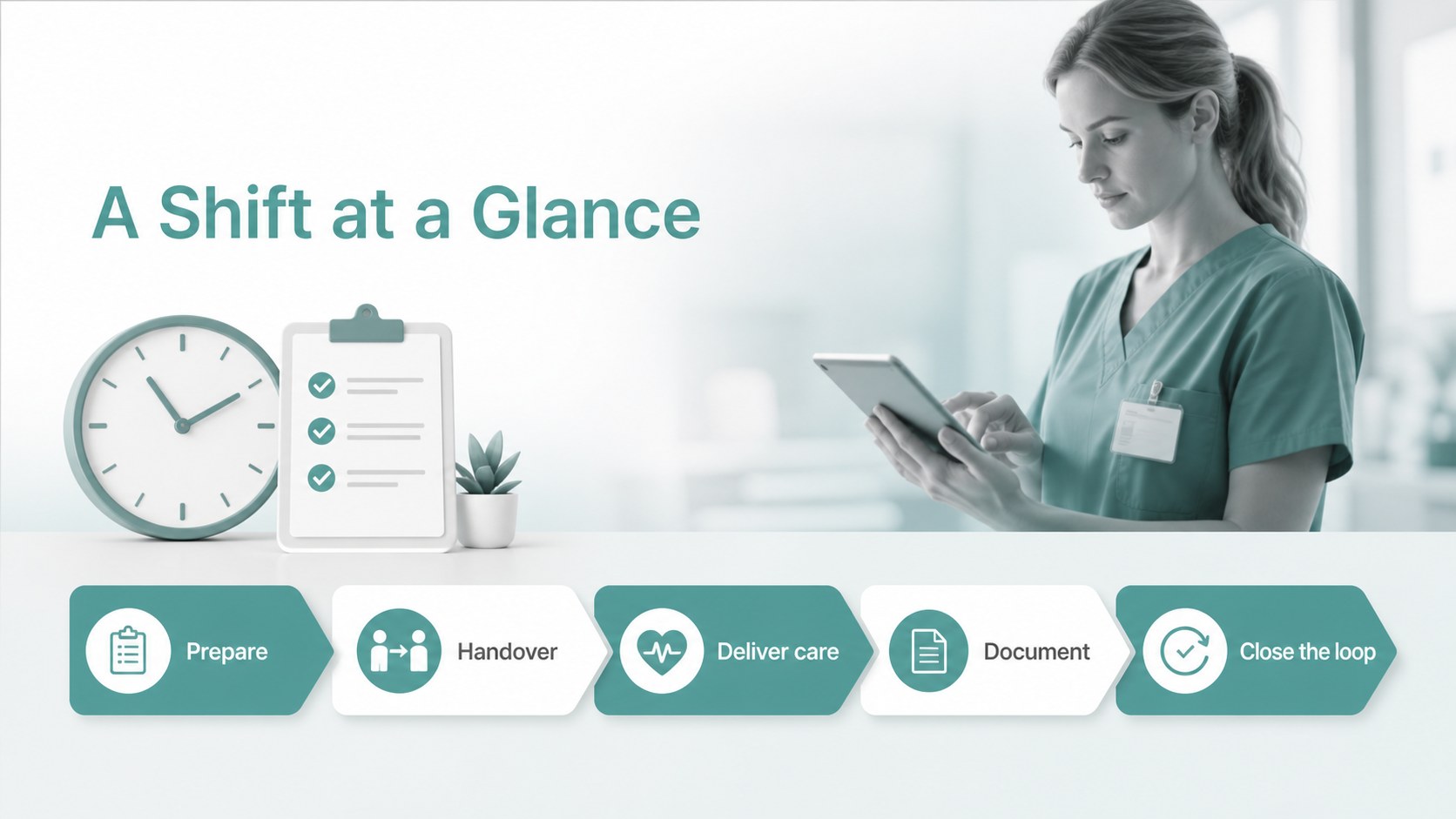
Create a polished hospital employee orientation deck for welcoming new clinical and administrative team members. The clean green-and-white visual system keeps important information easy to scan while maintaining a calm, professional tone suited to healthcare environments. Use the layout to establish trust from the first day and help new hires understand how their role connects to patient care.
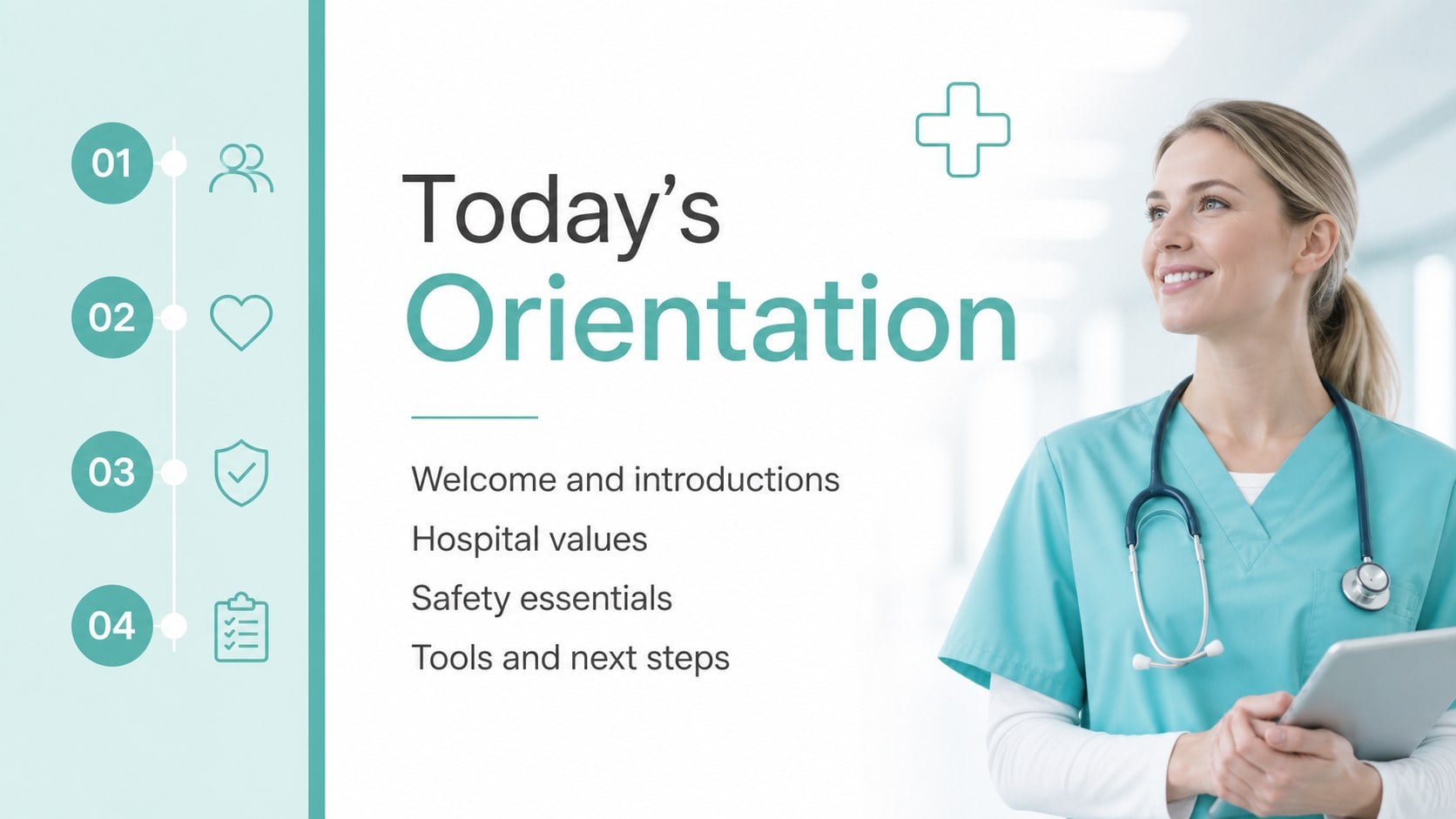
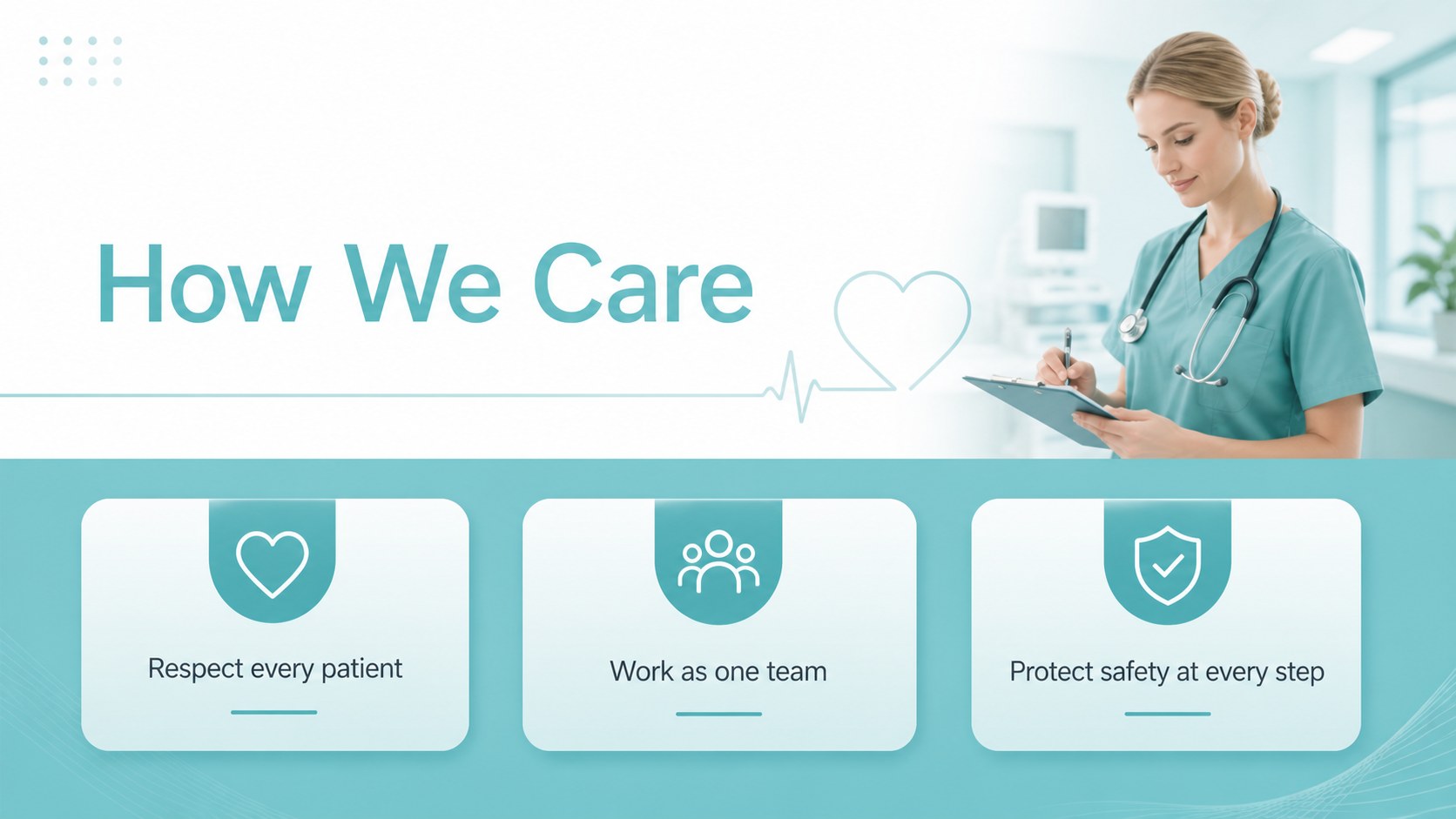
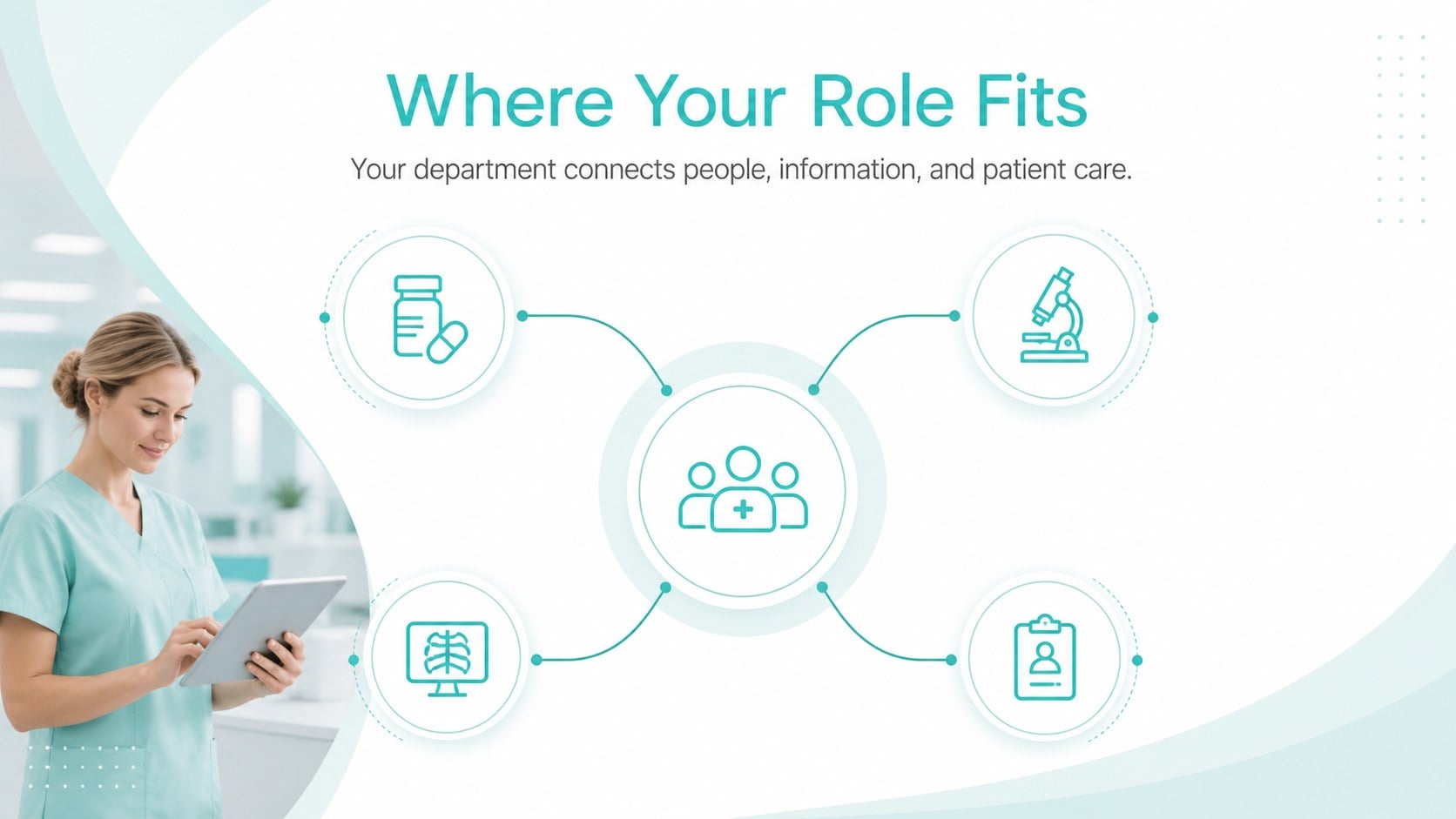
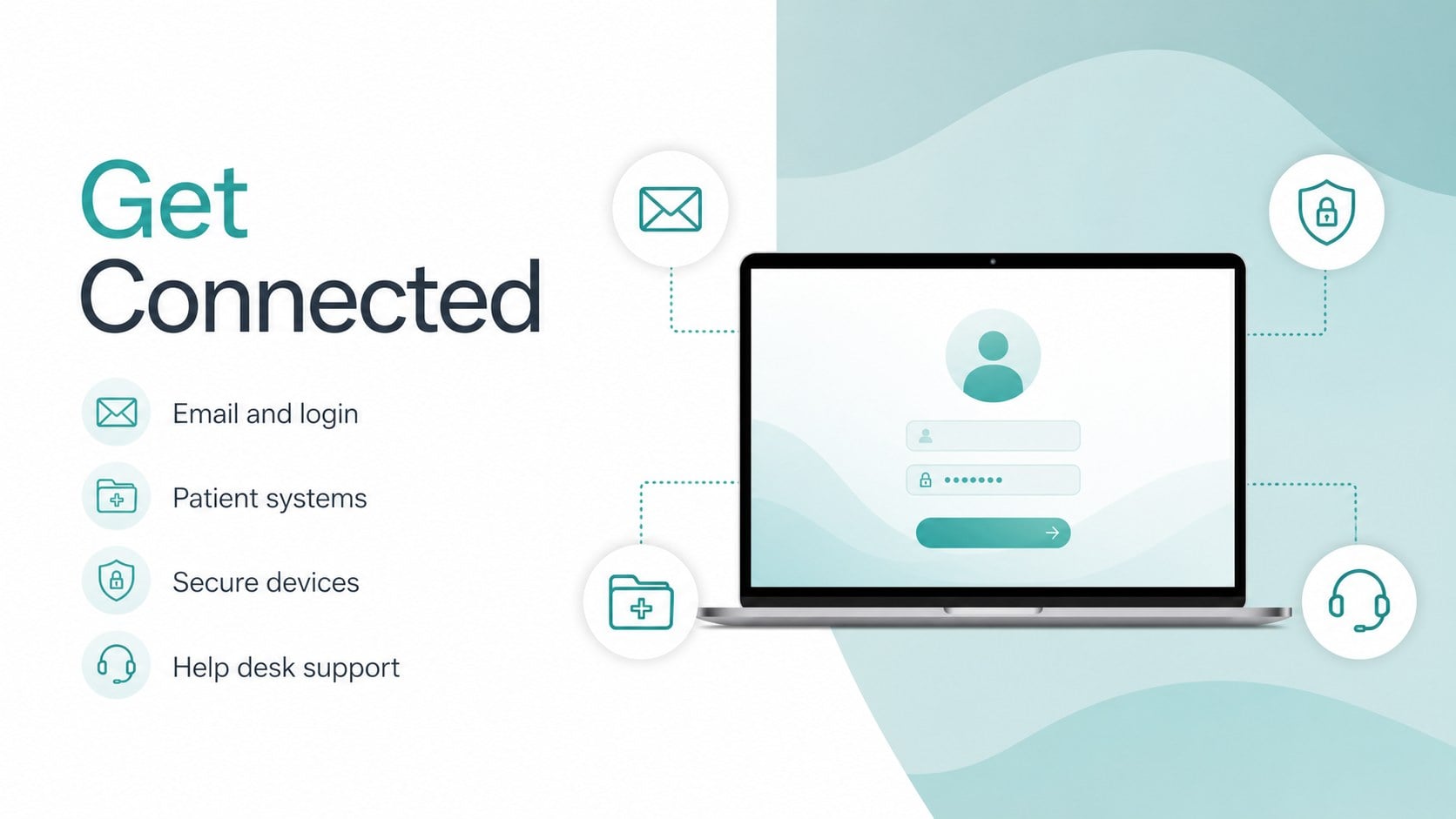
Inside, you’ll find 15 customizable 16:9 slides for an opening welcome, orientation agenda, hospital values, team introductions, department overview, daily workflow, safety procedures, communication standards, technology access, training milestones, and a first-week checklist. Charts, icons, timelines, text blocks, and image placeholders make it simple to adapt the deck to different departments and onboarding schedules.
This hospital employee orientation deck is designed for hospital administrators, HR teams, nurse educators, department managers, and clinical operations leaders. Edit the presentation in PowerPoint or Google Slides, update the colors and typography, and add local policies or contact details before sharing it during live training or remote orientation sessions.
Perfect for: new nurse orientation; hospital HR induction; clinical department welcome; healthcare safety training; first-week employee briefing.
Frequently asked questions
Can I edit this hospital employee orientation deck in PowerPoint? Yes. The slides are designed for PowerPoint and can be edited with standard text, shape, image, and color controls. Replace sample content with your hospital’s policies, contacts, and department details.
Practical details
Yes. The slides are designed for PowerPoint and can be edited with standard text, shape, image, and color controls. Replace sample content with your hospital’s policies, contacts, and department details.
Yes, it is suitable for Google Slides as well as PowerPoint. Upload or open the presentation in Google Slides, then revise the layouts, text, images, and speaker notes for your orientation session.
Add local emergency procedures, access instructions, department contacts, required training dates, and organization-specific policies. Review every safety and compliance statement with the appropriate hospital leadership before distribution.
Yes. The structure can support administrative, facilities, laboratory, or support-services orientation. Swap clinical workflow examples for role-specific responsibilities while keeping the same visual system.
Keep exploring
15Promote classes with a yoga workshop marketing presentation featuring playful beige, pink, and purple illustrations for PowerPoint and Google Slides.
 15
15Build a clear breast cancer awareness bulletin with bold pink-and-red slides for campaign news, screening reminders, impact data, and community updates.
 15
15Build a clear World Cancer Day message with this global cancer awareness campaign deck, featuring editable blue-green layouts for PowerPoint and Google Slides.
 4
4Document wound findings, treatment decisions, and healing progress with clinical wound evaluation slides for nurses in PowerPoint and Google Slides.
 14
14Plan a clear donor campaign with this blood donation awareness presentation, featuring editable beige-and-red visuals for PowerPoint and Google Slides.
 15
15Build a Kidney Health Awareness Campaign Deck with blue illustrated slides for prevention tips, risk education, screening events, and outreach.
 15
15Build an actionable training session with this fitness program workshop deck, using energetic yellow geometry and editable PowerPoint and Google Slides layouts.
 15
15Equip health teams with this malaria prevention education deck for workshops, community outreach, and policy briefings in PowerPoint or Google Slides.