
 14
14presentation
2036 Dragon Year Celebration Theme
Plan a memorable Lunar New Year campaign with the 2036 Dragon Year Celebration Theme, featuring bold red-and-yellow slides for lessons and events.
Google SlidesPowerPoint
presentation · English
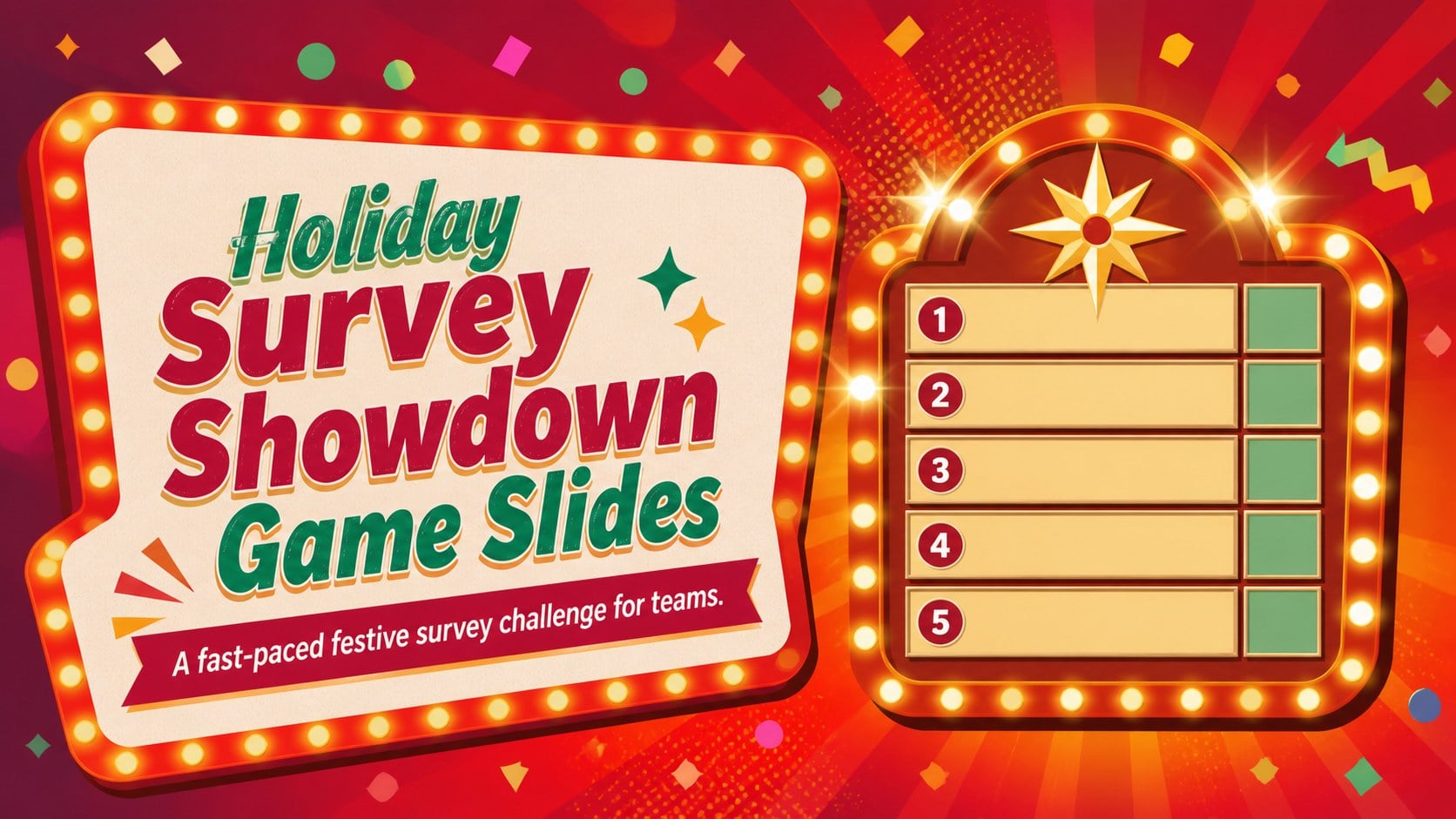
Run a lively Christmas party quiz with Holiday Survey Showdown Game Slides, featuring editable red gradient rounds for PowerPoint and Google Slides.
Design notes
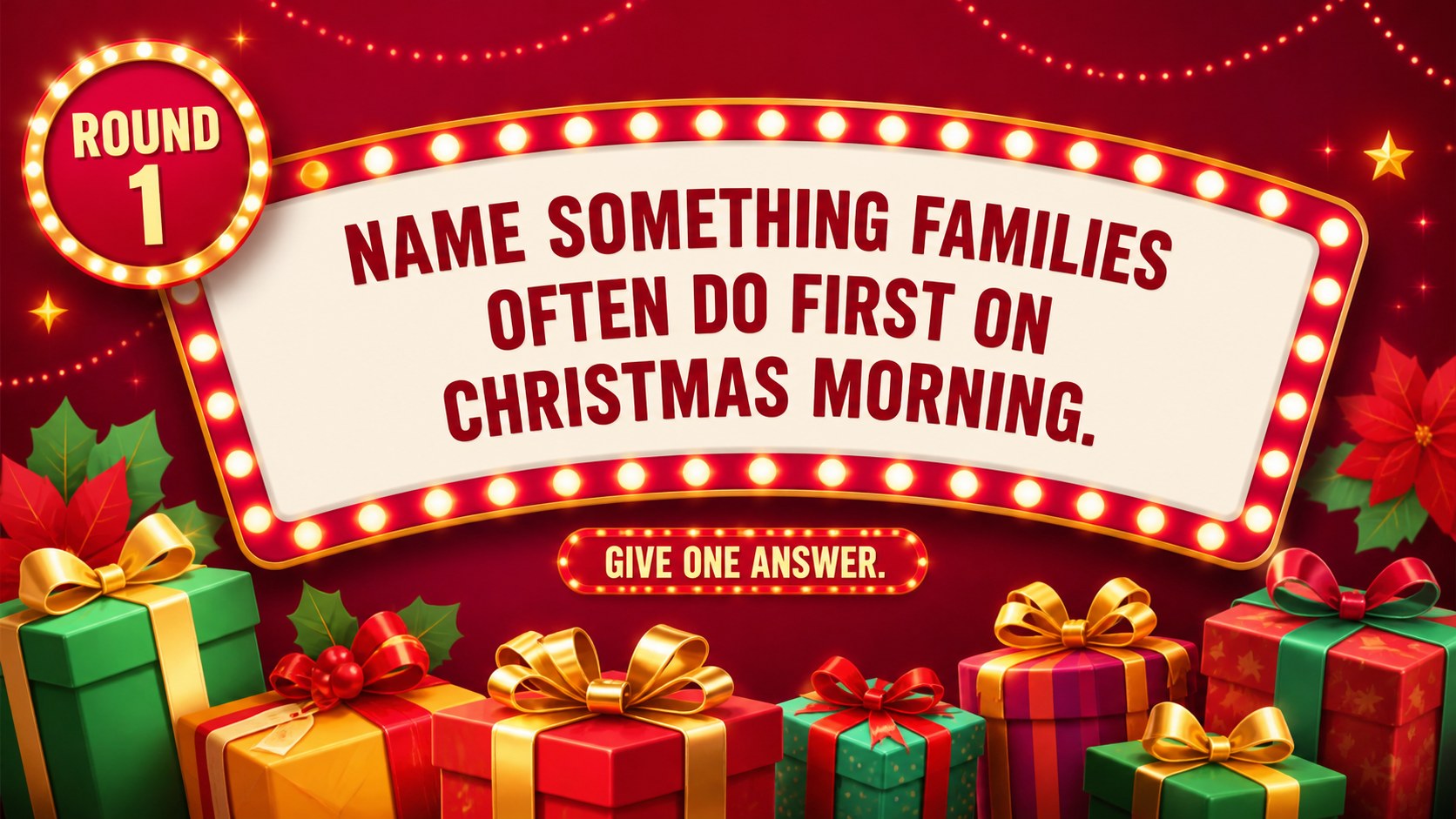
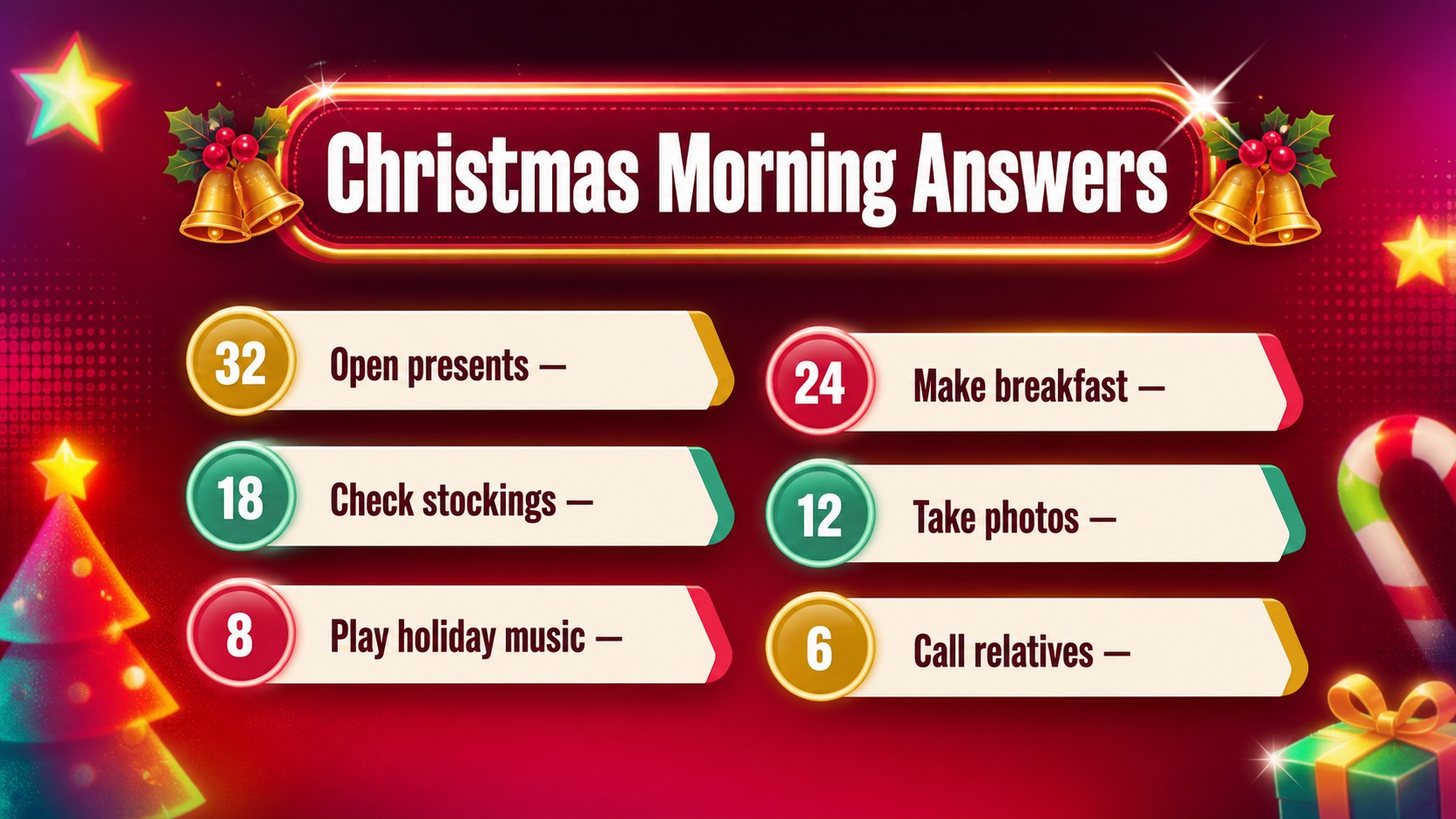
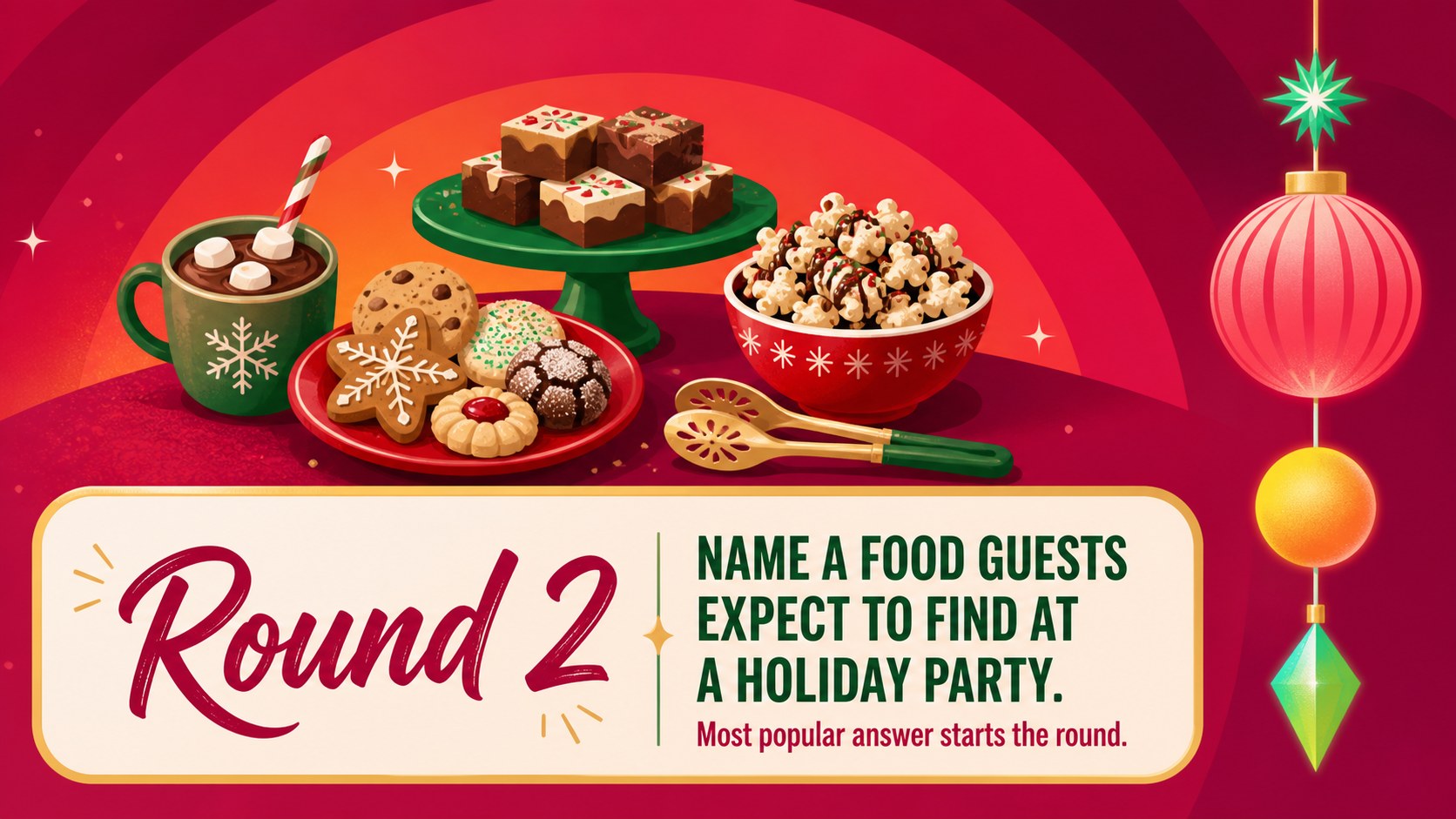
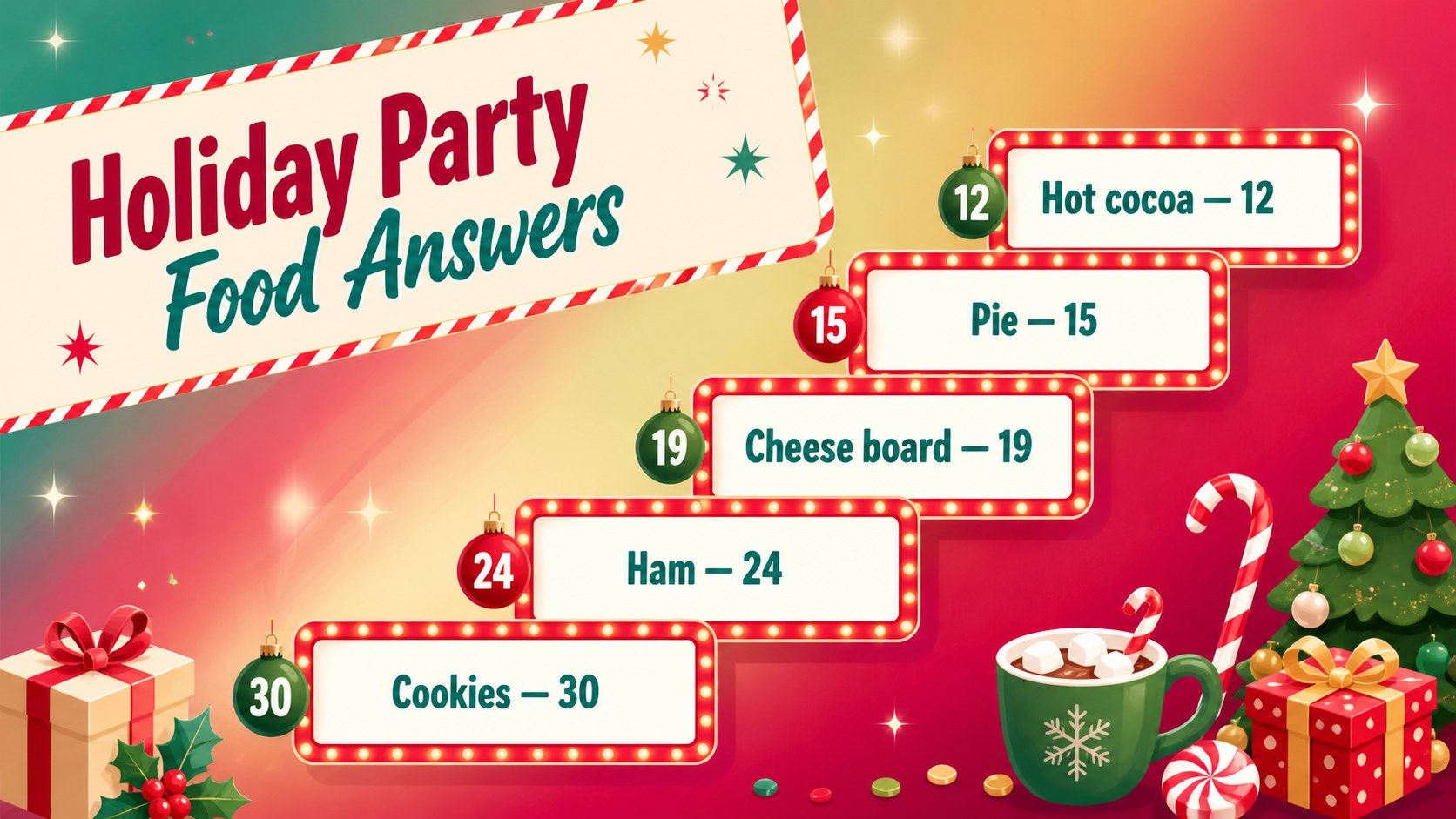
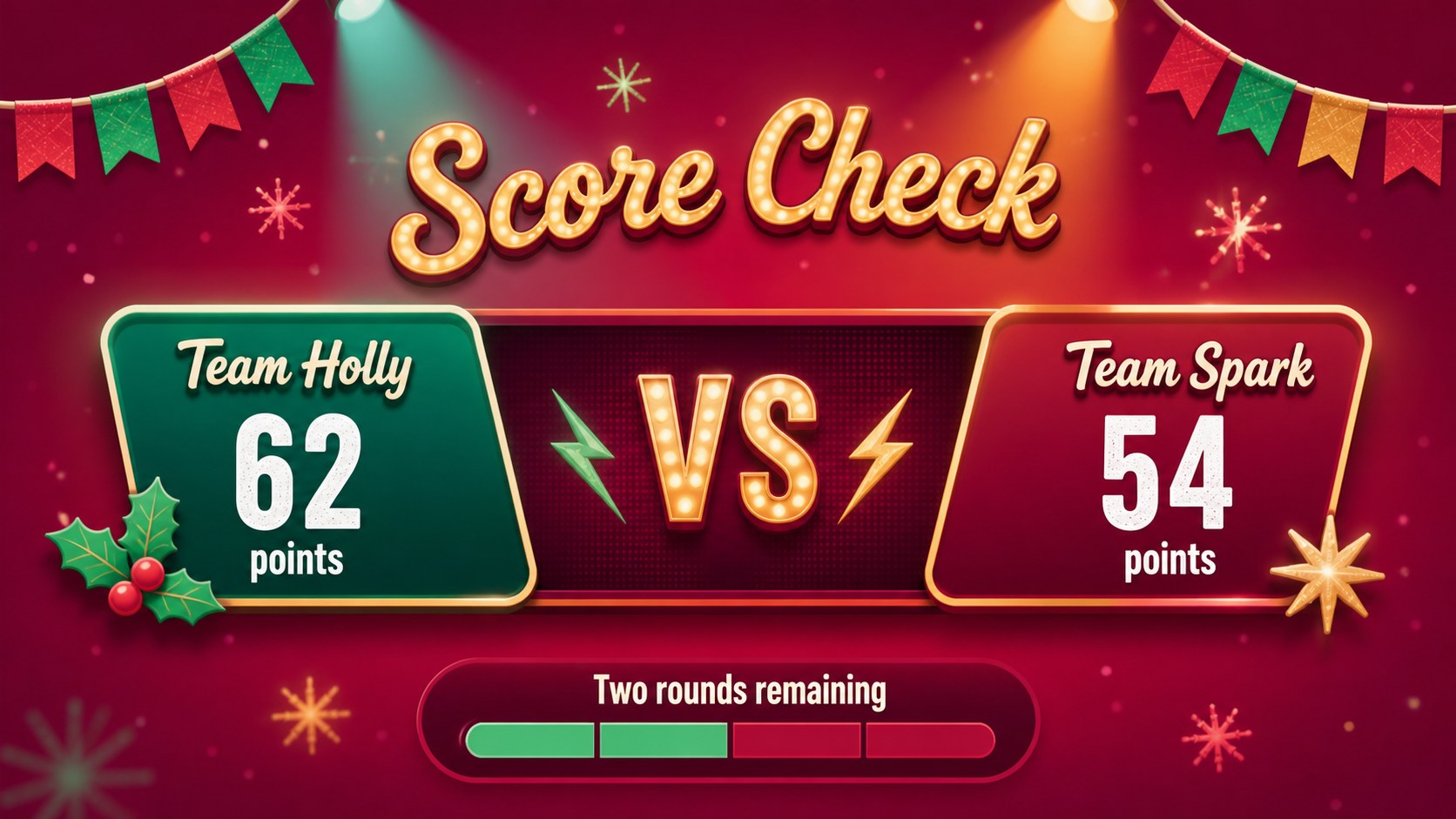
Holiday Survey Showdown Game Slides give hosts a ready-made format for turning popular Christmas opinions into a lively team competition. The vivid red and multicolored gradient design creates the energy of a festive game show while keeping questions, answers, and scores easy to follow. Customize the deck in PowerPoint or Google Slides, divide guests into teams, and reveal the most popular responses one at a time.
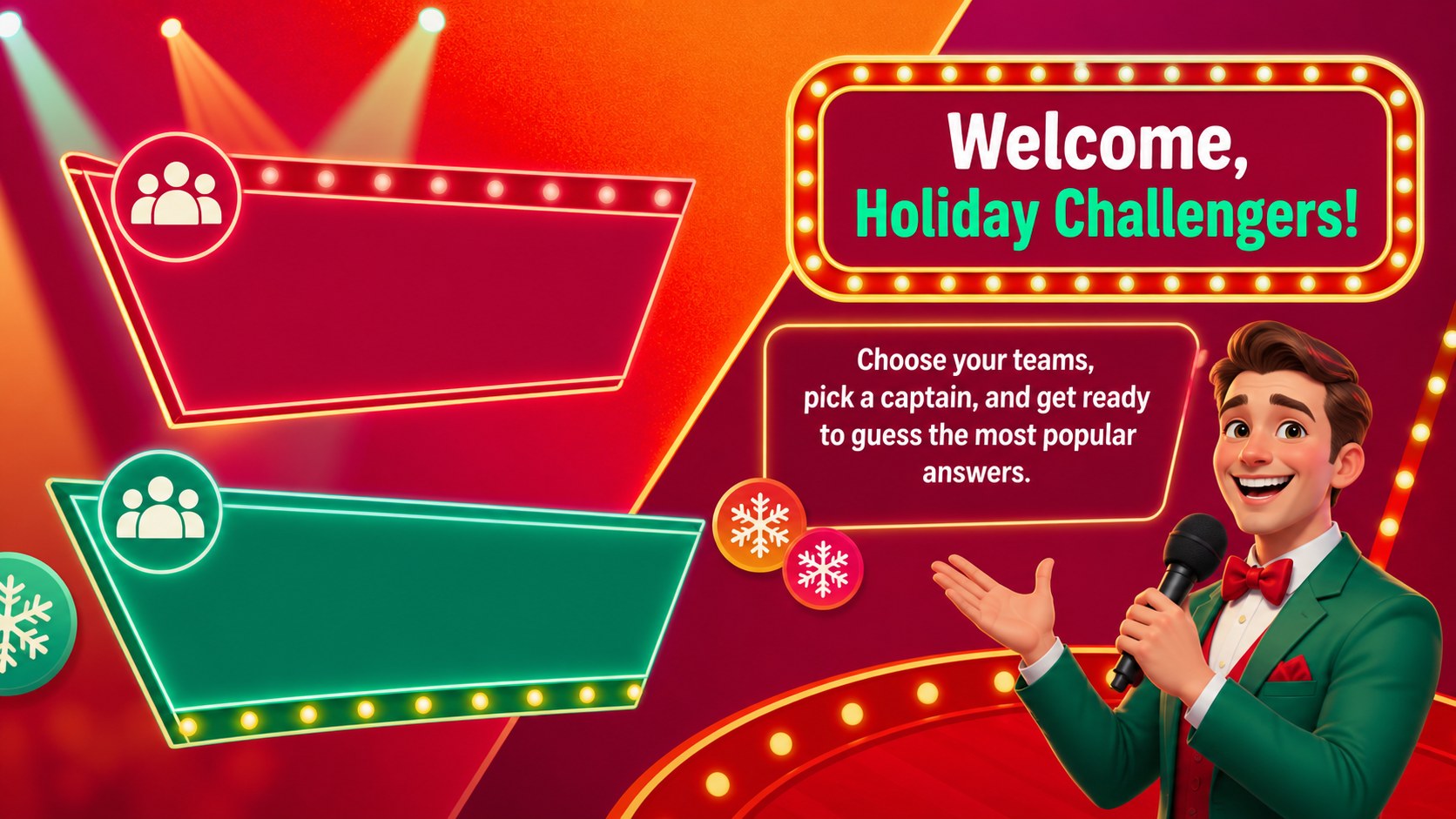
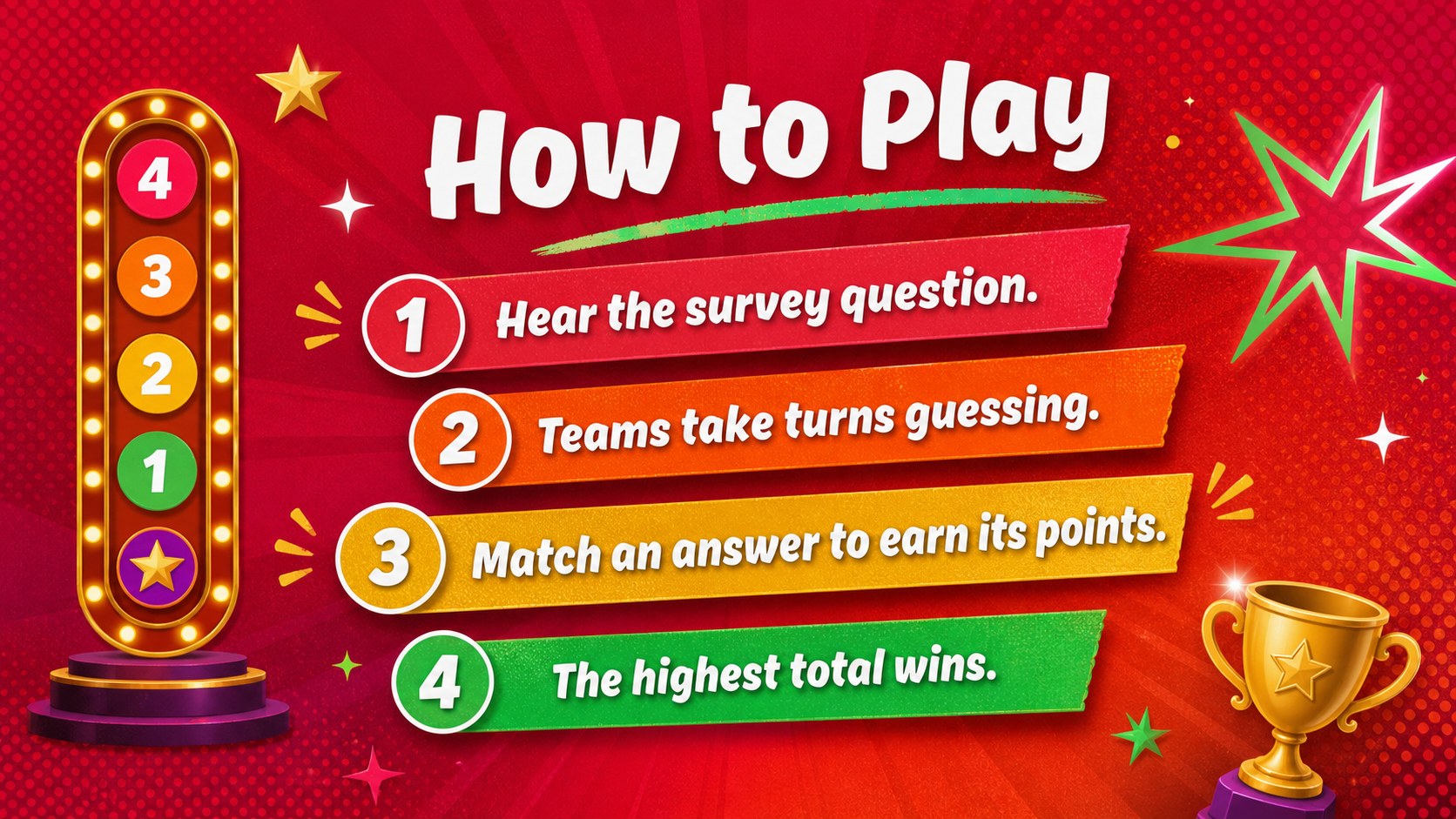
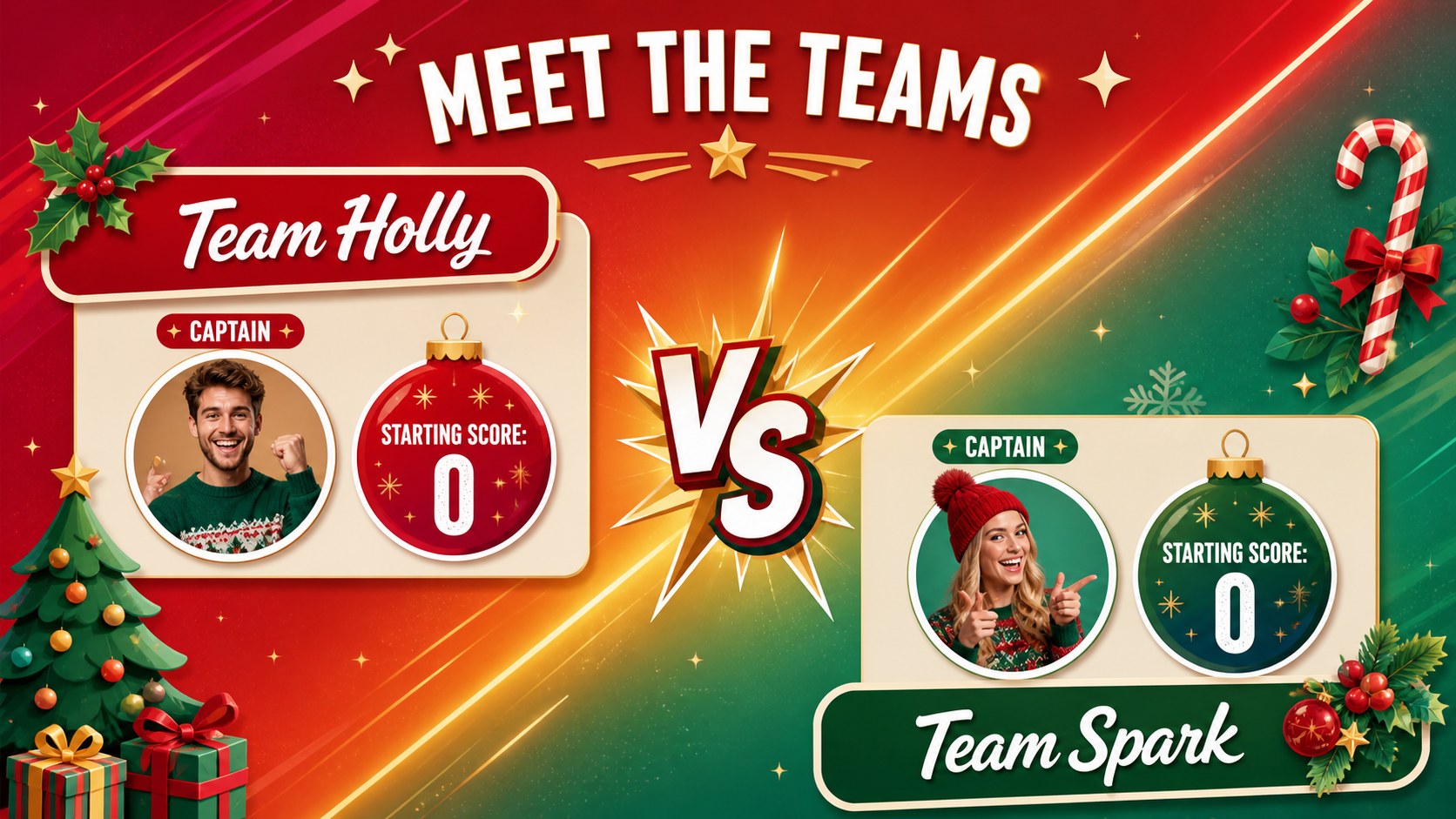
This Christmas survey quiz presentation includes a welcoming cover, team setup, rules, several question rounds, answer boards, score updates, a tiebreaker, a final challenge, and a winner announcement. Clear placeholders make it simple to replace prompts, adjust point values, change team names, or add your own holiday traditions. The 16:9 layouts also support transitions and animations for hosts who want more suspense between each reveal.
Use these interactive holiday party slides for a family gathering, classroom celebration, office social, community event, or virtual Christmas game night. The playful gradients, bright accents, retro-inspired shapes, and bold display type suit audiences of different ages without feeling overly formal. Whether you need a Christmas game show PowerPoint template or an editable holiday quiz for Google Slides, this deck provides a coherent visual system for welcoming players, managing rounds, and celebrating the winning team.
Perfect for: family Christmas game night; office holiday party; classroom winter celebration; community festive gathering; virtual team social.
Frequently asked questions
Can I edit the questions and survey answers? Yes. Replace every prompt, response, point value, and team name in PowerPoint or Google Slides to match your guests and event.
Practical details
Yes. Replace every prompt, response, point value, and team name in PowerPoint or Google Slides to match your guests and event.
Present the slides in sequence or apply simple entrance animations to the answer fields. Test the reveal order before the event so responses and point values appear at the right moment.
The template is designed for Microsoft PowerPoint and Google Slides. Some fonts, transitions, or effects may render slightly differently between platforms, so review the deck after importing it.
Yes. Update background fills, accent colors, text styles, and decorative shapes while preserving sufficient contrast for projected screens.
Keep exploring
14Plan a memorable Lunar New Year campaign with the 2036 Dragon Year Celebration Theme, featuring bold red-and-yellow slides for lessons and events.
 15
15Build playful lessons and party stories with a kid-friendly zombie celebration theme in purple, green and pastel blue for PowerPoint and Google Slides.
 15
15Build eerie lessons, campaigns, and story pitches with an undead survival scenario theme featuring editable slides for PowerPoint and Google Slides.
 3
3Share festive messages with a Lunar Horse New Year Wishes Theme, featuring bold red-and-yellow layouts for PowerPoint and Google Slides celebrations.
 15
15Bring zodiac traditions to life with a Lunar Snake Festival Presentation featuring 15 cheerful red illustrated slides for PowerPoint and Google Slides.
 6
6Honor teams and individuals with an Orange Year-End Recognition Certificate Set featuring six editable designs for PowerPoint and Google Slides.
 14
14Honor the people behind the headlines with a World Sports Press Appreciation Deck for PowerPoint and Google Slides, styled in crisp, modern green.
 15
15Teach, inspire, and celebrate with our Plant-Powered Vegetarian Day Lesson Deck, featuring cheerful editable visuals for PowerPoint and Google Slides.