
 14
14presentation
2036 Dragon Year Celebration Theme
Plan a memorable Lunar New Year campaign with the 2036 Dragon Year Celebration Theme, featuring bold red-and-yellow slides for lessons and events.
Google SlidesPowerPoint
presentation · English
Plan seasonal shopping with holiday present planning slides for PowerPoint and Google Slides, featuring a clean red-and-green layout for every recipient.

Design notes
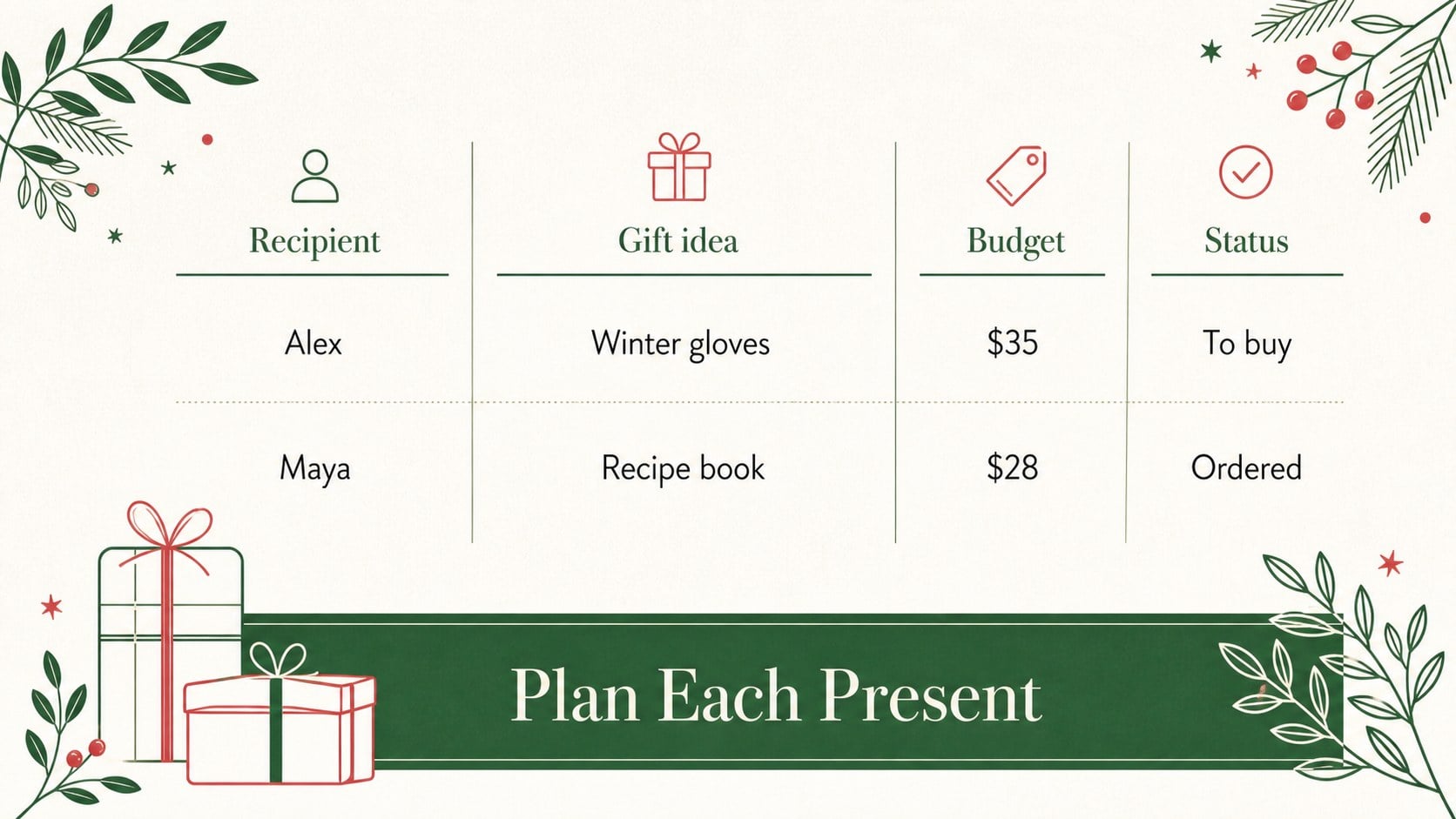
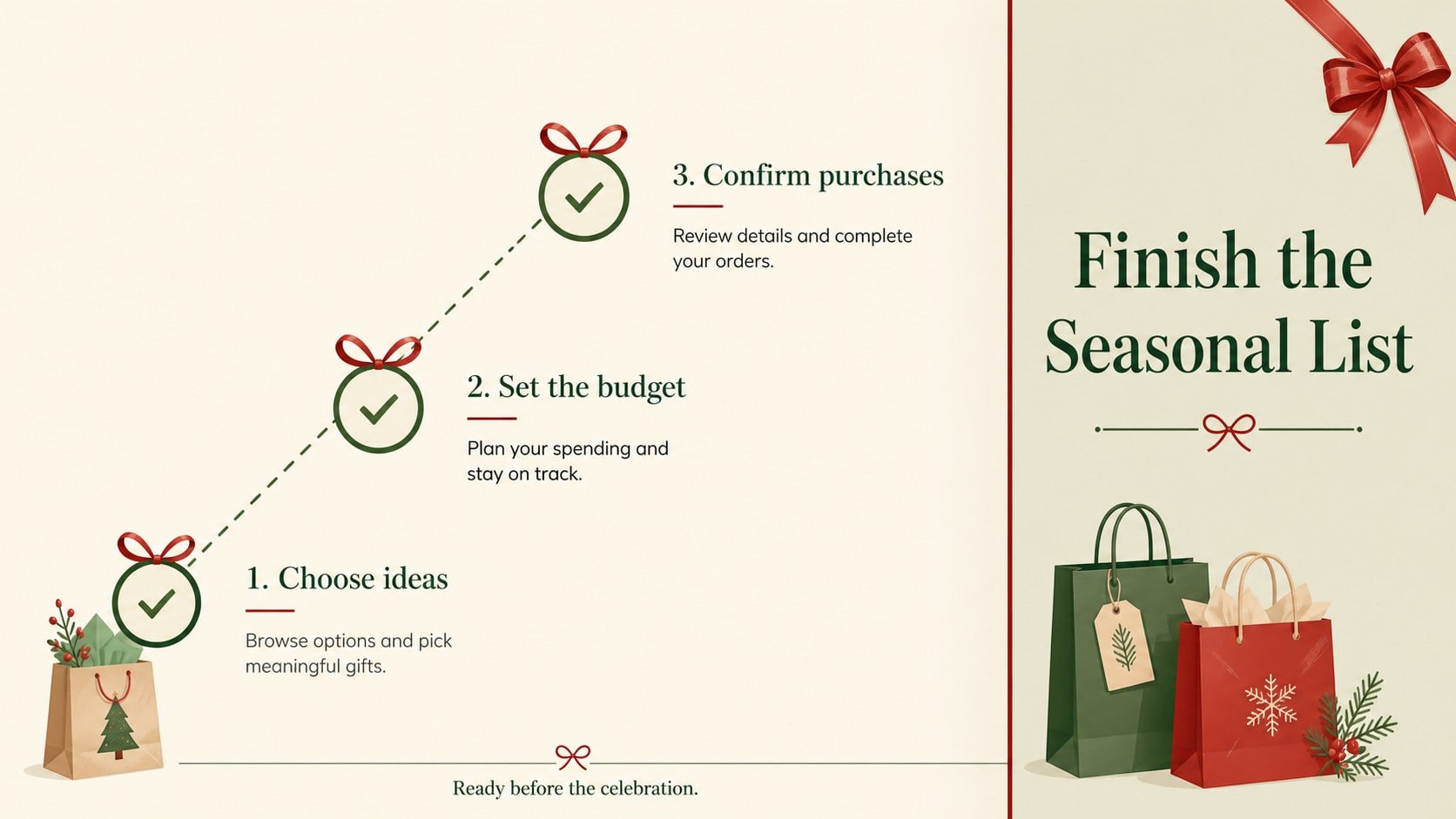
Holiday present planning slides make it easier to organize seasonal shopping before the busiest weeks arrive. Use the clean red-and-green design to group gift ideas by recipient, track spending, and keep important purchase notes visible in one polished presentation. The minimalist layout works well for personal planning, family coordination, classroom activities, and retail promotions.
Inside, you’ll find three editable 16:9 slides with a portrait-inspired visual style adapted for presentations. The opening slide introduces the planner with a festive headline, while the following layouts can organize recipients, gift suggestions, budgets, store details, and shopping priorities. Red accents, green supporting tones, and Playfair Display typography create a warm holiday mood without overwhelming the information.
This seasonal shopping organizer is designed for anyone who wants a more structured way to prepare for celebrations. Families can divide responsibilities, individuals can compare ideas and costs, and small businesses can adapt the layout into a holiday gift recommendation deck. Edit text, colors, shapes, and images in PowerPoint or Google Slides, then export the finished file for printing, sharing, or presenting. The deck also works as a holiday shopping checklist presentation for team gift exchanges and community events.
Perfect for: family holiday shopping plan; office gift exchange organizer; personal seasonal budget review; retail gift recommendation deck; community charity gift drive.
Frequently asked questions
Can I edit these holiday planning slides in PowerPoint? Yes. The layouts are designed for PowerPoint editing, including text, colors, shapes, and image areas. You can also export the completed deck as a PDF for printing or sharing.
Practical details
Yes. The layouts are designed for PowerPoint editing, including text, colors, shapes, and image areas. You can also export the completed deck as a PDF for printing or sharing.
Yes, you can open and customize the presentation in Google Slides. Replace the sample wording with recipient names, gift ideas, prices, and store information.
The layouts can be adapted for office, family, or community gift exchanges. Add participant names, spending limits, deadlines, and assigned gift details to create a shared organizer.
Yes. Adjust the theme colors to match your event, brand, or preferred holiday style. The minimalist structure remains readable when you use a restrained set of coordinated colors.
Keep exploring
14Plan a memorable Lunar New Year campaign with the 2036 Dragon Year Celebration Theme, featuring bold red-and-yellow slides for lessons and events.
 15
15Build playful lessons and party stories with a kid-friendly zombie celebration theme in purple, green and pastel blue for PowerPoint and Google Slides.
 15
15Build eerie lessons, campaigns, and story pitches with an undead survival scenario theme featuring editable slides for PowerPoint and Google Slides.
 3
3Share festive messages with a Lunar Horse New Year Wishes Theme, featuring bold red-and-yellow layouts for PowerPoint and Google Slides celebrations.
 15
15Bring zodiac traditions to life with a Lunar Snake Festival Presentation featuring 15 cheerful red illustrated slides for PowerPoint and Google Slides.
 6
6Honor teams and individuals with an Orange Year-End Recognition Certificate Set featuring six editable designs for PowerPoint and Google Slides.
 14
14Honor the people behind the headlines with a World Sports Press Appreciation Deck for PowerPoint and Google Slides, styled in crisp, modern green.
 15
15Teach, inspire, and celebrate with our Plant-Powered Vegetarian Day Lesson Deck, featuring cheerful editable visuals for PowerPoint and Google Slides.