
 14
14presentation
2036 Dragon Year Celebration Theme
Plan a memorable Lunar New Year campaign with the 2036 Dragon Year Celebration Theme, featuring bold red-and-yellow slides for lessons and events.
Google SlidesPowerPoint
document · English
Make seasonal swaps easier with a Holiday Gift Exchange Wishlist planner for PowerPoint and Google Slides, featuring budgets, favorites, and no-go gifts.

Design notes
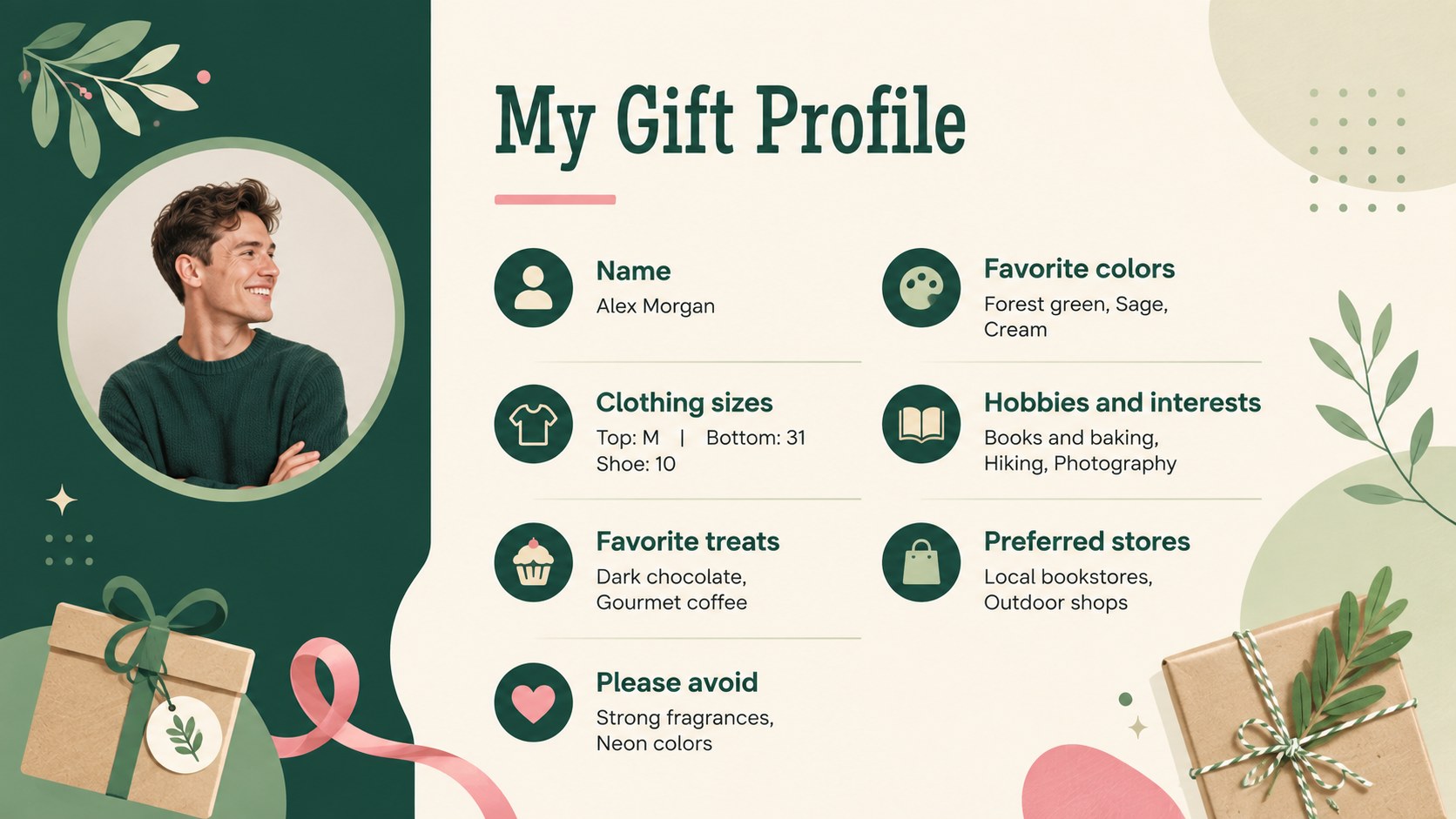
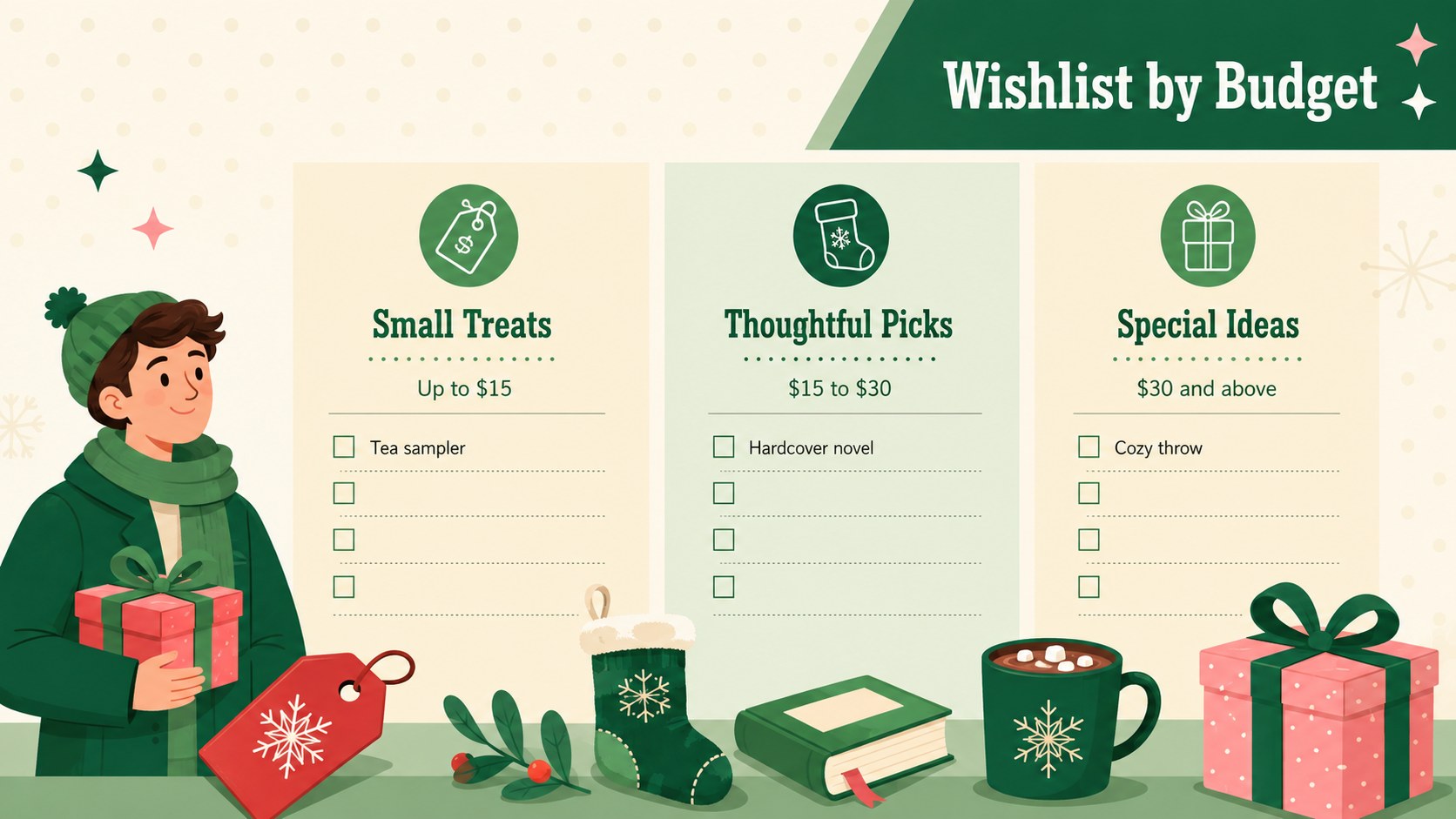
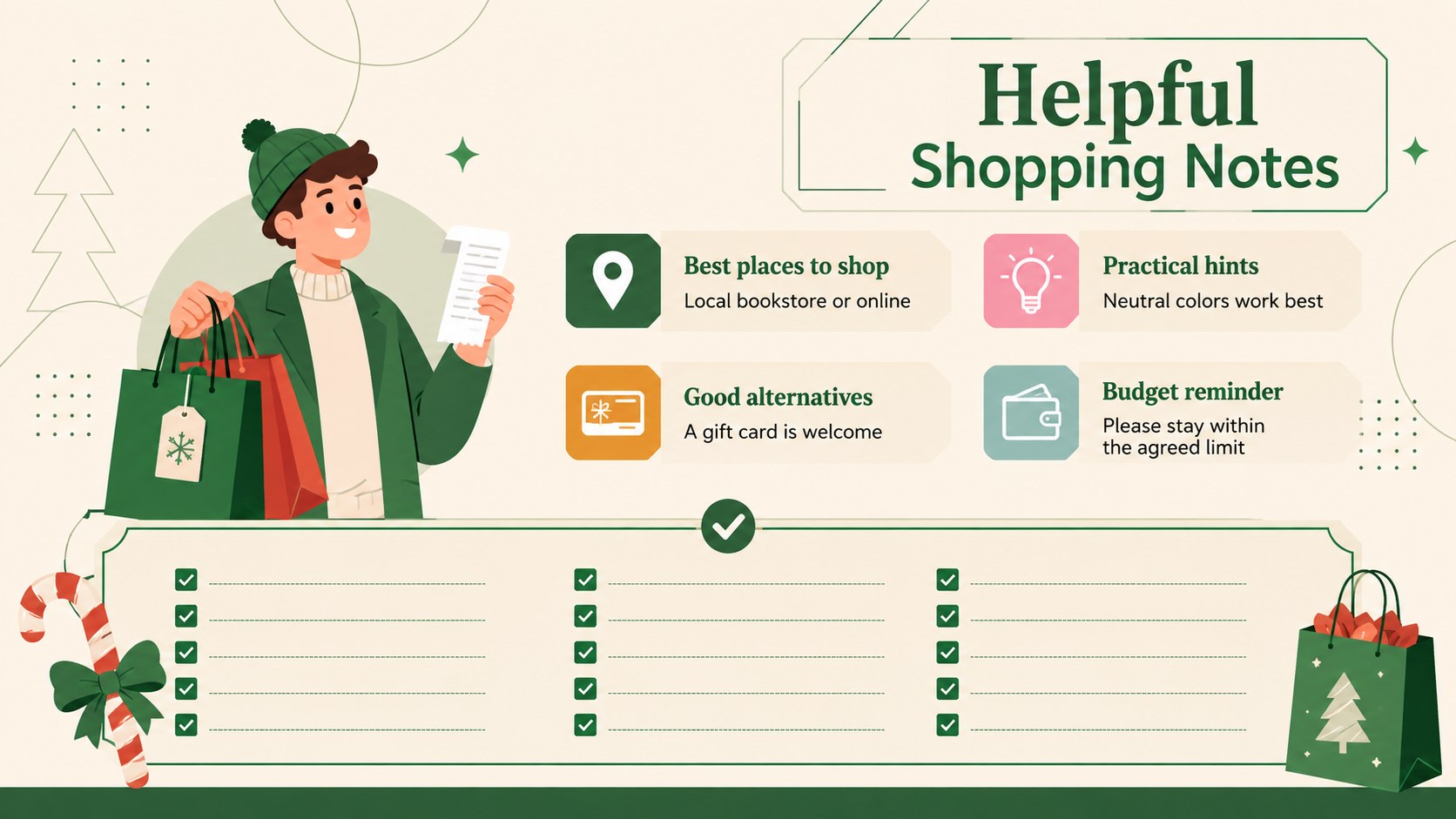
Bring clarity to seasonal shopping with this Holiday Gift Exchange Wishlist planner for PowerPoint and Google Slides. Its calming green and beige palette, playful geometric accents, and easy-to-scan layouts help participants share useful gift preferences without spoiling the surprise.
The deck includes a welcoming cover, a personal favorites profile, a structured wishlist with price ranges, and a practical shopping notes page. Participants can add clothing sizes, hobbies, favorite colors, preferred stores, treats, useful items, and gifts they would rather avoid. Dedicated budget sections make it easy to organize affordable ideas alongside special picks, creating a flexible holiday wishlist with price ranges for any group.
Use it as an office Secret Santa gift planner, a family Christmas gift exchange template, or a classroom holiday swap worksheet. Hosts can duplicate the slides for each participant, adjust the spending tiers, replace sample text, and personalize the colors or typefaces. The layouts are fully editable in PowerPoint and Google Slides, making it simple to complete digitally, present during an exchange, or export as a printable PDF.
Perfect for: office Secret Santa exchange; family Christmas gift swap; classroom holiday exchange; club seasonal party; friends gift exchange.
Frequently asked questions
Can I edit the wishlist categories and spending limits? Yes. Every heading, prompt, price tier, and example can be changed to match your exchange rules and participants.
Practical details
Yes. Every heading, prompt, price tier, and example can be changed to match your exchange rules and participants.
The planner is designed for Microsoft PowerPoint and Google Slides. You can also export the completed slides as a PDF for printing or sharing.
Yes. Duplicate the profile and wishlist slides, then personalize each copy with the participant's preferences, sizes, and gift ideas.
Replace the sample fonts, colors, icons, and geometric decorations using standard editing tools. The green and beige palette can be retained or adjusted for your event.
Keep exploring
14Plan a memorable Lunar New Year campaign with the 2036 Dragon Year Celebration Theme, featuring bold red-and-yellow slides for lessons and events.
 15
15Build playful lessons and party stories with a kid-friendly zombie celebration theme in purple, green and pastel blue for PowerPoint and Google Slides.
 15
15Build eerie lessons, campaigns, and story pitches with an undead survival scenario theme featuring editable slides for PowerPoint and Google Slides.
 3
3Share festive messages with a Lunar Horse New Year Wishes Theme, featuring bold red-and-yellow layouts for PowerPoint and Google Slides celebrations.
 15
15Bring zodiac traditions to life with a Lunar Snake Festival Presentation featuring 15 cheerful red illustrated slides for PowerPoint and Google Slides.
 6
6Honor teams and individuals with an Orange Year-End Recognition Certificate Set featuring six editable designs for PowerPoint and Google Slides.
 14
14Honor the people behind the headlines with a World Sports Press Appreciation Deck for PowerPoint and Google Slides, styled in crisp, modern green.
 15
15Teach, inspire, and celebrate with our Plant-Powered Vegetarian Day Lesson Deck, featuring cheerful editable visuals for PowerPoint and Google Slides.