
 14
14presentation
2036 Dragon Year Celebration Theme
Plan a memorable Lunar New Year campaign with the 2036 Dragon Year Celebration Theme, featuring bold red-and-yellow slides for lessons and events.
Google SlidesPowerPoint
presentation · English
Build a lively holiday family survey game for parties, classrooms, or office events with editable red, green, and brown slides for PowerPoint and Google…
Design notes
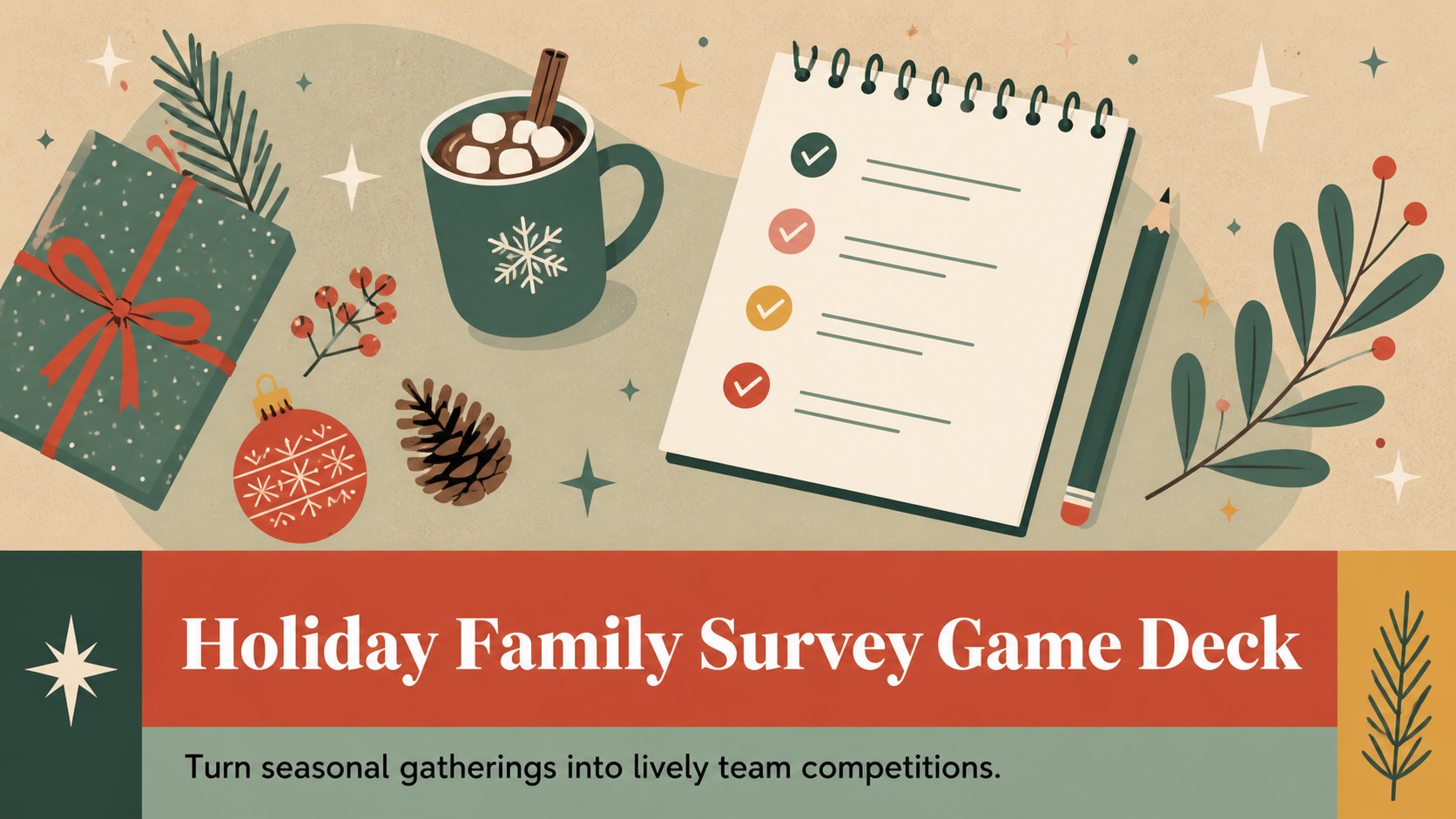
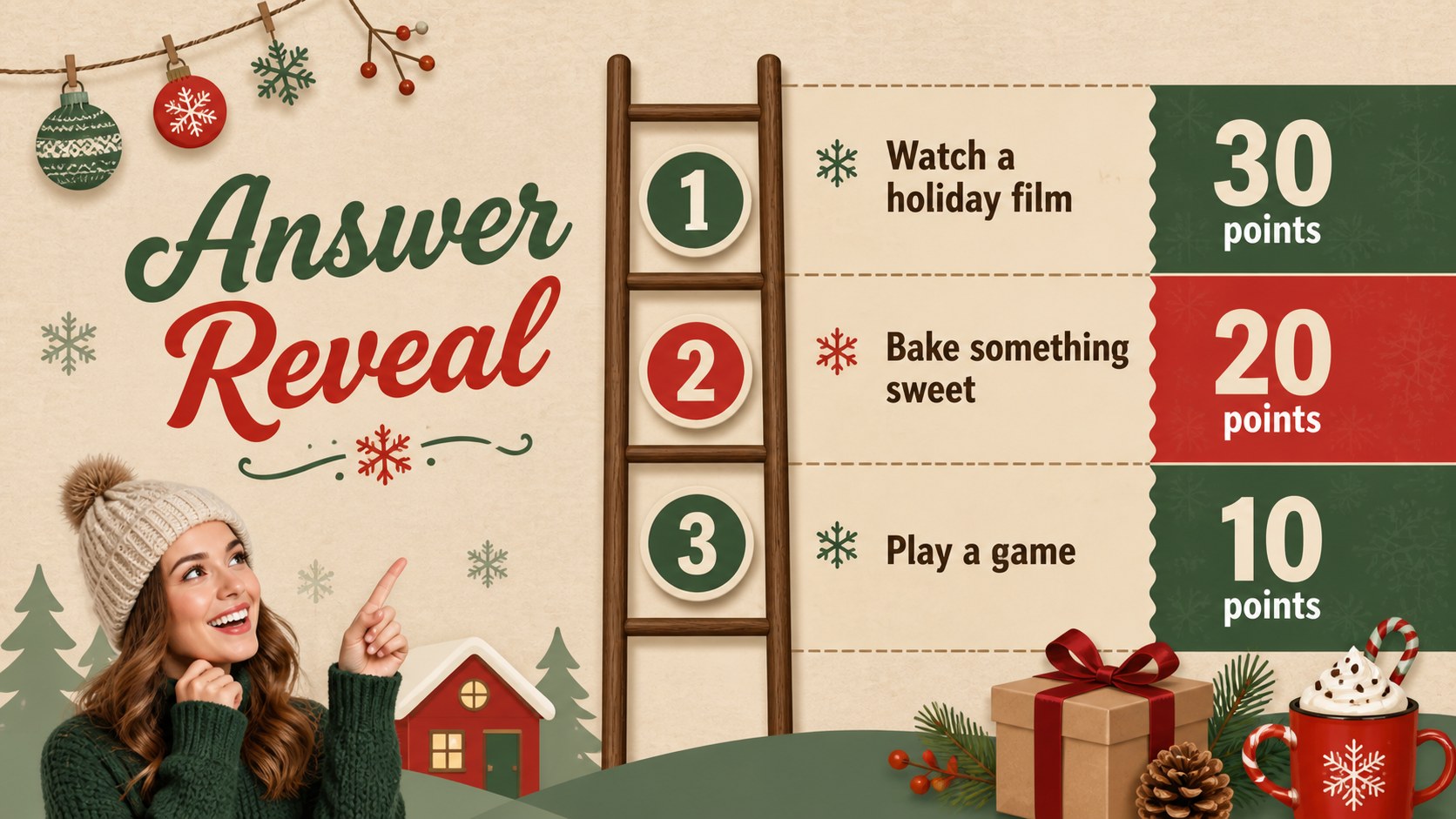
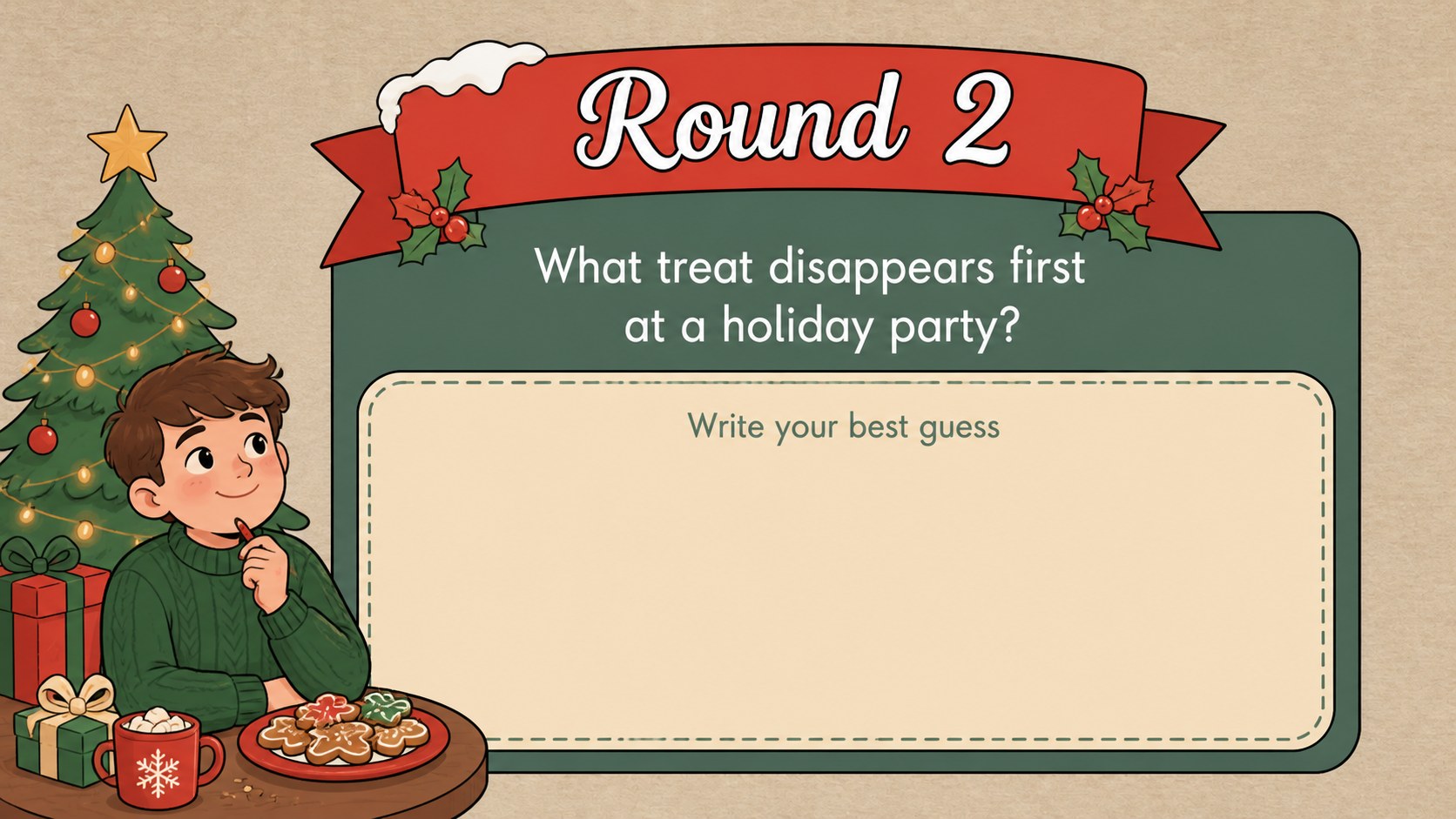
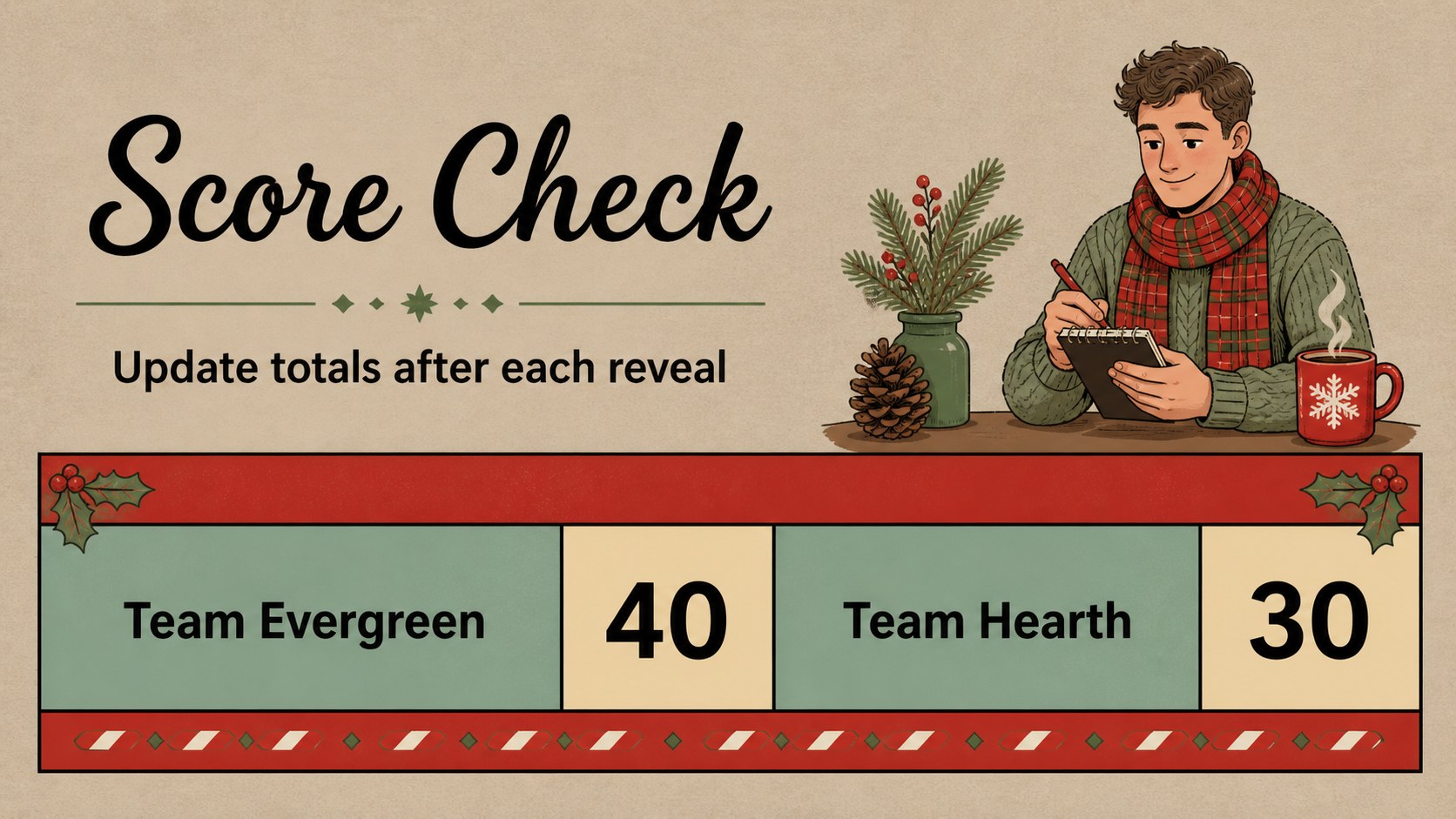
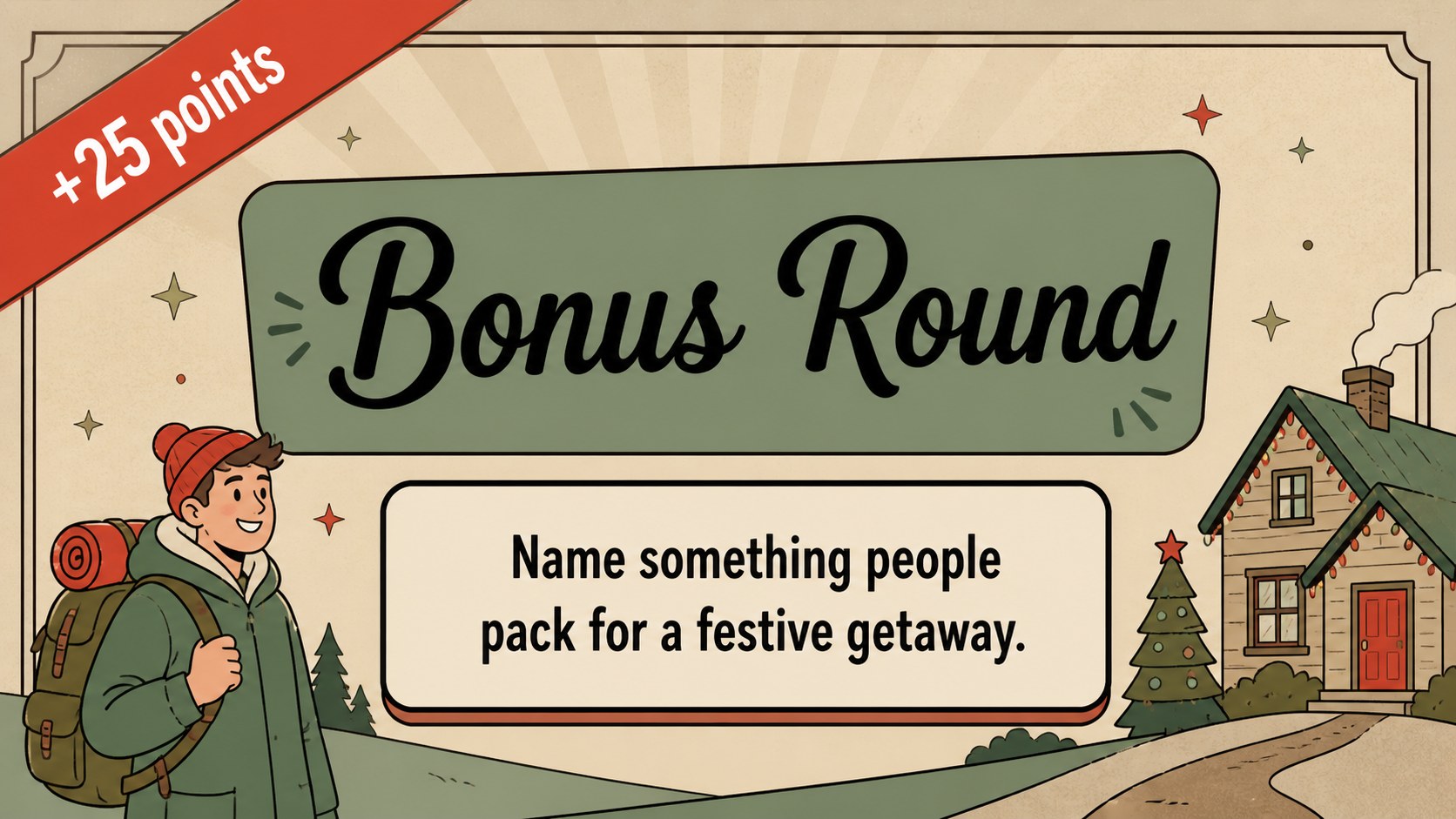
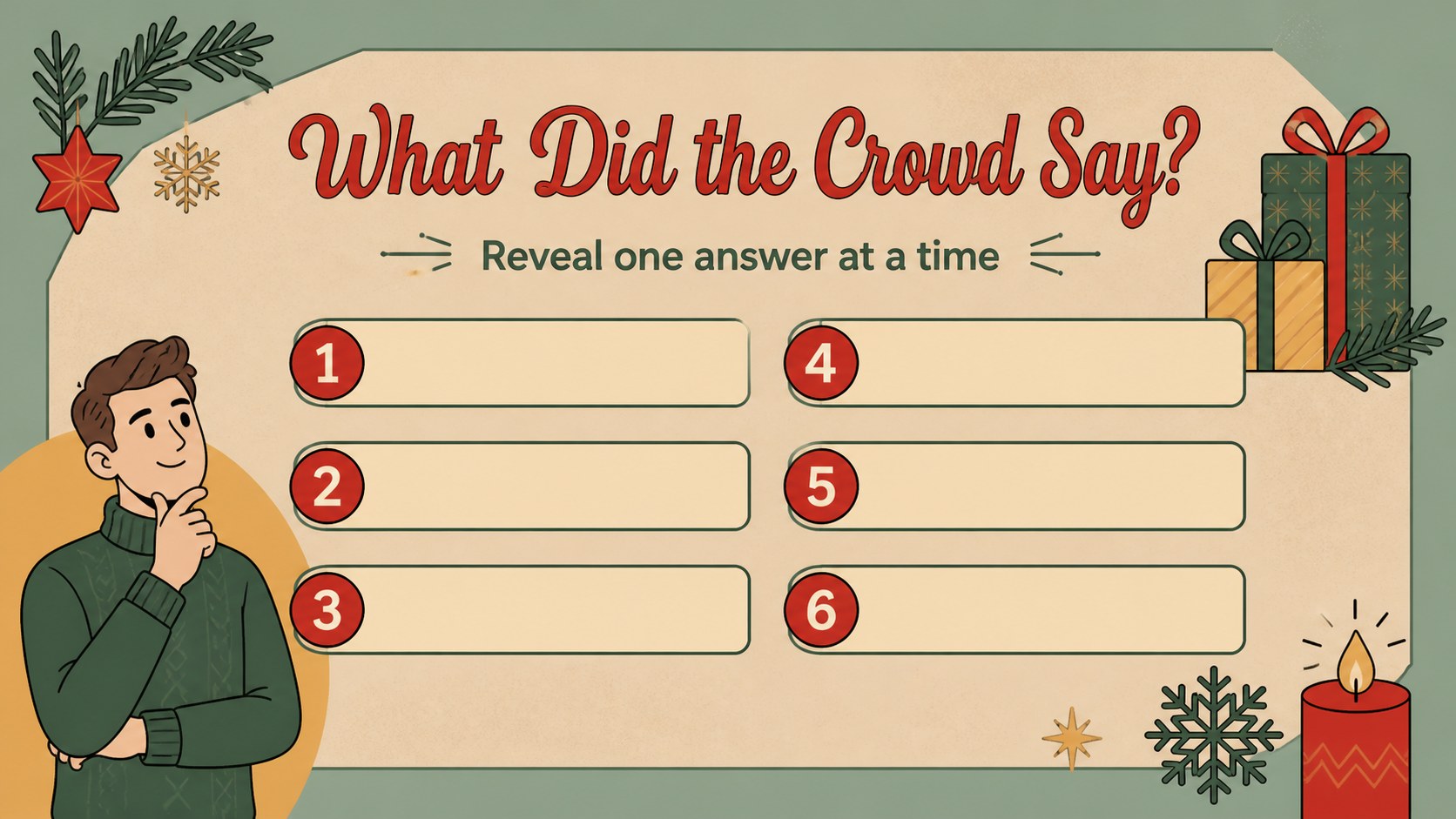
Turn seasonal gatherings into lively team competitions with a holiday family survey game built for quick setup. This retro-inspired deck uses warm red, green, and brown artwork, playful illustrations, and clear game-show layouts to keep players focused on the questions, guesses, and final scores. It works well for family celebrations, classroom parties, workplace socials, and community holiday events.
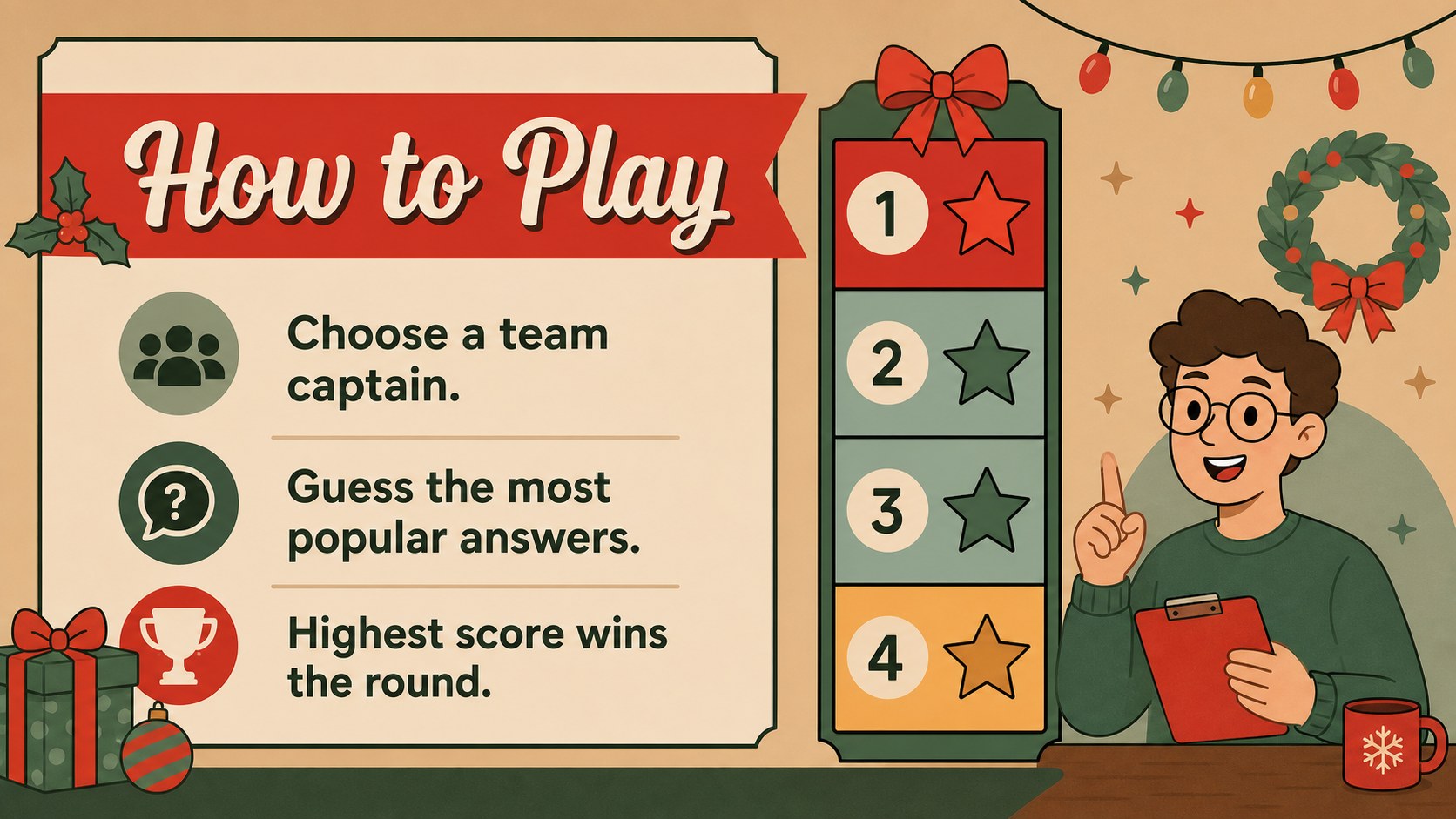
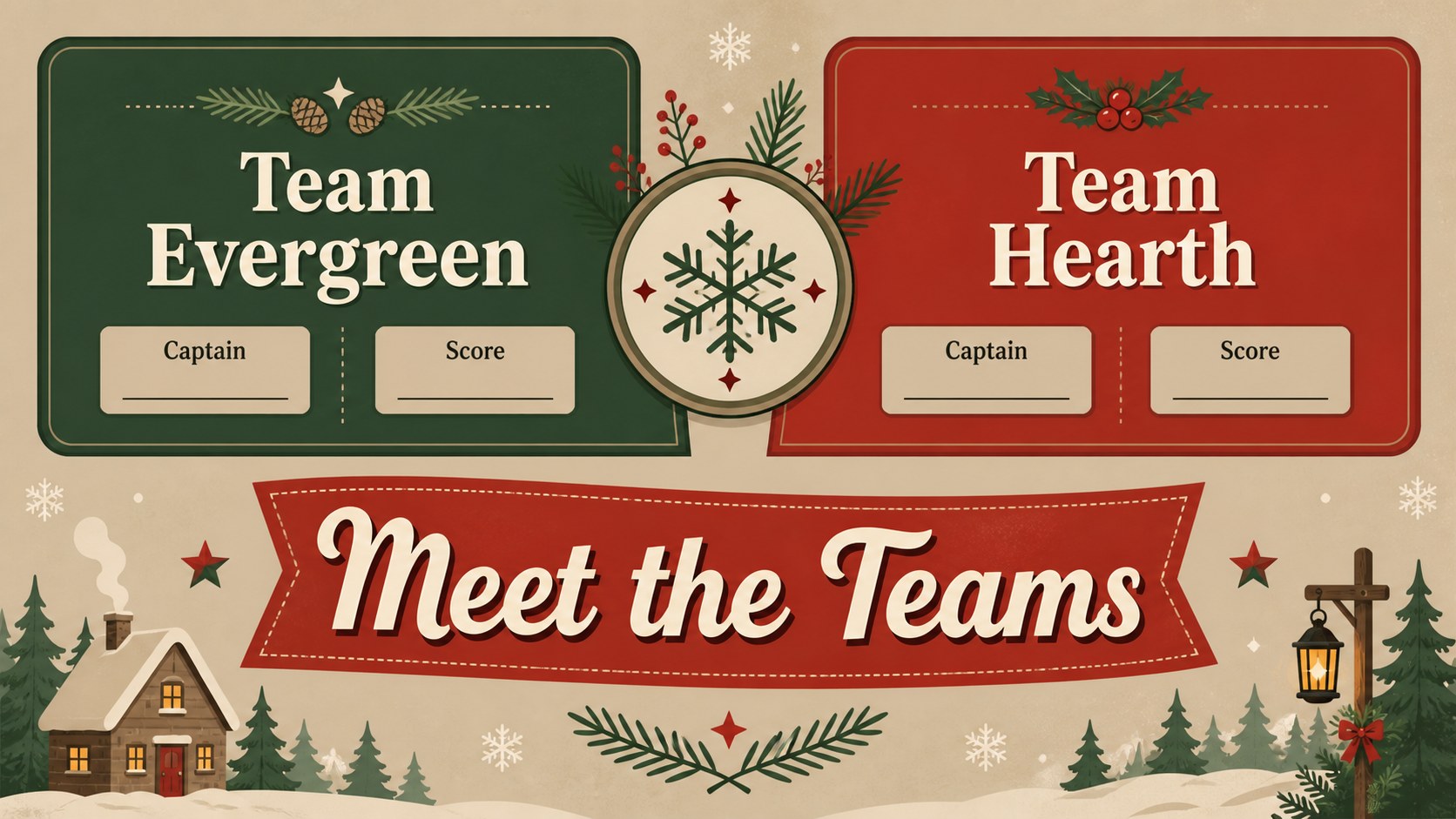
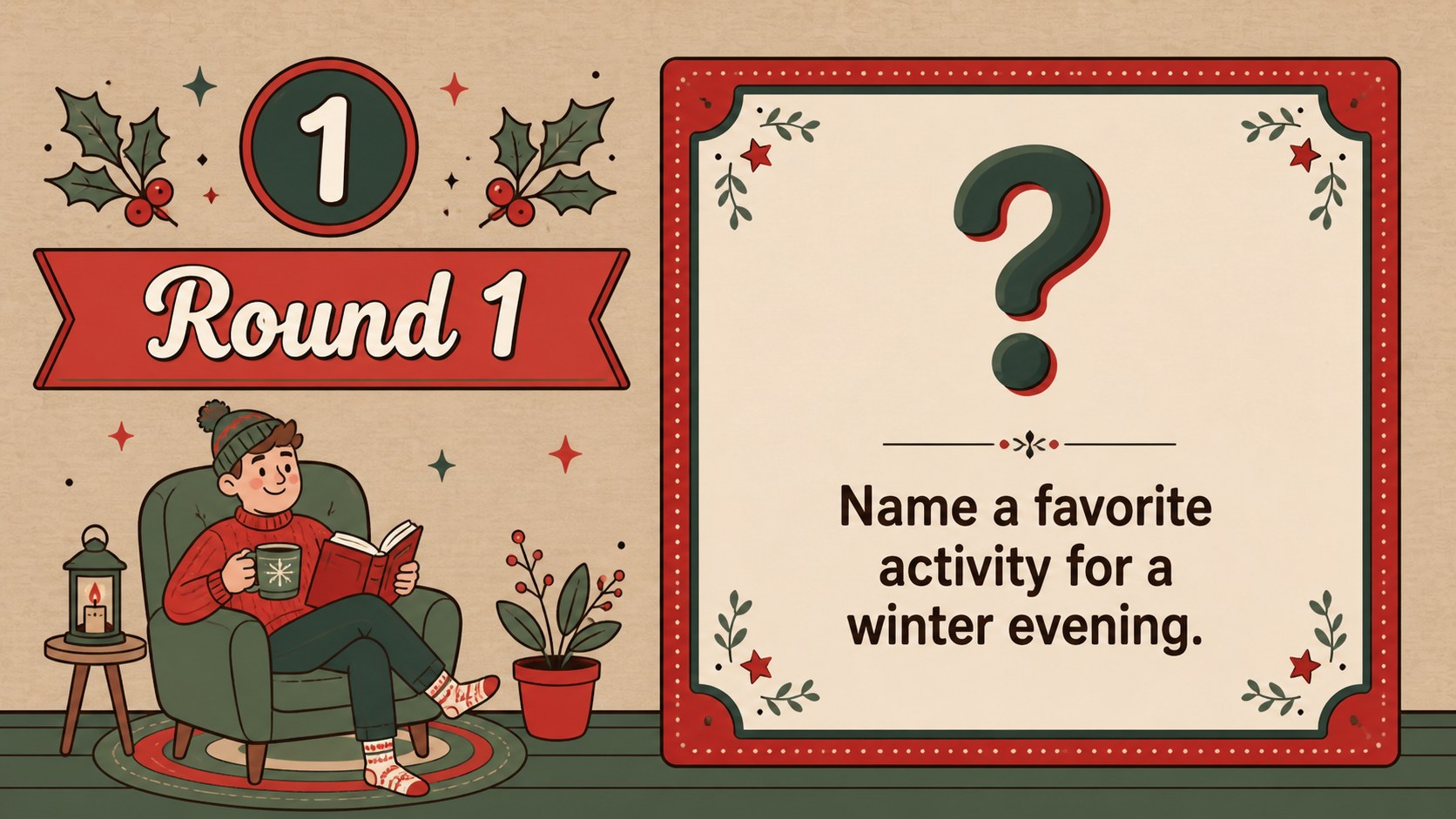
Inside, you’ll find a welcome screen, rules, team introduction, survey question layouts, answer reveal slides, scoreboards, bonus-round prompts, and a festive closing screen. The 16:9 format is fully editable in PowerPoint and Google Slides, making it simple to replace prompts, adjust scoring, add team names, and tailor the difficulty for different age groups. Use the holiday party quiz slides for a host-led activity, or share the deck with a co-host so someone else can manage the scoreboard and transitions.
The template is designed for teachers, event organizers, office managers, families, and anyone planning an interactive Christmas gathering. Its friendly visual system supports both casual play and polished presentations, while the reusable layouts let you create new rounds for birthdays, winter festivals, or end-of-year celebrations.
Perfect for: family Christmas gathering; office holiday party; classroom winter celebration; community festive event; virtual team social.
Frequently asked questions
Can I edit the questions and answers? Yes. Replace the sample prompts, answers, team names, and scores directly in PowerPoint or Google Slides. You can also duplicate the question and reveal layouts to build additional rounds.
Practical details
Yes. Replace the sample prompts, answers, team names, and scores directly in PowerPoint or Google Slides. You can also duplicate the question and reveal layouts to build additional rounds.
The deck is designed for PowerPoint and Google Slides. Both formats support editing the text, colors, illustrations, and scoring content.
Yes. Adjust the question difficulty and wording for children, families, students, or coworkers. The visual structure is clear enough for a host to run the game with mixed-age groups.
You can modify the red, green, and brown palette while preserving the original festive style. Update backgrounds, text accents, and decorative elements to match your event.
Keep exploring
14Plan a memorable Lunar New Year campaign with the 2036 Dragon Year Celebration Theme, featuring bold red-and-yellow slides for lessons and events.
 15
15Build playful lessons and party stories with a kid-friendly zombie celebration theme in purple, green and pastel blue for PowerPoint and Google Slides.
 15
15Build eerie lessons, campaigns, and story pitches with an undead survival scenario theme featuring editable slides for PowerPoint and Google Slides.
 3
3Share festive messages with a Lunar Horse New Year Wishes Theme, featuring bold red-and-yellow layouts for PowerPoint and Google Slides celebrations.
 15
15Bring zodiac traditions to life with a Lunar Snake Festival Presentation featuring 15 cheerful red illustrated slides for PowerPoint and Google Slides.
 6
6Honor teams and individuals with an Orange Year-End Recognition Certificate Set featuring six editable designs for PowerPoint and Google Slides.
 14
14Honor the people behind the headlines with a World Sports Press Appreciation Deck for PowerPoint and Google Slides, styled in crisp, modern green.
 15
15Teach, inspire, and celebrate with our Plant-Powered Vegetarian Day Lesson Deck, featuring cheerful editable visuals for PowerPoint and Google Slides.