
 15
15presentation
Yoga Workshop Marketing Presentation
Promote classes with a yoga workshop marketing presentation featuring playful beige, pink, and purple illustrations for PowerPoint and Google Slides.
Google SlidesPowerPoint
presentation · English
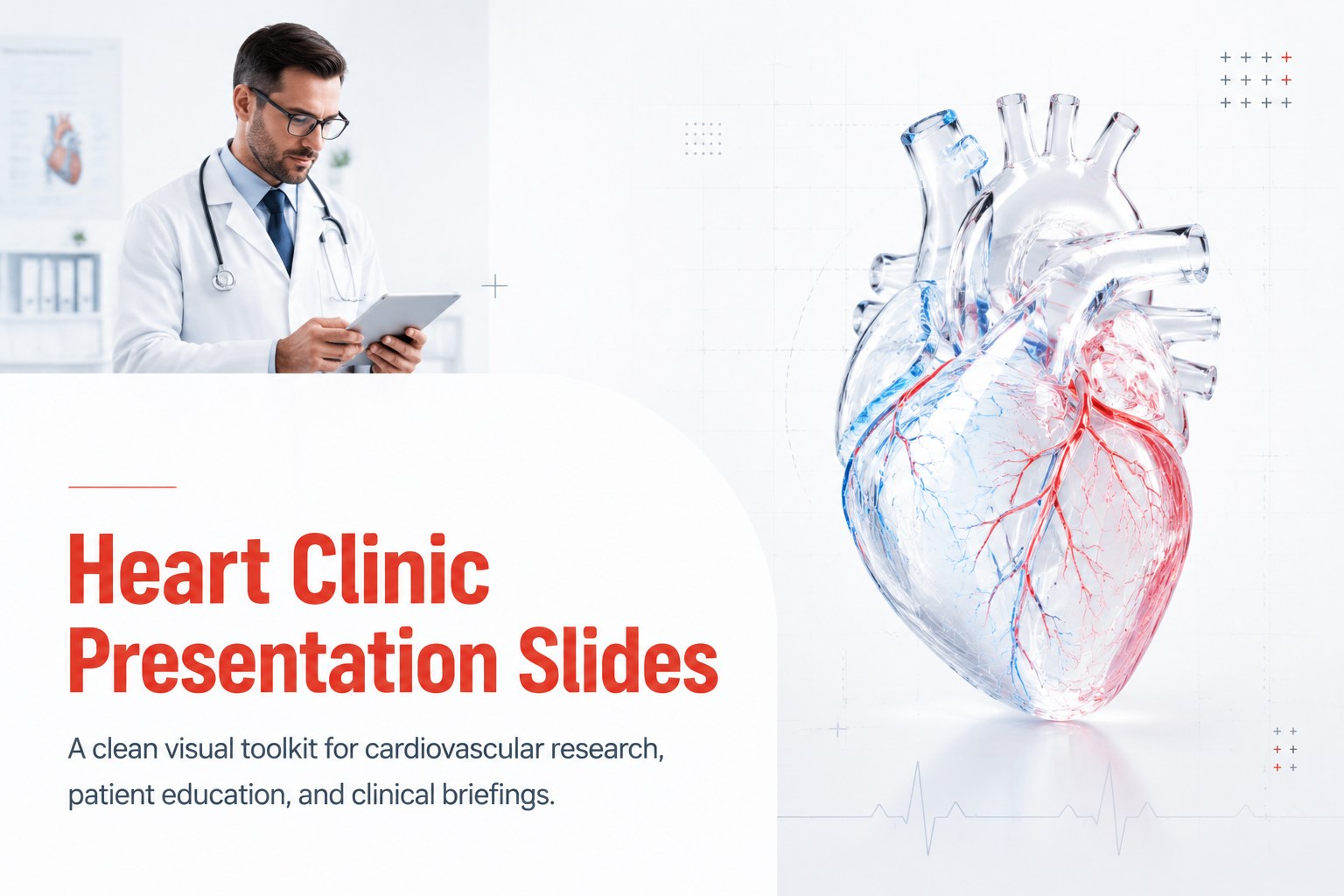
Build a heart clinic presentation slides deck for research, patient education, and clinical briefings with clean white 3D visuals in PowerPoint or Google…


Design notes
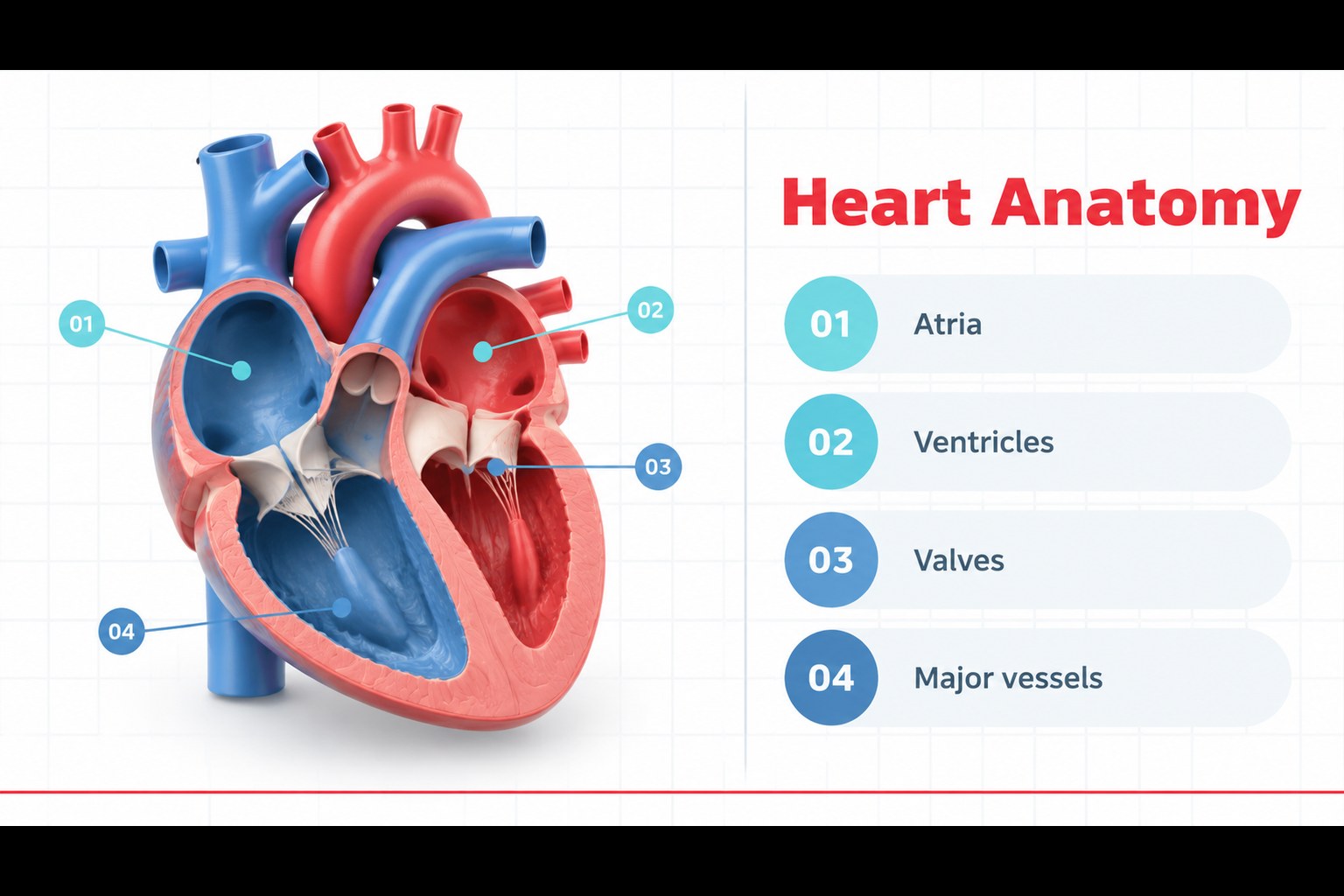
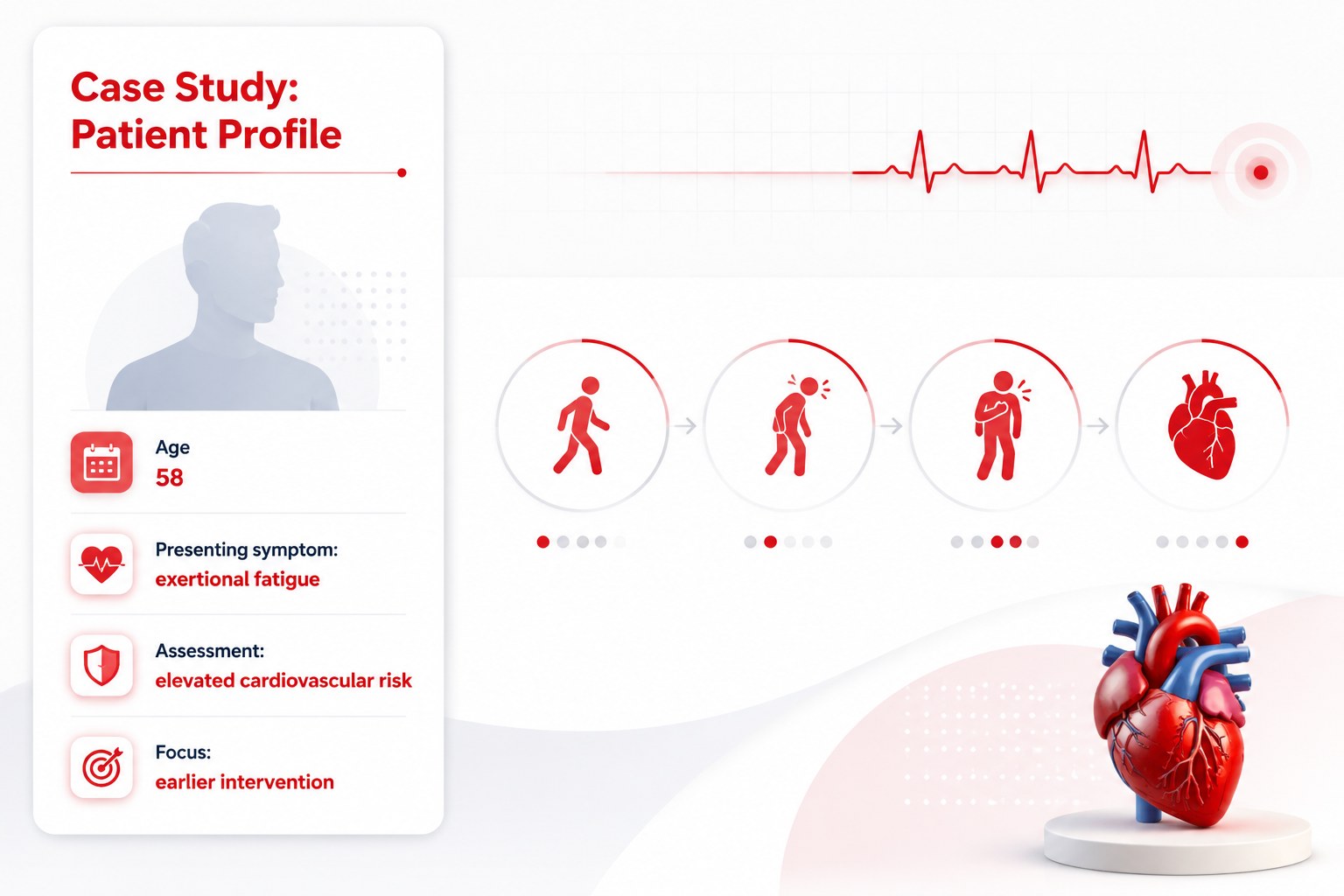
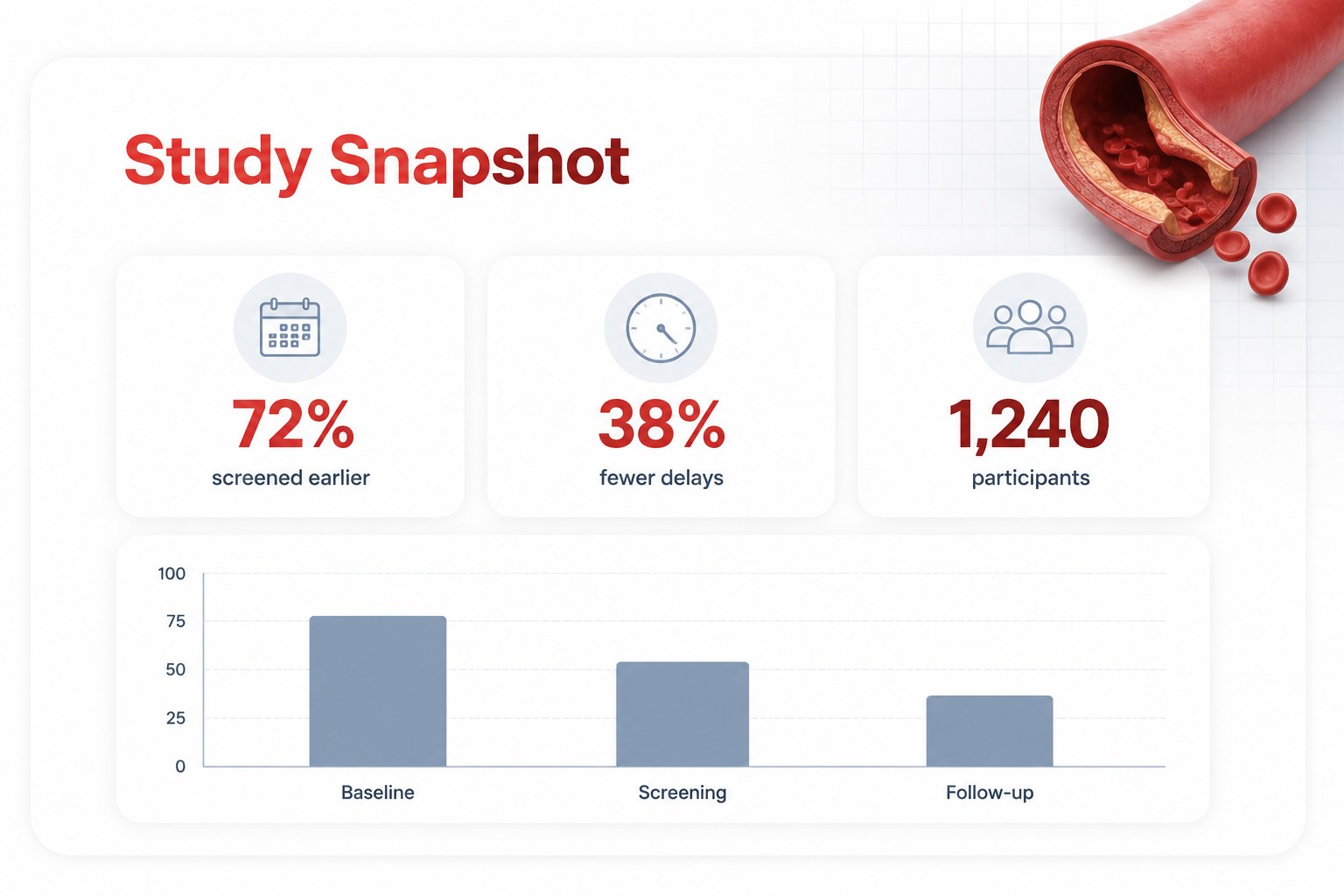
Create a heart clinic presentation slides deck for cardiovascular research, patient education, clinical briefings, and medical seminars. This polished white 3D design system gives healthcare professionals a focused way to explain anatomy, treatment pathways, diagnostic findings, and patient outcomes without overwhelming the audience. The restrained visual language keeps attention on the evidence while dimensional illustrations add clarity to technical topics.
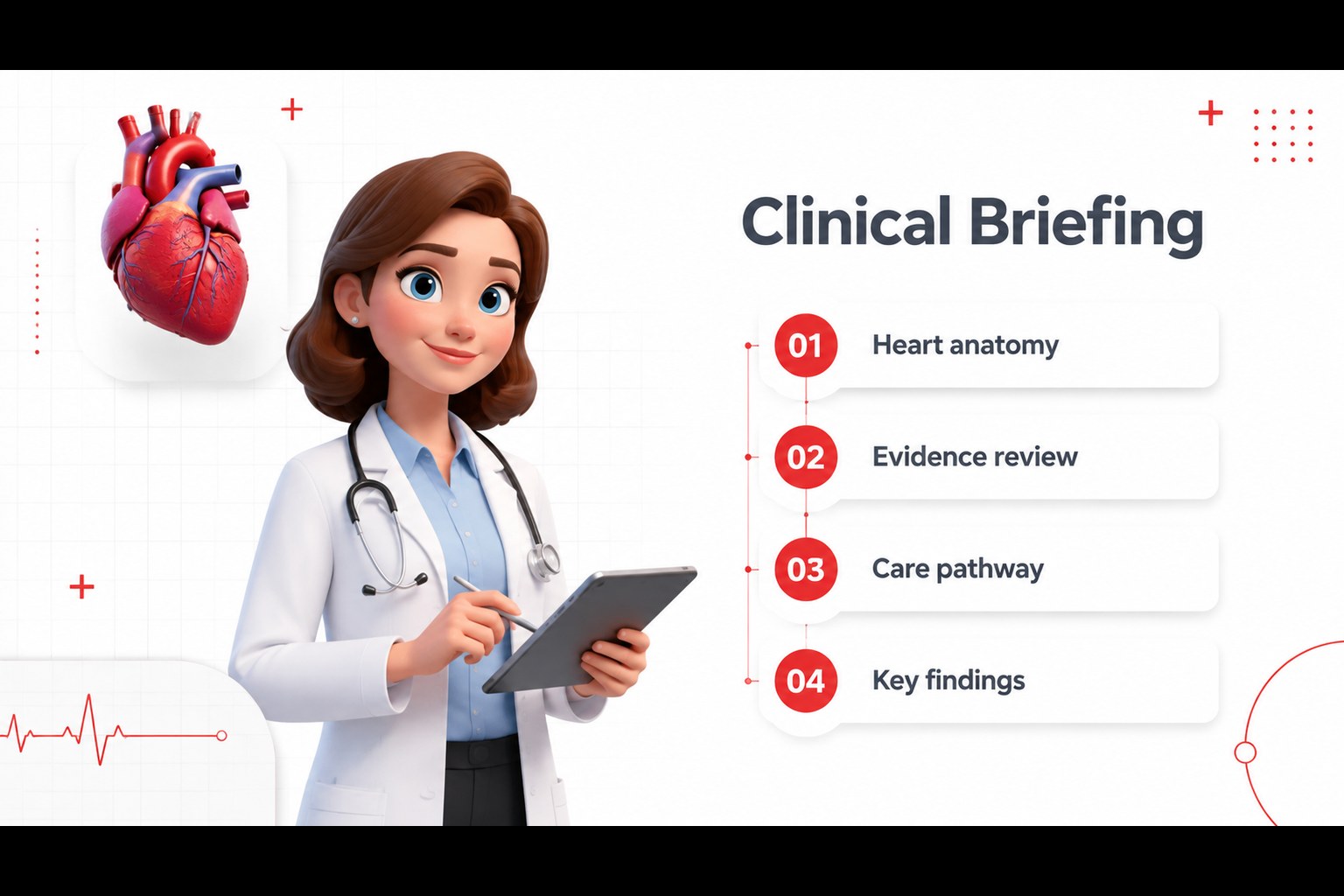
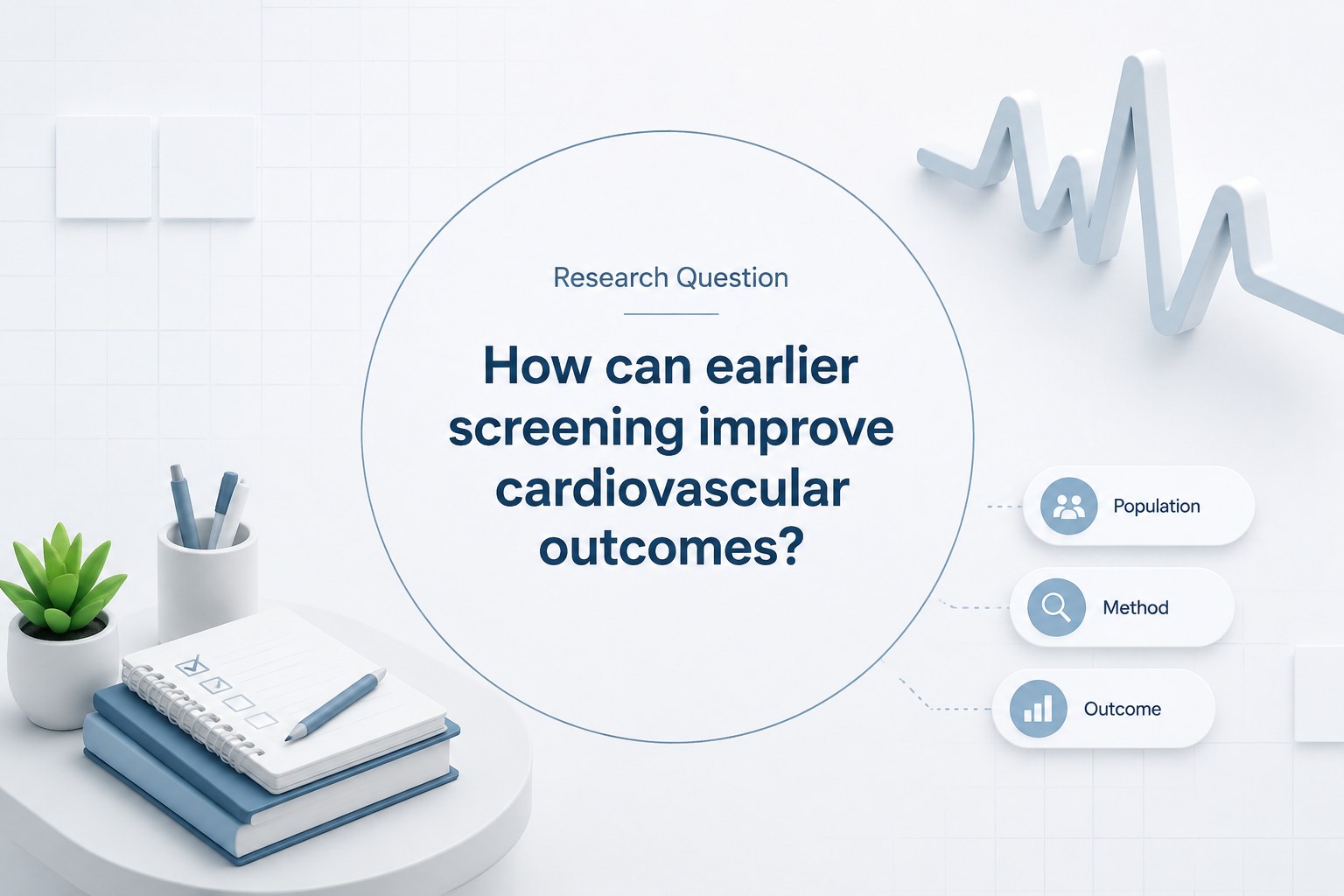
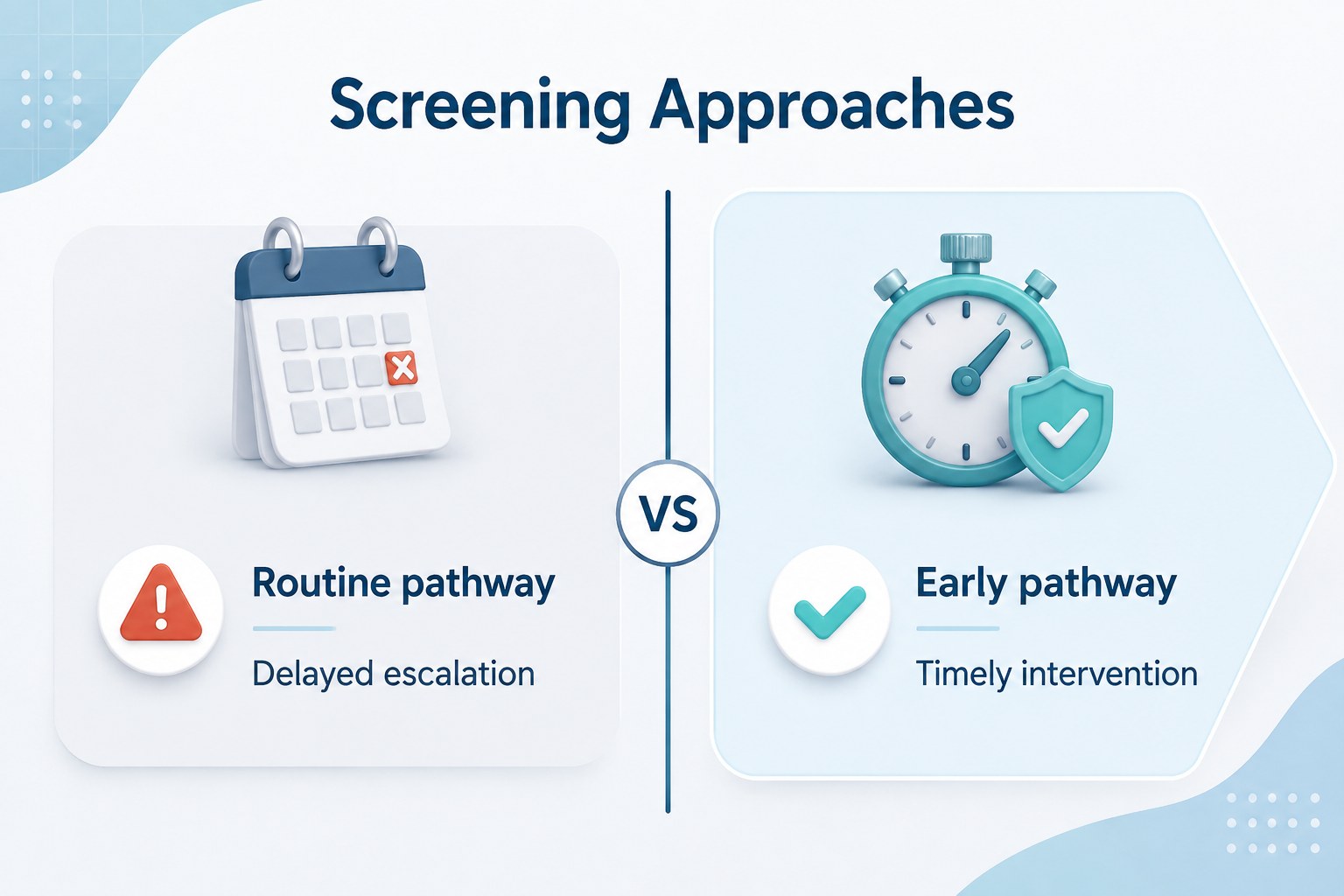
Inside, you will find 15 editable 16:9 layouts for a title page, agenda, clinical overview, anatomy breakdown, research question, patient profile, data visualization, treatment timeline, comparison table, care pathway, team introduction, key findings, recommendations, resources, and closing discussion. The deck works well as a cardiovascular research presentation template for hospitals, universities, laboratories, and medical education teams. It can also support a heart disease patient education deck when diagrams and explanations need to be clear and approachable.
Edit the text, charts, icons, imagery, and layout elements in PowerPoint or Google Slides. The template includes flexible shapes, editable typography, and space for citations, statistics, and speaker notes. It uses Changa and Lato with a white palette that pairs easily with clinical photography or subtle accent colors.
Perfect for: cardiovascular research briefing; patient heart-health education; hospital case study review; cardiology seminar; treatment pathway presentation.
Frequently asked questions
Can I edit the heart clinic presentation slides in PowerPoint? Yes. The layouts, text, shapes, charts, and visual elements are editable in PowerPoint. Replace the sample content with clinical data, citations, branding colors, or patient-safe visuals.
Practical details
Yes. The layouts, text, shapes, charts, and visual elements are editable in PowerPoint. Replace the sample content with clinical data, citations, branding colors, or patient-safe visuals.
Yes, the deck is designed for Google Slides as well as PowerPoint. Upload or open the presentation in Google Slides, then adjust fonts, images, charts, and speaker notes directly in the browser.
Keep the white foundation for a clean clinical look, then introduce one or two accent colors for charts, section dividers, and key findings. You can also swap the sample anatomy visuals for approved hospital or research imagery.
Yes, especially for structured patient education about anatomy, symptoms, diagnostics, or treatment steps. Simplify technical terminology and replace research-heavy layouts with the diagram and comparison slides for a more accessible explanation.
Keep exploring
15Promote classes with a yoga workshop marketing presentation featuring playful beige, pink, and purple illustrations for PowerPoint and Google Slides.
 15
15Build a clear breast cancer awareness bulletin with bold pink-and-red slides for campaign news, screening reminders, impact data, and community updates.
 15
15Build a clear World Cancer Day message with this global cancer awareness campaign deck, featuring editable blue-green layouts for PowerPoint and Google Slides.
 4
4Document wound findings, treatment decisions, and healing progress with clinical wound evaluation slides for nurses in PowerPoint and Google Slides.
 14
14Plan a clear donor campaign with this blood donation awareness presentation, featuring editable beige-and-red visuals for PowerPoint and Google Slides.
 15
15Build a Kidney Health Awareness Campaign Deck with blue illustrated slides for prevention tips, risk education, screening events, and outreach.
 15
15Build an actionable training session with this fitness program workshop deck, using energetic yellow geometry and editable PowerPoint and Google Slides layouts.
 15
15Equip health teams with this malaria prevention education deck for workshops, community outreach, and policy briefings in PowerPoint or Google Slides.