
 14
14presentation
2036 Dragon Year Celebration Theme
Plan a memorable Lunar New Year campaign with the 2036 Dragon Year Celebration Theme, featuring bold red-and-yellow slides for lessons and events.
Google SlidesPowerPoint
presentation · English
Launch seasonal products with a haunted ecommerce campaign deck featuring dark orange storefront concepts for PowerPoint and Google Slides retail teams.

Design notes
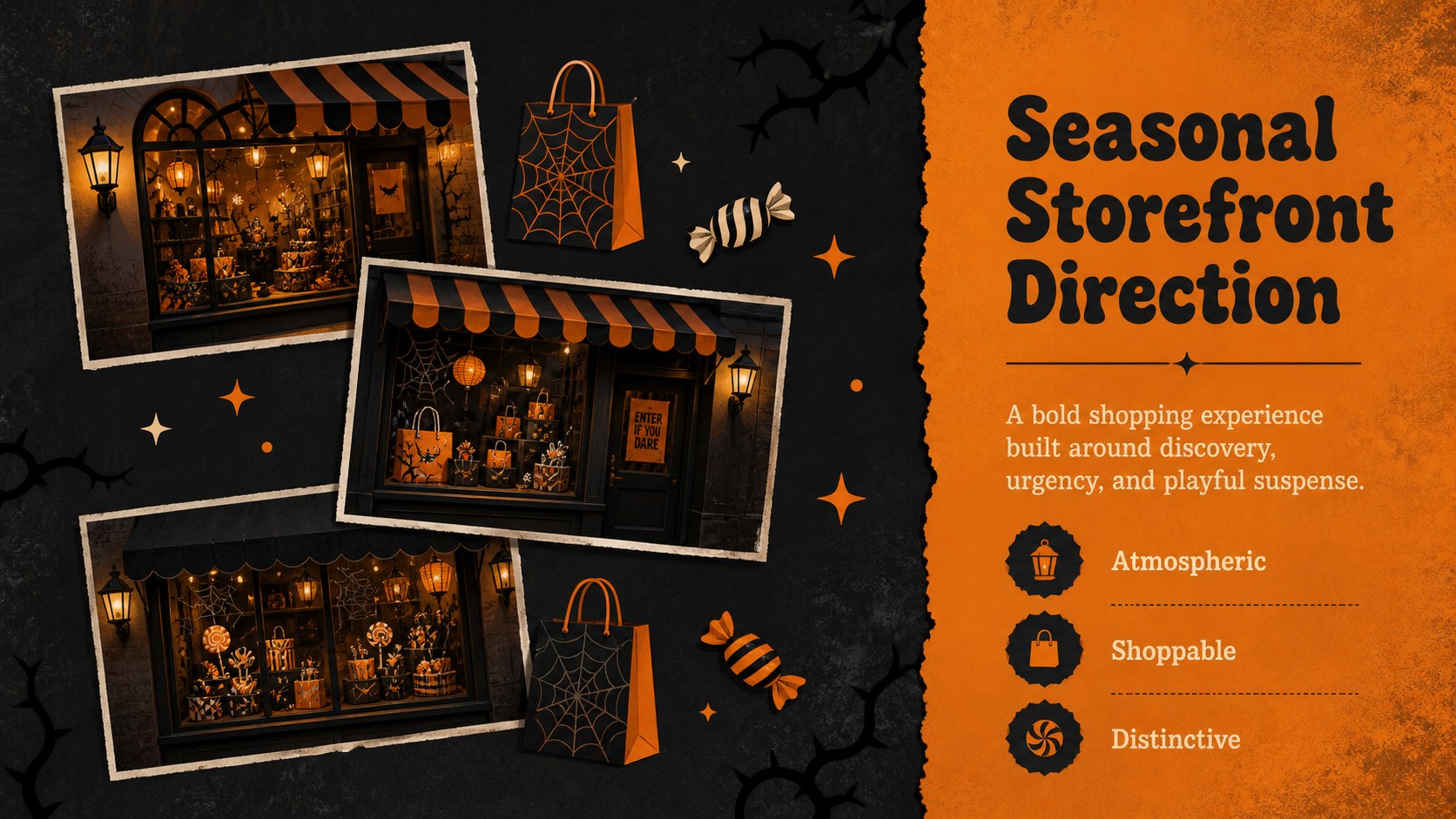
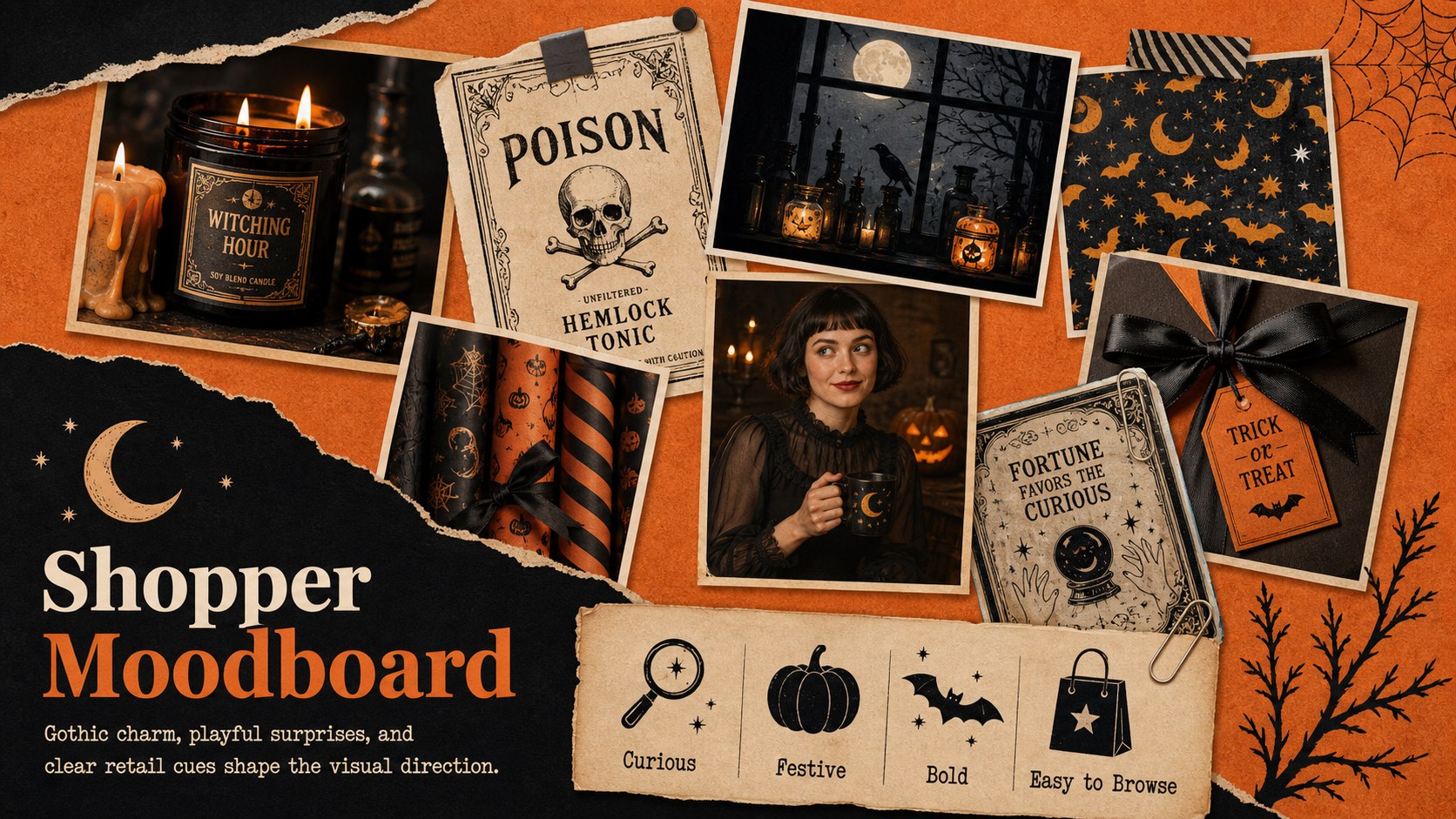
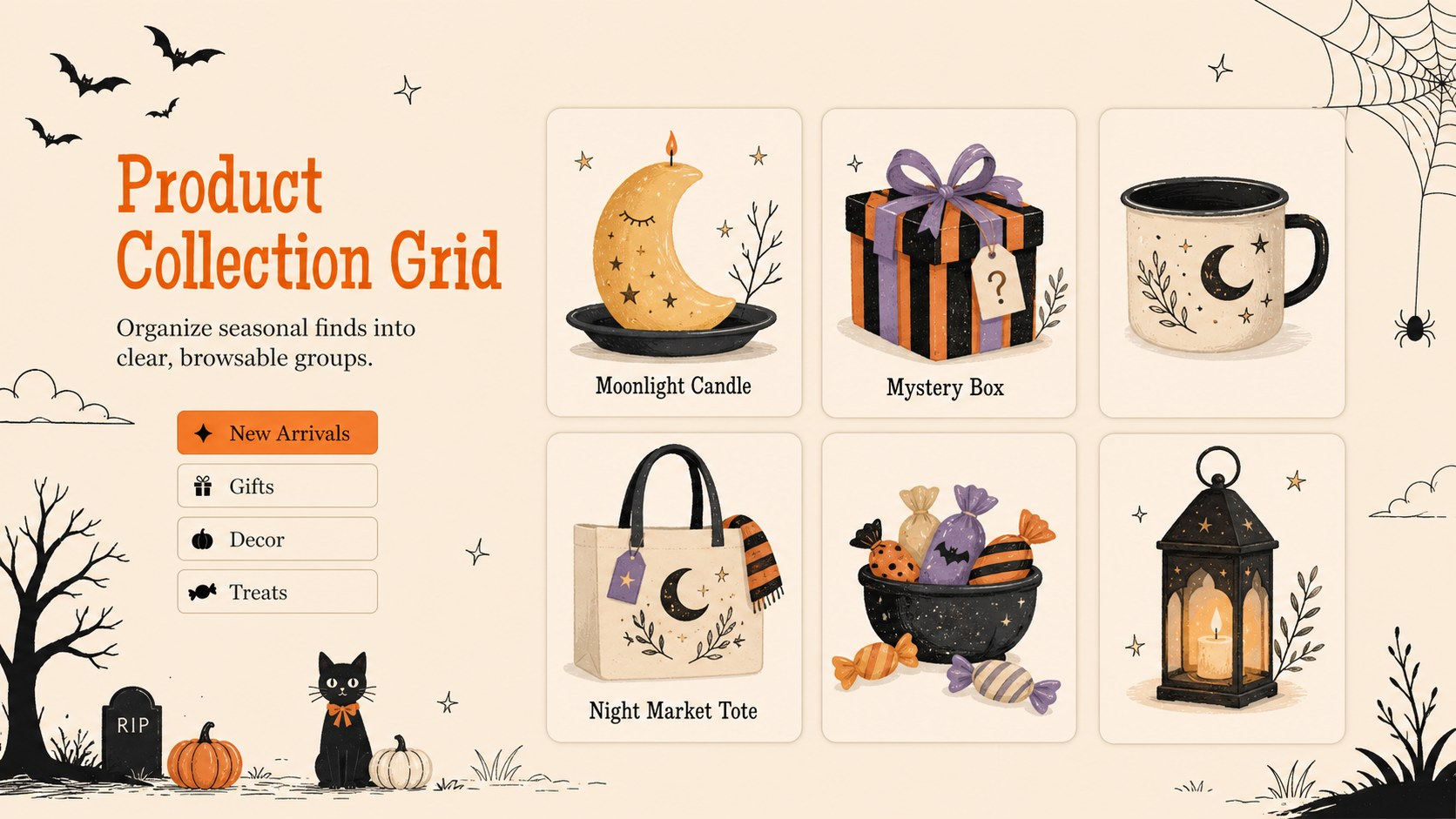
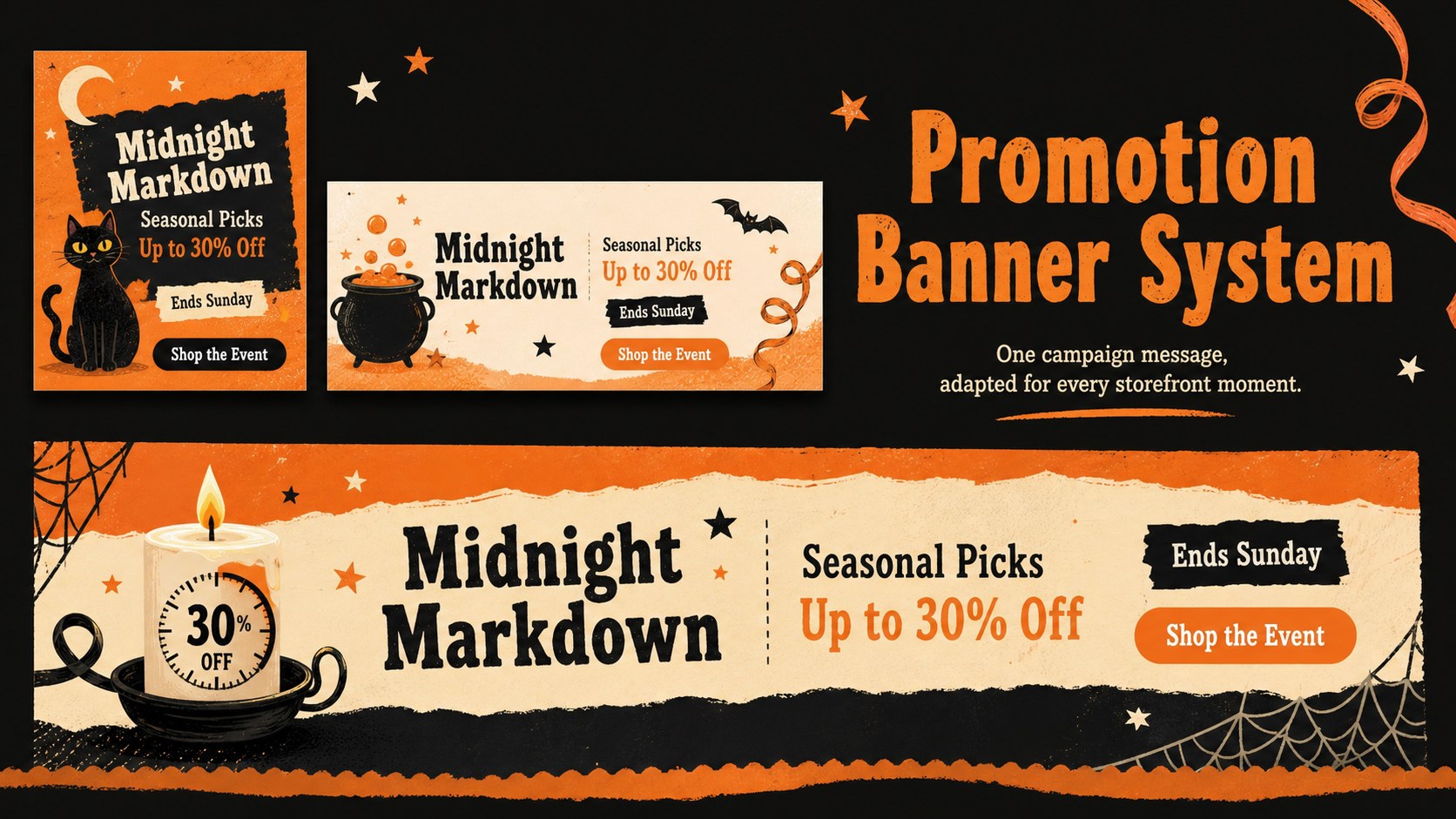
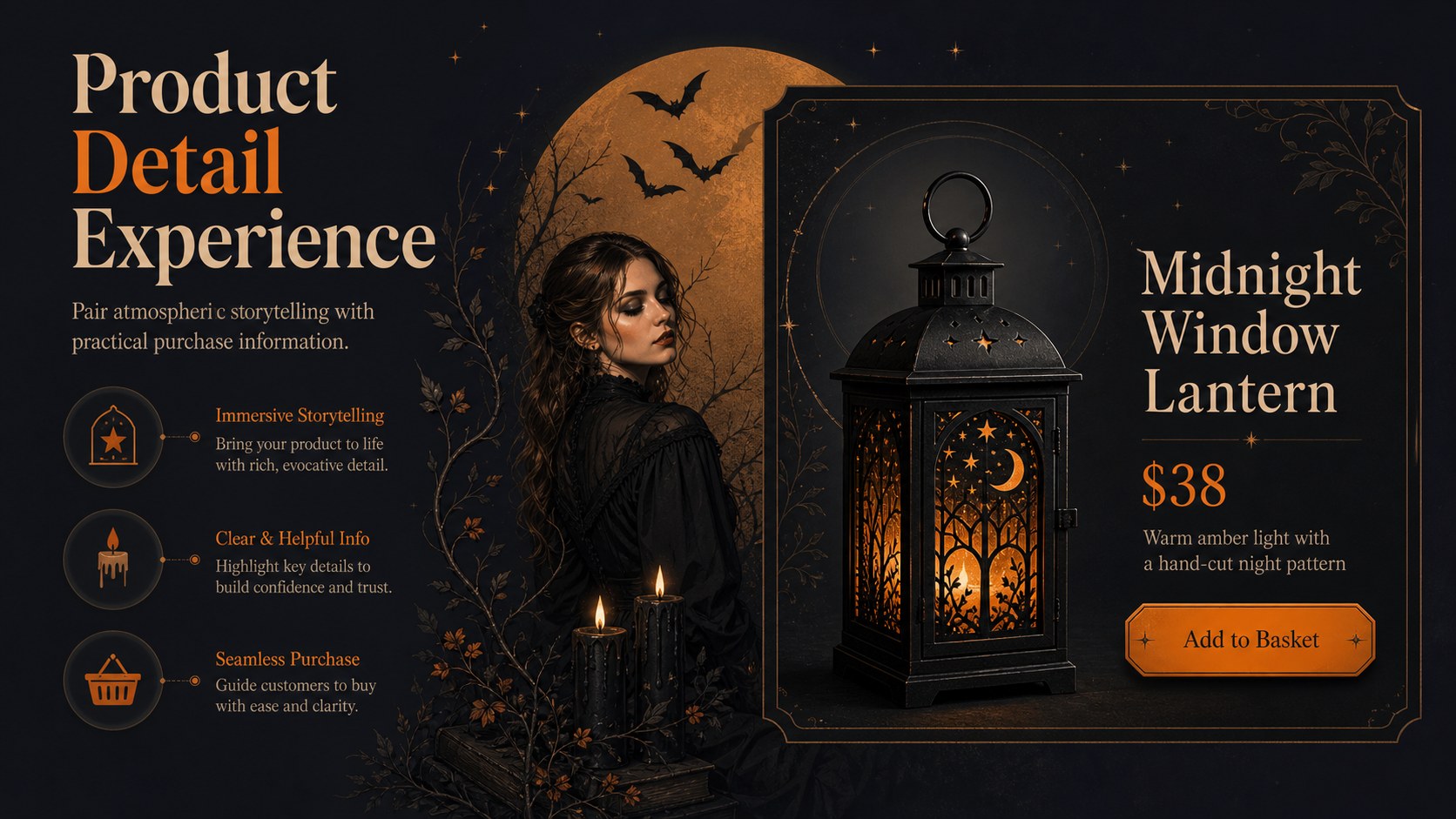
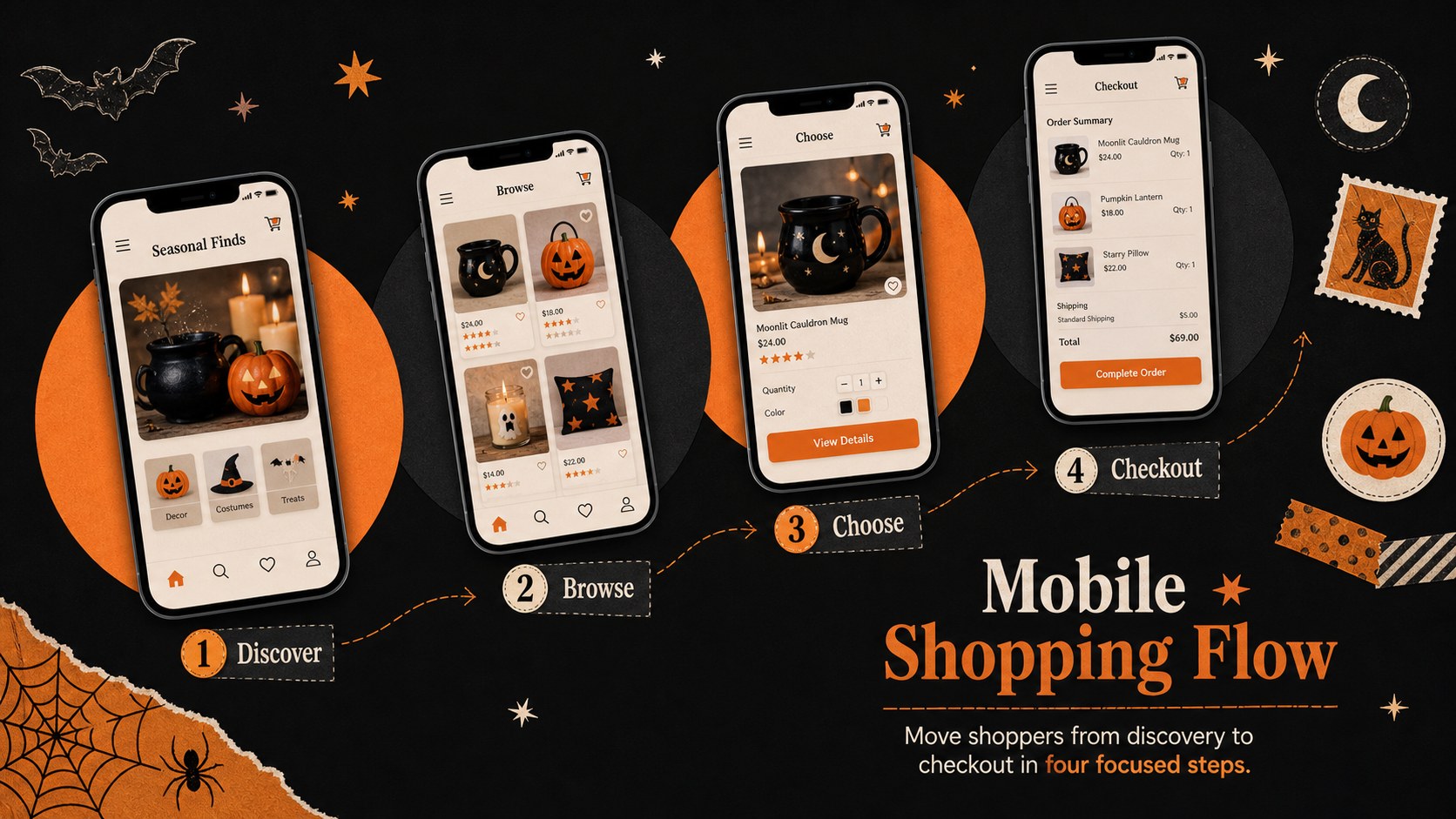
Build a more atmospheric seasonal launch with this haunted ecommerce campaign deck for PowerPoint and Google Slides. Its black, orange, and soft pastel palette combines gothic details with playful illustrations, giving online retail concepts a spooky identity without sacrificing clarity. Use it to present a storefront redesign, introduce a themed product collection, or align stakeholders around an October promotion.
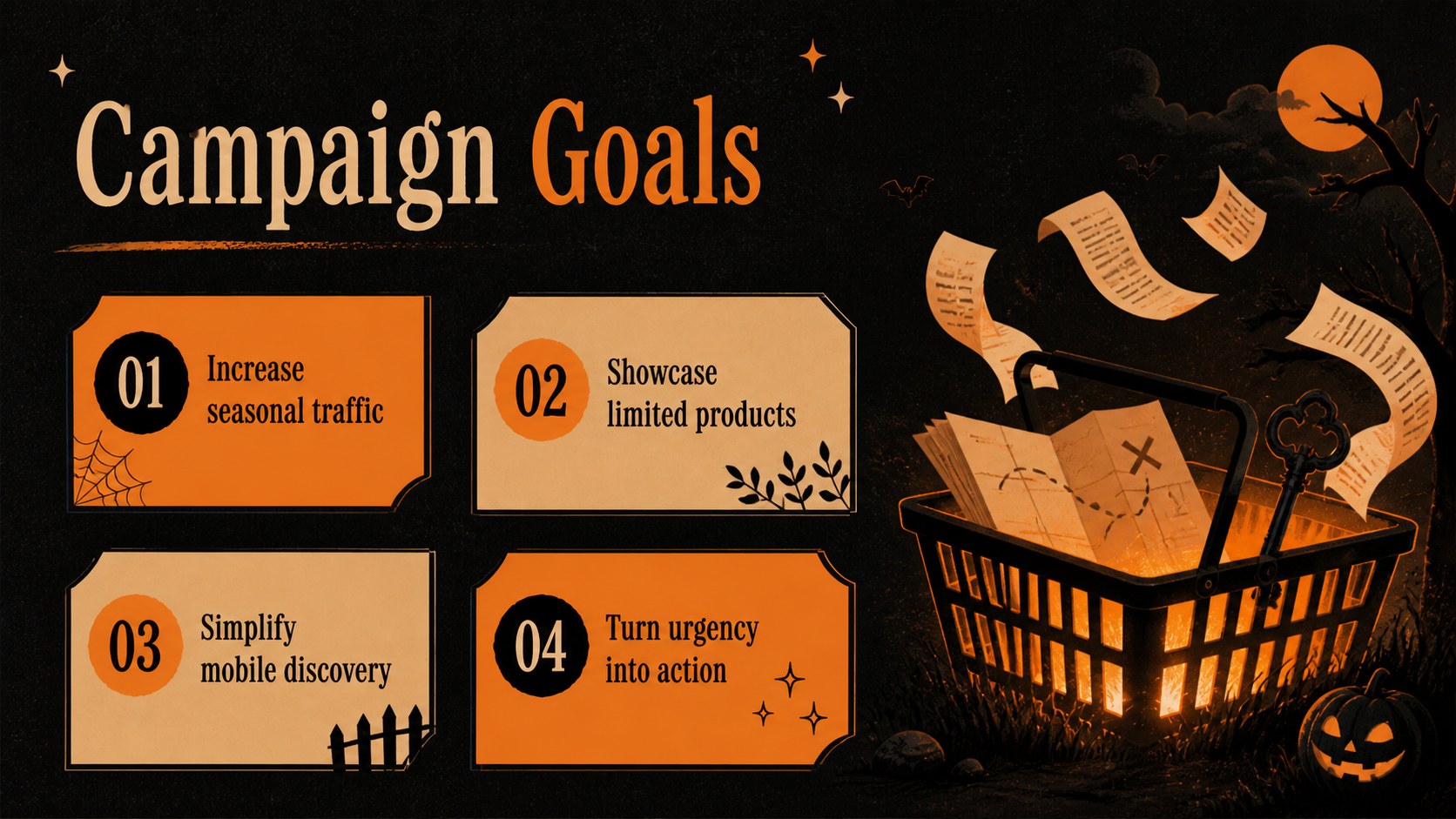
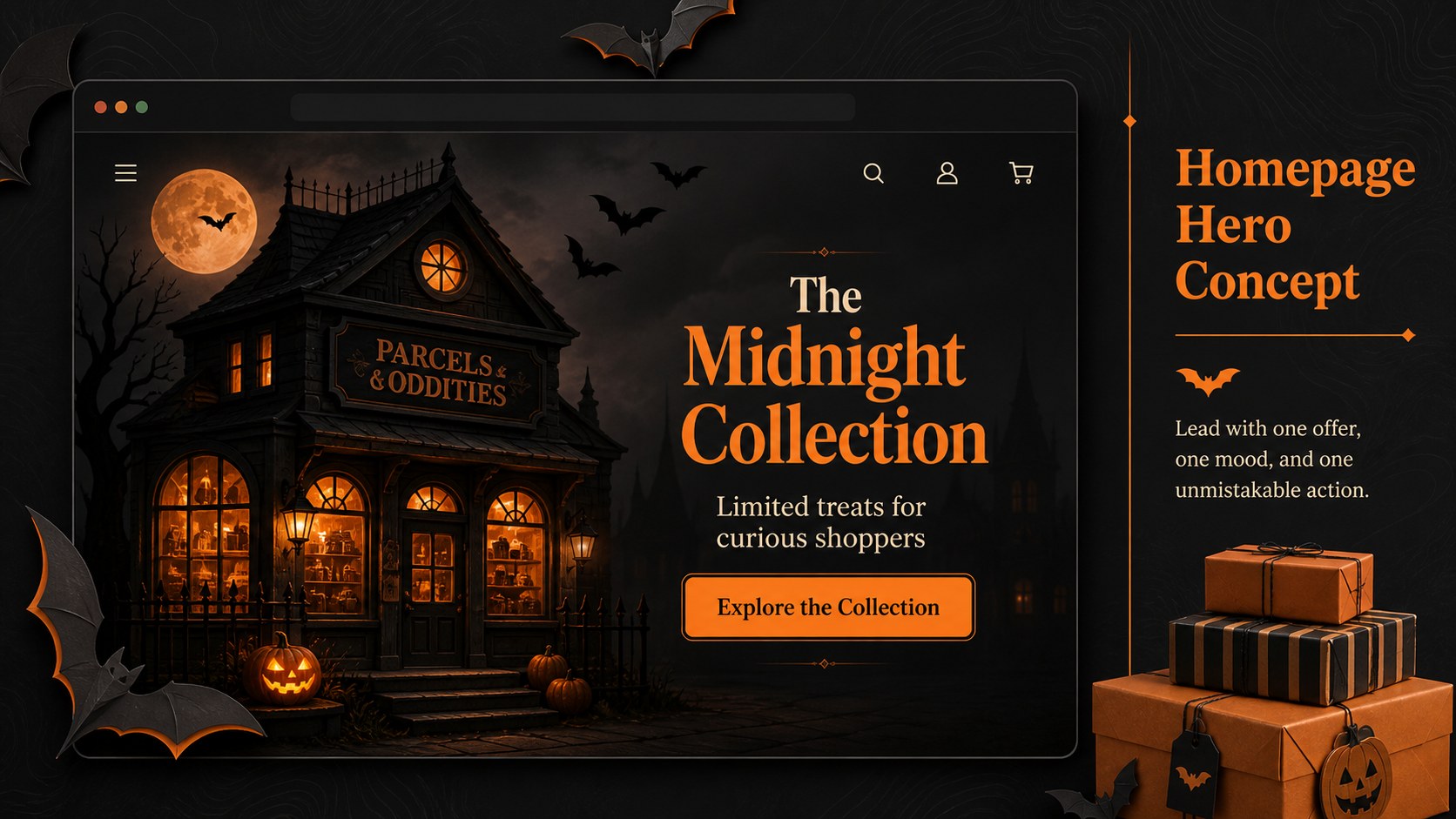
Inside, you will find layouts for campaign goals, shopper profiles, creative direction, homepage concepts, product collections, promotional banners, mobile shopping flows, email sequences, social assets, timelines, and performance metrics. These seasonal ecommerce marketing slides balance dramatic Halloween visuals with practical space for screenshots, product photography, pricing, calls to action, and conversion data. Every layout can be adapted with your own copy, colors, images, and store interface.
The deck is designed for ecommerce managers, retail marketers, web designers, creative studios, and small businesses preparing a Halloween product launch presentation. It also works as an online shop campaign planning deck for client reviews, internal strategy meetings, and promotional concept pitches. Edit the slides in PowerPoint or Google Slides, reorganize sections to match your workflow, and replace the sample content with campaign-specific details.
Perfect for: Halloween storefront redesign pitch; seasonal product launch meeting; October retail campaign plan; ecommerce client concept review; online shop promotion proposal.
Frequently asked questions
Which presentation platforms support this deck? The template is designed for PowerPoint and Google Slides. Import it into your preferred platform, then review fonts and image placement before presenting.
Practical details
The template is designed for PowerPoint and Google Slides. Import it into your preferred platform, then review fonts and image placement before presenting.
Yes. Replace the orange, black, and pastel colors with your store palette while retaining enough contrast for product details and calls to action.
Replace the sample interface areas with screenshots, browser mockups, product images, or promotional graphics from your shop. Crop each image to its placeholder and update the supporting labels to explain the customer journey.
Yes. Add your studio or client details, remove sections that are not relevant, and reorder the campaign, design, and results slides around the approval process.
Keep exploring
14Plan a memorable Lunar New Year campaign with the 2036 Dragon Year Celebration Theme, featuring bold red-and-yellow slides for lessons and events.
 15
15Build playful lessons and party stories with a kid-friendly zombie celebration theme in purple, green and pastel blue for PowerPoint and Google Slides.
 15
15Build eerie lessons, campaigns, and story pitches with an undead survival scenario theme featuring editable slides for PowerPoint and Google Slides.
 3
3Share festive messages with a Lunar Horse New Year Wishes Theme, featuring bold red-and-yellow layouts for PowerPoint and Google Slides celebrations.
 15
15Bring zodiac traditions to life with a Lunar Snake Festival Presentation featuring 15 cheerful red illustrated slides for PowerPoint and Google Slides.
 6
6Honor teams and individuals with an Orange Year-End Recognition Certificate Set featuring six editable designs for PowerPoint and Google Slides.
 14
14Honor the people behind the headlines with a World Sports Press Appreciation Deck for PowerPoint and Google Slides, styled in crisp, modern green.
 15
15Teach, inspire, and celebrate with our Plant-Powered Vegetarian Day Lesson Deck, featuring cheerful editable visuals for PowerPoint and Google Slides.