
 14
14presentation
2036 Dragon Year Celebration Theme
Plan a memorable Lunar New Year campaign with the 2036 Dragon Year Celebration Theme, featuring bold red-and-yellow slides for lessons and events.
Google SlidesPowerPoint
presentation · English
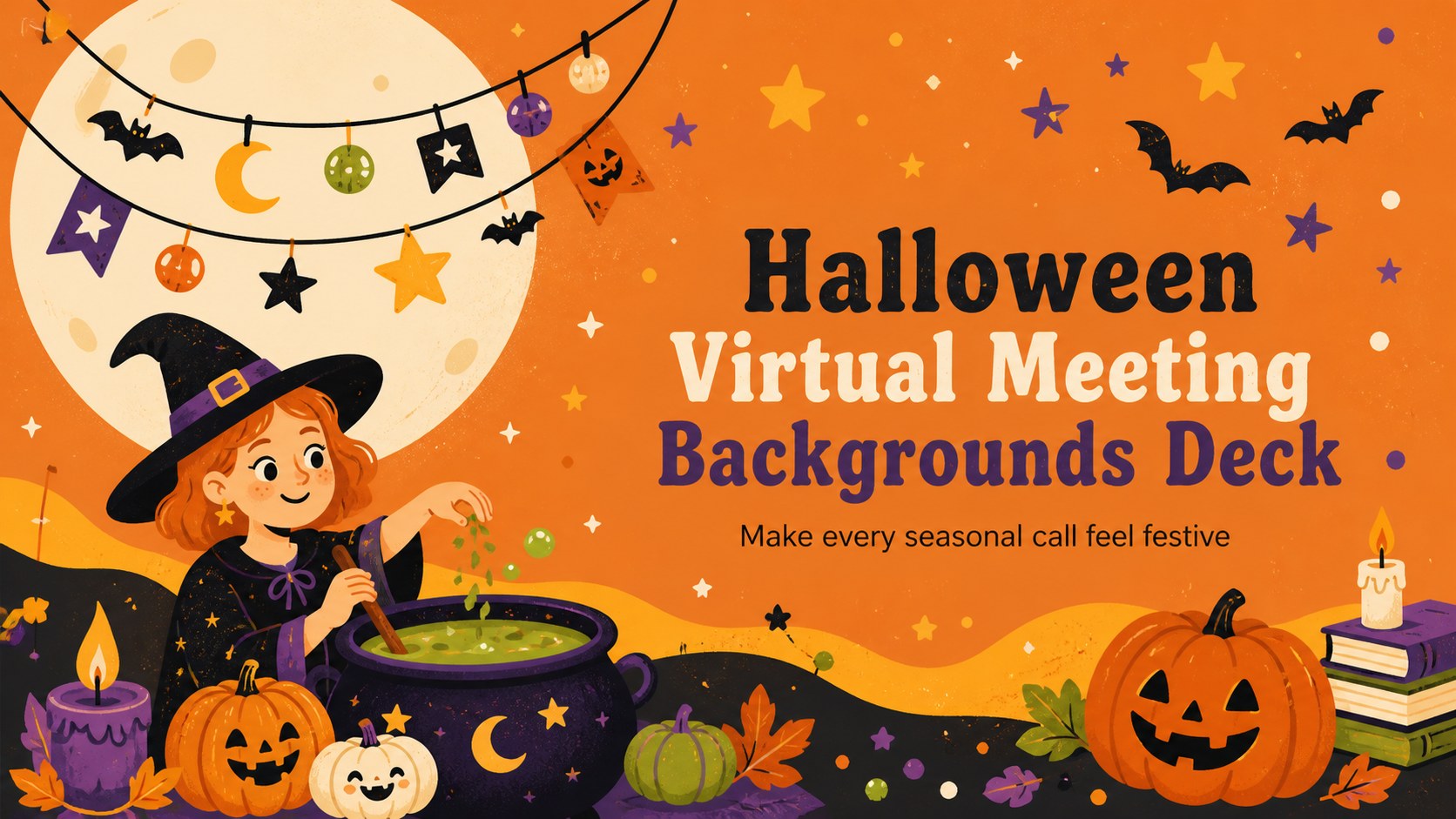
Create lively online gatherings with halloween virtual meeting backgrounds in a bold orange-and-black style, editable in PowerPoint and Google Slides.

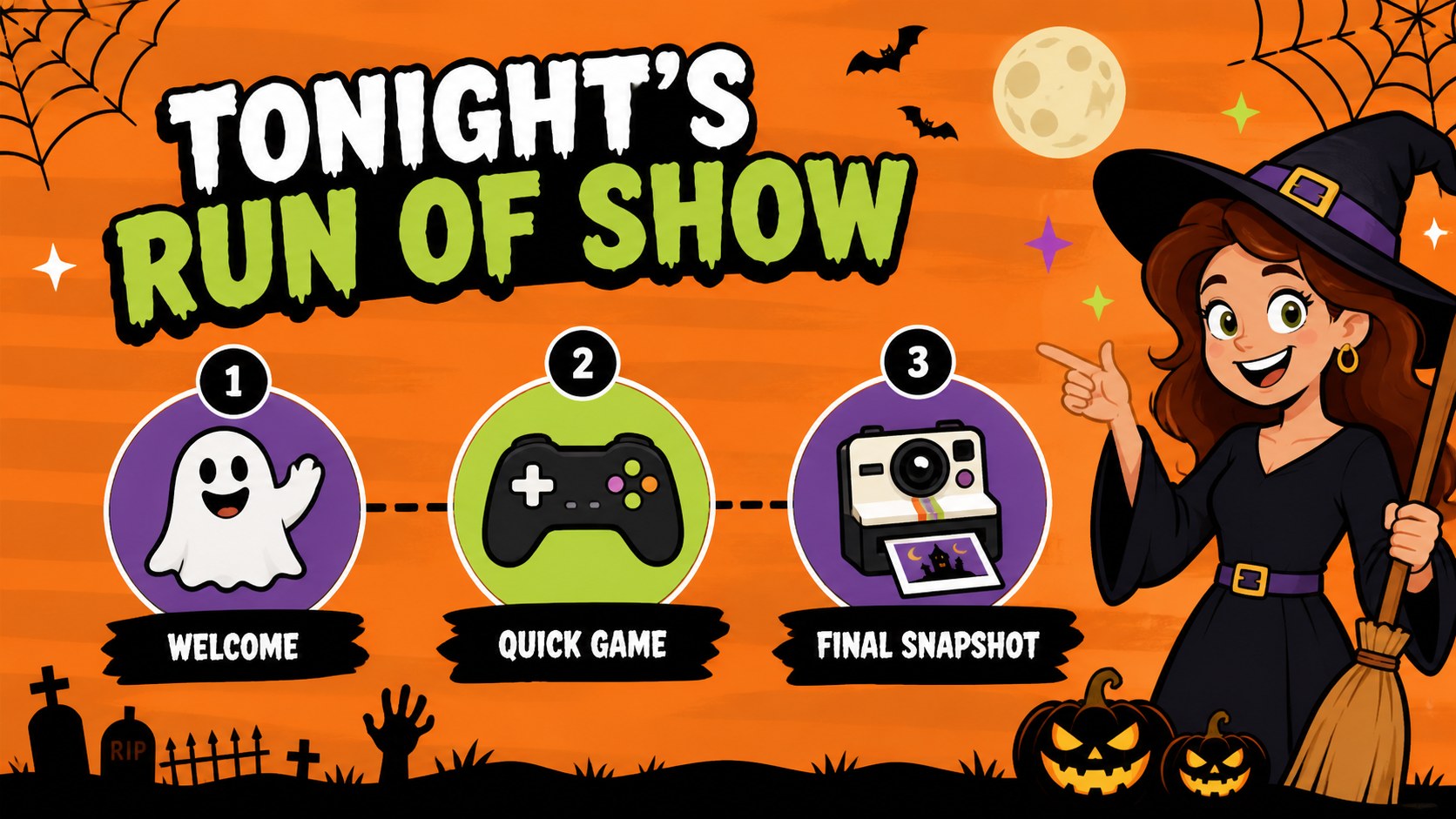
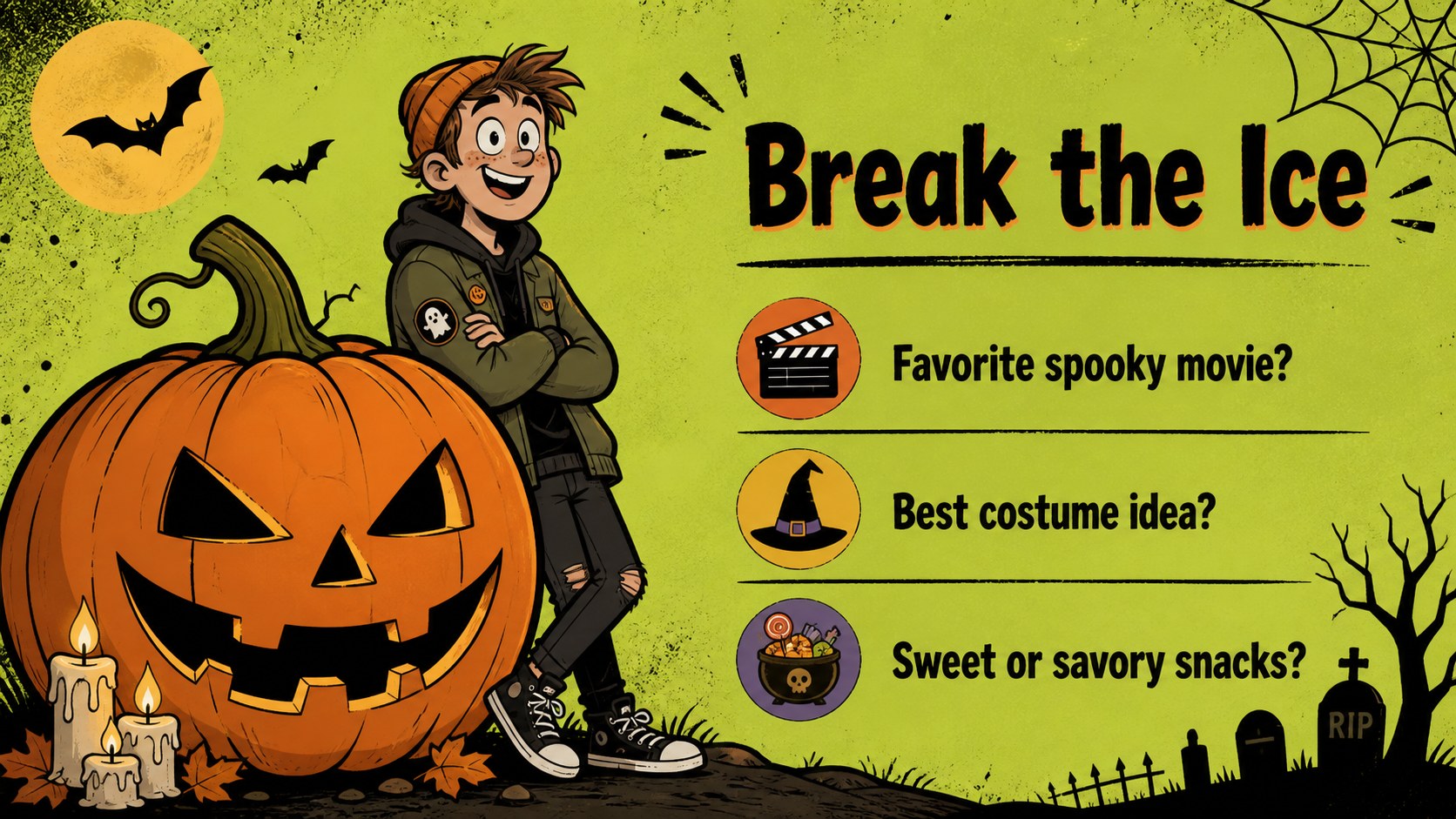
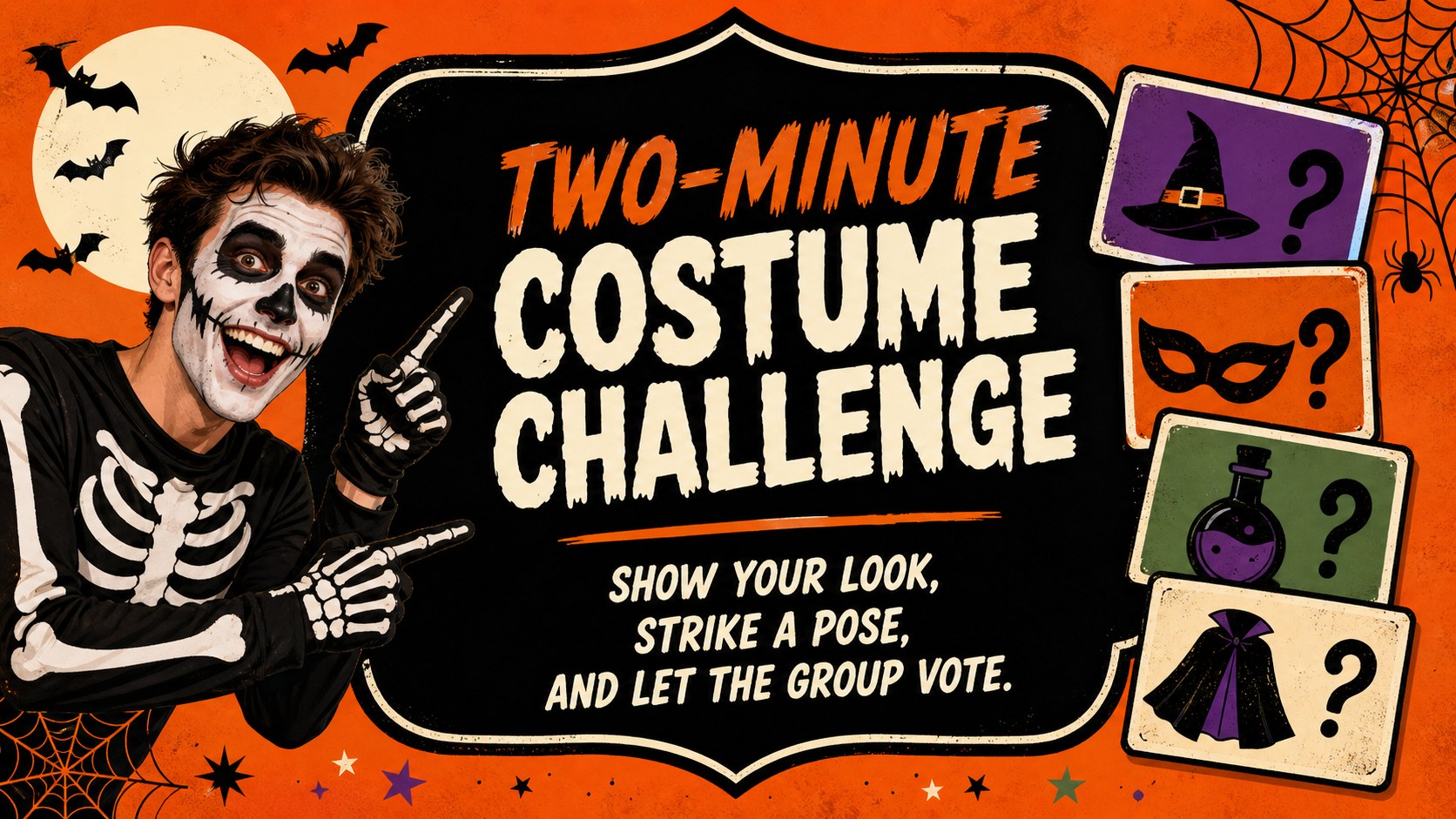
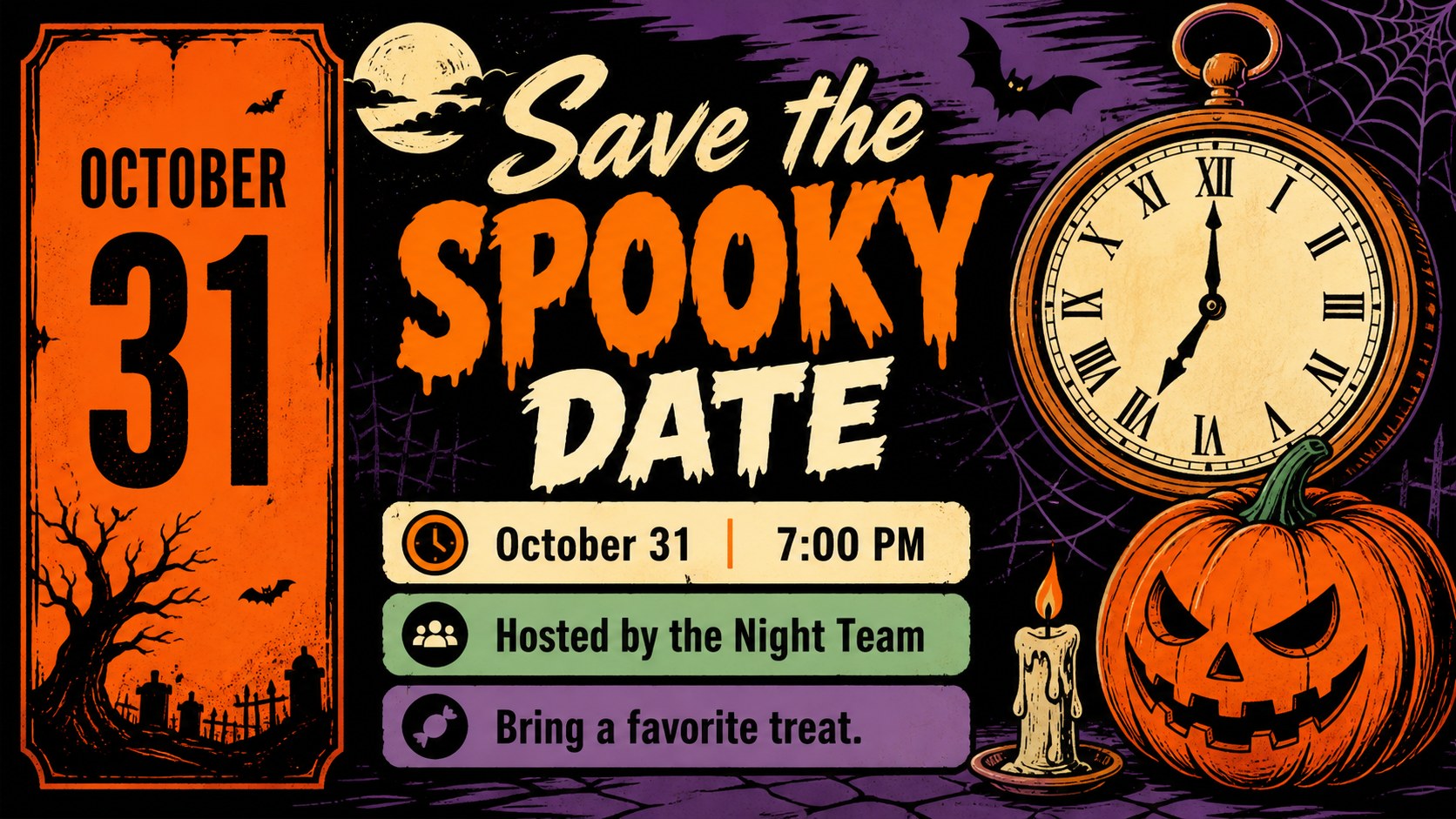
Design notes
Halloween virtual meeting backgrounds make seasonal video calls feel more engaging without requiring a complicated setup. This orange-and-black illustrated slide deck gives hosts, teachers, community groups, and creative teams a ready-made visual system for online gatherings, themed announcements, and festive event planning.
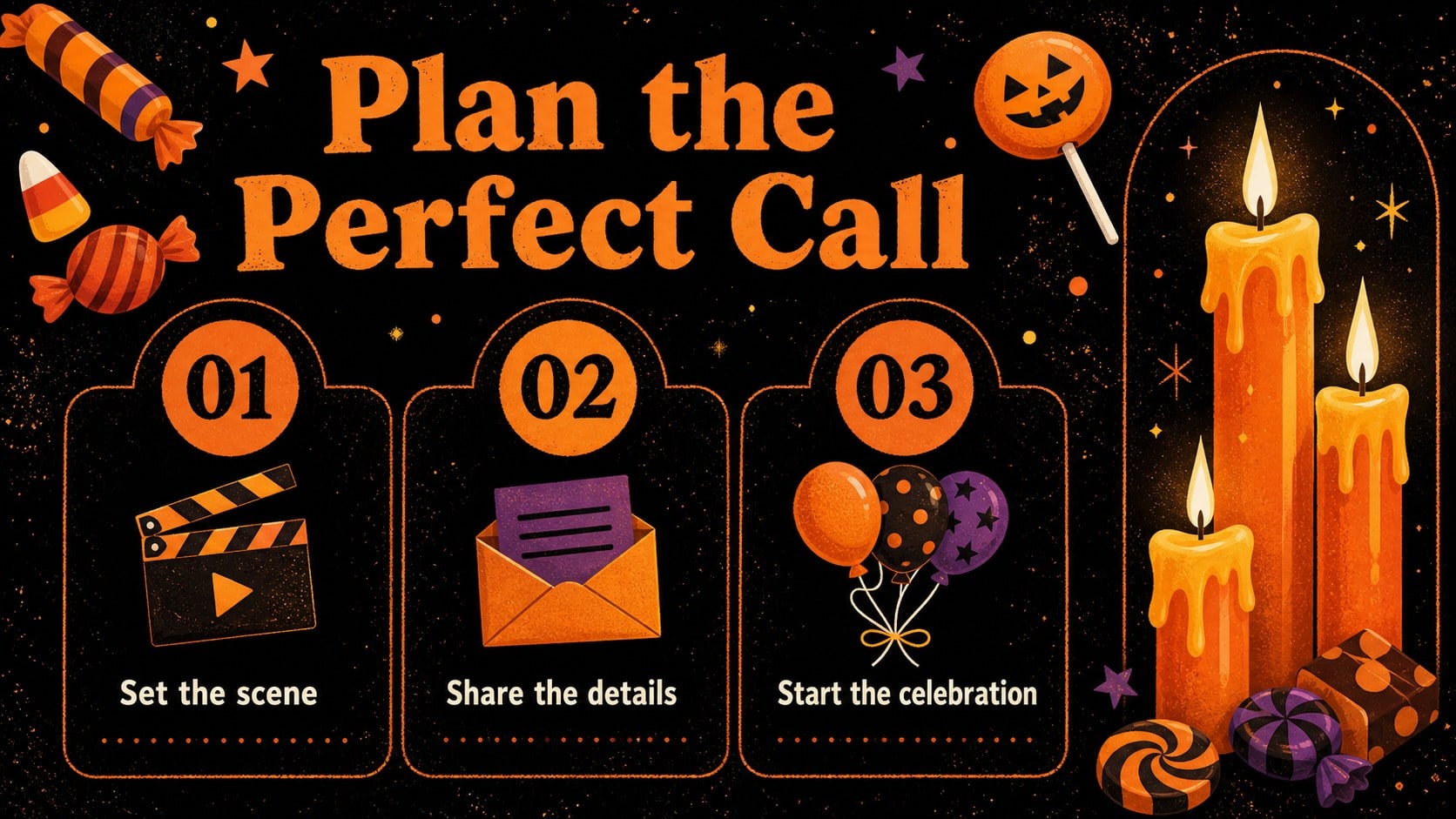
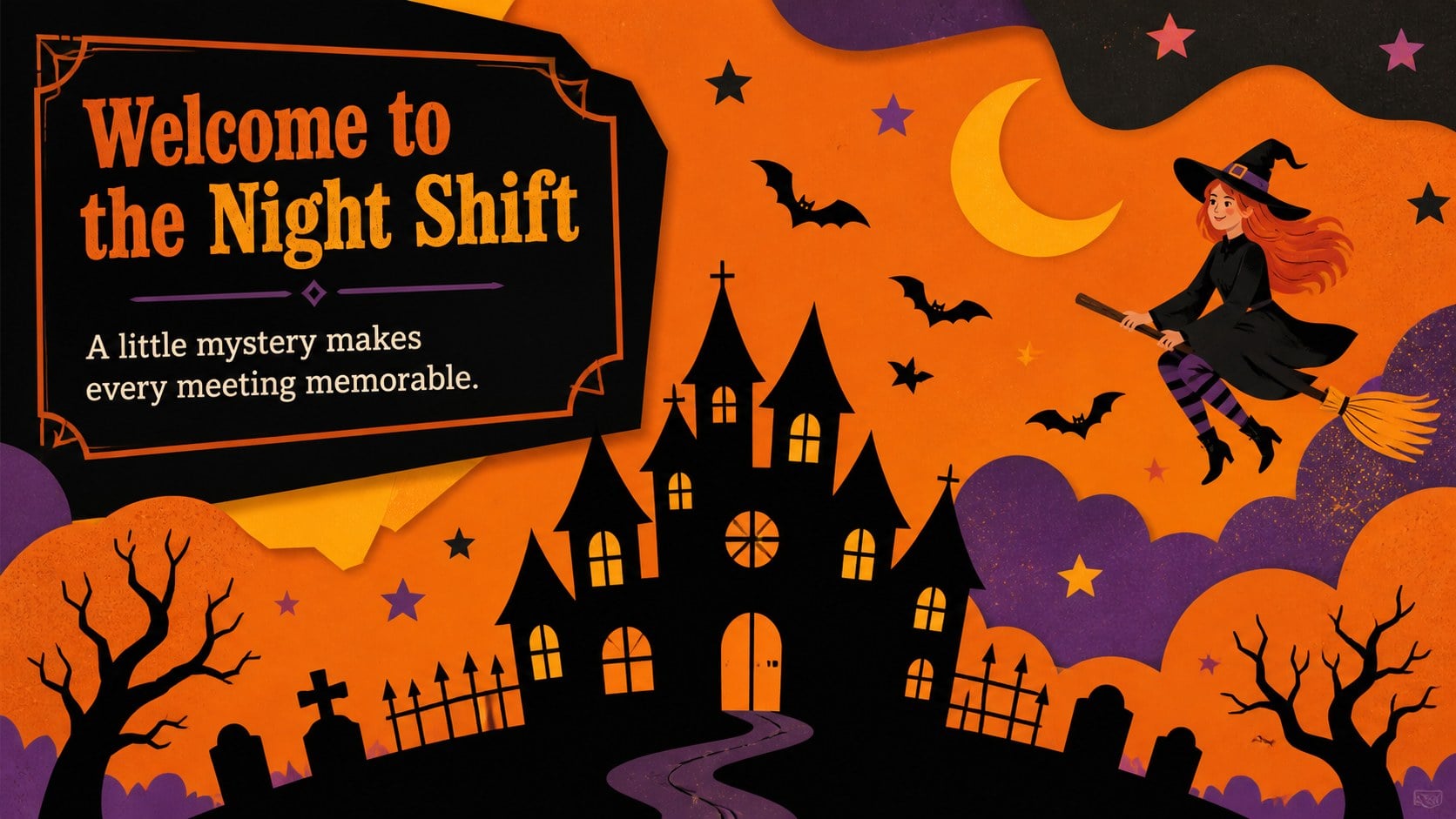
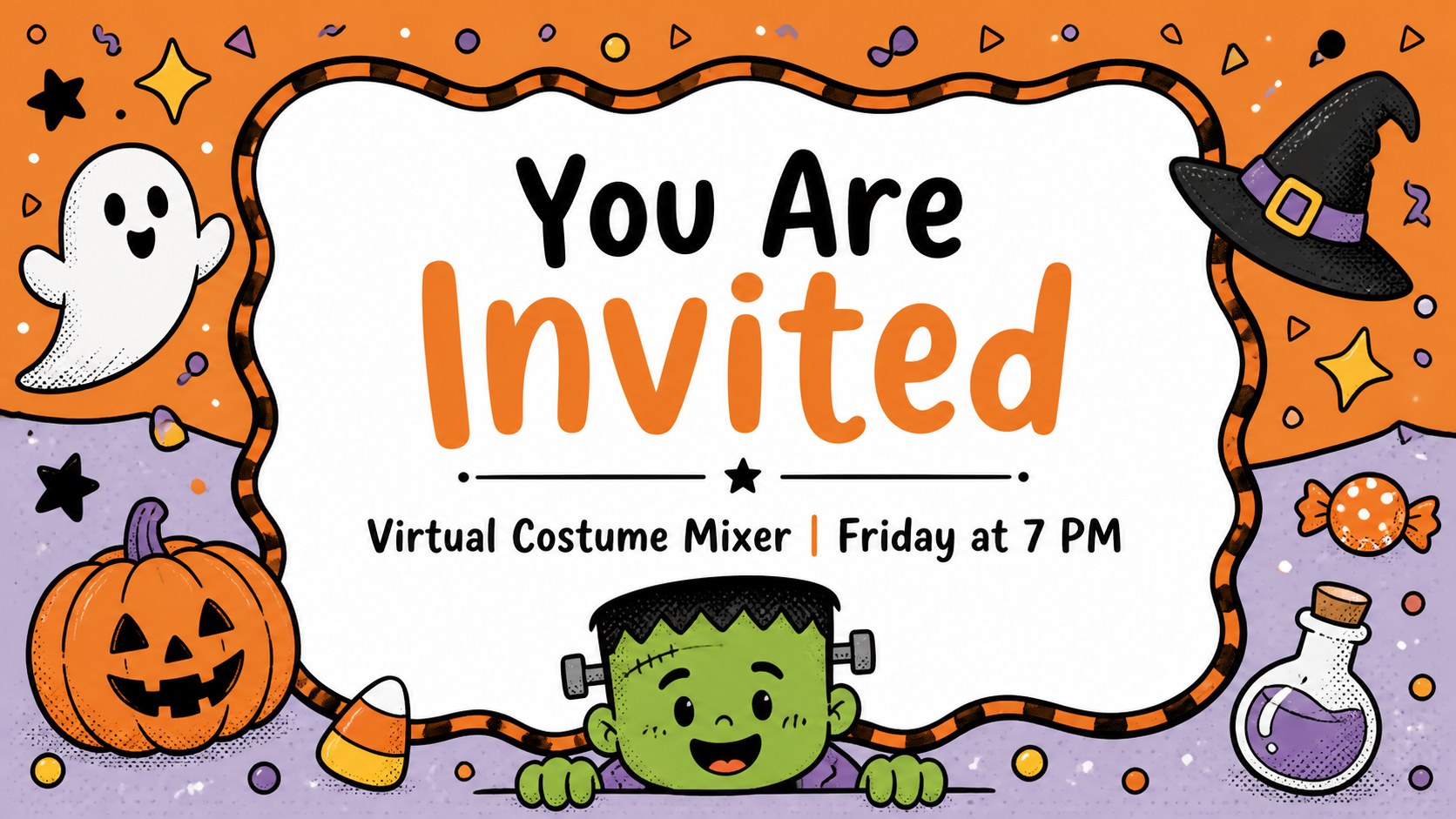
Inside, you will find more than 25 editable layouts featuring spooky frames, playful monsters, candy accents, candles, bones, pumpkins, and atmospheric Halloween details. Use the slides as video-call backdrops, opening screens, event reminders, discussion prompts, or branded social graphics. The layouts also work well as a Halloween remote event kit for organizations that want a consistent look across meetings and digital activities.
The template is designed for PowerPoint and Google Slides, with flexible text areas, decorative shapes, and easy-to-adjust illustrations. Replace headings, add your logo-free event details, or adapt the backgrounds for a classroom, office, party, or online workshop. The bold Bangers and Courgette font pairing supports the playful illustrated style, while the orange, black, and colorful accents keep every screen easy to recognize. Download the deck and tailor each scene to your next virtual Halloween experience.
Perfect for: remote team Halloween party; virtual classroom celebration; online community event; seasonal video meeting opener; Halloween workshop backdrop.
Frequently asked questions
Can I edit these slides in PowerPoint? Yes. The layouts are designed for PowerPoint and include editable text, shapes, and decorative elements. You can replace the wording, adjust colors, and move objects to suit your event.
Practical details
Yes. The layouts are designed for PowerPoint and include editable text, shapes, and decorative elements. You can replace the wording, adjust colors, and move objects to suit your event.
Yes, the presentation can be opened and customized in Google Slides. Check the font availability after importing and replace any unavailable typeface with a similar playful display font if needed.
Yes. Export an individual slide as an image and upload it to your preferred meeting platform as a virtual background. Keep important text away from areas that may be covered by a speaker window or camera feed.
Yes. The illustrations and layouts can support classroom announcements, office invitations, online games, and community gatherings. Edit the headings and supporting copy while keeping the orange-and-black visual direction consistent.
Keep exploring
14Plan a memorable Lunar New Year campaign with the 2036 Dragon Year Celebration Theme, featuring bold red-and-yellow slides for lessons and events.
 15
15Build playful lessons and party stories with a kid-friendly zombie celebration theme in purple, green and pastel blue for PowerPoint and Google Slides.
 15
15Build eerie lessons, campaigns, and story pitches with an undead survival scenario theme featuring editable slides for PowerPoint and Google Slides.
 3
3Share festive messages with a Lunar Horse New Year Wishes Theme, featuring bold red-and-yellow layouts for PowerPoint and Google Slides celebrations.
 15
15Bring zodiac traditions to life with a Lunar Snake Festival Presentation featuring 15 cheerful red illustrated slides for PowerPoint and Google Slides.
 6
6Honor teams and individuals with an Orange Year-End Recognition Certificate Set featuring six editable designs for PowerPoint and Google Slides.
 14
14Honor the people behind the headlines with a World Sports Press Appreciation Deck for PowerPoint and Google Slides, styled in crisp, modern green.
 15
15Teach, inspire, and celebrate with our Plant-Powered Vegetarian Day Lesson Deck, featuring cheerful editable visuals for PowerPoint and Google Slides.