
 14
14presentation
2036 Dragon Year Celebration Theme
Plan a memorable Lunar New Year campaign with the 2036 Dragon Year Celebration Theme, featuring bold red-and-yellow slides for lessons and events.
Google SlidesPowerPoint
presentation · English
Build a coordinated seasonal rollout with this Halloween social campaign planner, featuring illustrated content maps, post ideas, timelines, and metrics.
Design notes
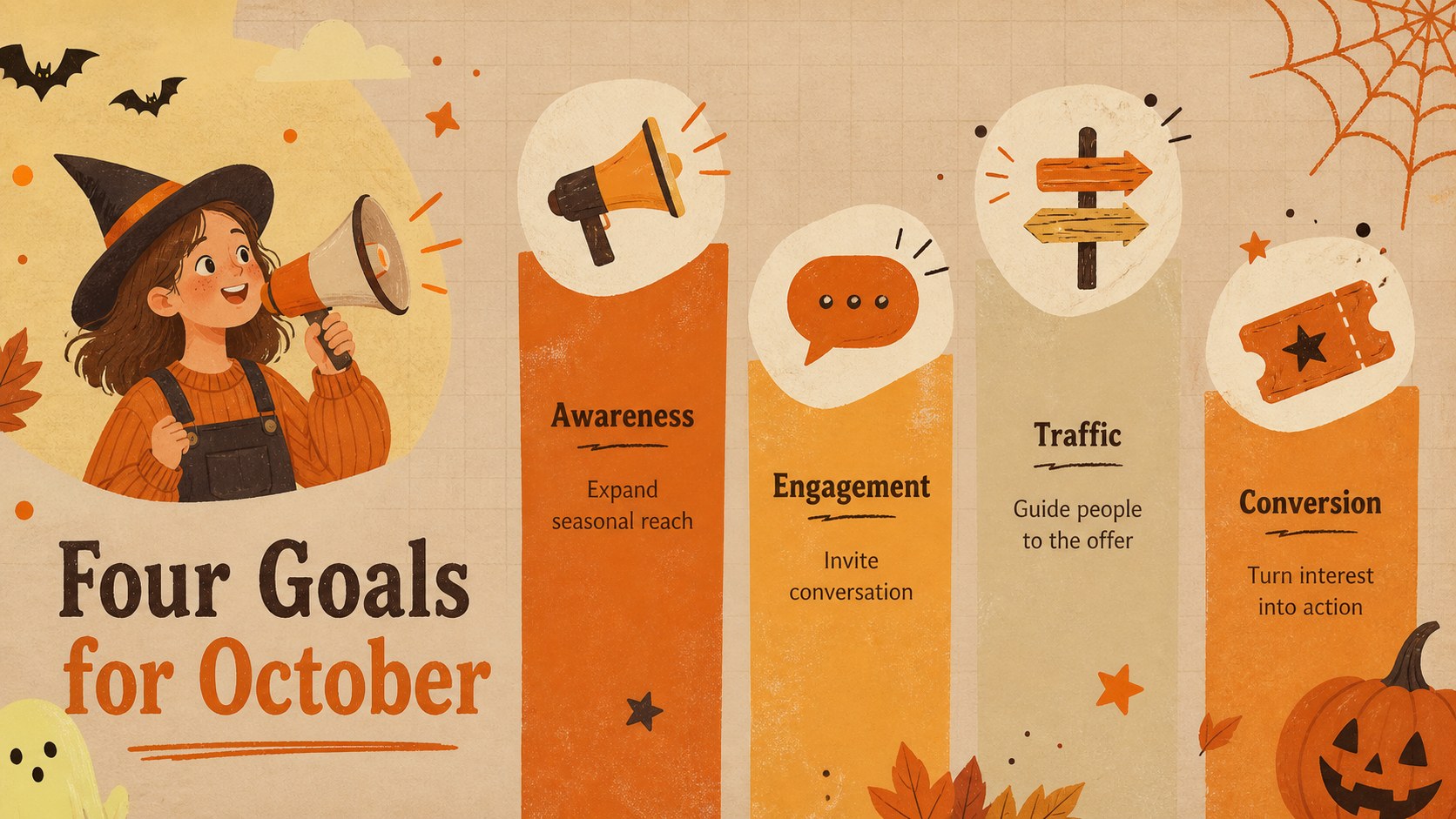
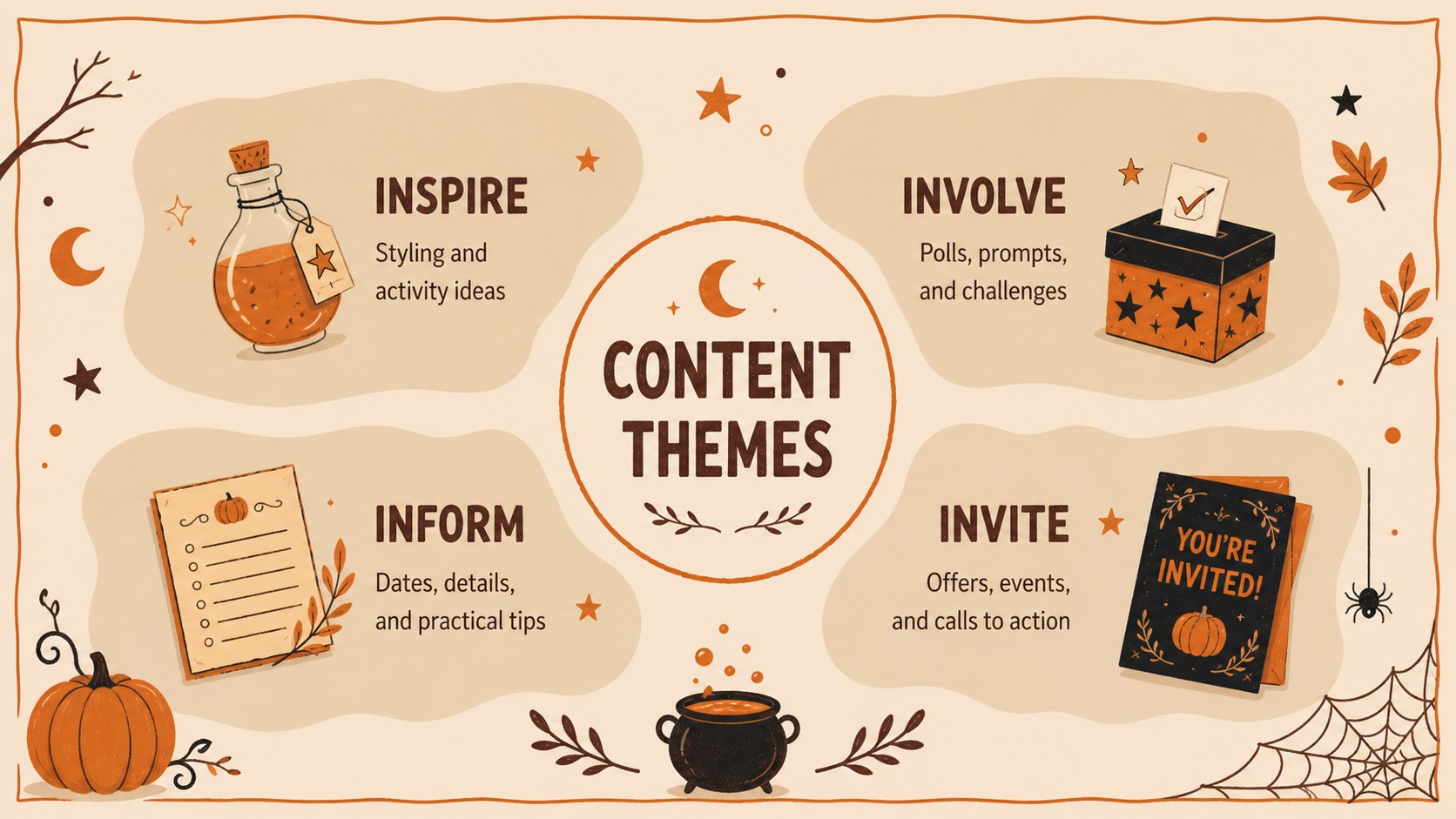
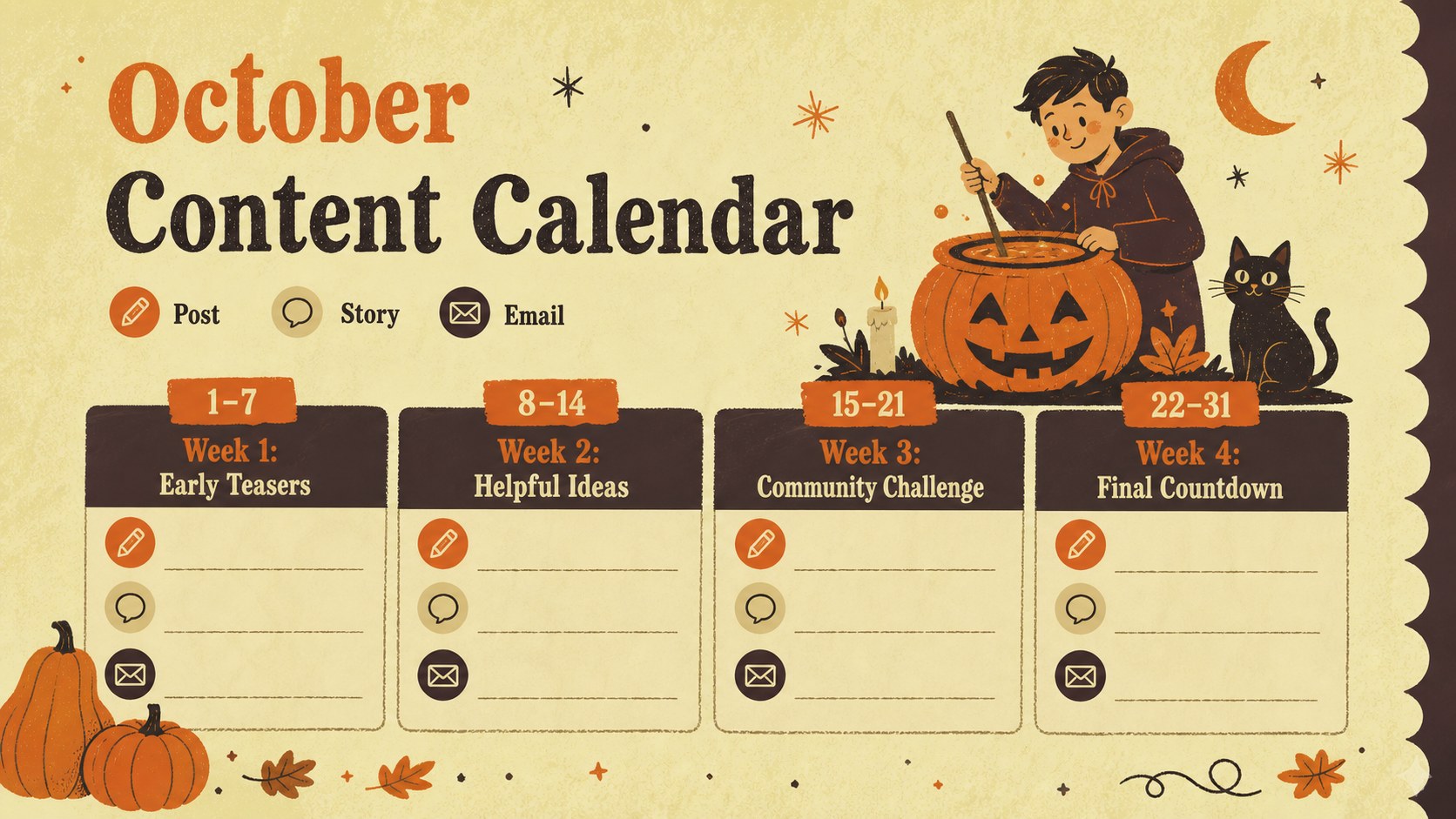
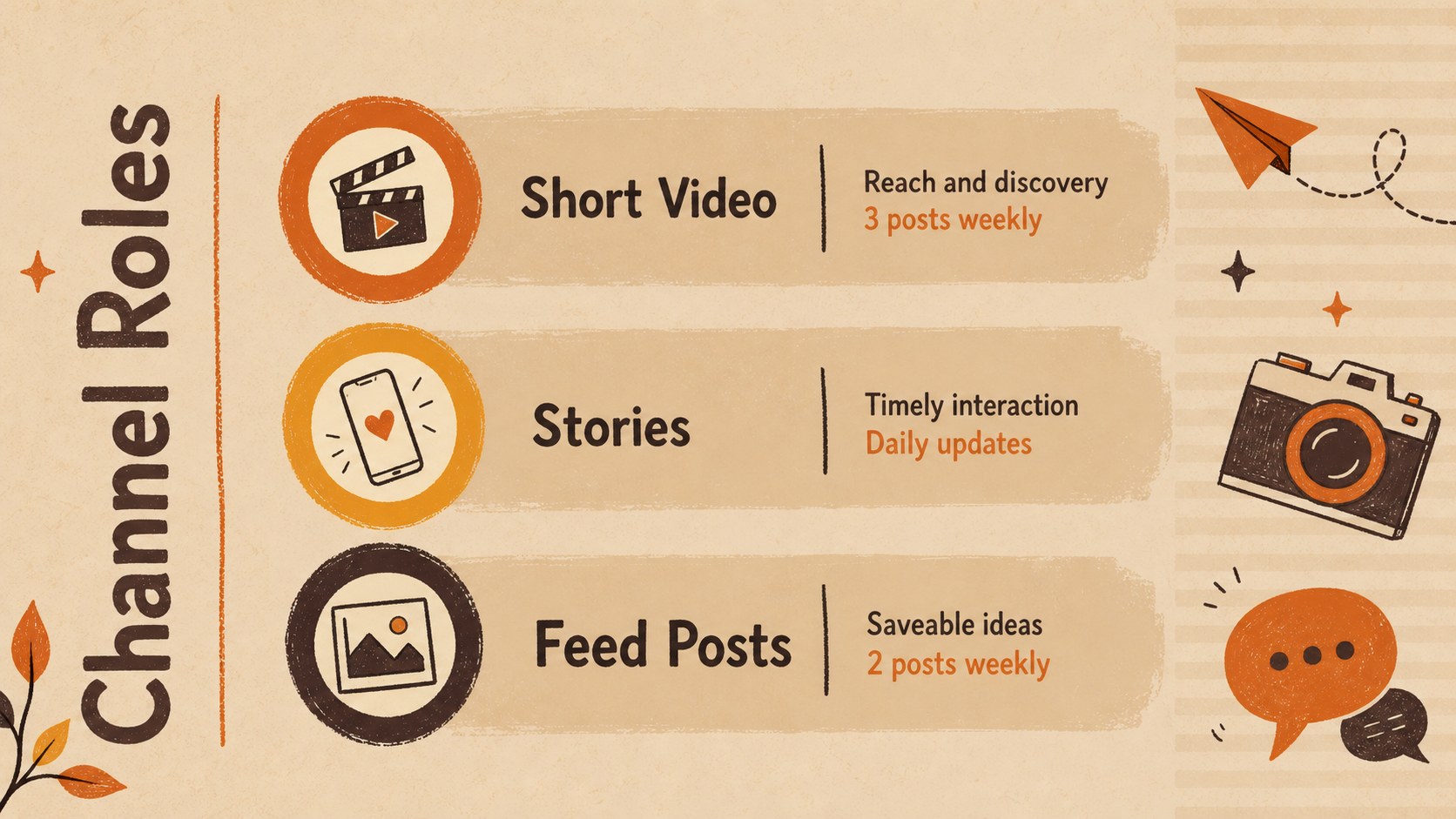
Turn scattered seasonal ideas into a focused rollout with this Halloween social campaign planner. Designed for marketing teams, content creators, educators, and small businesses, the deck combines playful hand-drawn details with a warm orange, beige, and brown palette. Use it to shape a clear campaign story while keeping responsibilities, publishing dates, and creative direction visible.
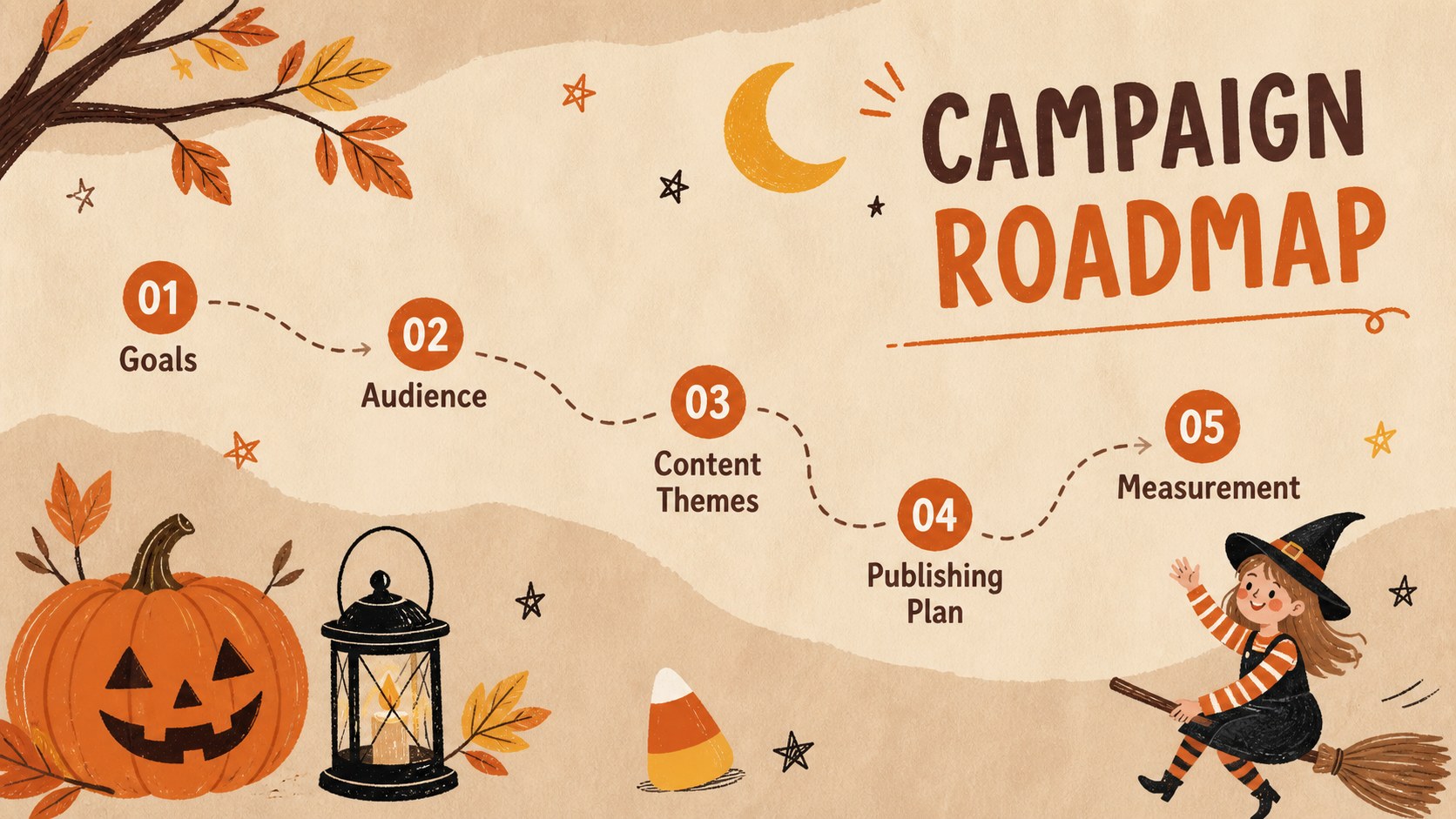
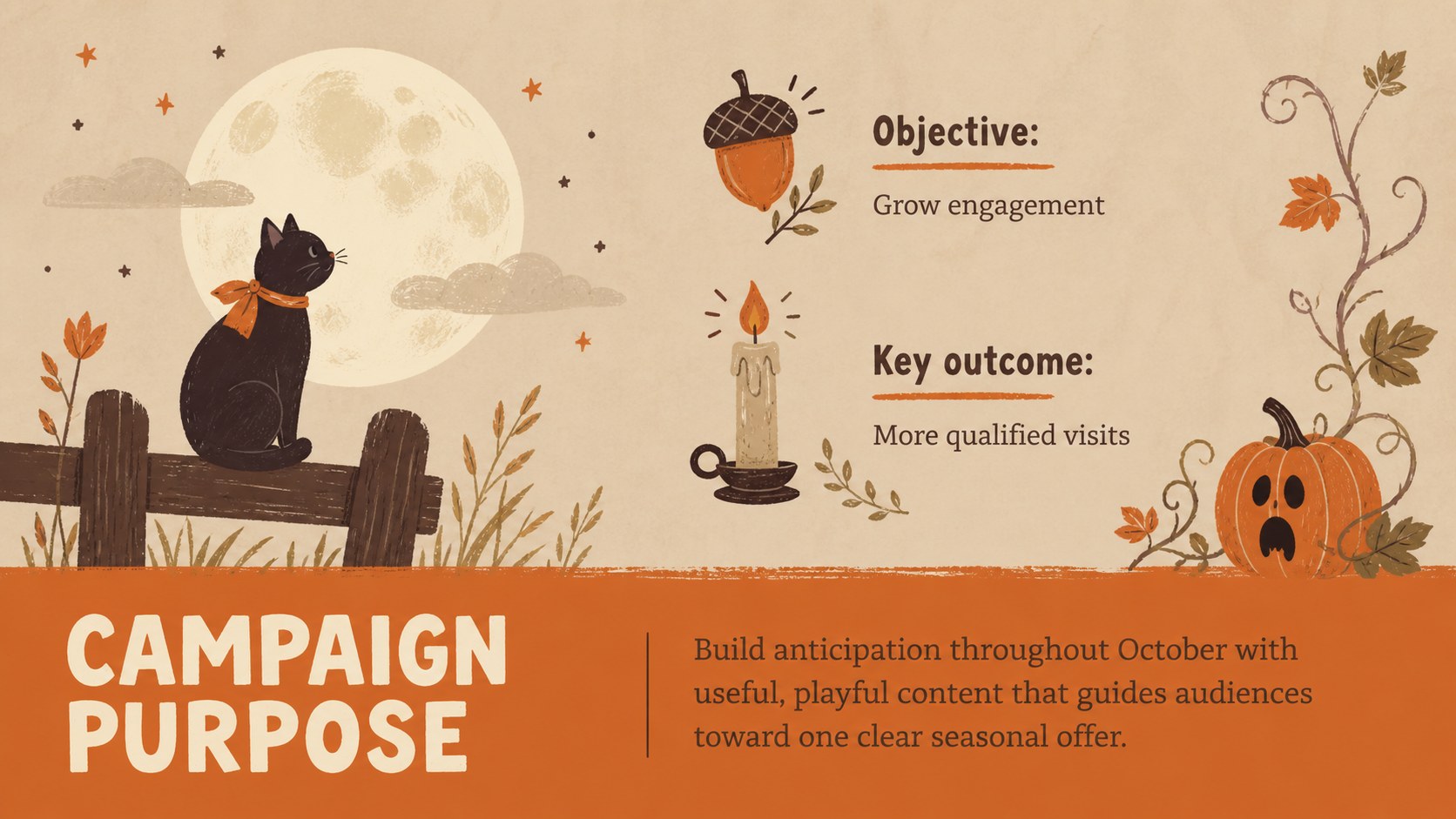
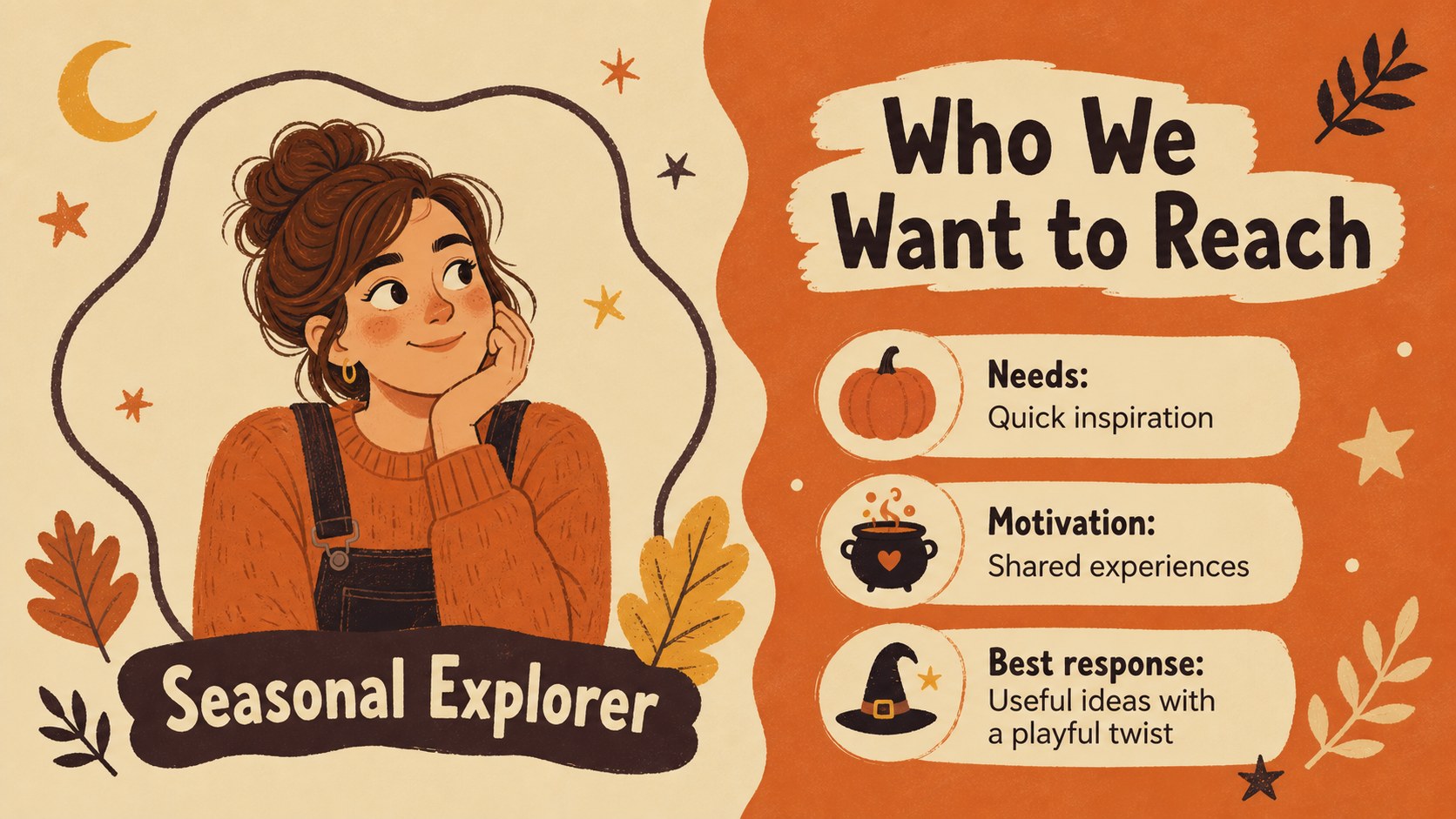
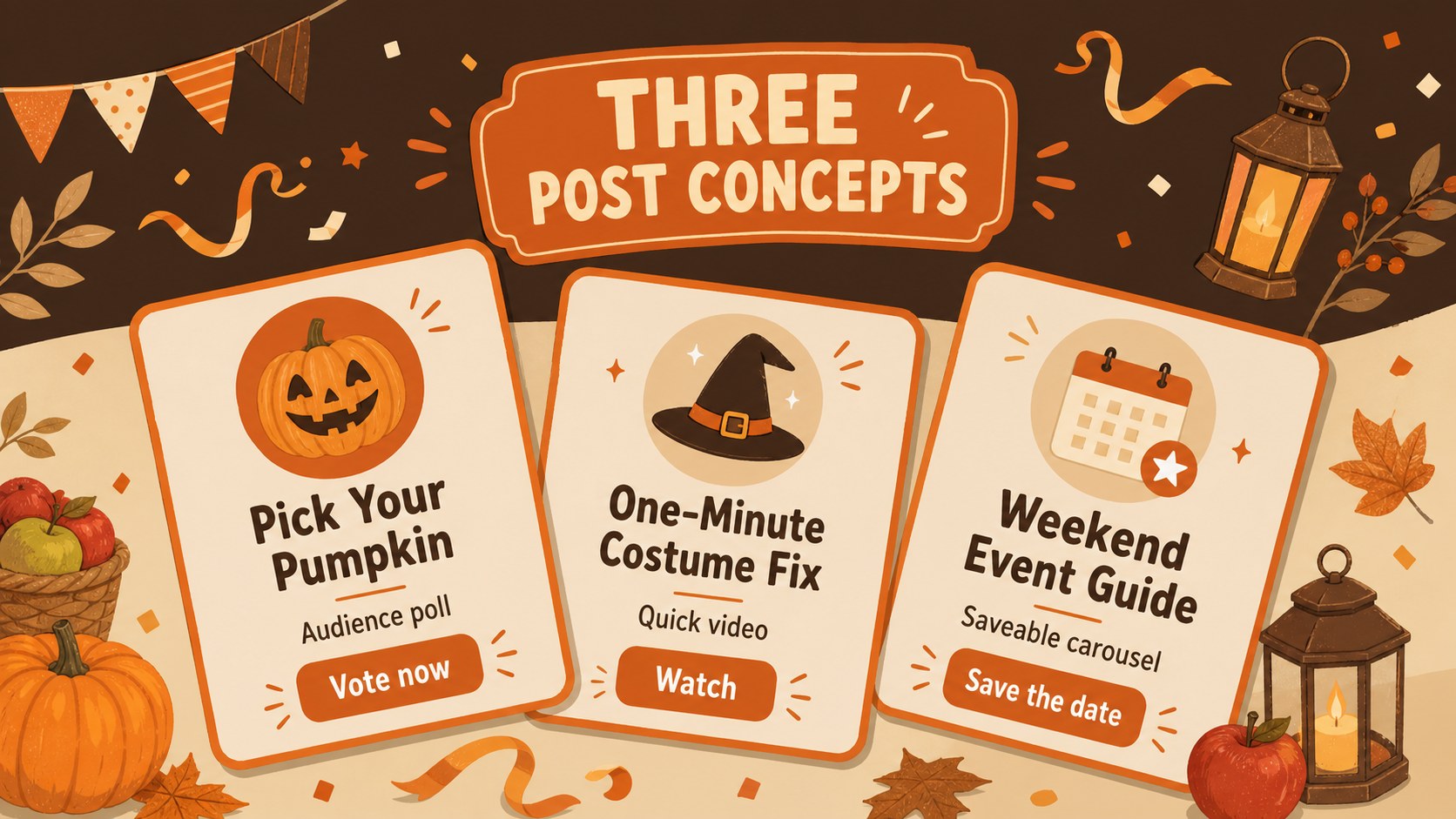
Inside, you will find more than 25 customizable layouts for campaign goals, audience profiles, channel planning, weekly schedules, content themes, post concepts, timelines, and performance reporting. Dedicated pages support a Halloween content calendar presentation, an autumn social media strategy, and a seasonal marketing campaign timeline. Editable charts, tables, frames, icons, and text areas make it easy to adapt the material to a product launch, community event, classroom project, or October promotion.
The illustrated Halloween marketing deck works in PowerPoint and Google Slides, with flexible layouts for team meetings, client reviews, and campaign briefs. Adjust the wording, colors, imagery, and data to fit your organization while preserving the friendly fall atmosphere. The Barriecito and Merriweather-inspired typography pairing balances expressive headings with readable body copy, while original pumpkins, leaves, candy shapes, stars, and whimsical seasonal motifs add character without distracting from the plan.
Perfect for: October content planning meeting; Halloween product campaign brief; Seasonal event promotion; Client social strategy review; Classroom marketing project.
Frequently asked questions
Can I edit every part of the campaign planner? Yes. Text, colors, shapes, charts, schedules, and image areas can be customized to match your campaign. You can also duplicate or remove layouts as your plan develops.
Practical details
Yes. Text, colors, shapes, charts, schedules, and image areas can be customized to match your campaign. You can also duplicate or remove layouts as your plan develops.
The template is designed for PowerPoint and Google Slides. Import it into your preferred platform, then edit and present using the platform's standard tools.
Yes. Replace the orange, beige, and brown palette with your brand colors while retaining the illustrated seasonal structure. Fonts and decorative graphics can also be changed.
Yes. The deck includes space for campaign goals, audience insights, channel plans, a content calendar, publishing milestones, and performance metrics. These layouts can be reused for multiple seasonal campaigns.
Keep exploring
14Plan a memorable Lunar New Year campaign with the 2036 Dragon Year Celebration Theme, featuring bold red-and-yellow slides for lessons and events.
 15
15Build playful lessons and party stories with a kid-friendly zombie celebration theme in purple, green and pastel blue for PowerPoint and Google Slides.
 15
15Build eerie lessons, campaigns, and story pitches with an undead survival scenario theme featuring editable slides for PowerPoint and Google Slides.
 3
3Share festive messages with a Lunar Horse New Year Wishes Theme, featuring bold red-and-yellow layouts for PowerPoint and Google Slides celebrations.
 15
15Bring zodiac traditions to life with a Lunar Snake Festival Presentation featuring 15 cheerful red illustrated slides for PowerPoint and Google Slides.
 6
6Honor teams and individuals with an Orange Year-End Recognition Certificate Set featuring six editable designs for PowerPoint and Google Slides.
 14
14Honor the people behind the headlines with a World Sports Press Appreciation Deck for PowerPoint and Google Slides, styled in crisp, modern green.
 15
15Teach, inspire, and celebrate with our Plant-Powered Vegetarian Day Lesson Deck, featuring cheerful editable visuals for PowerPoint and Google Slides.